Overview
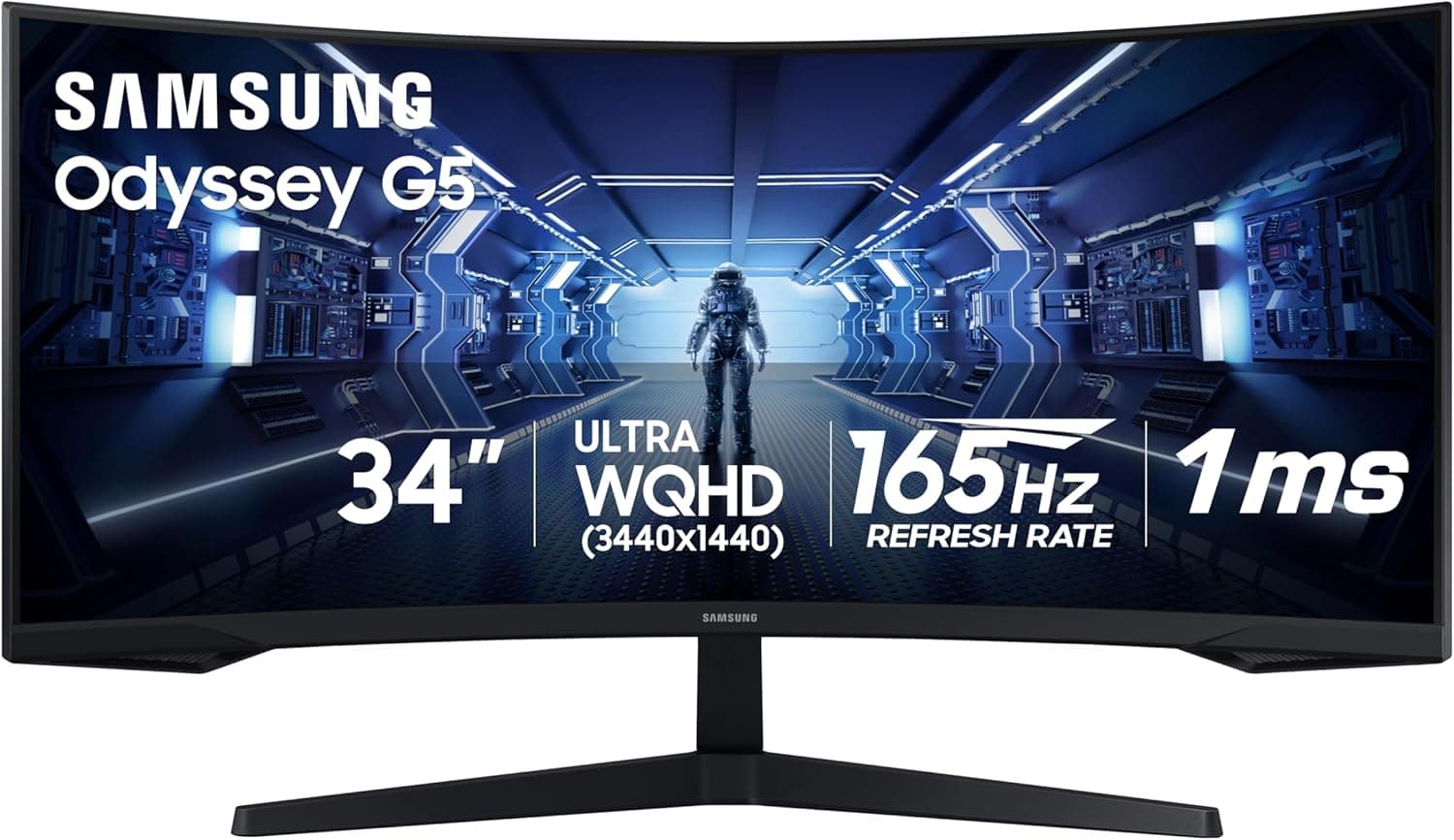
The SAMSUNG Odyssey G5 34-inch ultrawide with a 1000R curved screen is aimed at people who want one wide panel instead of two separate monitors. The short verdict: it is an excellent fit for single-player games, simulators, racing titles, and any work where you spread timelines or code windows horizontally.
It is not the first choice for competitive FPS players or for color-critical print work. On Amazon.co.jp it holds 4.2 out of 5 stars across 2,457 ratings (captured May 2026), a sample size large enough to show this is not a polarizing product.
The main practical value of a 34-inch ultrawide is removing the bezel that sits in the middle of a dual-monitor setup. In games you gain peripheral view; at work you can split the screen and still leave each half usably wide.
Note that vertical height is not much greater than a 27-inch 16:9 panel, so if your workload is tall documents rather than wide ones, this format will disappoint you.
What 1000R Actually Changes
The R number is the curvature radius in millimeters, so 1000R means the panel follows an arc with a one-meter radius. Sit about a meter away and every part of the screen sits at roughly the same distance from your eyes.
Compared with gentler 1800R or 1500R panels, 1000R is a distinctly deep curve.
That depth matters specifically because the panel is 34 inches wide. On a flat screen this size, the far edges are viewed at an angle, and VA-type panels can shift in color and black level off-axis.
The curve reduces that angle, so the edges look more consistent with the center. The realistic benefit is even edge visibility more than dramatic immersion — frame your expectations that way and you will not be let down.
The trade-off is that straight lines stop looking straight. For photo retouching, drafting, or CAD work where you visually verify straightness, 1000R is hard to recommend.
Some people adapt within days; others never do. If you can see one in a store before buying, it is worth the trip.
Compatibility Guide
Ultrawides in this class are typically 3440x1440 (UWQHD), and that is the safe assumption when planning your setup. Confirm the exact resolution, refresh rate, and input configuration on the product page before you buy.
Below are the points people actually trip over.
| What to check | Why it matters |
|---|---|
| GPU class | 3440x1440 is roughly 1.6x the pixel count of 1920x1080. A GPU chosen for 1080p will not sustain high refresh here |
| Video cable | DisplayPort is the default for high refresh; HDMI limits vary by version |
| Adaptive sync | These panels commonly support AMD FreeSync; NVIDIA cards often run them as G-SYNC Compatible, but verify |
| Desk space | Expect roughly 80 cm of width, plus extra depth for the curve |
| Monitor arm | Check VESA support, screw pitch, load rating, and whether a curved-panel adapter is needed |
The most common mistake is underestimating the GPU requirement. Ultrawide is not just "wider" — it is more pixels to draw.
A title that ran at 144 fps at 1080p will not hit the same number at 3440x1440 with identical settings. Plan one GPU tier higher than you would for 1080p.
The second most common issue is game-side 21:9 support. Most modern AAA titles handle it, but older games, console ports, and some competitive shooters either don't support 21:9 or implement it by cropping vertical field of view instead of extending horizontal view.
That is exactly why "ultrawide is an advantage" is not a safe blanket claim in competitive play.
OS compatibility is a non-issue: Windows and macOS both handle 3440x1440 natively. macOS window tiling is less flexible than Windows for 21:9, so budget for a third-party window manager if you work on a Mac.
Product Info
rmation
The Amazon.co.jp listing showed 60,098 yen as captured on 27 May 2026.
Monitor pricing moves a lot — sales and stock swings can shift it by thousands of yen — so treat that figure as a snapshot and check the current price on the product page.
A marketplace entry (eBay US) was also captured at $119.99.
That is far below any plausible price for a 34-inch curved ultrawide, and almost certainly points at an accessory or a mismatched listing, so this article does not treat it as the product price. When shopping overseas marketplaces, always confirm the listing title and photos show the monitor itself.
User ratings sit at 4.2 out of 5 (84% score) across 2,457 reviews, captured 26 May 2026.
At that volume, a 4.2 is the classic profile of a solid value product: no landmines, but not universally loved either.
Expect the lower ratings to cluster around the usual traits of budget VA curved panels — black uniformity in dark scenes, some smearing depending on the overdrive setting, and limited stand adjustment.
Competitive Comparison
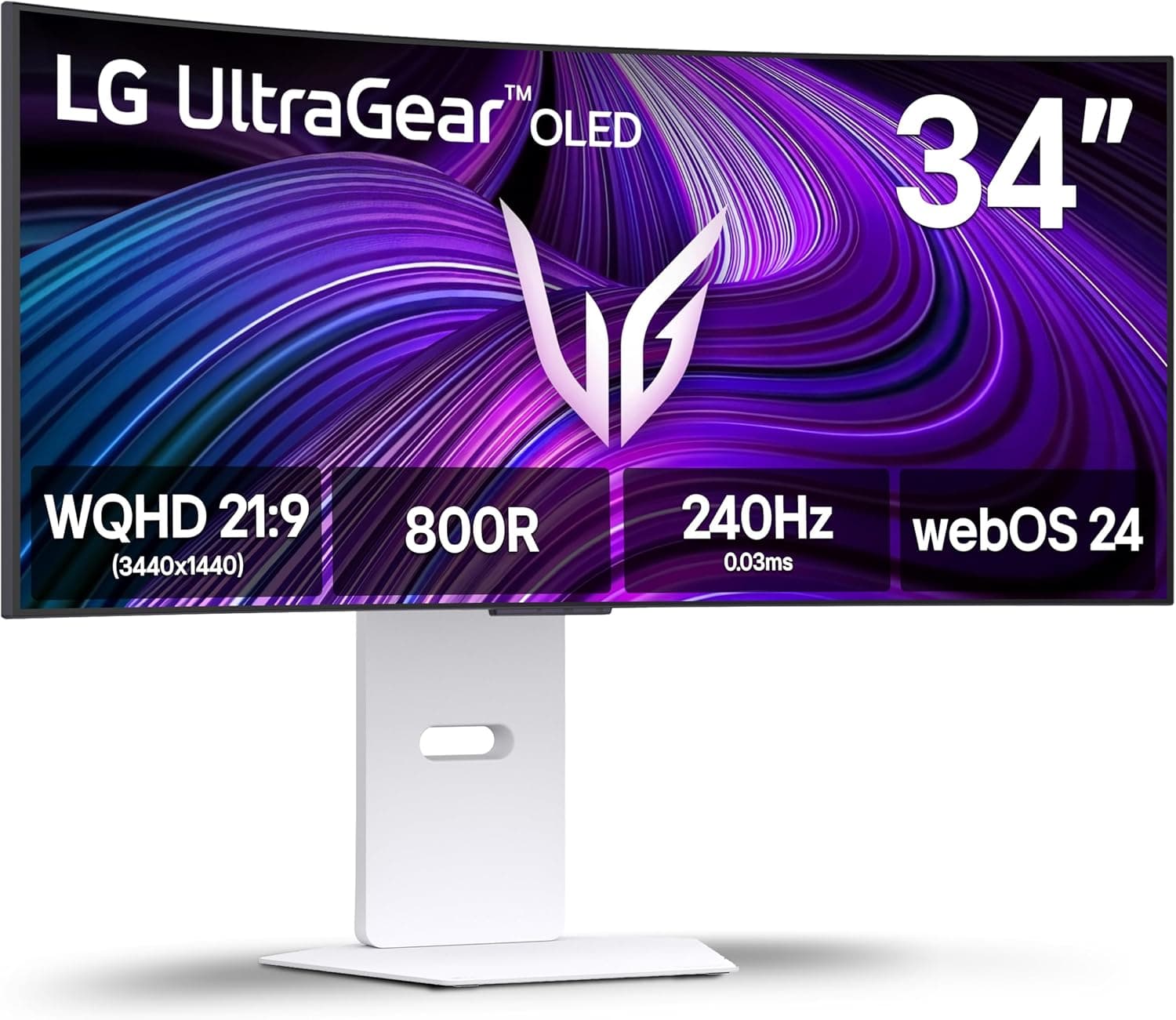
Above this tier sit 34-inch OLED ultrawides. They clearly win on black level and response time, but they cost several times as much and require some care about static UI elements over long sessions.
A VA curved panel like the Odyssey G5 occupies the step below: the ultrawide experience at an accessible price.
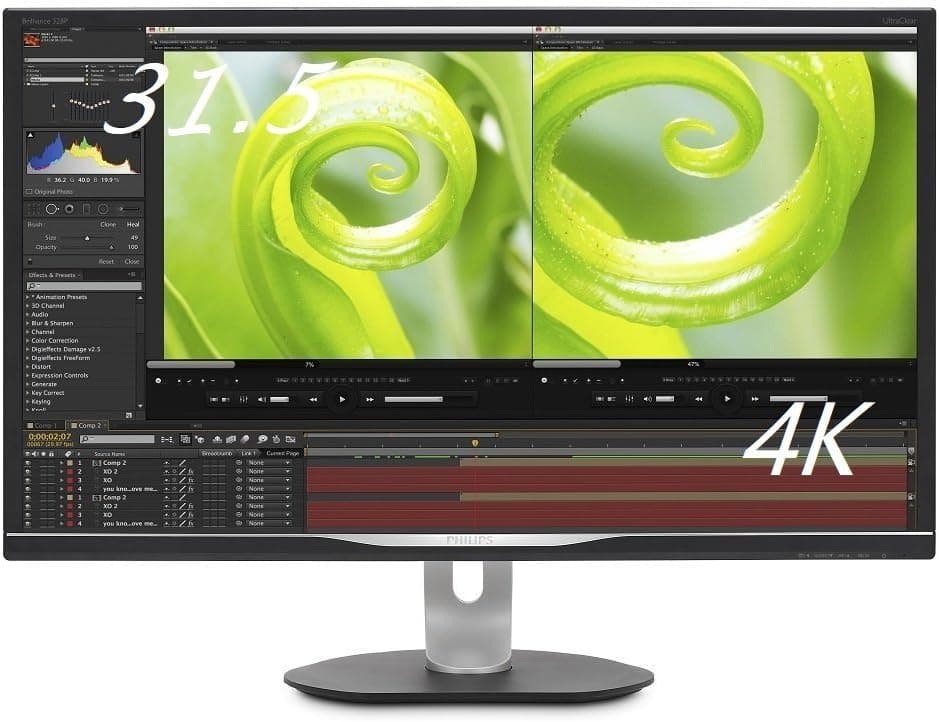
Many buyers also weigh this against a 32-inch 4K 16:9 display. The deciding axis is simple: choose 21:9 if you want horizontal width, choose 4K 16:9 if you want vertical space and pixel density. Gaming-first leans to the former; photo, video, and document work leans to the latter.
Getting both is not realistic at this price.
Best Use Cases
- Single-player gamers who settle in for long sessions — RPGs, open worlds, flight sims, and racing games convert the extra horizontal view directly into experience quality, and this is where the deep 1000R curve pays off most.
- People who want to retire a dual-monitor setup — removing the center bezel changes how freely you place windows, and you cut cabling and desk footprint to one unit.
- Streamers and video editors — seeing more of a timeline horizontally matters more in daily use than the raw resolution figure suggests.
- Buyers testing ultrawide around a 60,000 yen budget — a realistic entry point for finding out whether 21:9 suits you before committing to OLED money.
Notes Before Buying
First, be aware that this listing's registered specification data appears to be mixed up. The spec set collected for this article contained KVM switch fields — "number of PCs: 2", "USB 3.0", "hotkey switching" — which are not specifications of a 34-inch gaming monitor.
The same kind of mismatch can appear on the Amazon page itself. Open the listing, confirm the product from the title and images, and cross-check resolution, refresh rate, and inputs against the official spec sheet. This article deliberately omits any figure it could not verify.
Skip it if competitive FPS is your main game. Partial 21:9 support, VA response times that trail fast IPS, TN, and OLED panels, and the extra eye travel a wide field demands all work against you.
A 24–27 inch 16:9 high-refresh monitor is the more honest tool for winning duels.
Not suitable for color-critical work. The 1000R curve visibly bends straight lines, and factory calibration at this price tier varies unit to unit.
If you do print proofing or grading, keep a flat, color-accurate display for that job.
Measure your desk first. Plan for around 80 cm of width and at least 60 cm of depth.
A curved panel cannot sit flush against a wall, so it protrudes further toward you than a flat monitor of the same size. If you plan to use an arm, check VESA support, load rating, and curved-panel adapter requirements in advance.
Accept the usual budget-ultrawide compromises: limited height and tilt adjustment on the stand, built-in speakers that are absent or merely functional, and HDR that is a compatibility label rather than a true high-brightness HDR experience. Going in with those expectations makes this a much happier purchase.
Frequently Asked Questions
Q. Does it work with PS5 or Xbox? A.
It will display an image, but consoles generally do not output 21:9, so expect black bars on both sides and an effective 16:9 image. If console gaming is your priority, a 16:9 monitor makes more sense.
Q. What GPU do I need? A.
3440x1440 is about 1.6x the pixels of 1080p.
Settings matter, but carrying over a build that was comfortable at 1080p will cost you frame rate. Budget one GPU tier higher to actually use the high refresh rate.
Q. Will the 1000R curve make me dizzy? A.
Most people adapt within a few days, though a minority never do. See one in person if you can.
If distorted straight lines would bother your work, consider a gentler curve or a flat panel.
Q. Can I mount it on a monitor arm? A.
If it supports VESA, yes — but confirm VESA support, screw pitch, and weight on the product page. A 34-inch curved panel is heavy and creates significant leverage, so choose an arm with headroom in its load rating.
Q. Two 27-inch monitors or this one panel? A.
For gaming and focused single-task work, one ultrawide is more pleasant. If you routinely watch two full-screen applications at once (stream chat plus gameplay, for example), a dual setup remains more practical.
Product Disclosure (Amazon)
- Manufacturer: サムスン(SAMSUNG)
- Seller: Amazon US
- Fulfilled by: Amazon US
- ASIN: B08MVBYWGQ
- Note: This article covers a manufacturer-made product based on Amazon listing details.
![SAMSUNG 27インチ 4K オデッセイ 3D シルバー ゲーミングモニター 1ms 165Hz 空間オーディオ AI 3Dビデオ変換 - (LS27FG900XNXZA) [カナダ版]](/_next/image?url=https%3A%2F%2Fm.media-amazon.com%2Fimages%2FI%2F81T7dxB6AfL._AC_SL1500_.jpg&w=1920&q=75)