Overview
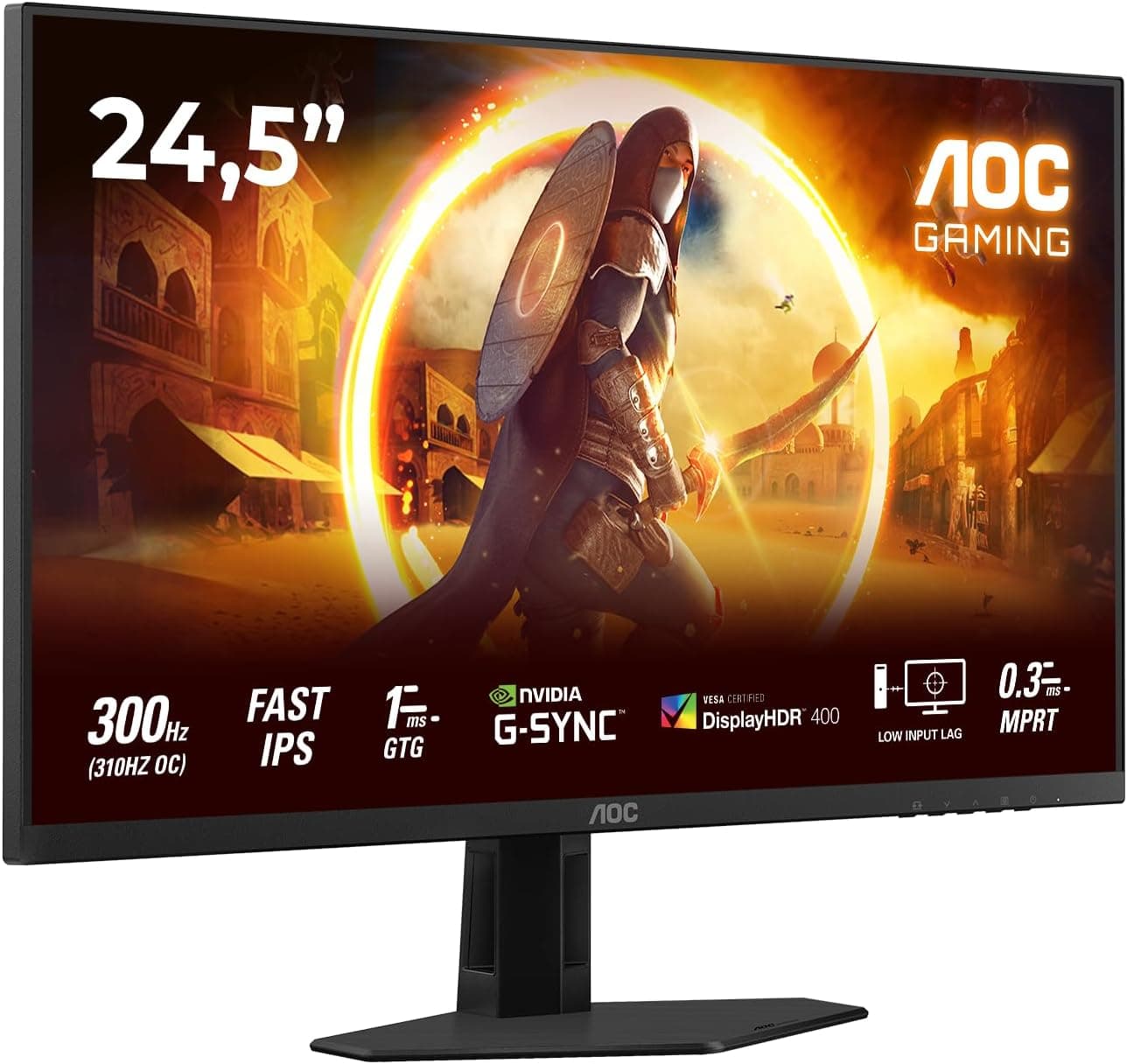
The AOC 25G4SRE is a 25-inch Full HD (1920×1080) gaming monitor. To put the conclusion first: this is not a display you buy for screen real estate or pixel density.
It is a tool for keeping the entire frame inside your field of view while running competitive titles at high frame rates. A 24–25 inch panel is a clear disadvantage for photo editing or multi-window work, but it remains the standard size in FPS and fighting games, where reaction speed translates directly into results.
One caveat before we go further: the listing data behind this article contained specifications belonging to a completely different product category (a wireless charging stand). For that reason this article avoids asserting unverified numbers and instead builds practical guidance from what is certain — the size and the resolution.
Confirm the maximum refresh rate, panel type, response time, and adaptive sync support on the product page or the manufacturer's spec sheet.
What "25-inch Full HD" Actually Means
Size and resolution together define a monitor's character. Stretching 1920×1080 across a 25-inch diagonal gives roughly 88ppi.
For comparison, the same resolution on a 27-inch panel drops to about 82ppi, while 27-inch QHD (2560×1440) sits near 109ppi. On paper, 25-inch Full HD lands in the middle: not especially sharp, but not visibly broken either.
| Configuration | Approx. pixel density | Character |
|---|---|---|
| 25-inch Full HD | ~88ppi | Competitive focus, minimal eye movement |
| 27-inch Full HD | ~82ppi | Text pixels become noticeable |
| 27-inch QHD | ~109ppi | Balanced sharpness and workspace |
| 31.5-inch Full HD | ~70ppi | Immersive, but coarse up close |
The more important variable in that table is not density but eye travel. On a 27- or 31.5-inch panel you physically move your eyes — and often your neck — to check a minimap or health bar at the edge.
At 25 inches that movement shrinks, so peripheral information stays readable while your gaze holds near the center. That single factor is why roughly 24.5-inch displays persist in professional play.
If you rarely play competitive games, however, this size is simply a small monitor.
There is a second advantage: GPU load. Full HD requires well under half the pixels of QHD, so the same graphics card can deliver roughly 1.5–2× the frame rate.
A high-refresh monitor is wasted if your GPU cannot feed it, which makes Full HD a rational choice for mid-range and entry-level systems.
Compatibility Guide
The most common failure with a gaming monitor is buying one and never actually running it at its rated refresh rate. Since the listing data does not confirm the port layout, we avoid stating it as fact — but the checklist for this class of product is consistent.
- Cables and ports: DisplayPort is the default choice for maximum refresh rate. HDMI can carry high-refresh 1080p in principle, but the ceiling depends on the monitor's HDMI version. Since you rarely know which cable is in the box until you open it, having a DisplayPort cable on hand is the safe move.
- Post-install setup: Windows frequently defaults to 60Hz. Set the refresh rate manually in advanced display settings and enable Adaptive-Sync / FreeSync in your GPU driver. Many people who feel a new monitor is "not that smooth" simply skipped this step.
- GPU and CPU requirements: At 1080p the bottleneck often shifts from GPU to CPU. Competitive shooters in particular are CPU-heavy, so upgrading only the graphics card may not raise your frame rate.
- Mounting: VESA 100×100mm is typical for this class, but confirm support — and whether the included stand offers height and pivot adjustment. If the stand is fixed-height, budget for a monitor arm from the start.
- Consoles: PS5 and Xbox Series X output 1080p without issue, but variable refresh rate behavior at 1080p differs by console and firmware. If console use is your main scenario, research that specific combination first.
Product Info
We will be direct about specifications, price, and ratings. The data collected for this article includes the specs, dimensions, weight, and warranty of a different product — an Anker wireless charging stand — and cannot be trusted as monitor information. Entries such as "10W max output," "Qi compatible," and "approx.
120g" obviously cannot describe a 25-inch display.
For the same reason — the listing's registered manufacturer did not match this product — this article does not quote a specific price. Monitor pricing moves by meaningful amounts during sales and currency swings, and articles tend to stay online unchanged.
Check the current price, warranty term, and box contents on the live retail page. Review counts and rating scores are likewise omitted, since they could not be confirmed as belonging to this product.
What we can state confidently is what the product name says: an AOC 25-inch Full HD gaming monitor. Panel type (IPS / VA / TN) and maximum refresh rate influence the experience more than anything else, so verify both yourself before buying.
Competitive Comparison
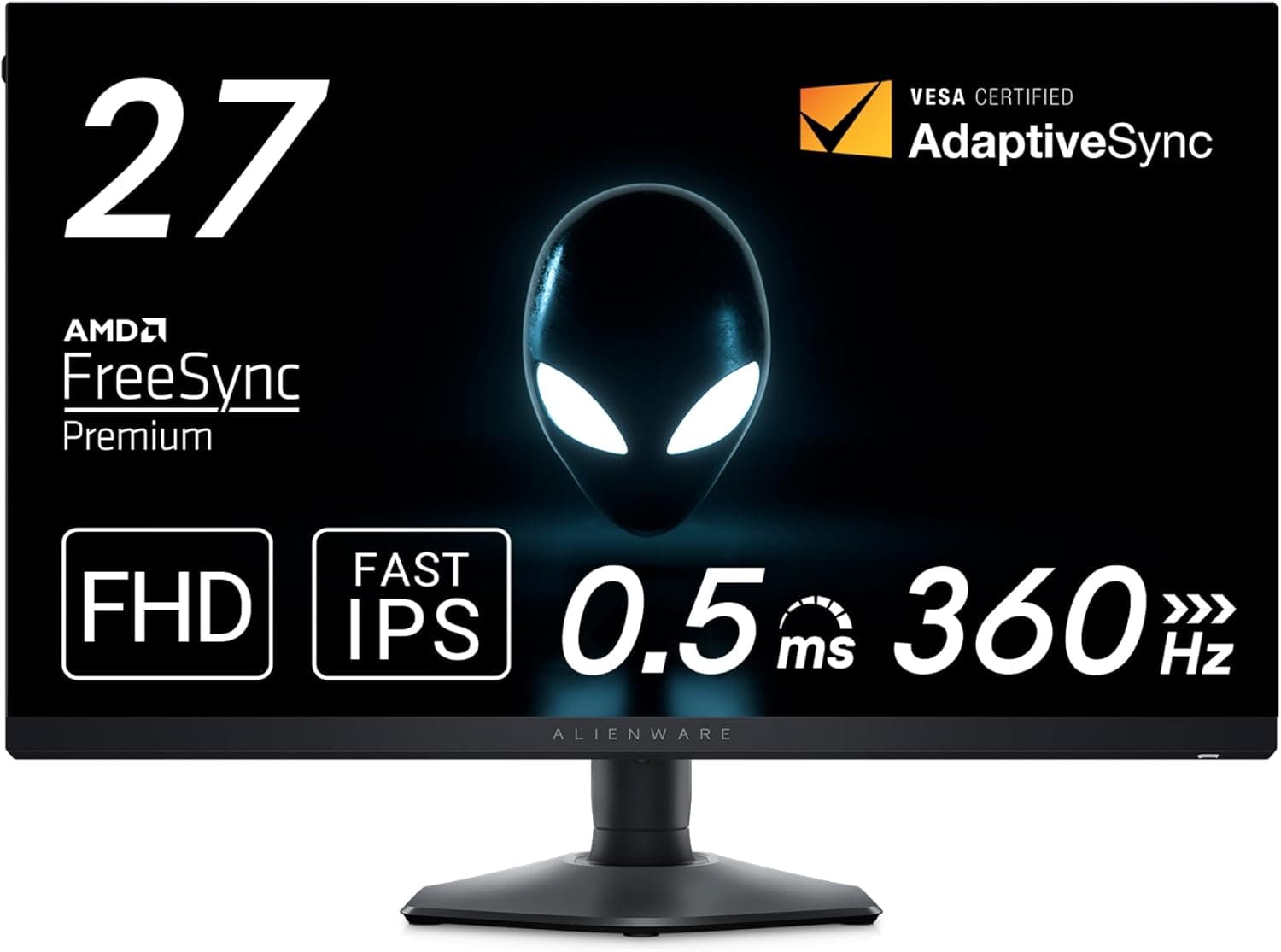
The 25-inch Full HD segment is crowded and price gaps are small, which makes comparison worthwhile. Dell's Alienware AW2525HM is the closest 24.5-inch rival, differing mainly in warranty support and stand quality.
If you want more screen, the 27-inch 240Hz MSI MAG 274CF X24 is a candidate — but Full HD at 27 inches looks coarser and increases eye travel. The answer depends on whether you prioritize immersion or reaction speed.
Curved options exist too, such as Sceptre's 1500R 250Hz model. Curvature adds immersion but can distort straight-line UI and spreadsheets for some users; for pure competitive play, a flat 24–25 inch panel is more predictable.
Conversely, if you need one display for both gaming and serious work, shifting your budget toward 27-inch QHD will likely leave you happier.
Best Use Cases
- Serious competitive FPS players: 24–25 inches keeps the whole frame in view, reducing missed peripheral information.
- Owners of mid-range or entry-level GPUs: Full HD's lighter load lets you actually reach high frame rates instead of lowering settings on a QHD panel.
- Small desks or multi-monitor setups: The narrow footprint makes dual-monitor arrangements and laptop pairing easy.
- First-time gaming monitor buyers: Higher resolutions escalate total system cost. Starting with high-refresh Full HD is a conservative, sensible entry point.
Things to Check Before Buying
First, the listing inconsistency. This product page has been observed carrying a manufacturer name that does not match the product, and spec fields containing values from an unrelated item.
Marketplace listings are populated by sellers, so such errors are not rare. Do not take the registered text at face value — confirm the product using the images and the model number in the title, and check the return policy in case the delivered item differs from expectations.
Second, who this size does not suit. If you want two spreadsheets side by side, edit photos or video, or read text for hours, 25-inch Full HD is honestly a poor fit.
Both workspace and sharpness fall clearly short of 27-inch QHD. An 80/20 split favoring games is fine; reverse that ratio and you should look at another class.
Third, the refresh-rate trap. A high-refresh monitor will happily run at 60Hz if the cable, OS setting, or GPU setting is left at defaults.
Verify the actual refresh rate immediately after setup. Higher refresh rates also demand more from both GPU and CPU, so replacing only the monitor may not transform anything.
Measure your current frame rates in the games you play before setting expectations.
Finally, temper HDR expectations. Panels in this class often carry an HDR label without the peak brightness or local dimming to back it up; enabling it can crush shadow detail.
Run SDR by default and treat HDR as optional.
FAQ
Q. Isn't 25 inches too small? A.
At a viewing distance of roughly 50–70cm it is well matched — the entire screen stays in view. If you sit 1.5m away as with a TV, it will feel small.
Q. Does Full HD look coarse? A.
At 25 inches you get around 88ppi, finer than 27-inch Full HD. Coming from QHD or 4K you will notice the difference; coming from another Full HD panel you will not.
Q. Can I use it with a PS5 or Switch? A.
Displaying 1080p over HDMI is not a problem. High-frame-rate and variable refresh behavior at 1080p varies by console, so verify if consoles are your primary use.
Q. Will a monitor arm work? A.
VESA 100×100mm is typical for this class, but confirm it in the spec table. If the bundled stand lacks height adjustment, an arm is well worth the cost.
Q. Is 240Hz noticeably better than 165Hz? A.
Less dramatic than the jump from 60Hz to 144Hz, but many competitive players do perceive it — assuming a PC that can sustain those frame rates.
Q. The listed specs look like another product's. Am I misreading? A.
Probably not. Seller-entered listing errors genuinely occur.
Cross-check specifications against the manufacturer's official product page.