This article covers ASUS ROG PG34WCDN 34インチ 1440p 360Hz ウルトラワイド RGB OLED ゲーミングモニター.
Overview
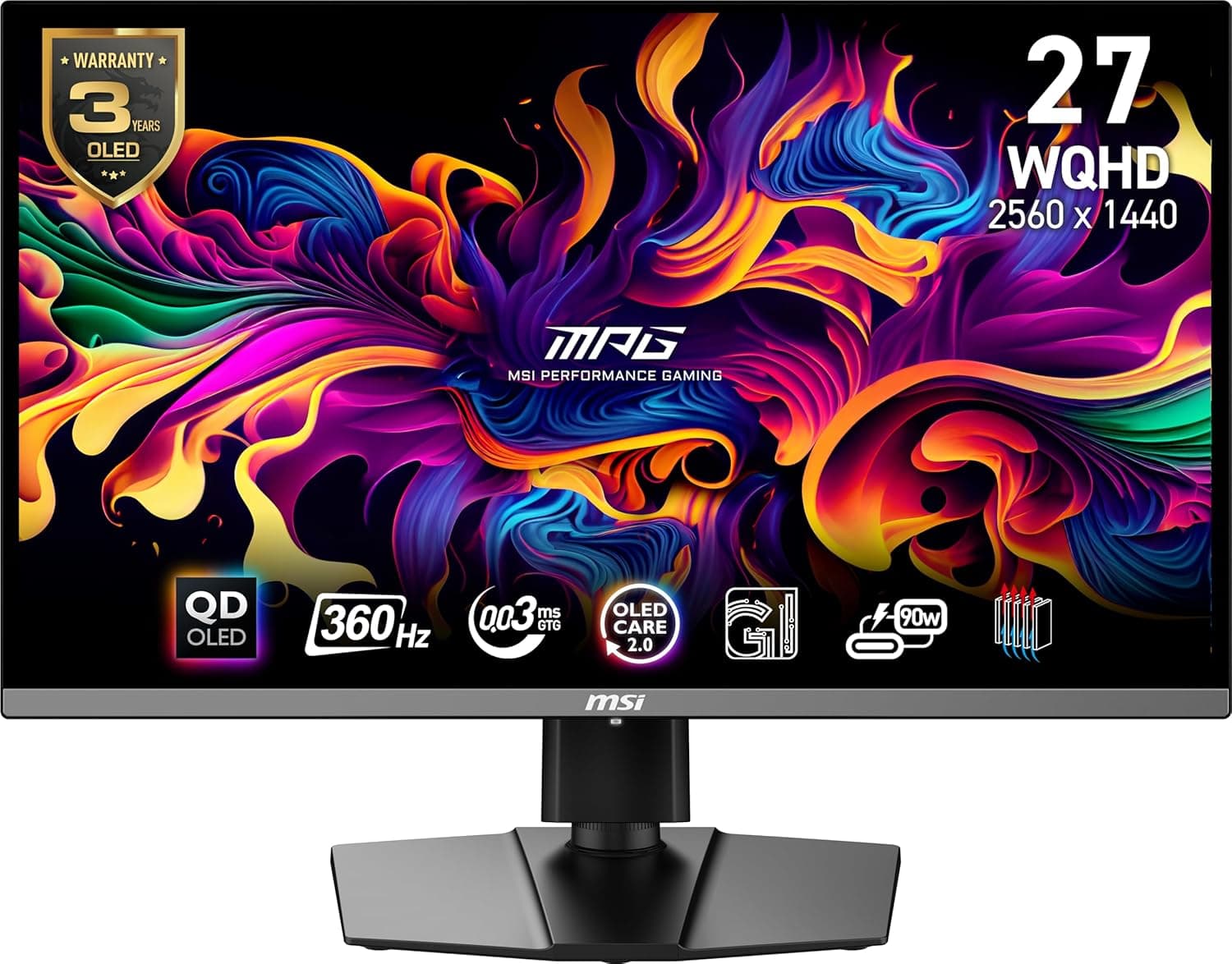
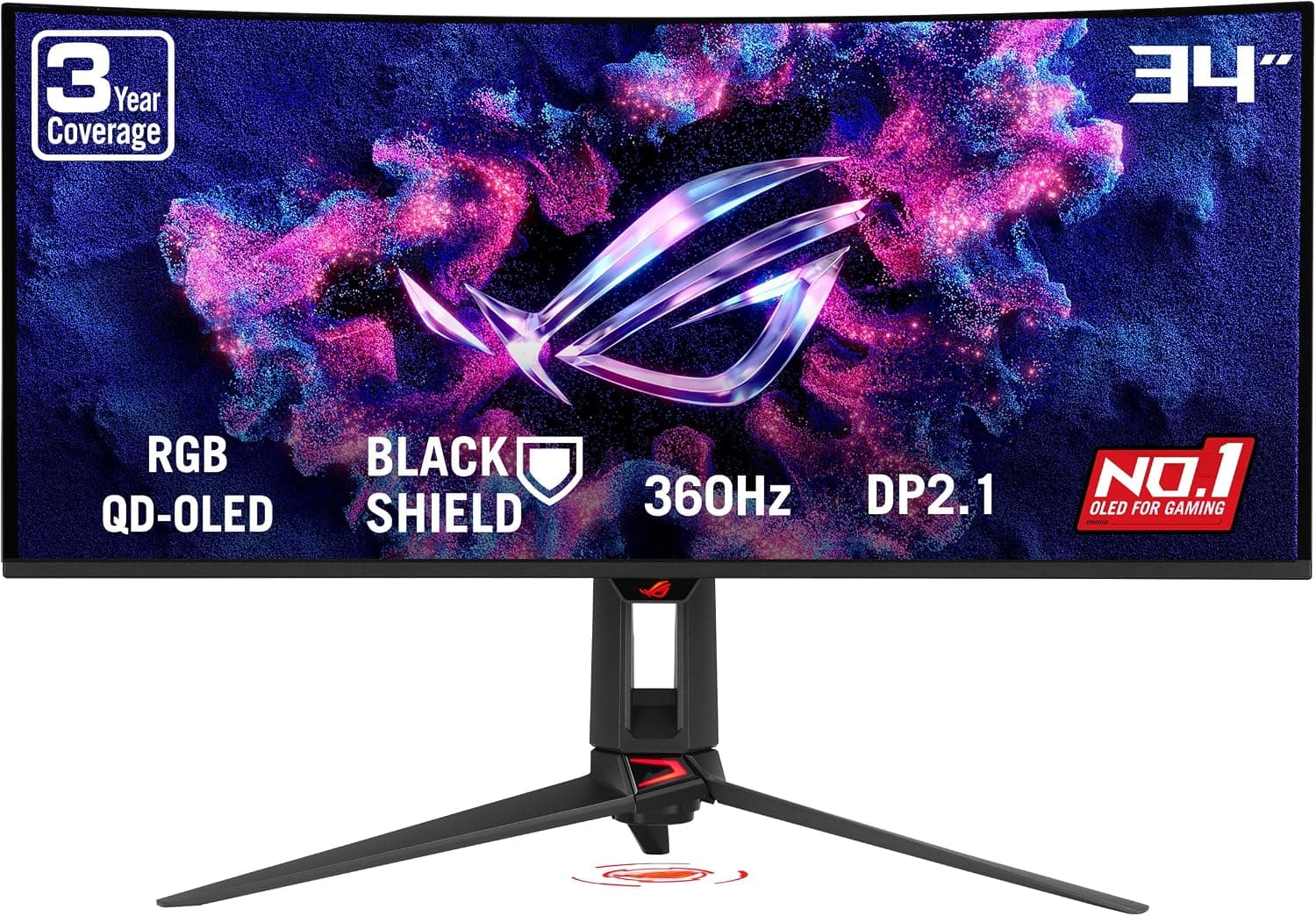
The ASUS ROG Swift OLED PG34WCDN is a 34-inch curved QD-OLED ultrawide gaming monitor built for those who refuse to compromise between speed and image quality. With a 3440×1440 resolution, 360Hz refresh rate, and 0.03ms GTG response time, it targets both competitive esports players and immersive single-player enthusiasts. What sets this monitor apart is its RGB stripe pixel layout, a significant upgrade over previous QD-OLED generations. Text rendering is noticeably sharper, color accuracy is improved, and the BlackShield film boosts panel hardness by 2.5x while deepening perceived black levels by up to 40%. This is a monitor that takes OLED's weaknesses—text clarity and durability—and addresses them head-on.
Connectivity & Compatibility
Video inputs include DisplayPort 2.1 UHBR20 (full 80Gbps bandwidth), HDMI 2.1, and USB-C with 90W Power Delivery. The DisplayPort 2.1 connection is future-proofed for next-gen GPUs that can push 360Hz at WQHD without compression. The USB-C port is a standout for laptop users: a single cable carries video signal and delivers up to 90W of charging power, making it an excellent choice for a clean desk setup with a modern notebook. Desktop users can also use USB-C for video input if their GPU supports it. VESA mount compatibility is 100×100mm. The included stand offers height, tilt, and swivel adjustments, giving you flexibility in desk placement.
Product Info
The PG34WCDN launched in late 2025 with a retail price around ¥250,000. ASUS backs it with a 3-year warranty that includes OLED burn-in coverage, which is a welcome reassurance for long-term ownership. In the box you get DisplayPort, HDMI, and USB-C cables, a power cable, quick-start guide, and warranty card. A 3-month Adobe Creative Cloud subscription is also included (valid until August 31, 2026). This monitor sits firmly in the high-end tier. Very few products on the market combine a 360Hz refresh rate with QD-OLED panel technology at this size and resolution. Its direct competitors are other flagship ultrawide OLED monitors from major brands.
Best Use Cases
Competitive FPS players: 360Hz refresh rate and 0.03ms response time give you every possible frame-rate advantage. This is for players who already have a high-end GPU and want zero motion blur. Not for budget-conscious builders. Creative professionals: 99% DCI-P3 coverage, Delta E<2 color accuracy, and DisplayHDR 500 True Black certification make this suitable for photo and video editing. However, if you need Adobe RGB or sRGB-specific workflows, consider a dedicated calibration tool. * Ultrawide immersion seekers: The 21:9 aspect ratio and 1800R curve pull you into racing sims, flight sims, and open-world RPGs. Just be aware that games without ultrawide support will show black bars on the sides.
Things to Consider
OLED burn-in remains a real concern despite ASUS's mitigation features like OLED Care Pro and the Neo Pro proximity sensor that automatically blanks the screen when you step away. Avoid leaving static elements like taskbars or desktop icons on screen for extended periods. To fully utilize 360Hz, you need a GPU with DisplayPort 2.1 or HDMI 2.1. Older graphics cards will be bandwidth-limited and may cap out at lower refresh rates. Check your GPU's output capabilities before buying. At roughly ¥250,000, this is a premium investment. If your budget is tighter or you're satisfied with 240Hz, you can save significantly by stepping down to a non-OLED or lower-refresh-rate model. At this price point, 4K 144Hz monitors are also strong alternatives. ## FAQ
Q: Can I use 360Hz with PS5 or Xbox Series X? A: No. Console output is capped at 120Hz, so you'll get 120Hz over HDMI 2.1. The 360Hz mode is only available with a compatible PC. Q: Is text clarity improved over older QD-OLED monitors? A: Yes. The RGB stripe pixel layout makes text edges much sharper than previous QD-OLED generations. It's still not quite as crisp as a high-PPI IPS panel, but it's a major step forward and perfectly usable for daily desktop work. Q: How effective is the burn-in prevention? A: OLED Care Pro runs automatic pixel refresh and brightness adjustments. The Neo Pro proximity sensor detects when you leave your desk and turns the screen off, reducing burn-in risk significantly. However, no OLED is immune to burn-in with extreme static content, so periodic manual pixel refresh is still recommended.
Product Disclosure (Amazon)
- Manufacturer: ASUS
- Seller: Amazon US
- Fulfilled by: Amazon US
- ASIN: B0G31ZYMW3
- Note: This article covers a manufacturer-made product based on Amazon listing details.