Overview
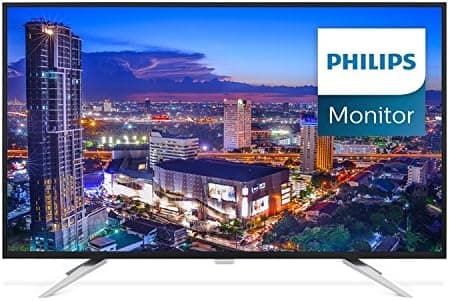
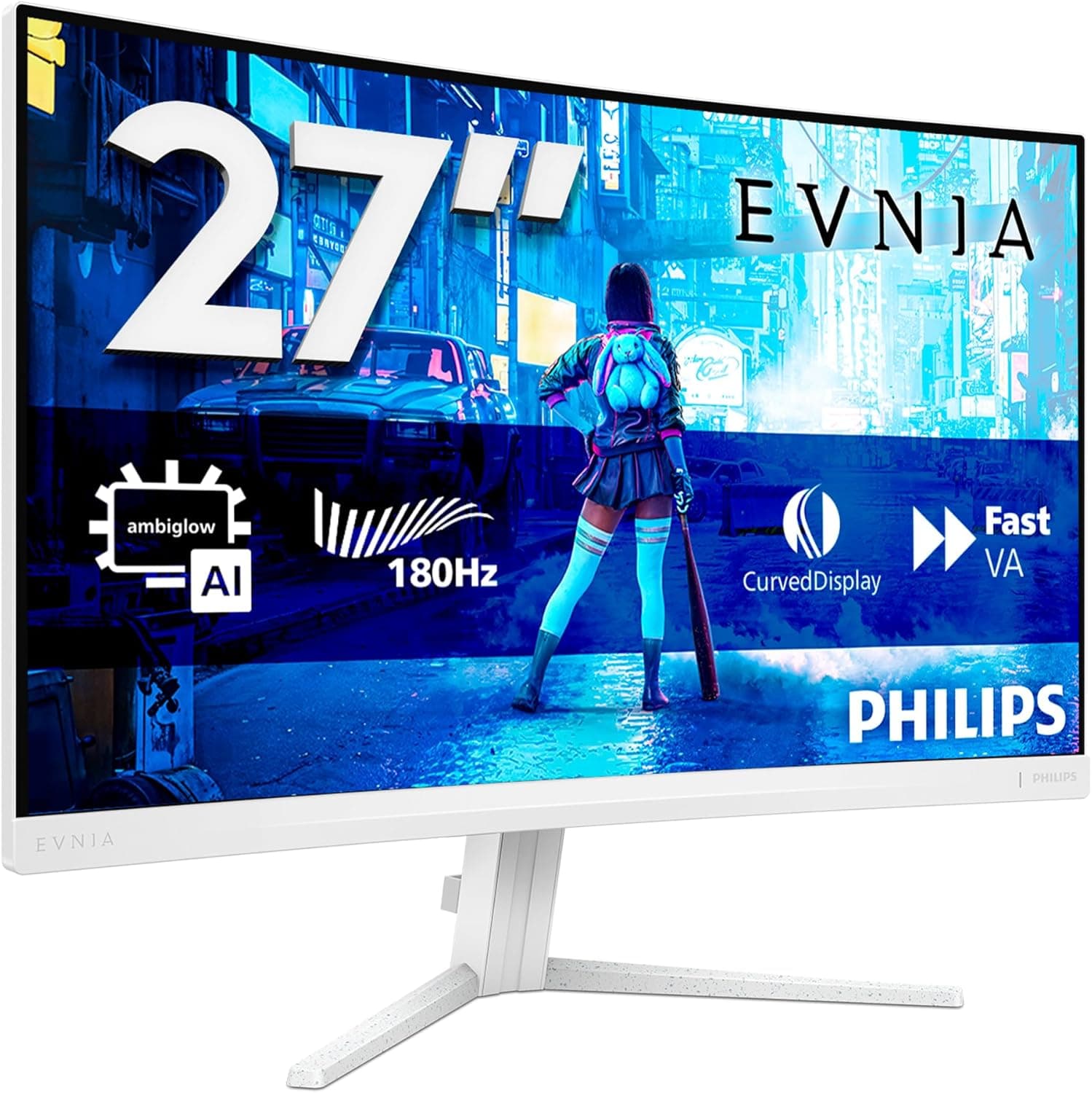
The PHILIPS Evnia 27M2C5201L pairs a 27-inch 1920x1080 (FHD) curved panel with a 180Hz refresh rate and a 1ms GtG response time. The short version: this is a monitor for people who want high frame rates at 1080p, not sharpness.
If you value smooth motion over pixel density, it makes sense. If you want crisp text and accurate detail, it is the wrong product from the start.
As captured on 28 May 2026, the Amazon.co.jp listing showed 365 reviews averaging 4.4 out of 5 (88% positive).
A few hundred reviews holding at 4.4 suggests this is not a category plagued by unit variance, but remember that review averages bake in price satisfaction — they are not an absolute verdict on the specs.
One caveat up front: the article category (display_monitor) matches the product, but the collected pricing data does not look right. See the warnings section below.
Compatibility Guide
Video inputs are two HDMI 2.0 ports and one DisplayPort 1.4 — three sources total.
This is the single most important thing to check before buying: use DisplayPort 1.4 if you want 180Hz reliably. HDMI 2.0 carries 18Gbps, which is theoretically enough for 1080p 8-bit at 180Hz, but the actual ceiling depends on the monitor's implementation and cable quality.
DisplayPort 1.4 has comfortable headroom at this resolution, so there is nothing to guess about.
Adaptive sync is AMD FreeSync Premium. The manufacturer's own compatibility note says FreeSync Premium is recommended over DisplayPort and that the display "may work as G-SYNC Compatible." That wording matters: G-SYNC Compatible here is a possibility, not a certification. On an NVIDIA GPU you would enable G-SYNC manually in the NVIDIA Control Panel, and some setups show flicker at low frame rates.
If guaranteed VRR on GeForce is a hard requirement, check reports for your specific GPU generation first.
| Connection | 180Hz | FreeSync Premium | Notes |
|---|---|---|---|
| DisplayPort 1.4 | Recommended | Recommended | Ample bandwidth; start here |
| HDMI 2.0 | Depends on setup | Depends on setup | Best for consoles |
Consoles change the calculus. Because the inputs are HDMI 2.0, you cannot get 4K 120Hz or HDMI 2.1 VRR features from a PS5 or Xbox Series X.
That said, this is a 1080p panel anyway, so running a PS5 at 1080p/120Hz is perfectly usable. Buying this monitor to "unlock everything the PS5 can do" is simply the wrong goal.
GPU requirements are modest. Actually sustaining 180fps at 1080p takes a capable card, but simply driving the display works with any graphics card that has DisplayPort or HDMI output.
On a laptop, confirm that the USB-C port supports DisplayPort Alt Mode, or check the HDMI generation.
The 1500R curvature shapes how you should install it. 1500R is on the aggressive end for curved monitors — it follows an arc of 1.5m radius.
In theory it equalizes viewing distance across the panel, which assumes you sit roughly 60-80cm away and dead-centre. It does not suit shared viewing from an angle or wall mounting at a distance.
On a shallow desk, note that curved panels consume more effective depth than flat ones. Stand dimensions and VESA support are not in the supplied data, so confirm those on the product page.
Product Info
The core specifications, all from the supplied data:
| Item | Value |
|---|---|
| Screen Size | 27 inches |
| Resolution | 1920x1080 (FHD) |
| Refresh Rate | 180Hz |
| Response Time | 1ms (GtG) |
| Adaptive Sync | AMD FreeSync Premium |
| Panel Curvature | 1500R |
| Video Inputs | HDMI 2.0 x2, DisplayPort 1.4 x1 |
Read together, these numbers describe the product clearly. A 27-inch panel at 1920x1080 works out to roughly the low 80s in pixels per inch — coarser than a 24-inch FHD (about 92 PPI) and well short of a 27-inch 1440p panel (about 109 PPI).
In other words, this is not a bigger, better version of a 24-inch monitor; it is the same pixel count stretched over more area. Enemies in games appear larger and easier to spot, but desktop text and web pages show visible pixel structure at close range.
The 1ms (GtG) figure, as with most manufacturers, is a best-case number at the most aggressive overdrive setting. It does not mean average real-world response is 1ms, and pushing overdrive too far can introduce overshoot — pale trailing edges behind moving objects.
In practice, try the middle overdrive step and settle where your own eyes are happiest.
On price: the supplied Amazon JP entry showed ¥139,413 as captured on 28 May 2026, but that figure is an order of magnitude out of line for a 27-inch FHD monitor. It most likely reflects a collection error, so this article does not treat it as a price guide.
The eBay entry, captured 9 July 2026, returned only "See listing" with no concrete amount. Street prices move constantly — check the product page for the current figure.
Release timing, warranty length, and bundled accessories (power cable, DisplayPort cable, quick start guide) can vary by region and retail batch, so verify those on the listing as well.
How It Compares
A 27-inch FHD 180Hz panel sits in the most crowded segment on the market. There are three comparisons worth making.
First, against 24-25 inch FHD. At the same resolution, a smaller panel looks sharper and fits inside your field of view, which reduces eye travel in shooters.
Plenty of competitive players argue 24-inch FHD is the more rational choice. You buy this monitor for size and curved immersion, not for a competitive edge.
Second, against 27-inch 1440p. At the same diagonal, 1440p delivers about 109 PPI — visibly cleaner text and images.
If the monitor does double duty outside gaming, stretching the budget is worth considering. The counterargument is real though: sustaining high frame rates at 1440p demands more GPU, so on a mid-range or lower card, 1080p 180Hz lets you keep settings high and still hit high fps.
Third, curved VA versus flat IPS. Most curved gaming monitors use VA-type panels, which offer high contrast and deep blacks but typically trail IPS in viewing angles and dark-scene response.
Panel type is not stated in the supplied data, so this article will not assert it — but if black smearing in dark games would bother you, confirm the panel technology on the product page before deciding.
Best Use Cases
This monitor is an easy recommendation if you fit these profiles:
- You play competitive shooters or fast action at 1080p. The 180Hz plus FreeSync Premium combination delivers the most value per yen here. Coming from 60Hz, the jump feels bigger than a resolution upgrade would.
- You run a mid-range or entry GPU. At 1080p you can actually sustain the frame rates the panel supports. Push to 1440p and the GPU becomes the bottleneck, wasting the refresh rate.
- You want immersion in first-person games. The 1500R curve pays off when you sit centred at 60-80cm.
- You keep multiple sources connected. Two HDMI 2.0 ports mean a PC and a console can stay plugged in simultaneously.
- You prefer larger on-screen elements. At 27 inches, FHD text and UI render large, which some users find easier to read.
Before You Buy
This is the section that matters most.
1. The listed price does not match the product class. The supplied data showed ¥139,413 as of 28 May 2026, which is implausible for a 27-inch FHD gaming monitor and likely reflects another product's price.
Since you will see the same listing, it is worth saying plainly: retail pages sometimes carry incorrect registered information — price, model number, or manufacturer. Check the product images, the title, and the model number 27M2C5201L yourself before ordering.
2. Make peace with 27-inch 1080p sharpness in advance. At roughly 80-something PPI, text edges are visibly jagged at desk distance.
As a dedicated gaming display it is fine; as your only monitor for work, it is the most common source of buyer's regret. It is not suited to photo or video editing where colour and detail matter.
3. 1ms GtG is a best case, not a constant. Maximum overdrive can produce overshoot artefacts.
Start from a middle setting and compare in your own games.
4. G-SYNC operation is not guaranteed. The manufacturer says only that it may work.
If you need VRR on an NVIDIA GPU, treat that as a purchase risk. On AMD Radeon, FreeSync Premium is officially supported and there is nothing to worry about.
5. Curvature divides opinion. Straight-line work — spreadsheets, CAD, image cropping — shows slight bowing near the edges.
Many people adapt; some genuinely never do. See one in person if you can.
6. It is not HDMI 2.1. If you plan to move to 4K 120Hz later or want full next-gen console features, cross this one off now.
7. Warranty and bundle vary by sales channel. No warranty term appears in the supplied data, so if coverage is part of your decision, read the listing.
Grey-import units may not qualify for local support.
FAQ
Q. Which cable should I use for 180Hz? A.
DisplayPort 1.4.
HDMI 2.0 has enough bandwidth for 1080p in theory, but the real ceiling depends on the setup.
After connecting, open Windows display settings and explicitly select 180Hz — the default is often still 60Hz, and that is by far the most common reason people say their new high-refresh monitor "feels the same."
Q. Does FreeSync work on an NVIDIA GPU? A.
It is described as possibly working as G-SYNC Compatible, but it is not certified. You would enable it manually in the NVIDIA Control Panel.
If you need certainty, use an AMD Radeon card or choose a certified model.
Q. Can I use it with a PS5? A.
Yes, over HDMI, but with HDMI 2.0 inputs you should plan on 1080p.
If you want the PS5's 4K output and HDMI 2.1 features, this is not the right monitor.
Q. Is it usable for work? A.
It works, but the roughly 80-something PPI density makes long-form text noticeably coarse at close range. If spreadsheets and documents dominate your day, a 1440p panel in a similar bracket will satisfy you more.
As a gaming-first display, it is fine.
Q. How much should I trust the review score? A.
As captured on 28 May 2026, it stood at 365 reviews averaging 4.4/5 (88% positive).
That sample size is enough to read a trend, but averages include satisfaction with the price paid, so keep it separate from an absolute spec judgement.
Q. 24-inch or 27-inch? A.
At the same FHD resolution, competitive players tend to prefer 24 inches while people who want scale and immersion prefer 27. The 24-inch is denser and therefore cleaner-looking, and it fits within your field of view so your eyes move less.
The 27-inch renders enemies larger, which some find easier to track. If you sit closer than about 60cm, the smaller panel is usually the easier one to live with.