Overview
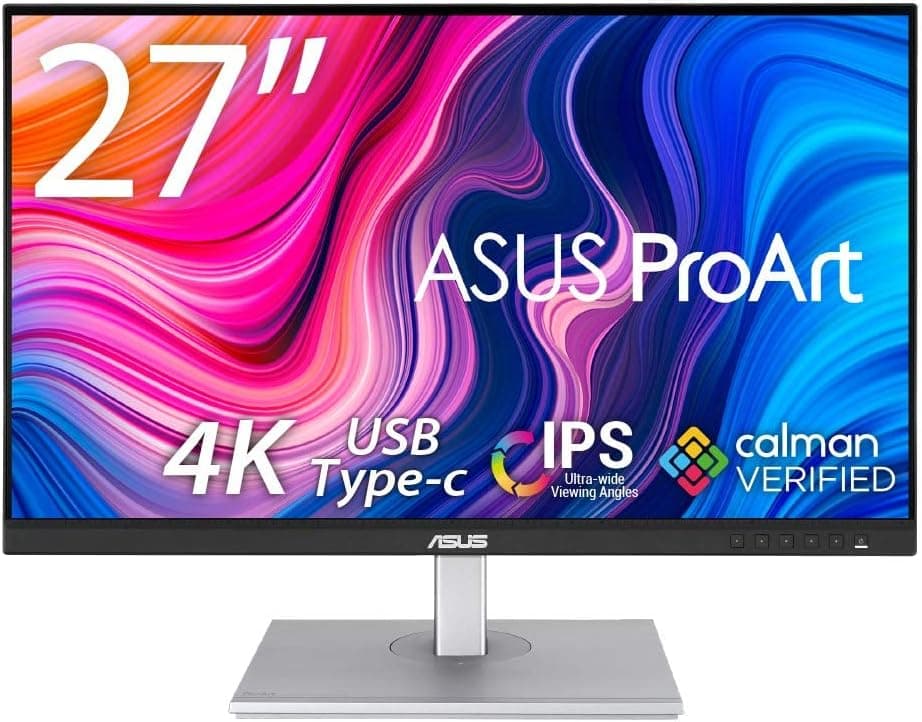
The ASUS ProArt Display PA247CV is a 23.8-inch Full HD (1920×1080) IPS monitor aimed at creative work.
It covers 100% of sRGB and 100% of Rec. 709 and ships factory-calibrated to Delta E < 2 (Calman verified).
This is not a monitor that wins on resolution or refresh rate — the budget went into color you can trust. The 75Hz refresh rate is a small step above the usual 60Hz, enough to make scrolling slightly smoother, and nothing more.
The short version: this display makes sense if you work to an sRGB standard and want to dock a laptop with a single cable. If you need more desktop space, sharper text, or Adobe RGB / DCI-P3 coverage, other monitors in the same price band will serve you better.
As of the June 2, 2026 capture, Amazon.co.jp shows 190 reviews at 4.6 out of 5 stars (roughly 92% favorable) — a modest sample, but a consistent one.
Compatibility Guide
The first thing to verify is whether your PC's USB-C port supports DisplayPort Alt Mode. The PA247CV's USB-C combines video input, the USB hub, and 65W power delivery into one cable, but only if the host port can output video.
Plenty of laptops have USB-C ports that handle data and charging only, so check the manufacturer's spec sheet for "DisplayPort Alt Mode" or "Thunderbolt." If it isn't supported, connect video via HDMI or DisplayPort and keep using the laptop's own power adapter.
Power delivery is 65W. For 13–14 inch ultraportables and MacBook Air-class machines, that is generally enough to keep the battery topped up through the monitor alone.
For laptops that ship with adapters above 65W — creator and gaming notebooks with discrete GPUs — the battery can slowly drain under heavy load. That is expected behavior, not a fault.
Check your laptop's stock adapter wattage before assuming single-cable operation will work.
DisplayPort daisy-chaining supports up to four monitors, but this requires the host GPU to support DisplayPort MST (Multi-Stream Transport). This is highly environment-dependent.
Apple Silicon Macs in particular handle MST daisy-chaining differently from Windows machines, so verify your specific model before planning a chain. Even on Windows, integrated GPUs often cap the number of simultaneous outputs.
Physically, the VESA 100×100mm mount means standard monitor arms fit without adapters. The included stand offers tilt, swivel, pivot, and 130mm of height adjustment — a genuinely usable range at this price — so portrait orientation for code or documents is on the table.
Note that IPS panels still shift slightly with viewing angle in portrait, so critical color judgement is safer in landscape.
Product Info
The core spec: 23.8-inch, 1920×1080, IPS, 75Hz, 100% sRGB / 100% Rec.
709, USB-C with 65W PD, DisplayPort, HDMI, and a four-port USB 3.2 Gen1 hub, VESA 100×100mm.
| Spec | Value | Why it matters |
|---|---|---|
| 23.8-inch / FHD | 1920×1080 | Around 93 ppi. Native scaling, no OS scaling needed |
| IPS, 100% sRGB / Rec. 709 | Factory calibrated, Delta E < 2 | Matches web and video delivery standards out of the box |
| 75Hz | Slightly above 60Hz | Fine for desk work; not a gaming spec |
| USB-C 65W | Video, data, power in one cable | Works as a laptop dock; light for GPU laptops |
| USB 3.2 Gen1 ×4 | Rear hub | Keep keyboard, mouse, and card reader permanently attached |
| Stand | Tilt / swivel / pivot / 130mm height | Suits portrait use and multi-monitor layouts |
On price: Amazon.co.jp listed it at ¥61,478 as captured on June 12, 2026, while the eBay (US) listing showed $249.99 as captured on July 15, 2026.
Different currencies and different distribution channels make these hard to compare directly, but the Japanese listing does look high for a 23.8-inch Full HD panel.
Marketplace sellers and stock changes move these numbers a lot, so check the seller and the current price on the product page yourself. Both figures above are point-in-time snapshots and will shift during sales or when inventory turns over.
Warranty follows the standard manufacturer terms, and the box includes a power cable, DisplayPort cable, USB-C cable, and quick-start guide. The bundled USB-C cable matters more than it sounds: cables that carry both video and 65W are fussy to shop for, so having a known-good one in the box saves a trip.
How It Compares
There are many cheap 23.8–24 inch IPS monitors.
What separates the PA247CV isn't size or resolution — it's whether the panel was calibrated at the factory. Budget monitors also advertise "100% sRGB," but that says nothing about per-unit Delta E.
The PA247CV puts a number on it. If you don't want to gamble on panel variance and aren't ready to buy a colorimeter, that single fact is what you're paying for.
The honest alternative is spending the same money on resolution. A 27-inch 4K or WQHD panel gives you visibly more working space, though factory calibration varies by model.
Roughly: if matching color is the job, take the PA247CV; if screen real estate drives your productivity, take the higher-resolution panel. Wanting both at this price usually produces a compromise; look at higher ProArt models instead.
And if your only goal is single-cable laptop docking, a mainstream USB-C monitor costs less. The PA247CV's premium sits in the color pipeline — skip it and you're paying for something you won't use.
Living With It
The review score — 4.6 across 190 reviews as of June 2, 2026 — comes from a fairly focused audience rather than a mass-market sample.
ProArt is a working-tools line, so buyers tend to know what they came for, which nudges scores upward.
Day to day, the USB hub is what sells the setup. Leave your keyboard, mouse, and external drive plugged into the back, and the laptop becomes a single USB-C connect/disconnect.
If you also run a desktop, split inputs between HDMI/DisplayPort and USB-C for easy switching. One caveat: bandwidth-hungry devices like fast external SSDs share the USB 3.2 Gen1 budget with everything else on the hub.
Best Use Cases
- Web and social-media image work built to an sRGB target. The delivery standard and the panel's gamut line up exactly.
- Laptop-centric desks. One USB-C cable for video, power, and peripherals visibly cuts the cable clutter.
- Anyone who doesn't want to gamble on panel variance. Factory calibration means usable color from day one, which matters most if you're not buying a colorimeter.
- Multi-monitor builds. Pivot support, VESA mounting, and DisplayPort daisy-chaining make mixed portrait/landscape arrays straightforward.
- A color-check secondary display next to a higher-resolution main panel — a sensible pairing for video editors.
Before You Buy
The resolution is the compromise. 1920×1080 across 23.8 inches works out to roughly 93 ppi: text is readable but not crisp.
If you use a 27-inch 4K panel or a high-DPI laptop display daily, the difference will bother you. If you're coming from a 24-inch Full HD monitor, you won't notice anything.
The same panel earns opposite verdicts depending on what pixel density you're used to — estimate that before ordering.
Gamut stops at sRGB / Rec. 709. Print workflows that need Adobe RGB, or HDR video mastered to DCI-P3, are outside its range.
Buying it because "it's a ProArt, so it must handle everything" is the classic mistake here. Delta E < 2 describes accuracy within the gamut it covers — it does not widen that gamut.
Don't over-trust the 65W. Power-hungry laptops will drain under load, and charging only works while the monitor itself is powered — unplug the display entirely and your laptop stops charging.
Skip it for gaming. 75Hz is marginally smoother than 60Hz, not a high-refresh experience.
Response time and adaptive sync aren't what this product was built around, so calibrate your expectations accordingly.
Read the listing carefully. ASUS uses close model numbers across this family — PA247CV, PA248-series and others differ in size or resolution.
Listing metadata on retail pages is occasionally wrong, so before ordering, confirm that the product image and title both say "PA247CV" and check who the seller is. A price far off the going rate often signals a parallel import, a used unit, or a different model.
Measure your desk. Height adjustment and pivot need clearance behind and beside the panel.
Pushed flush against a wall, it may not rotate to portrait — a monitor arm removes that constraint.
FAQ
Q. Can I run a MacBook over a single USB-C cable? A.
Yes, if the machine has a USB-C or Thunderbolt port with DisplayPort Alt Mode. Higher-performance models may need more than 65W, so check your stock adapter's wattage.
Q. Do I need to calibrate it right away? A.
No. It ships calibrated to Delta E < 2, so sRGB / Rec.
709 work can start immediately. Consider a colorimeter later if color drifts over years of use.
Q. How many monitors can I daisy-chain? A.
Up to four over DisplayPort, provided your GPU supports DisplayPort MST. Support varies by machine, and Mac behavior differs — verify first.
Q. Is it usable for games?
A. Casually, yes. At 75Hz it won't serve competitive titles where high frame rates matter.
Q. Will a monitor arm fit?
A. Yes — VESA 100×100mm, and at 23.8 inches the weight sits within most arms' rated load.
Q. What does it cost? A.
Amazon.co.jp listed ¥61,478 as captured on June 12, 2026; eBay (US) showed $249.99 as captured on July 15, 2026.
Channels differ and prices move often, so confirm the current price and seller on the product page.
Product Disclosure (Amazon)
- ASIN: B08TX68RR6
- Note: This article covers a manufacturer-made product based on Amazon listing details.