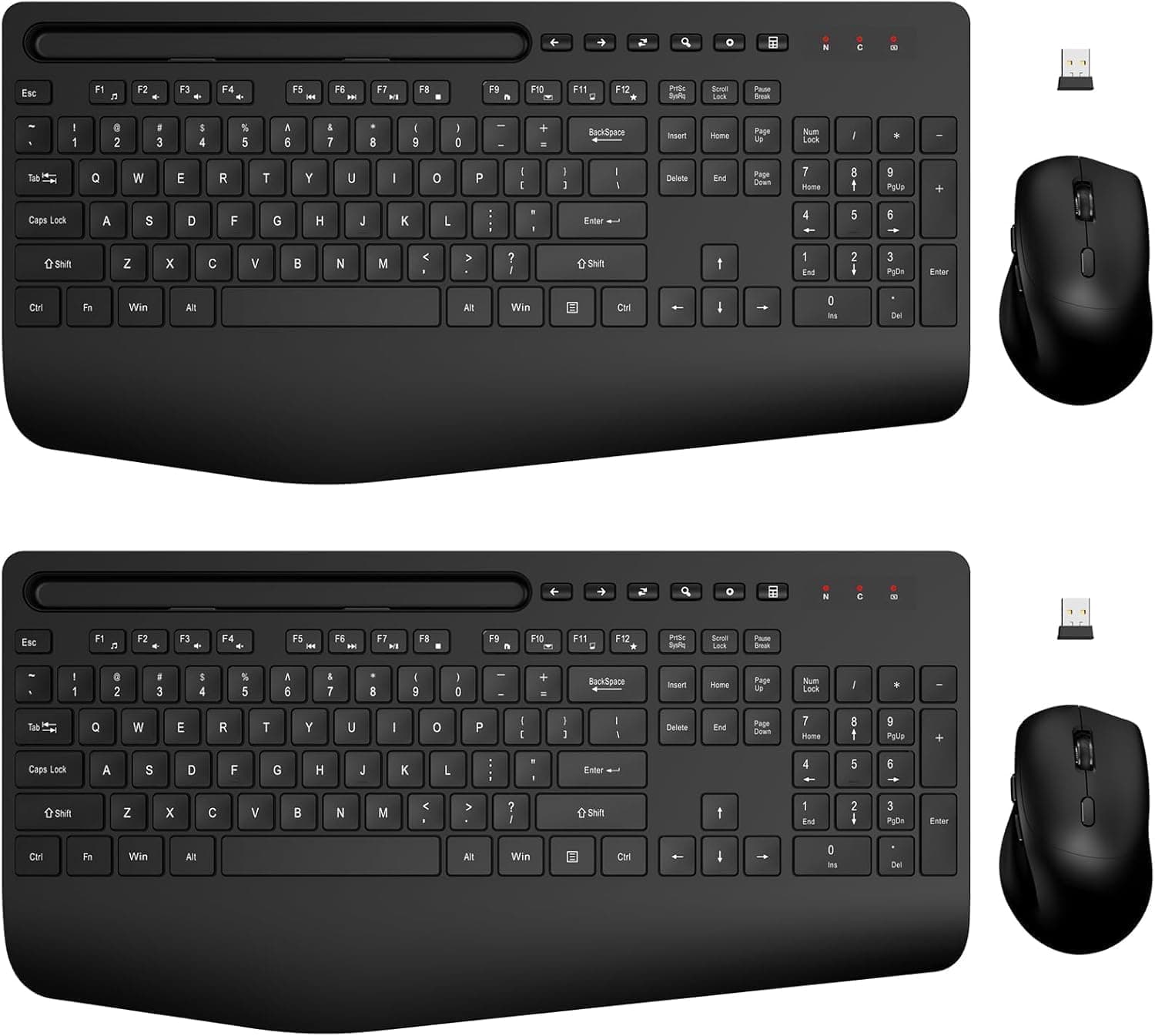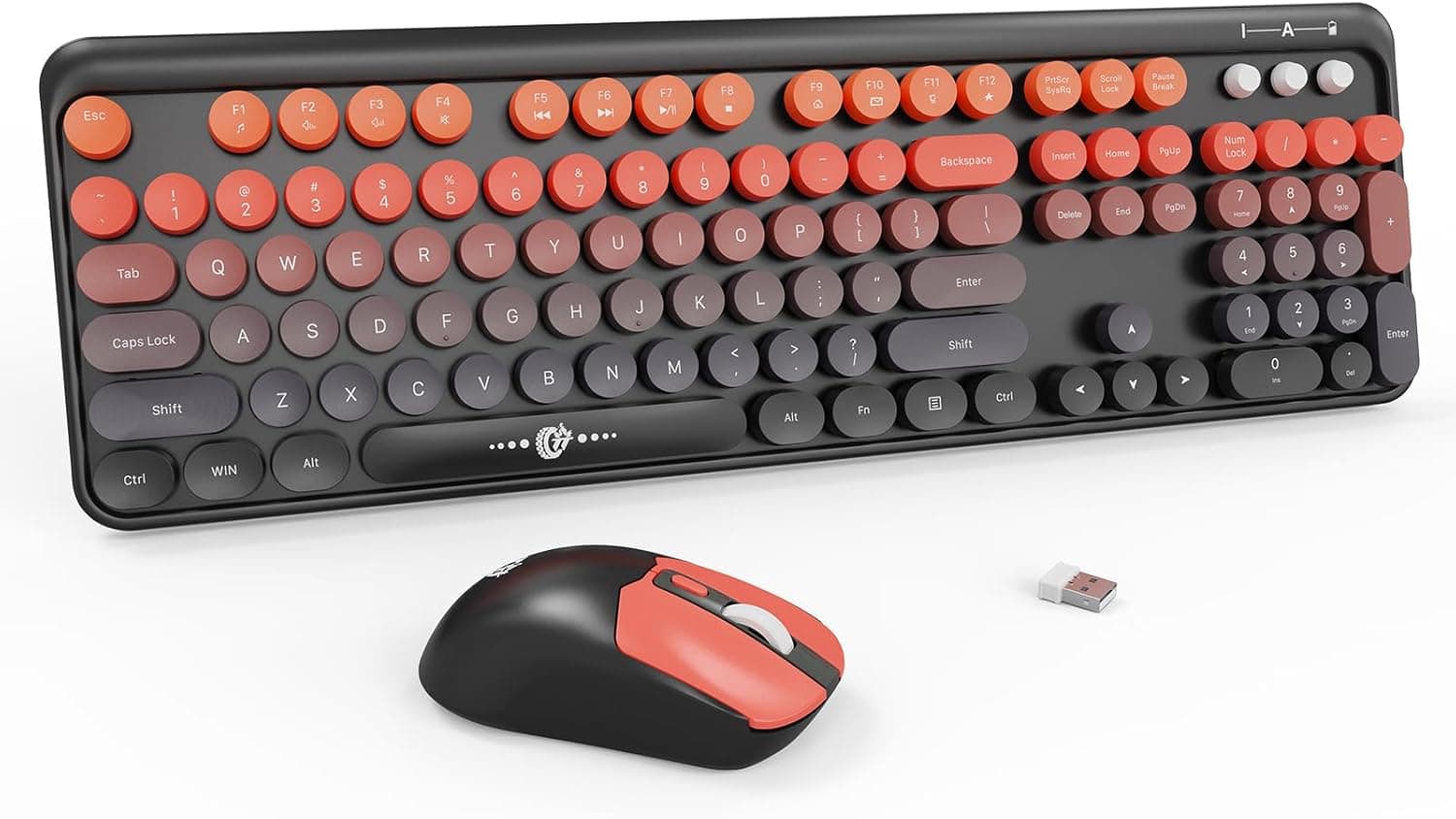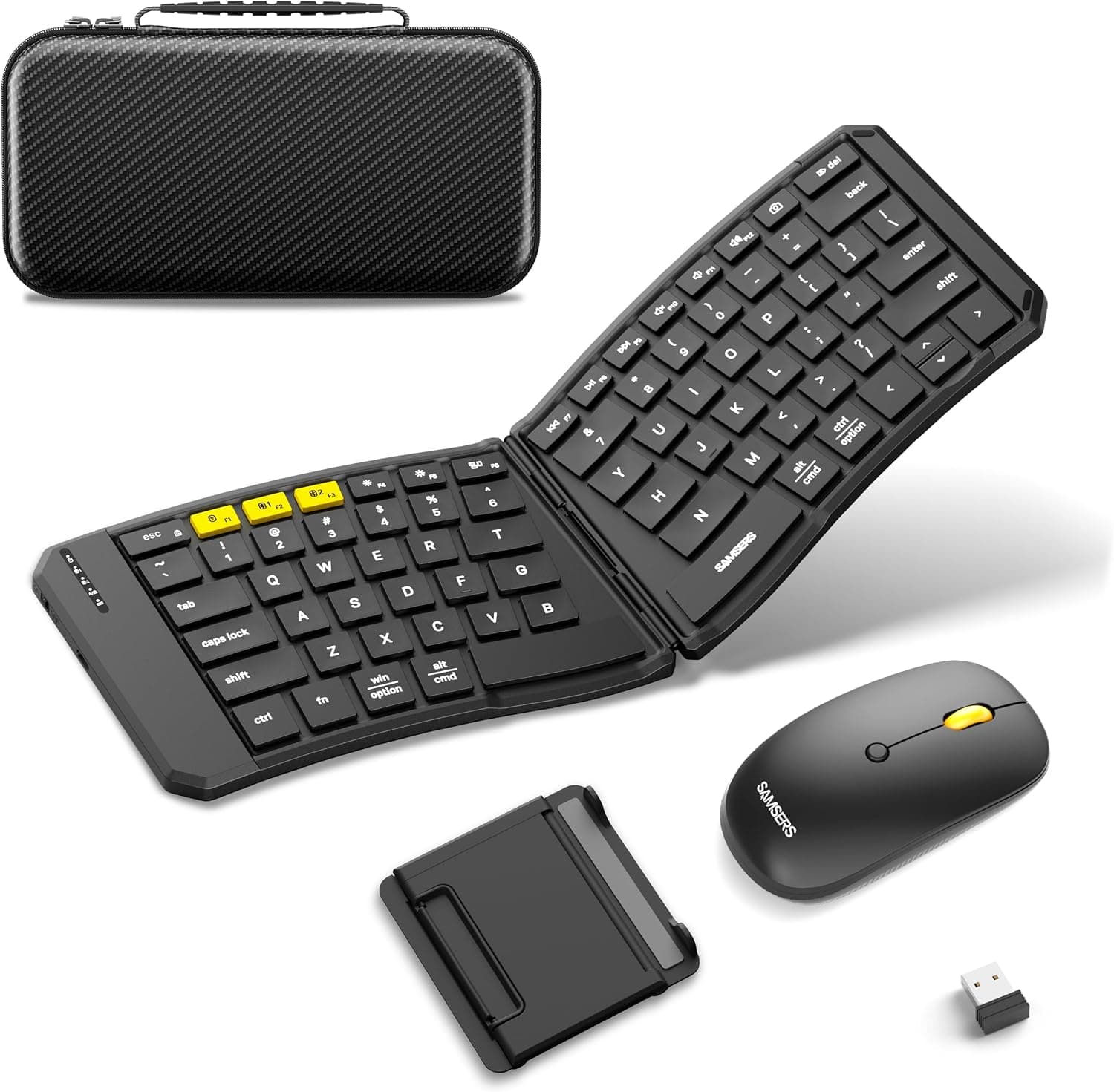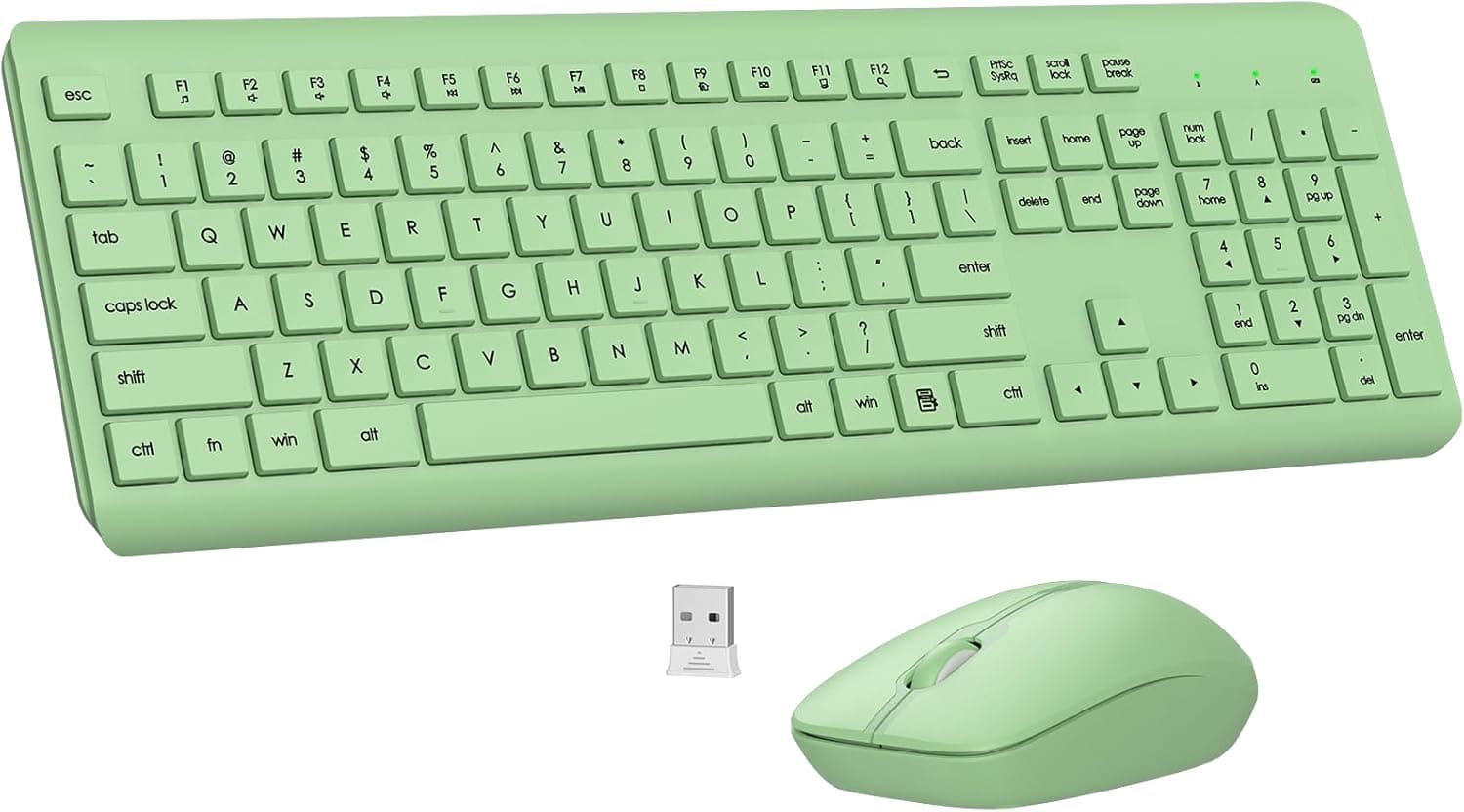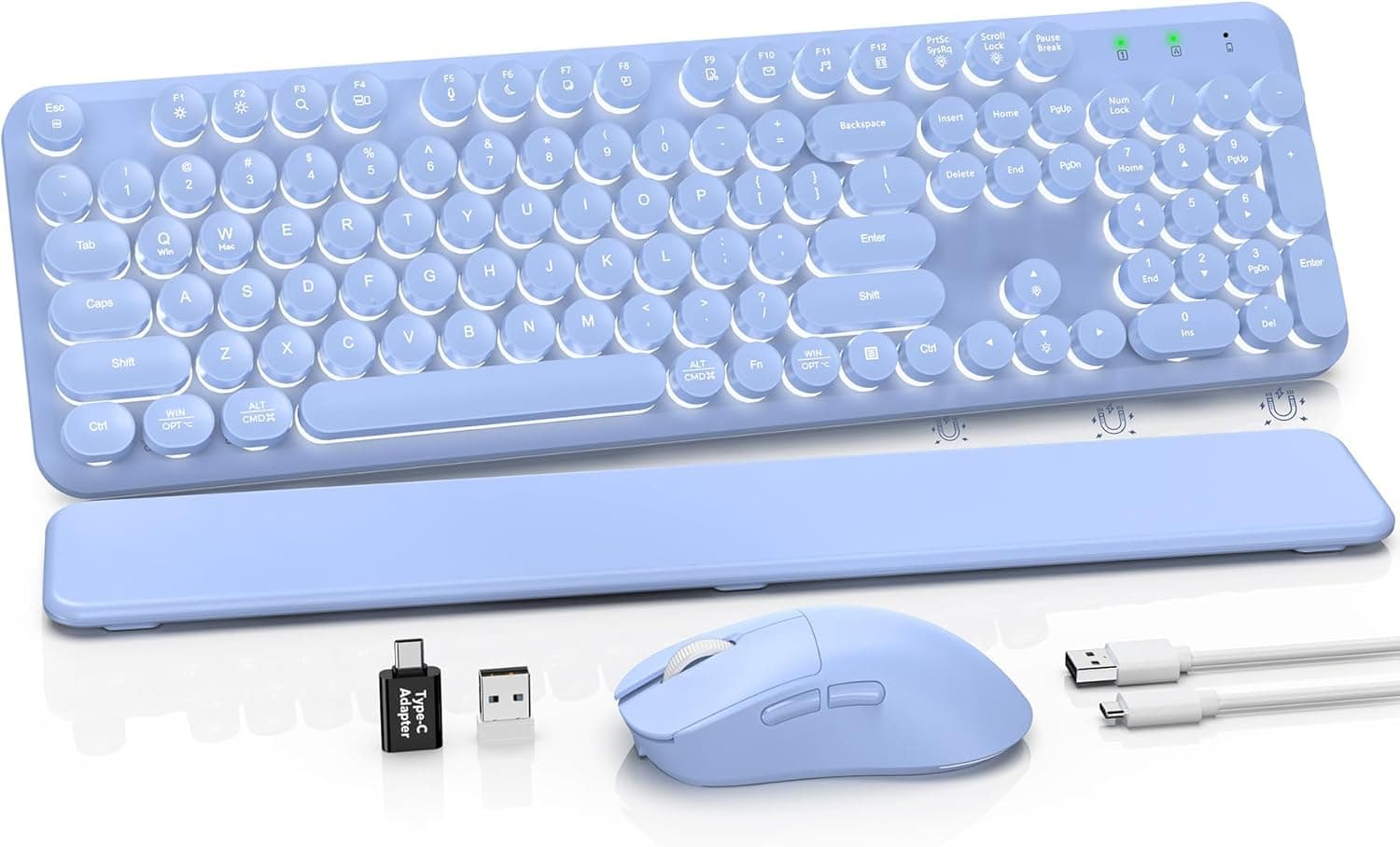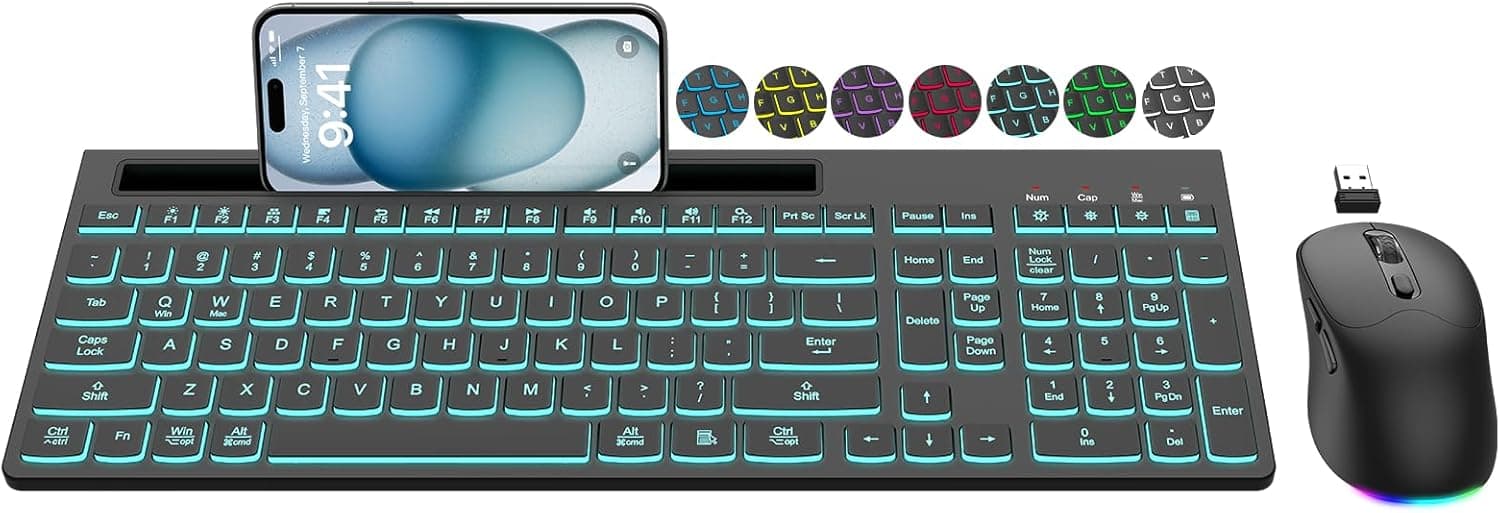
The EDJO wireless keyboard and mouse combo bundles a 7-color backlit full-size keyboard, a 6-button silent mouse, USB-C rechargeable batteries and a built-in phone holder onto a single 2.4GHz receiver.
This article works through where it fits, and where you need to compromise.
Overview
The short version: this set suits people who want three things at once — fewer cables, visible keys in a dark room, and quieter clicks. It does not suit people who care about typing feel or latency, or who need a Japanese JIS layout.
That is the first fork in the decision.
One USB-A receiver drives both devices, so it costs you a single port. The keyboard offers seven switchable backlight colors with light-up legends; the mouse offers 800 / 1200 / 1600 DPI in three steps plus silent-click switches.
Both use built-in batteries charged over USB-C, so there are no AA cells to stock or swap. Supported systems are Windows, macOS, Linux and Chrome OS, and the listing showed a 4.3-out-of-5 rating from 167 reviews as captured in May 2026.
Compatibility Guide
Connection is 2.4GHz through a USB-A receiver — plug and play, no driver needed, handled by the OS HID stack.
It also works on TVs, set-top boxes and mini PCs that accept USB HID input, though you should confirm the host actually accepts an external keyboard.
Four things trip people up most often:
| Check | This product | Watch out if |
|---|---|---|
| Interface | USB-A receiver, 2.4GHz only | Your laptop or tablet is USB-C only — you need an adapter |
| Bluetooth | Not supported | You cannot spare a USB port, or want multi-device switching |
| Key layout | US / ANSI | You expect a JIS layout or printed kana |
| OS quirks | Some media keys may not work on macOS | macOS is your main system |
Layout is the most commonly missed point. On a US board, the positions of @, :, _ and ¥ differ from JIS, so Windows users must switch the keyboard layout in language settings or the legends will not match what is typed.
Once configured, typing works normally — and for symbol-heavy work like programming, many people prefer US layout anyway.
The 2.4GHz band is shared with Wi-Fi and Bluetooth.
Metal desks and USB 3.0 ports next to the receiver can cause cursor jumps or dropped keystrokes.
If a rear-panel port misbehaves, move the receiver to a front port or onto a short USB extension near your hands. KVM switches and docks are also a common source of flaky detection — test directly on the host first.
Product Info
| Item | Value |
|---|---|
| Connection | 2.4GHz wireless (USB receiver) |
| Backlight | 7 switchable colors |
| Mouse DPI | 800 / 1200 / 1600 |
| Mouse buttons | 6 |
| Charging | USB-C, built-in battery |
| OS support | Windows, macOS, Linux, Chrome OS |
| Color | Black |
Three DPI steps cover ordinary desk work well. On a 1920×1080 display, 800–1200 feels natural; on WQHD, 4K or multi-monitor setups, 1600 lets you cross the screen with a wrist flick.
There is nothing like the multi-thousand-DPI range of gaming mice, so fine sensitivity tuning is out of scope.
Pricing on the Japanese listing was ¥12,864 as captured in June 2026, and ¥12,910 on the same page as captured in May 2026. It moved within two weeks, which is normal — sales and coupons shift these numbers, so always check the live product page.
Worth saying plainly: this is not a cheap price band for a backlit wireless combo. Comparable feature sets exist for less, so price alone is not the reason to pick this one.
The rating was 4.3 of 5 across 167 reviews (captured May 2026).
That is a moderate sample — not tiny, but far from the tens of thousands behind category staples. A 4.3 usually means the basics work with recurring complaints in a few areas; for combos like this those complaints tend to cluster around layout, backlight timeout and click feel.
Read the low-star reviews, not just the average.
What Actually Matters in Daily Use
The backlight is not permanently on. Like most wireless keyboards, it dims out after a period of inactivity and wakes on keypress — unavoidable on battery power, since constant illumination would shorten runtime dramatically.
If always-on lighting is the priority, a wired board is the safer answer.
"Silent" means quieter, not silent. Silent switches suppress the sharp click tone, and the tactile edge of the press softens along with it.
Great for shared offices or late nights; less satisfying if you want a crisp, definite click.
The phone holder is integrated into the top of the keyboard, which adds depth to the footprint. Handy for glancing at notifications, but check your desk clearance if it is shallow or if a monitor arm post sits behind the board.
Best Use Cases
It fits best for anyone adding an external keyboard and mouse to a laptop or mini PC to build a desktop-like setup without adding cables. One receiver runs both, and the full-size layout with a numpad handles data entry.
It also fits noise-sensitive environments — shared offices, libraries, late-night sessions at home — where silent clicks genuinely help. If you often work with the lights low, the seven-color backlight and light-up legends earn their keep.
And it fits people tired of buying AA batteries: USB-C charging means no spares and no scramble when they die. If you have no objection to US layout — or actively prefer it for symbol-heavy work like coding — the layout downside turns into an upside.
Before You Buy
It is not a JIS layout. Legends are US, with no kana printing.
You can type Japanese fine once the OS layout is set to English, but if you also use a JIS laptop keyboard on the same machine, the layout setting applies per system, so one of the two will always mismatch its legends. JIS users should skip this.
No Bluetooth. A free USB port is mandatory, USB-C-only machines need an adapter, and a lost receiver is often hard to replace on its own.
For multi-device switching or iPad use, pick a Bluetooth model.
Gaming requires compromise. Generic 2.4GHz combos rarely publish polling rate or key rollover figures, and simultaneous presses can drop in fast FPS or fighting games.
Casual play is fine; competitive play is not what this is for.
Full size takes desk space. The numpad plus phone holder makes it wide and deep.
If you want the mouse closer to your body to reduce shoulder strain, a TKL or compact board serves you better.
The price is a snapshot and not a bargain. ¥12,864 as captured in June 2026.
Cheaper backlit wireless combos exist, so decide based on whether the specific mix — 7 colors, USB-C charging, phone holder — is what you want.
Verify the listing details yourself. Marketplace listings sometimes carry manufacturer, model or accessory information that does not match the actual product.
This article reflects what the page stated, but before ordering, confirm the product from the images and title, check who the seller and shipper are, and note that bundled items or color can change with the selected variation.
How to Compare Against Rivals
Line up combos on four axes rather than price: connection (2.4GHz only vs.
Bluetooth as well), power (rechargeable vs. AA), layout (US vs.
JIS, numpad or not), and how silence is implemented (dedicated silent switches vs. standard ones).
This product lands on 2.4GHz-only, rechargeable, US full-size, silent.
If any one of those is a dealbreaker, move on quickly. If "one dongle that just works" is what you want, 2.4GHz-only is a feature, not a limitation.
FAQ
Q. Can I type Japanese on it? A.
Yes — the IME handles Japanese, not the keyboard. But IME toggling uses Alt+` on Windows rather than the JIS 半角/全角 key, and symbol positions differ from the legends. Expect a settings change and a short adjustment period.
Q. Can I use it while charging? A.
Devices with built-in batteries and a USB-C port generally allow use while charging, but confirm on the product page. While charging you lose the wireless benefit anyway.
Q. Can the backlight stay on permanently? A.
Battery-powered boards normally time the backlight out during inactivity. For always-on lighting, a wired model is the reliable choice.
Seven colors are selectable.
Q. Which DPI should I use? A.
Roughly 800–1200 for 1080p, 1600 for WQHD and above or multi-monitor. It switches with a button, so try each and keep the one that feels natural.
Q. What if I lose the receiver? A.
2.4GHz-only sets normally need their own pre-paired receiver, and generic dongles will not substitute.
Replacement would be a warranty conversation (a 12-month after-sales service is stated). Store the dongle in the unit when traveling.
Q. Does it work well on a Mac? A.
Basic typing and mouse input work, but some media keys may not. If macOS is your main system, a Mac-optimized layout will be more comfortable.
Product Disclosure (Amazon)
- Manufacturer: EDJO
- Seller: eespd78
- Fulfilled by: eespd78
- ASIN: B0FS1FRNR7
- Note: This article covers a manufacturer-made product based on Amazon listing details.