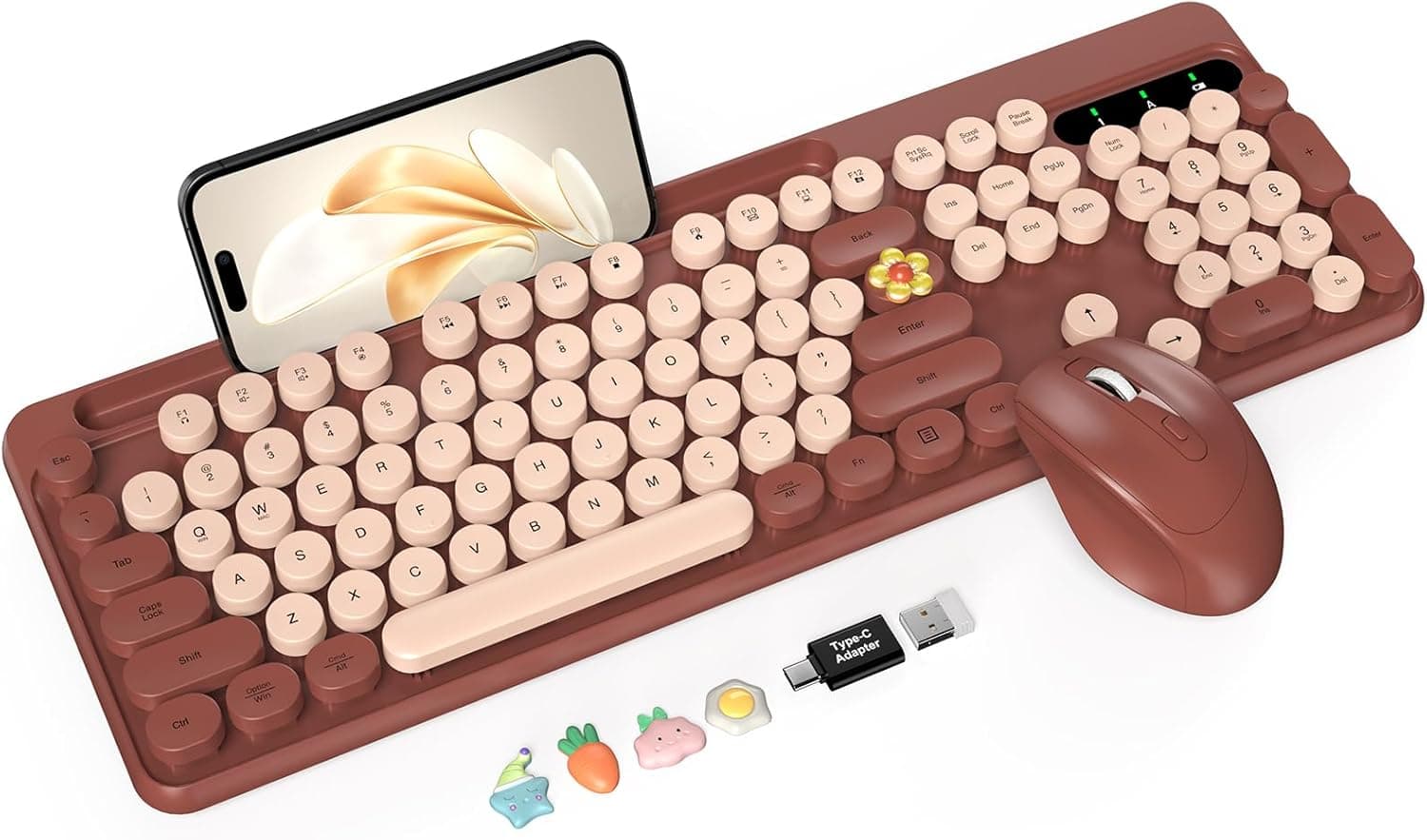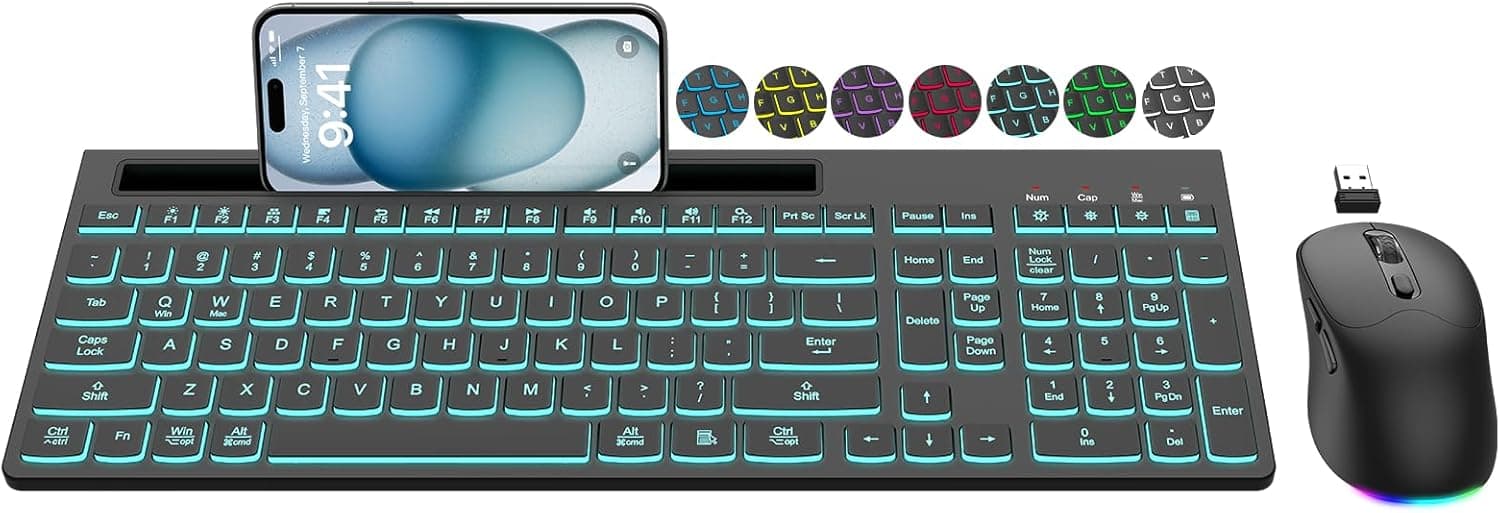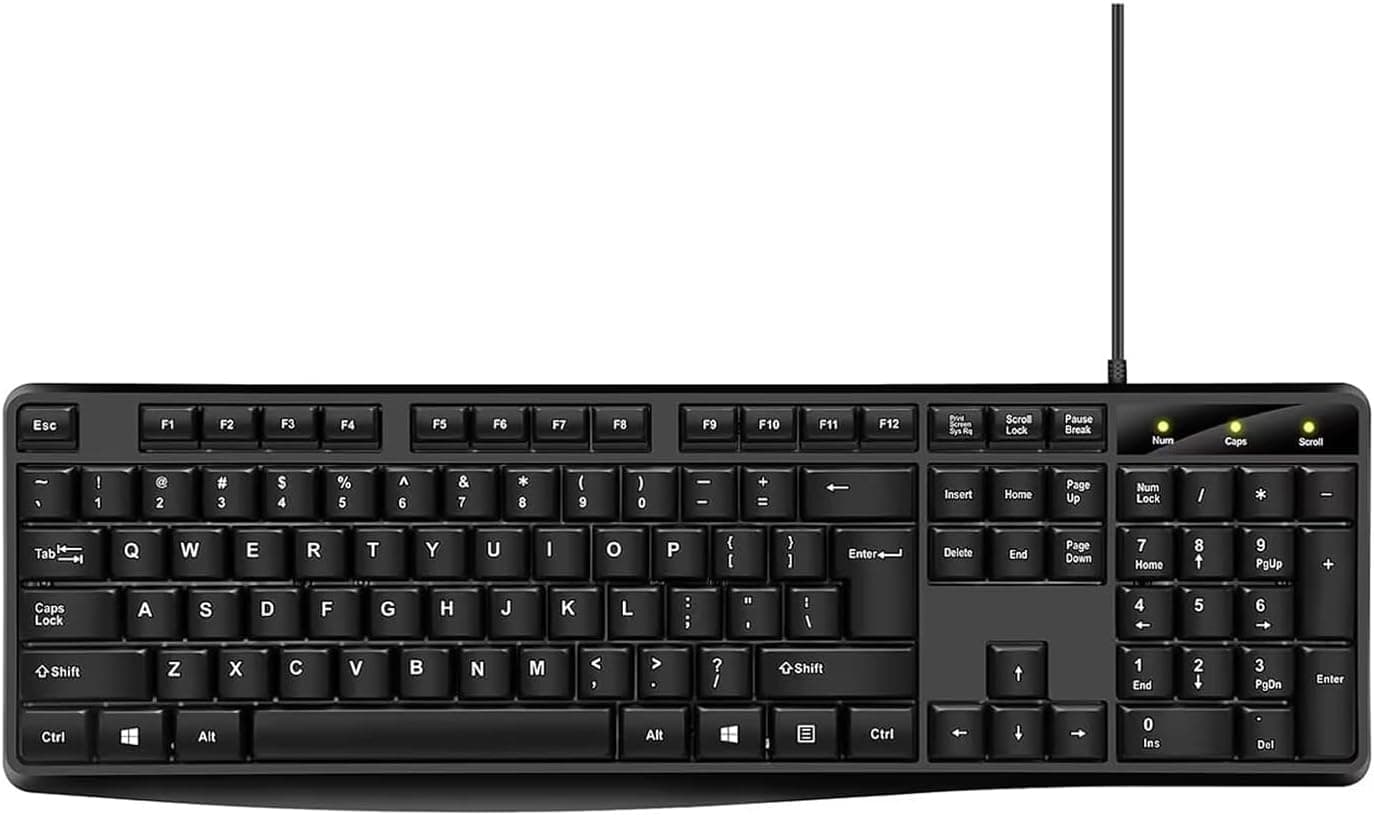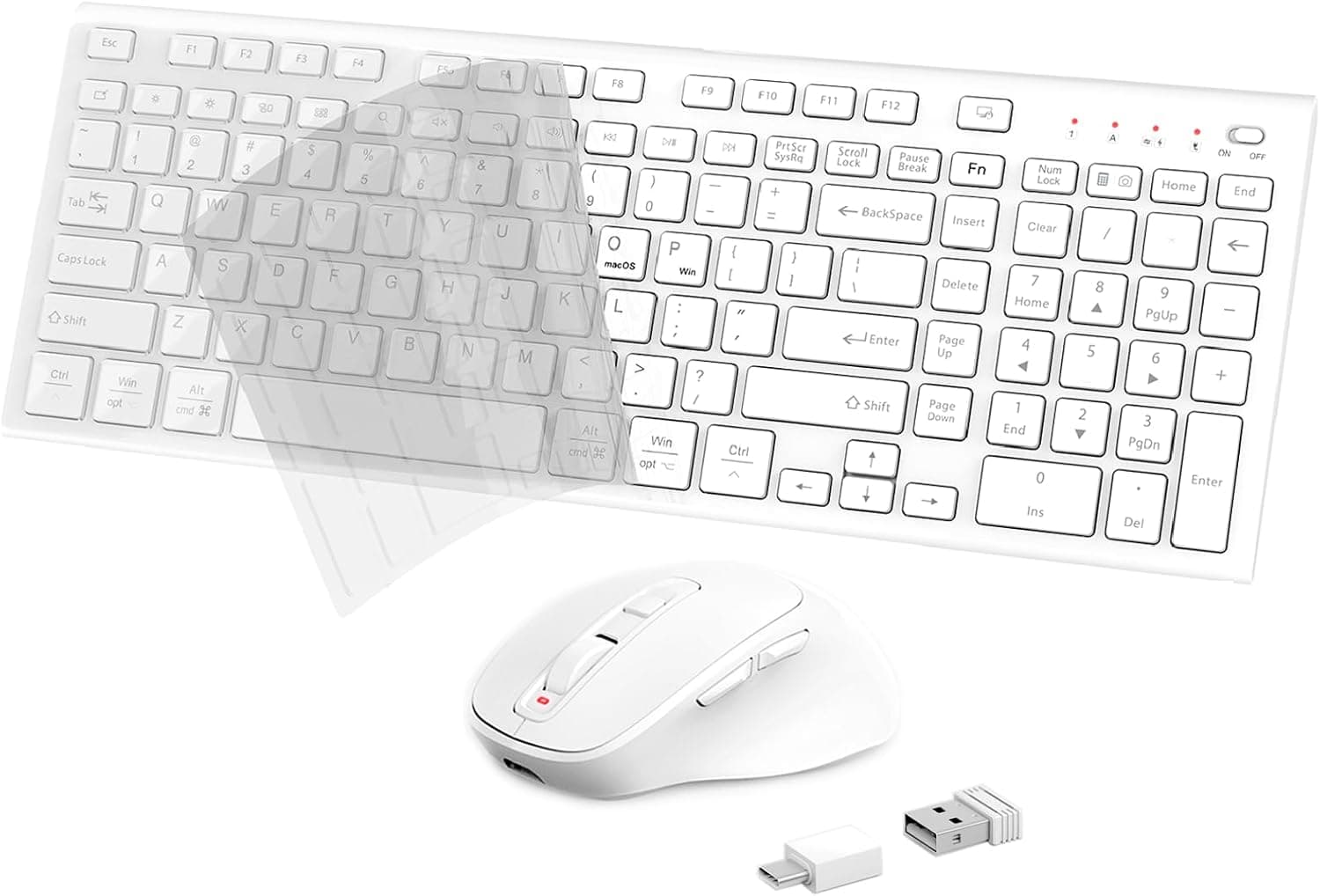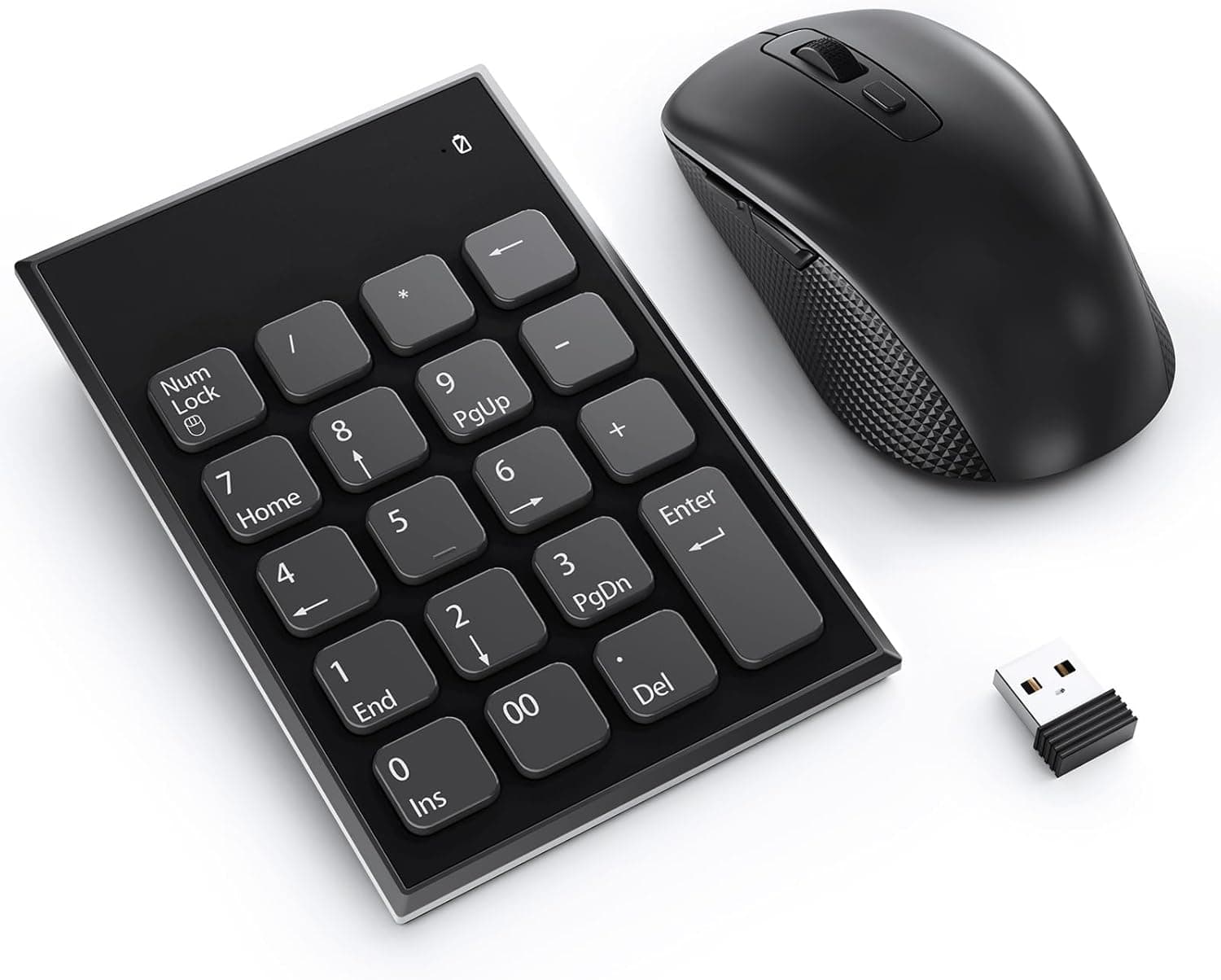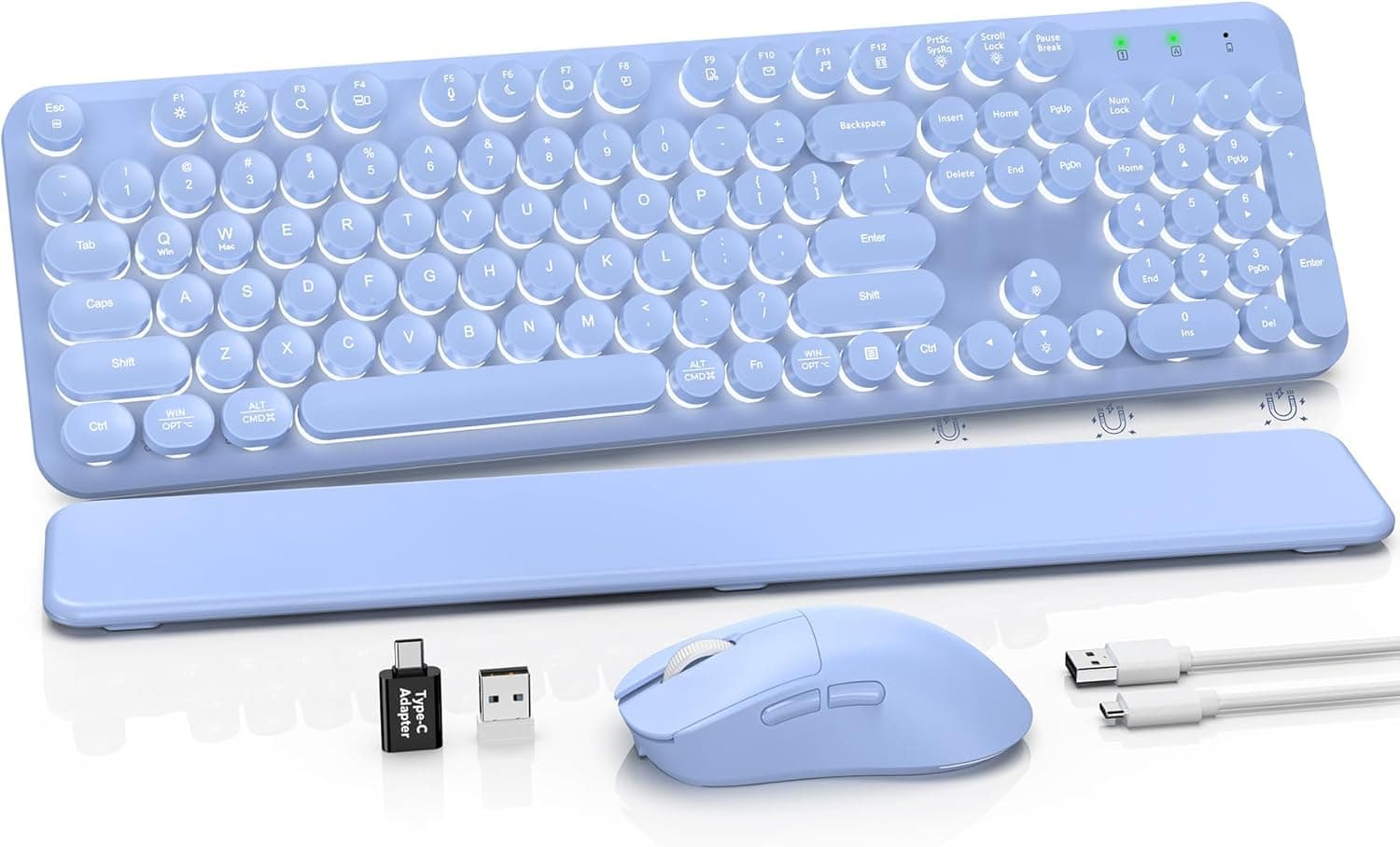
The SABLUTE wireless keyboard and mouse combo pairs round, floating typewriter-style keycaps with a glowing purple finish on a full-size layout. The short version: this is not a keyboard you buy for typing performance — it is one you buy for how your desk looks and for the convenience of getting a keyboard, a mouse and a wrist rest in one box.
On Amazon.co.jp it held a 4.4 out of 5 rating across 207 reviews as captured on 6 June 2026, which is solid for this segment.
Overview
The set combines a full-size keyboard (roughly 104 keys) with a contoured ergonomic mouse. The keyboard ships with a detachable magnetic wrist rest, foldable tilt legs and seven anti-slip pads on the underside.
An auto-sleep mode kicks in after 30 minutes of inactivity, which matters because both devices run on disposable batteries.
The target buyer is clear: someone working from a home desk on documents, email and browsing. It is not aimed at people who shop by switch type, polling rate or key rollover.
None of those figures are published for this product, so if they drive your decision, choose a model that documents them.
What to expect in daily use
Round keycaps present a smaller contact surface than conventional square caps, and the gaps between keys feel wider. The look is the point, but the trade-off is real: your fingers slip toward neighbouring keys more easily when you miss the centre of a cap. Fast touch typists usually need a few days to a week to adapt, so expect a short accuracy dip at first.
The floating design — keycaps sitting proud of the top plate — is genuinely practical for cleaning, since dust and crumbs land on a flat surface you can simply wipe. The downside is acoustics: floating boards tend to resonate.
There is no "silent" claim for this model, so it is a poor fit for late-night typing or for calls where your mic stays open.
The magnetic wrist rest is a hard surface, not gel or memory foam. Treat it as a ledge your wrists glide across rather than sink into.
If you were hoping for a soft palm rest, this will disappoint. The magnetic attachment itself is a plus — it comes off in one motion when you want desk space or want to clean underneath.
Compatibility Guide
Connection is 2.4GHz wireless through the bundled USB receiver.
Plug it in and type; no drivers or utilities are required. USB-A is the native port, and a Type-C adapter is included for laptops that have dropped USB-A.
| Item | Spec | What it means in practice |
|---|---|---|
| Connection | 2.4GHz wireless (USB receiver) | No Bluetooth; you need a spare port |
| OS support | Windows only (no Mac / iOS) | Do not plan on using it with a Mac or iPad |
| Port needed | USB-A (Type-C adapter included) | One port is occupied permanently |
| Batteries | Keyboard 2×AAA, mouse 1×AA (not included) | You cannot use it straight out of the box |
| Auto sleep | After 30 minutes idle | The first keypress on wake may be dropped |
| Tilt legs | Foldable, adjustable | Stepped height, not continuously variable |
The Windows-only row is the one that decides purchases. A 2.4GHz HID device may physically enumerate on macOS, but the manufacturer states it is unsupported, and the key legends and function-key assignments assume Windows.
If you move between a Mac and a PC, buy something that advertises dual-OS support instead.
The second practical concern is that the receiver occupies a USB port for the life of the product. On a thin laptop with two USB-A ports already hosting a dock or an external SSD, placement becomes a real problem.
Receivers are also small and easy to lose. Most 2.4GHz sets ship pre-paired and the receiver is not sold separately, so losing it usually means losing the whole set.
Check the product images before buying to see whether the keyboard or mouse has a storage slot for it.
Finally, batteries are not included. Have two AAA cells and one AA cell ready before the parcel arrives.
Product Info
Key specifications: 2.4GHz wireless, full-size layout of about 104 keys, round floating keycaps, a hard magnetic detachable wrist rest, a contoured ergonomic mouse, seven anti-slip pads, foldable tilt legs and glowing purple lighting.
The box is listed as containing the keyboard, mouse, USB receiver, USB-C adapter and wrist rest.
The listed price on Amazon.co.jp was ¥19,488 as captured on 6 June 2026. That sits above what comparable style-first wireless combos typically sell for, and prices in this segment move a great deal with sales and seller changes.
Check the current price on the product page before deciding — the figure here is only a snapshot from the capture date.
The listing names SABLUTE as the manufacturer with Takumido as seller and shipper. For marketplace listings, warranty and defective-unit handling run through the seller, and no warranty period is stated, so read the listing terms before ordering.
How it compares
This category is full of near-identical-looking products, and photos will not separate them. Three checks cover almost all of the practical difference:
- Does it claim silent operation? Models marked "silent" tame both key and click noise, which matters in shared spaces. This one makes no such claim.
- Does it claim Mac support? This one is Windows-only. If you switch between systems, a dual-OS model with both sets of legends is worth paying for.
- Disposable batteries or rechargeable? Rechargeable sets save you buying cells but die when the internal cell degrades; battery-powered sets can be revived indefinitely. This one takes disposable cells.
Between similarly priced options, pick whichever satisfies the one of those three you cannot live without.
Best Use Cases
- Buyers who put desk aesthetics first. The round retro caps and purple glow have a presence that plain black boards lack — worth it if you are styling a workspace or a camera-facing setup.
- Single-PC Windows users doing office work. Email, documents and browsing with regular numpad use are exactly what a full-size combo with a wrist rest is for.
- People who do not want to shop for two peripherals. Colour and height already match, which is also why sets like this get bought as gifts.
- Anyone who values easy cleaning. The floating plate wipes clean in seconds.
Before You Buy
The Windows-only limitation is the big one. If your work machine is a PC and your personal machine is a Mac, this set serves only half your life.
There is no Bluetooth either, so you cannot switch it to a tablet or phone. If one set has to cover several devices, rule this out now.
Do not over-expect on typing feel. Switch type, key travel and actuation force are not published.
"Typewriter style" describes the look; it does not promise the heavy, clicky action of a mechanical typewriter. If the feel itself is the goal, buy a mechanical board that documents its switches.
Judge the price yourself. The captured listing price was ¥19,488, and that bracket contains plenty of brand-name wireless combos with fully published specs.
Whether the styling justifies the gap is a personal call — and since prices shift constantly, do not decide based on the figure printed here.
Listing details sometimes disagree with the actual product. On marketplace listings of this type, manufacturer names, model numbers or OS support can be carried over from a different item, and photos may not match the written description.
Before ordering, cross-check the title, the main image and the specification block to confirm they all describe the same product. Pay particular attention to the colour (purple here) and to whether the wrist rest and Type-C adapter are actually included — those are the details that turn into "this isn't what I ordered" after delivery.
If anything disagrees, message the seller first.
Read the reviews carefully. The 4.4/5 from 207 reviews captured on 6 June 2026 is a good number, but appearance likely drives much of it.
For durability and receiver stability, weight the most recent reviews most heavily.
Batteries and noise affect daily life. Buy the cells in advance, and remember there is no silent claim — this is not the board for typing while the house sleeps or while your meeting mic is live.
FAQ
Q. Can I use it with a Mac or iPad? A.
Not recommended. The manufacturer lists Mac and iOS as unsupported, and even if the device enumerates, the layout and function keys assume Windows.
Q. Does it support Bluetooth?
A. No. The only connection is 2.4GHz via the bundled USB receiver, which occupies a port permanently.
Q. Are batteries included?
A. No. Prepare two AAA cells for the keyboard and one AA cell for the mouse before it arrives.
Q. What if I lose the receiver? A.
2.4GHz receivers are normally pre-paired at the factory and not sold separately, so losing it very likely means losing the use of the whole set.
Be careful if you travel with it.
Q. Is it quiet? A.
There is no silent-operation claim, and floating-keycap boards tend to resonate. If quiet matters, choose a model that explicitly advertises silent keys.
Q. Is the 30-minute sleep annoying? A.
Wake from sleep on 2.4GHz is normally under a second, but the very first keystroke can be swallowed.
Tapping any key to wake it before you start typing makes this a non-issue.
Product Disclosure (Amazon)
- Manufacturer: SABLUTE
- Seller: Takumido
- Fulfilled by: Takumido
- ASIN: B0FY6VCH5T
- Note: This article covers a manufacturer-made product based on Amazon listing details.