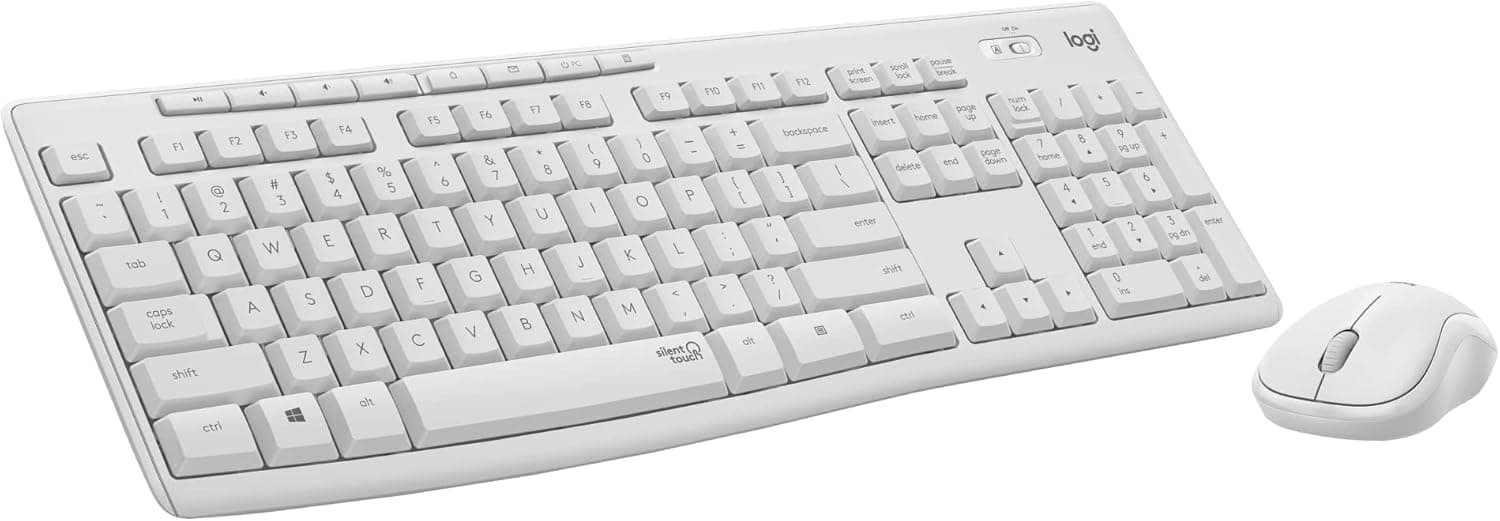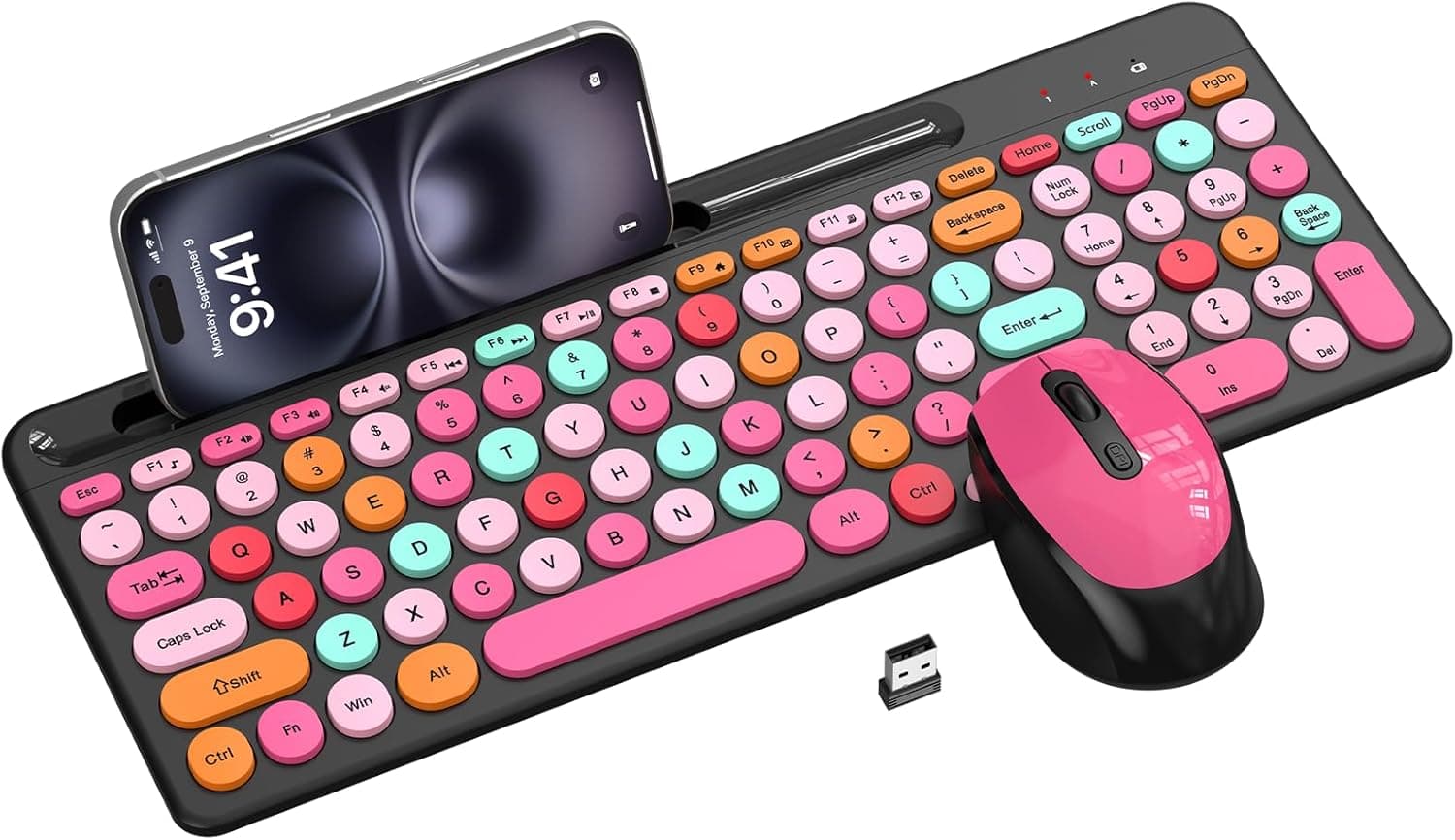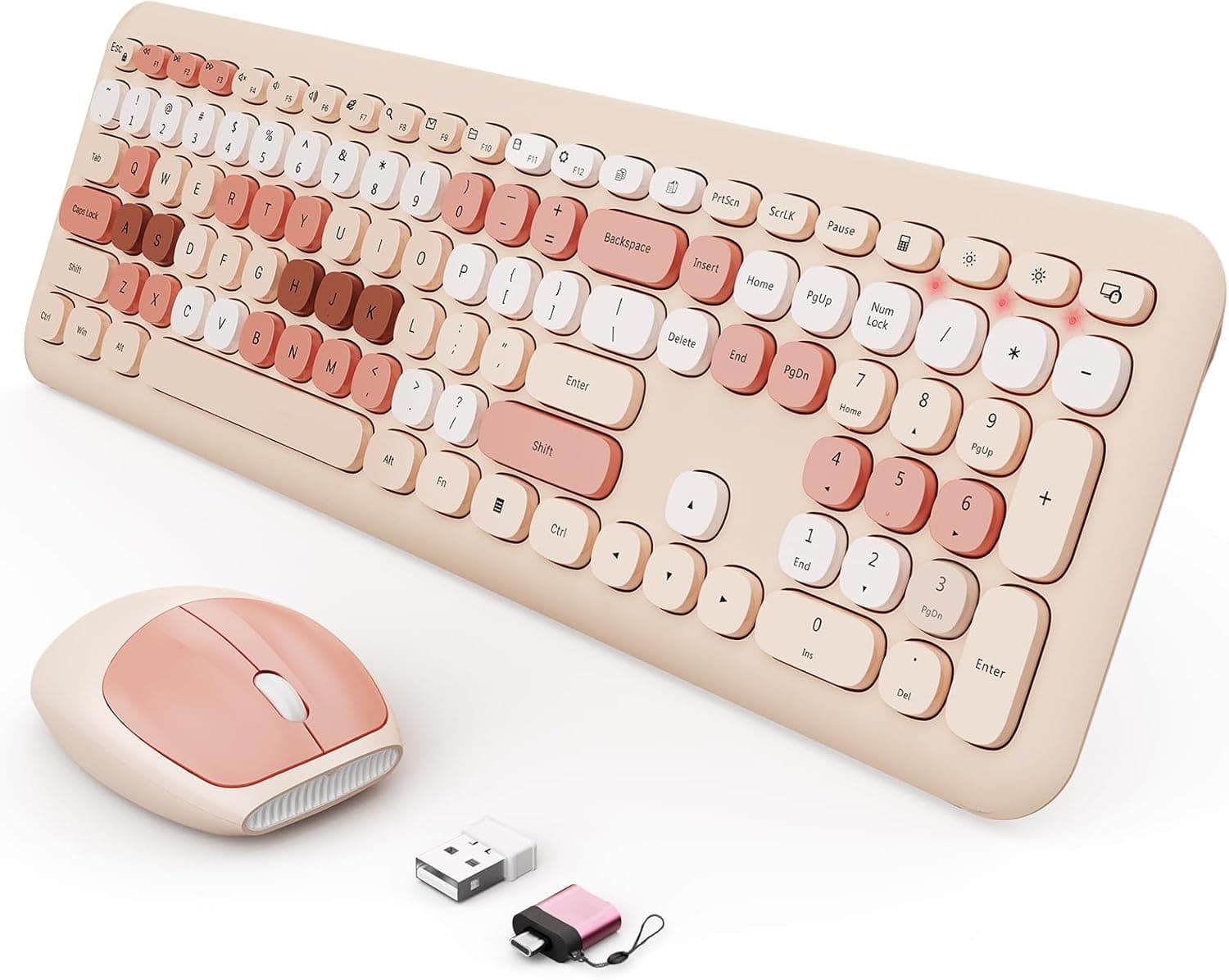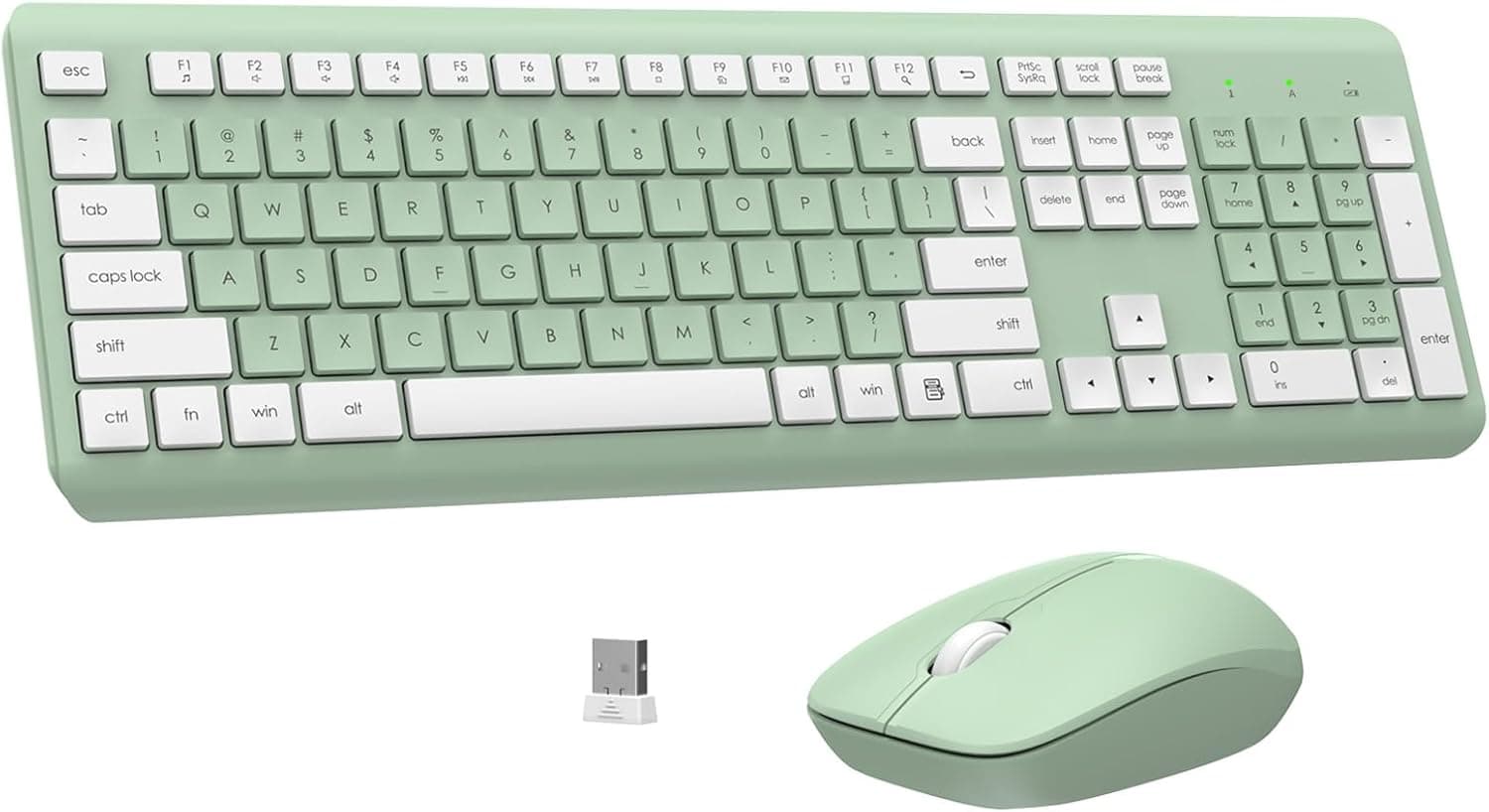
The EDJO Wireless Keyboard and Mouse Combo pairs a full-size silent membrane keyboard with a 1600 DPI optical mouse, both running off a single USB receiver, in an unusual Avocado Green finish. Its headline traits are battery operation — one AAA cell and one AA cell, rated up to 365 days — and a listed price of ¥10,158 on Amazon.co.jp as captured on 30 May 2026.
This article sorts out whose desk it belongs on and who will regret the purchase.
Overview
The short version: this is for people who want a quiet, cable-free, numeric-keypad-inclusive input setup with minimum fuss. It is not a gaming product and not a typing-enthusiast product.
The 2.4GHz link is rated to 10 meters, the keyboard has adjustable tilt legs, and there are 12 multimedia shortcut keys.
Ratings sit at 4.2 out of 5 stars from 39 reviews as captured on 29 May 2026 — an 84% score.
The low review count matters: with only 39 data points, long-term durability and unit-to-unit variation are not well documented yet. Read 4.2 as "generally satisfied, not universally praised."
In practice it competes with the ¥10,000-ish full-size wireless combos from established peripheral brands. Its differentiators are the color, the quiet keys, and the relaxed battery-swap routine; it gives ground on sensor performance and connectivity options such as Bluetooth.
Compatibility Guide
Supported systems include Windows 11/10/8/7, macOS, Chrome OS, and Linux, covering laptops, desktops, Chromebooks, and MacBooks. No driver install is needed — plug the receiver in and it is recognized.
The receiver stores inside the mouse, which cuts the odds of losing it in transit.
Most "it doesn't work" cases are about port shape, not the OS. The receiver is USB-A, so it will not plug directly into thin laptops or recent MacBooks that only offer USB-C.
Budget for a USB-C hub or an A-to-C adapter, and check your machine's ports before buying. Hubs work, but cheap bus-powered ones can cause dropouts; a direct port or a self-powered hub is the reliable fix.
The second real-world issue is 2.4GHz congestion.
In rooms crowded with Wi-Fi routers, wireless earbuds, and other 2.4GHz dongles, you may see cursor jumps or dropped keystrokes.
Fixes, in order: move the receiver to a front-panel port, run it up onto the desk with a USB extension cable, and keep it physically away from USB 3.0 ports, which radiate noise in the same band.
The 10-meter figure assumes clear line of sight; metal desks and thick tabletops cut it down.
On a Mac, remember the layout is Windows-oriented. The Windows key acts as Command and Alt as Option, so remapping modifiers in macOS keyboard settings changes the experience substantially.
The legends will never match the behavior exactly — if that bothers you, buy a Mac-layout board instead. Some multimedia keys are implemented for Windows and may not respond under macOS or Chrome OS.
BIOS/UEFI screens and fresh-install setup usually accept 2.4GHz receivers, but not always.
If you reinstall operating systems or change firmware settings often, keep one wired keyboard around.
Product Info
| Item | Value |
|---|---|
| Connection | 2.4GHz wireless (USB receiver) |
| Supported OS | Windows 11/10/8/7, macOS, Chrome OS, Linux |
| Keyboard | Full-size membrane (silent) |
| Multimedia keys | 12 |
| Mouse DPI | 1600 |
| Battery life | Up to 365 days |
| Keyboard power | 1x AAA |
| Mouse power | 1x AA |
| Wireless range | Up to 10 m |
| Color | Avocado Green |
The listed price was ¥10,158 on Amazon.co.jp as captured on 30 May 2026.
Prices move and sales happen, so check the current figure on the product page. That bracket puts it head-to-head with full-size wireless combos from established Japanese brands, which means this is not a "buy it because it's cheap" product — it is a "buy it because you want this color and this noise level" product.
The power setup defines the product's character. One AAA cell in the keyboard, one AA in the mouse, rated up to 365 days.
Nothing recharges, so you skip the nightly cable but own the job of noticing when batteries die. A 10-minute auto-sleep timeout underpins that rating.
For many people, swapping a cell once a year is genuinely less effort than plugging in a cable every night.
1600 DPI is fine for a single 1080p or 1440p display. On a 4K panel or a triple-monitor setup, crossing the desktop takes a noticeably bigger wrist sweep.
A DPI switch is not listed in the specifications, so confirm on the product page if adjustable sensitivity matters to you.
What It Actually Feels Like
Silent membrane keys suppress the sharp clatter of typing. That pays off on video calls, in shared offices, and when someone is asleep in the next room.
Quiet is not the same as satisfying, though — the soft, bottoming-out membrane feel remains, and anyone used to mechanical switches will likely call it mushy.
A full-size layout is a real asset for accounting, inventory, and data-entry work. But the extra width pushes your mouse hand further right.
On a shallow desk, or in a laptop-plus-external-keyboard arrangement, it gets cramped faster than you expect. Measure the space before you order.
Tilt legs help set wrist angle, but they do not make a product ergonomic on their own. If long typing sessions genuinely hurt, a palm rest plus correct desk and chair height will do more.
Treat this combo as a reasonable foundation, not a solution.
Before You Buy
It is not a gaming product. A 2.4GHz membrane keyboard is designed around different priorities than gaming gear: polling rate and anti-ghosting are not selling points here, and simultaneous key presses can be dropped.
For FPS, fighting games, or rhythm games, buy a gaming keyboard. Turn-based strategy, simulation, and MMO crafting are fine.
There is no Bluetooth. The connection is receiver-only, so iPads, Android tablets, and Bluetooth-only smart TVs are out.
The receiver also permanently occupies a USB port — a real cost on a two-port ultrabook. If you switch between machines, moving the dongle back and forth gets old quickly; a dual-mode combo is the better buy.
Losing the receiver usually ends the product. Paired receivers generally cannot be replaced with a generic dongle.
Storing it in the mouse mitigates this, but frequent travelers should accept that losing it may mean rebuying the set.
The batteries are not rechargeable. Two different sizes, one each, makes spares slightly annoying to stock.
Rechargeable NiMH cells run at a marginally lower voltage than alkalines, so real runtime may fall short of the 365-day figure.
Only 39 reviews as of 29 May 2026. The 4.2-star average is fine, but with a small sample a handful of extreme ratings swings it.
Long-term data — key chatter rates, switch durability — simply is not there yet. Choosing a longer-selling model is a defensible call if proven track record matters to you.
Muted colors photograph unpredictably. Avocado Green shifts noticeably with lighting.
If you are matching a desk or other peripherals, compare several user-submitted photos first.
Best Use Cases
Ideal for home-office and shared-office workers who want quiet typing without giving up a numeric keypad. If you take calls while typing, work late at night, or share a room with family, the silent membrane pays for itself.
It also suits number-heavy work — bookkeeping, inventory, order entry. Moving from a laptop's built-in keyboard to a full layout with 12 multimedia keys is a tangible speed change.
Anyone who hates managing charge cables will appreciate a battery-swap device rated for up to 365 days, and the color options make it easy for people styling a desk setup.
Skip it if you play competitive games, want mechanical feel, need Bluetooth multi-device switching, or run high-resolution multi-monitor setups that demand higher DPI.
FAQ
Q. Will it work on a USB-C-only laptop? A.
Only with an adapter or hub, since the receiver is USB-A. Underpowered hubs can cause dropouts.
Q. Does it work properly on a Mac? A.
It connects, but the layout is Windows-based, so Command and Option sit differently than the legends suggest. Remap modifiers in macOS settings.
Some multimedia keys may not respond.
Q. Does the battery really last a year? A.
365 days is the manufacturer's maximum, assuming the 10-minute sleep timeout. Actual life depends on daily use, cell brand, and whether you use rechargeables.
Q. Can the keyboard and mouse be used separately? A.
They share one receiver, so you cannot run them on different PCs at once. Sharing across two machines means moving the dongle.
Q. Is it usable for games? A.
Fine for turn-based, simulation, and browser games. Not appropriate for FPS or rhythm titles that depend on precise simultaneous input.
Q. Does "silent" mean noiseless? A.
No. It means the sharp high-frequency clatter is reduced compared with a typical membrane board.
Microphones pick up less, but the person beside you can still hear you type.