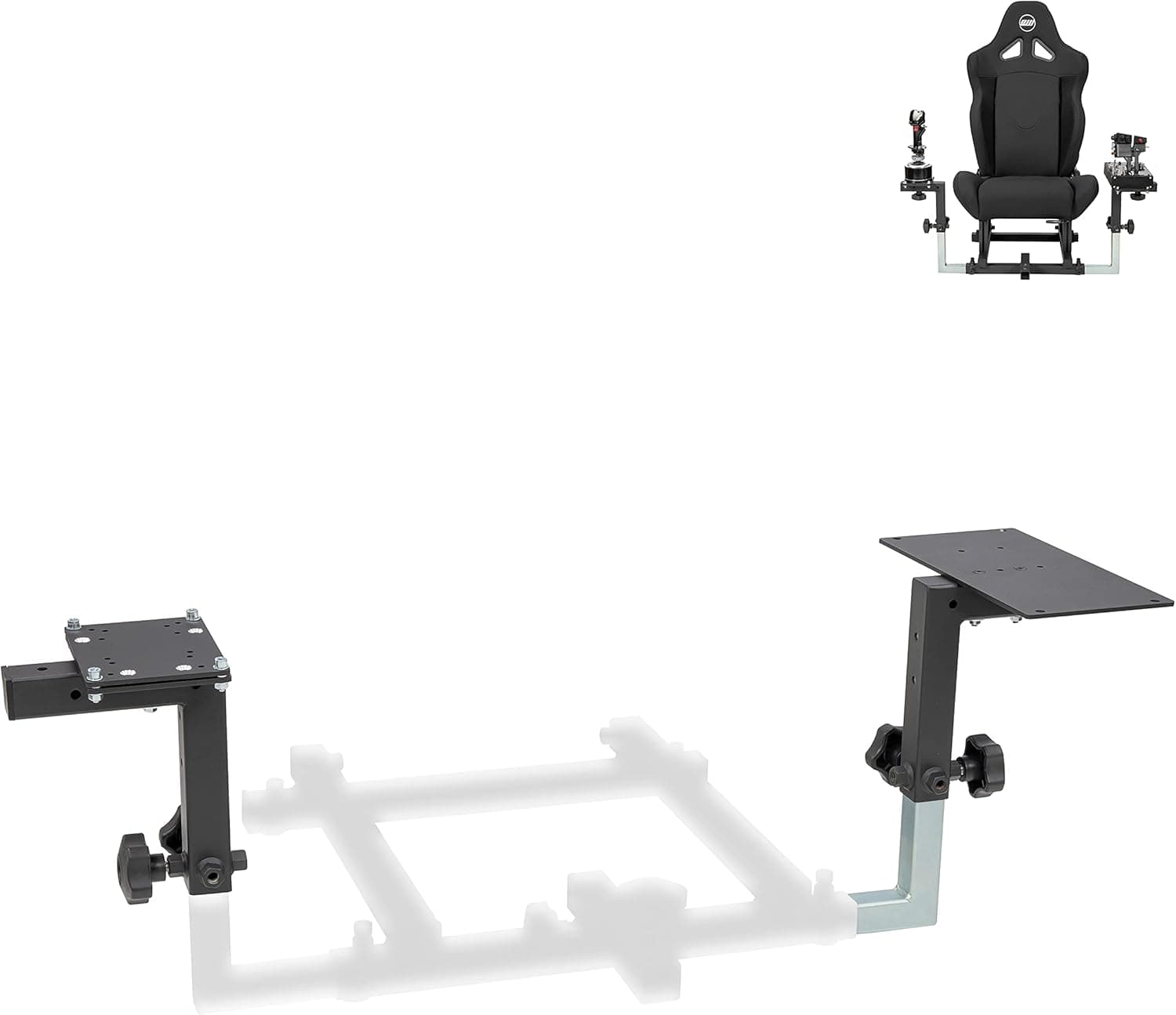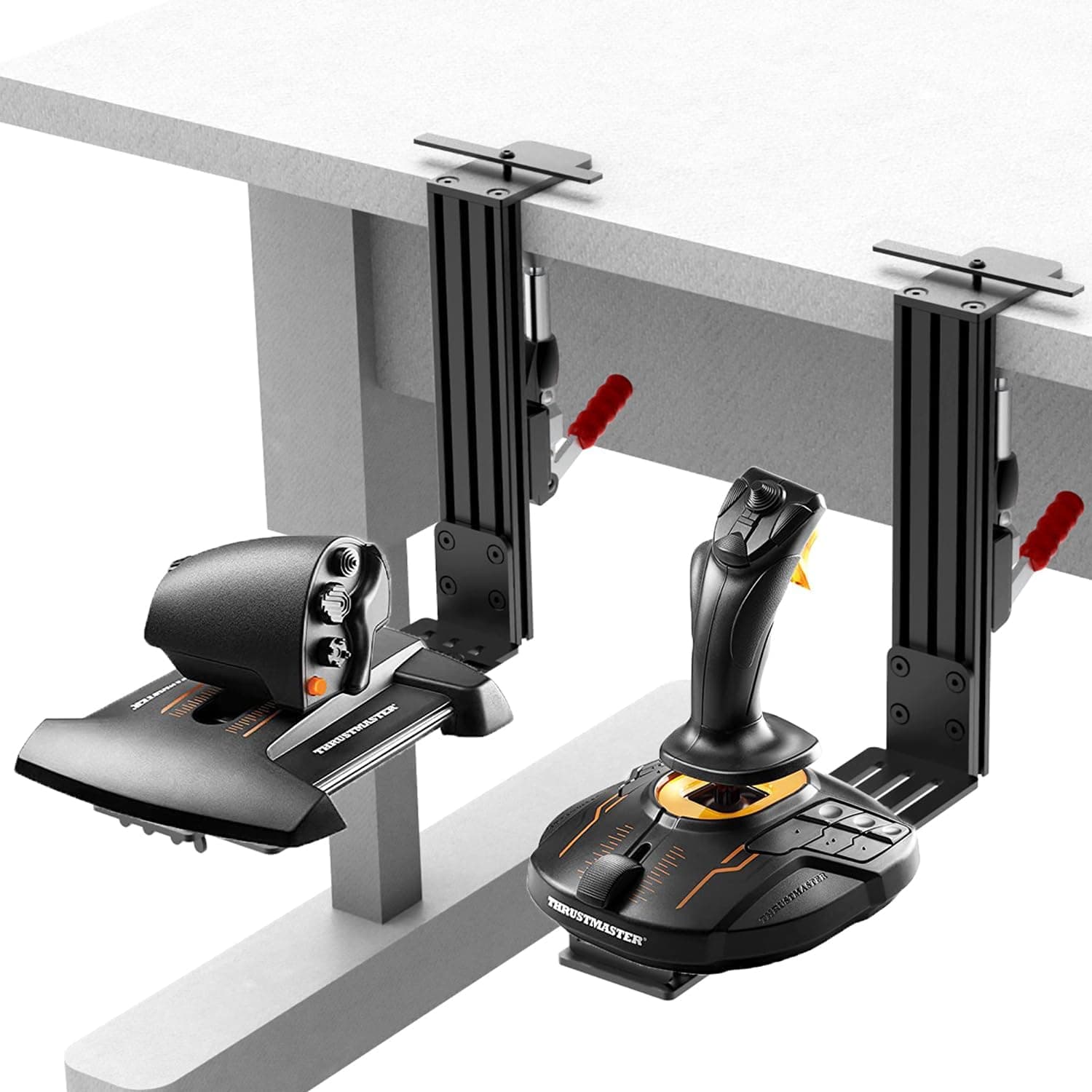
Overview
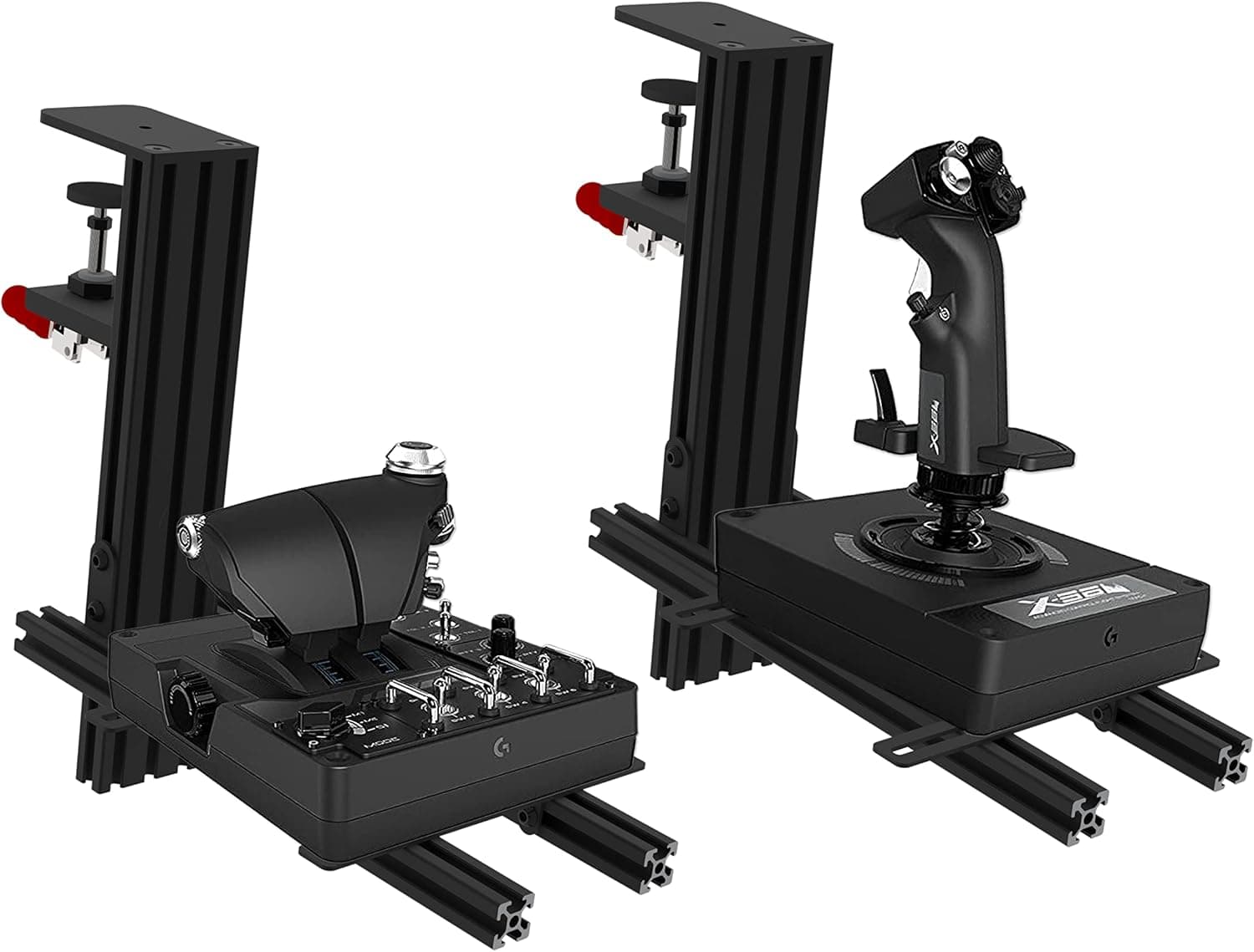
This is a 2-pack clamp mount kit for fixing flight sim joysticks and throttles to a desktop. To be clear about what it is: this is not another input device, it is the foundation that lets the HOTAS you already own perform properly.
Heavy units like the Logitech X52 or Thrustmaster Warthog will shift on rubber feet during hard pull-ups or full-roll inputs, and every shift costs you input repeatability and forces you to look down and reposition. This product removes that problem mechanically, with screws and a clamp.
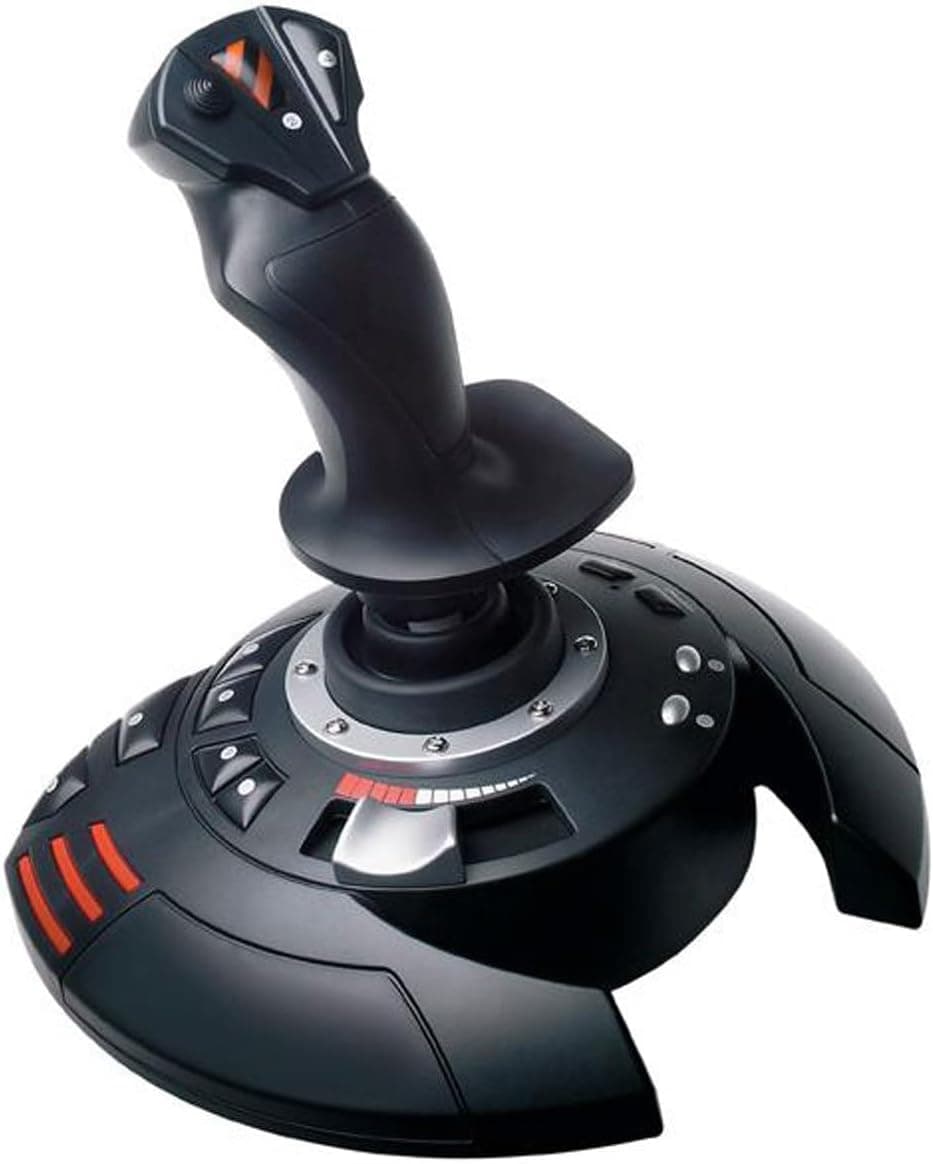
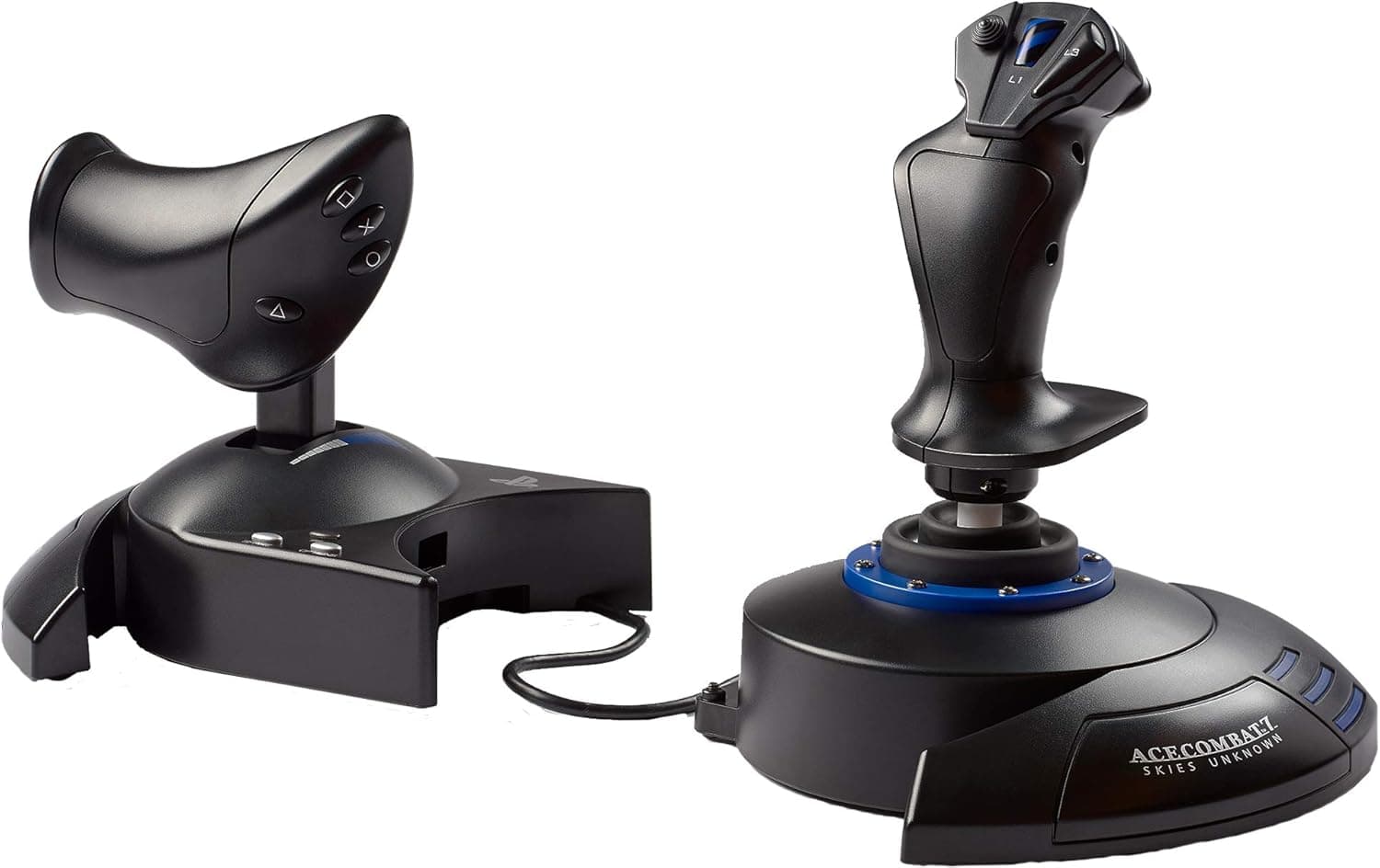
Listed compatibility is broad: Logitech X52 / X52 Pro / X56 / X56 Rhino, Thrustmaster T. Flight Hotas / A-10C Warthog / T.16000M FCS / TCA Airbus Joystick, and Winwing Orion.
Construction is steel. Amazon.co.jp shows 4.1 out of 5 stars from 58 reviews (captured 1 June 2026, roughly an 82% positive score) - stable, but 58 reviews is not a large enough sample to call this a proven standard.
Verify the fit against your own desk and hardware.
Compatibility Guide
Check three layers: the desk, the device, and your own body. Skipping any one of them ends with a mount that will not clamp, will not screw on, or bangs into your knees.
The desk comes first. Maximum clamp opening is about 5cm, and the intended desktop thickness is roughly 2-4cm.
Most wooden and gaming desks fall in range, but edge shape matters more than thickness. Desks with a reinforcing apron under the top, heavily rounded edges, or a metal frame running along the rim will not let the clamp jaws sit parallel, so it never really tightens.
Measure whether you have a flat run at least 5cm wide where you want to clamp. Glass tops should generally be avoided because of the breakage risk.
The device side is about base screw holes. The X52, Warthog and most other HOTAS units have threaded holes on the underside, and mounts of this type normally bolt to them, but hole spacing differs by model.
Match your exact model name against the compatibility list, including variants like X56 versus X56 Rhino. A model that is not listed may happen to fit, but that is a gamble.
Body clearance is the part people forget. Mounting to the desk edge pushes the stick toward you, which can conflict with drawers, a keyboard tray, chair armrests and your thighs.
If you plan a left-throttle, right-stick split at both ends of the desk, also consider whether that arm spread stays comfortable across a long flight.
| Check | Target |
|---|---|
| Desk thickness | About 2-4cm (5cm max opening) |
| Clamp location | Flat edge, no apron or frame |
| Desk material | Wood/laminate preferred, glass not advised |
| Device | Base screw holes, model on the support list |
| Legroom | Thighs, drawers, armrests |
These are pass/fail conditions. Clear all of them and the rest is just how evenly you tighten.
Setup and Living With It
Installation is tool-free and takes minutes, but how the jaws contact the desk matters more than how hard you crank them. Bolt the device to the mount plate first, then clamp to the desk - positioning is far easier that way.
Set the position loosely, then tighten evenly on both sides to avoid uneven pressure marks. The non-slip pads are there to protect the surface, so make sure they are properly seated.
In daily use, re-check the clamp once a month. Sustained hard inputs will loosen any nut eventually.
If you expect to move the desk often, or want the gear cleared away on non-sim days, factor in that a clamp mount is happiest as a permanent installation.
Product Info
Published specs: package dimensions of 36.78 x 15.09 x 10.39 cm, a weight of 5.92 kg (this appears to include packaging), a maximum clamp opening of about 5cm, and two units in the box.
The 2-pack is the real point of the product - stick and throttle can both be locked down, so you never end up with one half still sliding around. For two steel mounts, 5.92 kg is reasonable, and against lighter aluminium rivals it trades portability for rigidity.
Pricing needs a caveat. Amazon.co.jp was captured at ¥14,000 (27 August 2026) and eBay US at $109.77 (16 July 2026), which broadly agree - but the same ASIN was also recorded at ¥33,275 back on 1 June 2026.
That gap is too wide for one product, and the June figure is most likely a collection artefact or a temporary high-priced listing, so this article does not treat it as a real market price. All figures are captured-at-the-time values that move with sales and third-party sellers.
Check the current price on the product page before buying.
Alternatives
Competing options differ on three axes: material, removability, and mounting format. Aluminium desk mounts are lighter and gentler on desktops, but give up a little firmness under a big throttle.
Quick-release mounts suit people who want the gear off the desk on off days, at the cost of one more joint in the load path. Free-standing sim stands and cockpit frames ignore your desk entirely and can carry rudder pedals too, but they demand permanent floor space.
This product's niche is simple: if your desk meets the clamp conditions, it is the cheapest reliable way to get real rigidity. If your desk edge is unusable, you want frequent teardown, or you need pedals anchored as well, a stand will serve you better.
Best Use Cases
- Serious players of Microsoft Flight Simulator, DCS World, IL-2 Sturmovik or Star Citizen who want repeatable inputs
- Owners of large, heavy HOTAS sets such as the Logitech X56 or Thrustmaster Warthog
- Anyone who wants stick and throttle anchored at the same time - the 2-pack fits this exactly
- Users with wood or laminate desks, 2-4cm thick, with a flat edge
- People who would rather fix their control setup before spending more on hardware
Before You Buy
The biggest trap, again, is the desk edge. Buying on thickness alone and then finding a reinforcing rail in the way is the single most common failure.
Before ordering, reach under the exact spot where you want the stick and feel whether the surface stays flat. Glass tops, very thin tops, and desks whose surface sits on a shelf-style frame are best treated as incompatible.
Second, no controller is included. This is mounting hardware only; the joystick and throttle are separate purchases.
The long list of device names in the title makes this easy to misread.
Watch the price display too. As noted, the same ASIN carries records of ¥14,000 and ¥33,275 - more than a 2x spread.
If you see a figure that would buy you an entire HOTAS, check the seller and listing text first. Related to that: Amazon product pages sometimes carry manufacturer, model number or dimension data that does not match the actual item.
Cross-check the photos, the title and the compatibility list, and confirm your own model is named there before buying. Keep the modest 58-review sample in mind as well.
Finally, the things you should accept. A clamp will never leave a desktop completely unmarked; on soft veneer or painted premium desks, slip a thin protective plate between the jaws and the surface.
And the tighter the mount, the more desk vibration reaches the stick when you knock the table. That is the flip side of rigidity, not a defect.
FAQ
Q. My desktop is thicker than 5cm. Will it fit?
A. No. Maximum clamp opening is about 5cm, with 2-4cm as the intended range.
Q. Can I use it on a glass desk? A.
Not recommended. Concentrated clamping force risks cracking the glass.
Avoid it unless you have a genuinely flat, sturdy metal frame section to clamp to.
Q. Will it work with a model not on the list? A.
It may fit physically if the base screw holes line up, but there is no guarantee. Confirm your model number against the listing's compatibility list first.
Q. Do I really need two? A.
Yes, if you run a split stick-and-throttle HOTAS. With a standalone stick, one is enough and the spare covers a future throttle.
Q. How much wobble does it actually remove? A.
No measured figures are published. In general terms, bolting the device to the desk should essentially eliminate base movement during pull-ups and rolls - though if the desk itself flexes, the desk becomes the weak link.