Overview
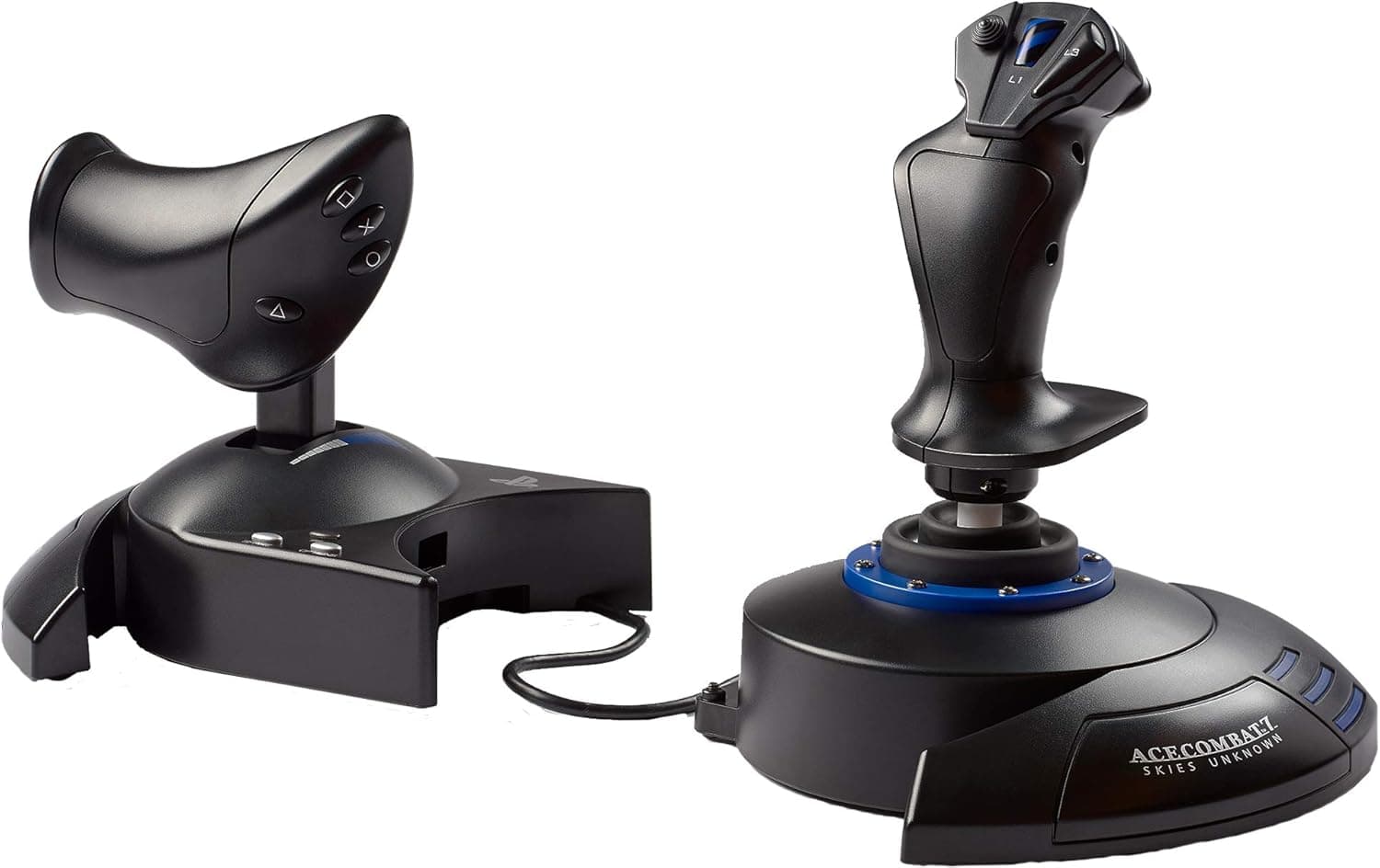
The Thrustmaster T-Flight Hotas 4 Ace Combat 7 Edition is a HOTAS (Hands On Throttle And Stick) controller for PlayStation 4 and Windows PC. The short version: this is the stick you buy to play Ace Combat 7 with something better than a gamepad, not a precision device for hardcore simulation.
On Amazon.co.jp it holds a 4.0 out of 5 rating across 281 reviews (captured June 2026), which is a fair result for its price tier.
As an officially licensed Ace Combat 7: Skies Unknown product, the PS4 version of the game recognizes the device and loads its key bindings automatically. The stick and throttle can stay joined as one unit or be split and placed independently on the desk.
Its core value is letting you try a military-style control layout for not much more than the cost of a premium gamepad.
Compatibility Guide
Connection is a single USB 2.0 cable, with no separate power adapter.
Listed platform support covers PlayStation 4 and Windows 10 / 8 / 7 / Vista. On PS4 you plug it into a USB port and it is recognized immediately, with Ace Combat 7 loading its preset bindings.
On PC it appears as a standard game controller without driver installation, so axes and buttons can be mapped in most flight titles that support DirectInput or XInput.
Two caveats matter. First, official OS support stops at Windows 10.
Many users report it working on Windows 11, but that is beyond what the manufacturer documents, so verify on the product and manufacturer pages if Windows 11 is your environment. Second, PS5 is not on the supported platform list.
Even for PS4 titles played on a PS5, peripheral support depends on the game's implementation, so PS5-first buyers must confirm before purchasing. Xbox consoles are not supported.
Physical fit is easy to overlook. Splitting the throttle and stick across your desk consumes more width than people expect, which is a real problem on a desk that already holds a keyboard and mouse.
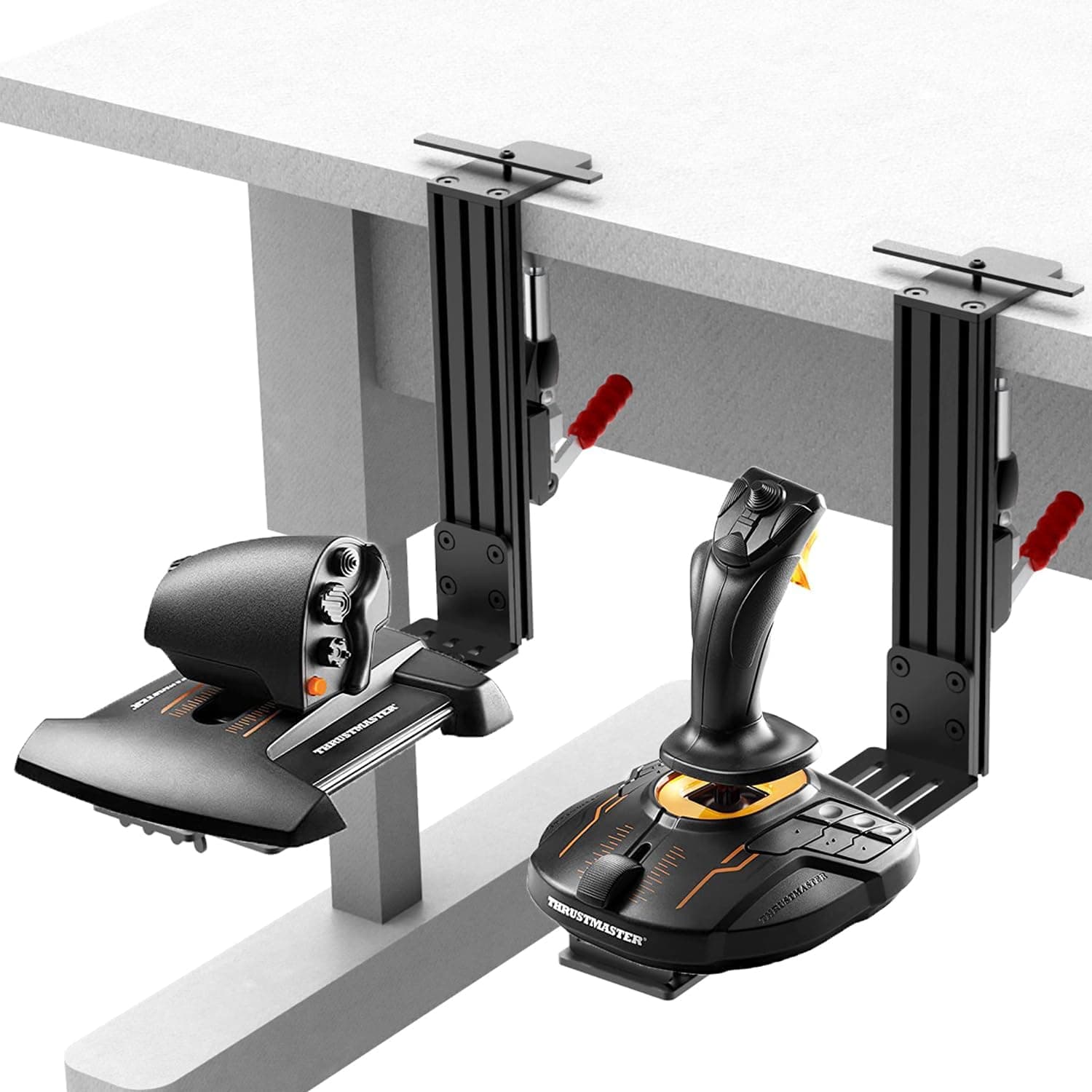
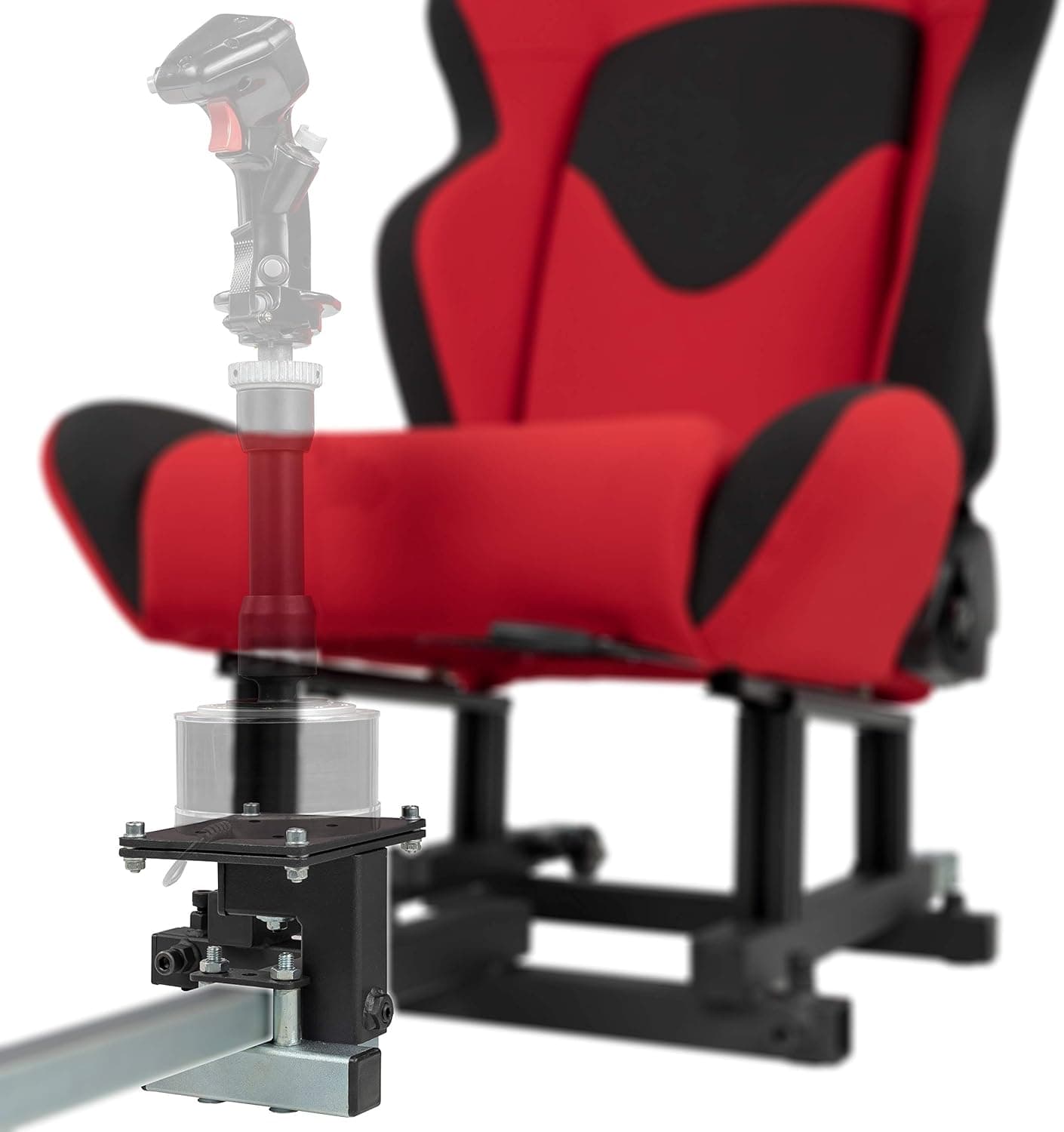
The rubber feet alone can slide during aggressive maneuvers; a grip mat or a dedicated flight stick desk mount solves this. The cable exits from the throttle side, so check that it reaches your PC before committing to a layout.
Product Info
Key specs: USB 2.0 connection, PlayStation 4 and Windows 10/8/7/Vista support, and a HOTAS layout combining stick and throttle.
The box contains the unit and a USB cable; no extra software installation is assumed. It is sold through authorized Japanese distributors with manufacturer warranty coverage.
As captured in June 2026, the Amazon.co.jp listing showed ¥19,000.
That places it at the entry to lower-mid tier for flight sticks. Because this is a high-volume product, its price swings noticeably with sales and stock.
Treat the figure above as a snapshot only and check the product page for the current price before buying. Overseas marketplace listings exist as well, but price and condition vary per seller, so buy through authorized channels if domestic warranty coverage matters to you.
Review data, also captured in June 2026, shows 281 reviews averaging 4.0 out of 5.
That the score is not near-perfect tells you something useful: buyers who accepted its entry-level nature are satisfied, while those who expected simulator-grade precision were not.
How It Compares
Within Thrustmaster's own range, the T.16000M FCS family is the obvious alternative.
Those are stick-only units with Hall effect sensors for higher axis precision and an ambidextrous design. If precision comes first and you plan to add a throttle later, the T.16000M line fits better.
The T-Flight Hotas 4 counters with an included throttle and PS4 support — and for "Ace Combat 7 on PS4" specifically, there are barely any alternatives at all.
Above this tier sit sticks with far more buttons and Hall effect sensors (Thrustmaster's own Sol-R1, or competing X56-class hardware). If you intend to go deep into DCS World, where a single airframe uses dozens of switches, starting higher up can be cheaper in the long run.
If you simply want rudder immersion, adding rudder pedals to this unit is the practical upgrade path.
What Using It Is Actually Like
The stick twists for rudder input, so you can steer the nose without pedals. That twist axis, though, favors broad corrections over fine trimming.
It works well for arcade-leaning flight games like Ace Combat 7, but during simulator landings where you adjust a few degrees at a time, it can feel imprecise.
Expect price-appropriate play around center as well. Most games expose sensitivity curves and deadzone settings, so an initial impression of "too twitchy" or "too numb" often changes substantially once you tune them.
Spend thirty minutes on in-game settings with one title before forming a verdict.
Best Use Cases
The ideal buyer plays Ace Combat 7 on PS4 and wants more immersion than a gamepad provides; the licensed auto-mapping removes almost all setup work. The second-best fit is a PC player curious about flight sims but not ready to spend several times this amount.
Use it to find out whether the HOTAS control scheme suits you, then invest in rudder pedals or a higher-tier stick if it sticks.
Space sim players dipping into Elite Dangerous or Star Citizen will also get value, provided they accept using a keyboard alongside it for extra bindings. It is not the right buy for cramped desks, for owners of higher-tier HOTAS gear, or for anyone whose priority is cockpit fidelity.
Things to Check Before Buying
First, accept that this is an entry model. It has fewer buttons than higher tiers and axis precision that matches its price.
Building out a full DCS World airframe with radio and radar bound to the stick is beyond its button count. The 4.0 average across 281 reviews largely reflects the gap between buyers who accepted that and buyers who did not.
Second, do not assume platform support. Documented support covers PS4 and Windows through 10.
PS5 players, Windows 11 users, and Xbox owners should confirm their environment is covered before buying. Assuming "it says PS4, so PS5 must work" is the single most common mistake with peripherals like this.
Third, measure your desk. The detachable design is a strength and a space requirement at once; measuring first avoids discovering after delivery that there is nowhere to put it.
Fourth, a note on listings. The manufacturer name (Thrustmaster) and ASIN here match the product covered in this article, but online prices drift from the captured date, and standard (non-Ace Combat) or import versions often appear under similar names.
If you specifically want the licensed edition's colorway and packaging, confirm via the product images and title, not price alone. Listing metadata is occasionally wrong, so that visual check is worth the few seconds.
FAQ
Q. Can I use it with games other than Ace Combat 7? A.
Yes. On PC it registers as a standard game controller, so axes and buttons can be mapped in DirectInput/XInput flight titles.
Automatic binding is an Ace Combat 7 licensing feature only; other games require manual setup.
Q. Do I need to install drivers? A.
Generally no — plug it into USB and it is recognized. Firmware updates or tuning utilities may be offered, so check the manufacturer's support page if behavior is unstable.
Q. Does it work on PS5? A.
Listed platform support covers PlayStation 4 and Windows; PS5 is not included. Peripheral support also depends on each game's implementation, so confirm current information before buying for a PS5.
Q. Do I need rudder pedals? A.
Not required. The stick's twist axis handles rudder input.
Consider pedals later if you want finer landing control or move toward serious simulation.
Q. How much does it cost? A.
The Amazon.co.jp listing showed ¥19,000 as captured in June 2026.
Prices for this product move a lot, so check the product page for the current figure.
Product Disclosure (Amazon)
- Manufacturer: Thrustmaster
- ASIN: B07K4SSK7F
- Note: This article covers a manufacturer-made product based on Amazon listing details.