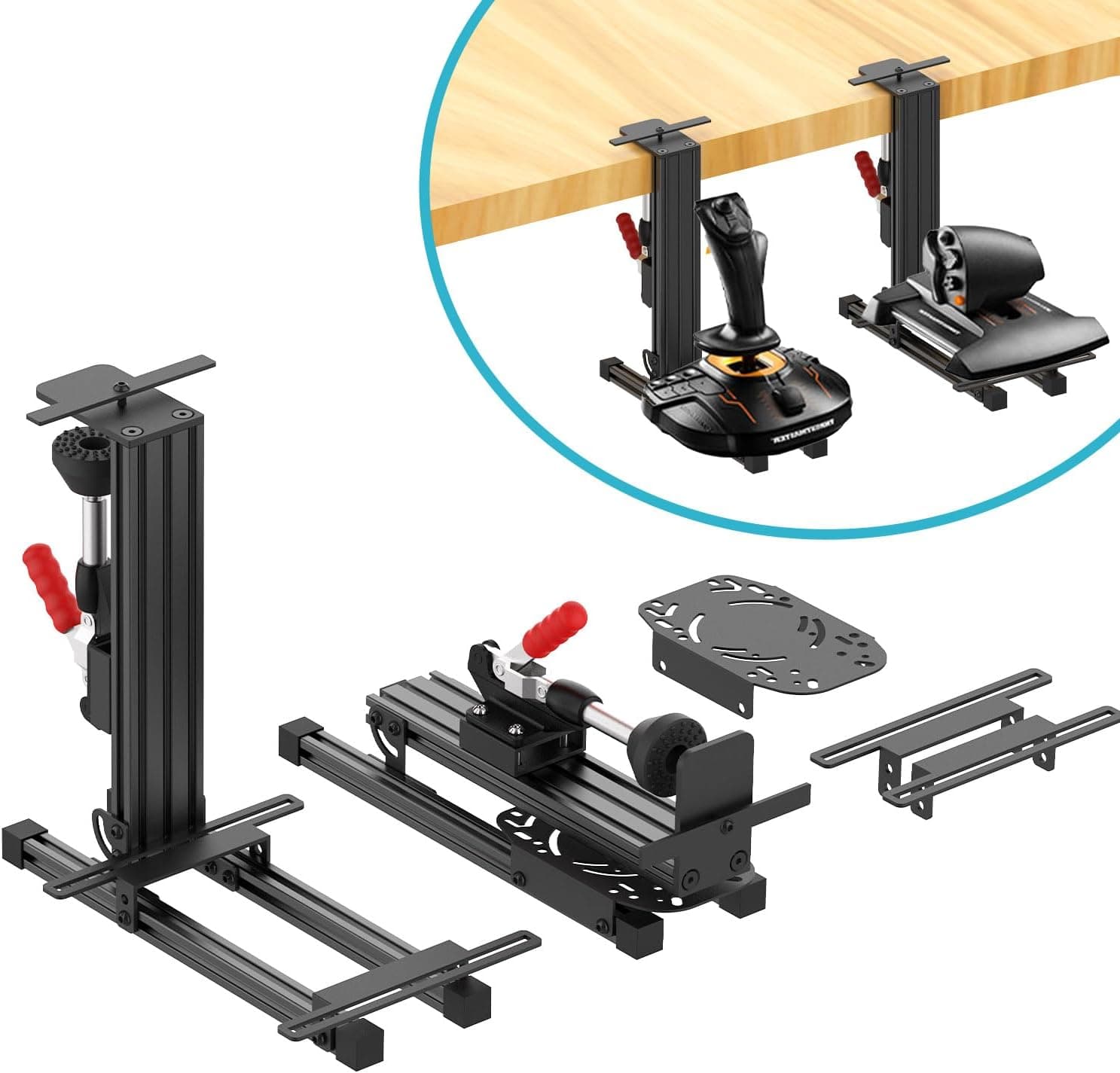
This article covers the 2 Set The Desk Mount for The Flight Sim Game Joystick, including the checks you should run before you order it.
Overview
This is a two-piece clamp mount set for securing flight sim joysticks, throttles, and HOTAS units to the edge of a desk. The point is to anchor a split HOTAS layout without drilling holes, aimed at people who don't want to build a dedicated cockpit but are tired of their stick sliding across the desk.
The Amazon.co.jp listing carried a 4.6/5 rating from 102 reviews (92% positive) as of May 2026.
That's a solid score for an accessory, but 102 is a small sample compared with mainstream gaming peripherals, so desk-specific fitment problems can easily hide inside it. With clamp mounts, negative reviews usually mean "it didn't fit my desk" rather than "the product is bad."
Compatibility Guide
The stated compatible devices are the Logitech X56, X52, X52 Pro, and Thrustmaster T-Flight Hotas, T.16000M, and TCA.
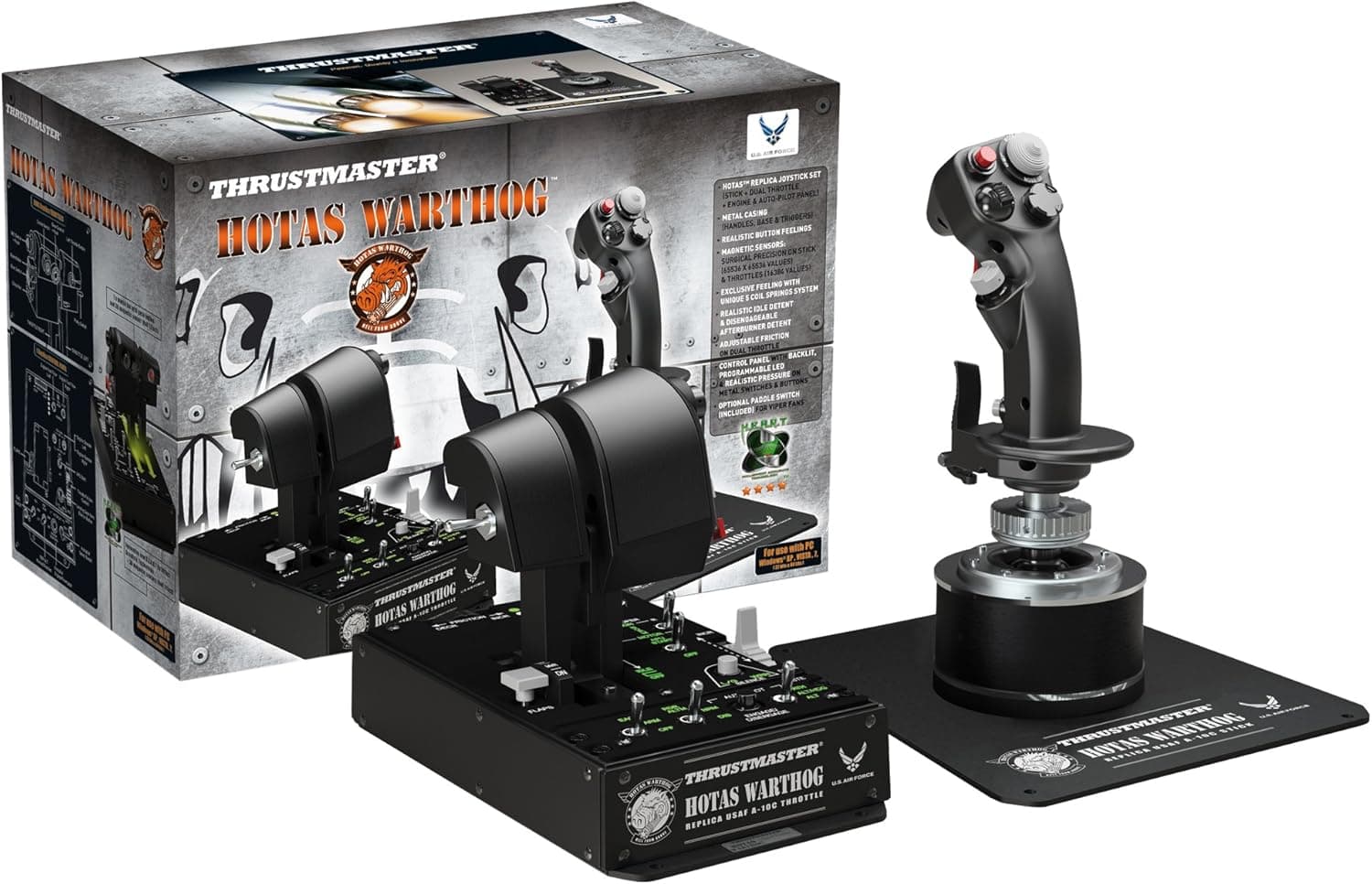
These share generic base mounting patterns that the arms are designed around. Similarly shaped sticks may work, but large heavy metal units such as the Thrustmaster HOTAS Warthog, or anything with an unusual base, should be treated as out of scope.
In practice, failures happen on the desk side. Rated desk thickness is 2–5 cm. Three things get overlooked:
| Check | What to look at | Failure mode |
|---|---|---|
| Top thickness | Within 2–5 cm | Too thin and the clamp won't bite; too thick and it won't open |
| Underside clearance | Aprons, cross braces, drawer rails | The lower jaw can't reach past the first few cm of edge |
| Edge profile | Chamfers, rounded edges, glass | Contact becomes a point, and the mount twists under load |
The apron is the big one. A desk can have a 2.5 cm top and still carry a 10 cm reinforcement rail underneath, leaving you clamping only at the very lip.
Pulling the stick toward you generates real leverage against that edge, so a shallow bite will creep no matter how hard you tighten. On glass or thin particleboard, over-tightening can crack or dent the surface — always use the supplied pads.
Since this is a two-mount set, also measure whether one desk edge gives you two usable spots. Separating stick and throttle at shoulder width (roughly 40–50 cm) means that whole span has to be flat and clampable.
Product Info
Package dimensions are 36.7 x 15.3 x 10.2 cm and weight is 5.08 kg.
That mass across two mounts points to substantial metal in the clamps and arms — heavy for this category. The flip side is that a lightweight folding desk may lose to the mounts themselves.
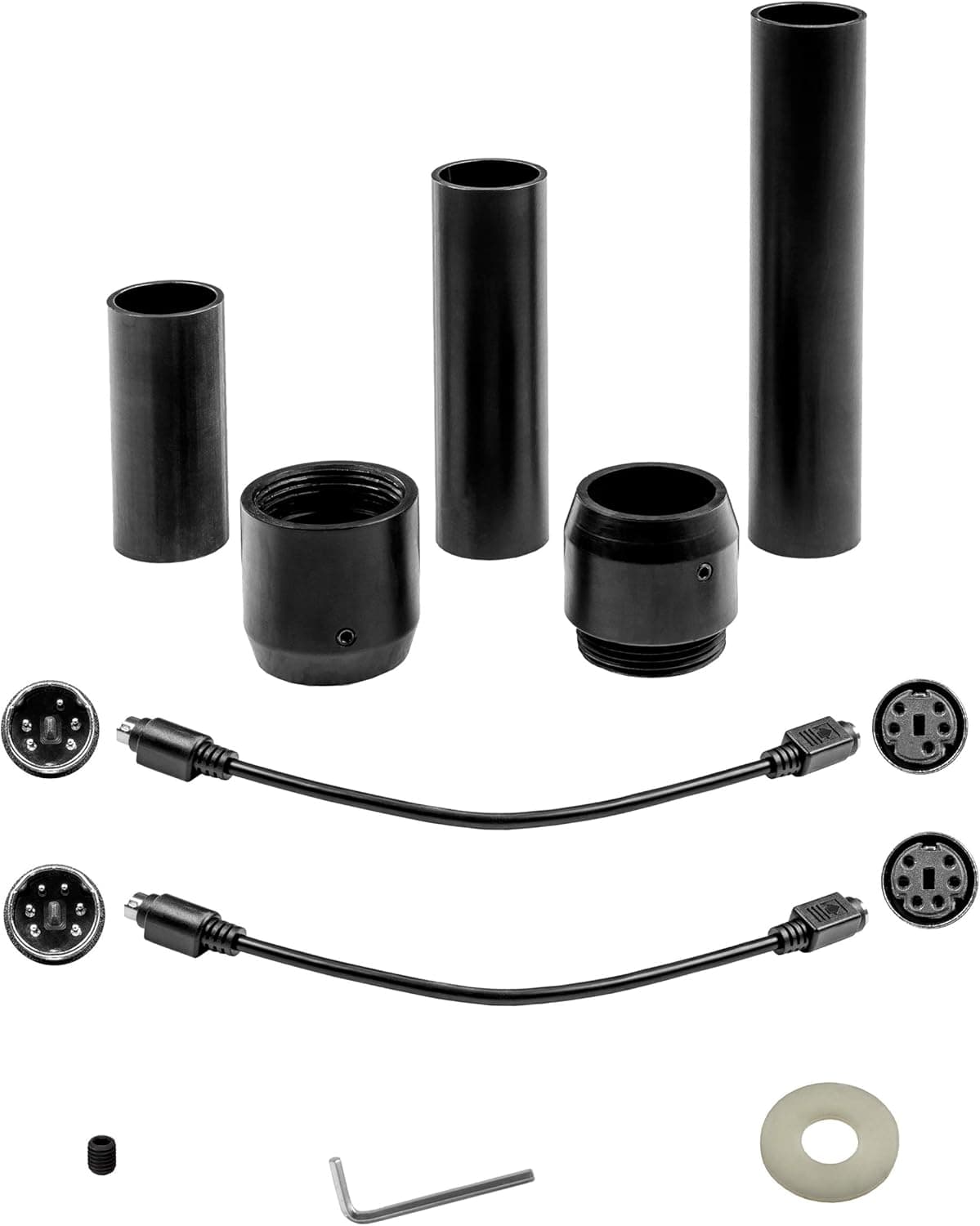
The box includes clamps, mounting arms, and the necessary hardware, and assembly is essentially tool-free. Confirm warranty terms with the seller.
Pricing needs a caveat. The Amazon listing showed ¥24,707 as captured on 28 May 2026, while the eBay listing showed $82.21 as captured on 9 July 2026.
Even allowing for exchange rates, those two figures don't reconcile, which suggests one or both captured a different variant or seller. The Amazon entry is also labelled "Amazon US" while the link points to Amazon.co.jp.
Both figures are point-in-time snapshots and prices move — check the current listing before buying.
How It Compares
There are three routes here: clamp-on desk mounts like this one, floor-standing sim stands, and full cockpit frames. Clamp mounts cost and occupy the least, and come off when you're done — but they consume desk edge, which competes with keyboard and mouse space.
Floor stands ignore desk geometry entirely and let you place the stick beside your knee or centred, closer to a real cockpit position. They cost more and stay in the room permanently.
If you want to test the waters, clamp on. If you fly more than an hour a day, moving to a stand or frame sooner will save you money over time.
Best Use Cases
This fits best if you already own a Logitech X56/X52/X52 Pro or a Thrustmaster T-Flight Hotas/T.16000M/TCA and your stick slides or lifts when you pull it.
If your desk is a flat 2–5 cm slab with a clear underside and no drawers, conditions are close to ideal. Two-grip users running separate stick and throttle map directly onto the two-mount set.
It's also a sensible answer for renters who can't drill into furniture.
Things to Check Before Buying
Look under your desk first. The most common failure with this product isn't the product — it's desk geometry.
People measure the top thickness, order, and then find an apron in the way. Physically feel for a 10 cm square of clear flat space beneath each intended clamp position.
5.08 kg is picky about desks. The mounts are heavy before you add stick weight and the pull and twist of actual flying.
On thin flat-pack tops or wobbly legs, the mount will hold but the desk will sway. The fix there is bracing the desk, not buying a different mount.
Assume large HOTAS units are out. Anything not on the stated list — especially Warthog-class metal sticks — exceeds both the arm geometry and the sensible load.
Treat unlisted models as "might work," nothing stronger.
Watch for listing inconsistencies. As noted, the source label and link region don't match, and the two captured prices diverge sharply.
Pages like this often bundle one-piece, two-piece, and different-model variants under a single listing, so what arrives depends on the variation you pick. Confirm the images, title, and selected variation before ordering — registered manufacturer and model numbers on such pages are sometimes wrong.
Set expectations correctly. A clamp mount stops your stick from sliding.
It does not deliver a true centre position or rock-solid rigidity under a hard pull. If that's what you're after, go straight to a frame-style rig.
FAQ
Q. Will it work with the Thrustmaster HOTAS Warthog? A.
It isn't on the stated compatibility list. It might physically sit on the arm, but the Warthog is a heavy metal unit and this is outside the intended use.
Choose a mount that explicitly names Warthog support.
Q. Will it mark my desk? A.
Any clamp puts pressure on the surface. Always use the supplied pads, and add 2–3 mm rubber or felt if you're worried.
Be especially careful with veneer and glass tops.
Q. Do I need tools? A.
Clamping is hand-tightened and tool-free. Depending on your stick, a small screwdriver or hex key makes attaching the device to the arm easier.
Q. Can I mount stick and throttle on separate desks? A.
Physically yes, since you get two mounts. But matching height and angle across two desks is hard, and mismatches strain your wrists on long flights.
Keep them on one surface if you can.
Q. Can I remove it when not in use? A.
Yes, tool-free. But at 5.08 kg, frequent removal gets tedious.
If you plan to pack it away daily, consider a lighter mount or a dedicated surface.