Overview
The Thrustmaster T-Flight Stick X (model 2960694) is an entry-level joystick built as an on-ramp into flight simulation. The short verdict: if you have hit the limits of keyboard-and-mouse flying and are not ready to spend hundreds on a full HOTAS, this is the most straightforward first stick to buy.
If you want every cockpit switch bound to hardware in DCS World, or you need hall-effect sensor precision, it will disappoint you.
The headline specs are 12 programmable buttons, an 8-way hat switch, USB 2.0 Type-A connectivity, support for Windows PC and PlayStation 3, and a weight of 2.62 lbs (roughly 1.19 kg).
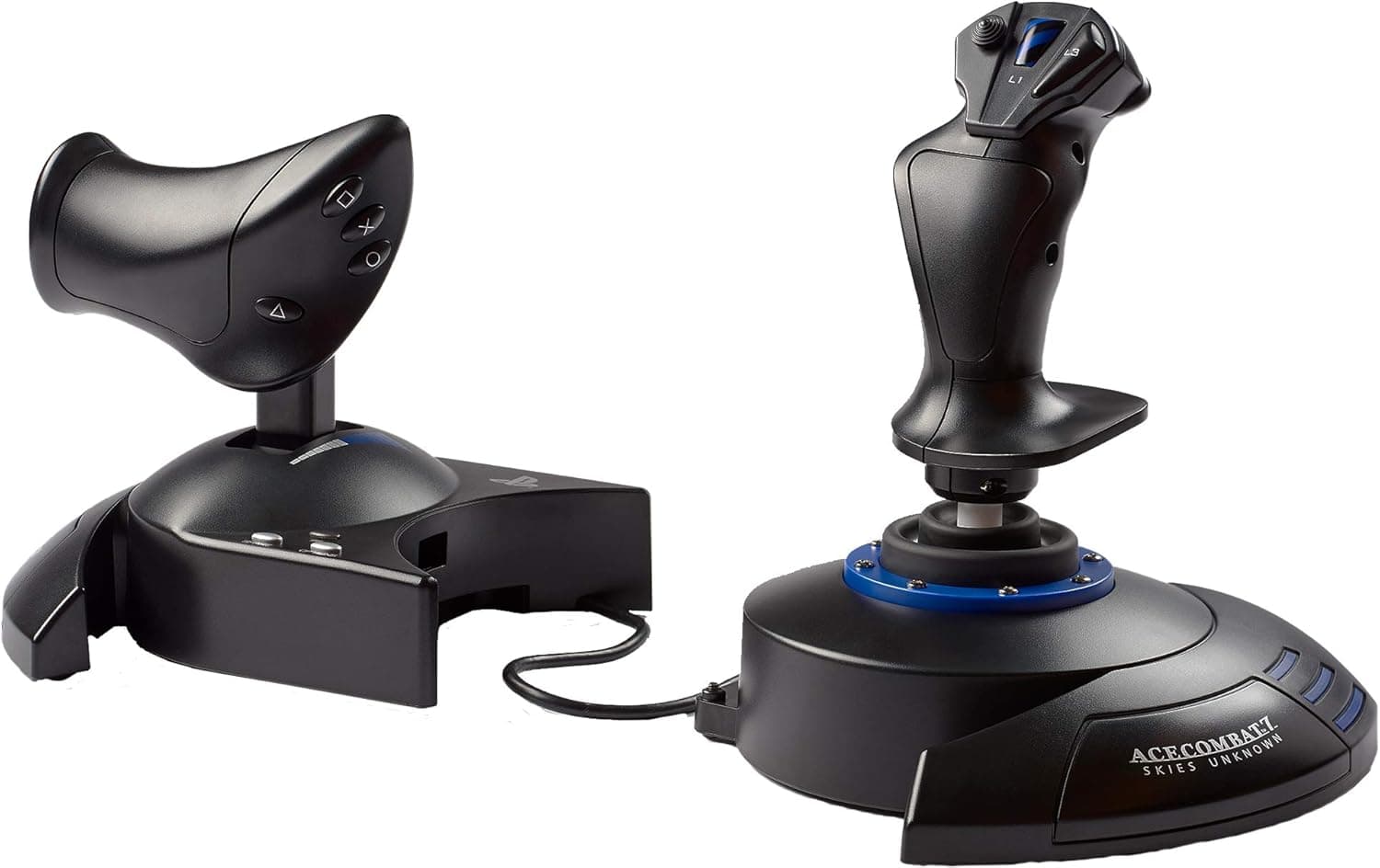
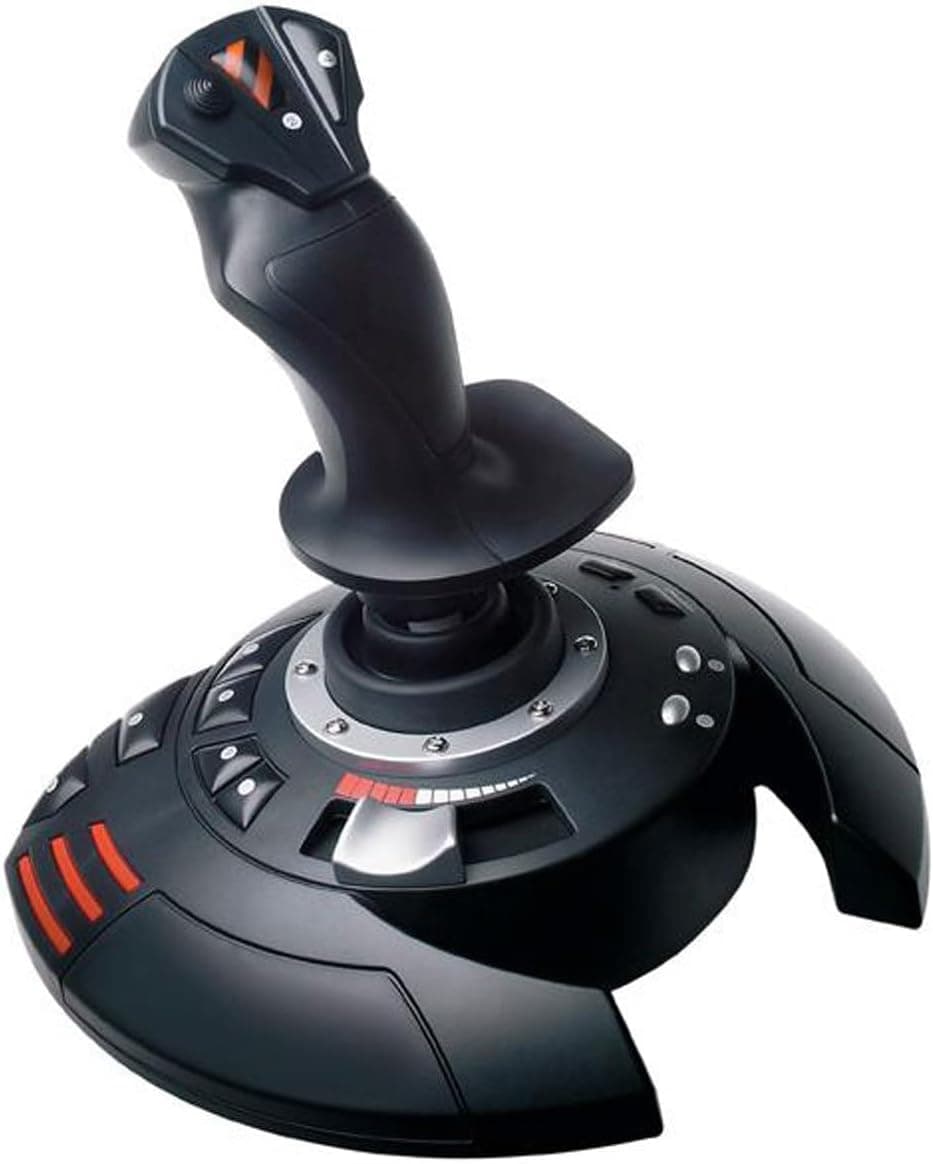
The throttle is built into the base, so one purchase gives you right-hand stick and left-hand throttle without a separate module. At this price tier, that integration is the real practical advantage.
Amazon.co.jp reviews stood at 7 ratings and 4.4 out of 5 (88% positive) as captured on 28 May 2026.
The score looks good, but seven reviews is far too small a sample to mean anything statistically. This article therefore does not lean on the rating; the case for or against the stick is built from specs and design intent instead.
Compatibility Guide
Connection is a single USB 2.0 Type-A cable that carries both power and data.
There is no external power brick, no internal wiring, and no case clearance to worry about, so it works equally well with a laptop or a desktop. Windows XP/Vista/7/8/10/11 recognise it with native drivers, and it appears as a standard DirectInput/HID device.
On Windows 11 you can verify axes and buttons through the built-in USB game controller settings panel.
Game support comes down to whether a title accepts DirectInput devices. Dedicated sims such as Microsoft Flight Simulator, X-Plane and DCS World are designed around generic joysticks and let you bind axes and buttons individually.
Action games built purely around Xbox (XInput) controllers, or titles with no controller remapping at all, may not list the stick as an option. Treat it as a flight-sim device, not a universal PC gamepad replacement.
PlayStation 3 support is in the spec sheet, but as the compatibility notes state, that support is limited to flight games. It is not a general DUALSHOCK substitute.
PS4, PS5, Xbox consoles and Nintendo Switch are not listed as supported platforms at all. For anyone shopping for a console flight controller, that single fact usually decides the purchase.
On the physical side, the 1.19 kg weight deserves interpretation.
That is light for a flight stick, and desk stability depends more on the base rubber and your desk surface than on mass. On glass or slick laminate tops, the unit can slide during hard pull-back inputs.
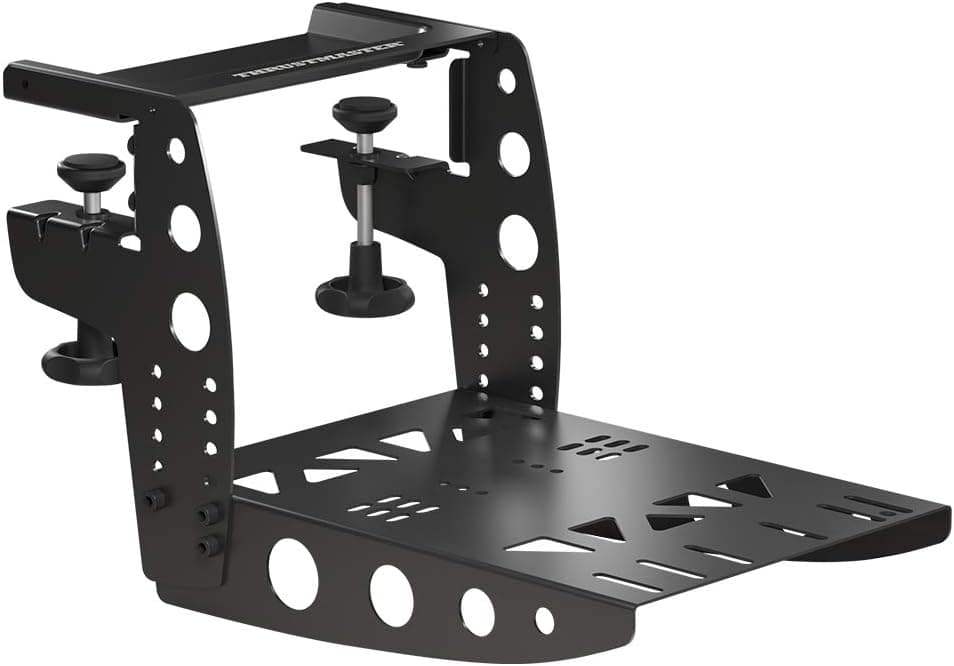
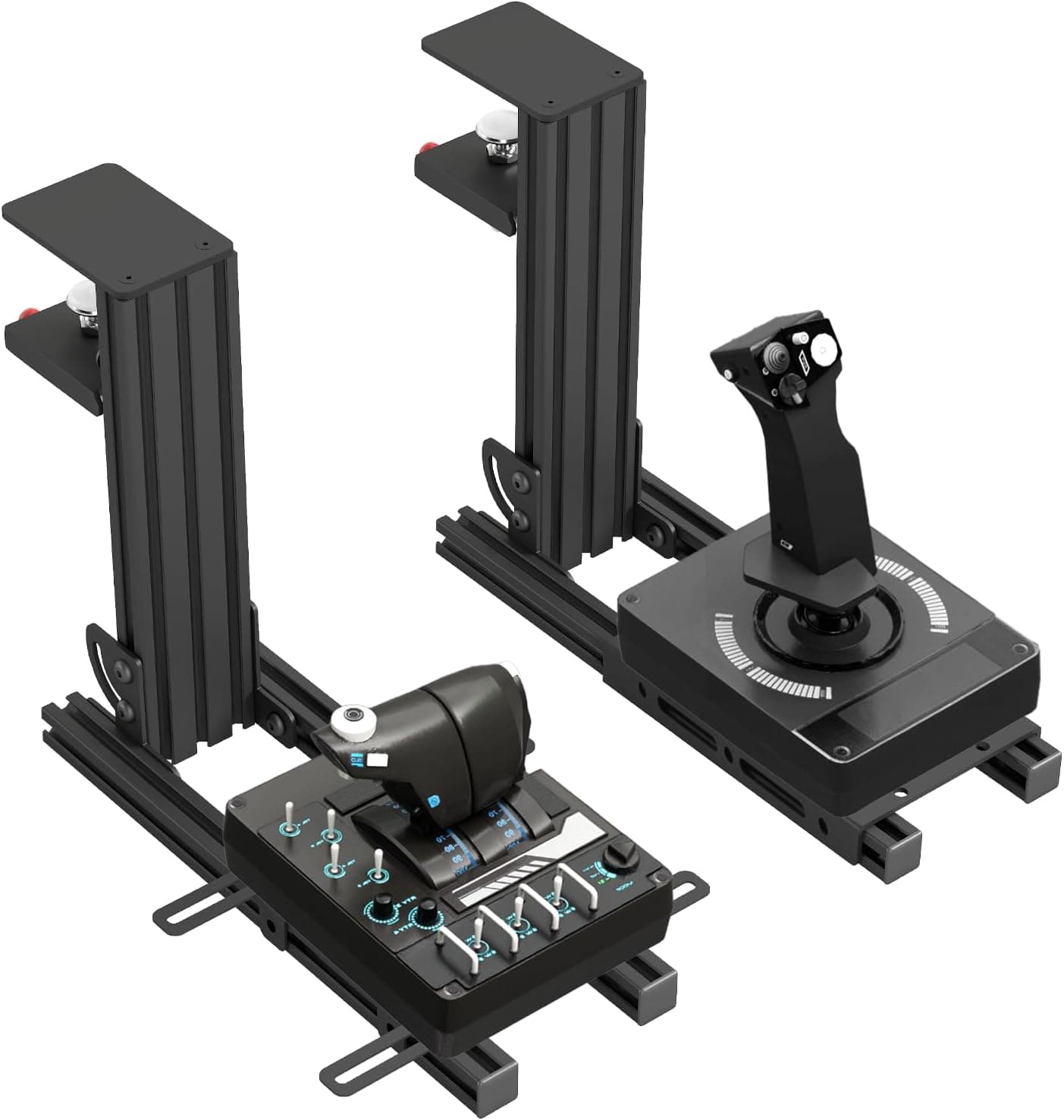
The common fixes are a non-slip mat or a clamp-style desk mount that grips the desk edge. Start with the cheap option first.
Product Info
The supplied specifications are summarised below.
| Item | Value |
|---|---|
| Buttons | 12 |
| Hat switch | 8-way |
| Interface | USB 2.0 Type-A |
| Supported platforms | Windows PC, PlayStation 3 |
| Weight | 2.62 lbs (approx. 1.19 kg) |
Twelve buttons plus an 8-way hat is a standard entry-class layout. Map the hat to view control, the trigger to guns or weapon release, and use the remaining buttons for gear, flaps, trim and autopilot; that covers most of what an airliner sim needs without touching the keyboard.
Military sims like DCS World are a different story: a single airframe can have dozens of bindable functions, so 12 buttons will not be enough and you will end up using a modifier button for layered bindings.
Pricing needs a warning. The Amazon-side figure recorded on 28 May 2026 is implausibly high for a Thrustmaster entry-line product — an order of magnitude out of step with the product class — and most likely reflects either a data-collection error or a marketplace seller's inflated listing.
This article therefore does not treat that number as a street price. The eBay US figure captured on 9 July 2026 was $53.96, which is a sensible level for an entry-class flight stick.
Both figures are point-in-time snapshots and move with sales and stock; always check the current listing before buying.
A note on the sales channel: Amazon.co.jp lists Thrustmaster as the manufacturer, but both the seller and the shipper are azkcom, a marketplace seller.
The manufacturer matches the product in the title, so the listing details are left as-is here, but because this is not a direct Amazon sale, price, warranty handling and delivery times depend on the seller. If domestic distributor warranty coverage matters to you, look for a listing that states it explicitly.
Comparison With Alternatives
The usual in-family comparison is the Thrustmaster T.16000M FCS.
It uses H.E.A.R.T.
hall-effect sensors, a contactless design that resists the growing centre slop that wears into potentiometer sticks over time, and it carries more buttons. It can also be reconfigured for left- or right-hand use.
If precision and longevity are your priorities, that is the stronger buy. The trade-off is simple: T-Flight Stick X gives you an all-in-one throttle, T.16000M gives you sensor quality and more inputs.
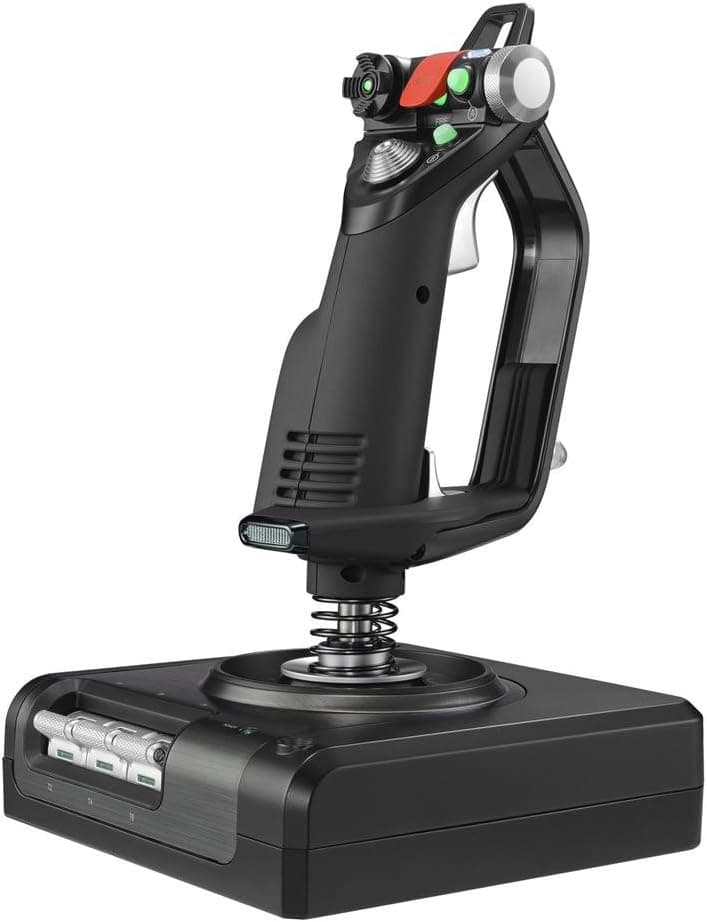
Further up the range sit sticks like the Sol-R1, with 44 buttons and hall-effect technology, and fully split HOTAS setups such as the Logitech G X56, where stick and throttle are separate units. Split systems let you place each half at your own shoulder width, which measurably reduces fatigue on long flights.
The T-Flight Stick X's integrated throttle, a small unit tethered to the stick, cannot match that in placement freedom or throttle travel.
What keeps this model relevant is that one purchase settles the whole question for a beginner — you never discover after the fact that the throttle was sold separately. If you later move up to a full HOTAS, by then you will actually know which features you need.
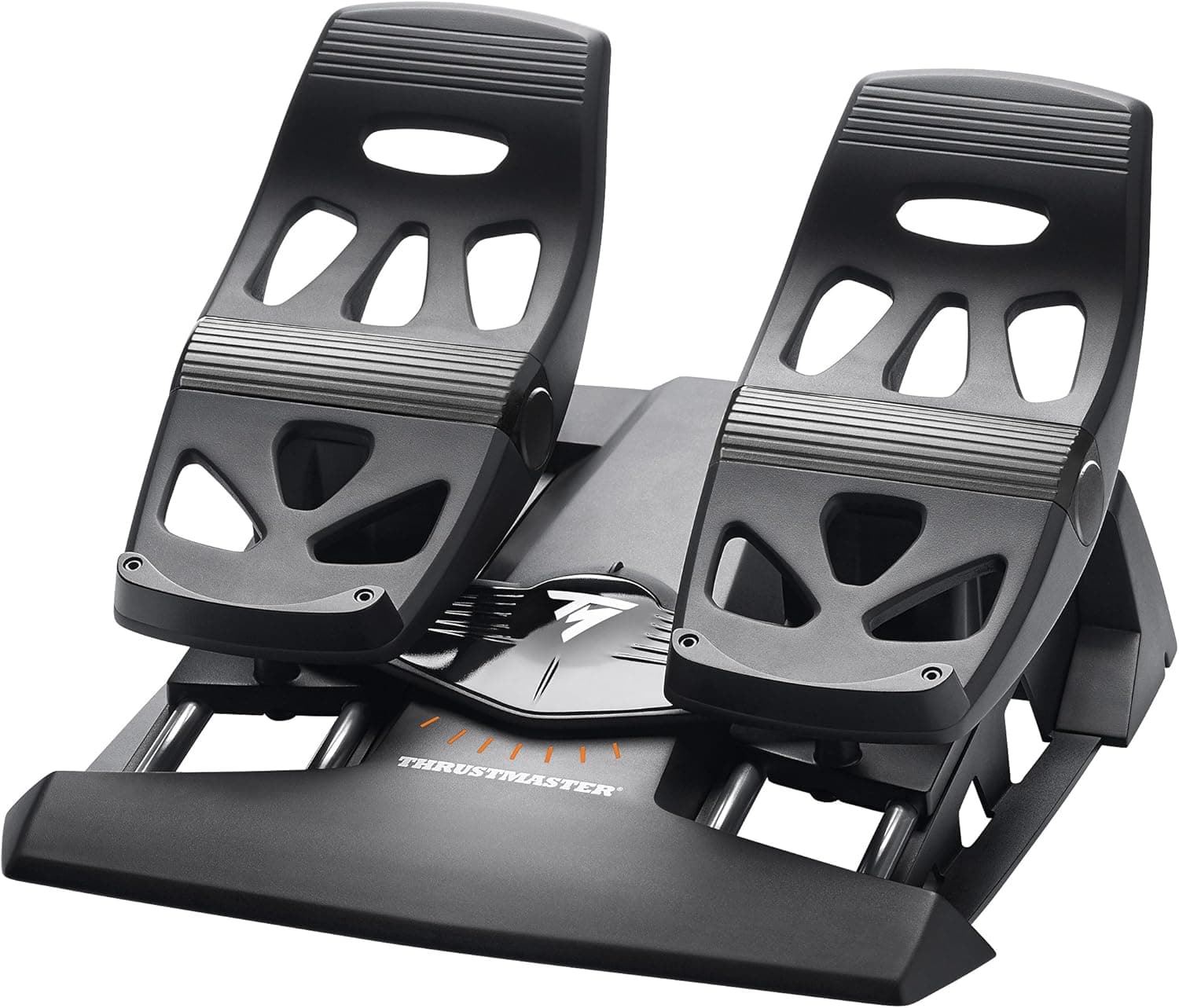
And when rudder control becomes the missing piece, you can extend sideways with pedals such as the TFRP rather than replacing the stick.
Setup and Real-World Feel
Setup is plug it in and wait for Windows to enumerate it. No driver package is required, but two things are worth doing on day one: calibrate through the Windows USB game controller settings, and set an in-game deadzone.
Potentiometer-based sticks vary slightly unit to unit, and skipping calibration produces the classic symptom of the aircraft slowly rolling even with hands off the stick.
In use, the spring tension is on the light side, which keeps your hand from tiring over long sessions. Light tension also means fine inputs are harder to repeat consistently.
For delicate work — landing flare, or air-to-air refuelling — flattening the sensitivity curve around centre in the game's control settings makes the stick noticeably more manageable. That is a standard feature in most sims, so software can compensate for a good deal of the hardware's limits.
The base-mounted throttle has short travel. In practice you are switching between idle, cruise and full power rather than dialling in exact percentages.
That is fine for holding a cruise setting in an airliner sim or kicking in afterburner in a fighter, but it falls short if you want the fine power modulation a helicopter collective demands.
Best Use Cases
This stick suits people new to flight simulation who do not yet know which sub-genre — airliners, combat, or space — will hook them. Because the throttle is included, you get the full flying experience while deferring any decision about further investment.
It fits people practising takeoffs and landings in Microsoft Flight Simulator or X-Plane, and equally people moving off the keyboard in space titles like Star Citizen or Elite Dangerous.
It also suits budget-first buyers. A high-end HOTAS costs several times as much before you add rudder pedals; this stick lets you find out whether a dedicated flight controller is worth it to you at low cost.
Keep it if it clicks, move up if it does, sell it if it does not. And for anyone still playing flight games on a PlayStation 3, it is one of the few explicitly supported options left.
Finally, it works well as a shared or occasional-use device. It is light, connects with one cable, and stores away easily — a realistic setup for a desk you also use for other things, long before you commit to a permanent simpit.
Things to Check Before Buying
Start with the price discrepancy. The product data referenced for this article recorded a figure far above what this product class normally commands.
Marketplace listings for older, thin-stock hardware are often priced opportunistically. Compare several listings and retailers before you commit; a figure well outside the normal entry-stick range reflects the seller's pricing, not the product's value.
Relatedly, listing metadata itself is sometimes wrong. Manufacturer names, model numbers and platform support fields occasionally carry another product's data.
Here the manufacturer field does match, but before ordering, confirm from the product images and title that you are looking at the T-Flight Stick X, model 2960694.
The most common after-purchase surprise is rudder control. This is not a pedal set, so yaw is handled by twisting the stick or by button bindings.
If you are used to pedals, or you want careful taxiing and crosswind landings, this will feel limiting and you will likely add pedals later. Budget for that possibility from the start.
Sensor type is the other compromise. Unlike hall-effect models, contact potentiometers wear with use and tend to develop more play around centre over time.
Heavy daily users may find that a higher-tier stick is cheaper in the long run. For casual flying, it takes a long time before this becomes a real problem.
Read the review score carefully too. Seven ratings averaging 4.4 as of 28 May 2026 is not a quality guarantee — a couple of outlier reviews would swing that average substantially.
Buy on whether the feature set matches your needs, not on the star rating.
Lastly, do not misread platform support. PS3 is supported; PS4, PS5, Xbox and Switch are not on the supported platform list.
Bought for a current console, it simply will not be recognised. Treat it as a PC device and you will not be disappointed.
FAQ
Q. Does it work on Windows 11? Are drivers needed? A.
Windows 11 is on the supported OS list and the stick is recognised with native drivers, so no extra installation is required. Do run a calibration pass through the Windows controller settings before your first flight.
Q. Will it work with Microsoft Flight Simulator or DCS World? A.
Both accept generic joysticks, so you can bind axes and buttons freely. In DCS World, however, the number of bindable functions far exceeds 12 buttons, so expect to use modifier-layered bindings alongside the keyboard.
Q. Do I need separate rudder pedals? A.
Not required. Yaw can be handled by stick twist or button bindings.
Pedals do make a large difference for precise taxiing and crosswind landings, and can be added later.
Q. Can I use it on PS4 or PS5? A.
No. Supported platforms are Windows PC and PlayStation 3 only.
Even on PS3, support is limited to flight games.
Q. Is the throttle sold separately? A.
No. The throttle is built into the base unit, so the stick alone gives you the right-hand stick, left-hand throttle split.
That is its clearest advantage over single-stick rivals at the same price.
Q. The unit slides on my desk. What can I do? A.
At about 1.19 kg it is light, so slick desk surfaces can be a problem.
A non-slip mat is the cheapest fix; a clamp-style desk mount that grips the desk edge is the sturdier one.
Product Disclosure (Amazon)
- Manufacturer: Thrustmaster
- Seller: azkcom (エイゼットケイドットコム)
- Fulfilled by: azkcom (エイゼットケイドットコム)
- ASIN: B01E9QMSS2
- Note: This article covers a manufacturer-made product based on Amazon listing details.