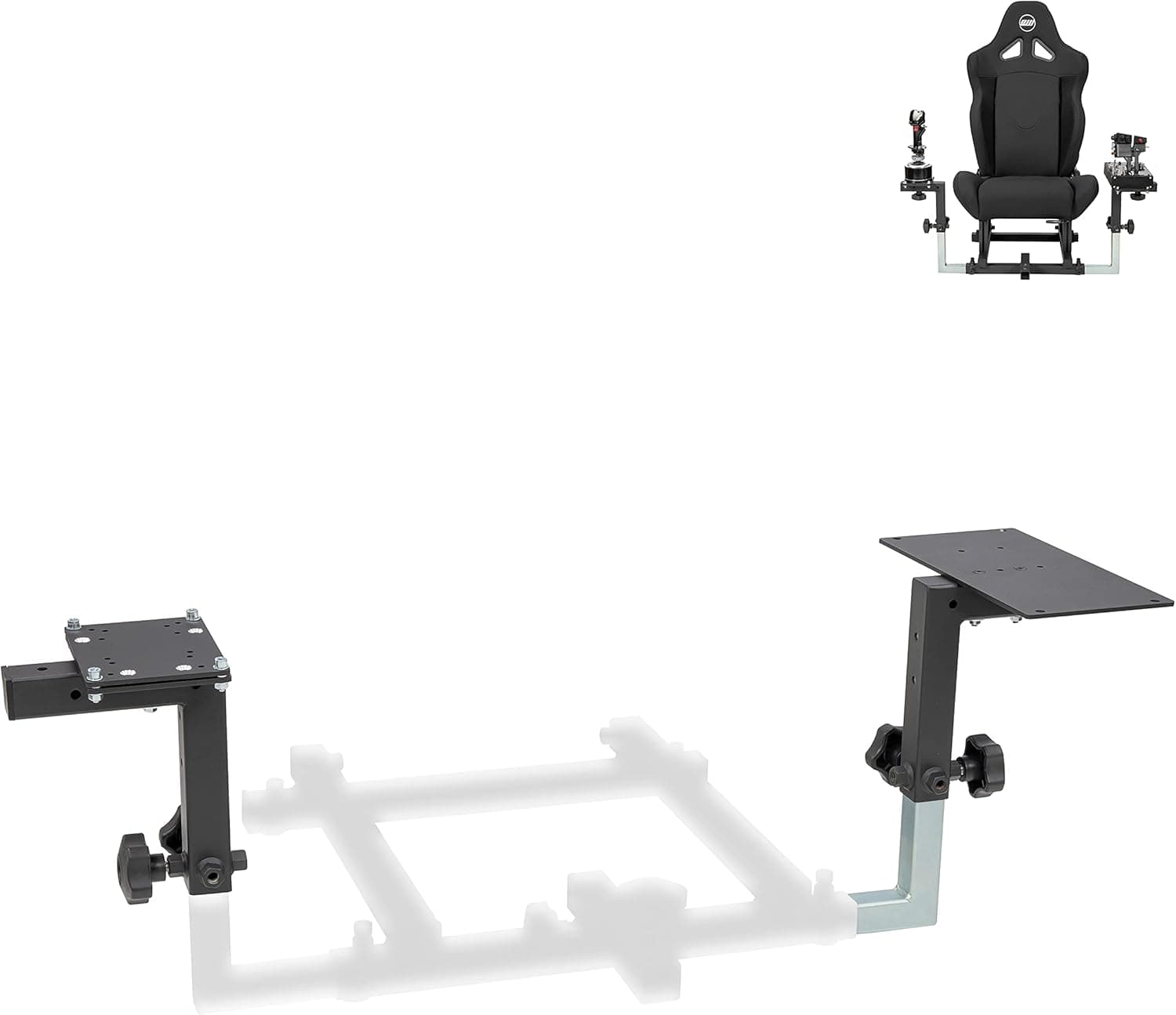
This article covers OpenWheeler.
Overview
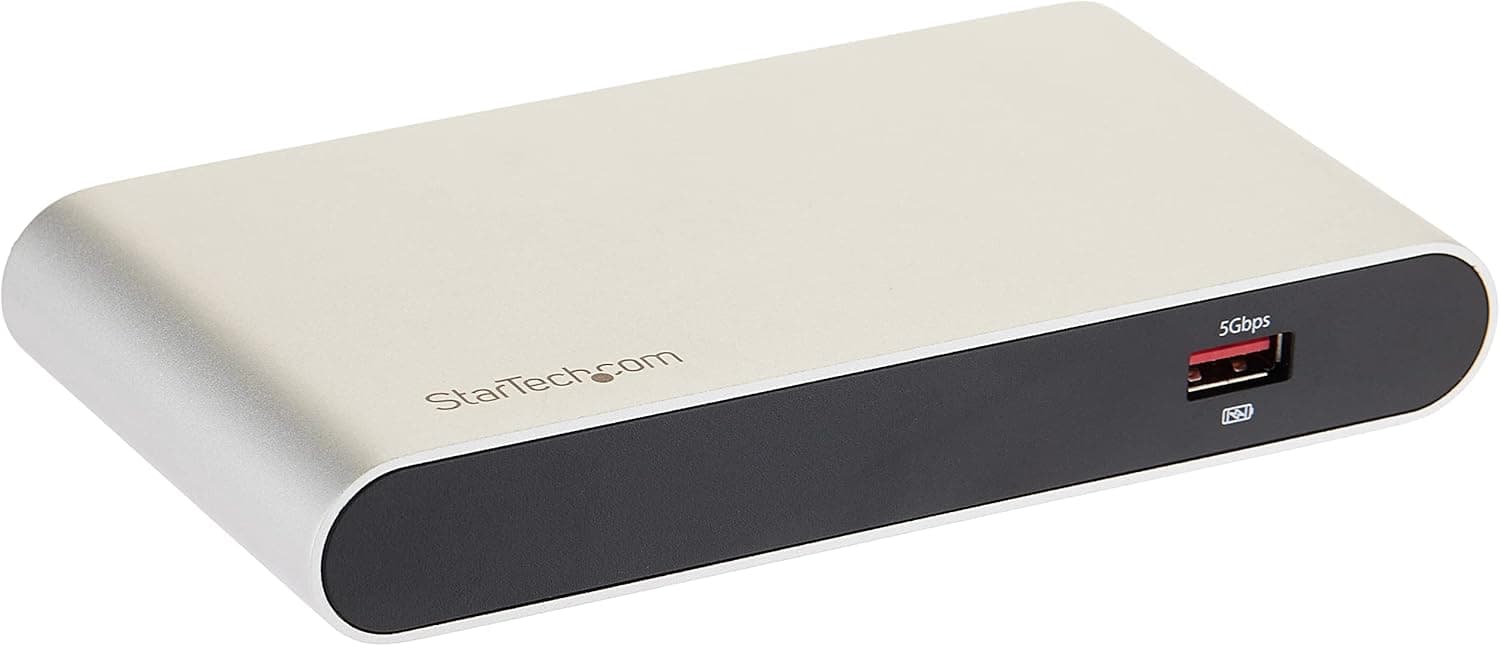
The StarTech.com SV231DPUEA is a dual-monitor DisplayPort KVM switch that lets you control two PCs with a single keyboard, mouse, and dual displays. It supports up to 4K@60Hz resolution via DisplayPort 1.2 and includes a built-in USB 3.0 hub with two ports for sharing peripherals. Designed for professionals who need to switch between multiple computers without cluttering their desk, this KVM switch offers a practical balance of performance and affordability. It's particularly well-suited for creative workflows, home office setups, and mixed-use environments where both a work PC and a personal PC are in play.
Connectivity & Compatibility
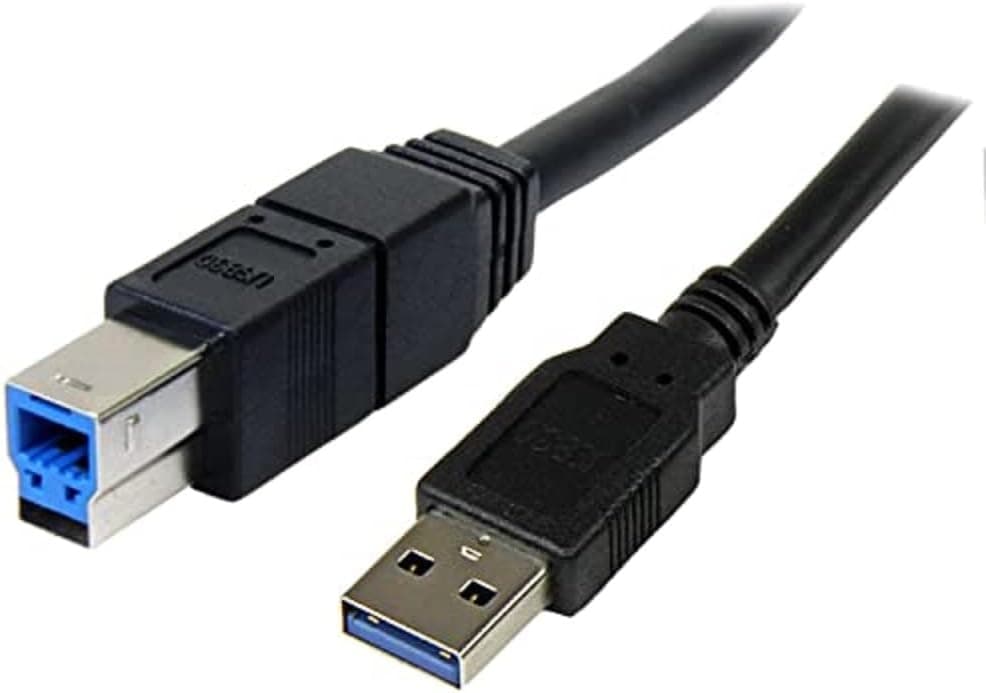
The SV231DPUEA connects to two host computers via DisplayPort (video) and USB Type-B (control/data). Switching is done via front-panel buttons or the included remote control. Video: DisplayPort 1.2, dual-monitor output, max 4K@60Hz (3840×2160) USB: USB 3.0 (5Gbps), two USB-A hub ports OS support: Windows, macOS, Linux EDID emulation for keyboard and mouse to reduce recognition delays during switching
Product Info
Released around 2020, the SV231DPUEA typically retails for approximately $250–$300 USD. It comes with a 2-year manufacturer warranty. The package includes the KVM switch unit, remote control, USB cable, power adapter, and manual. Positioned in the mid-to-high tier of the KVM switch market, this model stands out for its dual-monitor 4K60Hz DisplayPort support at a competitive price point. StarTech.com's reputation for reliable business-class hardware adds to its appeal.
Best Use Cases
Creative professionals using dual monitors with multiple PCs: Video editors, 3D artists, and designers who switch between a Mac and a Windows workstation will appreciate the clean desk setup and instant switching. Note that HDMI monitors require an adapter. Remote workers separating work and personal computers: For those who need physical isolation between a corporate laptop and a personal desktop, this KVM provides a secure, one-touch switch. The USB hub allows sharing of webcams, microphones, and other peripherals. * Gamers with a dedicated gaming PC and a productivity PC: While 4K60Hz is sufficient for many titles, competitive gamers seeking high refresh rates (120Hz+) should look at DisplayPort 1.4 models instead.
Things to Consider
This KVM switch is limited to DisplayPort 1.2, meaning it cannot output 4K at refresh rates above 60Hz or support 1440p at 144Hz. If you own a high-refresh-rate monitor, consider the StarTech.com SV231DPDDUA (DisplayPort 1.4) instead. HDMI monitors require a DisplayPort-to-HDMI adapter, and not all adapters support 4K@60Hz — verify compatibility before purchase. The built-in USB 3.0 hub offers only two ports, which may be insufficient for users with many peripherals. An external USB hub can solve this. While the unit itself is compact (approx. 20×8×3 cm), the included power adapter is somewhat bulky. Plan your desk layout accordingly.