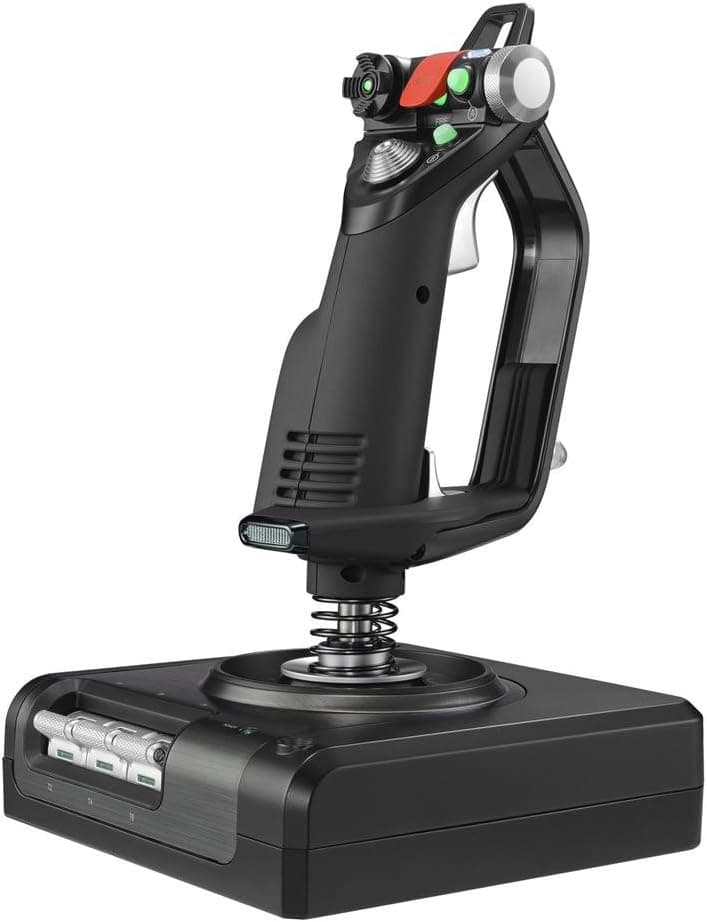
The Logitech G Saitek X52 Pro Flight is a two-piece HOTAS system: a separate stick and throttle unit. On Amazon it holds 4.1 out of 5 stars from 1,551 reviews (82% positive, captured 19 May 2026), which makes it one of the most-reviewed products in a genuinely niche category.
This article works through what the spec sheet actually means in practice, where you will have to compromise, and who should not buy it.
Overview
X52 Pro is built around the HOTAS idea: left hand on the throttle, right hand on the stick, eyes never leaving the screen. That payoff scales with how many controls a sim demands, so it matters more in DCS World or a study-level airliner than in a casual sightseeing flight.
In short, this is the realistic next step for someone who has outgrown a single-stick controller.
The X/Y axes use magnetic non-contact sensors, so there is no rubbing contact surface to wear out on the main axes. A dual-spring centering mechanism evens out the return-to-center force, which makes small corrections easier to hold.
The throttle is progressive with an adjustable resistance screw, so you can make it heavy for slow airliner-style movement or light for rapid fighter work. A built-in LCD with adjustable backlight and illuminated buttons keep profile and mode state readable in a dark room, and the handle adjusts across five positions to suit different hand sizes.
The Numbers That Matter
| Item | Value | What it tells you |
|---|---|---|
| Rating | 4.1 / 5 (82% positive) | Well liked, not flawless — the gap is real |
| Reviews | 1,551 | Large sample for this category; the score is statistically meaningful |
| Weight | 1.63 kg | Light for two units; it can slide under aggressive input |
| Size | 17 × 17 × 27.8 cm | ~28 cm tall — check clearance under a monitor |
| Connection | 2 × USB 2.0 | The stick and throttle each take their own port |
| Model | 945-000003 | The reliable way to confirm you are buying the Pro |
Two lines deserve attention: the 4.1 rating and the two-port requirement.
With 1,551 reviews behind it, 4.1 means most owners are satisfied but a real minority is not — and in this category that minority almost always clusters around software setup and unit-to-unit variance.
Compatibility Guide
The X52 Pro targets Windows PCs. It is confirmed to work with major sims including Microsoft Flight Simulator X, Microsoft Flight Simulator (2020), X-Plane and DCS World.
Most titles detect the axes and buttons on connection, but some ship with default bindings that are not usable in practice, so plan on mapping controls manually through the bundled software or in-game control settings. Do not assume plug-and-play means plug-and-perfect.
The most commonly missed detail is that the stick and throttle are not daisy-chained — each connects to the PC on its own USB port. On a laptop or a small-form-factor PC, adding a mouse, keyboard, headset and possibly rudder pedals runs you out of ports quickly.
A self-powered (externally powered) USB hub is the safe answer; bus-powered hubs sometimes become unreliable once several input devices hang off them.
Physical fit matters too. At 27.8 cm tall the stick will not tuck into a shallow space beneath a monitor, and placing both units left and right of a full-size keyboard is more desk width than many setups have.
At 1.63 kg the units are on the light side, so on a glass or slick laminate top they will creep during hard roll inputs.
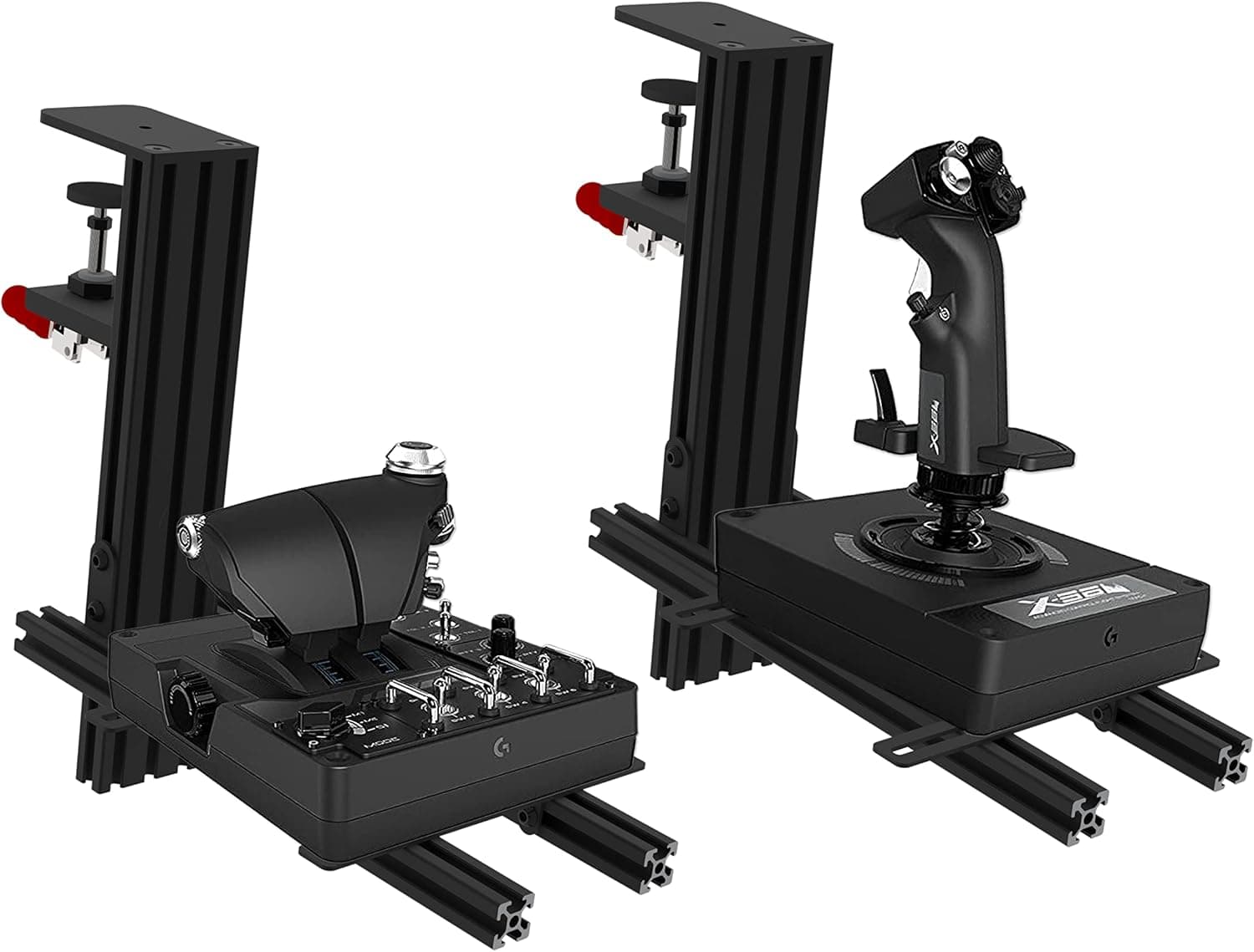
If your desk is slippery, budget for a clamp mount from the start.
Rudder is handled by a 3D twist axis on the stick, and it can be disabled — useful if you later add pedals and want to eliminate accidental twist input. If you have no intention of buying pedals, that twist axis is your only rudder control.
Product Info
As captured on 19 May 2026, the listed Amazon price was ¥38,409. Prices in this category move often with stock and sales, so always confirm the current figure on the product page — the number here is a snapshot, not a standing price.
The eBay side of the data is a search link with no fixed price, so if you go used or grey-import, check the condition and warranty of each individual listing.
Core specs: model number 945-000003, dimensions 17 × 17 × 27.8 cm, weight 1.63 kg, two USB 2.0 ports, magnetic non-contact X/Y sensors, disable-able 3D twist rudder, progressive throttle with resistance adjustment, built-in LCD with adjustable backlight, and illuminated buttons.
The box contains the stick, the throttle unit and cabling, but bundled items such as software media vary by production run and sales channel — check the listing. Current configuration software is generally best obtained from the manufacturer's site.
On reception: 4.1 out of 5 from 1,551 reviews (82% positive, 19 May 2026).
Four-digit review counts are rare for peripherals this specialised, and that longevity has a practical benefit — you are not an early adopter here, and troubleshooting information is plentiful.
How It Compares
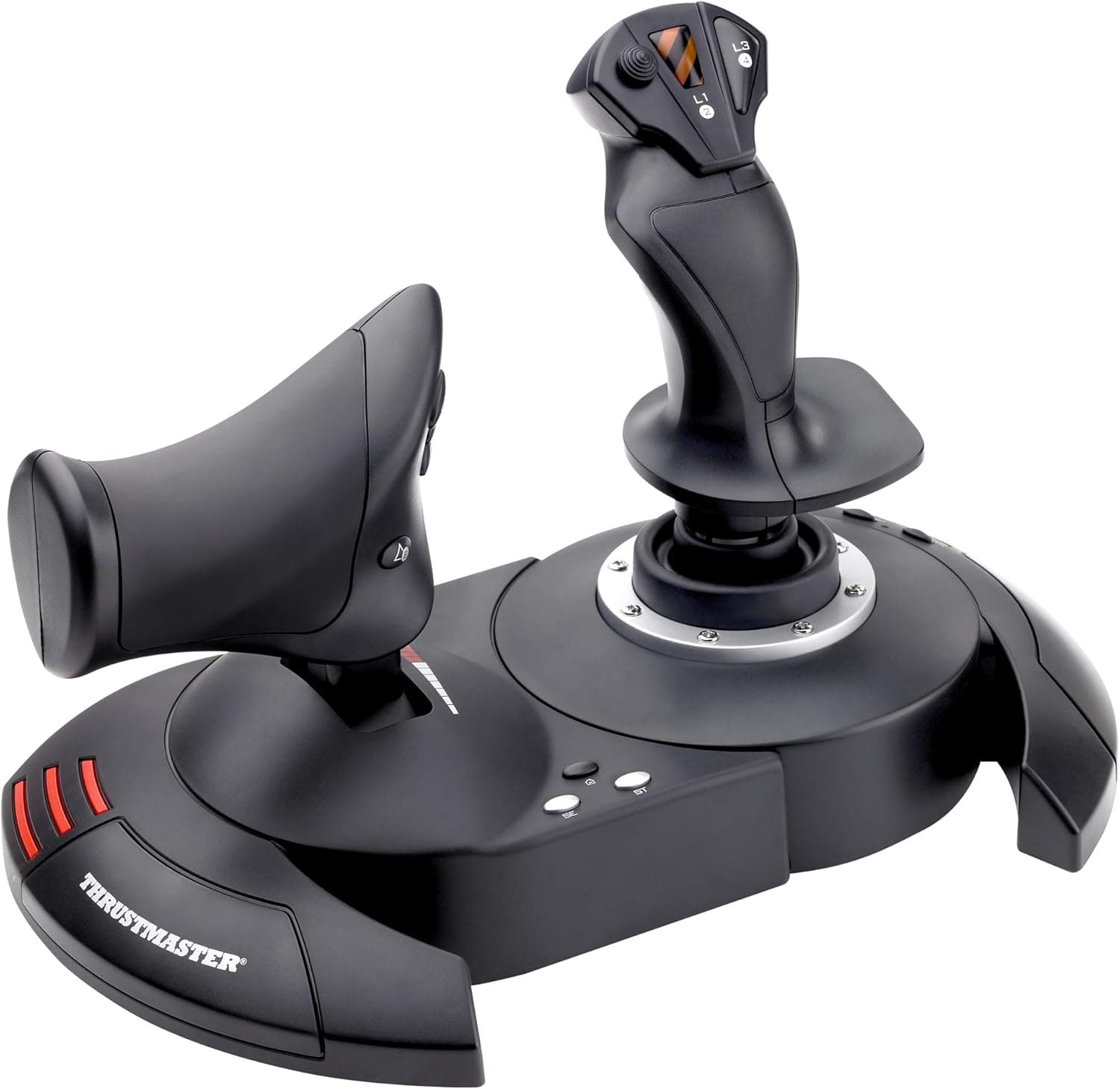
The inevitable comparison is the Thrustmaster T.16000M FCS family.
The structural difference is what is in the box: the standalone T.16000M is a stick only, with the throttle sold separately or as a different bundle.
The X52 Pro includes the throttle unit, so you get the throttle axis plus a large complement of buttons and rotaries from day one. If total axis and button count is what you are after, the X52 Pro is the straightforward pick.
If raw axis precision and price are what you weigh most, the calculus flips. The T.16000M uses hall-effect sensing on its main axes, is well regarded for it, and typically sells for considerably less.
If you just want to find out whether flight sims are for you, or you are happy running the throttle from the keyboard, start there. Going the other way, Logitech G's own X56 HOTAS RGB adds axes and buttons at a higher price point.
So the X52 Pro sits in the middle: a complete stick-and-throttle set for people who do not want to spend up to the next tier. Whether you fall inside that band is the real purchase decision.
Setup and Living With It
Start by connecting both units and confirming Windows sees them as game controllers. Open the game controller properties and exercise every axis and button once — if something later fails to respond in-game, you will already know whether the hardware or the mapping is at fault.
Then install the configuration software and verify profile assignment and mode-switch behaviour.
The first thing you will actually tune is deadzone and sensitivity curves. If small corrections just after rotation feel twitchy, lowering in-game sensitivity transforms the handling.
This is normal setup work for any flight stick, not a defect — but plenty of buyers skip it and conclude the hardware is unusable.
Revisit the throttle resistance whenever you switch aircraft types. Heavier suits props and airliners; lighter suits fighters where you are constantly working the afterburner.
Being able to set your own throttle feel is one of the more genuinely useful things this system offers for the money.
Best Use Cases
- Upgrading from a single stick — the added throttle axis and button count noticeably cut how often you reach for the keyboard.
- Microsoft Flight Simulator pilots — civil aircraft assume continuous throttle movement, which is exactly what a progressive throttle delivers.
- Players who fly both civil and military aircraft — twist rudder plus adjustable throttle resistance adapts reasonably well across types.
- Buyers who want a well-documented product — 1,551 reviews and years on the market mean answers exist when something goes wrong.
- Anyone not buying rudder pedals yet — the twist axis covers rudder now, and can be disabled cleanly if you add pedals later.
It is a poor fit if you only need a stick, if price is your top constraint, or if you are expecting force feedback. This is not an FFB device.
Before You Buy
Start with the listing itself. The product title carries obviously machine-translated fragments — phrases about a "3M system" and "metal parts gas control" — which do not describe any actual feature of this hardware; they are leftovers from a poorly translated overseas description.
Similarly, the price data is labelled "Amazon US" while the currency and store are Japanese. Listing metadata is sometimes wrong, so confirm the product from the images and the model number 945-000003 before ordering. The plain X52 and the X52 Pro are easy to confuse by name alone.
Next, why the score sits at 4.1 rather than higher.
Across flight sticks generally, complaints concentrate on three things: configuration software and behaviour after OS updates, unit-to-unit variance in switches and sensors over time, and the effort of mapping controls per title. If you expect an appliance that is perfect out of the box, you will be disappointed.
If you enjoy dialling in your own setup, 4.1 from 1,551 reviews is a strong result.
Desk space is the other classic mistake. Two USB ports, roughly 28 cm of height, and enough width for two separate units is more than many desks can offer alongside a keyboard and mouse.
Measure your desk before ordering. A clamp-style desk mount largely solves this, and also tidies the cable runs.
Finally, three expectation checks. There is no force feedback. The magnetic non-contact sensing applies to the main X/Y axes — long-term reports on secondary controls such as the throttle and mini-stick are more mixed.
And the price moves: ¥38,409 is what was captured on 19 May 2026, and sales or stock changes can shift it enough to change which product is the better buy. Compare current prices immediately before ordering.
FAQ
Q. Do I really need two USB ports? A.
Yes. The stick and throttle connect independently.
If you are short on ports, use a self-powered USB hub — bus-powered hubs can become unreliable with several input devices attached.
Q. Do I need rudder pedals as well? A.
Not required. The 3D twist axis handles rudder.
But for helicopters or air combat, where rudder is in constant use, pedals are both more precise and more comfortable. If you add pedals, you can disable the twist axis to avoid accidental input.
Q. How does it differ from the plain X52? A.
The two are close in name and appearance and are genuinely easy to mix up. Confirm using the model number — 945-000003 for this one — and the product images.
For finer spec differences, check the details on the specific listing you intend to buy from.
Q. Will it just work in Microsoft Flight Simulator? A.
It is detected by the major titles and most axes and buttons get default assignments. Expect to revise those bindings to suit how you fly, and expect to adjust deadzone and sensitivity curves early on.
Q. It has been on the market for years — is it still a reasonable buy? A.
It is a long-running staple that still held 4.1 out of 5 from 1,551 reviews as of May 2026, and the depth of available troubleshooting information is a real advantage of an older model.
That said, newer designs increasingly use hall-effect sensing, so if precision is your top priority, compare current alternatives too.
Q. It slides on my desk. What can I do? A.
1.63 kg is not always enough to stay put under hard roll input.
A clamp-style desk mount or a dedicated flight-sim stand is the practical fix, and it tidies your cabling at the same time.
![Logitech G X56 H.O.T.A.S. RGB Throttle and Stick Simulation Controller for VR Gaming 141[並行輸入]](/_next/image?url=https%3A%2F%2Fm.media-amazon.com%2Fimages%2FI%2F51NWV0%2BmjZL._AC_SL1000_.jpg&w=1920&q=75)