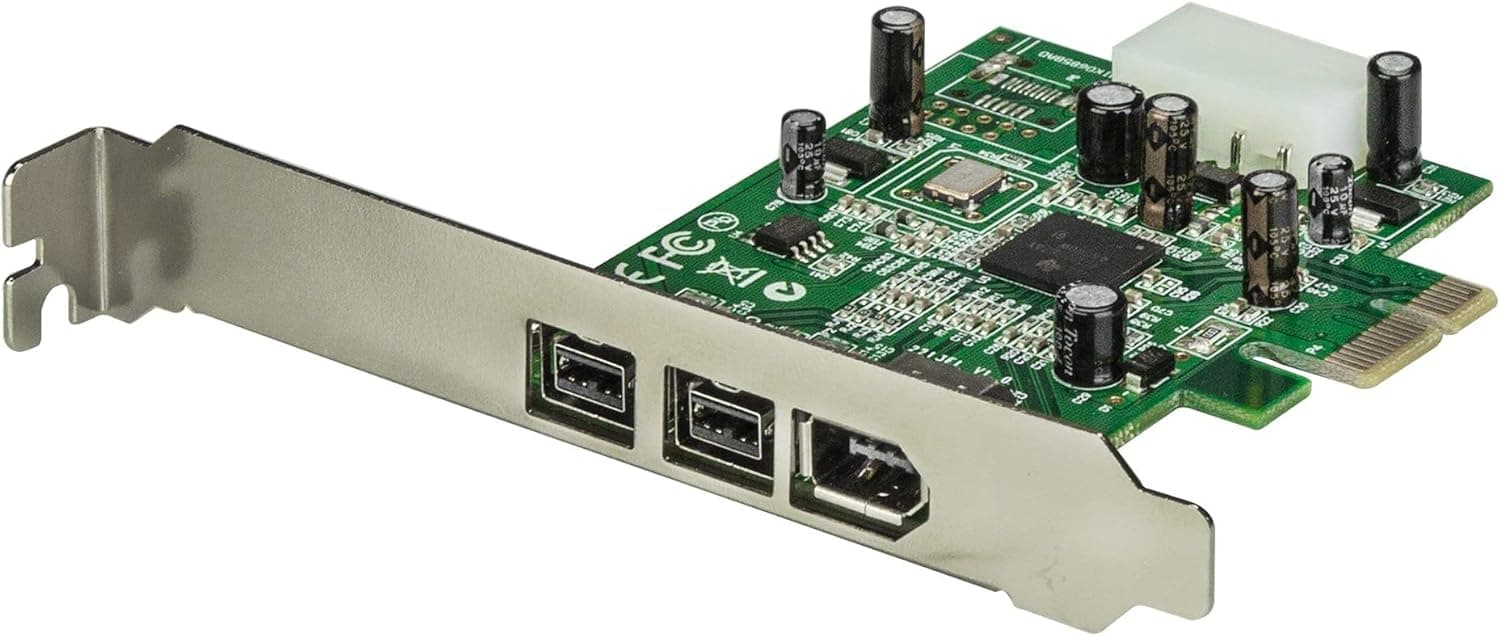
The StarTech.com PEX1394B3 is a PCI Express x1 expansion card that brings IEEE 1394 (FireWire) connectivity back to modern desktop PCs that no longer ship with it.
This article goes beyond the spec sheet to answer the questions buyers actually have: will it work in my machine, and where will I have to compromise?
Overview
The card provides two 9-pin FireWire 800 (IEEE 1394b) ports and one 6-pin FireWire 400 port, supporting transfer rates up to 800 Mbps. Its defining feature is a native PCI Express chipset with no bridge chip in the signal path, which is where the stability difference comes from.
A low-profile bracket is included, so slim and small form factor cases are covered out of the box.
To be direct: this is not a card that makes anything new go faster. It exists so that legacy gear you cannot let go of — DV/HDV camcorders, FireWire audio interfaces, older external drives and film scanners — keeps working on a current PC.
On Amazon.co.jp it holds a 90% positive rating (4.5 out of 5 stars) across 402 reviews, which is high for a niche legacy adapter, and a three-digit review count on a product like this signals real demand and a real track record.
Why the Native Chipset Matters
Many FireWire expansion cards are built around a bridge chip that translates a PCI-era controller onto PCIe. Cheap cards almost always use this approach.
The OS recognizes them fine, but latency-sensitive work exposes the difference: FireWire audio interfaces can drop out or produce noise at small buffer sizes, and DV capture can drop frames.
This card advertises a bridge-free design, which avoids that class of problem. It is not an absolute guarantee, though.
DAW buffer settings, how your motherboard shares PCIe lanes, and power management (C-states, PCIe ASPM) all play a part. If swapping cards does not fix your instability, revisit the power-saving options in BIOS.
Compatibility Guide
The physical requirement is simple: one free PCI Express x1 slot. An x1 card also seats in x4, x8 and x16 slots, so if your x1 slot is blocked by a GPU cooler you can use a lower x16 slot instead.
It is compatible with PCIe 1.0 through 4.0, and since the effective ceiling is around 100 MB/s, lane count and generation will never be the bottleneck.
| Item | Value | What it means in practice |
|---|---|---|
| Interface | PCI Express x1 | Also works in x4/x8/x16 slots |
| PCIe generations | 1.0 / 2.0 / 3.0 / 4.0 | No practical speed difference |
| Ports | 2x FireWire 800, 1x FireWire 400 | Three devices at once |
| Max rate | 800 Mbps / 400 Mbps | Plenty for a single drive |
| Form factors | ATX / Micro-ATX / Mini-ITX (low profile) | Bracket swap covers slim cases |
| Weight | 0.05 kg | Light enough to need no support |
An internal power connector on the card lets you feed extra power from the PSU, which matters if you hang several bus-powered FireWire devices off it. If you use a portable drive or a bus-powered audio interface, connect it during installation.
A lot of "unstable" reports trace back to skipping this step.
Windows, macOS and Linux generally load a stock driver for this class of controller. Note that Windows 8 retired the old legacy1394 stack in favour of the standard OHCI driver; some DV capture applications were written against the old stack, so check your software before buying.
The bundled driver CD is useless on a machine without an optical drive — download from the vendor's support page if needed (URLs cannot be printed here; search by model number).
Product Info
Prices below are snapshots taken at a specific moment and will change. Always check the live listing before buying.
- Amazon.co.jp: ¥9,863 (captured 28 May 2026)
- Rakuten (Accel Japan): ¥14,397 (captured 11 Aug 2026)
- eBay US: $19.99 (captured 9 Jul 2026)
The eBay figure sits far below the Japanese listings, a range typical of used, bulk-packed, or lower-port-count variants. If you buy overseas, confirm the port layout (2x 9-pin plus 1x 6-pin) and bracket shape from the product photos.
Domestically, the gap between Amazon and Rakuten reached roughly ¥4,500 at these capture points, so comparing both is worth the minute it takes.
At 0.05 kg the card puts no strain on the slot.
A standard manufacturer warranty applies; confirm the exact terms on the retailer page at time of purchase. The box contains the low-profile bracket, a driver CD and a manual.
How It Compares to Other Expansion Cards
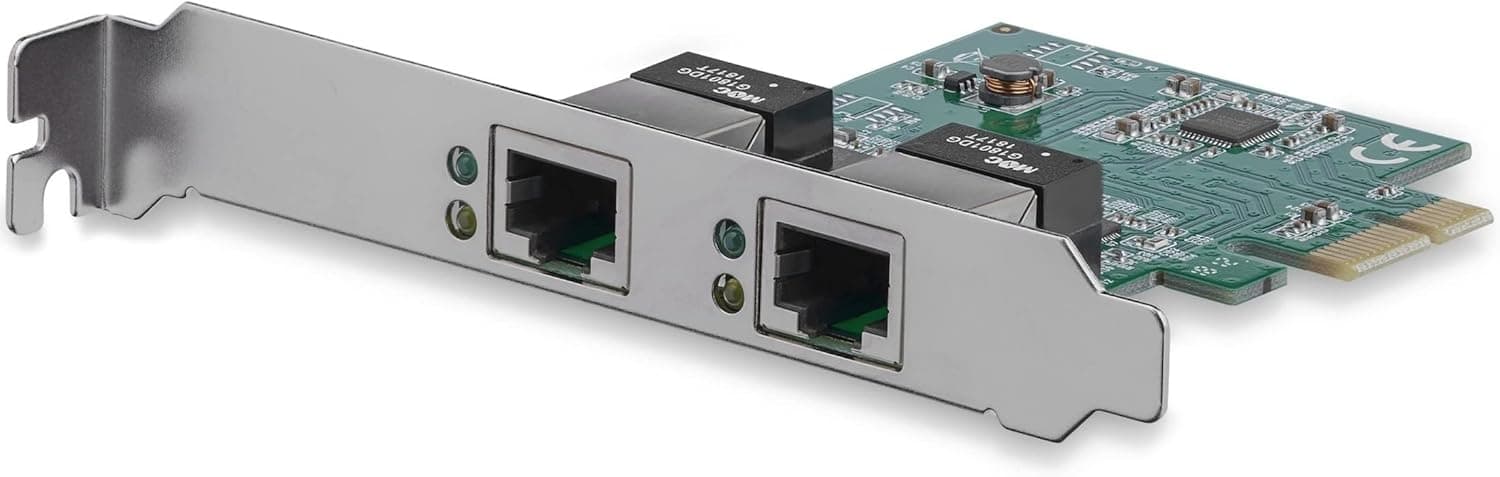
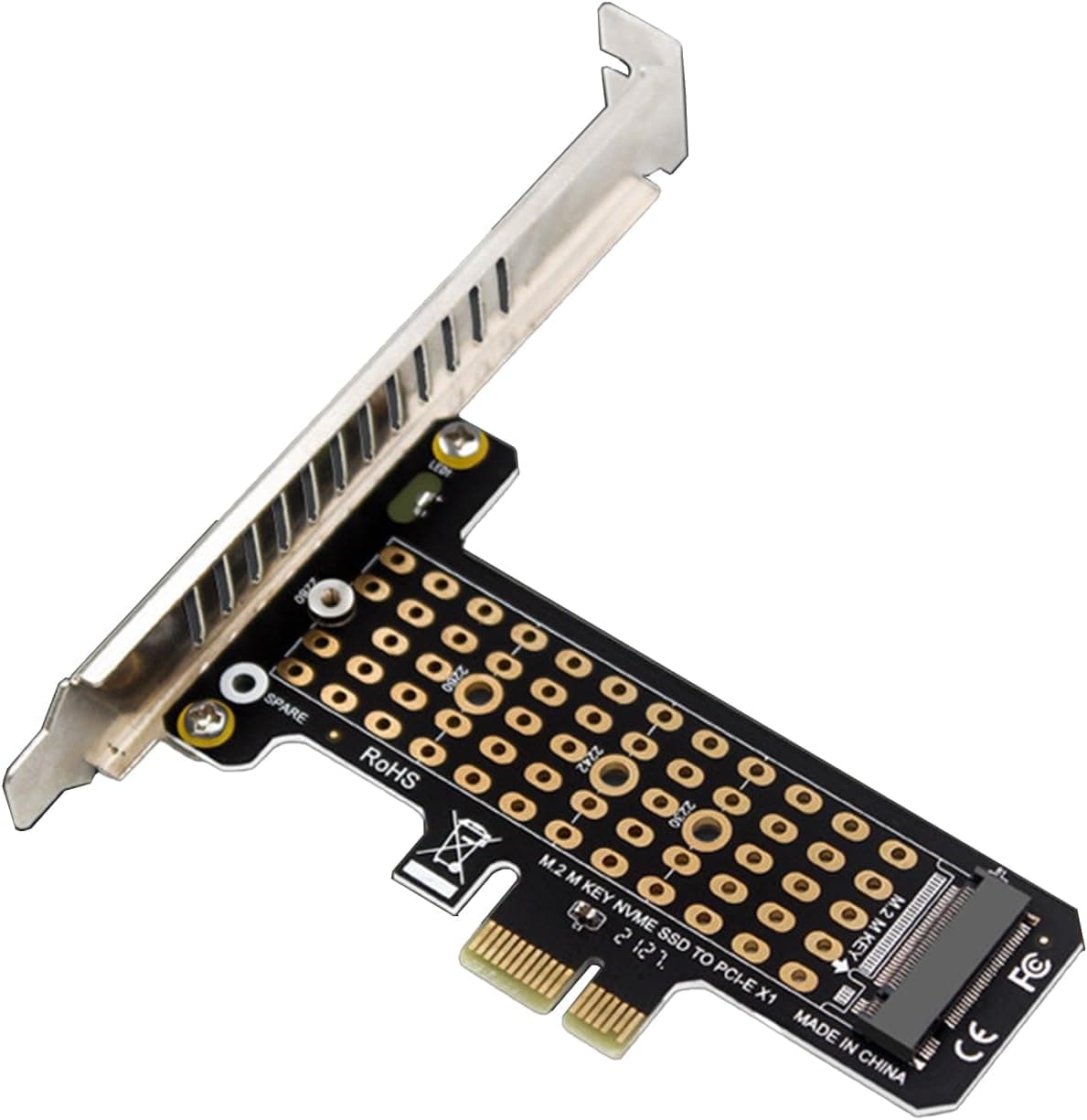
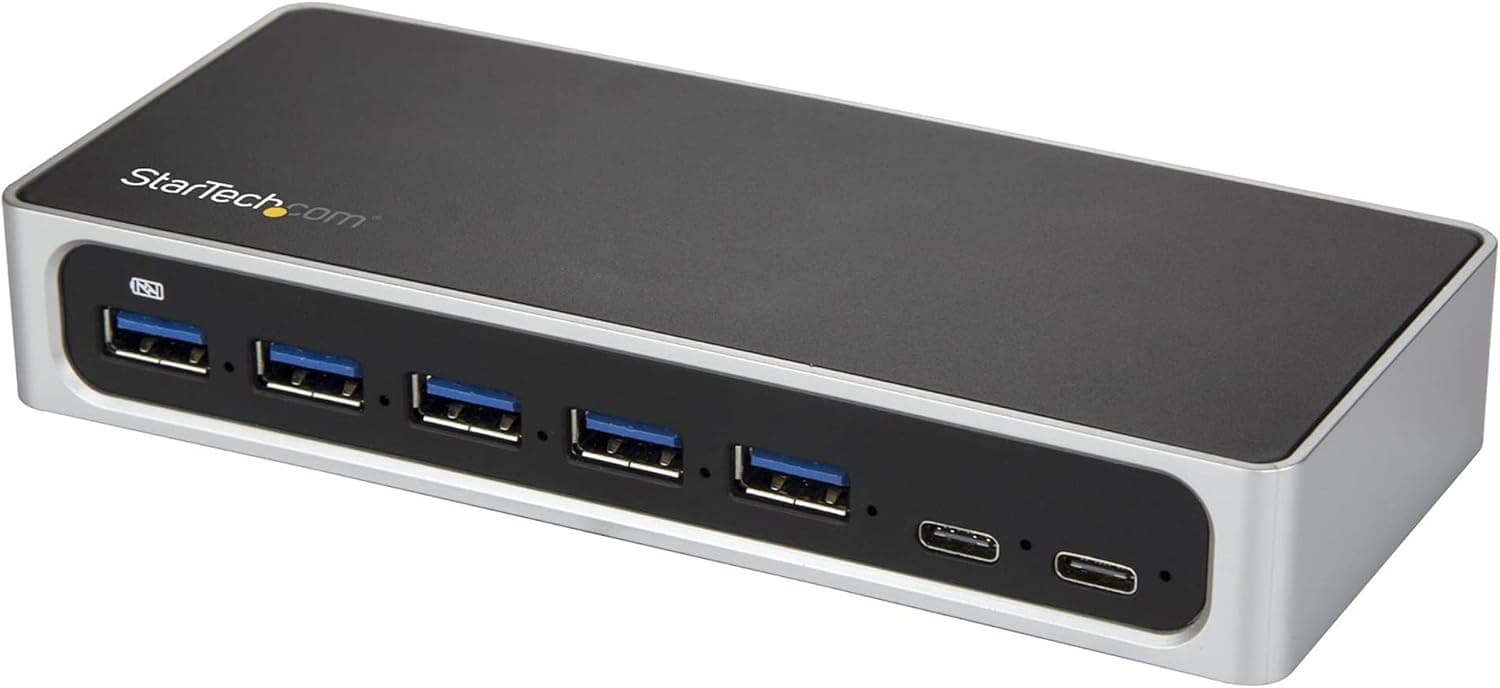
StarTech.com sells a broad line of legacy and expansion cards, and for some jobs a different one is the better answer.
For serial instruments or industrial controllers, an RS232C card is the right tool; if you only need more USB ports, a USB 3.0 card is cheaper and simpler.
And if your only free slot is physically too short, an x1-to-x16 riser adapter is another route.
Against generic budget FireWire cards, the price premium here buys chipset provenance and continued support. No-name cards usually enumerate fine, but when real-time audio or video transfer becomes unstable you lose hours to troubleshooting with no way to isolate the cause.
For capture and recording work, starting with a known-good card is usually cheaper in the end.
Installation and Day-to-Day Use
Installation is straightforward: power down, seat the card in an x1 slot, screw it in, and attach internal power if you plan to use bus-powered devices. After boot, check Device Manager for an "IEEE 1394 Bus host controller".
If it does not appear, try a different slot, then verify the slot is not disabled in BIOS.
One practical advantage over USB is that FireWire supports daisy chaining. You can hang a second device off the back of an audio interface, so three ports effectively handle more than three devices.
Bandwidth is shared, though, so running several 800 Mbps devices at once will slow each of them down.
Best Use Cases
- FireWire audio interface owners — integrating older hardware into a current DAW rig. This is where the native chipset pays off most.
- Anyone digitizing DV/HDV tapes — many decks offer no capture path other than FireWire.
- Users with legacy drives or scanners — one card costs far less than replacing working hardware.
- Small form factor builders — the low-profile bracket is in the box, no extra purchase needed.
Things to Check Before Buying
Start with the listing title. It reads "IEEE 1394a 1 port", yet the specifications describe a three-port layout: 2x FireWire 800 (1394b) plus 1x FireWire 400 (1394a).
The listing metadata and the spec sheet disagree, which happens more often than you would think on marketplace pages. Confirm the bracket's port count from the product photos before ordering. A lower-spec single-port variant may share the same listing, and if you miss that you will only find out when the box arrives.
Check your connector shape. FireWire comes in 4-pin (common on camcorders, no power), 6-pin (FireWire 400, with power) and 9-pin (FireWire 800) forms.
If your device and the card differ, you need an adapter cable, and you should assume none is included. Connecting a 1394a device to a 9-pin port means sourcing a 9-pin-to-6-pin or 9-pin-to-4-pin cable separately.
Do not expect modern speed. 800 Mbps is theoretical; real throughput lands under 100 MB/s.
If you simply want fast external storage, USB 3.x or Thunderbolt is dramatically quicker and cheaper.
The value here is access to a connector nothing else provides.
Laptops are out. This needs an internal PCIe slot, so notebooks and most mini PCs cannot use it.
An external Thunderbolt PCIe enclosure is the alternative path there.
Verify software support too. The card being recognized does not mean your capture application will run — older titles depend on APIs that newer Windows releases handle differently, and you may need extra configuration or a different application.
Finally, on price: legacy expansion cards tend to climb as demand thins, and Japanese retailers differ widely. Every figure above is a capture-time snapshot subject to sales and stock.
If you are not in a hurry, compare a few sellers first.
FAQ
Q. Can I connect FireWire 400 devices to the FireWire 800 ports? A.
Generally yes, with the right cable (9-pin to 6-pin or 9-pin to 4-pin), though the link runs at the slower standard's speed. This card also has a dedicated 6-pin FireWire 400 port, which is the simpler option.
Q. Is it safe to use bus-powered devices? A.
Connect the card's internal power header to your PSU for more reliable power delivery. If bus-powered gear is in your plans, wire it up during installation.
Q. Does it work on Windows 11? A.
The controller is the OHCI-compliant type that a stock driver typically handles, but whether your capture software supports it is a separate question. Check that application's requirements first.
Q. Can I put it in an x16 slot? A.
Yes. An x1 card works in larger slots.
Pick one away from the GPU if you have the choice, since that area runs hot.
Q. Will it work on a Mac? A.
It is an option for desktop Macs with PCIe slots, but support varies by model and OS version, so confirm your specific machine before buying.
Product Disclosure (Amazon)
- Manufacturer: StarTech.com(スターテック)
- Seller: Startech Japan KK
- Fulfilled by: Amazon
- ASIN: B000WCT5HK
- Note: This article covers a manufacturer-made product based on Amazon listing details.