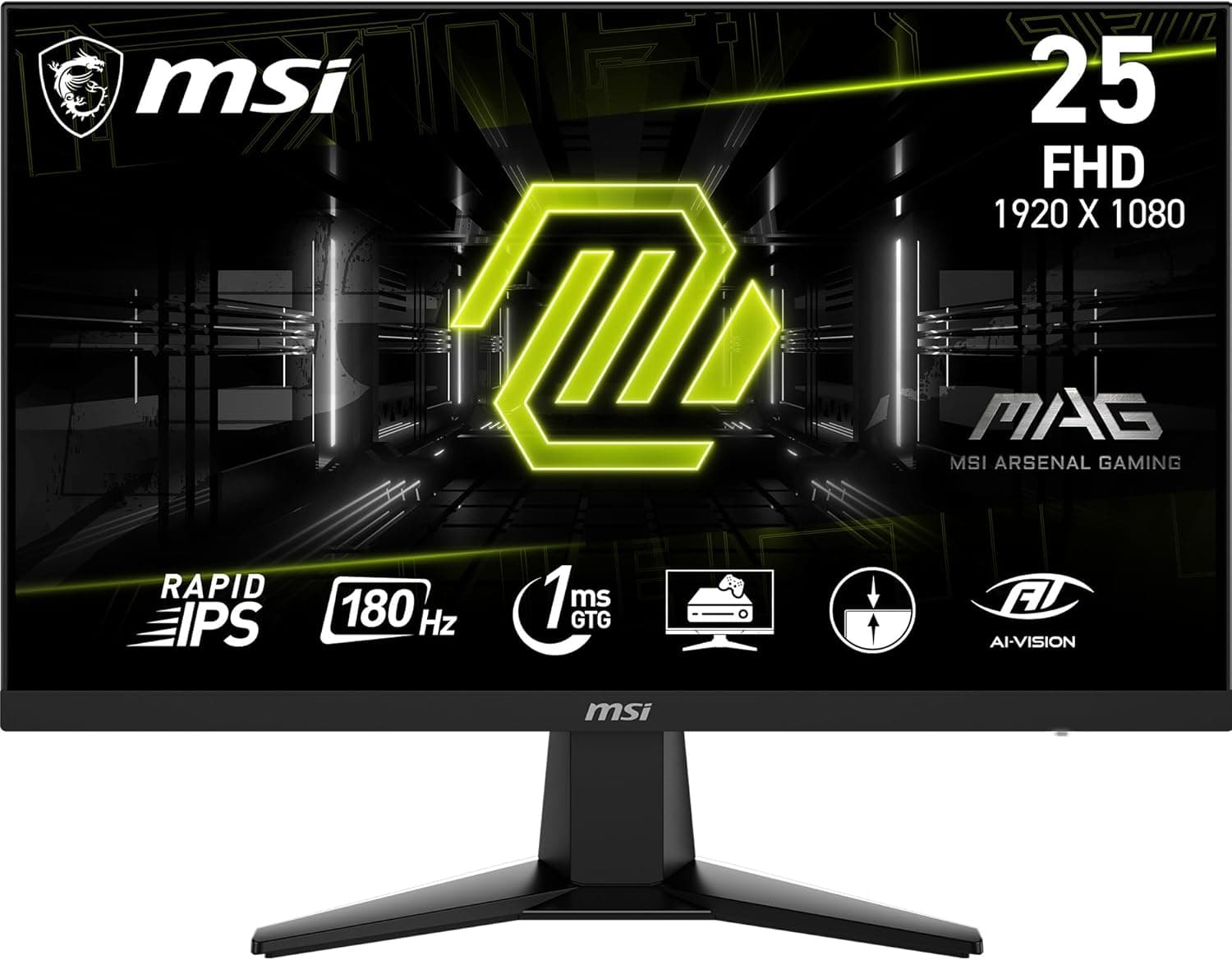
The MSI G256F packs a 25-inch Full HD panel, a 180Hz refresh rate and 1ms MPRT response into an entry-to-mid price bracket. This article focuses on what the spec sheet does not tell you: whether FHD looks coarse at 25 inches, what 1ms MPRT actually means, and where this monitor asks you to compromise.
Overview
The MSI G256F combines a 25-inch IPS panel at 1920x1080 with a 180Hz refresh rate and 1ms (MPRT) response time. The short version: this is a monitor for people who put frame rate above image fidelity in competitive games.
It is not a color-critical editing display, and it is not a 4K/HDR entertainment panel. It supports AMD FreeSync, uses a thin-bezel design, and includes VESA 100x100mm mounting, height adjustment, tilt, and built-in speakers.
In this price bracket, height adjustment is often the first feature cut, and panels are often TN or VA. Having both an IPS panel and a height-adjustable stand is the practical strength here.
As of June 2026, the Amazon.co.jp listing showed 102 reviews averaging 4.5 out of 5 stars (90% positive) — a modest sample, but a consistent one.
| Spec | Value | What it means |
|---|---|---|
| Size / Resolution | 25" / 1920x1080 | Roughly 88ppi — slightly coarser than 24" FHD |
| Refresh rate | 180Hz | About 25% more frames shown than a 144Hz panel |
| Response | 1ms (MPRT) | A motion-blur figure, not GtG. See caveats below |
| Panel | IPS | Wide viewing angles; weaker blacks than VA |
| Adaptive sync | AMD FreeSync | Native on Radeon; see the GeForce note |
| Inputs | HDMI, DisplayPort | Two inputs only; no USB-C video or power delivery |
The 25-inch size matters for competitive play. At 24-25 inches the whole screen sits within your field of view without head movement, so tracking the minimap and your crosshair at once is easier.
Push FHD to 27 inches and the pixel structure becomes noticeable, which is why 25 inches is a sensible ceiling for a 1080p panel.
Compatibility Guide
There are two video inputs: HDMI and DisplayPort. If you want 180Hz, reach for DisplayPort first.
HDMI can carry FHD at 180Hz on many setups, but older cables or GPU generations may cap you at 144Hz or 120Hz. After connecting, open Windows advanced display settings (or your GPU control panel) and explicitly select 180Hz.
Leaving a high-refresh monitor at the default 60Hz is by far the most common mistake buyers make.
GPU requirements are forgiving. Actually sustaining 180fps takes real horsepower, but lightweight competitive titles hit those numbers on mid-range cards.
For heavy AAA games at maximum settings you will not saturate 180Hz, and the adaptive-sync benefit matters more than the headline number.
Adaptive sync is AMD FreeSync. On Radeon it is a driver toggle.
On GeForce it can often be run as "G-SYNC Compatible," but check the product page and NVIDIA's compatibility list to see whether this specific model is certified — uncertified panels frequently work, yet nothing is guaranteed. Note also that FreeSync operates within a variable refresh range; below its floor the effect stops.
Check the published spec for this model's exact range.
Consoles connect over HDMI. PS5 and Xbox Series X both support 1080p/120Hz, so 120Hz operation is realistic here.
But 180Hz is a PC-only rate — no console outputs it. If your play is console-first, the 180Hz headline is not a reason to buy.
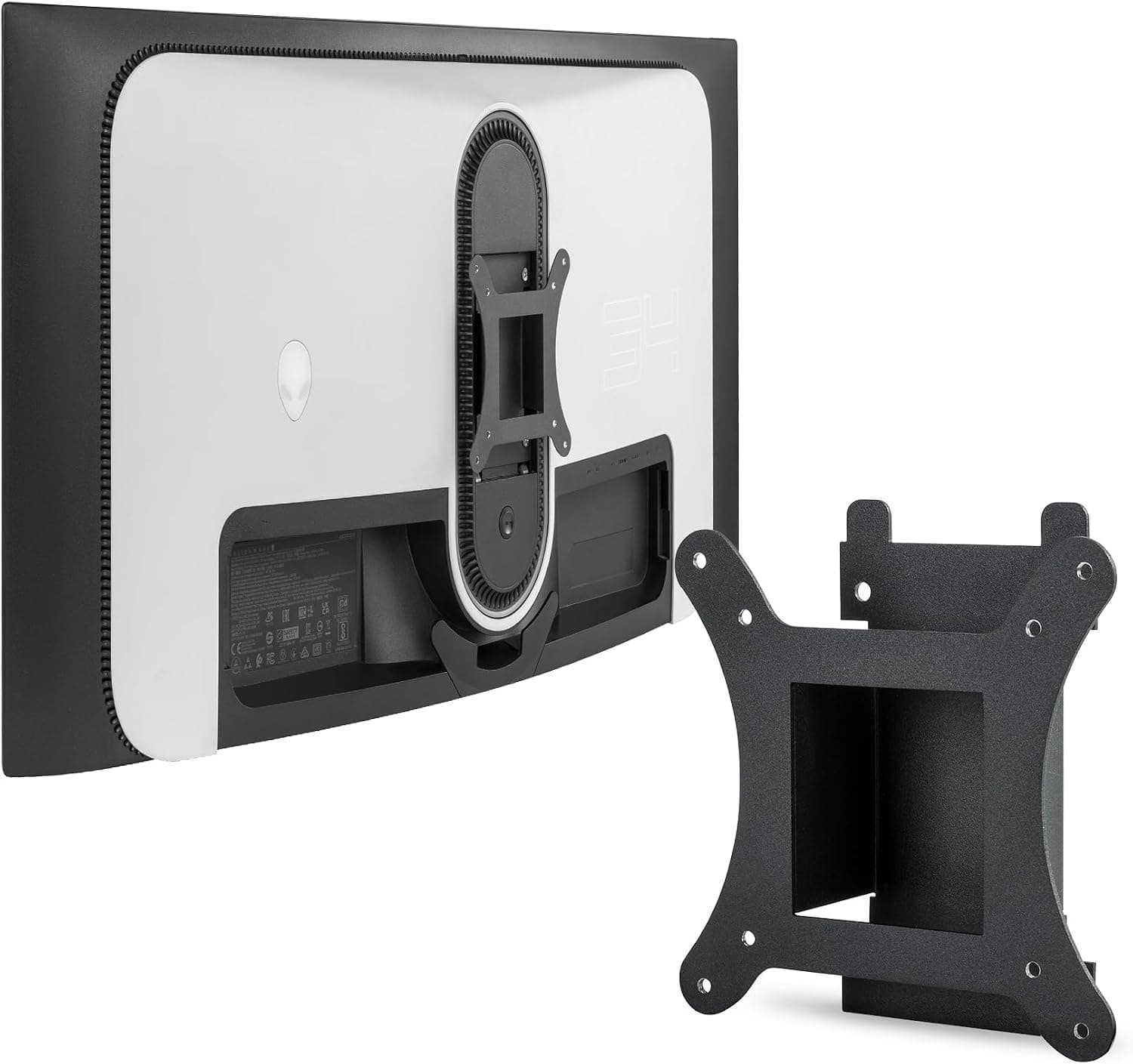
For mounting, VESA 100x100mm support means any standard arm or wall bracket fits, and a 25-inch FHD panel is light enough that load ratings are rarely an issue. The bundled stand already offers height and tilt adjustment.
However, the spec sheet lists no pivot (portrait rotation) or swivel, so if you plan to run the display vertically, confirm on the product page or plan on using an arm.
Built-in speakers cover the moments when your headset is off. Like most monitor speakers they have almost no bass and limited volume — fine for voice chat and video, not a replacement for real audio gear.
Product Info
The Amazon.co.jp listing showed ¥24,900 when captured on 12 June 2026.
Monitor pricing swings hard with sales and stock, so check the current figure on the product page before buying. Note that in the source data, the entry labeled "Amazon US" carries the same yen price and the same Japanese product page, so it is not a usable reference for overseas pricing — check a local storefront separately if you are buying outside Japan.
Reviews stood at 102 with a 4.5-star average (90% positive) as of June 2026.
At roughly 100 reviews, a handful of outliers can move the average noticeably. Read the negative reviews for what they actually complain about: defective units are a warranty matter and say little about the design, while complaints about the specification itself will apply to you too.
The model dates to 2024, so pricing has had time to settle below launch levels. Warranty is handled by the manufacturer, but the term and support channel vary by retailer and purchase date — read the warranty section of the listing.
Bundled cable contents (whether HDMI, DisplayPort, or both are included) can also vary by batch and region. Having a spare DisplayPort cable on hand removes the main obstacle to running 180Hz on day one.
Drivers and manuals can be found by searching the model number on MSI's official support site.
Competitive Comparison
How it sits against nearby options:
- 24.5-inch competitive panels (e.g. Alienware AW2525HM) — worth comparing if you can raise the budget for higher refresh rates or a more refined build.
- Curved 1080p high-refresh panels (e.g. Sceptre's 250Hz model) — for those chasing a higher frame ceiling. Curvature divides opinion in competitive play and bends straight lines for desktop work.
- Higher-resolution options (31.5-inch 4K or WQHD) — better for workspace and text clarity, but at this budget you give up 180Hz.
The case for the G256F reduces to one combination: low-load FHD plus 180Hz, on IPS, with height adjustment, at this price. Change any one priority and a different monitor wins.
Best Use Cases
The clearest fit is players of competitive shooters — Valorant, Apex Legends, Overwatch, CS-style titles. These run at high frame rates on modest settings, so 180Hz gets used rather than admired.
The 25-inch size also suits play that rewards minimal eye movement.
Second, owners of mid-range or lower GPUs who would rather buy frame rate than resolution. FHD is dramatically lighter than 4K, so the same card feels far smoother.
Upgrading the monitor instead of the GPU is often the better value move.
Third, students and first-time buyers stepping up to high refresh. The height-adjustable stand lets you set the panel to eye level, which matters more for long sessions than most spec sheets suggest — and it is commonly omitted at this price.
It also works well as a secondary display: thin bezels keep the seam next to your main monitor small, and VESA support lets you put it on an arm.
Before You Buy
1ms (MPRT) is not the same as 1ms GtG. MPRT is measured with backlight strobing or black frame insertion engaged, which dims the picture noticeably and may be mutually exclusive with FreeSync.
Read it as "blur can be reduced with the right setting," not "zero blur." Real-world response also depends on the overdrive setting — push it too far and you get white overshoot halos.
A middle setting is usually safest.
FHD at 25 inches shows its pixels in text work. Spreading the same resolution over one more inch than a 24-inch panel drops pixel density below 90ppi.
It is invisible in games but obvious against a 27-inch WQHD display when you are reading code or documents all day. Roughly 70% gaming and 30% work is fine; work-first buyers should look elsewhere.
IPS means raised blacks. In a dark room, horror games and dim movie scenes will look grey rather than black.
That is the panel technology, not a fault. Want deeper blacks?
That is VA. Want true contrast?
That is OLED, and a different budget. HDR follows the same logic: monitors at this price can accept an HDR signal but lack the brightness to make it meaningful.
Do not buy this for HDR.
Only two inputs. If you rotate between a PC, a console, and a laptop, you may run short.
There is no USB-C video input or power delivery either, so single-cable laptop docking is not part of this design.
Listing metadata does not always match the physical product. Amazon product pages auto-associate manufacturer, model number, and spec fields, and occasionally pull in details from a different item.
This article is about the 25-inch FHD model, part number G256F. Before ordering, verify the size, resolution, and model number against the page's images and title yourself — MSI sells closely-numbered models at different sizes and resolutions, so a single character matters.
Treat the live page as authoritative on price, too.
Things buyers notice after the fact: the stand needs more desk depth than expected, cable routing differs depending on whether the power supply is internal or an external brick, and OSD menu usability is impossible to judge until you touch one. On a shallow desk, budget for a monitor arm up front.
FAQ
Q. How do I confirm it is actually running at 180Hz? A.
Open Settings → System → Display → Advanced display in Windows and check the refresh rate field. If it reads 60Hz, select 180Hz manually.
Browser-based motion tests are a useful sanity check afterwards.
Q. Does FreeSync work on a GeForce card? A.
Usually, as "G-SYNC Compatible" in the NVIDIA driver — but check the product page and NVIDIA's list to see whether this model is certified. Uncertified panels often work without any guarantee.
Q. Will PS5 run at 120Hz? A.
PS5 supports 1080p/120Hz output over HDMI, so 120Hz is achievable, subject to each game supporting it. No console will output 180Hz.
Q. Can I use it in portrait orientation? A.
The spec sheet lists height adjustment and tilt but no pivot. Confirm on the product page, or use the VESA 100x100mm mount with an arm.
Q. Are the built-in speakers enough? A.
They handle voice chat and video, with essentially no bass. For competitive play where footstep audio matters, budget for a headset.
Q. 24-inch or 25-inch? A.
At the same FHD resolution, 24 inches is denser and renders text more crisply; 25 inches is slightly larger and easier to see but marginally coarser. Work-heavy use favors 24 inches, game-first use favors 25.
Product Disclosure (Amazon)
- Manufacturer: MSI
- ASIN: B0CZWCG65X
- Note: This article covers a manufacturer-made product based on Amazon listing details.