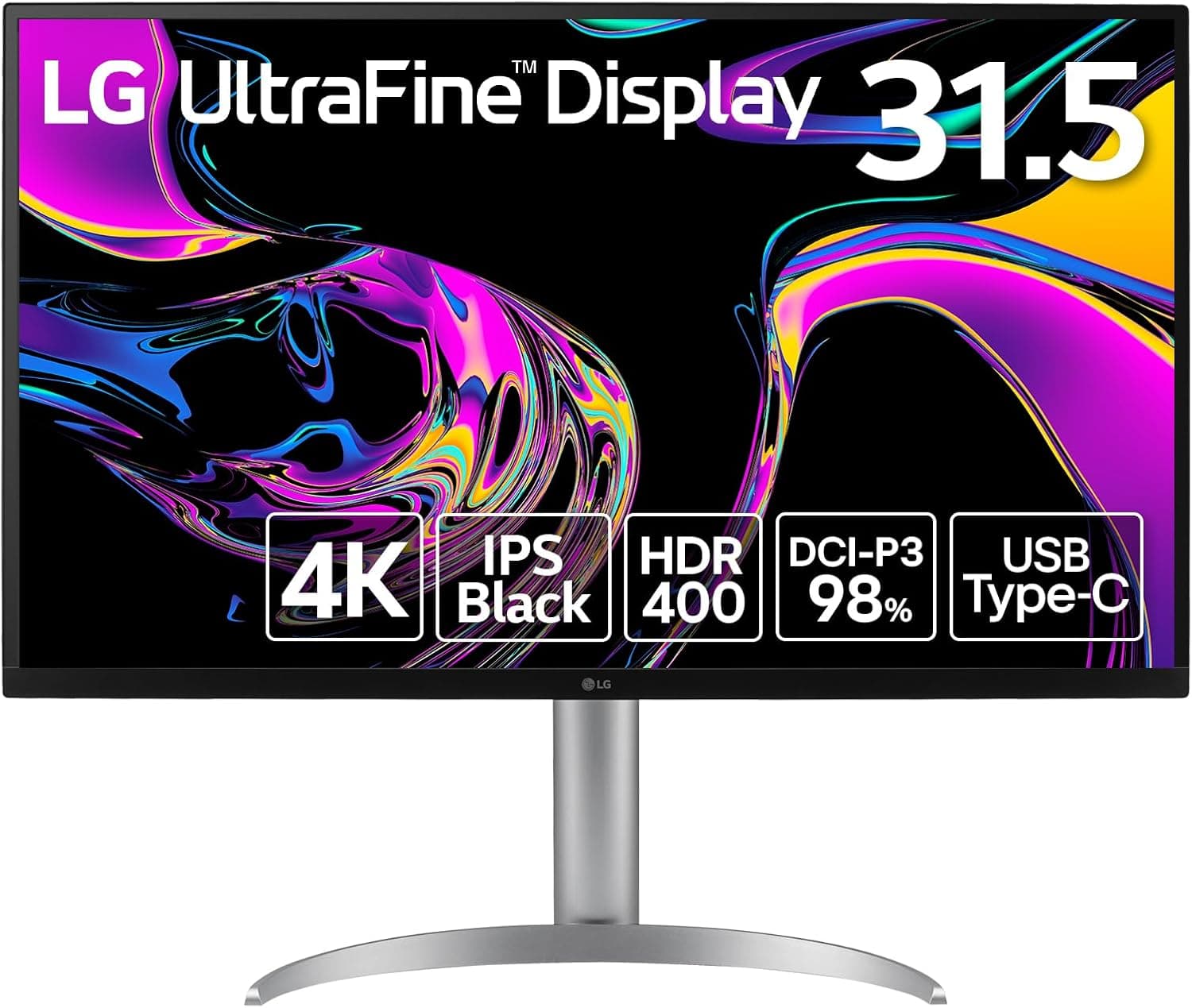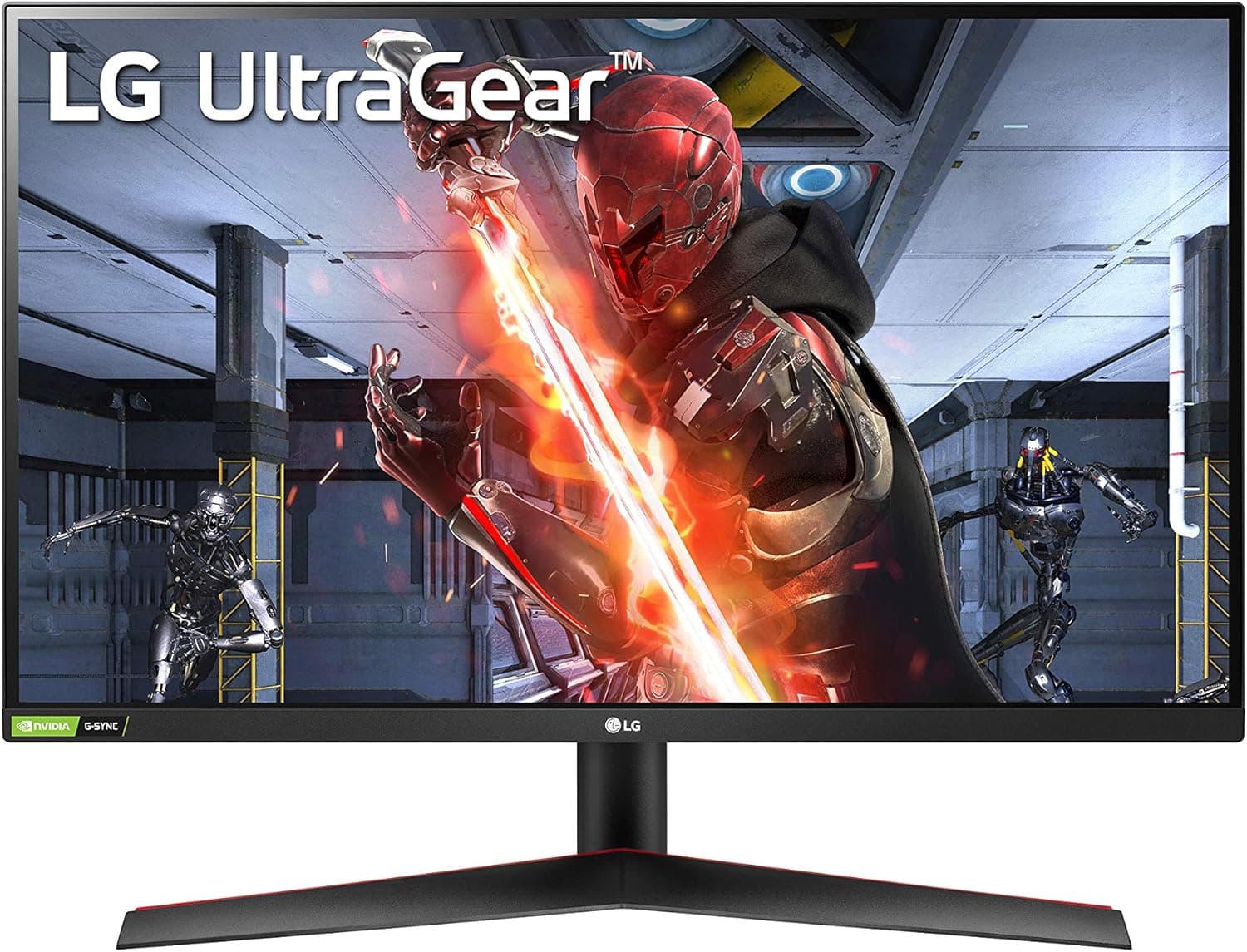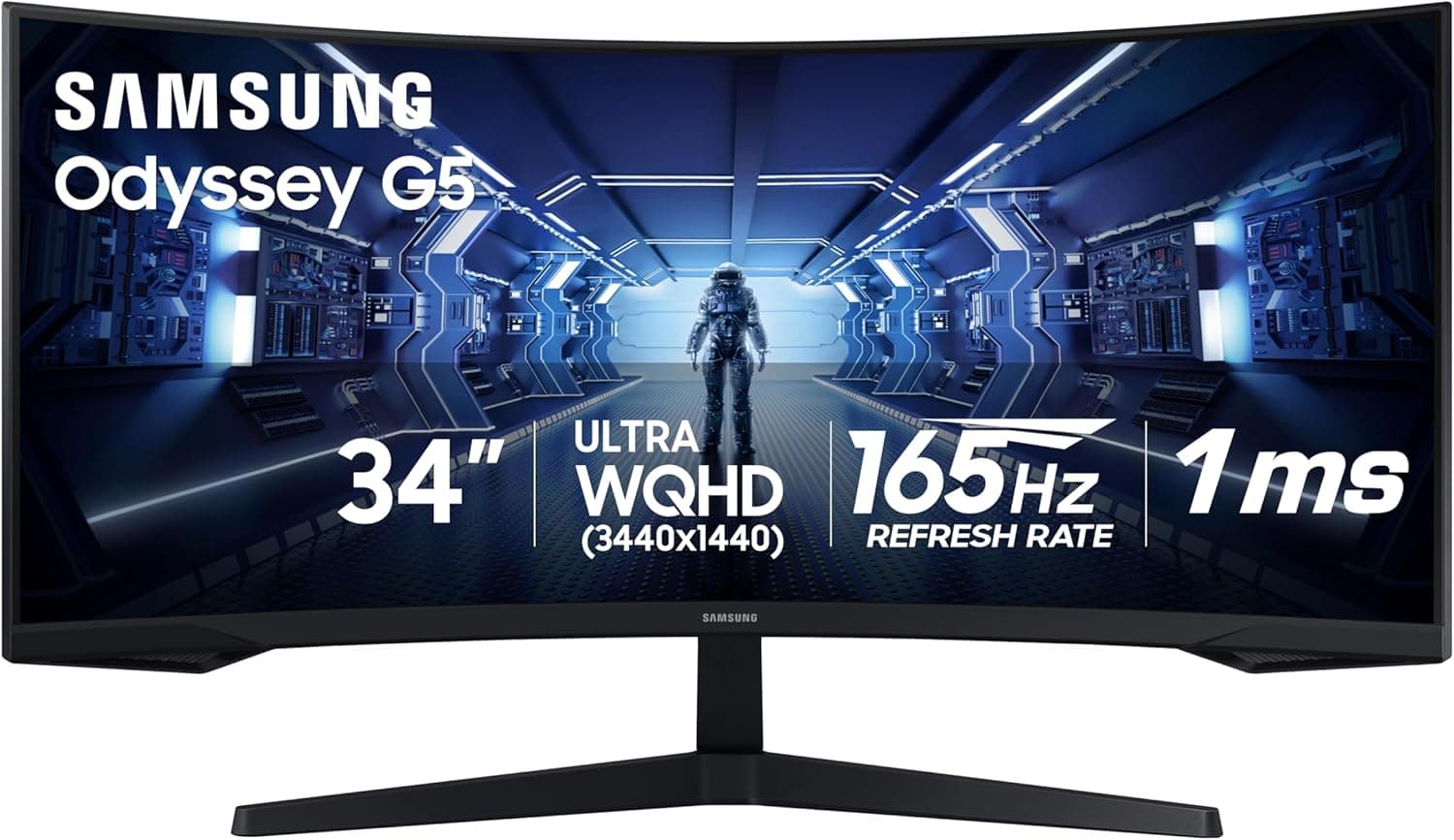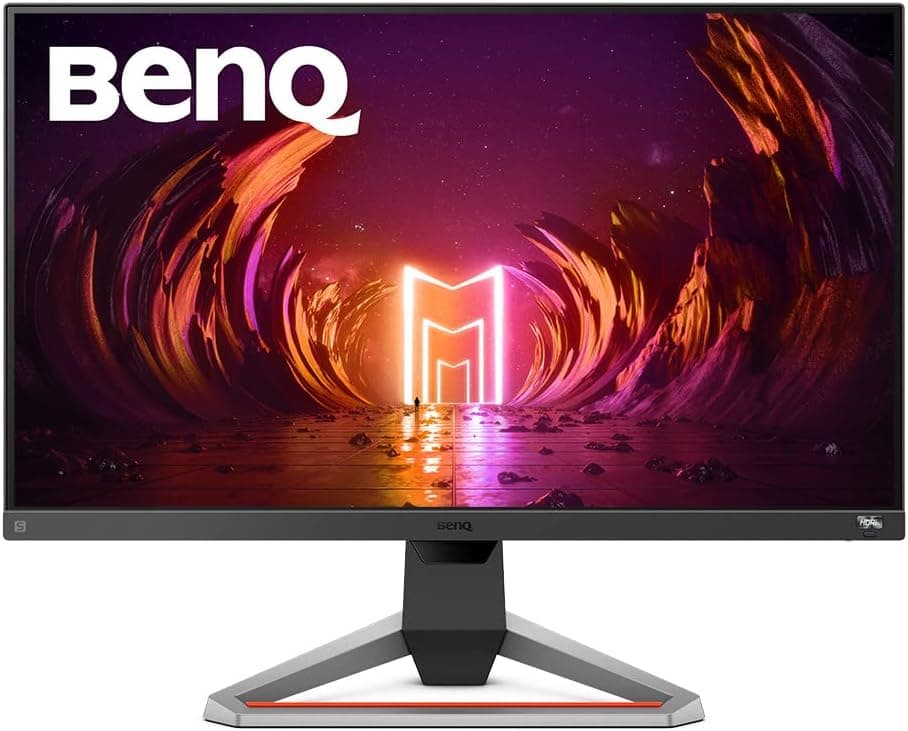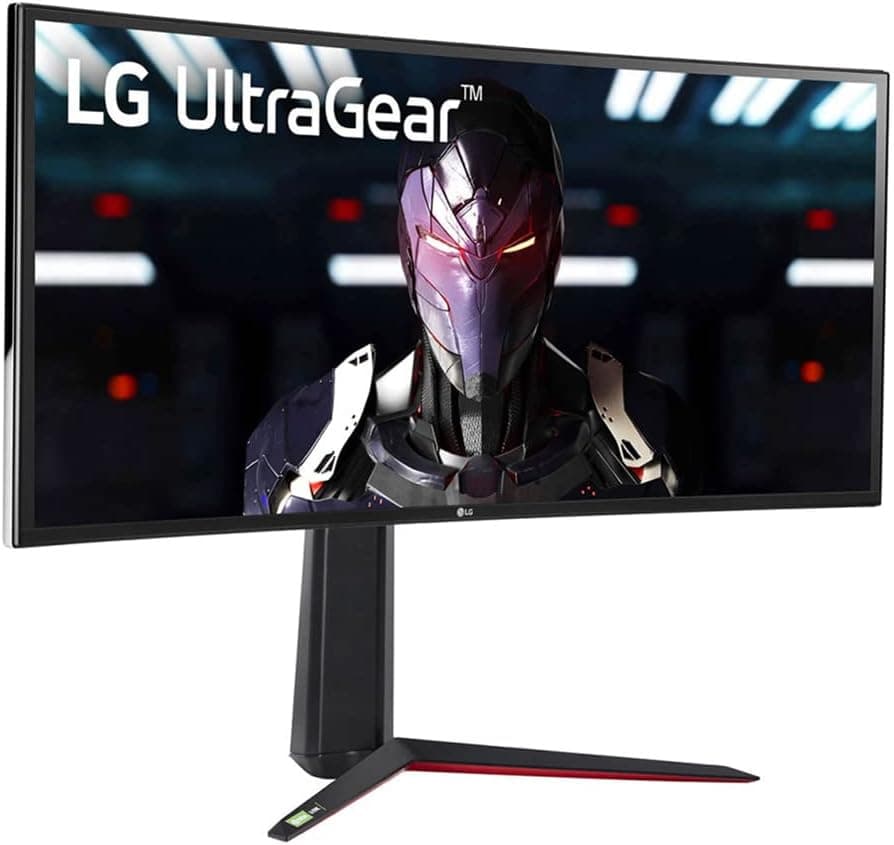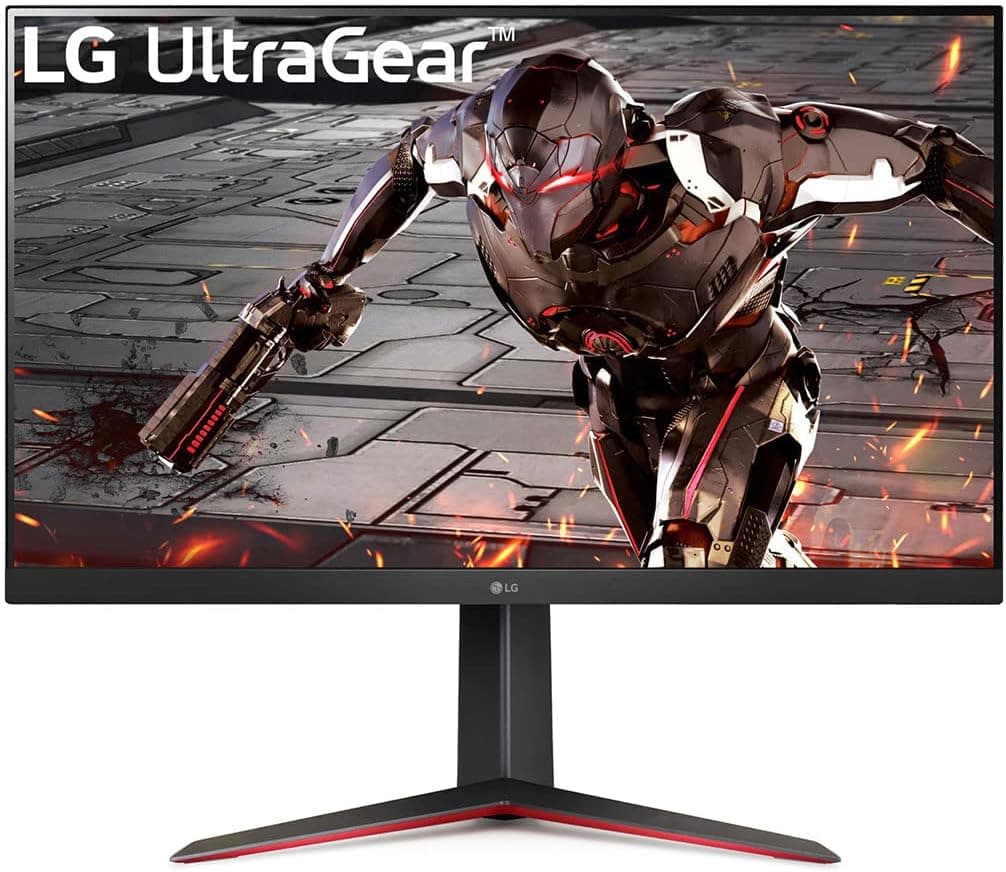
The LG 32GN650-B is a 32-inch QHD (2560×1440) gaming monitor in LG's UltraGear line. This article works from the published review data and listing prices to explain who the panel suits and where you have to compromise.
Note that the product data for this listing contained specifications belonging to a different product (an internal SATA cable), so those values are not used here — see the Before You Buy section.
Overview
The 32GN650-B targets buyers who find 27-inch QHD too cramped but do not want to pay the GPU cost of 4K. UltraGear is LG's gaming display brand, built around high refresh rates and variable refresh rate support.
Exact refresh and response figures vary by region and revision, so confirm them on the retailer's spec sheet before ordering.
Reception is steady. As of the May 2026 capture, the listing showed 1,999 reviews at a 90% positive score (4.5 out of 5 stars).
At that sample size, a 4.5 average is a reasonable signal that unit-to-unit defects are not widespread — though the star breakdown is not published, so it does not mean there are no low ratings.
What 32-inch QHD Actually Means
Pixel density is the more useful number here. At 32 inches, 2560×1440 works out to roughly 93 ppi — almost identical to a 24-inch Full HD panel (about 92 ppi).
You can run Windows at 100% scaling and text stays the same apparent size as on a 24-inch 1080p display, just with far more desktop area.
The flip side: this is nowhere near the sharpness of 32-inch 4K (about 138 ppi). If your main work is photo retouching or fine typography, this resolution will feel coarse.
It fits best as a single screen shared between gaming and general desk work.
Compatibility Guide
Start with your GPU outputs. Maximum refresh rate at QHD can differ between HDMI and DisplayPort, and DisplayPort is the safer path.
If you only have HDMI free, check both the cable rating and the port generation on your GPU. Running from a laptop over USB-C (DP Alt Mode) can also cap refresh depending on the dock and GPU.
For GPU class, QHD renders roughly 1.8× the pixels of Full HD.
A title running 144fps at 1080p typically lands near 80–90fps at the same settings in QHD. Plan your graphics card around that if you want to use the high refresh rate rather than just have it.
Desk space matters too. A 32-inch 16:9 panel is about 71cm wide, which leaves almost no margin on a 100cm desk.
At this size you also want at least 60cm of depth, since sitting closer forces large eye movements across the screen. If you plan to wall-mount or use an arm, confirm VESA support and hole spacing on the product page.
Product Info
As of the 16 July 2026 capture, an eBay US listing showed $350.00.
That is an overseas marketplace price, so shipping, import duties, and power-cable differences are not included, and warranty handling for parallel imports differs from domestic retail stock. Prices move often — check the live listing at purchase time.
The dataset also included a domestic price of ¥96,327. That figure is an order of magnitude out of line for a 32-inch QHD gaming monitor and is almost certainly a collection error, so it is not used in this article.
How It Compares
The usual alternatives are 27-inch QHD, 32-inch 4K, and curved 27-inch Full HD. A 27-inch QHD panel is sharper at about 109 ppi but gives up working area.
A 32-inch 4K is sharper still but raises GPU demand sharply for high-frame-rate gaming. Curved 27-inch Full HD is cheaper and easier to drive, but cannot show the same amount of content.
The 32GN650-B sits at the balance point: a mid-range GPU, a bigger screen, and no large drop in frame rate.
Living With It
As a general rule, large gaming monitors in this price band use VA-family panels — strong contrast and deep blacks, but slower transitions in dark scenes that can appear as smearing, and more color shift off-axis than IPS. Verify the actual panel type on the spec sheet.
Stand adjustment is the other common complaint at this size. Many 32-inch bundled stands have limited height range.
If you are particular about eye level, budget for a monitor arm from the start.
Best Use Cases
This is the natural upgrade from a 24-inch 1080p display when you want more desktop area without shrinking text. It suits people combining gaming with remote work, anyone who tiles two windows side by side, and mid-range GPU owners who want a bigger screen without losing frame rate.
It is a poor fit for color-critical creative work or for cramped desks.
Before You Buy
First, the listing data itself is inconsistent. The captured specification block contained entries like "SATA III 7-pin" and "18-inch cable length" — clearly from an internal SATA cable, not a monitor.
The captured domestic price of ¥96,327 is likewise implausible for this class. Listing metadata errors are not rare, so check that the product image, the title, and the spec table all agree before you buy.
Second, size regret. A 32-inch panel is larger in practice than it looks in a store, and below about 50cm viewing distance you have to move your eyes to track the edges.
For fast FPS play, some people genuinely prefer 27 inches.
Third, do not over-expect from HDR. At this price, HDR support usually means the display accepts an HDR signal rather than reproducing it convincingly.
Treat SDR as the default mode and you will be happier.
Finally, the purchase channel. Buying through an overseas marketplace changes the power cable, the warranty contact, and who pays return shipping on a dead-on-arrival unit.
If the price gap is small, domestic retail stock is usually the cheaper outcome overall.
FAQ
Q. Does text look coarse at 32-inch QHD? A.
Pixel density is about 93 ppi, essentially the same as a 24-inch 1080p display. If 24-inch Full HD at 100% scaling works for you, this will feel identical.
Coming from 27-inch QHD or 4K, it will look softer.
Q. What GPU do I need? A.
QHD is roughly 1.8× the pixel load of Full HD.
If you get 144fps at 1080p, expect around 80–90fps at the same settings in QHD.
Q. Will it work with a PS5 or Switch? A.
It has HDMI input, so it will display an image, but supported console resolutions and refresh rates depend on the model and monitor revision. Check the HDMI specification if you need VRR or 120Hz.
Q. Can I use a monitor arm? A.
Yes, if the panel supports VESA mounting. Confirm the hole spacing and the panel weight against your arm's load rating.
Q. How much should I trust the review score? A.
As of May 2026 it showed 1,999 reviews at 90% positive (4.5 of 5).
That is a large sample, but the star distribution is not published, so read the low-star reviews directly for the specific complaints.