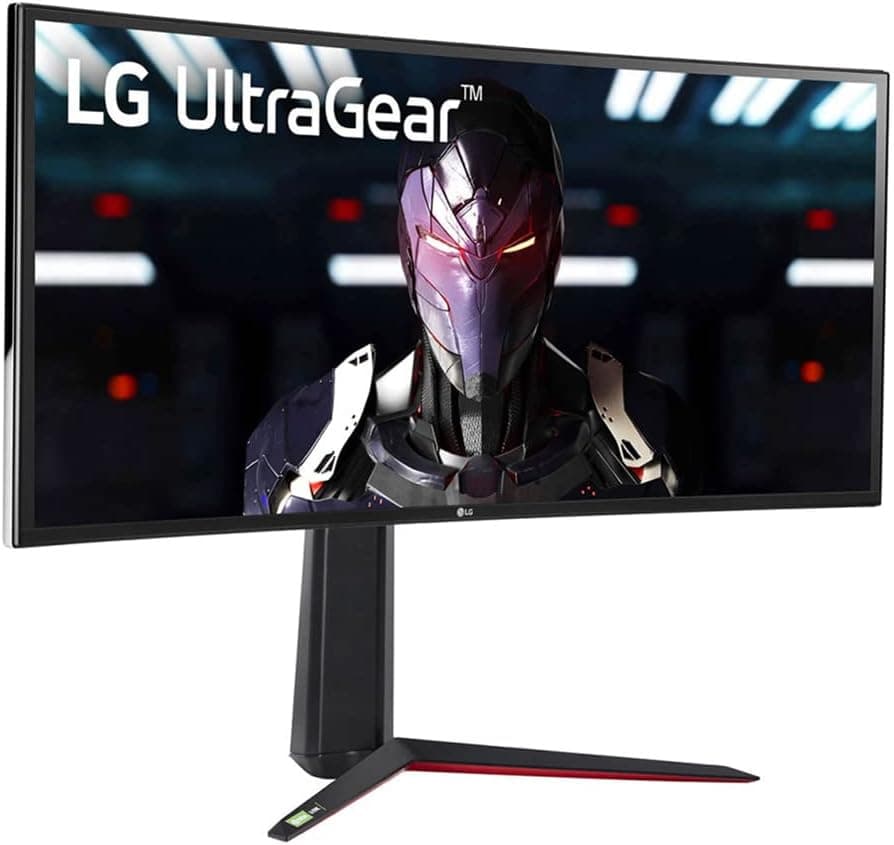
The LG 34GN850-B is a 34-inch, 3440×1440 (21:9) Nano IPS ultrawide that pairs a 144Hz refresh rate with a 1ms (GtG) response time. This article goes past the spec sheet to cover what the panel actually needs to perform, what you have to accept, and who should skip it.
Overview
The LG 34GN850-B is a 34-inch curved (1900R) ultrawide running at 3440×1440 on a Nano IPS panel, with a 144Hz refresh rate and 1ms (GtG) response. It supports both NVIDIA G-SYNC Compatible and AMD FreeSync Premium, so variable refresh rate works on either GPU brand.
In short, it targets people who want competitive-grade speed without giving up IPS color.
Color coverage is 98% DCI-P3, brightness is 400 cd/m², and it carries VESA DisplayHDR 400 certification. Viewing angles are 178°/178°, which matters more than usual on an ultrawide because you view the far edges of the screen at an angle.
That makes it useful beyond gaming — timeline-heavy video editing and side-by-side windows both benefit.
One point dominates the buying decision: 144Hz on this monitor requires DisplayPort. Over HDMI 2.0 the panel is capped at 85Hz.
Miss this and you land in the most common complaint about the model — "it's a 144Hz monitor but it doesn't feel smooth."
Compatibility Guide
Inputs are 1× DisplayPort 1.4 and 2× HDMI 2.0.
Running 3440×1440 at 144Hz requires the DisplayPort 1.4 connection; HDMI 2.0 tops out at 85Hz per the manufacturer's compatibility notes.
G-SYNC Compatible also runs over DisplayPort, so always connect your PC via DisplayPort. Use the bundled cable — reusing an old, low-bandwidth DisplayPort cable is a frequent cause of link dropouts.
| Connection | Max refresh | VRR |
|---|---|---|
| DisplayPort 1.4 | 144Hz | G-SYNC Compatible / FreeSync Premium |
| HDMI 2.0 | 85Hz | Limited depending on setup |
GPU requirements deserve a realistic look. 3440×1440 is roughly 2.4× the pixel count of 1920×1080 and about 1.35× that of 2560×1440.
A GPU that hit 144fps at 1080p will drop noticeably at the same settings here. To actually use 144Hz you need to lower settings, upgrade the GPU, or lean on upscaling like DLSS/FSR.
Lightweight competitive titles can reach 144fps on a mid-range card; heavy AAA games realistically land in the 60–100fps range.
A built-in USB 3.0 hub (1 upstream, 2 downstream) lets you consolidate keyboard and mouse receivers at the monitor.
It requires the included USB upstream cable to the PC. A 3.5mm headphone output is also present, so audio carried over DisplayPort or HDMI can be routed to a headset.
Console use needs a caveat. The HDMI ports are 2.0 generation, and most consoles do not output 21:9, so you will typically see a 16:9 image with pillarboxing.
Treat this as a PC monitor.
Physically, a 34-inch 1900R panel takes up more desk width than people expect. On a shallow desk you sit too close, and the edges fall outside your comfortable field of view — which is tiring rather than immersive.
Aim for at least 60cm of viewing distance, and measure your actual desk before buying. If you plan to use a monitor arm, check the arm's weight rating on the product page.
Product Info
rmation
| Item | Value |
|---|---|
| Screen size | 34 inches |
| Resolution | 3440×1440 |
| Aspect ratio | 21:9 |
| Panel | Nano IPS |
| Response time | 1ms (GtG) |
| Refresh rate | 144Hz |
| Brightness | 400 cd/m² |
| Color gamut | 98% DCI-P3 |
| HDR | VESA DisplayHDR 400 |
| Viewing angle | 178°/178° |
| Curvature | 1900R |
| Video inputs | 1× DisplayPort 1.4, 2× HDMI 2.0 |
On pricing, the captured data shows ¥110,526 at Amazon.co.jp as of June 2026.
Monitor prices move often and can drop sharply during sales, so treat that figure as a snapshot from the capture date rather than a current price. Always check the product page before ordering.
On the international marketplace side (eBay), prices vary per listing and no fixed figure was captured.
For user sentiment, Amazon.co.jp shows 786 reviews averaging 4.5 out of 5 stars (roughly a 90% positive score), captured June 2026.
A product holding 4.5 stars across several hundred reviews generally indicates stable overall satisfaction, even if individual unit variance comes up.
Review counts and scores change, so check the current numbers too.
The monitor launched in 2020 and has been a long-running staple of the ultrawide 144Hz class. The flip side is that its design generation predates HDMI 2.1, USB-C power delivery, and brighter HDR tiers.
In the box: DisplayPort cable, HDMI cable, USB upstream cable, power cable, and a quick setup guide.
How It Compares
- Versus 27-inch 1440p high-refresh panels — the 34GN850-B clearly wins on horizontal information density and immersion, but demands more GPU and costs more. Pure competitive players chasing frame rate may still be better served by 27-inch 16:9.
- Versus 32-inch 4K panels — 4K wins on sharpness and general media versatility. Ultrawide wins on field of view in racing and cinematic games and on side-by-side windows. Mixed gaming plus work favors 21:9; photo and 4K video review favors 4K.
- Versus curved VA panels — VA delivers deeper contrast and better black depth, but tends to lag on response in dark transitions. The Nano IPS here is the balanced choice, conceding only black-level depth in a dark room.
Recommended Users
- PC gamers chasing immersion — racing games, flight sims, and open-world RPGs with proper 21:9 support turn the extra field of view directly into experience. 3440×1440 stays sharp while going wide.
- Anyone doubling up on creative work — 98% DCI-P3 plus IPS viewing angles is enough for photo editing and rough color grading. Strict print-accurate work still needs calibration, but daily creative tasks are well covered.
- People who want horizontal workspace — editor plus browser, DAW track views, or multiple charts side by side. Especially good if you dislike the bezel gap of a dual-monitor setup.
- Users who may switch GPU brands — dual VRR support means a move between NVIDIA and AMD doesn't cost you adaptive sync.
Before You Buy
HDMI will not give you 144Hz. This is the single most common disappointment with this model.
HDMI 2.0 caps at 85Hz, and G-SYNC Compatible assumes a DisplayPort connection.
If your laptop or small-form-factor PC can't provide DisplayPort output (or USB-C with DP Alt Mode), you can't access the monitor's core value. Check your GPU's outputs first.
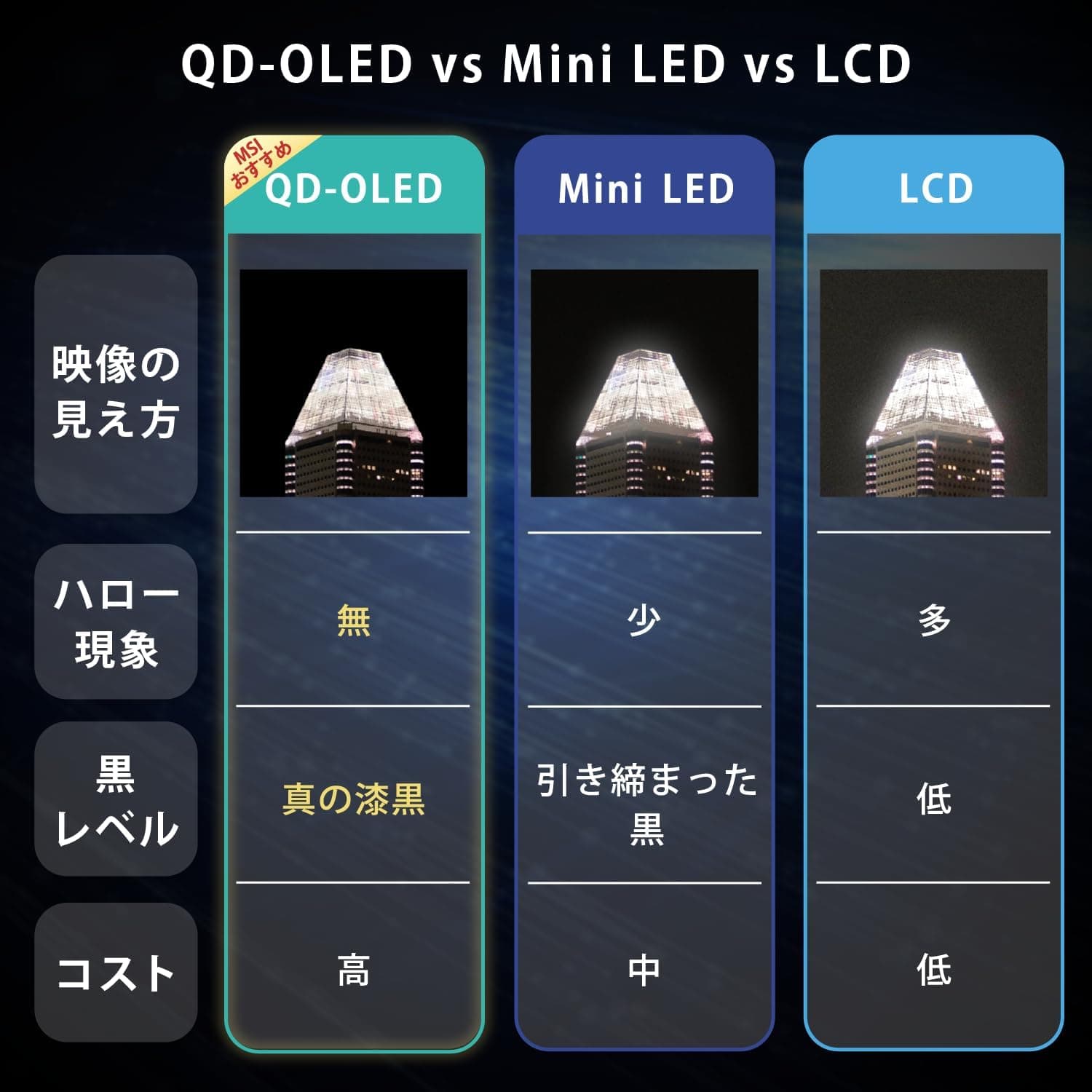
DisplayHDR 400 means "HDR compatible," not "HDR experience." With 400 cd/m² peak brightness and edge-lit backlighting, you won't get the highlight punch of HDR600/1000 panels with local dimming, let alone OLED.
If HDR gaming is your main reason for buying, this will disappoint. Buy it for SDR color and response instead.
IPS glow is inherent to the panel type. The corners of a black screen will look slightly washed out in a dark room.
If you mostly play horror games or watch dark films with the lights off, VA or OLED will satisfy you more. Backlight uniformity also varies between units, so check a full-gray and full-black screen soon after delivery while returns are still easy.
Don't underestimate the GPU load. 3440×1440 is about 2.4× the pixels of 1080p.
Buying a 144Hz monitor does not produce 144fps — your GPU sets that ceiling. If you're keeping your current PC, estimate realistic frame rates in the games you actually play before ordering.
It's a poor console monitor. Most consoles don't output 21:9, so you get pillarboxed 16:9, and the HDMI ports are 2.0 generation.
If you want PS5/Xbox 120Hz, look at an HDMI 2.1 16:9 model instead.
Read the listing details carefully. Retail product pages occasionally carry incorrect registered information — manufacturer name, model number, or bundled accessories.
This is more likely when parallel imports or multiple variants share one page. Confirm from the images and title that you're ordering the 34GN850-B specifically, and check whether the seller's warranty coverage applies in your region.
FAQ
Q. I connected via HDMI and can't get 144Hz. Is it broken? A.
That's expected behavior. HDMI 2.0 is limited to 85Hz here.
You need DisplayPort 1.4 for 144Hz.
Q. Does it work with AMD GPUs? A.
Yes. It supports AMD FreeSync Premium, so variable refresh rate works on Radeon cards.
On NVIDIA it runs as G-SYNC Compatible.
Q. What GPU do I need for 3440×1440 at 144Hz? A.
It depends on the title. Lightweight competitive games can reach 144fps on a mid-range card; heavy AAA titles at high settings realistically land in the 60–100fps range.
Plan on tuning settings or using upscaling.
Q. Is it good for work? A.
Yes. You can line up two or three windows horizontally, which suits coding, document work, and video timelines.
Text sharpness is comparable to 27-inch 1440p, so choose 4K if you need finer detail.
Q. What happens with games that don't support ultrawide? A.
Some render at 16:9 with black bars on the sides. Most modern titles support 21:9, but older or competitive-focused games are worth checking in advance.
Q. How much does it cost? A.
The captured data showed ¥110,526 at Amazon.co.jp as of June 2026.
Prices change, so confirm the current figure on the product page.