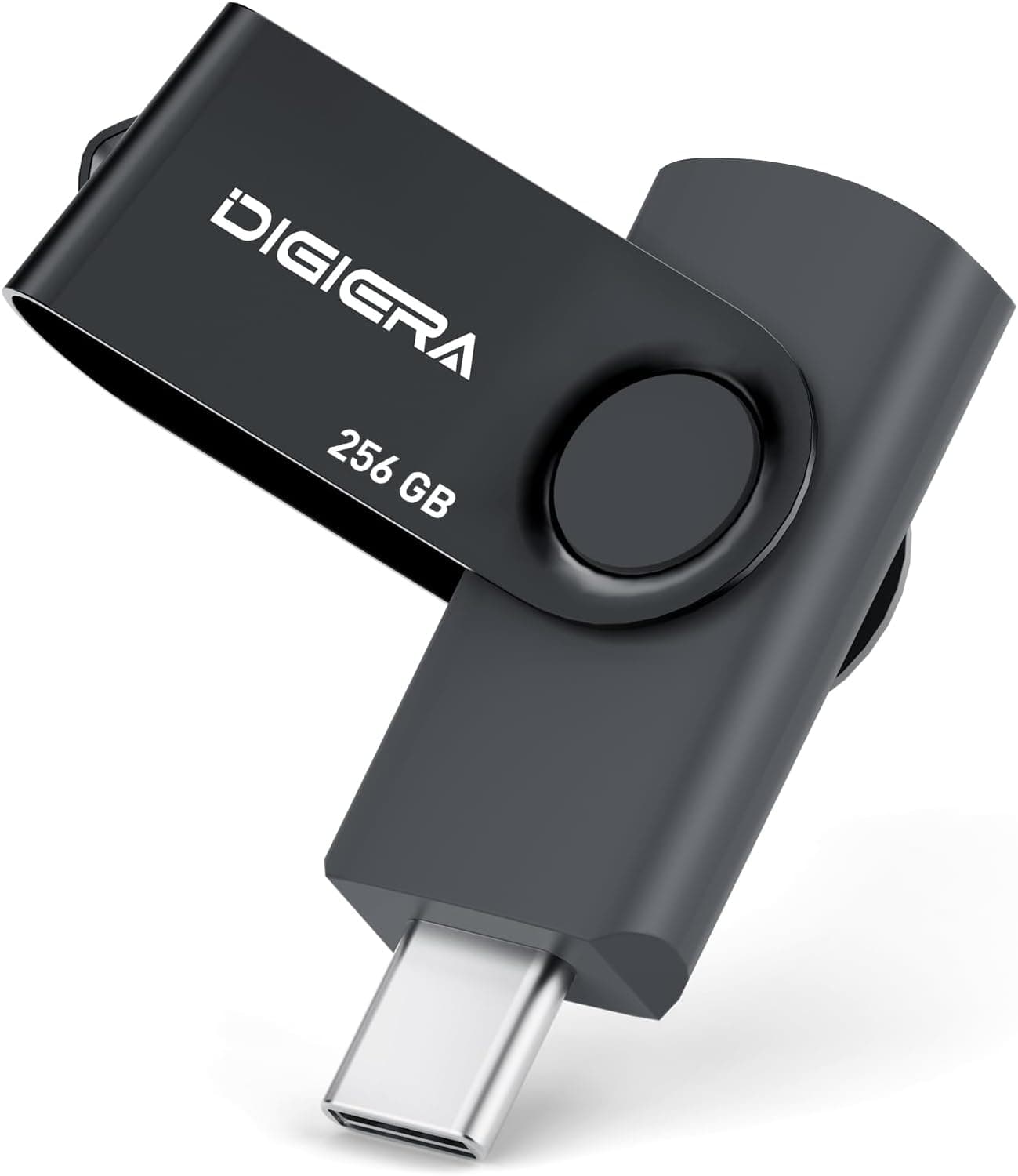
The DIGIERA 256GB USB 3.2 Gen 1 Type-C flash drive does its job well if you keep it to moving files between a phone and a PC.
But the gap between its read and write speeds is large, and using it for the wrong task will make it feel slow. This article works through what you can reasonably expect from the published specs and the Amazon.co.jp listing.
Overview
This is a 256GB USB flash drive with a USB 3.2 Gen 1 Type-C connector.
Rated speeds are up to 140MB/s read and up to 40MB/s write. The body measures 57 x 18 x 9 mm and weighs about 5g — light enough to forget it is on your keyring.
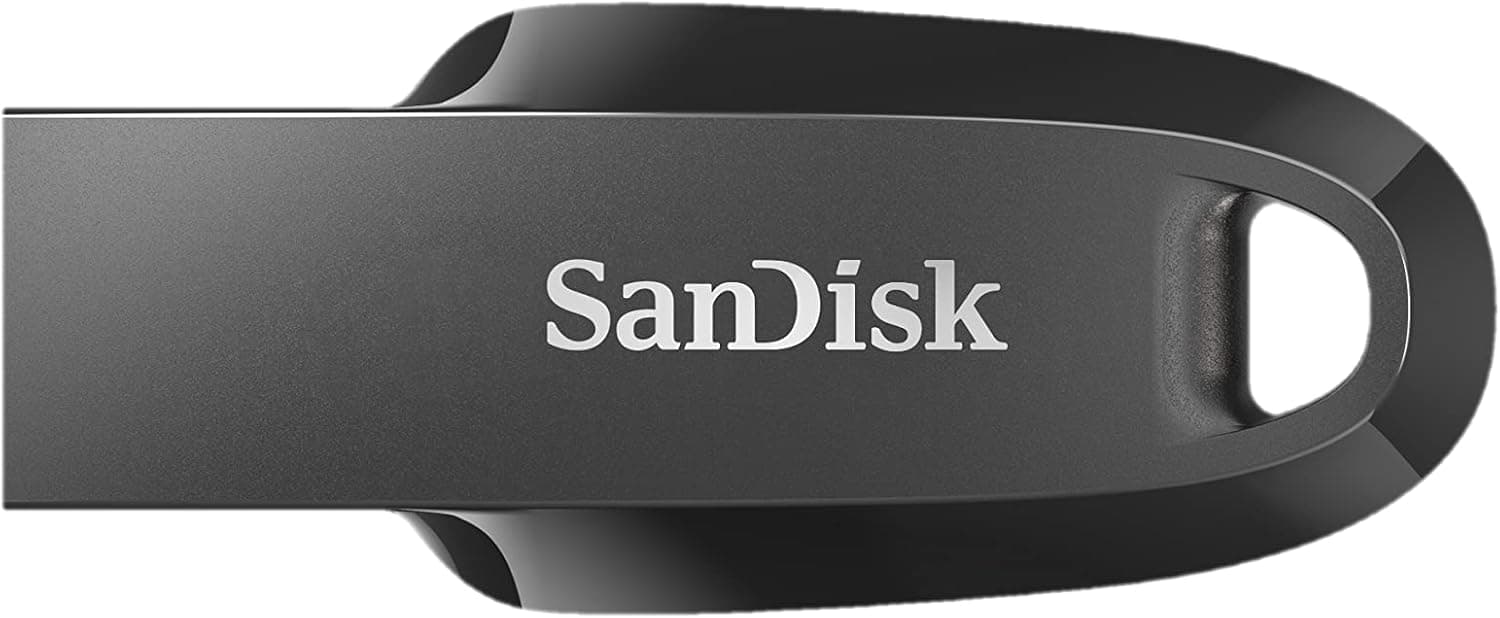
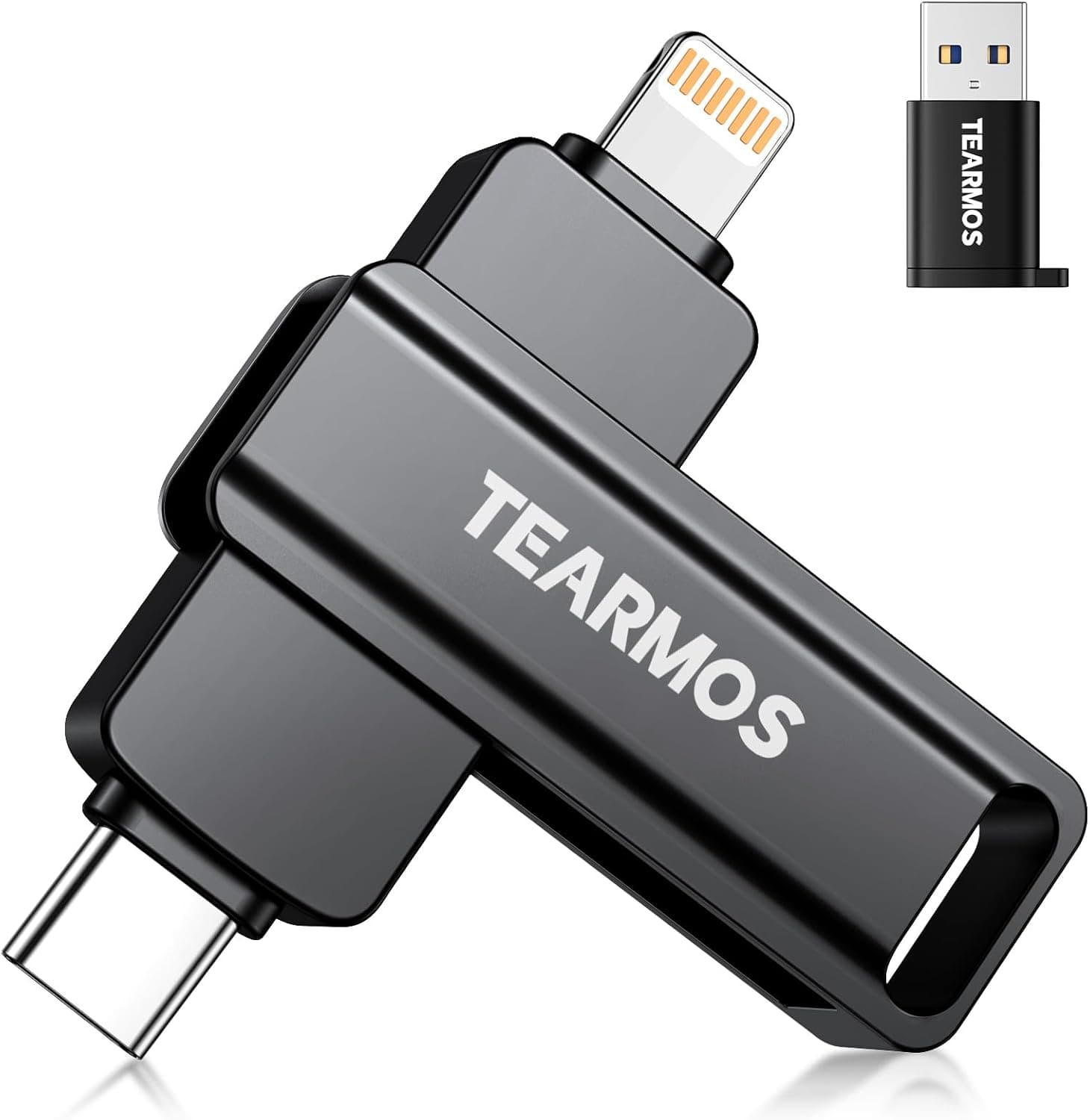
The headline feature is the 360-degree rotating, cap-less design that tucks the connector into the housing. Losing the cap and then carrying an exposed connector around is the most common way flash drives die, so this is a practical benefit rather than a cosmetic one.
Positioning is entry-to-mid tier. It is not a substitute for a fast external SSD, but it covers the traditional flash drive role — documents, photos, music — without complaint.
As of June 2026 the Amazon.co.jp listing showed 17 reviews at 4.4 out of 5 stars (roughly 88% positive).
The score is good, but 17 is a small sample, so do not treat that number as the deciding factor.
Making Sense of the Speed Numbers
The 140MB/s on the spec sheet is the read figure; writes are rated at 40MB/s. That 3.5x gap is the single most important thing to understand about this drive.
| Task | Speed that matters | Rough estimate |
|---|---|---|
| Copying from the drive to a PC | 140MB/s read | ~30s for a 4GB video |
| Copying from a PC to the drive | 40MB/s write | ~100s for a 4GB video |
| Editing files directly on the drive | Both | Not comfortable |
Those estimates are straight arithmetic from the rated figures; real results depend on file count, file size, and the host port. Folders full of small files — thousands of photos, a source tree — routinely run at a fraction of the rated speed.
In short, this drive is built for handing things off and carrying things out, not for writing large volumes back every day. Filling all 256GB once would take over an hour and a half at 40MB/s in theory.
Plan your first big backup for a time you can walk away from it.
Compatibility Guide
There is one connector: USB 3.2 Gen 1 Type-C, rated at 5Gbps in theory.
It plugs directly into Windows PCs, Macs, Android phones, and tablets with a USB-C port. Car audio units with a Type-C USB input will often read it for music playback as well.
The practical stumbling blocks:
- PCs with only USB-A: You will need an adapter or a hub. Front-panel desktop ports and slightly older laptops are frequently USB-A only. Check the ports on your machine before buying.
- Plugging into a USB 2.0 port: You are capped at 480Mbps (roughly 35MB/s in practice), so the 140MB/s read will not materialize. A Type-C port does not guarantee USB 3.x internals, and cheap hubs can throttle throughput too.
- iPhone and iPad: On USB-C models (iPhone 15 onward, recent iPads) it should connect physically and be readable through the Files app. Lightning-port models are out. If iPhone use is the main goal, a drive that explicitly advertises Lightning or MFi certification is the safer buy.
- Formatting: Whether it ships as exFAT or FAT32 changes what you can store. FAT32 caps single files at 4GB, so larger videos require a reformat to exFAT. But some car stereos and consumer electronics read only FAT32 — you cannot have both. Decide the use case first, then pick the format.
- Body thickness: At 9mm, it may block an adjacent port on laptops with tightly spaced connectors. Worth checking if your ports sit close together.
Product Info
Key specs: 256GB capacity, USB 3.2 Gen 1 Type-C interface, 140MB/s read, 40MB/s write, 57 x 18 x 9 mm, about 5g.
The price captured on 9 June 2026 was JPY 2,499 on Amazon.co.jp — squarely in the normal range for a 256GB Type-C drive, working out to a little under 10 yen per gigabyte.
Prices in this segment move a lot with sales and coupons. The figure above is a snapshot from that capture date, so check the product page for the current price before buying.
No specific figure was captured on the overseas marketplace side, so this article does not quote one.
For warranty terms on a product like this, the listing page is the only authoritative source. Check the stated period and contact route there.
How It Compares
Type-C flash drives vary more than the shared interface suggests. Some Japanese-brand drives carry both Type-A and Type-C connectors, which removes the need to carry an adapter — at a higher price.
Drives advertising much higher speeds (400MB/s-plus read) exist, but they cost considerably more and often omit the write figure entirely, so you cannot tell how fast they really are until you try one. Publishing both numbers, as this drive does, is the more honest approach.
A rough rule for choosing: cheapest route to 256GB — this drive; mixed USB-A and USB-C devices — a 2-in-1 drive; daily large writes — an external SSD, not a flash drive at all. The third case matters most.
Pointing a flash drive at a write-heavy workload rarely pays off, even accounting for the price difference.
Best Use Cases
This drive suits:
- Laptop users with 128GB-256GB of internal storage who need somewhere to park photos, videos, and finished projects that are crowding the system drive.
- People who regularly offload phone photos, since USB-C Android handsets take it directly and you can free space anywhere. Also a fit if you would rather not grow a cloud subscription.
- Business users passing documents around, where the cap-less rotating design keeps the connector safe in a pocket and 5g is no burden to carry daily.
- Anyone handing off deliverables — print data, event assets — since that is read-dominated work, which is where this drive is strongest.
It is not for video editing scratch work, game installs, or backing up tens of gigabytes daily. That 40MB/s write rating translates directly into waiting.
Before You Buy
Write speed is the bottleneck. If you read "USB 3.2 Gen 1" and "5Gbps" and expect speed, writes will disappoint you every time.
A rated 40MB/s is barely above what USB 2.0 delivers in practice.
If throughput matters, shop a different class of product.
Do not make this your only backup. Flash drives can stop being recognized without warning, and a 5g stick is easy to lose.
Keep important data in at least one other place — the PC itself, an external drive, or cloud storage — and treat this as one copy among several. If losing it would expose sensitive data, consider storing it inside an encrypted container.
Labeled capacity is not usable capacity. A 256GB drive typically shows around 230GB in the OS.
That is decimal versus binary counting, not a defect.
Discount the review count. 4.4 stars across 17 reviews as of June 2026 is a good result, but a small sample lets individual opinions swing the average.
Long-term durability simply is not established yet.
Verify the listing details yourself. Marketplace product data occasionally has the manufacturer name, model number, or price swapped in from a different item.
Before buying, confirm that the product image, title, capacity, and connector type match what you actually want — Type-C and Type-A variants are often sold under near-identical names.
USB-C ports wear out. With heavy daily insertion cycles, the port on your PC often degrades before the drive does.
If you use it at a desk, going through a hub or dock spares the built-in connector.
FAQ
Q. Does it work with an iPhone? A.
On USB-C models such as the iPhone 15 and later it connects physically and should be readable via the Files app. Lightning models are not supported.
If iPhone use is the primary goal, choose a drive that explicitly advertises Lightning or MFi support.
Q. How do I use it on a USB-A PC? A.
You need a USB-C to USB-A adapter or a hub with a USB-C port. Pick one rated for USB 3.0 or better — a USB 2.0-only adapter will throttle the drive.
Q. Can it hold video files larger than 4GB? A.
Yes, if it is formatted exFAT or NTFS. FAT32 enforces a 4GB per-file limit, so you would need to reformat.
Reformatting erases the contents, so check before you load it up.
Q. Will it play music in my car? A.
Usually yes on head units with a Type-C USB input. Some units read only FAT32, so if it is not recognized, suspect the format first.
Q. How long does it take to fill 256GB? A.
Over an hour and a half by simple arithmetic from the 40MB/s rating, and longer in practice with many small files. Start large transfers when you have time to spare.
Q. Flash drive or external SSD? A.
Flash drive for portability and price; external SSD for speed and practical throughput per gigabyte. If you plan to edit files directly on the drive or write large volumes often, choose the SSD without hesitating.