Overview
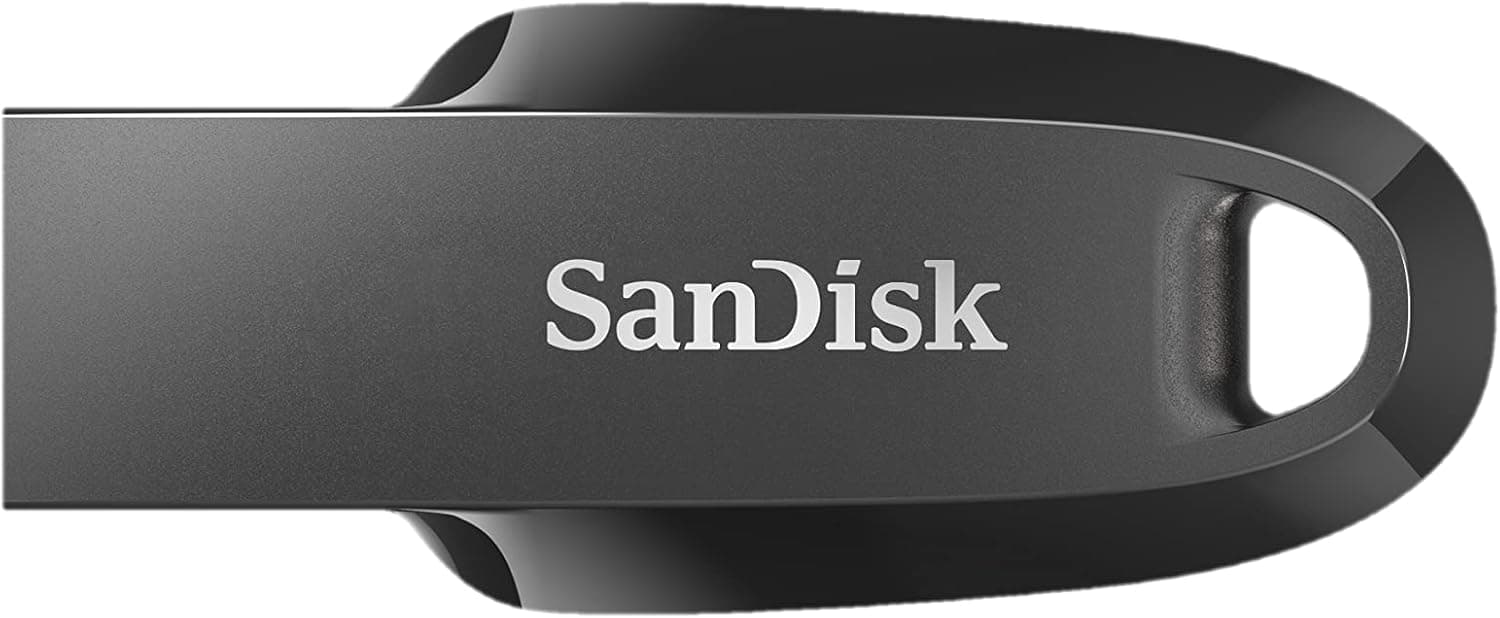
The SanDisk Ultra Curve 256GB USB 3.2 Flash Drive (SDCZ550-256G-I35) is a capacity-focused USB-A thumb drive for people who move files around every day.
The published specs are 256GB of capacity, a USB 3.2 Gen 1 (USB 3.0 compatible) interface, and read speeds up to 100MB/s.
On Amazon.co.jp it holds 939 reviews with a 4.2/5 average (84% positive, captured June 2026) — a large enough sample to treat the score as meaningful.
The short version: this drive suits carrying documents, photos, installers, and video files between machines that have USB-A ports — office desktops, shared campus PCs, TVs, car audio units. It does not suit editing video directly off the drive or writing tens of gigabytes back every day.
The reason is simple: only the 100MB/s read figure is published. No write speed is specified for USB 3.0 connections.
Below we cover the compatibility traps people actually hit, how to read that 100MB/s number, and the pitfalls buyers discover after the fact.
Compatibility Guide
The connector is USB-A only. That means it will not plug directly into a laptop that only has USB-C — recent MacBooks and thin Windows notebooks included.
You will need an adapter or hub, and none is bundled. If USB-C is your main port, confirm you have an adapter before buying, or consider a dual Type-A/Type-C drive instead.
The interface is USB 3.2 Gen 1, and it is backward compatible with USB 2.0 ports.
Fitting and performing are different things, though. Write speed on a USB 2.0 port is rated at 20MB/s — roughly 50 seconds per gigabyte, so over eight minutes for a 10GB transfer.
Front-panel ports on older desktops, and the USB sockets on TVs, printers, and car stereos, are frequently still USB 2.0.
If the drive feels slow, suspect the port first: moving to a rear USB 3.0 port (often blue inside) can change read throughput several times over.
On the software side, Windows, macOS, and Linux all recognise the drive with no drivers. The password-protection tool, SanDisk SecureAccess, is Windows-only.
If encryption is the reason you are considering this drive and you are on a Mac, you will be disappointed — use the OS's own encrypted-volume tooling instead.
File system choice is another practical trap. Large flash drives usually ship formatted as exFAT, which reads and writes on both Windows and macOS and handles single files larger than 4GB, such as long videos.
If yours arrives as FAT32, that 4GB per-file ceiling applies and you will need to reformat to exFAT before moving big video or disk-image files. The reverse also happens: TVs, car head units, and older appliances sometimes read only FAT32, so check the device manual before relying on exFAT.
Avoid NTFS if you share the drive with a Mac — macOS mounts NTFS read-only by default.
Rated operating temperature is 0°C to 45°C, with -10°C to 70°C for storage. A parked car in midsummer easily exceeds that, so do not leave the drive on a dashboard.
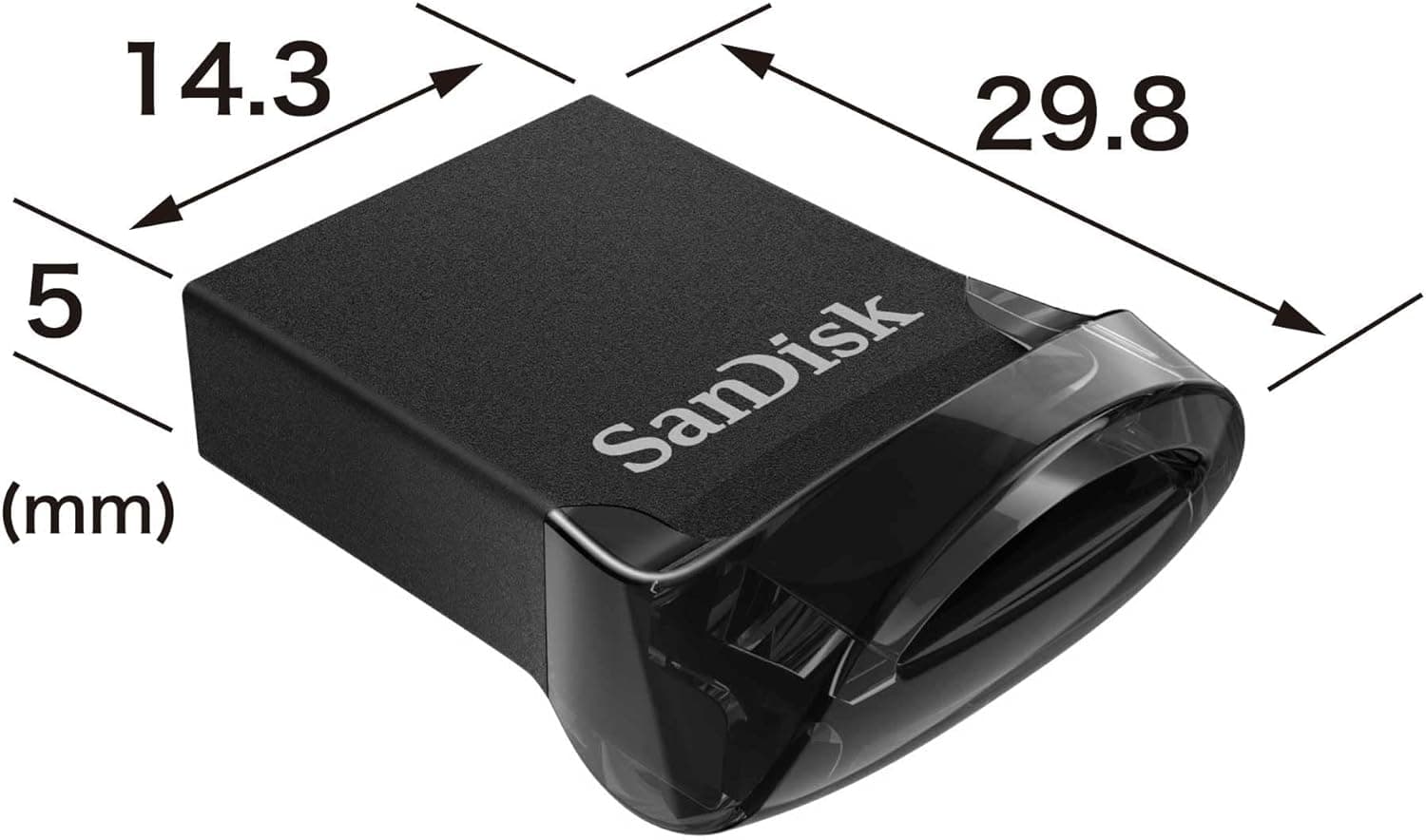
The compact keychain-friendly body is convenient, but it also means the drive spends its life in pockets and bags exposed to heat and humidity.
How to Read the 100MB/s Figure
The 100MB/s on the spec sheet is a read figure. For writes, the only published number is 20MB/s over USB 2.0 — nothing is stated for USB 3.0 writes.
As a general property of USB flash drives, writes are slower than reads, and sustained large transfers usually slow down partway through as the fast write region fills and the drive falls back to its native speed. That behaviour is normal for this class of product.
As a rough guide, at 100MB/s reading a 10GB video takes just under two minutes. Writing will take longer.
Understanding that saves you from being surprised by reviews complaining about write performance. This is a read-oriented drive: it shines in write-once, read-many scenarios such as carrying distribution data, keeping installers and portable apps handy, or offloading photos.
If your workflow means shuttling 4K working files back and forth daily, buy a portable SSD instead. Over the same USB-A connection, the performance is an order of magnitude apart.
Product Info
The published specifications are as follows.
| Item | Value |
|---|---|
| Capacity | 256 GB |
| Interface | USB 3.2 Gen 1 (USB 3.0) |
| Read speed | Up to 100 MB/s |
| Write speed | 20 MB/s (over USB 2.0) |
| Connector | USB-A |
| Operating temperature | 0°C – 45°C |
| Storage temperature | -10°C – 70°C |
As the table shows, the only performance ceiling stated is for reads — a common convention on flash drive spec sheets. Nothing ships in the box beyond the drive itself: no cable, no adapter.
Warranty terms can differ by region, so check the manufacturer's product page for the terms that apply where you buy.
On reception, Amazon.co.jp lists 939 reviews averaging 4.2/5 (84% positive, captured June 2026).
A 4.2 across nearly a thousand reviews is the classic profile of a dependable staple — not outstanding, but not a landmine either.
That is a fair place for a drive of this class to sit.
Pricing needs a caveat. The collected data shows ¥18,332 on Amazon (captured June 2026) and $70.90 on eBay (captured July 2026), but those figures are clearly too high for a 256GB flash drive.
They are an order of magnitude away from normal market rates for this capacity class, which strongly suggests the collector picked up a different product or listing. This article therefore does not treat those numbers as the drive's real street price.
Check the current price on the product page before buying.
Alternatives and Comparison
Three axes matter when choosing a flash drive: price per gigabyte, connector type, and speed. This model is USB-A only, reads at up to 100MB/s, and holds 256GB — a fit for people who want capacity and whose target machines still have traditional USB-A ports.
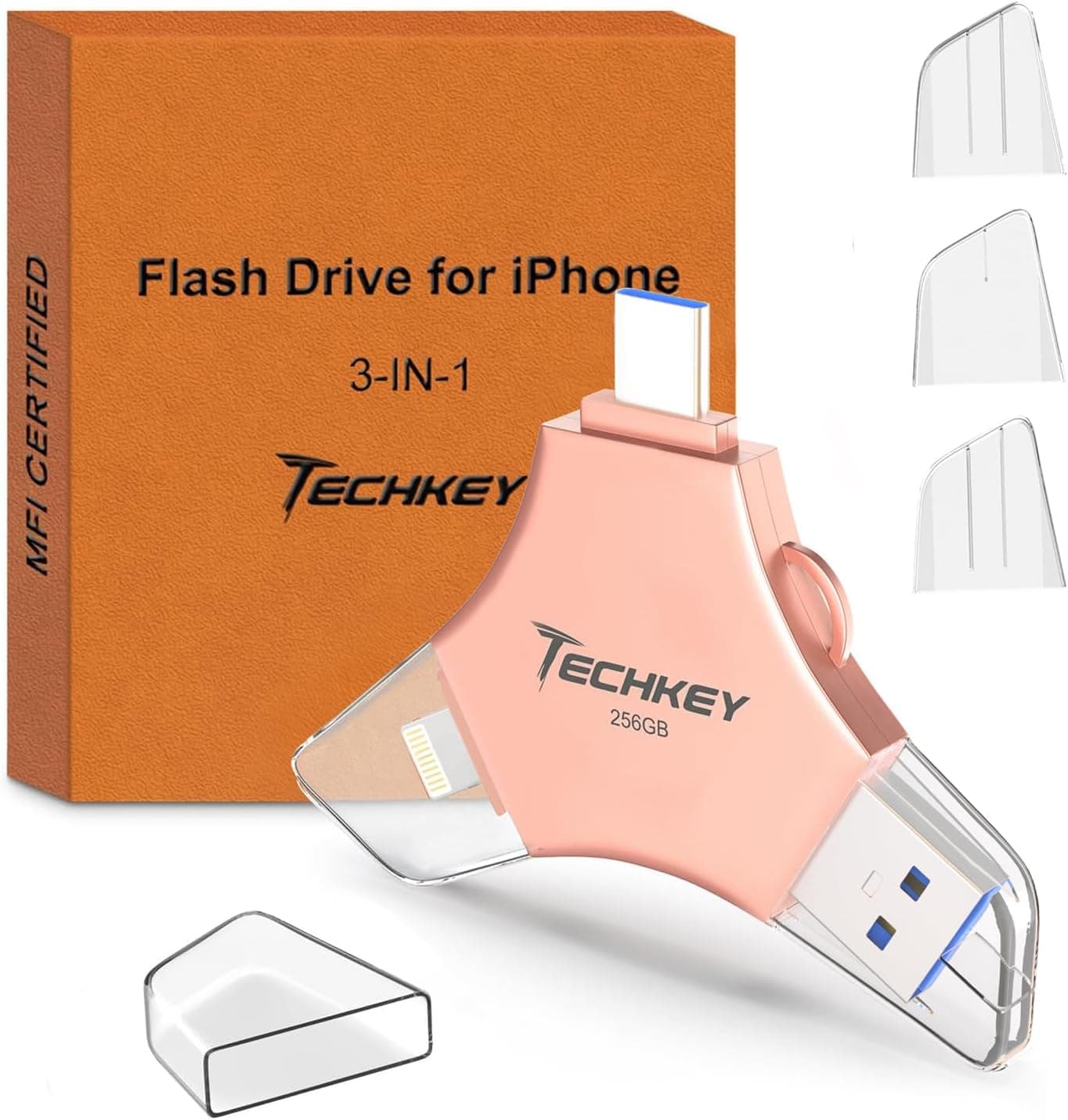
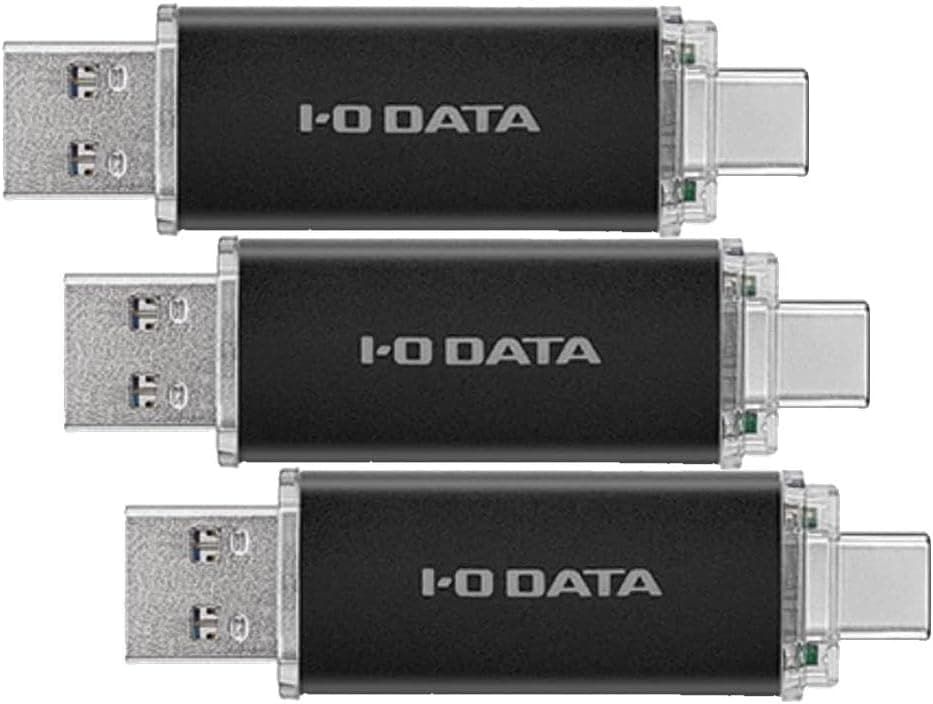
If phone use is the main goal, a dual Type-A/Type-C drive is the safer buy: it connects to Android phones and USB-C tablets with no adapter, and there are domestic-brand options if local support matters to you. For iPhone, a general-purpose USB-A drive is not a substitute at all — you need an MFi-certified drive designed for it.
If 16GB to 64GB is enough, the unit price drops sharply. For handing over documents or building a BIOS-update boot stick, 256GB is overkill, and keeping several smaller drives can be easier to manage.
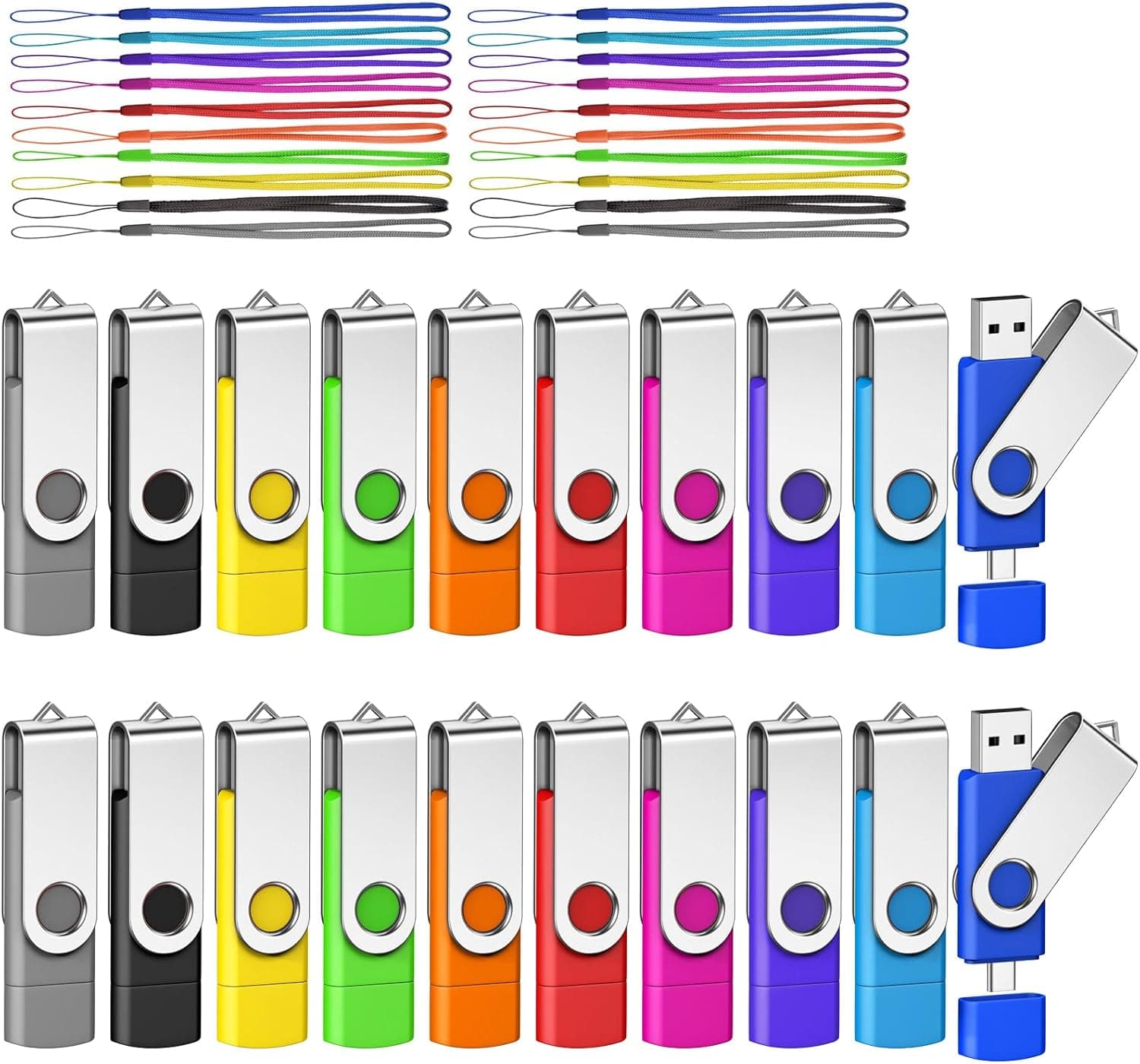
Once you own several, though, losing one becomes a realistic problem — a storage case is worth considering.
Best Use Cases
This drive is an easy recommendation for:
- People carrying substantial capacity between USB-A machines. Office desktops, shared university PCs, TVs, and consoles are all USB-A-first environments where no adapter juggling is needed. 256GB covers tens of thousands of photos or dozens of videos in one stick.
- People handling data they do not want in the cloud. Physical handoff still matters where network sharing is restricted by policy or simply undesirable.
- Write-once, read-many users. Portable apps, installers, reference archives, and distribution data all align well with this drive's read-oriented character.
- Windows users who want password protection. SecureAccess is Windows-only, but if your workflow stays on Windows you get an encrypted area at no extra cost.
Before You Buy
Start with price. As noted, the collected listing prices (¥18,332 on Amazon, $70.90 on eBay) are implausibly high for a 256GB flash drive and likely belong to a different product.
If you see a similar figure on the product page, treat it as a seller or stock artefact rather than the drive's fair price. Flash drives vary widely in price by seller within the same part number, and this category attracts grey-import and marketplace listings.
Verify both the seller and the price before checkout.
The Amazon listing metadata itself can be inconsistent. Manufacturer, model number, and ASIN fields on product pages are often auto-populated, and cases exist where another product's metadata has crept in.
When you open the page, do not trust the registered details alone — confirm visually that the product image, title, and capacity match what you intend to buy. Flash drives in particular bundle multiple capacities as variations on one page, and ending up with 32GB in the cart is a common accident.
Temper your expectations about write speed. Only the 100MB/s read figure is published; USB 3.0 write speed is not stated.
Sustained large writes slowing down partway is normal behaviour for this class. Do not use it as a video-editing scratch drive, a place to run virtual machines, or a frequently rewritten backup target.
Buy a portable SSD for those jobs.
Never make a flash drive your only copy. This applies to all flash media, not just this model: it is small enough to lose and can fail without warning.
Keep important data mirrored somewhere else — the PC itself, an external HDD/SSD, or cloud storage. Carrying the sole original on a thumb drive is the most common regret there is.
It will not work standalone on USB-C-only machines. Factor in the cost of an adapter and the hassle of carrying it.
If a MacBook or recent thin laptop is your main computer, settle this before buying.
SecureAccess is Windows-only. For Mac and Linux users, one of this drive's advertised extras effectively does not exist.
Plan on your OS's native encryption instead.
FAQ
Q. How fast is it in practice? A.
The rating is up to 100MB/s read, which assumes a direct connection to a USB 3.0 or faster port.
On USB 2.0 it drops sharply (writes are rated 20MB/s there).
Since no USB 3.0 write figure is published, assume writes are slower than reads.
Q. Can I use it with a MacBook? A.
The connector is USB-A only, so a USB-C-only model needs an adapter or hub. macOS recognises it without drivers, but the SecureAccess password protection is Windows-only and unavailable on Mac.
Q. Can it hold video files larger than 4GB? A.
Yes, if the drive is formatted exFAT. FAT32 imposes a 4GB per-file limit, so reformat to exFAT — remembering that reformatting erases the contents.
Q. Will it work with a TV or game console? A.
It will physically fit any USB-A port, but support depends on the device. Check the manual for which file systems it accepts (FAT32 only, or exFAT too) and whether it accepts external storage at all.
Q. Do I actually need 256GB? A.
Not for document handoff or boot media — that is overkill. Capacity pays off when you carry entire photo and video libraries or consolidate multiple project datasets.
Until your use case is clear, a smaller drive costs less and hurts less when lost.
Q. What is the warranty? A.
Manufacturer warranty terms can vary by purchase region and sales channel, and grey imports may not qualify for local support. Check both the manufacturer's product page and the seller's stated terms.
Product Disclosure (Amazon)
- ASIN: B0B4NH1M6G
- Note: This article covers a manufacturer-made product based on Amazon listing details.