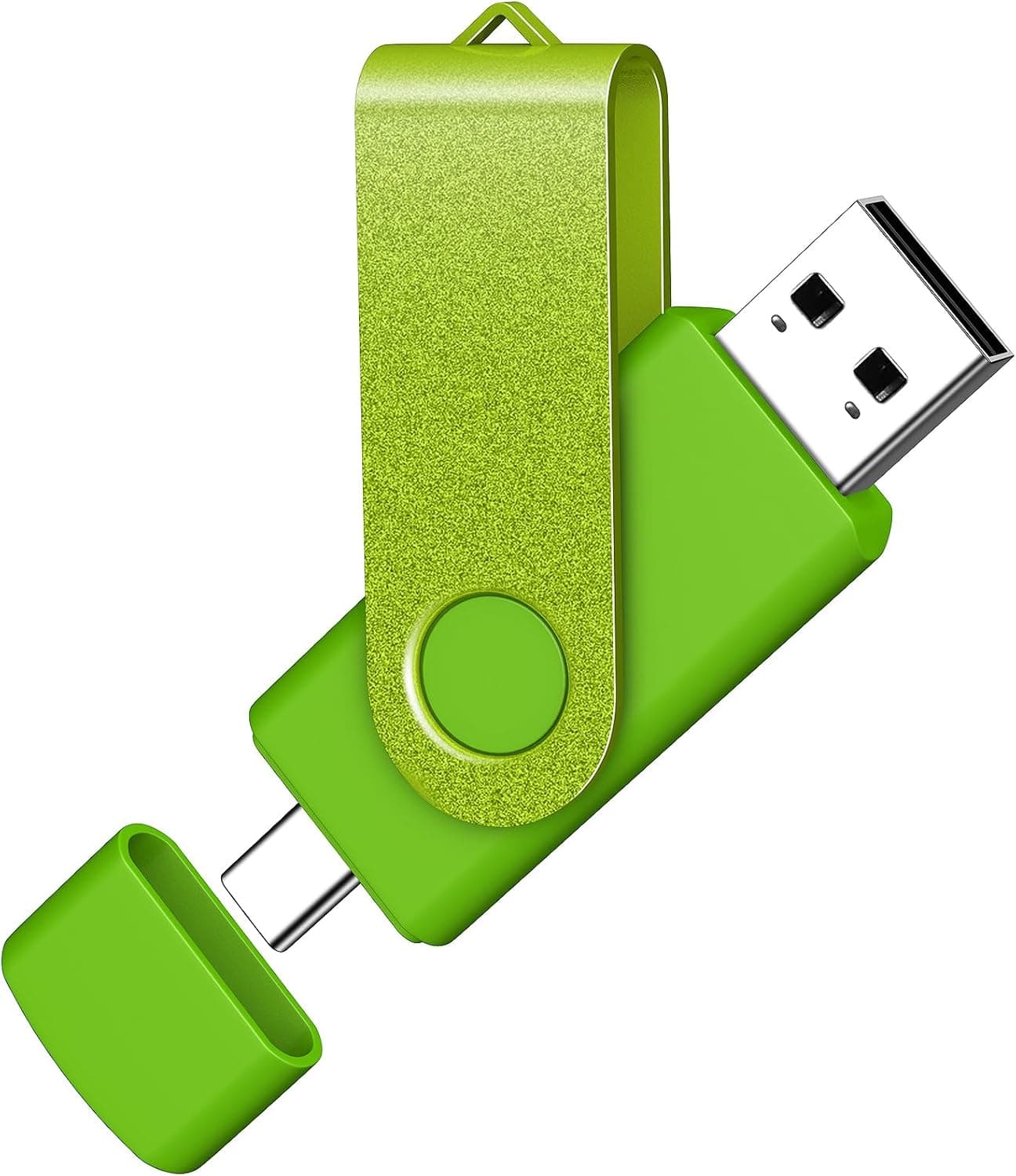
Overview
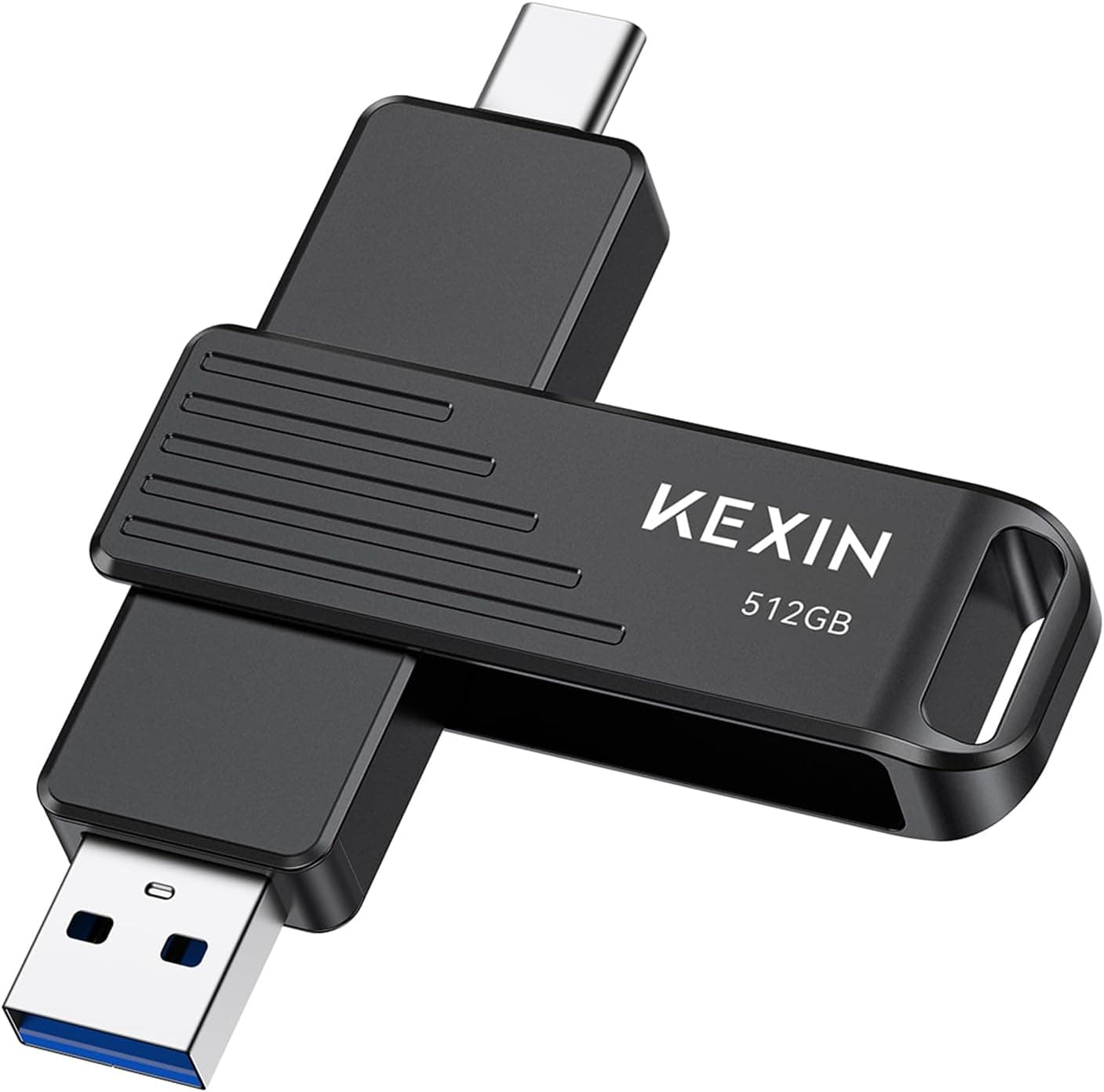
The AreTop USB C Thumb Drive 64GB is a 2-in-1 flash drive with both a USB Type-A and a USB Type-C plug on a single swivel body. The short verdict: this is a courier drive for moving photos, documents and music between a phone and a computer — not a working drive.
The interface is USB 2.0 with a rated write speed of 10MB/s, so it was never designed for speed.
If your goal is "no cable, no adapter, no cloud round-trip," the 64GB capacity and the rotating housing line up well with that job.
On Amazon.co.jp it holds 4.5 out of 5 stars (90% positive) across 65 reviews as of the July 12, 2026 capture.
That is a small sample — not a statistically settled score — but a reasonable starting signal for a product in this class.
Compatibility Guide
The drive rotates to expose either plug, so you match it to whatever you are plugging into.
| Environment | Plug used | Watch out for |
|---|---|---|
| Windows / macOS / Linux PCs | USB-A or USB-C | Driverless plug-and-play |
| Android phones and tablets | USB-C | The device must support USB OTG |
| iPhone 15 / 16 / 17 | USB-C | Access goes through the Files app |
| Printers / car audio / consoles | Usually USB-A | Depends on the host's format and capacity limits |
Three things trip people up in practice.
Android OTG support. A USB-C port does not automatically mean the phone can host external storage; it needs On-The-Go host mode.
Some budget and older handsets do not have it, so check the spec sheet before buying.
File system. Drives like this usually ship formatted as FAT32 or exFAT.
FAT32 cannot store a single file larger than 4GB, so long videos and big archives will fail. Reformatting to exFAT solves that, but some car stereos, older printers and TVs cannot read exFAT.
The right choice depends on what you plug into.
Physical clearance. A thick phone case can stop the USB-C plug from seating fully.
The metal ring is handy for a keychain, but plugging in with a full set of keys dangling puts leverage on the connector — unclip it first and the drive will last longer.
Product Info
Key specs: 64GB capacity, USB 2.0 interface, 10MB/s write speed, USB-A plus USB-C connectors, aluminium and ABS construction, rotating swivel design.
The box contains the drive only — no software, no adapter. The manufacturer offers a 12-month warranty service.
The listed price was ¥4,154 on Amazon.co.jp as of the July 12, 2026 capture.
Flash drive pricing moves with sales and stock, so treat that figure as a snapshot and confirm the current price on the product page. An eBay search listing is also available if you want a sense of the wider market, though those prices vary.
On speed: USB 2.0 tops out at 480Mbps on paper, but real drives never reach that.
Reads of a few tens of MB/s with noticeably slower writes are typical. The rated 10MB/s here is normal for a USB 2.0 stick — a 1GB video works out to roughly 100 seconds.
Hundreds of photos feel fine; tens of gigabytes at once will feel slow.
How It Compares
Flash drives split along three axes: speed, capacity, and connector shape.
- For speed, look at USB 3.x. Each generation gives real headroom for large files, and the price difference is worth it if you move big data daily. This drive does not compete there.
- For capacity, look at 128GB and up. 64GB is plenty for photos and documents, tight for game backups or long 4K footage.
- For connector flexibility, this drive is the answer. One stick that fits both port types means no adapter to lose.
In short, this is not a fast drive — it is a drive that fits everywhere. If that specific convenience is not worth something to you, the same budget buys a USB 3.x model.
Best Use Cases
People shuttling files between a phone and a PC. No upload-then-download detour, which matters on weak connections or in workplaces where data cannot leave the building.
People chronically short on phone storage. Plug the USB-C end in, offload photos and video, reclaim space immediately — but remember that offloading is a move, not a backup.
People straddling old USB-A machines and modern USB-C gear. One drive covers the meeting-room desktop and your own laptop without an adapter in the bag.
People who want one stick permanently on the keyring. The metal ring and swivel body exist for exactly that always-with-you role.
Before You Buy
Speed first. At 10MB/s writes, 10GB takes roughly 17 minutes.
Dumping a full SD card or copying an entire save folder becomes a waiting game. Occasional gigabytes are fine; daily tens of gigabytes are not.
Never make a flash drive the only copy. Loss, damage and sudden non-recognition are always possible.
Moving photos off a phone and deleting the originals means losing them the day you lose the stick. Keep a second copy on a PC or in the cloud.
Be honest about the price. ¥4,154 at the July 12, 2026 capture looks steep for 64GB of USB 2.0 on paper.
What justifies it is the dual connector and portability, not performance. If you do not actually need both plug types, the same money buys faster or larger.
The 12-month warranty covers hardware, not data. A replacement unit does not bring your files back.
Note the small review base. 90% positive across 65 reviews (July 12, 2026 capture) is a good number, but a small sample hides unit-to-unit variation.
Write a full-capacity test soon after it arrives to rule out defects or misreported capacity.
Set expectations for iPhone use. USB-C iPhones from the 15 series on can read external storage, but access runs through the Files app and does not feel like Android's open file management.
Some apps will not read or write directly.
FAQ
Q. Will it work with any Android phone? A.
No. Having a USB-C port is not the same as supporting OTG host mode.
Check the spec sheet for "USB OTG."
Q. Can I edit video directly off it? A.
No. USB 2.0 at 10MB/s cannot sustain preview or export.
Edit on internal storage or an external SSD and use this drive to hand off the finished file.
Q. Files over 4GB won't copy. Why? A.
Almost certainly FAT32. Reformatting to exFAT removes the limit, but some car audio units, printers and older TVs will no longer read the drive.
Q. Can both plugs be used at once?
A. No. The swivel exposes one connector at a time, so it cannot bridge two devices simultaneously.
Q. How much fits in 64GB? A.
Thousands of typical phone photos, or effectively unlimited documents and slides. High-bitrate 4K video, on the other hand, fills it in a matter of tens of minutes to a few hours.
Q. How do I use the warranty? A.
The manufacturer provides 12 months of warranty service; check the product page or the included leaflet for the claim process. Assume data recovery is not covered.