Overview
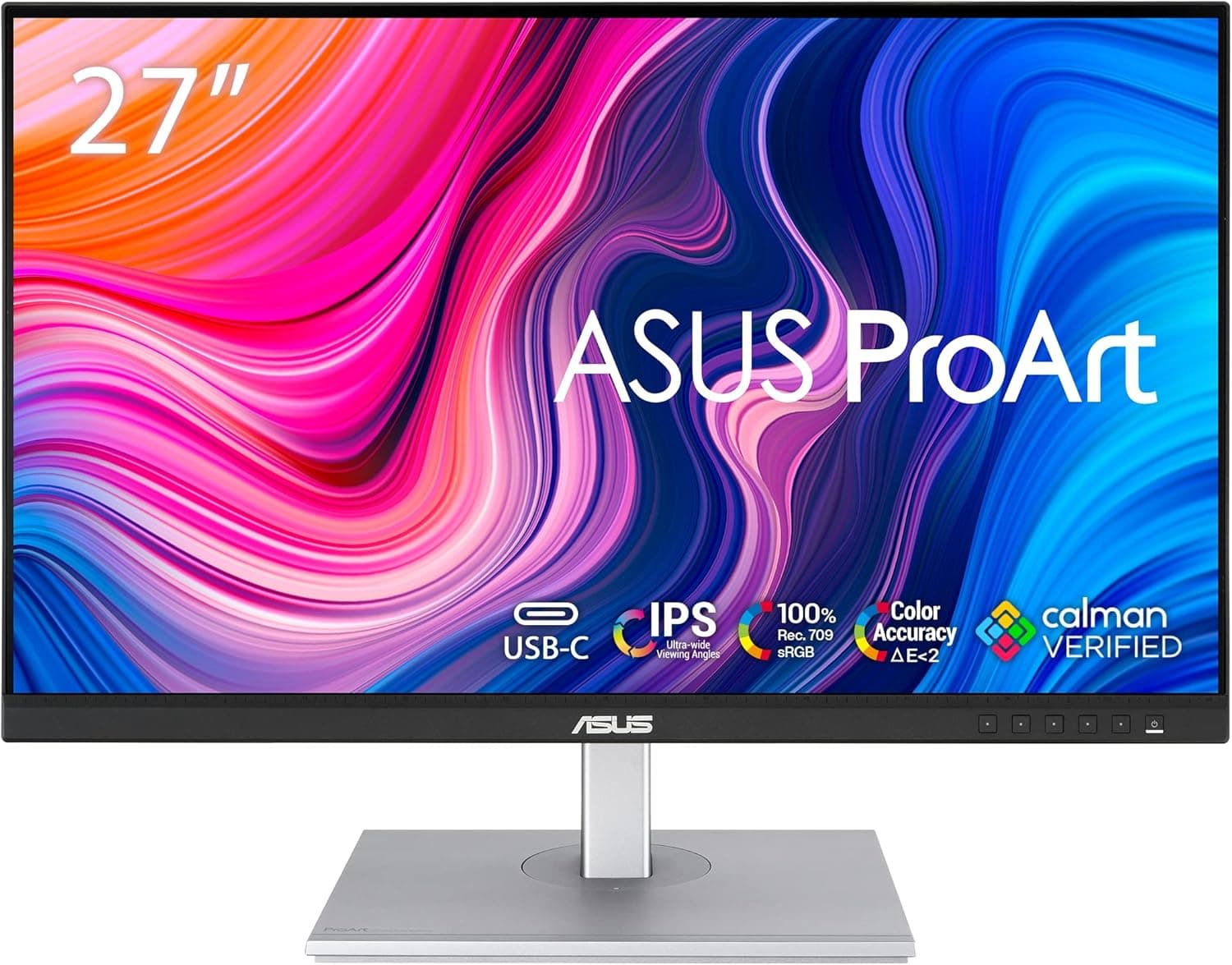
The ASUS ProArt PA278CV is a 27-inch IPS monitor with a 2560x1440 (WQHD) panel rated at 350 cd/m2, aimed at creative work. The short version: it is for people whose job depends on color accuracy and screen real estate, but who cannot justify reference-monitor money.
It is not the first pick for competitive gamers or for anyone doing serious HDR grading.
ProArt is ASUS's creator line, and its design priorities differ from the ROG gaming range. Instead of chasing peak refresh rates, it aims at faithful reproduction of standard color spaces such as sRGB and Rec.709, plus the ergonomic stability needed for long working sessions.
The 27-inch / WQHD combination is close to the default answer for a work monitor: text stays readable at 100% scaling, and you still have usable canvas left after docking panels in Photoshop or Premiere Pro.
One caveat about sourcing: the automatically collected data behind this article contained specifications that clearly belong to a different product (an audio cable). This article therefore relies only on what the title and listing reliably state (27-inch / IPS / 2560x1440 / 350 cd/m2) plus the actual review figures.
See "Things to Check Before Buying" below.
Fit by Use Case
| Use case | Fit | Notes |
|---|---|---|
| Photo and illustration work | Excellent | Built around sRGB-based workflows; 27-inch WQHD balances 1:1 view and panel space |
| Video editing (SDR delivery) | Excellent | Suits Rec.709 work; timeline and preview coexist comfortably |
| Web / UI design and DTP | Excellent | Good balance of text legibility and working area |
| Coding and office work | Good | More than enough, though a cheaper WQHD panel would also do |
| Competitive FPS / high-refresh gaming | Poor | This class is not built for high refresh; look elsewhere if you need 144Hz+ |
| HDR mastering and grading | Poor | 350 cd/m2 is an SDR-oriented brightness figure |
Don't decide from the table alone: decide from the color space your work is delivered in. If everything you ship lives in sRGB or Rec.709, this class of display is genuinely sufficient.
If DCI-P3 or HDR10 deliverables are in the mix, stepping up in both gamut and brightness is cheaper than working around a panel that cannot show what you are grading.
Compatibility Guide
Start with the signal path. Driving 2560x1440 at 60Hz is technically possible over HDMI 1.4, but in practice you should plan on DisplayPort, HDMI 2.0 or later, or USB-C in DisplayPort Alt Mode.
On the GPU side, integrated graphics (Intel UHD / Iris Xe, AMD Radeon Graphics) will drive WQHD without trouble. If you edit 4K footage, the bottleneck is your GPU and RAM rather than the display, so fix that first if responsiveness is your complaint.
With a laptop, the thing to verify is the laptop's video output. Plenty of machines have a USB-C port that does not support DisplayPort Alt Mode, and on those you cannot drive the display over a single USB-C cable.
Check your laptop's spec sheet for "USB-C (DisplayPort output)" or "Thunderbolt" before you buy a cable. If it is not supported, you will connect over HDMI or DisplayPort and keep charging separately.
Some ProArt models support USB-C power delivery, but the wattage varies by model and revision, so confirm it on the product page rather than assuming.
Physically, a 27-inch 16:9 monitor is roughly 61 cm wide. On a desk shallower than 60 cm, the stand base tends to eat the space in front of you.
If you plan on a dual-monitor setup, budget for a VESA monitor arm from the start; you will recover a surprising amount of desk. Many ProArt models offer height, tilt, swivel and pivot adjustment, which makes portrait orientation practical for long documents or code, but confirm the mechanism on the product page.
On the software side, both Windows and macOS handle WQHD cleanly. Some Windows users find text small at 100% scaling and settle at 125%.
Note that scaling up trades away part of the working-area advantage that WQHD buys you. If your main goal is simply bigger text, a 27-inch 4K panel at high scaling is the more rational purchase.
What the Review Data Shows
As captured on 2 June 2026, the listing showed 414 reviews averaging 4.6 out of 5 stars (roughly 92% positive).
At 414 reviews the average is statistically stable. For monitors, a 4.6 typically describes a product with no major flaw, where a minority of buyers complain about brightness, stand behavior, or unit-to-unit panel variance.
Negative reviews on creator IPS panels usually cluster into three causes. First, IPS glow, the whitish haze at the corners on dark content: this is inherent to IPS construction, not a defect.
It matters in a dark room watching film; it barely matters when working in a lit room. Second, dead or stuck pixels, which are unit-level variance.
Your defense is to check the return window and defect policy before ordering. Third, built-in speaker quality.
Expecting good sound from any monitor's internal speakers is a losing bet; plan on external speakers or headphones.
Product Info
rmation
The specifications that can be confirmed from the title and listing are 27-inch / IPS panel / 2560x1440 (WQHD) / 350 cd/m2 brightness. 350 cd/m2 is ample for SDR work; most calibrated workflows run at 120-160 cd/m2 anyway, so brightness headroom is not a concern.
The flip side is that if your desk sits beside a sunlit window, curtains and panel angle will do more for you than nits.
On price, one record shows $279.99 on eBay US as captured on 15 July 2026.
That is a point-in-time figure and moves with exchange rates, stock, sales, and seller. Overseas marketplace pricing also differs from domestic retail in duties, shipping, and warranty terms, so do not compare on the number alone.
If you buy locally, judge the total including warranty and defective-unit handling.
The ProArt line is marketed on sRGB / Rec.709 fidelity, and some models ship factory-calibrated.
However, gamut coverage figures, guaranteed Delta E values, and whether a calibration report is included all vary by model and batch. If color accuracy numbers are a contractual requirement for you, verify them on the product page before ordering.
How It Compares
Within the same 27-inch class, the right pick changes with intent. If you want high refresh for gaming, a high-refresh WQHD or 4K gaming panel (something in the LG UltraGear 27GP950-B mold) is the straighter answer.
The difference is simply whether you spend your money on speed or on color neutrality; getting both at a high level moves you up a price tier.
If cost is paramount and you value panel count over color, two 24-inch FHD displays give you more total area per unit of spend. But 24-inch FHD is visibly coarser, which hurts retouching and fine UI work.
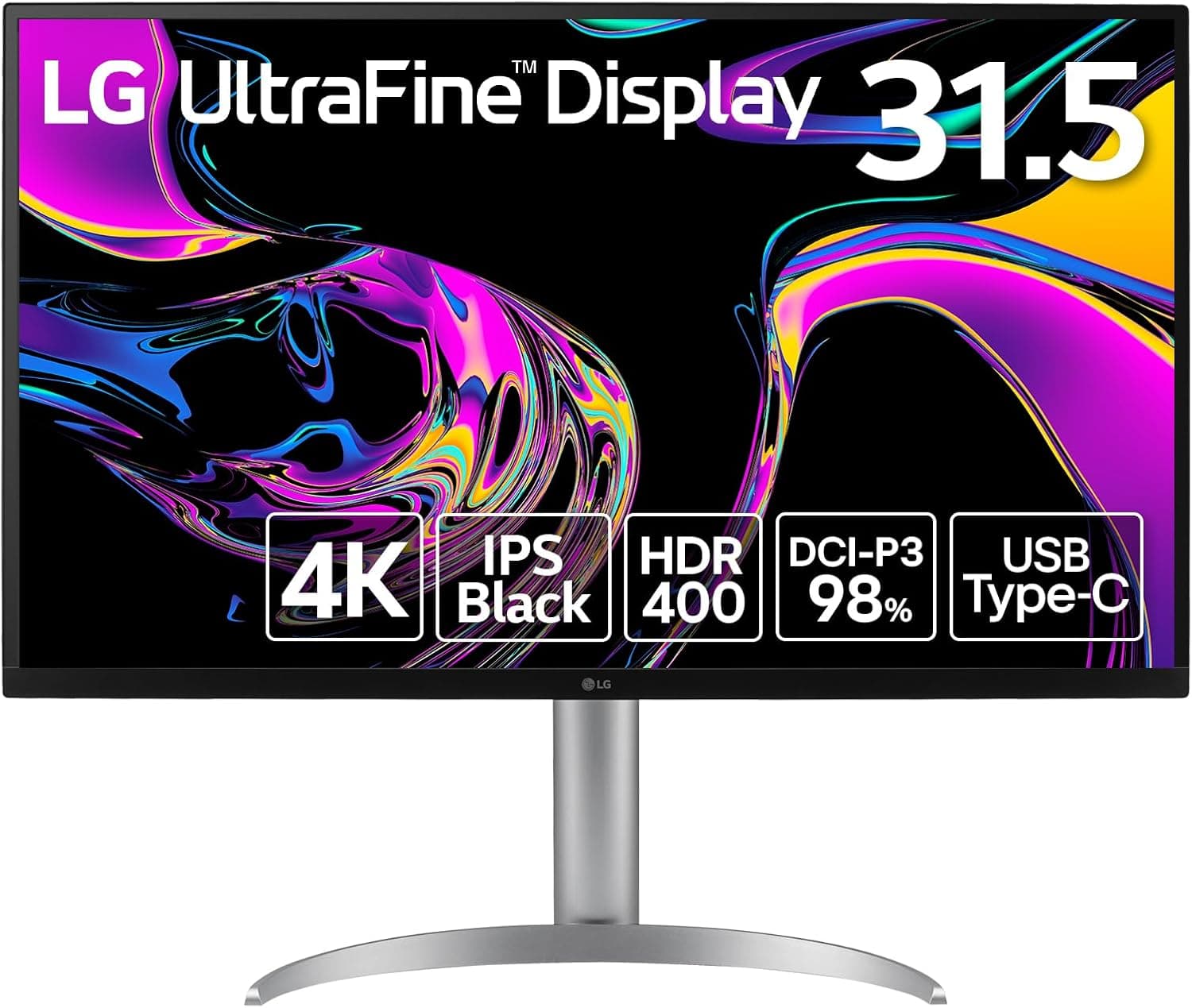
At the other end, 31.5-inch 4K or a 34-inch ultrawide maximizes canvas, at the cost of desk depth and more head movement over a working day.
Who It's For
This monitor is a clear fit if you are:
- A professional shipping sRGB / Rec.709 photo, video, or design work. It is the practical answer for wanting a color reference without a reference-monitor budget.
- Standardizing on 27-inch WQHD as your working size. Readable at 1:1, with canvas left over after docking panels.
- A laptop-first user adding an external display. Once you have confirmed DisplayPort Alt Mode support, the desk setup gets simpler.
- Someone who sits at the desk for long stretches. Height and angle adjustment pay off in posture more than spec sheets suggest.
- A gamer, but not a competitive one. If your library is RPGs and strategy titles, the color quality matters more than the refresh rate.
Things to Check Before Buying
First, the listing metadata is inconsistent. The automatically collected specification data for this article included entries belonging to an unrelated audio cable (3.5mm to RCA, 6 ft length, oxygen-free copper conductors).
Readers opening the same product page may encounter the same mismatch in the specification table or related-items section. Verify the product from the images, the title, and the manufacturer's official product page rather than trusting the listing's spec fields. None of those cable specifications were used in this article.
If gaming is the goal, this is not your first pick. Creator panels in this class are not built for high refresh; expect something in the 60-75Hz range.
If your eyes are used to 144Hz or 240Hz, you will notice the difference at the mouse cursor. Wanting both accurate color and high speed means moving up to QD-OLED or a high-refresh IPS.
This is a fork in the road, not a compromise you absorb.
Do not expect meaningful HDR. 350 cd/m2 is an SDR figure.
Even where HDR content displays, the combination of limited peak brightness and no meaningful local dimming keeps the effect superficial. HDR grading work needs a different price tier.
Factory-calibrated does not mean calibration-free. Factory tuning is an excellent starting point, but panels drift with age, and your room's lighting color temperature changes what you see.
If color is your livelihood, buying a colorimeter and stabilizing your room lighting often beats upgrading the monitor one tier.
Price in the risk of overseas marketplace purchases. The recorded $279.99 (captured 15 July 2026) may look attractive, but monitors are fragile in transit and return shipping on a defective unit is not trivial relative to the price.
Between dead pixels and shipping damage, the premium for a local warranty channel is usually fair insurance.
Measure your desk. A 27-inch display takes more room than people expect.
Check width and depth with a tape measure, and confirm you can keep 50 cm or more between your eyes and the panel. Sitting too close means more head movement and more fatigue, not less.
FAQ
Q. Is text too small at 2560x1440 on 27 inches? A.
It is workable at 100% scaling, though opinions vary. If it feels small on Windows, try 125% — but remember that scaling up gives back some of the working area you paid for.
Q. Can I connect a laptop with a single USB-C cable? A.
Only if your laptop's USB-C port supports DisplayPort Alt Mode. Check the laptop spec sheet, and check the monitor's spec sheet for whether it supplies power and at what wattage.
Q. Can I game on it? A.
Yes, but not competitively. This class is not high-refresh, so choose a gaming monitor if you need 144Hz or more.
For RPGs and strategy games it is fine.
Q. The corners glow white — is that a defect? A.
That is IPS glow, an inherent characteristic of IPS panels rather than a fault. It shows on dark content in a dark room and is largely irrelevant during lit-room creative work.
Q. How is it rated? A.
As of 2 June 2026, 414 reviews averaging 4.6 out of 5 stars (about 92% positive).
With that many reviews, the score is a stable signal.
Q. Will it work with a monitor arm? A.
Yes if it supports VESA mounting. Confirm the mount pattern (e.g.
100x100mm) and the panel weight on the product page before buying an arm.