Overview
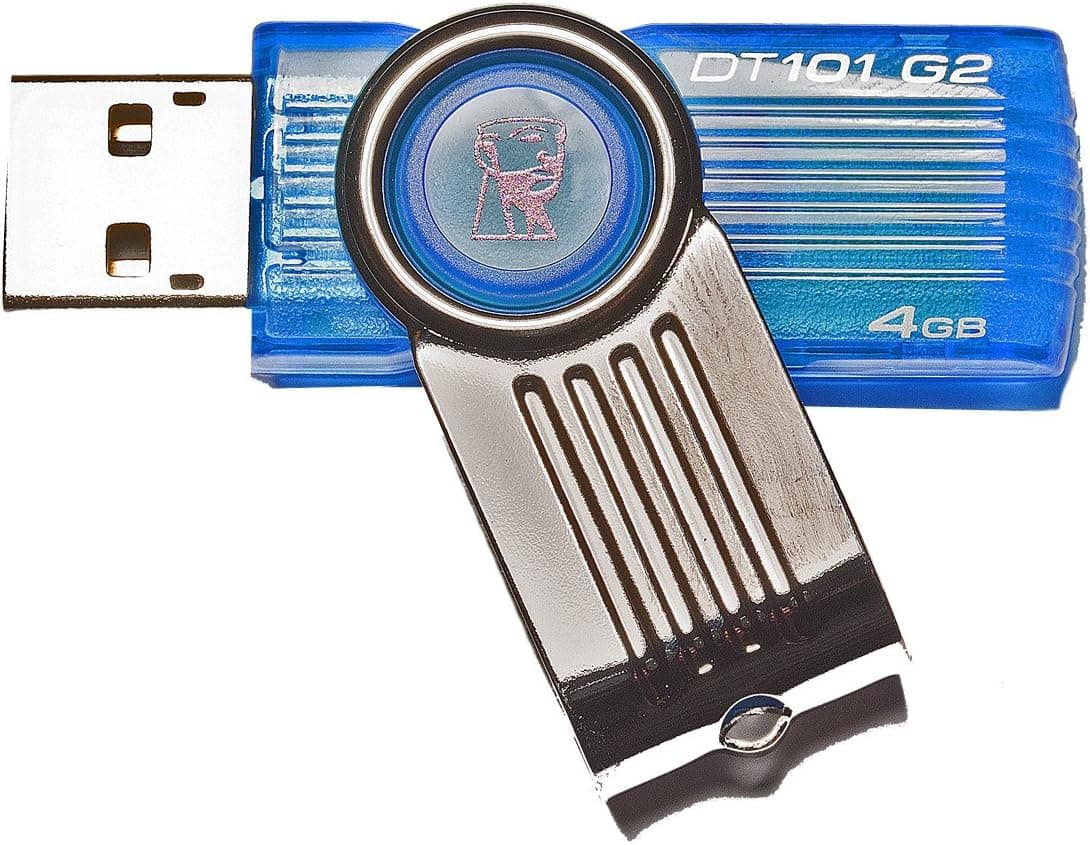
The Kingston DataTraveler 101 G2 (model DT101G2, 4GB) is a USB 2.0 flash drive with a cap-less sliding connector.
The short verdict: this is not a drive to buy as general storage in 2026. It makes sense as a dedicated, small-capacity tool — BIOS update media, quick file handoffs to older machines, or a keychain-resident repair toolkit.
The published figures are 4GB capacity, USB 2.0 interface, 5 MB/s write speed, 57.18 × 17.28 × 10.00 mm, roughly 12 g, and a 5-year warranty.
Amazon reviews stand at 155 with a 4.3 out of 5 rating (86% positive, captured July 2026).
A three-figure review count at that score suggests the drive is not plagued by dead-on-arrival failures, which matters more than raw specs in the budget tier.
Understand what 5 MB/s actually means: filling the whole 4GB would take over 13 minutes even in theory. Documents feel instant, a photo folder feels slow, and video is out of the question.
Buy it knowing that, and it will not disappoint.
Compatibility Guide
Compatibility is the easy part here. This is a native USB 2.0 device on a USB-A connector, so it works in anything from USB 1.1-era hardware to modern USB 3.x ports.
No drivers are needed; it is plug and play. The listed OS support is Windows 7 / Vista / XP and macOS — dated wording from the product's long shelf life.
As a standard USB mass storage class device, it normally mounts on newer Windows releases and Linux as well.
| Check | This drive |
|---|---|
| Connector | USB-A (needs an adapter for Type-C hosts) |
| Transfer standard | USB 2.0 (stays at USB 2.0 speed in a 3.x port) |
| Drivers | None required |
| Physical size | 57.18 × 17.28 × 10.00 mm, ~12 g |
| Warranty | 5 years |
The real-world failures are physical, not protocol-level. Many current laptops and tablets have dropped USB-A entirely, so budget for a USB-C adapter or hub.
At 17.28 mm wide and 10 mm thick the body is normal-sized, but on mini PCs with tightly spaced ports it can crowd the neighbouring cable or wireless receiver.
For car audio, TVs, and consoles, the limiting factor is usually the filesystem. Most such devices expect FAT32, and at 4GB this drive stays comfortably inside FAT32 territory — an advantage over larger drives in that specific scenario.
The 4GB single-file ceiling of FAT32 is irrelevant when the drive itself holds only 4GB.
Product Info
rmation
Specifications: 4GB, USB 2.0, 5 MB/s write, 57.18 × 17.28 × 10.00 mm, about 12 g, 5-year warranty.
The sliding cap-less mechanism removes the single most common USB stick annoyance — a lost cap and an exposed connector. A strap hole lets it ride on a keychain.
Positioning is squarely budget tier, with Kingston's reliability record and the long warranty as the real selling points.
This article deliberately does not quote a price. The collected data listed ¥18,867 on Amazon (captured July 2026) and $14.44 on eBay (captured August 2026), but ¥18,867 for a 4GB USB 2.0 stick is off by an order of magnitude and almost certainly belongs to a different product. The marketplace figure is also ambiguous — single unit or multipack, shipping included or not, is impossible to tell.
Check the current price on the product page yourself, and confirm whether the listing is for one drive or a bundle.
How It Compares
Choosing a USB stick comes down to three questions: do you need speed, do you need capacity, and what connector does your machine have?
| Type | Best for | Trade-off |
|---|---|---|
| This drive (4GB / USB 2.0) | BIOS updates, small handoffs, legacy gear | Minimal speed and capacity |
| USB 3.x 16–32GB | OS installers, carrying photos | Costs more per unit |
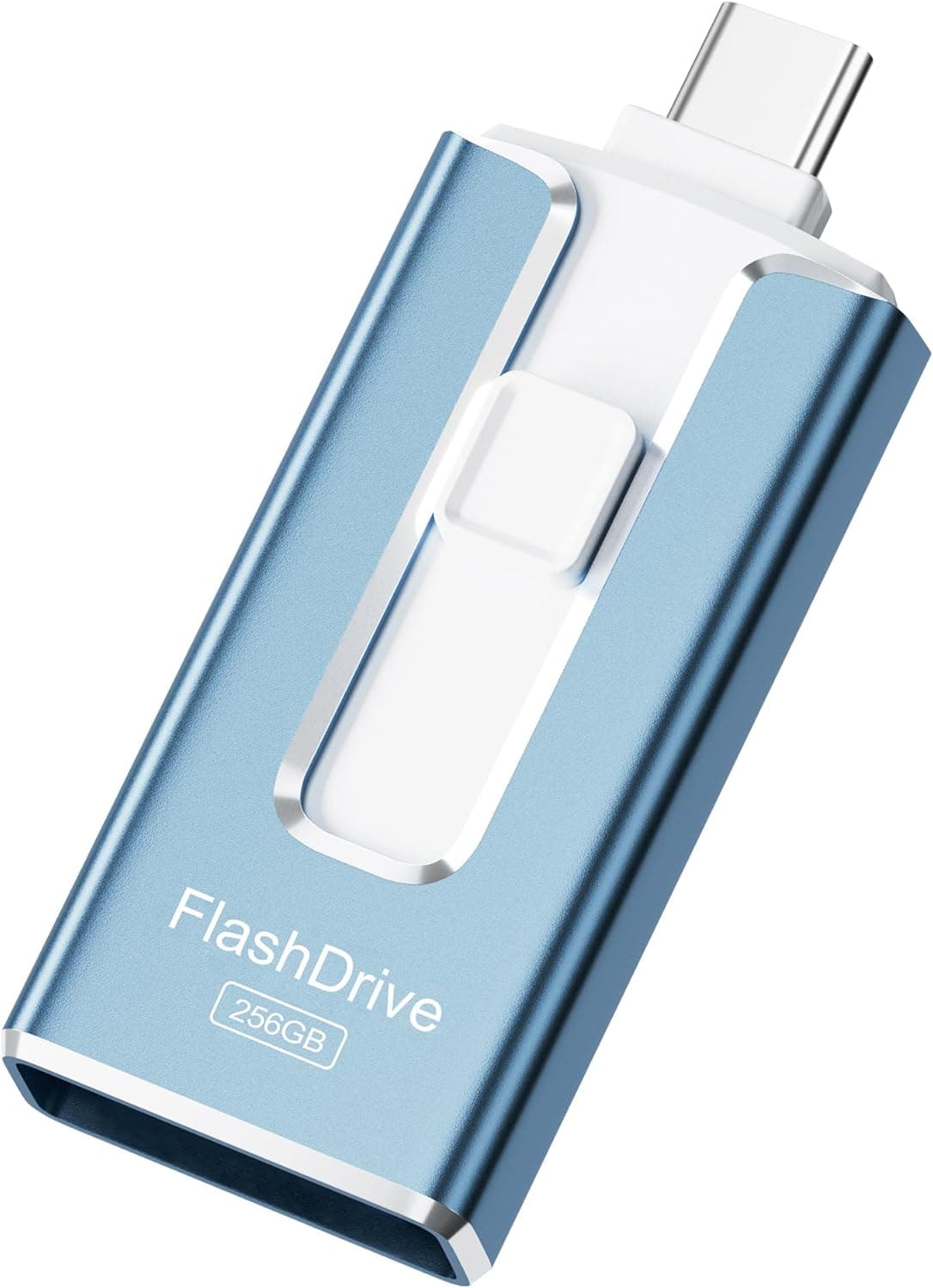
| Dual Type-A + Type-C | Moving between phone and PC | Bulkier build |
| Cheap multipacks | Handouts, disposable use | Inconsistent quality |
Honestly, if you are buying exactly one USB stick today, this is not it — a Windows 11 installer will not fit in 4GB. This drive earns its place with people who already own several sticks and want one permanently dedicated to firmware updates.
Motherboard flashing tools routinely recommend a small FAT32-formatted drive, and 4GB fits that brief perfectly.
Best Use Cases
- Keeping BIOS / UEFI update media on hand. Small capacity and USB 2.0 are advantages, not compromises, when a firmware tool expects older standards.
- Passing documents around an office or classroom. Office files, PDFs, and a handful of images move fast enough that 5 MB/s never registers.
- Working with older PCs, lab instruments, or industrial terminals that lack USB 3.x ports — native USB 2.0 avoids adapter quirks.
- Anyone who loses caps. The sliding design makes that impossible. Mundane, but it is the most useful thing about this drive day to day.
- Buyers who value warranty length. Five years is long for this class — though it covers the hardware, not your data.
It is the wrong choice for video footage, RAW photos, OS installers, or any backup role. Go for a USB 3.x drive of 32GB or more instead.
Before You Buy
First, the listing data does not add up. The source data for this article showed the Amazon manufacturer field as "Cooler Master" — a case and cooling brand with no connection to Kingston's DataTraveler line.
The ASIN on the reference page also differed from the ASIN attached to the price record. Amazon listings can accumulate mismatched metadata through merges and third-party edits, so verify the product image, title, and seller yourself before ordering. Look for "Kingston", "DataTraveler 101 G2", "DT101G2", and "4GB" all appearing together.
This article removed the disclosure block rather than present an incorrect manufacturer as fact.
Second, calibrate your speed expectations. At 5 MB/s write, this is under a tenth of a current USB 3.x drive.
Reads are typically faster, but neither figure makes bulk copying pleasant. Folders with thousands of tiny files — a source tree, for instance — are disproportionately slow.
Zip them first; it genuinely helps.
Third, 4GB is a hard ceiling. Recent Windows installation images no longer fit.
Lightweight Linux distributions, memory diagnostics, and partition tools generally do. Check the size of your target ISO before assuming "bootable media" covers your case.
Do not treat any USB stick as long-term archival storage. Flash cells can lose charge over years without power, and the 5-year warranty replaces the drive, never the data.
Keep a second copy of anything that matters — true of every flash drive, not just this one.
Finally, remember this is an old model. Longevity signals reliability, but it also means the same money may now buy a newer standard.
Compare it against a current USB 3.x stick before you check out.
FAQ
Q. Will it work in a USB 3.0 / 3.2 port? A.
Yes. USB is backward compatible, but the speed stays at USB 2.0 levels — around 5 MB/s writes.
The drive, not the port, is the bottleneck.
Q. Can I build a Windows 11 installer with it? A.
Realistically no; modern Windows images exceed 4GB. Use it for BIOS updates, lightweight Linux, or diagnostic boot media instead.
Q. Does it work on a Mac? A.
Yes, via a USB-A port or a USB-C adapter. Format it as exFAT or FAT32 if you need read/write access on both macOS and Windows.
Q. Can I plug it into a phone? A.
Not directly — the connector is USB-A, so you need a USB-C or Lightning OTG adapter. If phone use is the main goal, buy a Type-C drive instead.
Q. How does the 5-year warranty work? A.
It covers hardware defects in the drive itself, not data recovery. Keep your receipt or order history as proof of purchase.
Q. Why does my PC show less than 4GB free? A.
Manufacturers count 1GB as 1,000,000,000 bytes while Windows uses 1,073,741,824, and the filesystem itself reserves space. This is normal, not a defect.