Overview
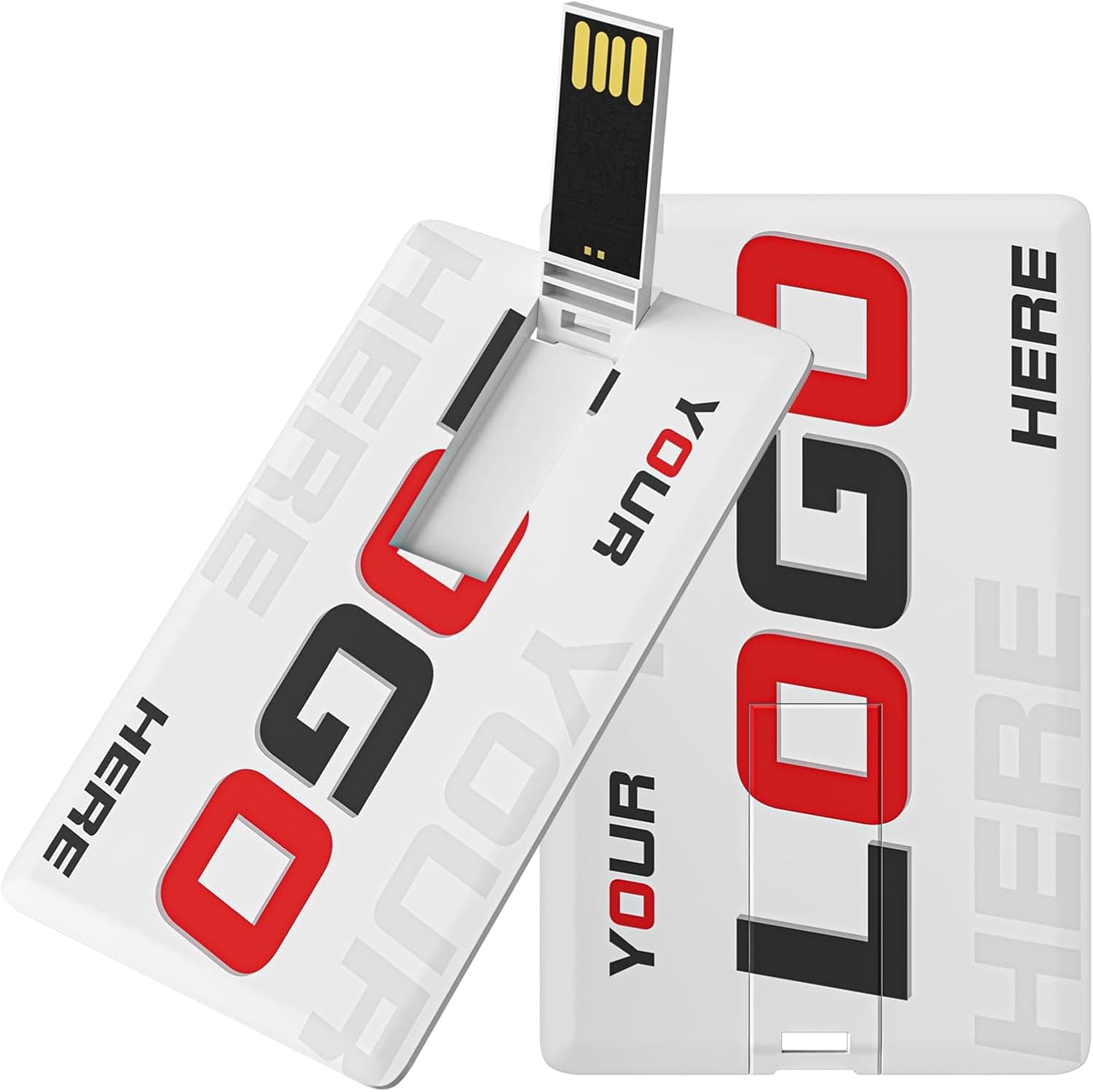
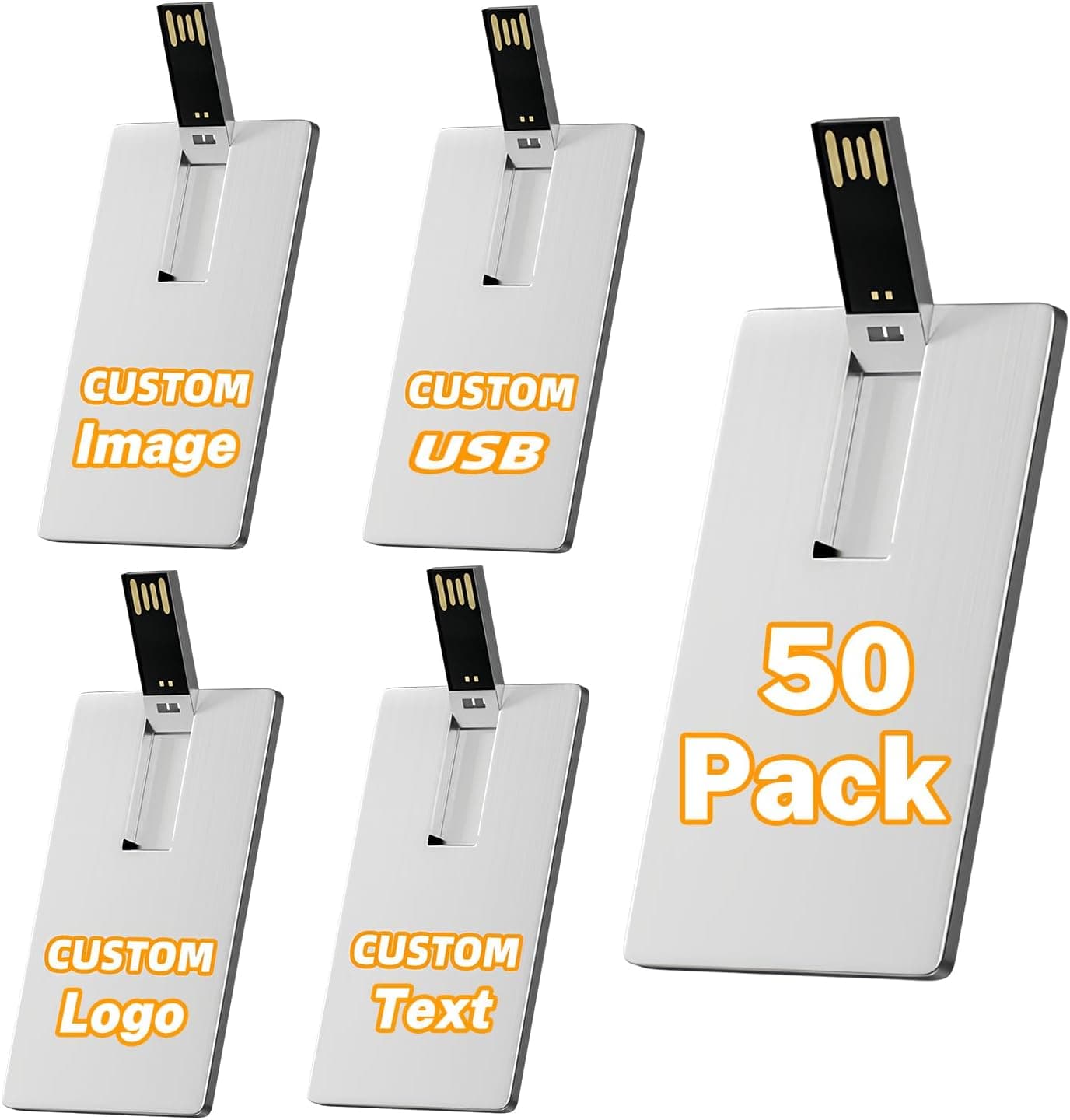
The Bilious Custom Personalized USB Flash Drive 50-Pack (4GB) is a bulk, logo-printable drive aimed at handouts rather than personal use. Think trade show giveaways, seminar handouts, photo studio deliveries, and classroom or in-house training data — situations where you need to hand the same content to many people at once.
What matters here is not speed or capacity but cost per unit and how much prep work you can absorb. 4GB is small by 2026 standards, yet it is entirely adequate when the payload is PDFs or JPEGs.
If you were planning to hand out video or an OS installer, this product is out of the running from the start.
The Amazon.co.jp listing shows 4.1 out of 5 stars from 83 reviews (roughly 82% positive, captured 27 June 2026).
With a review count still in the double digits, the average matters less than what individual reviews say about defective units and unit-to-unit variation — a common issue with bulk drives.
How Much Fits on 4GB
Whether 4GB is enough depends entirely on what you are distributing.
| Content | Rough capacity on 4GB | Verdict |
|---|---|---|
| PDF / Word / Excel documents | Hundreds to thousands of files | Plenty of room |
| JPEG photos (assume 5MB each) | Around 700–800 shots | Fine |
| RAW photos (assume 25MB each) | Around 150 shots | Tight |
| Full HD video (approx. 100MB per minute) | Roughly 30–40 minutes | Depends |
| 4K video | A few to a dozen minutes | Not enough |
| Windows 11 installation media | Needs 8GB or more | Not possible |
Those file sizes are general assumptions, so real counts shift with your capture and export settings. Still, for event materials, digital brochures, and photo delivery, 4GB is a rational choice — buying more capacity often just raises the unit price without helping anyone.
If you intend to hand out a wedding film or a recorded lecture, 4GB falls short from day one. That is not a compromise to accept; it is the line where this product stops being the right tool.
Compatibility Guide
A standard USB-A flash drive is recognized without extra drivers on Windows, macOS, Linux, and ChromeOS. For handouts, that "no software to install" property is the single biggest advantage.
It plugs into USB 2.0 and USB 3.x ports alike, but drives in this price bracket are commonly USB 2.0 class, in which case a USB 3.x port brings no speed benefit — expect single-digit to low double-digit MB/s in practice.
Confirm the actual interface on the product page.
The issues that bite in practice are these:
- Recipients without a USB-A port: Thin laptops, tablets, and phones are frequently USB-C only. Without an adapter, the recipient simply cannot open the drive.
- File system: Bulk drives usually ship formatted as FAT32, readable on both Windows and macOS. FAT32 cannot hold a single file over 4GB, which is moot at this capacity. Leave it as FAT32 if the drives will play in car head units, TVs, or signage players.
- Body thickness: Chunky novelty or card-shaped housings can block the neighboring port on crowded front panels and hubs — which matters most while you are mass-copying.
- Corporate security policy: Many organizations block USB storage outright. If you are handing drives to businesses, plan a cloud fallback.
Note that the compatibility text on the listing may describe an entirely different device. See the warnings section below.
Product Info
The listed price was ¥17,783 on Amazon.co.jp as captured on 28 June 2026 — about ¥356 per drive across the 50-pack.
That is reasonable for printable bulk stock, but prices move constantly with stock and sales, so check the current price, unit count, and capacity on the product page before ordering. The eBay entry links only to a search result, not a specific listing, so treat it as a market reference rather than a price for this exact item.
Reviews stand at 4.1 out of 5 from 83 ratings (captured 27 June 2026).
With a sample that size, read the recent reviews yourself rather than leaning on the average.
Custom-printed goods differ from stock items: artwork format, number of ink colors, one- or two-sided printing, lead time, and minimum order are all settled through the listing or the seller. A single-color logo and a full-color wrap differ in both finish and turnaround, so if you have a fixed event date, work backwards and leave two to three weeks of slack.
Bulk Printed Drives vs. Retail Single Drives
A 4GB retail drive from a known brand and a 4GB bulk drive are different products with the same number on the label. Retail drives come with defined speed ratings, warranty, and a support channel, and are built around one person using one drive for years.
Bulk drives sell on unit price, quantity, and a printable surface.
The difference shows up when something fails. A retail drive gets replaced under warranty; one dead unit inside a 50-pack may not be individually replaceable.
That is exactly why pre-distribution testing, described below, functions as your real warranty. If what you actually want is a good personal drive, buy a single retail unit instead.
Preparing 50 Drives
Handling 50 drives at once takes longer than people expect. Working in this order prevents most accidents.
- Verify capacity — ideally on every unit: Very cheap flash memory occasionally ships with less real capacity than advertised.
Use a write-verify tool such as H2testw or F3 on at least a sample, preferably all of them. 2.
Budget the copy time: Even at three minutes per drive, copying 50 drives one at a time takes two and a half hours. Use a self-powered USB hub to copy in parallel, or consider a duplicator if this becomes routine.
- Check the payload before printing and copying: You cannot recall branded drives loaded with an outdated deck.
Open the first finished drive and review it. 4.
Order spares: Budget a few extra units for defects and losses instead of ordering the exact headcount.
Best Use Cases
- Marketing staff handing out materials at events: A branded drive stays on the recipient's desk after the show, and PDF-based content fits easily in 4GB.
- Photographers delivering client galleries: Several hundred JPEGs fit comfortably, and the printed housing doubles as promotion. Reconsider capacity if you include RAW files.
- Schools, training programs, and clubs distributing identical data: Delivery does not depend on the recipient's network or cloud access.
- Small businesses controlling giveaway costs: Per-unit cost is predictable and stock keeps.
It is a poor fit if you want one fast personal drive, need to build an OS installer, plan to distribute video, or intend to archive data long term.
Before You Buy
First, check whether the listing data is trustworthy. The information collected for this product clearly contains another device's details: the spec sheet lists USB Wi-Fi adapter attributes (IEEE 802.11ax, 1201Mbps, internal antennas), the manufacturer field names a brand unrelated to this product, and the referenced ASIN does not match the product page.
None of that is treated as fact in this article. Since you will see the same inconsistency, cross-check the product images, title, and the stated quantity and capacity to confirm you are buying 4GB × 50 units. Listing errors turn directly into "this is not what I ordered" disputes.
Do not expect speed. Bulk drives at this price tend to write slowly, so even a few hundred megabytes takes noticeable time.
That is fine if recipients only read from the drive; avoid workflows where they write back to it.
Do not use these for long-term storage. Flash memory loses data retention when left unpowered for long periods.
That is irrelevant for handouts, but making one of these the only copy of anything is a design mistake regardless of capacity. Keep your master elsewhere.
Assume some variation. Across 50 units, the odds of one drive failing to mount or erroring during writes are not zero.
Schedule inspection time well before distribution day rather than the night before.
Printed color will not match your screen. Housing material and ink shift logo colors and can thicken fine lines.
If brand color accuracy matters, request or order a small sample before committing to the full run.
FAQ
Q. Can I build a Windows 11 installer on 4GB? A.
No. Windows 11 installation media generally requires 8GB or more.
Choose a larger drive for that purpose.
Q. Does it work on both Mac and Windows? A.
Yes. Standard drives ship formatted as FAT32, which both read and write.
If recipients use a mix of platforms, leave the factory format alone.
Q. Can I use it with a USB-C-only laptop?
A. Only with a USB-C adapter or hub. Keep in mind that some recipients will not have one.
Q. What is the efficient way to load 50 drives? A.
Mount several at once on a self-powered USB hub and copy in batches. For recurring large runs, a USB duplicator is worth the cost.
Q. How do I confirm the real capacity? A.
Use a write-verify tool such as H2testw or F3 to write and read back the full capacity. It is slow, but far cheaper than finding out after distribution.
Q. How long does custom printing take? A.
Longer than stock items, and it varies by seller and artwork. Check the stated lead time on the listing and order two to three weeks ahead of your event.
![256GBフラッシュドライブ[アプリ不要]携帯電話タブレット](/_next/image?url=https%3A%2F%2Fm.media-amazon.com%2Fimages%2FI%2F61OGrweE5QL._AC_SL1500_.jpg&w=1920&q=75)