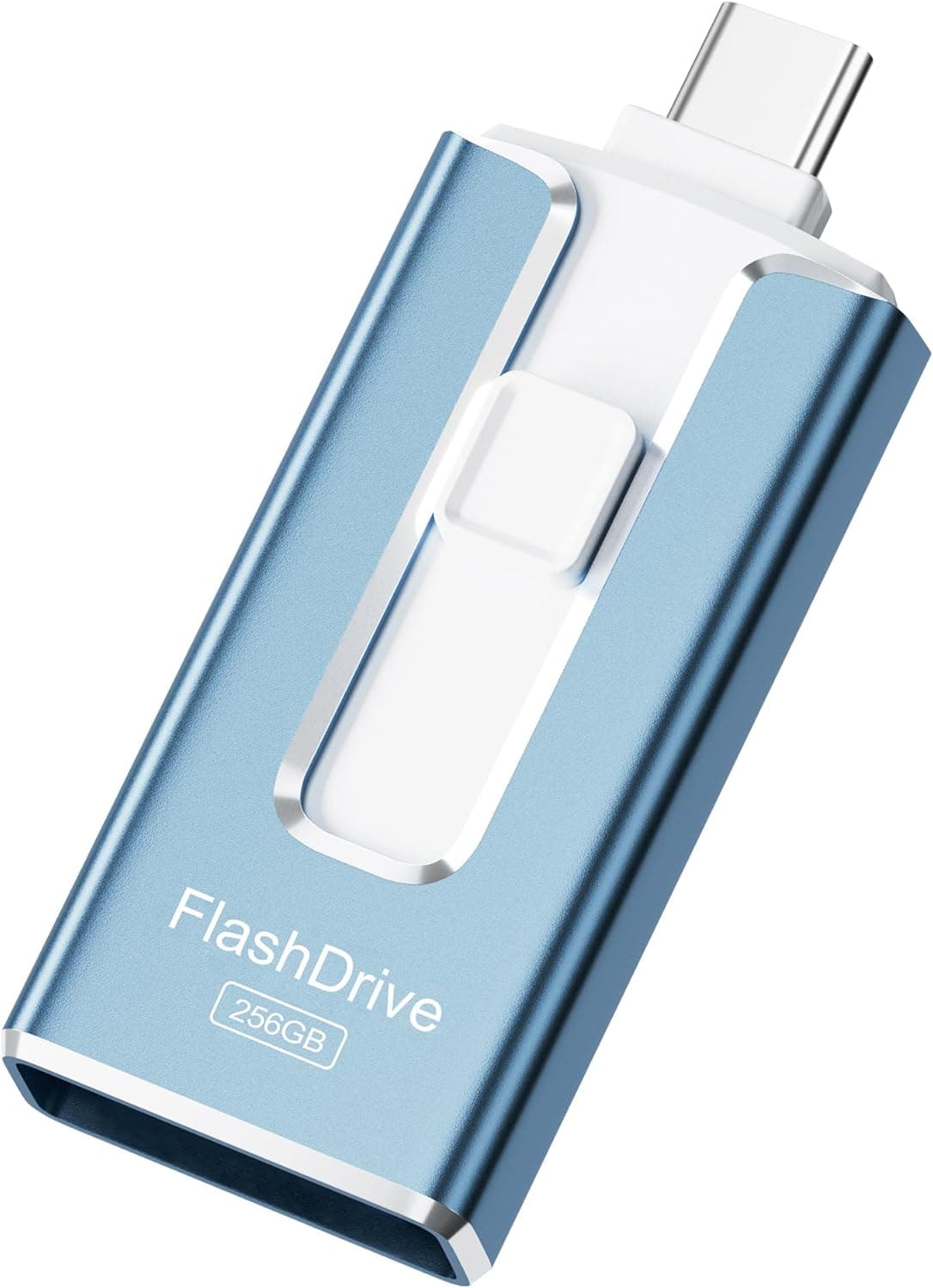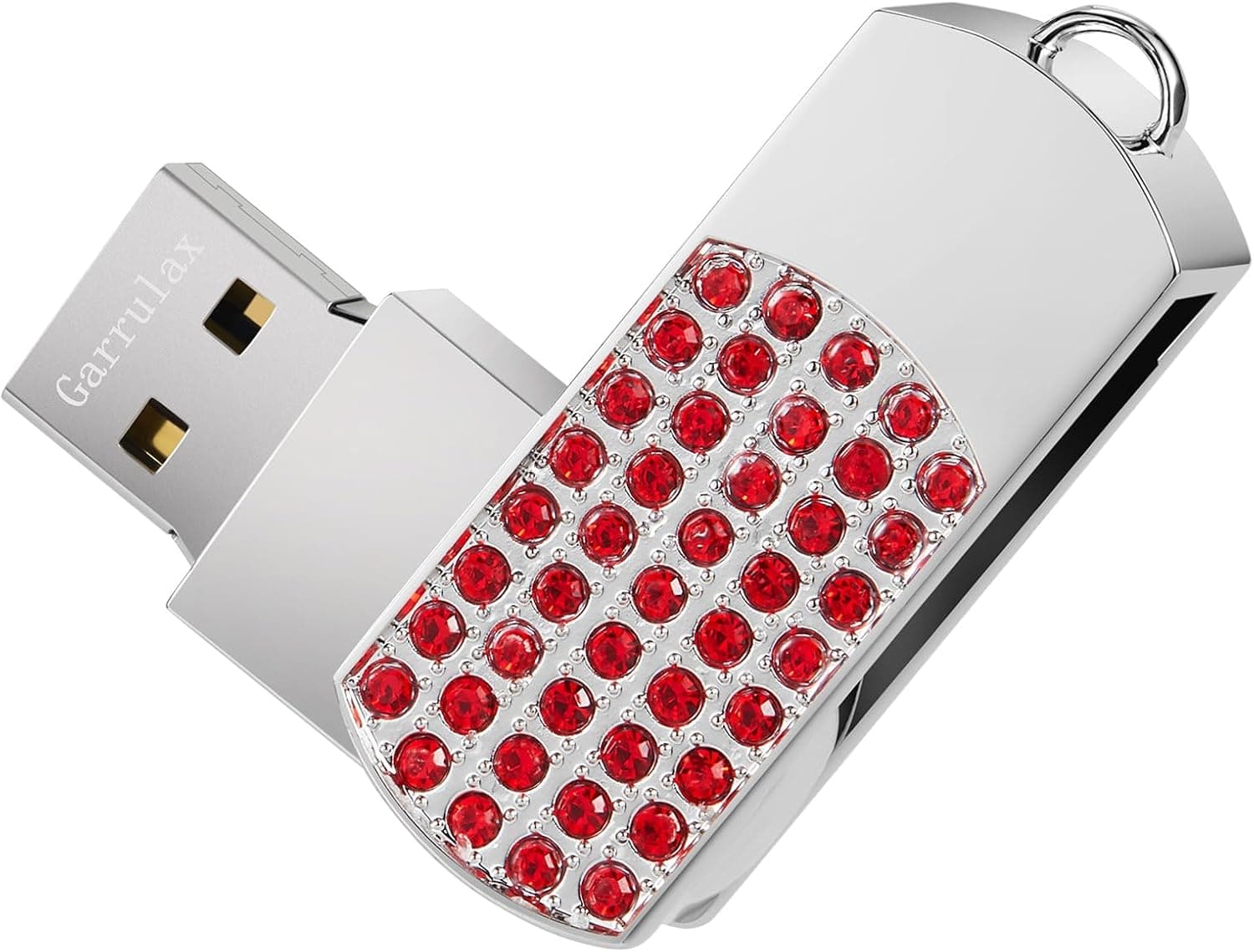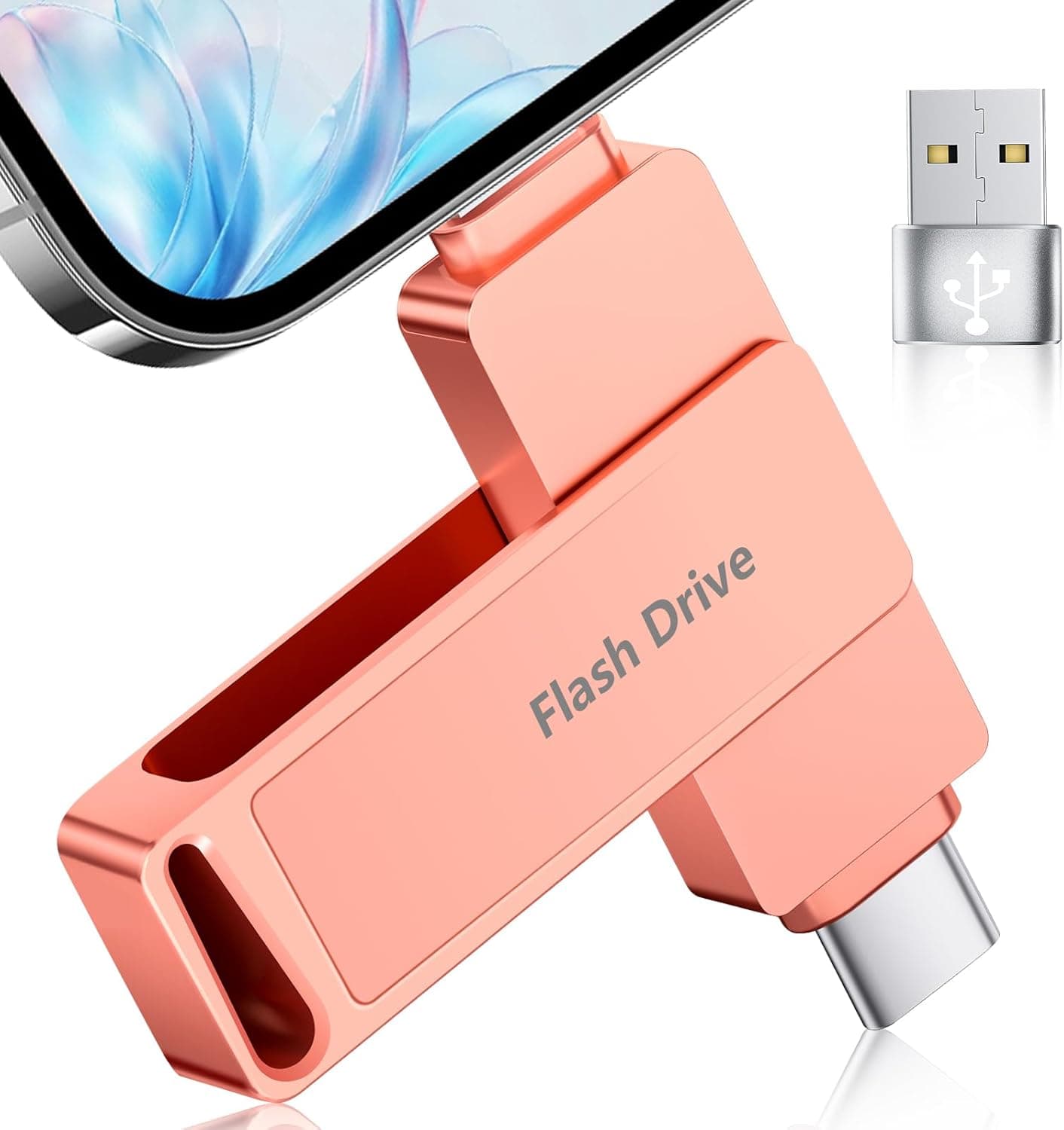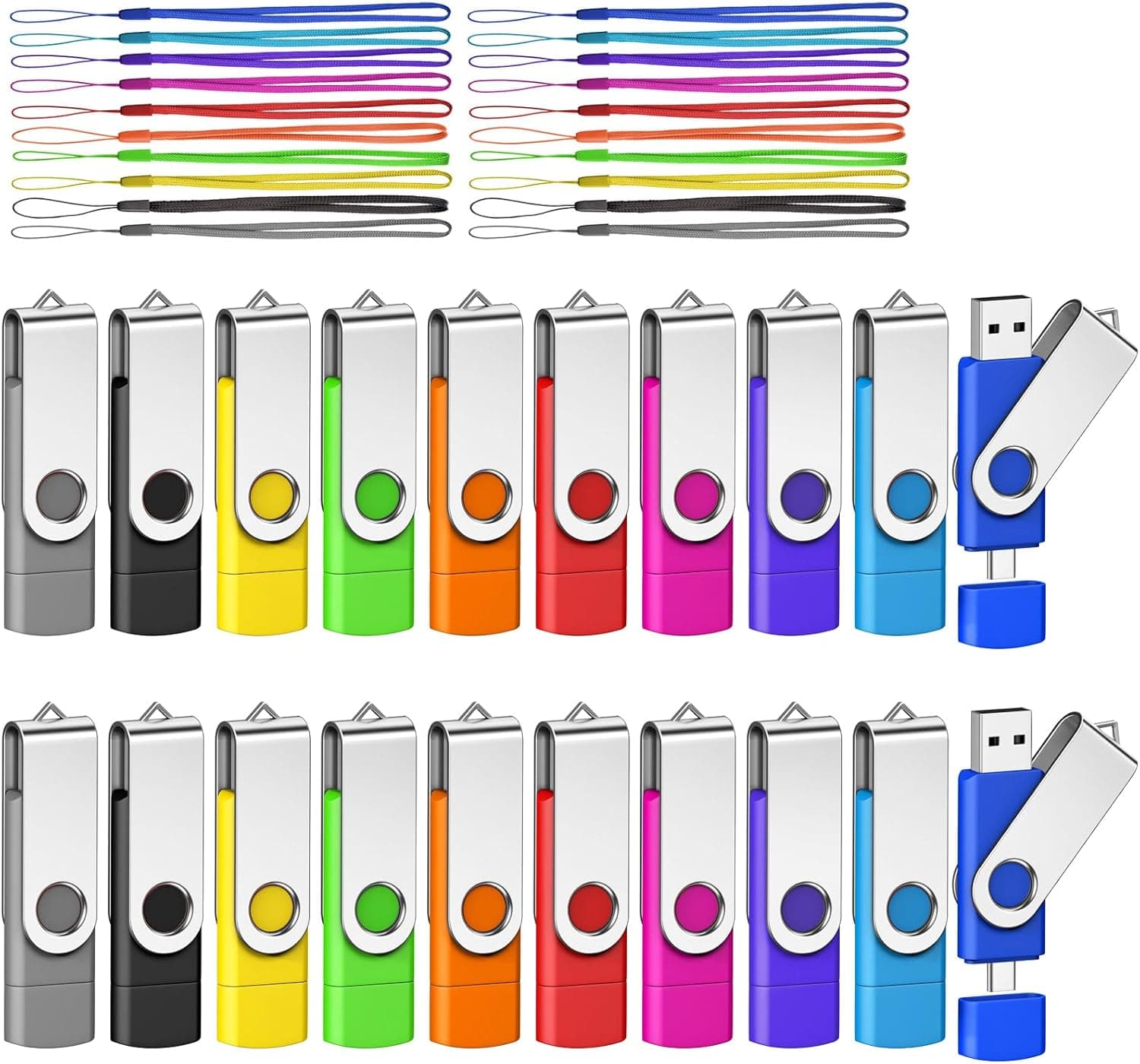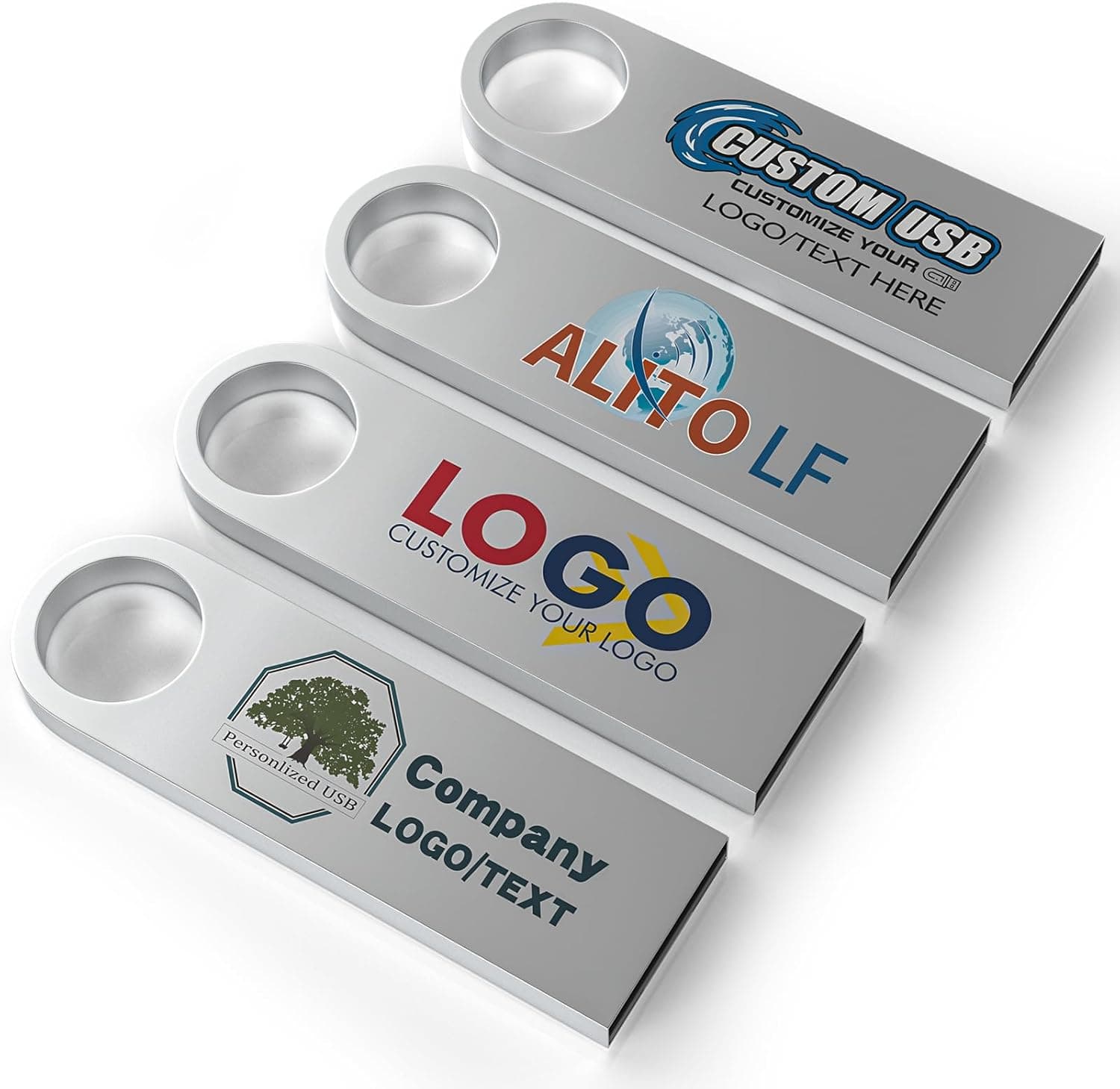
This article evaluates the ABLAZE Custom Flash Drive 128MB 10-Pack (metal body / USB 2.0 / silver) on a single question: is it worth buying as a giveaway item?
How you read the tiny capacity flips the verdict entirely, so the decision criteria come first.
Overview
The short version: this is not a USB drive for storing data — it is a USB drive for handing out. 128MB does not work as practical storage by 2026 standards, but as a printed promotional object it is arguably a deliberate trade: capacity was cut so the budget could go into the metal shell and the printable surface.
Each drive includes a metal casing and a keychain ring, and the Amazon.co.jp listing shows 388 reviews at 4.4 stars (88% positive, captured 2026-06-13) — steady for a bulk giveaway item.
If you are shopping for storage for yourself, the rest of this article is unnecessary. The same budget buys drives with dozens of times the capacity.
This is only worth reading if you already plan to hand out ten drives.
What 128MB Actually Holds
Whether this works as a giveaway depends on whether your files fit. Rough estimates based on typical file sizes:
| Content to distribute | Typical size | Roughly fits in 128MB |
|---|---|---|
| Text-heavy PDF documents | 1–3MB | 40–100 files |
| Image-rich decks / catalogs | 5–10MB | 12–25 files |
| High-resolution photos | 3–5MB | 25–40 images |
| MP3 tracks (3–5 min) | 4–8MB | 15–30 tracks |
| Full HD video | ~100MB per minute | Full after about a minute |
The dividing line is clear: documents and brand assets fit comfortably; the moment video enters the plan, it breaks. Company profiles, price lists, seminar handouts, logo and font kits — all fine.
A product video or a photo library means choosing a different capacity at the planning stage. Budget a little headroom too, since most distributed drives also carry a readme or shortcut file.
Compatibility Guide
The connector is USB-A and the interface is USB 2.0.
Practically any device with a USB-A port will read it: Windows, macOS, Linux, plus TVs, car audio head units, and speakers that support USB mass storage. No drivers or software are needed — plug and play is the strength of this generation.
The most realistic pitfall is that the recipient's laptop may not have a USB-A port at all. Thin laptops and tablets shipping USB-C only are common now, and those users need an adapter or hub.
If you are handing these out at a trade show, saying so on an insert card measurably improves the experience.
As with metal-bodied drives generally, a thick housing can block an adjacent port on machines with tightly spaced connectors — front panels on desktops and laptop side ports are worth checking.
For car audio or TV playback, the drive needs a FAT32 filesystem, a shallow folder structure, and file types the player supports. Those constraints come from the playback device, not the drive, so test one unit in advance if your audience uses specific hardware.
Note also that many corporate and school PCs block USB mass storage outright by security policy — that matters more than capacity or format if you are distributing to businesses or institutions.
Product Info
Published specs: brand ABLAZE, 128MB capacity, USB 2.0 interface, write speed listed as "8x", features listed as lightweight, waterproof, and metal casing, and a quantity of 10.
Each drive ships with a metal casing and keychain ring.
The Amazon.co.jp price was ¥17,503 for the 10-pack as captured on 2026-06-13 — roughly ¥1,750 per drive.
Prices move, especially with sales and bulk terms, so always confirm the figure on the listing at purchase time. The eBay search entry showed only "See listing" as of 2026-07-13, so no confirmed secondary-market figure is available.
The "8x" write speed needs a caveat. That is not the MB/s figure normally quoted for flash drives; it resembles legacy optical-media notation and does not tell you real throughput.
Since the drive is only 128MB, even a modest write speed fills it in minutes. Speed is close to irrelevant as an evaluation axis here.
Warranty terms, bundled items, and the exact logo-printing spec are not publicly detailed, so check the seller's page.
Comparison: Which Axis Are You Buying On?
There are two ways to price this, and they give opposite answers. Per-unit cost puts it in acceptable giveaway territory.
Cost per megabyte puts it far behind 4GB and 16GB 10-packs sold in the same range.
So: if you value the metal finish and printed branding as part of the object, it qualifies. If you want maximum capacity, it does not.
A plastic body with a lanyard will serve you better for far more storage. Conversely, when the requirement is "must not look cheap" — anniversary gifts, client-facing keepsakes — the metal housing is a genuine advantage.
Best Use Cases
- Marketing and PR teams — handing out company profiles or price lists at trade shows, with a low per-unit cost and a branded object that stays on a keyring.
- Event and conference organizers — attendee swag that is both usable and keepsake-like.
- Schools and training teams — distributing lightweight handouts per attendee. The small capacity even limits the risk of recipients mixing in personal data.
- Small shops and creators — handing over a portfolio or catalog PDF as an upgraded business card.
Not for: photo and video backup, creating OS install media, or everyday data carrying. Those uses exhaust 128MB immediately.
What to Check Before Buying
Confirm what "custom" actually covers. The name says custom flash drive, but whether the mail-order 10-pack arrives pre-printed, whether printing is a separate order, and what the minimum quantity, artwork format, and lead time are — all of that belongs on your pre-purchase checklist.
"They arrived blank" is fatal for a giveaway, so verify before ordering if you have a fixed event date.
Do not misread the per-unit price. ¥17,503 as captured 2026-06-13 works out to about ¥1,750 per drive, and that money buys the metal shell, the keychain, and a printable surface — not capacity.
Framed as "ten USB drives" it disappoints; framed as "ten branded metal objects" it is defensible.
Recipients may never plug it in. Refusing unknown USB drives on work machines is now standard practice in many organizations.
If you want the drive to actually be read, include an insert card describing the contents, drop a plain-text readme at the root, and print your company name clearly. Skip this and most of what you hand out ends up in a drawer unopened.
Do not over-trust "waterproof" and "durable." A metal shell helps with daily carry, but it does not guarantee survival after submersion or safety for long-term archiving.
Flash drives are a poor archival medium — always keep the master copy elsewhere. Encryption and password locking are not in the published specs, so do not use these for personal or confidential data.
Inspect all ten on arrival. Once a multi-pack has been handed out, recalling defective units is impractical.
Plug in every drive, confirm it mounts, write a test file, and check the reported capacity. It takes a few minutes and prevents an incident on the day.
Listing metadata can disagree with the product. Amazon product pages sometimes carry manufacturer, model, or brand fields belonging to a different item.
Do not judge from the registered details alone — check the product images, the title, and the seller's description to confirm you are buying the right item.
FAQ
Q. Is 128MB genuinely usable?
A. Yes for documents, PDFs, and audio — dozens of text-based PDFs fit. No for large photo sets or video.
Q. Is USB 2.0 too slow to be practical? A.
At 128MB, even a full write finishes quickly. Speed only matters with large files, which this drive is not for.
Q. Will it work on a USB-C-only laptop? A.
Not directly — an adapter or hub is required. Mention this on your handout if your audience skews toward USB-C-only machines.
Q. Is logo printing included in the price? A.
Public information does not confirm this. Check printing availability, minimum order, artwork submission, and lead time with the seller before ordering.
Q. How should I read the review score? A.
388 reviews at 4.4 stars (88% positive) as captured 2026-06-13.
That likely reflects satisfaction as a giveaway item, which is separate from storage performance.
Q. Can I archive data on these long term? A.
Not recommended. Flash drives in general are unsuited to long-term offline storage; keep the master copy elsewhere.