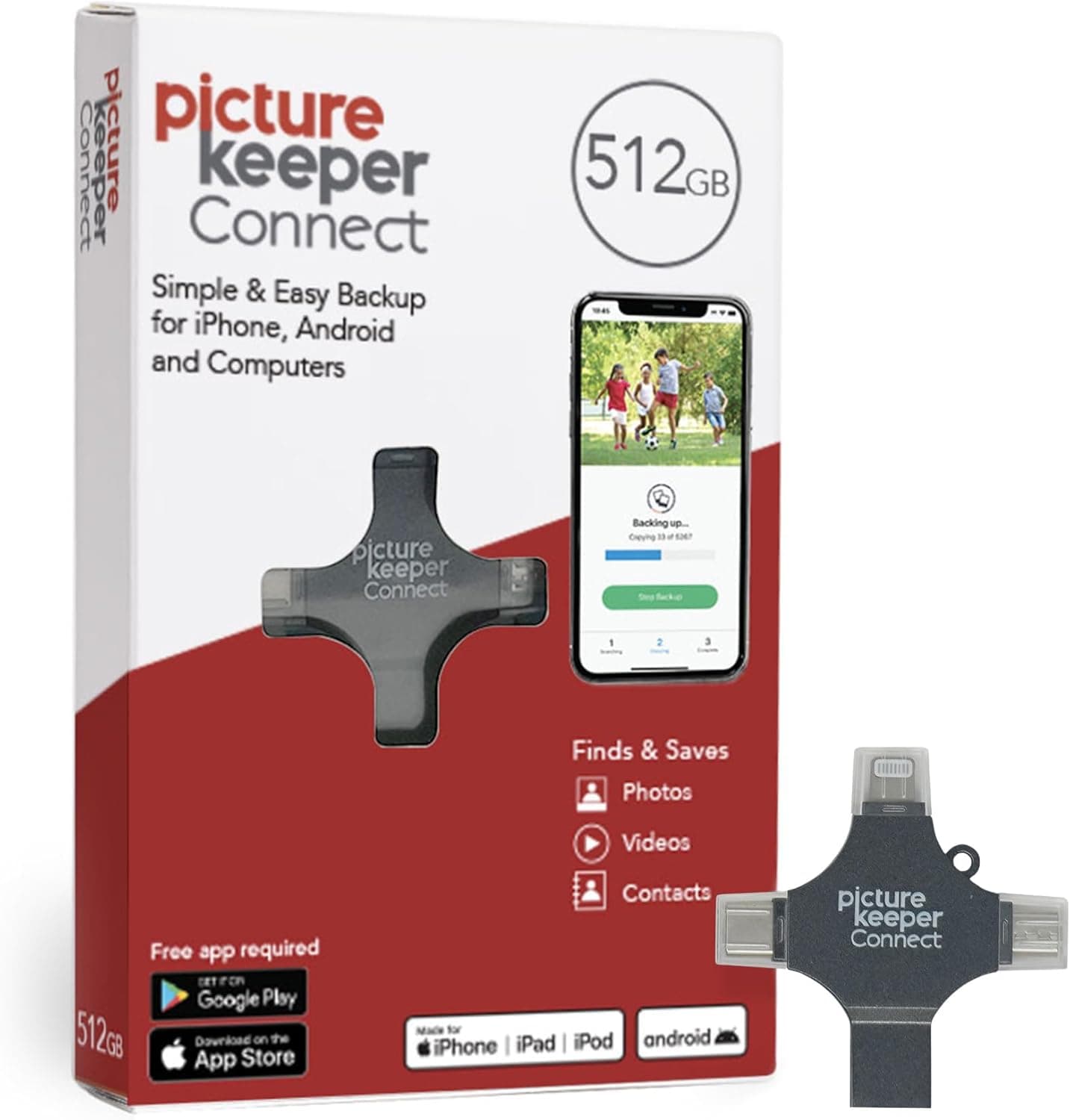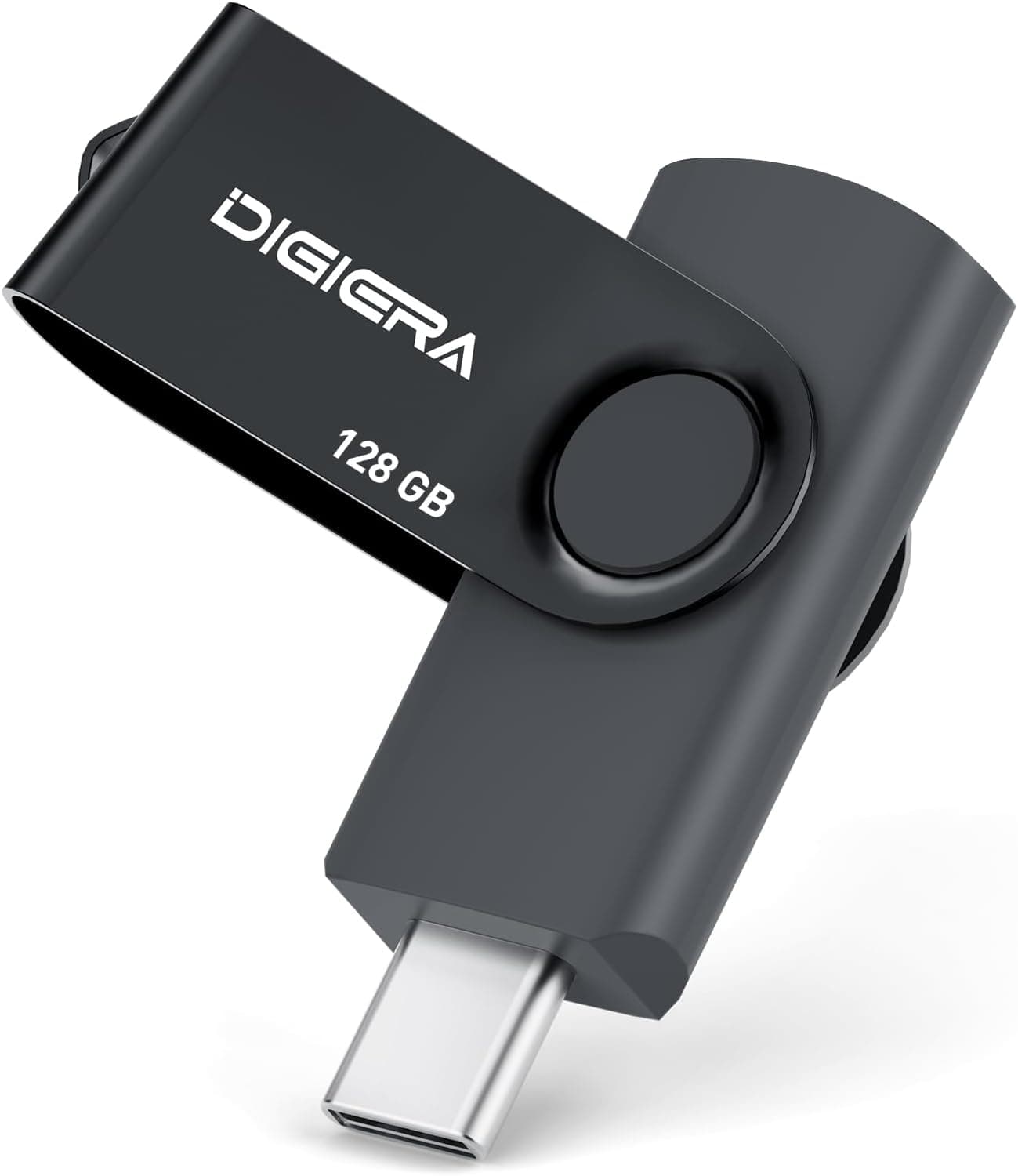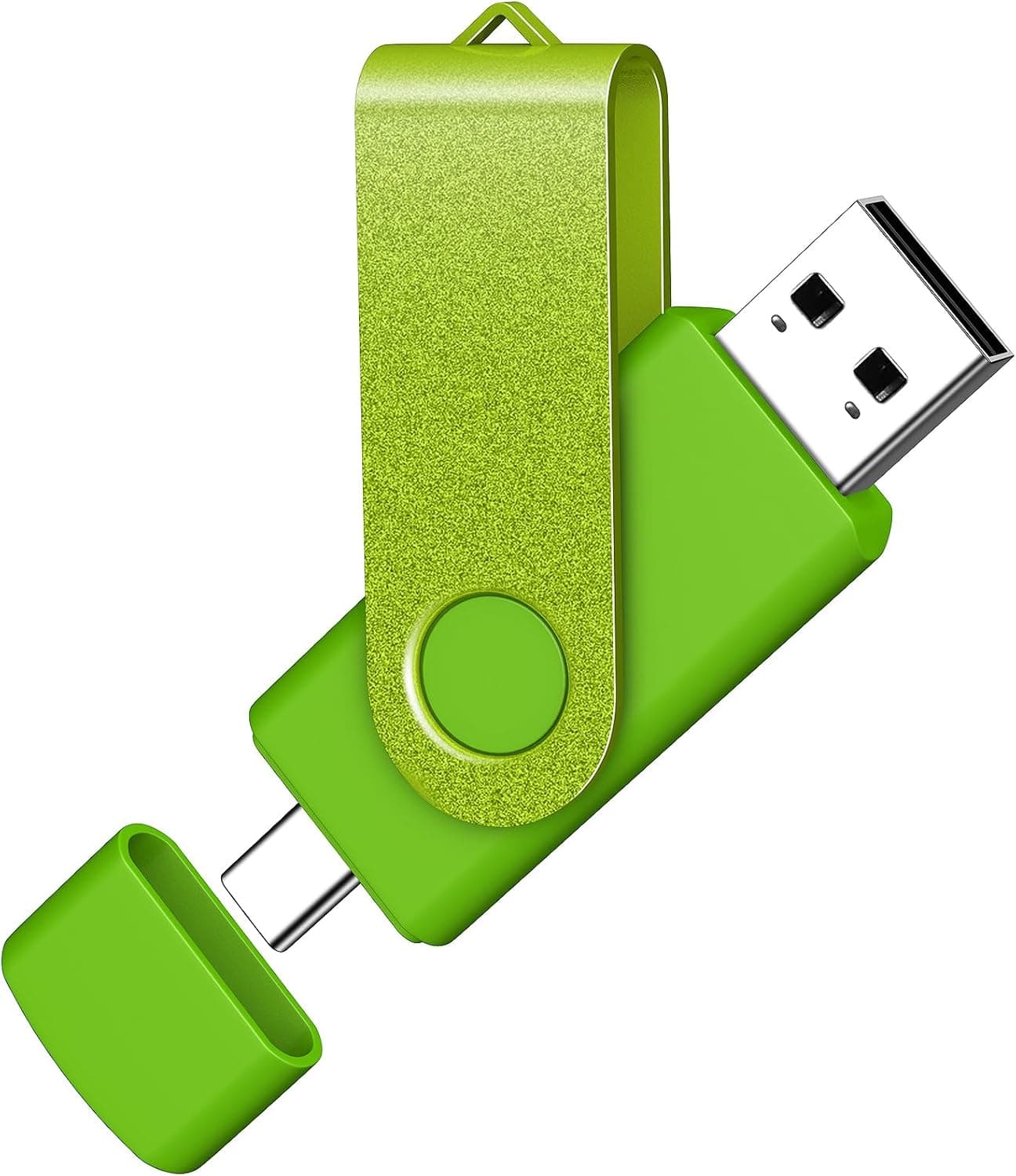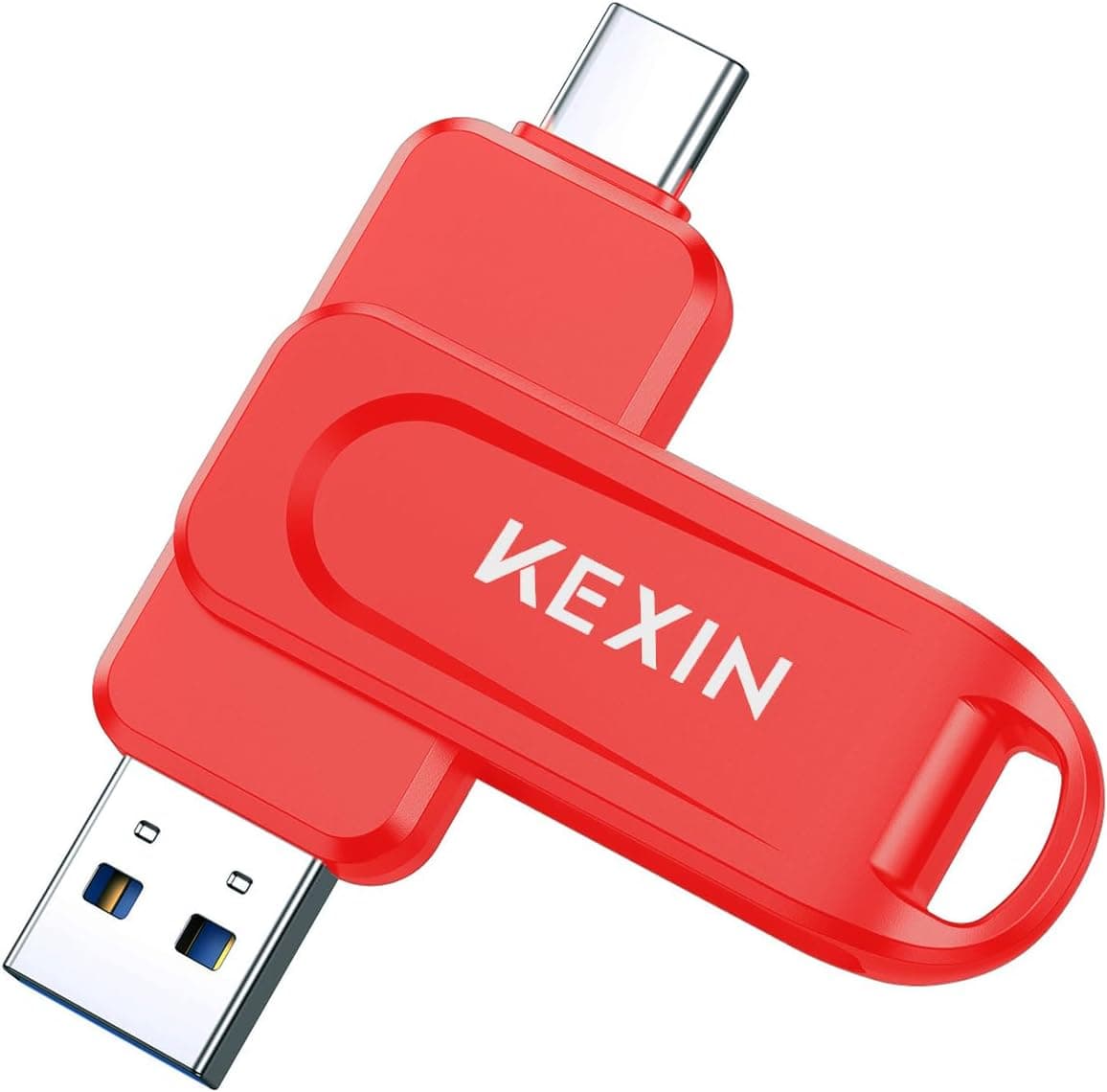
The KEXIN 128GB USB-C flash drive is a 128GB-class thumb drive with a Type-C connector. This article works from its published rating data and what the product name implies, to explain which jobs it handles well and where you will need to compromise.
Overview
The short version: buy this as a carrier for moving files between phones, tablets and thin Type-C-only laptops. It is fine for offloading photos, handing over documents, or carrying data to someone else's PC.
It is not a replacement for a portable SSD and not a drive you should edit video from.
On Amazon.co.jp it showed 588 reviews averaging 4.2 out of 5 stars (roughly 84% positive) as captured on 1 June 2026.
A high-hundreds review count at that level suggests few extreme lemons. But 4.2 is not a universally-loved score either; it is the band where write-speed and heat complaints typically sit.
| What to check | Where this drive lands |
|---|---|
| Capacity | 128GB; comfortable for one phone photo offload |
| Connector | USB Type-C; older Type-A PCs need an adapter |
| Speed | Name implies a 100MB class figure, i.e. read side |
| Rating | 4.2 from 588 reviews (captured June 2026) |
| Good for | Transport, handoff, temporary offload |
| Bad for | Working drive, always-connected use, sole copy |
How to Read the "100MB" Figure
The 100MB in the product name almost always refers to a maximum read speed of around 100MB/s. The key point: flash drive spec sheets quote read speed, and write speed is materially lower. On entry-class thumb drives, sustained writes often land at a fraction of the read figure, and long transfers slow further once the cache is exhausted.
Practically, filling all 128GB in one go will feel slow. Moving a few hundred megabytes to a couple of gigabytes will not.
If your plan was "it's big, so I'll use it for whole-system backups," estimate your real file sizes first. Confirm exact read and write figures on the product page.
Compatibility Guide
Any device with a USB Type-C port will generally mount it regardless of OS: Windows, macOS, Android, and USB-C iPads all treat it as a standard removable disk. The stumbling blocks are rarely the standard itself.
Type-A-only PCs. Desktops and slightly older laptops often have no Type-C port at all.
Unless you buy a dual-connector model, you need an adapter. Check the ports on your work PC before you rely on it.
Clearance and OTG on phones. A thick phone case can stop the housing from seating fully.
On Android, reading external storage requires USB OTG host support; most recent mainstream phones have it, but budget and older handsets may not. Verify against your specific model.
File system. Drives ship formatted as exFAT or FAT32.
FAT32 cannot store a single file larger than 4GB, which breaks long 4K video clips. That is not a fault; reformatting to exFAT fixes it.
Do it right after purchase, since reformatting erases everything.
Note that the source data for this article contained dimensions and material specs belonging to an unrelated laptop stand. For that reason no physical dimensions are quoted here.
If size matters to you — whether it blocks a neighbouring port, whether it fits a keyring — check the measurements and photos on the product page.
Product Info
The listed price on Amazon.co.jp was ¥8,856 as captured on 12 June 2026 (ASIN: B0FR4C7MLW).
That is high for a 128GB-class flash drive by normal market standards. It may reflect a temporary listing price, or a different capacity or multi-pack variant.
Treat the figure as reference only and confirm that capacity, quantity and price line up on the product page before ordering. Flash drive pricing moves constantly, so article prices rarely match what you see.
No concrete marketplace figure was available on the eBay side, so overseas listings must be checked individually. Parallel imports may lack a domestic support channel, so factor in the hassle of a DOA exchange.
On reviews, again: 588 ratings at 4.2 as of June 2026. At that volume, this is at least not an obscure, unpredictable listing.
Alternatives Worth Comparing
Three directions come up repeatedly at this price and capacity.
Domestic-brand drives. Makers like KIOXIA or IODATA can cost more at the same capacity but offer a local support desk and a clear path for defective-unit replacement.
For a device you entrust data to, paying that difference is a defensible call.
Dual Type-A / Type-C models. These plug into both old PCs and new phones with no adapter to carry.
If your devices span several generations, this usually works out cheaper overall.
Portable SSDs. With a bigger budget, an external SSD is dramatically faster in both directions and will not stall on bulk transfers.
Choose a flash drive for size, low replacement cost and convenience — not for speed or reliability.
Best Use Cases
It suits anyone whose phone is full of photos and videos who would rather not push everything to the cloud. Plugging directly into Type-C and offloading tens of gigabytes fits the "lots at once, revisited occasionally" pattern of post-trip photo cleanup.
It is also practical for students and office workers handing over files: attachments too big for email, submissions where cloud storage is blocked, print-shop artwork. Physical transport still has plenty of live use cases.
It fits owners of Type-C-only thin laptops who are tired of carrying adapters. It does not fit people who want a permanently attached working volume, a video-editing scratch disk, or the only home for important data.
Before You Buy
Listing metadata can be wrong. The source data behind this article included specs from an entirely different product (a laptop stand).
The same kind of mismatch can appear on the Amazon page itself. When you open it, confirm the product from the images and title first, and sanity-check that the spec table actually describes a flash drive.
If several capacities or pack sizes share one page, double-check which variant is selected.
Write speed is the usual disappointment. Catalogue speeds describe reads.
"100MB/s, so 100GB copies in under 20 minutes" will not hold. If you move bulk data regularly, budget for a portable SSD instead.
Never make it your only backup. Thumb drives get lost, go through the wash, and snap at the connector.
Flash memory also holds data less reliably when left unpowered for long stretches. Always keep a second copy on a PC or in the cloud.
"I moved it to the USB stick, so I deleted the original" is the single most common way people lose files.
Capacity display is normal. A 128GB drive shows as roughly 119GB in your OS, because of how gigabytes are counted.
That is not fraud. If it shows far less than that, however, contact the seller — capacity-spoofed counterfeits do exist.
Heat and unplugging. The housing can get noticeably warm during sustained writes.
That is common, but yanking the drive mid-write corrupts files. Always use your OS's eject function.
FAQ
Q. Does it work with iPhone? A.
On USB-C iPhones (15 and later) you can generally read and write through the Files app. Lightning models need an adapter or a Lightning-specific product.
Q. Can I use it on a Type-A-only PC? A.
Yes, with a USB-C to USB-A adapter. If you use older PCs often, a dual-connector drive is more practical than carrying an adapter.
Q. Is 128GB enough to back up a PC? A.
Enough for selected photos and documents, but short on both capacity and speed for full system backups. Use an external HDD or SSD for that.
Q. Files over 4GB won't save. A.
The drive is likely formatted FAT32. Reformat to exFAT to fix it, after moving your data off — reformatting erases the drive.
Q. What speed will I actually see? A.
The name suggests reads around the 100MB/s class; writes are typically lower. Check the product page spec table for exact figures.