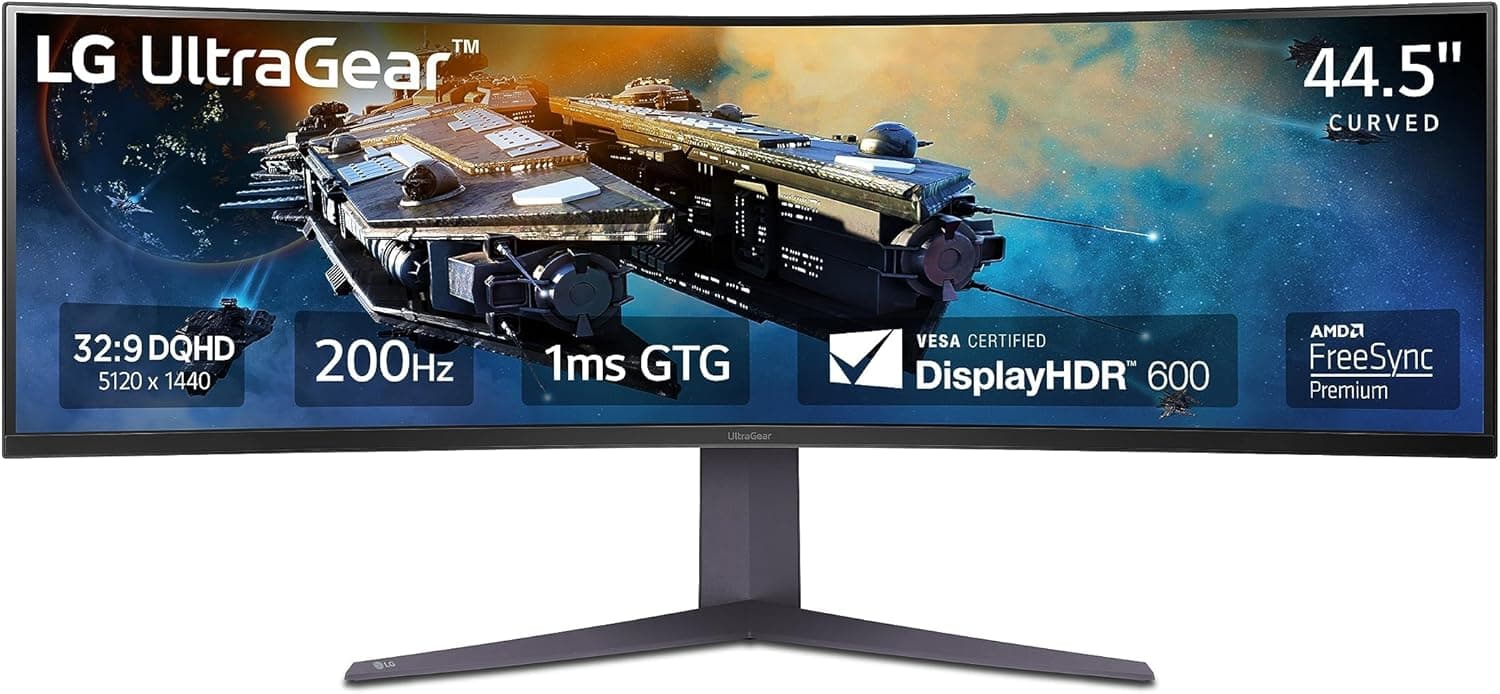
A 45-inch DQHD gaming monitor puts 5120x1440 (32:9) on a single curved panel. Its core value is giving you roughly the desktop area of two 27-inch QHD displays with no bezel seam in the middle, which suits sim racing, flight sims and multi-pane workflows.
If you simply want a large, high-density general-purpose display, this shape is not the answer.
Overview
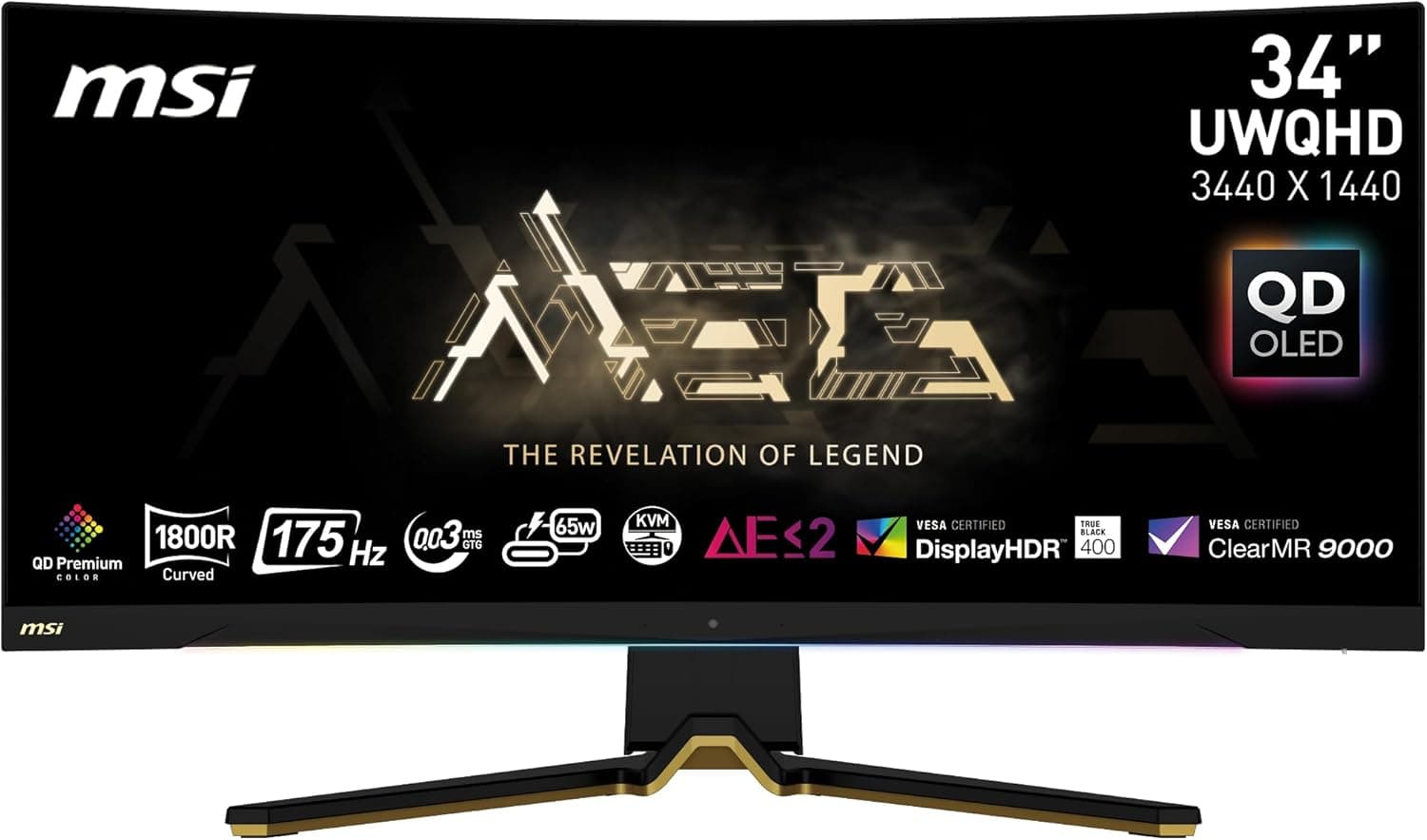
This article covers the 45-inch DQHD (5120x1440) class of LG UltraGear gaming monitors. DQHD means Dual QHD: the horizontal width of two QHD panels, in a 32:9 aspect ratio.
That is about 7.37 million pixels, slightly fewer than 4K (about 8.29 million) and exactly double QHD (about 3.69 million).
Treat the rendering load as closer to 4K than to QHD; sizing a GPU with QHD expectations leads to disappointing frame rates.
At 32:9, a 45-inch diagonal gives you roughly the same panel height as a 27-inch QHD monitor. It is not "a TV-sized screen" but "a 27-inch-tall screen stretched to double width." That is also why these panels are curved: on a flat panel of this width, the far edges fall outside comfortable viewing angles and edge text becomes hard to read.
As captured in July 2026, the Amazon.co.jp listing showed 628 reviews at 4.4 out of 5 stars (roughly 88% positive).
Ultrawides are a polarising category, so a 4.4 across that many reviews suggests strong satisfaction among buyers whose use case fits.
That said, as explained below, this listing mixes in data that does not match a 45-inch monitor, so verify on the page itself that the reviews belong to the model you are buying.
Compatibility Guide
The first obstacle with a high-resolution 32:9 panel is almost always the video output. Driving 5120x1440 at high refresh rates realistically requires DisplayPort 1.4 with DSC (Display Stream Compression).
DisplayPort 1.4 alone does not have the bandwidth for uncompressed high-refresh 10-bit 5120x1440, so confirm your GPU supports DSC.
Broadly, NVIDIA GeForce RTX 20 series and later and AMD Radeon RX 5000 series and later support DSC, but behaviour varies by generation and driver, so check your specific GPU's spec page for a DSC mention.
Over HDMI, an HDMI 2.1 output can carry 5120x1440 at high refresh rates, while a GPU limited to HDMI 2.0 forces you to drop either resolution or refresh rate.
USB-C (DisplayPort Alt Mode) on a laptop is likewise limited by lane count and DSC support. Most "I plugged it in but can only select 60Hz" cases come down to the output standard, not the cable.
On GPU performance, plan around 7.37 million pixels.
Running recent heavyweight titles at native resolution and high settings calls for an upper-tier GPU; mid-range cards should assume DLSS/FSR upscaling. Lighter competitive titles, MOBAs and older games can hit high frame rates on mid-range hardware.
Physical installation gets overlooked. A 45-inch 32:9 panel is roughly a metre wide, so on a 100 cm desk the stand feet span nearly edge to edge.
Measure your desk width and depth before ordering. Depth matters most: sit too close to a curved panel and the edges look distorted.
Aim for a viewing distance of about 70-90 cm. If depth is tight, check VESA support and use a monitor arm to reclaim the space the stand occupies.
Panels this size are heavy, though, and often exceed the roughly 8 kg limit of common arms, so verify the arm's rated load.
Both Windows and macOS handle 5120x1440 natively, but window management changes. Without a tiling tool such as FancyZones on Windows, or Stage Manager and third-party tilers on macOS, "maximise" means a 5120px-wide window that is worse to use than a normal one.
Consoles require a compromise. Neither PlayStation 5 nor Xbox Series X|S outputs 32:9, so they render 16:9 with black bars on each side.
If you want one display for both PC and console, this class of 32:9 panel is hard to recommend.
Product Info
On price, the two captured values disagree sharply. Amazon.co.jp recorded ¥304,577 as captured on 8 July 2026, while eBay US recorded $533.99 as captured on 17 August 2026.
Even allowing for exchange rates that is a several-fold gap, which is hard to reconcile as the same product in the same configuration. The 45-inch DQHD UltraGear family spans a wide price range depending on panel technology (OLED versus LCD) and features such as variable curvature, so one of these figures likely belongs to a different model or condition (used, parallel import, or an accessory).
Do not use the prices in this article for budgeting. Prices move frequently, so check the current price against the exact model number on the product page.
eBay listings in particular vary by condition, shipping and duties, so a headline price is not comparable on its own.
The specifications need the same caution. The spec values supplied with this listing (200 mm fan, 1800 RPM, 15.6-17.3 inch laptop support) clearly describe a laptop cooling pad, not a 45-inch monitor.
To avoid publishing wrong numbers, this article deliberately does not state refresh rate, response time, panel type, curvature, HDR certification or input configuration. Those directly drive the buying decision, so confirm them per model number on LG's product page or the retailer's spec sheet.
How It Compares
If you are considering 45-inch DQHD, three alternatives are usually on the table. First, 34- or 39-inch 21:9 ultrawides: a better balance of width and desk footprint, and the safer pick on a narrow desk.
Second, 32-inch 4K (16:9): with 2160 vertical pixels it wins for documents, photo and video work where vertical information matters. Third, two 27-inch QHD panels, where everything hinges on whether a bezel down the middle bothers you.
The 45-inch DQHD wins clearly when you want no centre bezel and horizontal field of view is the experience itself: racing, flight and space sims, plus DAW and timeline editing where horizontal scrolling dominates. If you instead need vertical workspace, 4K sharpness, or you have a small desk, one of the three alternatives will make you happier.
Best Use Cases
- Sim racers and flight simmers — the peripheral view from 32:9 contributes more to immersion than most other spending at this price. The absence of a centre bezel alone justifies moving from a multi-monitor rig.
- People who work in side-by-side windows — code plus browser plus terminal, or streaming software plus game plus chat. A tiling tool is a prerequisite, but few go back to two panels afterwards.
- DAW and video editors — more visible tracks and timeline length. For colour-critical grading, verify panel type and factory calibration per model number.
- Anyone consolidating a desk — one power cable, one arm and one set of inputs instead of two.
It is a poor fit if your desk is under 60 cm deep (too close, distorted edges), if consoles are your main platform (no 32:9 output), if your work is document- or photo-heavy and benefits from vertical space, or if your GPU predates DSC support.
Before You Buy
First, this listing contains inconsistent data. The captured specifications describe a laptop cooling pad (200 mm fan, 1800 RPM, 15.6-17.3 inch support) rather than a 45-inch monitor, and the Japanese and overseas prices differ by several times.
Listing metadata really does get crossed on Amazon and similar marketplaces. Before ordering, cross-check the product images, the model number in the title and the spec table to confirm they describe the same product. Ordering without pinning down the exact model is risky.
This is also the limit of what this article can responsibly state, which is why no refresh rate or panel type is asserted here.
Second, 32:9 has genuine incompatibilities. Older games and some online titles do not support the aspect ratio and either letterbox or fling their UI to the far edges.
Some competitive titles restrict 32:9 outright to avoid a field-of-view advantage. Check whether the games you plan to play support 5120x1440.
If you choose an OLED variant, burn-in mitigation is part of ownership. Static taskbars, game HUDs and streaming overlays are the risk factors, so auto-hide the taskbar, keep brightness moderate and run the manufacturer's pixel refresh routine regularly.
Whether burn-in is covered by warranty varies by model, so confirm that per model number too.
A practical trap after installation is cable quality. High-refresh 5120x1440 is sensitive to DisplayPort cable quality, and cheap long runs can cause flickering from failed link training.
Verify operation with the bundled or a short certified cable first, then move to longer cables.
Finally, buying from eBay or other overseas marketplaces adds shipping, duties and return costs on a large, fragile item, and warranty coverage for panel-level faults may differ from a domestic purchase. At this price class, domestic authorised retail is often cheaper in total cost.
FAQ
Q. DQHD or 4K? A.
DQHD if you want width, 4K if you want vertical space. DQHD gives you 1440 vertical pixels versus 2160 on 4K, so document, photo and long web page work is more comfortable on 4K.
Q. What GPU do I need? A.
About 7.37 million pixels, so treat the load as close to 4K.
Native high settings in recent heavyweight titles want an upper-tier GPU; mid-range cards should plan on DLSS/FSR upscaling.
Q. Can I use a PS5 or Xbox in 32:9? A.
No. Current consoles do not output 32:9, so you get 16:9 with side bars.
If console gaming is your priority, look elsewhere.
Q. Can it go on a monitor arm? A.
If it is VESA compatible, physically yes, but panels this size often exceed the roughly 8 kg rating of common arms. Check the arm's rated load and its rigidity across a metre-wide panel.
Q. Can I buy it at the price shown here? A.
Those are point-in-time captures (Amazon July 2026, eBay August 2026) and they disagree by several times. Do not budget from them; check the current price against the model number on the retailer's page.