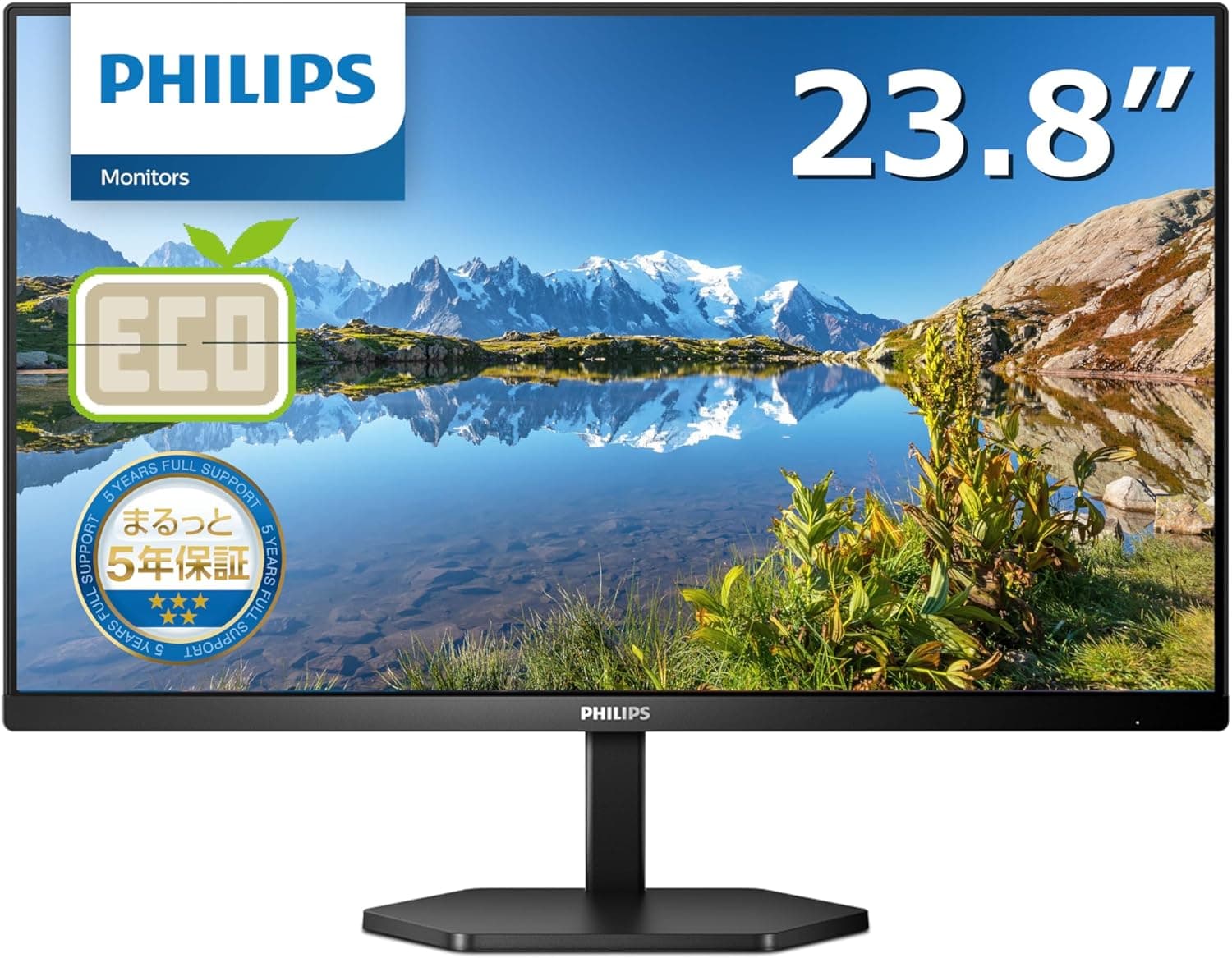
This article covers PHILIPS モニターディスプレイ 24E1N3300A.
Overview
The PHILIPS 24E1N3300A/11 is a 23.8-inch IPS monitor with Full HD resolution, designed to simplify your desk setup. Its standout feature is USB-C connectivity, which carries video, data, and power delivery up to 65W through a single cable. This makes it an excellent choice for remote workers and minimalists who want to reduce cable clutter. With a 75Hz refresh rate and 1ms MPRT response time, the monitor handles everyday productivity tasks smoothly and can even accommodate casual gaming. It also includes four USB 3.2 ports, effectively functioning as a USB hub to expand your laptop's connectivity.
Connectivity & Compatibility
Video inputs: HDMI 1.4 × 1, USB Type-C × 1 USB hub: USB 3.2 Gen1 × 4 (one port supports USB-C power delivery) Power delivery: up to 65W via USB-C (compatible with most ultrabooks and thin laptops) Compatible devices: USB-C Alt Mode laptops, smartphones, game consoles * Note: HDMI 1.4 limits video output to FHD 75Hz; 4K 60Hz is not supported.
Product Info
Released in late 2023, the 24E1N3300A/11 sits in the entry-to-mid-range segment of USB-C monitors, with a street price around ¥24,300. PHILIPS backs it with a comprehensive 5-year warranty covering the panel, backlight, body, and included cables — a rare offering at this price point. In the box you get an HDMI cable, a USB-C cable, a power cable, and a quick-start guide. The stand offers tilt adjustment only; height adjustment and pivot are not available.
Best Use Cases
Remote workers and home office users: The single USB-C cable handles display, charging, and peripheral connections, keeping your desk tidy. The built-in USB hub lets you plug in a mouse, keyboard, or webcam directly. Dual-monitor setups: The slim bezel design makes it easy to pair with another monitor for a multi-screen workspace. The 75Hz refresh rate ensures smooth scrolling. * Budget-conscious students and beginners: You get a solid 23.8-inch IPS panel with USB-C convenience at an affordable price. It's a great entry point for anyone building a productive home setup. If you need high refresh rates (144Hz+) for competitive gaming or wide color gamut for professional photo/video editing, consider a more specialized monitor. ## Alternatives
In the same price range, the Dell S2422HZ offers a built-in webcam and microphone, making it ideal for video conferencing, but its USB-C power delivery is limited to 65W or less. The LG 24BK550Y-W provides a similar IPS panel but lacks the extensive USB hub functionality. The PHILIPS 24E1N3300A/11 stands out with four USB 3.2 ports and 65W PD, giving it an edge for users who need a hub-like experience.
Things to Consider
The stand only supports tilt; no height adjustment or pivot. For ergonomic setups, consider a VESA-compatible monitor arm (100×100mm). HDMI 1.4 means no 4K 60Hz output. If you plan to connect a PS5 or Xbox Series X at 4K, look for a monitor with HDMI 2.0 or higher. USB-C power delivery is capped at 65W. High-performance gaming laptops may require their own AC adapter for full charging. Built-in speakers are adequate for system sounds but lack bass and volume for immersive media consumption. External speakers or headphones are recommended.