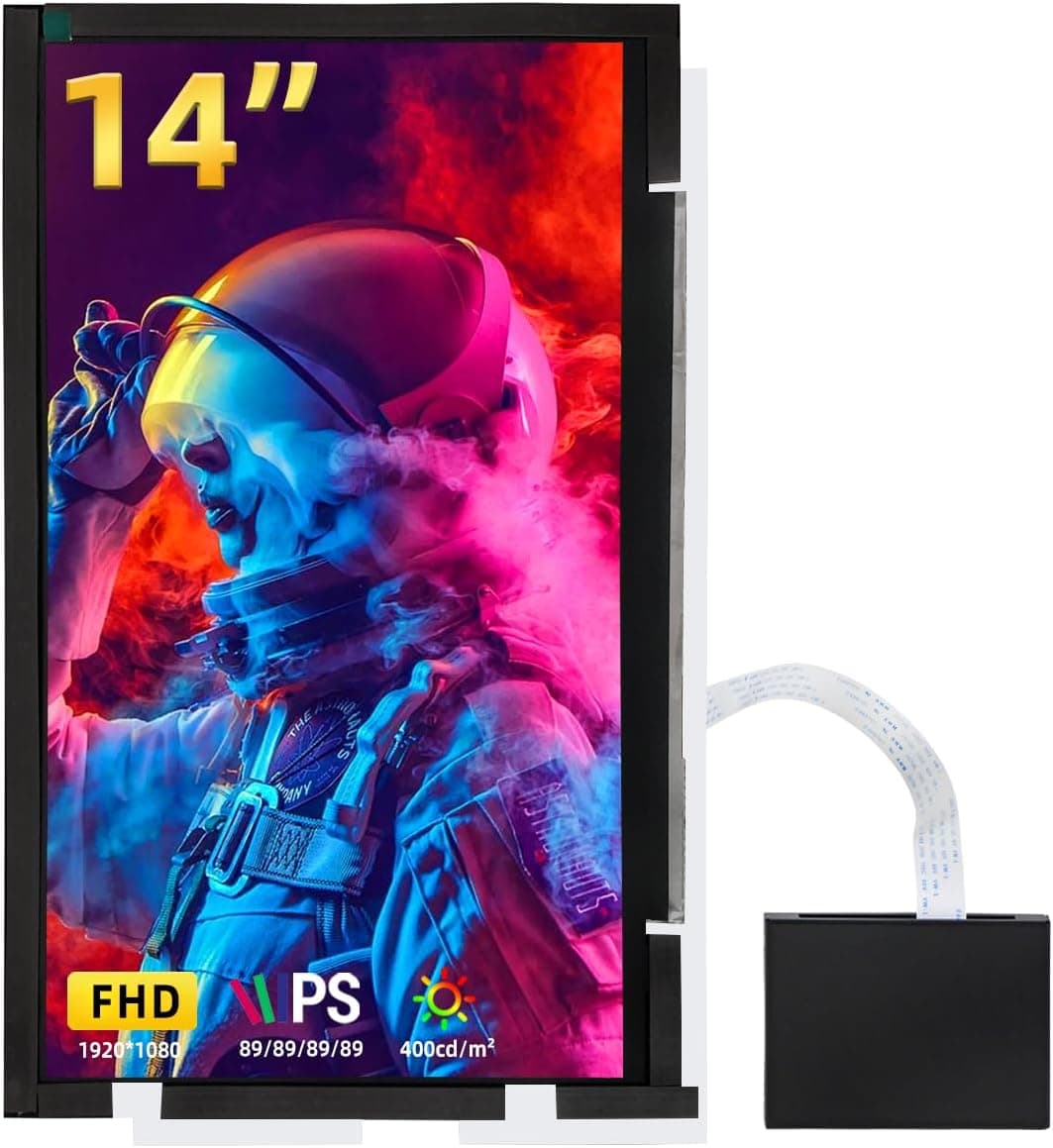
The wisecoco 14-inch LCD screen is a panel kit for building a secondary display into a PC case such as the Lian Li O11 Mini. It offers FHD 1920x1080 resolution, HDMI input, 72% NTSC color coverage, and a white finish.
The key point up front: this is not a finished monitor. It is raw material that assumes you will do case work yourself, and whether you understand that is what separates happy buyers from disappointed ones.
Overview
What you get is a 14-inch laptop-grade LCD panel paired with a driver board that lets it run from HDMI. It is easiest to think of it as a laptop replacement panel that has been made usable as a standalone display.
From the PC's perspective it is simply a 1920x1080 HDMI monitor, so the OS enumerates it as an ordinary second display.
It suits DIY builders who want AIDA64 or HWiNFO sensor panels, Rainmeter skins, or now-playing info permanently visible inside the case. If you only want an extra screen next to your laptop on a desk, a portable monitor with a built-in stand and chassis will be cheaper and far less work.
This product assumes no bezel and no stand.
The 72% NTSC figure is roughly equivalent to about 100% sRGB as a rule of thumb. That is plenty for telemetry, dashboards, and looping animations, but it is not intended for photo work or color grading.
Compatibility Guide
Signal compatibility is the easy part. Input is HDMI at 1920x1080, so any GPU from the last decade drives it without trouble.
Windows, macOS, and Linux all need no driver install; plug it in and it appears as an extended display. You can also feed it from the motherboard's HDMI port if your CPU has integrated graphics, though you will need to enable the iGPU in BIOS.
Either way it consumes one output port, so count your ports first if you already run a triple-monitor setup.
The hard part is physical fit. A 14-inch 16:9 active area works out to roughly 310 x 174mm based on the 355.6mm diagonal.
Add the panel edge and the driver board routing on top of that, and you must measure your case opening and side panel yourself. The Lian Li O11 family includes the Dynamic, Dynamic Mini, and Air variants, and internal frames differ between them and across revisions.
"O11 Mini" in the product name describes intended use, not a guaranteed fit for your specific unit.
Cabling is the other thing people underestimate. The driver board connects via a flat cable from the panel, with the HDMI connector and power input on the board.
Decide before you build where the board mounts, whether the HDMI cable exits the case and comes back in, and whether you need a right-angle connector. If your configuration needs separate power, check whether you can source it from a USB header or SATA power inside the case.
Included accessories and power method vary, so confirm on the product page.
One more thing: mounting the panel behind tempered glass adds reflections and cuts effective brightness. Airflow matters too.
A 14-inch panel plus board will block a path through the case, so avoid placing it directly over the GPU's intake side.
Product Info
The listed price on Amazon.co.jp was ¥18,011 as captured on 27 August 2026.
That is not cheap for a bare panel; the same budget buys a complete 23-24 inch FHD monitor. People still choose it because embedding a screen in a case is something a finished monitor cannot do.
Prices move often, so check the current figure on the product page before ordering. The eBay entry is a search link only, with no confirmed price.
User rating stood at 3.2 out of 5 from 12 reviews as of June 2026.
The sample is small, so treat it as directional rather than statistical. A 3.2 typically signals a split verdict, and with panel kits the low scores usually come from mismatched expectations — "it didn't fit my case," "there is no frame" — rather than panel quality.
Read a few of the low-star reviews and work out which category they fall into.
Note also that this listing's spec block currently contains entries that clearly belong to a different product category (SATA data cable connectors and transfer rates). Verify the item from the images and title rather than trusting the spec table.
How It Differs From a Finished Monitor
| Aspect | This panel kit | Standard FHD monitor | Portable monitor |
|---|---|---|---|
| Chassis / stand | None (you build it) | Included | Included |
| Placement freedom | Very high (case-mounted) | Low | Medium |
| Setup effort | High (cutting, wiring) | Plug and play | Plug and play |
| Best for | Status display, modding | Work screen | Travel |
These are different jobs, not different price points for the same job. If the value to you is one more work surface, buy a finished monitor.
If you want to design the look and telemetry of your case yourself, this is the right tool. Buying it as a cheap way to get a second screen almost always ends in regret.
Best Use Cases
- Case modders — anyone who wants a telemetry display behind the side panel and enjoys the fabrication and cable routing involved.
- Builders who want always-on data — CPU/GPU temps, fan speeds, or a stream chat window visible with a glance downward.
- Laptop panel replacement — this is the product category it comes from, so it can serve that role if the model-level fit checks out.
- Rigs with a spare HDMI output — it takes one port, so headroom makes installation simpler.
Things to Check Before Buying
The biggest pitfall is expecting a finished product. There is no stand and no bezel; using it on a desk means building your own support.
Opening the box and finding a bare panel is the single most common source of low ratings for this kind of item.
Case fitment is on you. The moment you cut or drill a side panel, treat the case warranty as void.
If you want a no-modification install, measure the existing opening or drive bay in millimeters before deciding. The model name in the listing describes intent, not guaranteed dimensions.
The listing metadata can be wrong. This product's spec block contained items that appear to belong to a SATA data cable — connector type, 6Gbps transfer rate, locking latches — none of which apply to a display panel.
Confirm the product from the images, title, and review text before you order. The same caution applies to the displayed price, which may have been captured from a different item, so re-check it right before purchase.
Clarify dead-pixel and DOA handling. Laptop panels rarely carry the strict dead-pixel policy of a finished monitor, and once installed, returns get difficult.
Before any cutting, connect it on a table and display full-screen white, black, red, green, and blue. That one step prevents most of the trouble people report.
Skip it if you need color accuracy, want high-refresh gaming (assume standard 60Hz here), or have no interest in modifying a case. Any one of those and a finished monitor at the same price will serve you better.
FAQ
Q. Do I need to install drivers? A.
No. It presents as a standard 1920x1080 HDMI display, so Windows, macOS, and Linux all pick it up on connection.
Q. Can I use it in cases other than the O11 Mini? A.
Yes, if the dimensions work. Budget roughly 310 x 174mm for the active area plus clearance for the driver board and cabling.
Q. How is it powered? A.
Depending on configuration, via USB or a DC input. Accessories and power method vary by unit, so check the product page.
Inside a case, a USB header or SATA power adapter is the usual source.
Q. Can I game on it? A.
It will display games, but at FHD and standard refresh it is not suited to competitive titles as a primary screen. Telemetry, video, and chat are its natural roles.
Q. Is it safe to buy as a laptop screen replacement? A.
That is its original category, but panel swaps require matching connector position, pin count, and backlight spec — not just resolution. Look up your laptop's original panel part number and confirm the match first.