The ThrustMaster T-Flight Hotas X has been a staple entry-level flight stick since its 2010 debut. This article works from the supplied data — 616 Amazon.co.jp reviews averaging 4.4/5, captured prices, dimensions, weight and platform support — to spell out where it works and where you will have to compromise.
Overview
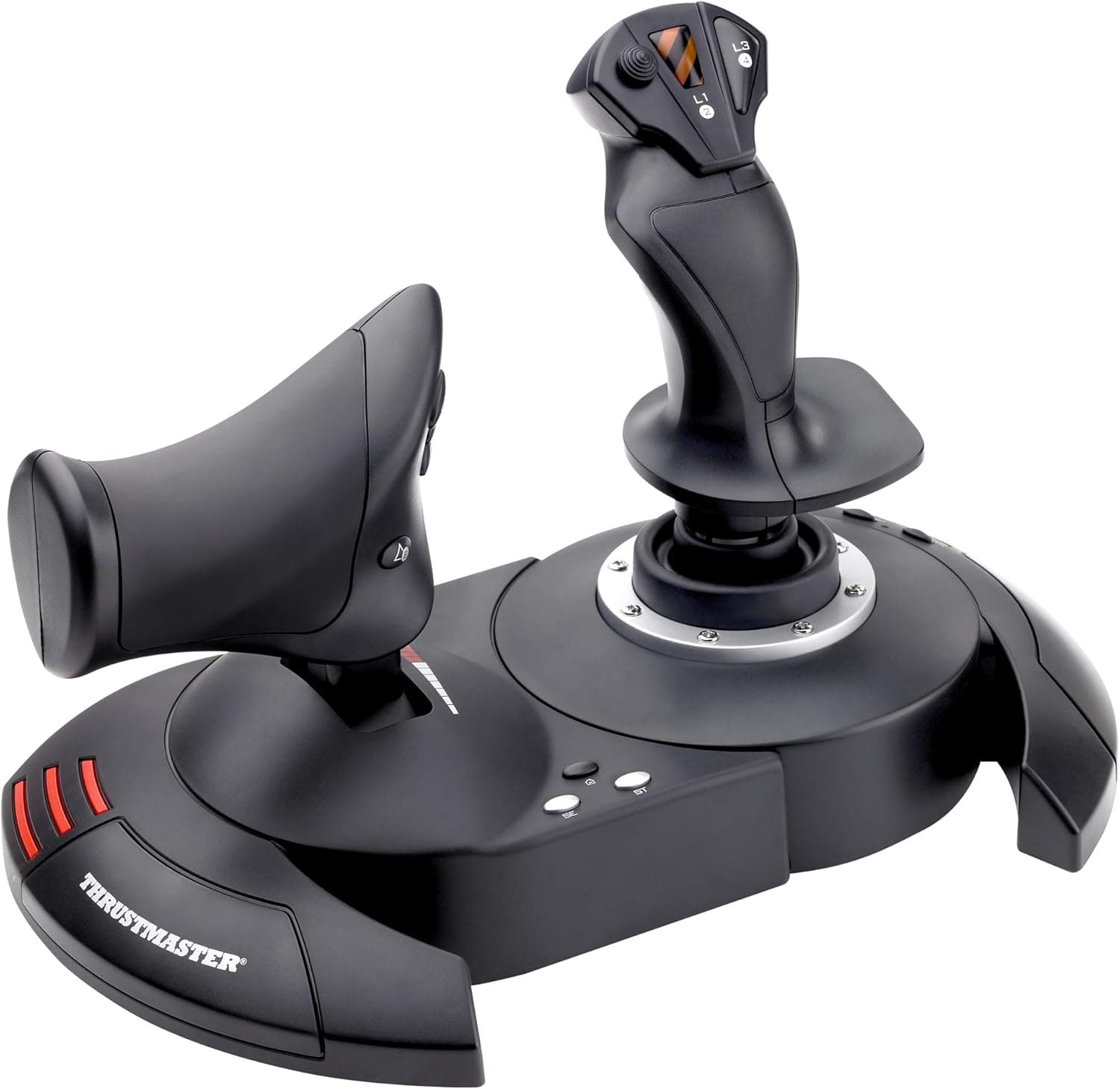
The short version: this is the HOTAS you buy when you don't yet know whether flight sims will stick. A single unit combining throttle and stick sits on your desk and gives you genuine two-handed (Hands On Throttle And Stick) control.
There is no metal gimbal and no wall of switches, and that is fine — it isn't aimed at people who need those.
The reception is remarkably steady. Amazon.co.jp shows 616 reviews averaging 4.4 out of 5 — roughly 88% positive, captured June 2026 — which is unusual longevity for a design this old.
The flip side is that satisfaction depends entirely on accepting what a product at this price and vintage can do.
It connects over wired USB and works without installing drivers. Plug it in and most titles immediately see the axes and buttons.
That immediacy is the core value; deep customization is not part of the package, and it is healthier not to expect it.
Compatibility Guide
Supported environments are PC (Windows 7/8/10/11) and PlayStation 3/4. On PlayStation 5 it works only with PS4 backward-compatible titles.
Buying it expecting PS5-native support is a guaranteed disappointment, so confirm this before ordering. macOS and Linux are not listed as supported platforms, so using it there is at your own risk.
The physical footprint gets overlooked more often. The unit measures 26.4 × 24.2 × 26.5 cm and weighs 2.1 kg.
Split into two pieces, it occupies roughly 50 cm of desk width. Many desks cannot host that alongside a permanently placed keyboard and mouse, so plan around temporarily moving the keyboard aside.
That 2.1 kg is a genuine advantage at this price.
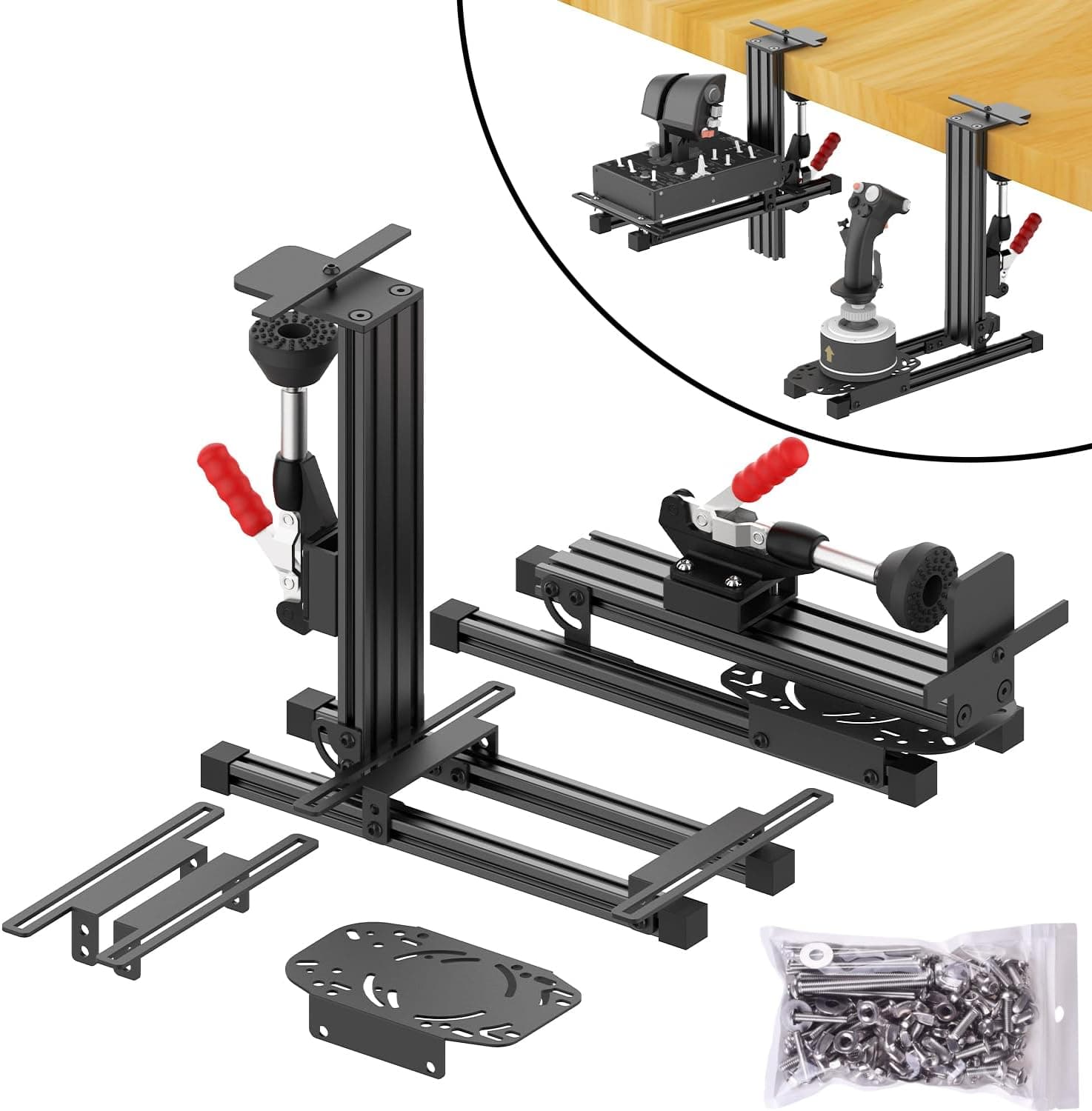
Light sticks slide with every input and end up needing a clamp or desk mount; this one largely stays put on its own. If it still shifts during aggressive maneuvers, a flight-stick desk mount is the usual fix.
The cable is about 2.5 m.
That reaches the rear ports of a tower sitting under or beside the desk without an extension in most setups. It works through a USB hub, but plugging directly into the PC avoids power-related detection problems.
| Check | Value | Why it matters |
|---|---|---|
| Connection | Wired USB | No drivers, no pairing, no latency worries |
| Cable length | approx. 2.5 m | Reach to a floor-standing PC |
| Dimensions | 26.4 × 24.2 × 26.5 cm | Desk width when separated |
| Weight | 2.1 kg | Whether it slides during use |
| Platforms | PC / PS3 / PS4 | PS5 only via PS4 titles |
Product Info
Pricing captured on 7 June 2026 shows ¥10,030 on Amazon.co.jp, and a listing captured on 14 July 2026 shows $69.99 on eBay (US).
Both are point-in-time figures that move with sales, exchange rates and stock. Always check the current price on the product page before buying.
For context, full HOTAS systems run from roughly ¥30,000 to well over ¥100,000, which puts this among the cheapest ways into the category.
The specifications: wired USB connection, roughly 2.5 m cable, 26.4 × 24.2 × 26.5 cm, 2.1 kg, and support for PC (Windows) plus PlayStation 3/4.
A one-year manufacturer warranty is the usual baseline, but terms vary between authorized-distributor and parallel-import stock, so read the seller's listing.
The box contains the unit and a USB cable; dedicated software is not required to fly. The trade-off for that simplicity is limited profile management and no deep remapping layer.
Assume you will assign buttons inside each game's control settings.
Best Use Cases
This is the easiest recommendation for anyone starting out in flight sims. If you already own something like Microsoft Flight Simulator, War Thunder or Ace Combat 7 — titles that are playable on a gamepad but transformed by a HOTAS — the jump in immersion is large relative to a roughly ¥10,000 outlay.
It also suits people who aren't sure the hobby will stick. Rather than buying an expensive stick that ends up unused, fly a few dozen hours on this one until concrete complaints appear — you want rudder, you've run out of buttons, the centre feels loose — and then upgrade.
By then you can name what you actually need.
On console, it is aimed at PS4 players. If you own only a PS5 and want PS5-native flight titles, this is not your product.
Before You Buy
Start from the fact that this is a 2010 design. Its sensors and gimbal reflect that era, and expecting the precision or durability of modern Hall-effect units misreads the product.
Older analog sticks can develop centre drift or jittery input over time; adjusting the in-game deadzone is the practical mitigation.
Second, button count and expandability. As an entry unit, the number of physical inputs is limited.
If you intend to play a switch-heavy full sim like DCS World seriously, you will run out sooner or later. Rudder control is another likely gap — many owners end up adding pedals.
Budget for that expansion from the start and you won't regret the purchase.
Desk logistics are a real constraint too. Separated, the two halves take more room than people picture, and can collide with monitor arms or large mousepads.
The stick is tall enough that it won't fit under a keyboard tray. Measure your space before ordering.
Finally, a note on listing data. In the supplied data the model number in the article title (2960703) does not match the model number in the specifications (4160543).
ThrustMaster sometimes uses multiple part numbers for one product, so this isn't proof of a different item — but retail listings do carry mismatched metadata fairly often. Don't rely on the part-number string alone: cross-check the product images, title and stated platform support to confirm you're buying the item you want.
The same applies to price labels, which occasionally name a storefront that doesn't match the actual selling site.
FAQ
Q. Does it work on PS5?
A. Only with PS4 backward-compatible titles. Don't buy it as a PS5-only device.
Q. Do I need to install drivers?
A. No. It is recognized on plug-in. You will still need to assign buttons in each game the first time.
Q. Can the stick and throttle really be separated? A.
Yes. Releasing the lock on the underside splits them so you can place each half freely.
Measure your desk width for the separated layout first.
Q. Do I need rudder pedals? A.
Not at first. Adding pedals such as the TFRP once you want foot-based yaw control is the natural next step.
Q. How long will it last? A.
It depends on use, but with analog mechanics you should expect some centre drift over the years. Heavy daily users reach the upgrade point sooner.
Q. What's the logical upgrade? A.
The T.16000M FCS is the standard next step for precision and button count.
Beyond that, VKB and VIRPIL products are the target — at a steep jump in price.