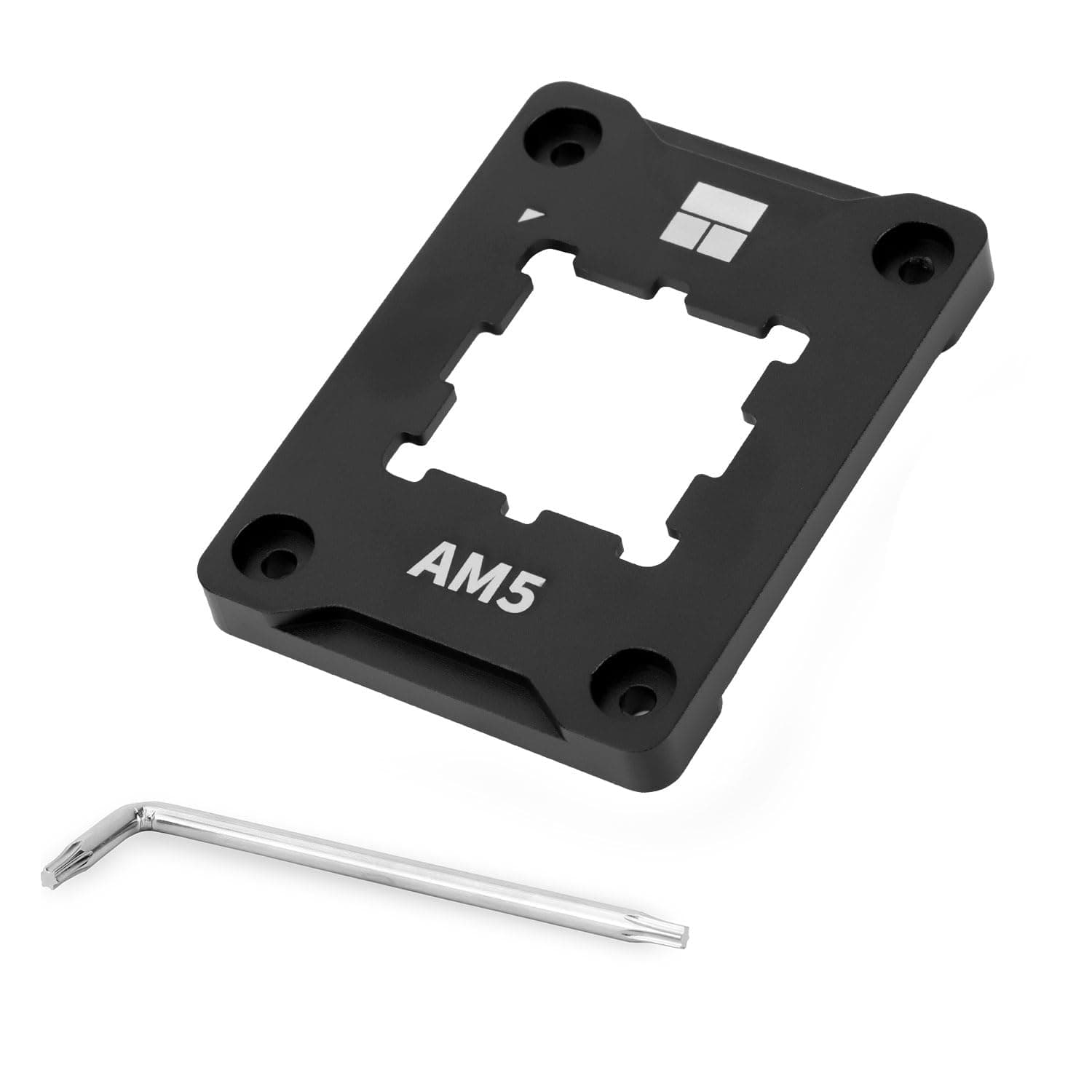
The Thermalright AM5 Secure Frame Black V2 is a contact frame that replaces the stock AM5 retention mechanism. This article covers what it actually improves, what it does not, where installation goes wrong, and who can safely skip it.
Overview
This is an aluminum-alloy frame that replaces the standard AMD AM5 ILM (independent loading mechanism) in its entirety. Its purpose is to spread cooler mounting pressure around the perimeter of the integrated heat spreader instead of concentrating it near the center, which reduces the slow, cumulative warping that AM5 chips can develop under heavy coolers.
It is black anodized, measures 70x54x6mm, weighs 20g on its own and 55g including the bundled L-key and documentation.
The honest framing: this is insurance for people running heavy coolers, not a performance part. On Amazon.co.jp it holds 4.8 out of 5 stars across 116 reviews (roughly 96% positive, as captured in May 2026), and the price at that same capture was ¥3,551.
A few thousand yen to remove one irreversible risk from your build.
Why AM5 Chips Warp
AM5 is AMD's first LGA socket, so the pins live on the motherboard and the CPU is clamped down by a metal frame. A cooler then adds tens of kilograms-force of clamping load on top of that.
In this arrangement the load biases toward the middle of the IHS, and over time the surface can deflect very slightly. Visible deformation is rare, but uneven thermal paste spread and core-to-core temperature spread are the practical symptoms.
A contact frame redistributes that clamping load to the CPU's outer edge. Set expectations correctly: some users report a few degrees of improvement, but results depend heavily on the individual chip, the cooler, and paste application, and no change at all is a common outcome.
Treat it as a pressure-distribution part, not a cooling upgrade.
Connectivity & Compatibility
AMD AM5 only. X670/X670E, B650/B650E and any other AM5 board will accept it.
It will not fit AM4 (Ryzen 5000 and earlier) or Intel LGA1700/LGA1851 — the geometry is different, so there is no way to adapt it. Confirm your socket before ordering.
| Item | Value | Why it matters |
|---|---|---|
| Socket | AMD AM5 | Not compatible with AM4 or LGA1700 |
| Material | Aluminum alloy, black anodized | Conductive; never install on a powered board |
| Dimensions | 70x54x6mm | 6mm thick, close to stock ILM height |
| Weight | 20g | Negligible added load on the board |
| Total weight | 55g | Full package including tool and papers |
| Included | L-shaped screwdriver, manual | No extra tools required |
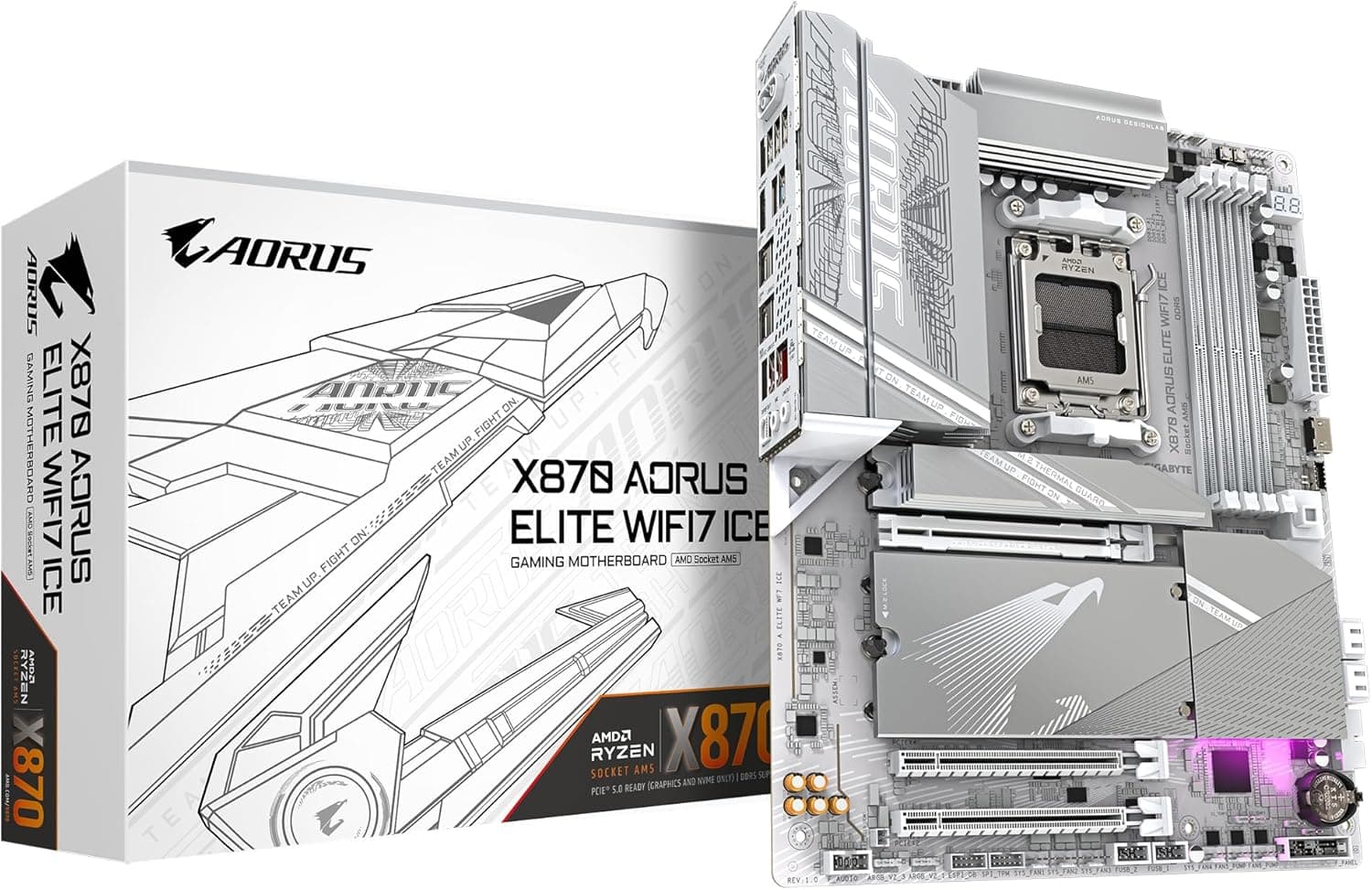
Cooler compatibility is generally unchanged: the stock backplate and screw hole positions stay the same, so most AM5-rated air and liquid coolers bolt straight on. The exception is coolers that clip onto the plastic retention lugs beside the socket.
Replacing the ILM can change those lugs, and you may need to switch to the screw-mount backplate that shipped with your cooler. Check your cooler's manual for which mounting style it uses before you start.
The frame itself is thin and close to the stock outline, so it will not collide with RAM slots, VRM heatsinks or M.2 heatsinks.
Any clearance problem you hit will come from the cooler, not this part.
Installation and Common Mistakes
The job takes about ten minutes, but AM5 has exactly one unforgiving step: with the ILM removed, the pins are exposed and nothing holds the CPU down. Tilting or flipping the board at that moment drops the chip and bends socket pins.
Work flat on a table and keep the board lying down the entire time.
Power off, unplug, and fully remove the cooler and old thermal paste.
With the board flat, loosen the stock ILM screws gradually in a diagonal pattern — the mechanism is spring-loaded, so never release one corner all at once.
Remove the stock frame and confirm the CPU has not shifted.
You do not need to lift the CPU. 4.
Place the Secure Frame in the same orientation and tighten with the bundled L-key, diagonally and a little at a time. 5.
Stop when the screws bottom out. The short tool exists to limit torque — do not lean into it.
- Reapply thermal paste and remount the cooler.
The two mistakes people actually make are tightening one side fully before the others, and losing the stock screws. Keep the original ILM and hardware; you may need to restore stock condition for resale or an RMA.
Product Info
As captured on 28 May 2026, the Amazon listing price was ¥3,551. Prices on accessories like this move with stock and sales, so check the product page for the current figure.
The eBay side has no fixed price listed — only a "See listing" placeholder — so no usable figure is available there.
At the same capture, the listing showed 116 reviews at 4.8 out of 5 (about 96%).
That is a modest but reasonable sample for a niche accessory, and the rating is stable. Read those reviews with one caveat: most describe installation ease and peace of mind, not measured temperature results.
The box contains the frame, an L-shaped screwdriver and instructions. No thermal paste is included, and since installation always means removing your cooler, you must have paste on hand.
This is the single most common reason an install stalls halfway. Thermalright's standard warranty applies, with terms varying by retailer.
Alternatives and Comparison
Several makers sell AM5 contact frames, mostly in the same few-thousand-yen band, so price is rarely the deciding factor. The differences are material and finish, bundled tooling, and how well the screws limit over-torque.
This version uses anodized aluminum with a revised V2 edge profile that is less likely to scuff the sides of the IHS.
Skipping a contact frame entirely is also a defensible choice. Most systems run their whole life on the stock ILM without issue, and a lighter cooler or a careful paste reapplication solves many complaints outright.
Buying this because you want peace of mind is a sound reason; buying it because you want lower temperatures is not.
Best Use Cases
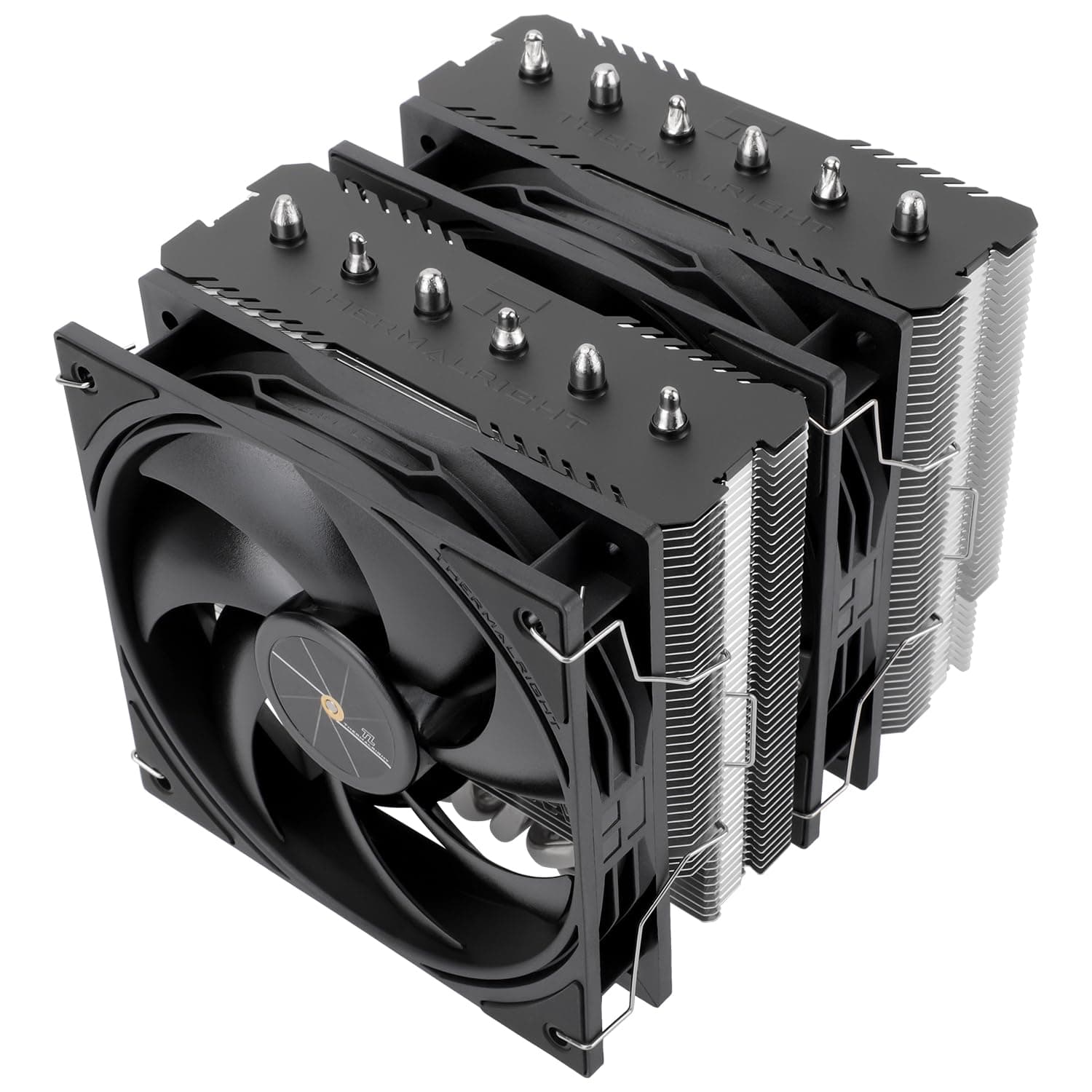
- Large dual-tower air coolers or 240/360mm AIOs on Ryzen 7000/9000 chips. The higher the clamping load, the more the frame earns its place.
- Anyone who swaps coolers often — reviewers, testers, tinkerers. Leaving the frame in place while changing coolers is faster and gentler on the CPU edge than repeatedly working the stock ILM.
- Long-haul builds. Warping is cumulative, not overnight. At ¥3,551 as of May 2026, it is easy to justify on a system you plan to keep for years.
- Builders who care about doing the job properly. Knowing the load is even is worth something on its own.
If you run a stock or small air cooler, or you would rather not disassemble anything around the socket, you do not need this.
Things to Know Before Buying
1. Do not buy it for temperatures. Results vary by chip and setup, and "no change" is a normal outcome.
A few degrees is a good day. If cooling is the real goal, a better cooler or improved case airflow will do far more.
2. It requires disassembly around the socket, and the risk is not zero. Tilt the board with the ILM off and the CPU falls onto the pins.
Bent socket pins are typically outside motherboard warranty coverage and are difficult to repair. If delicate hand work makes you nervous, skipping this is the cheaper decision.
3. Confirm how removing the stock frame affects your warranty. Vendors differ on how they treat third-party retention frames, and this is not something that can be stated definitively here — ask your retailer if warranty coverage matters to you.
Keep the original ILM and screws either way.
4. No thermal paste is included. Installation always requires remounting the cooler, so have paste ready.
5. The listing metadata does not fully line up. The price displays in yen while the seller and shipper are both listed as "Amazon US." If the item ships from overseas, delivery times and return terms may differ from a domestic order, so check the shipping origin and estimated date before ordering.
Listing fields such as manufacturer, model number and category are also populated automatically and are sometimes wrong. Verify from the product images and title that you are buying the AM5 version — similar AM4 and Intel parts sometimes appear as variations on the same page.
6. Some coolers need extra work. Coolers that hook onto the plastic retention lugs beside the socket may not mount as-is.
Confirm a screw-mount backplate is included with your cooler.
FAQ
Q. Will this lower my CPU temperature? A.
Possibly, but there is no guarantee. It depends on your specific chip, clamping pressure and paste application.
The purpose is even load distribution and warp prevention, not cooling performance.
Q. Can I use it on AM4 or Intel LGA1700? A.
No. It is shaped for AM5 only.
Other sockets require different part numbers from the manufacturer.
Q. How long does installation take, and do I need special tools? A.
Roughly 10–20 minutes including cooler removal. The bundled L-key is the only tool required, but thermal paste is not included and must be supplied separately.
Q. Will my existing AIO still work? A.
If it is AM5-rated and uses a screw-mount backplate, almost certainly yes. Clip-on designs that use the socket's plastic retention lugs may need a different mounting method.
Q. My CPU is already bent — will this fix it? A.
No. It is preventative, not corrective.
If cooling has clearly degraded, start by reapplying paste and remounting the cooler to check contact quality.
Q. What does it cost? A.
¥3,551 as captured on 28 May 2026. Accessory pricing fluctuates with stock and promotions, so confirm the current price on the product page.
Product Disclosure (Amazon)
- Manufacturer: Thermalright
- Brand: THERMALRIGHT(サーマルライト)
- Seller: Amazon US
- Fulfilled by: Amazon US
- ASIN: B0CYPZZRMD
- Note: This article covers a manufacturer-made product based on Amazon listing details.

![CoolerMaster MasterLiquid Core II 240 Black ARGB X6G2 デュアルチャンバーポンプ採用「MasterLiquid Core II X6G2」シリーズ240mm水冷CPUクーラー ブラックモデル [MLW-D24M-A18PA-J1]](/_next/image?url=https%3A%2F%2Fm.media-amazon.com%2Fimages%2FI%2F514IPj3XBjL._SX466_.jpg&w=1920&q=75)