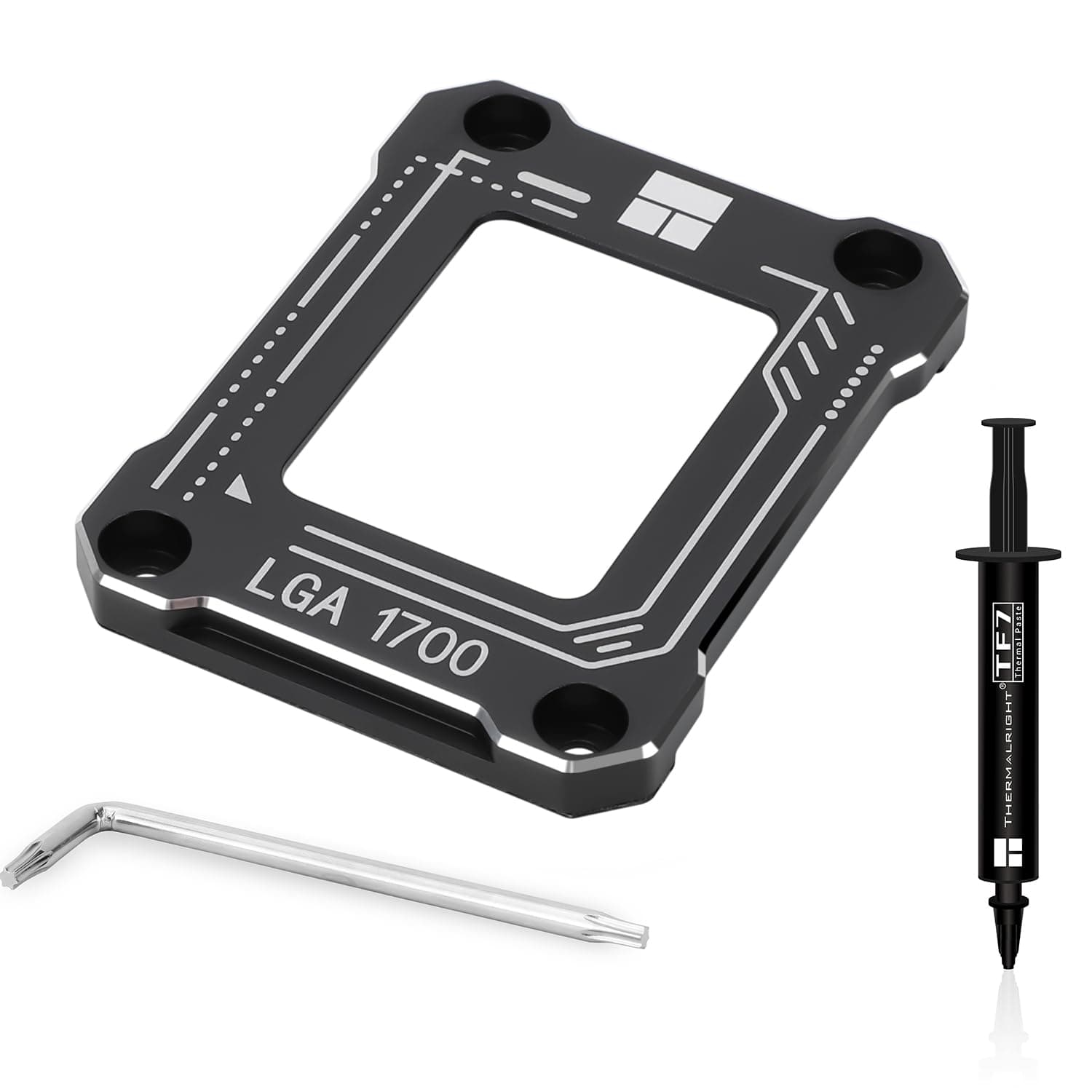
Thermalright's LGA 1700 contact frame is currently one of the cheapest and most direct answers to the CPU warping issue on Intel 12th and 13th Gen platforms. This article covers what actually happens inside the socket, how much improvement is realistic, and — just as importantly — who should not bother buying it.
Overview
The product replaces the stock ILM (Independent Loading Mechanism) that ships attached to your motherboard with a CNC-machined aluminum alloy frame. Its single job is to spread mounting load evenly across the CPU package.
The stock ILM presses hard from the hinge side, and on the long, narrow LGA 1700 package (Alder Lake / Raptor Lake) that can leave the center slightly concave, creating a gap between the heat spreader and the cooler base.
In short: it suits LGA 1700 owners who already run a capable cooler yet see higher temperatures than expected, or who notice thermal paste spreading unevenly across the IHS. If your temperatures are fine, or you are building on AM5 or LGA 1851, you do not need this part.
On Amazon.co.jp the product carries 497 reviews averaging 4.6/5 (92% positive, captured June 2026).
For an accessory in this price class both the review count and the score are high, which at least tells us that "it doesn't fit" or "it does nothing" is not the majority experience.
What to realistically expect
Set expectations first. A contact frame does not add cooling capacity.
It recovers the performance your existing cooler was already supposed to deliver by restoring proper contact. That leads to very different outcomes depending on your starting point.
| Situation | What you can expect |
|---|---|
| Noticeable bend, uneven paste spread | Load temperatures may drop by a few degrees |
| Contact was already good | Little to no measurable change |
| Cooler is simply undersized | The frame will not fix this — upgrade the cooler first |
I deliberately avoid quoting a fixed figure, because the result depends on the original degree of warp, the cooler's base flatness, and how evenly you torque the screws. Reported drops online vary widely, so do not buy this expecting a specific number.
The only reliable check is running the same load test before and after the swap.
One benefit that often goes unmentioned: with even contact, the spread between the hottest and coolest cores tends to narrow. In daily use, removing one abnormally hot core can matter more than shaving a degree off the peak.
Compatibility Guide
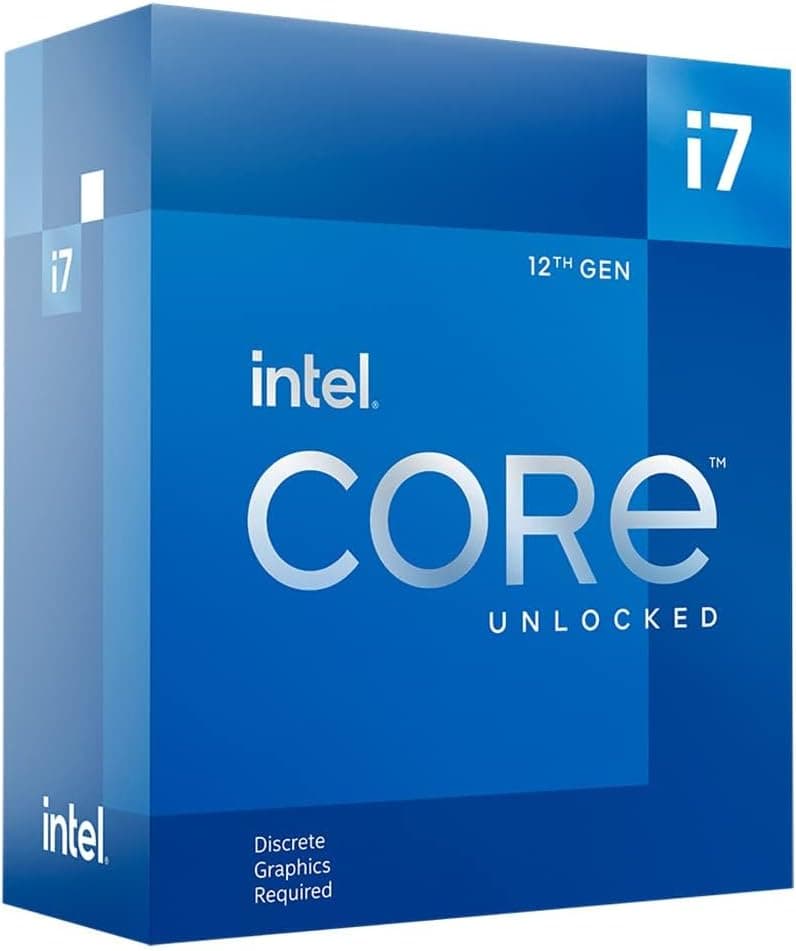
The supported socket is Intel LGA 1700 only. The compatibility data states it plainly: LGA 1700 socket exclusively, 12th and 13th Gen Core processors.
Here are the practical failure points.
- Socket generation: Any LGA 1700 board works structurally, whether 600 or 700 series chipset. 14th Gen (Raptor Lake Refresh) uses the same socket, but the manufacturer lists 12th/13th Gen, so anything outside that is your own call. It will not work with LGA 1851 (Arrow Lake onward) or AMD AM4 / AM5.
- Thickness and screw reach: The frame measures 54 × 70 × 6 mm. The 6mm thickness roughly substitutes for the stock ILM, but some coolers end up with marginal thread engagement. Check screw reach in advance if you use a large air cooler with a proprietary mount kit, or an older cooler adapted with a conversion bracket.
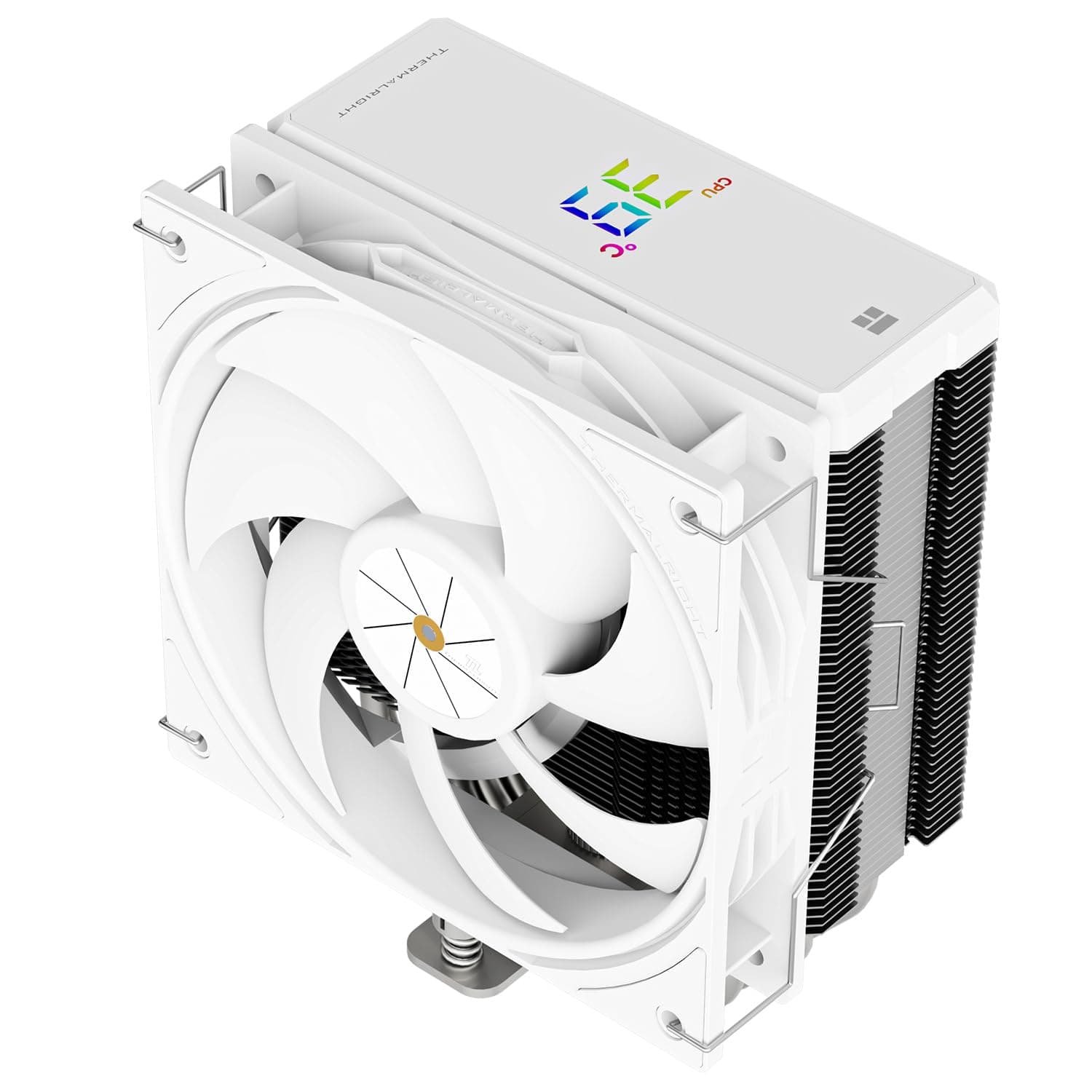
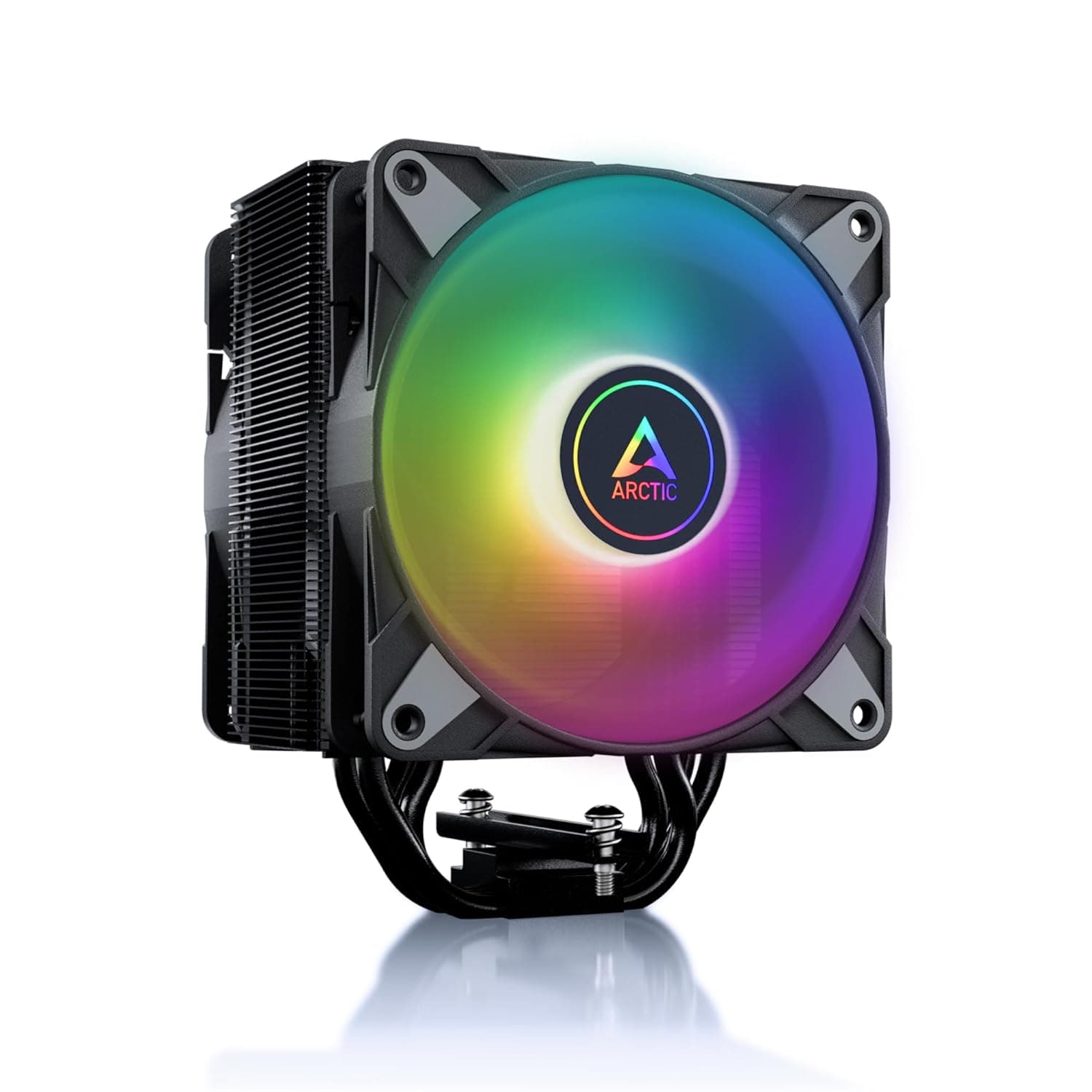
- Keep your cooler: Air towers and AIO units alike can be reused as-is provided they already have an LGA 1700 mount kit. The frame only swaps the CPU retention mechanism; it does not touch how the cooler attaches.
- No case clearance concerns: At 20 g for the frame (55 g total) and essentially the same stack height as the stock ILM, physical interference with memory or backplates is a non-issue.
- Not for laptops or BGA systems: There is no removable ILM to replace.
Installation notes and the one real risk
The box includes the frame, an L-shaped screwdriver, an insulation mat, and 2g of TF7 thermal grease. The included paste is genuinely useful, because removing the ILM means removing the CPU, which means reapplying paste is mandatory.
Lay the motherboard flat with the system powered off and unplugged. Loosen the stock ILM screws gradually in a diagonal pattern and lift the bracket away.
Never touch the socket pins — a bent LGA 1700 pin is usually an unrepairable motherboard failure. Reseat the CPU, drop the frame on top, and tighten with the supplied driver diagonally, in several small passes.
Fully tightening one side first is the most common mistake and reintroduces exactly the uneven load you were trying to remove. Stop when the screws bottom out; do not force extra torque.
The insulation mat is a work surface so you are not resting the board on bare desk. It is not a complete anti-static solution, so also ground yourself on a metal surface before handling components.
Product Info
| Item | Value |
|---|---|
| Dimensions | 54 × 70 × 6 mm |
| Weight (frame) | 20 g |
| Total weight | 55 g |
| Material | Aluminum alloy |
| Included | L-shaped screwdriver, insulation mat, TF7 thermal grease 2g |
| Socket | Intel LGA 1700 (12th/13th Gen Core) |
Aluminum alloy balances rigidity, low mass, and machinability. For this job what matters most is that the clamping surface is genuinely flat, so finishing precision counts for more than the alloy itself.
Of the 55 g total, 20 g is the frame; the rest is accessories and packaging.
Pricing was ¥1,099 on Amazon.co.jp as captured on 12 June 2026.
An eBay US listing showed $15.15 as of 13 July 2026, which reads as an overseas listing with shipping folded in — there is no reason to choose it if the domestic listing is available.
Both are snapshot prices and move easily with currency rates and sales, so always confirm the current figure on the product page.
Reviews stand at 497 with a 4.6/5 average (captured 9 June 2026).
For a product just over ¥1,000, ratings in this category tend to split between users who saw a real improvement and users who saw nothing. Do not read a high score as proof that temperatures will definitely fall.
Comparison with alternatives
Other brands sell similar contact frames at broadly similar prices. The practical differences are surface flatness, bundled accessories, and availability.
This one ships with both a driver and paste, so there is nothing extra to buy.
A DIY alternative is using washers to reduce stock ILM clamping force, but insufficient load means insufficient contact pressure — the opposite of what you want — and CPU retention becomes looser. With a purpose-built part available for around a thousand yen, that route is hard to justify.
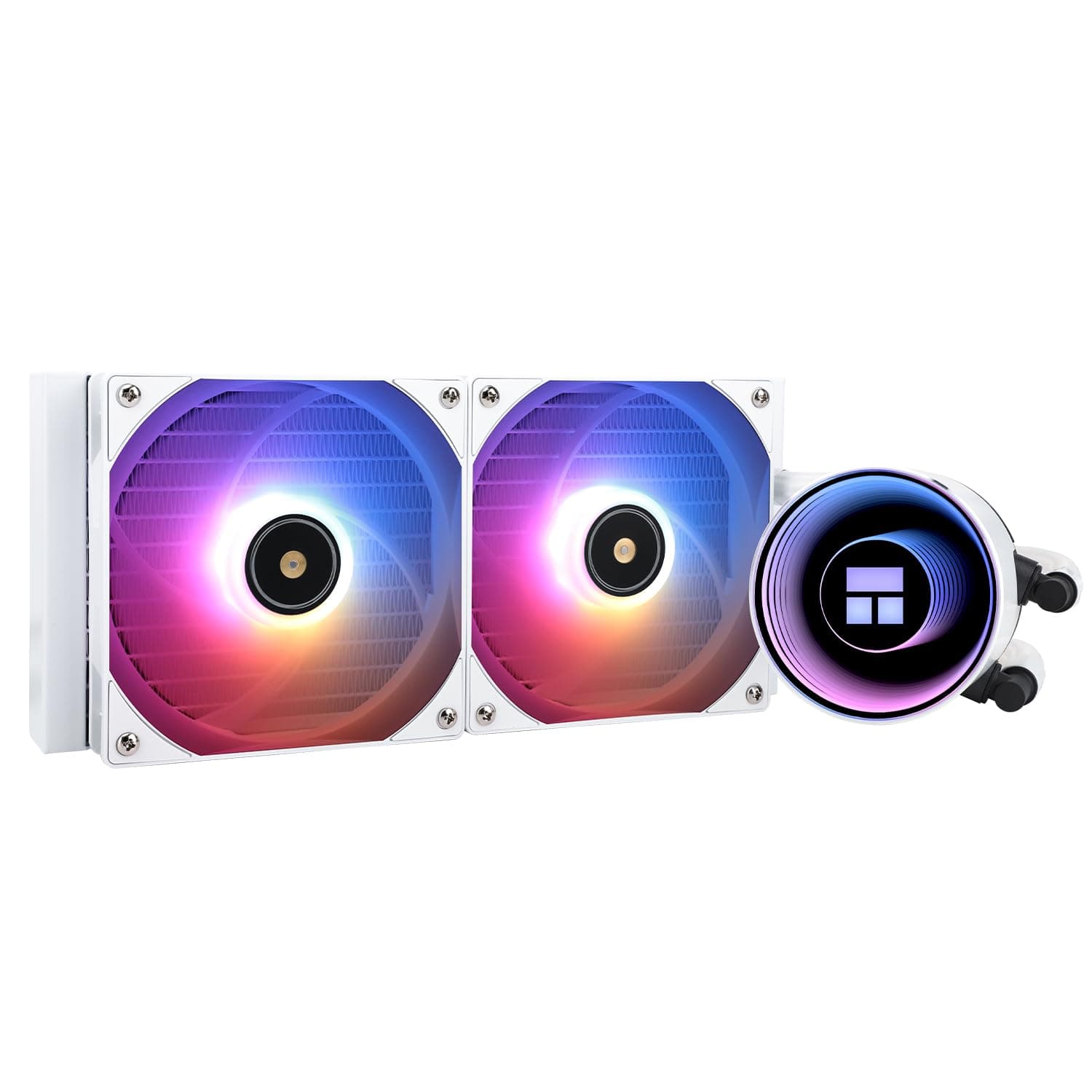
Also, if your temperature complaint is really a cooler problem, upgrading the cooler yields far more. A dual-tower air cooler or a 240mm-plus AIO is the realistic baseline for high-power LGA 1700 chips.
The frame belongs as the next step after that, not before it.
Best Use Cases
- Core i7 / i9 12th and 13th Gen users under sustained load — the group most affected by contact degradation, and the one most likely to see a return.
- Anyone seeing uneven paste spread — if you have pulled a cooler and found paste thin in the center or on one side, you already have the symptom.
- Long-term system owners — sensible preventive maintenance if you plan to keep the same CPU for years.
- Anyone already planning to remove the cooler — doing it alongside a repaste or an AIO swap costs almost no extra effort.
Fitting one preemptively on a fresh build is not wasted, but it is not mandatory either. Building stock, measuring temperatures, and adding the frame only if you are unhappy is a perfectly reasonable order of operations.
Before You Buy
This is the section that matters most. It is a cheap part, but the constraints and the installation risk are real.
1. Warranty implications. Removing the stock ILM falls outside what motherboard and CPU vendors expect.
If warranty coverage is your priority — a work machine, or a prebuilt bought with support — leave it alone.
2. The risk is not proportional to the price. The part costs about a thousand yen, but what breaks on failure is your motherboard and CPU.
A bent socket pin effectively means a board replacement. If you have never removed a CPU before, that alone is a fair reason to skip this.
3. It does not guarantee any specific drop. As covered above, good existing contact means no change.
That is precisely why a portion of reviews report no benefit. If you are not going to measure, keep expectations low.
4. Check your generation. LGA 1851 CPUs will not physically fit.
14th Gen shares LGA 1700, but the vendor lists 12th/13th Gen, so that is your judgment call.
5. Do not trust the listing metadata blindly. Many similar accessories share space on Amazon, and page details (model numbers, compatibility text, seller) sometimes do not match the physical item.
Before buying, confirm from the product images, the title, and the seller that you are getting a Thermalright LGA 1700 frame. Unbranded lookalikes may not hold the same surface flatness.
6. An already-bent CPU may not fully recover. Even load pressure works in the direction of relieving warp, but there is no guarantee an existing deformation returns to flat.
Treat it as a part that halts progression and improves contact, not a repair tool.
FAQ
Q. Will it actually lower my CPU temperature? A.
It might, but there is no guarantee. Systems with significant warp and uneven paste spread benefit most; systems with good contact see little change.
Run identical load tests before and after to know for sure.
Q. Do I need a new CPU cooler? A.
No. Any existing cooler with an LGA 1700 mount kit can be reused.
Just verify screw thread engagement given the 6mm frame thickness.
Q. Should I buy separate thermal paste? A.
Not necessarily — 2g of TF7 is included. Reapplication is mandatory since you are removing the CPU.
Use your own premium paste if you prefer.
Q. Does it work on AM5 or LGA 1851?
A. No. It is LGA 1700 exclusive; other sockets differ in both shape and retention design.
Q. Can a beginner install it? A.
The procedure is simple and needs only the bundled driver, but it involves removing the CPU, with the associated risk of bending socket pins. If you have never installed a CPU yourself, get comfortable mounting and unmounting a cooler first.
Q. How much does it cost? A.
¥1,099 on Amazon.co.jp as captured on 12 June 2026.
Prices change, so check the product page for the current figure.
![Cooler Master アドレッサブルRGB 対応 簡易水冷CPUクーラー 360mm MasterLiquid ML360L V2 ARGB [ MLW-D36M-A18PA-R2 ]](/_next/image?url=https%3A%2F%2Fm.media-amazon.com%2Fimages%2FI%2F71IU3DDv3wL._AC_SL1500_.jpg&w=1920&q=75)