Overview
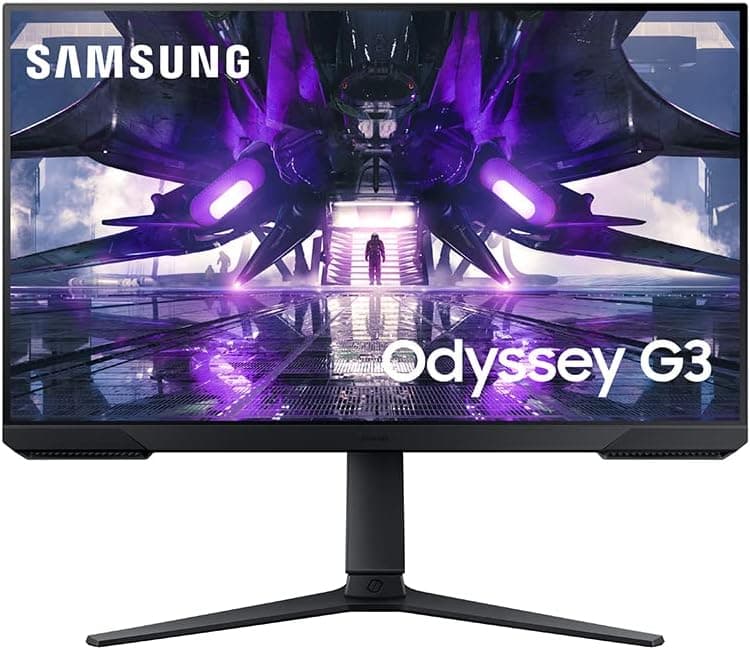
The Samsung Odyssey G32A is an entry-to-mid-range gaming monitor: 27 inches, Full HD (1920×1080), up to 165Hz, and a 1ms MPRT rating. The short version — it makes sense if you want high frame rates at 1080p, and it does not if you spend your day reading text or plan to move up to QHD or 4K soon. On Amazon.co.jp it holds 4.6 out of 5 across 1,108 reviews (92% positive), which is a solid record for this class.
It supports FreeSync Premium to reduce tearing and stutter, and includes Eye Saver Mode plus Flicker Free for long sessions. The stand is fully adjustable — height, tilt, swivel and pivot — and height adjustment in particular is something monitors at this level often drop.
Compatibility Guide
The listed specifications are: 27-inch panel, FHD (1920×1080), 165Hz refresh, 1ms MPRT response, FreeSync Premium adaptive sync, and a 100×100mm VESA pattern. Here is what that implies in practice.
| Setup | Expected behaviour | Note |
|---|---|---|
| Desktop PC, AMD GPU | FreeSync Premium works directly | Must be enabled in the driver |
| Desktop PC, NVIDIA GPU | Adaptive Sync support allows variable refresh | Behaviour varies by pairing; enable manually |
| Laptop | Depends on the external output's capability | Integrated graphics may cap below 165Hz |
| Game consoles | 1080p output is fine | 120Hz depends on the port generation |
| Monitor arm | Mounts via VESA 100×100mm | Requires removing the stock stand |
Reaching 165Hz takes deliberate setup. As a general rule HDMI 2.0 bandwidth carries 1080p at 165Hz, but older cables or ports can cap you at 60Hz or 120Hz.
DisplayPort is the safest connection, and after plugging in you must switch the refresh rate manually in your OS display settings. Leaving it at the default 60Hz is the single most common way people underuse a gaming monitor.
One honest gap: the exact port layout (how many HDMI and DisplayPort inputs, and which generation) and the panel technology (VA or IPS) are not present in the data available for this article. If you are targeting 1080p/120Hz on a PS5 or Xbox, or if viewing angles and colour matter to you, check the specification table on the product page before ordering.
Panel type shapes the day-to-day experience, yet some listings omit it entirely.
With VESA 100×100mm support you can move to an arm or wall mount later. Given the stand already covers every axis, an arm is optional rather than a fix — it mainly buys back desk space.
Product Info
To restate the specs: 27 inches, FHD, 165Hz, 1ms MPRT, FreeSync Premium, a fully adjustable stand, and VESA 100×100mm. That combination is the classic competitive build — spend on frame rate and ergonomics, not on resolution.
On reception, Amazon.co.jp shows 4.6 out of 5 from 1,108 reviews (92% positive, captured May 2026).
A rating that holds at 4.6 across more than a thousand reviews suggests defect rates and panel variance are not unusually bad.
Read it with a caveat, though: reviews skew toward the first days of ownership, so backlight uniformity issues and stuck pixels — the problems you notice months later — are under-represented.
Pricing needs a warning. The domestic price captured for this listing (¥81,752, captured 26 May 2026) is an order of magnitude out of line with what a 27-inch FHD gaming monitor sells for, and is most likely a data-collection error or an unusual seller price. This article therefore does not treat it as a real street price.
An overseas marketplace figure of $279.99 was captured on 10 July 2026, but shipping, import costs and exchange rates all sit on top of that.
Prices move constantly — check the product page for the current figure before buying.
How It Compares
27-inch FHD is a crowded segment. Three axes decide it.
- Refresh rate. 240Hz panels exist at the same size and resolution. That gap matters in light titles like Valorant or CS where frames are plentiful. In heavy games where your GPU cannot even sustain 165fps, the premium for 240Hz is hard to recover.
- Screen size. Dropping to 24 or 24.5 inches raises pixel density at the same 1080p, so text looks cleaner and less eye movement is needed to scan the screen — which is why competitive players still favour 24-inch. 27-inch FHD trades sharpness for scale.
- Resolution. The same budget sometimes reaches 31.5-inch or QHD/4K panels. If you work more than you game, higher resolution usually wins over higher refresh.
The G32A sits in the middle of all three: large enough to be comfortable, fast enough to be competitive, and properly adjustable. No standout strength, but few missing pieces either.
What the Experience Is Actually Like
1ms here is MPRT, not GtG. MPRT describes perceived motion blur, typically achieved with backlight strobing or black frame insertion — and enabling it normally lowers overall brightness.
Read it as "has blur-reduction features," not "has zero ghosting." Check the product page's overdrive description for the actual transition behaviour.
Pixel density at 27-inch 1080p works out to roughly 81ppi, below a 24-inch FHD (about 92ppi) and well below 27-inch QHD (about 109ppi). Up close, text edges look visibly jagged. In motion during a match you will rarely notice; in a browser or spreadsheet you will.
Sitting 60–70cm back or further softens the impression considerably.
The fully adjustable stand earns its keep. A monitor at the wrong height goes straight to your neck and shoulders, so set the top edge of the panel roughly level with your eyes before you start using it.
Pivot support also makes it usable rotated, for reading code or logs on a secondary screen.
Best Use Cases
- Players focused on competitive 1080p titles — FPS, racing and fighting games, where frame rate decides outcomes more than resolution. At 1080p even a mid-range GPU can realistically chase 165fps.
- First-time gaming monitor buyers — 165Hz, FreeSync Premium, a full-motion stand and VESA support cover the features people most often regret missing later.
- Anyone particular about posture — height and pivot adjustment make it easy to match your desk and chair for long sessions.
- Users planning an arm or dual-monitor setup — VESA 100×100mm keeps that door open.
Before You Buy
Do not take the listed price at face value. The domestic figure captured here is implausible for a 27-inch FHD panel — either an unusual seller price or a data mix-up.
Verify the current price and the seller yourself on the product page before ordering, and compare other channels if the number looks far from market rate.
Note that the product title is written in Spanish. "Monitor para Juegos ...
de 27 Pulgadas" is an overseas-market product name. When the seller and shipper are not the manufacturer's own channel, the bundled power cable's plug type, the manual's language, and domestic warranty eligibility may differ from locally distributed stock. If warranty coverage matters, ask the seller how it is handled — parallel-import units often cannot use the local manufacturer service desk.
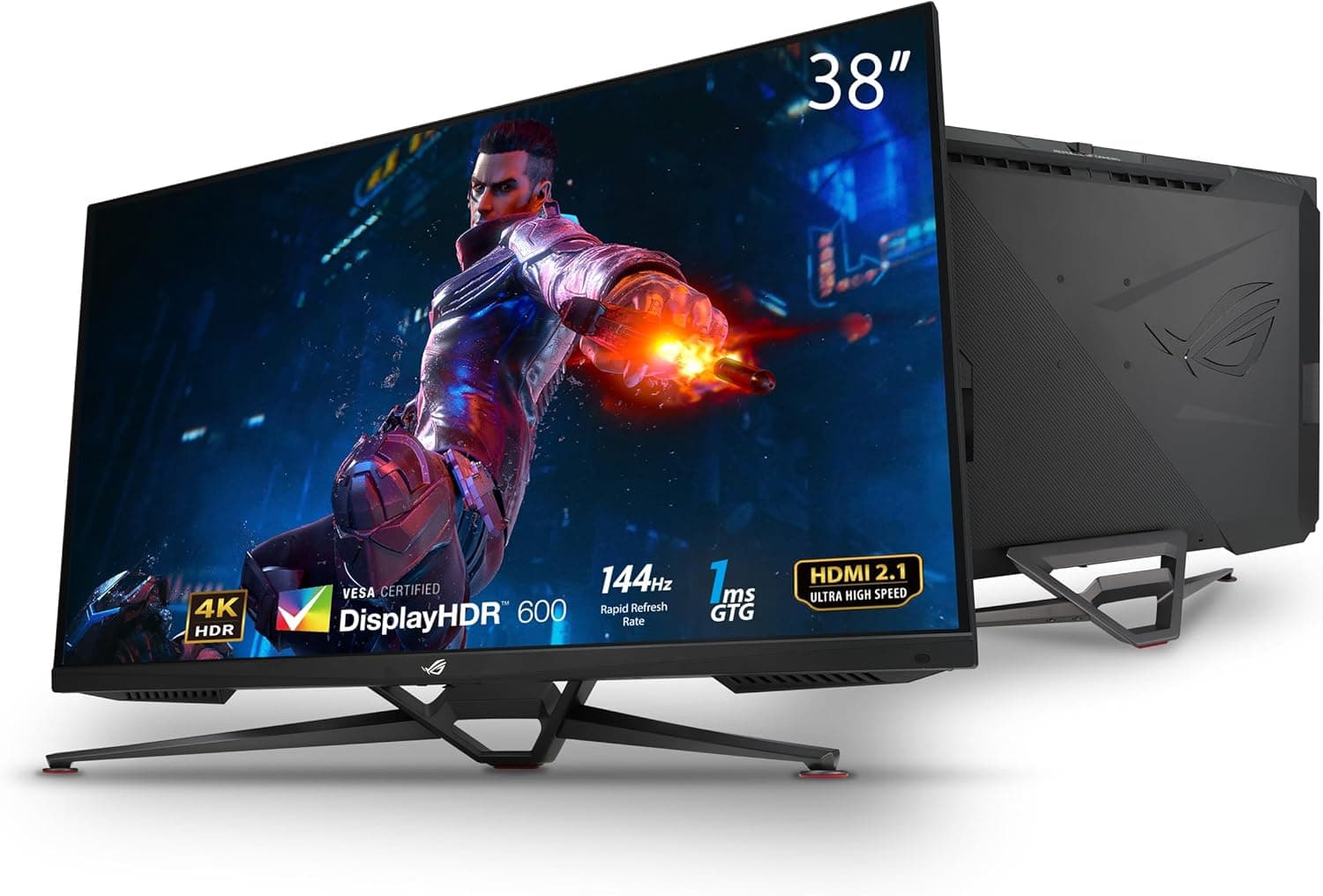
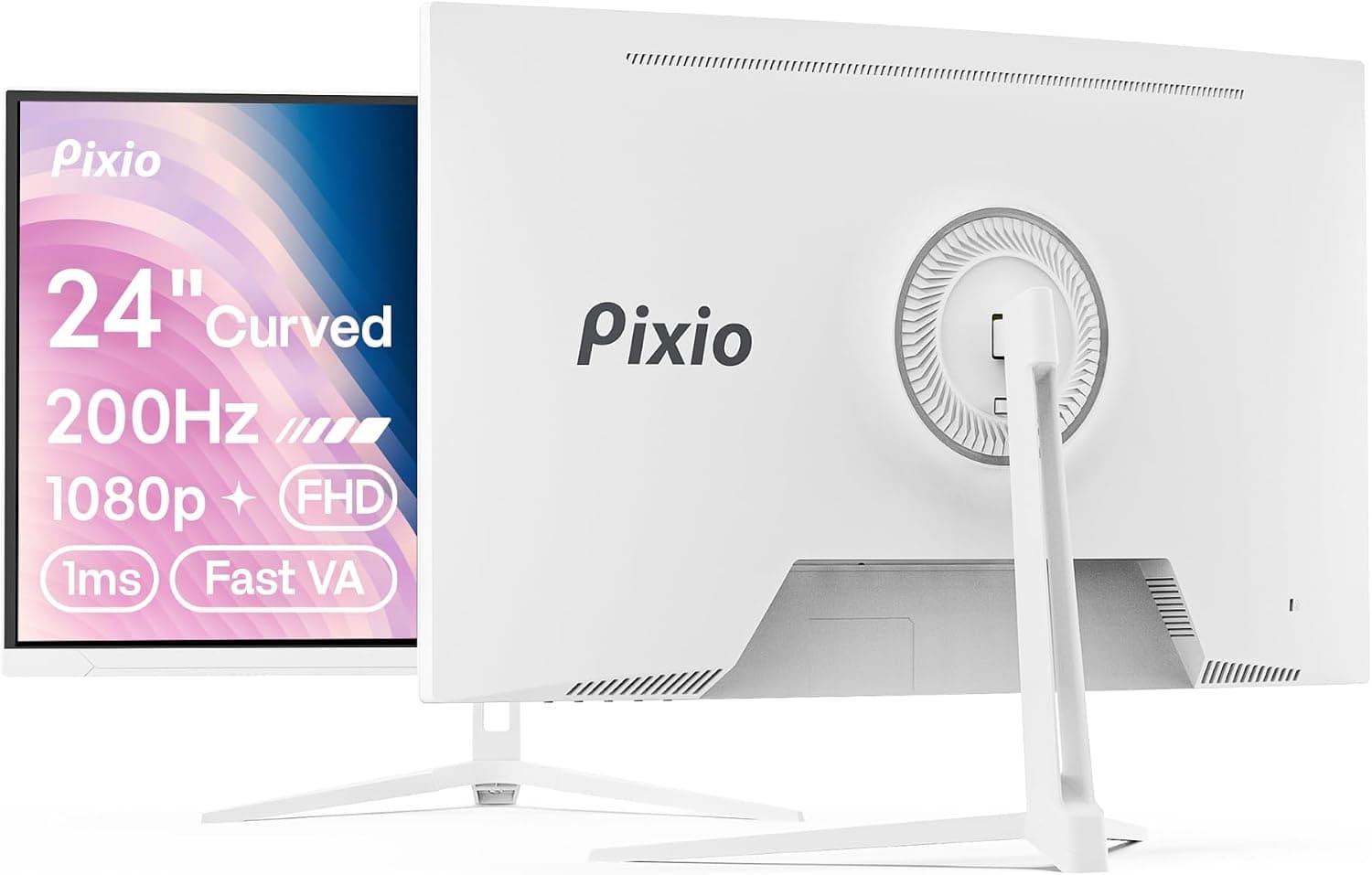
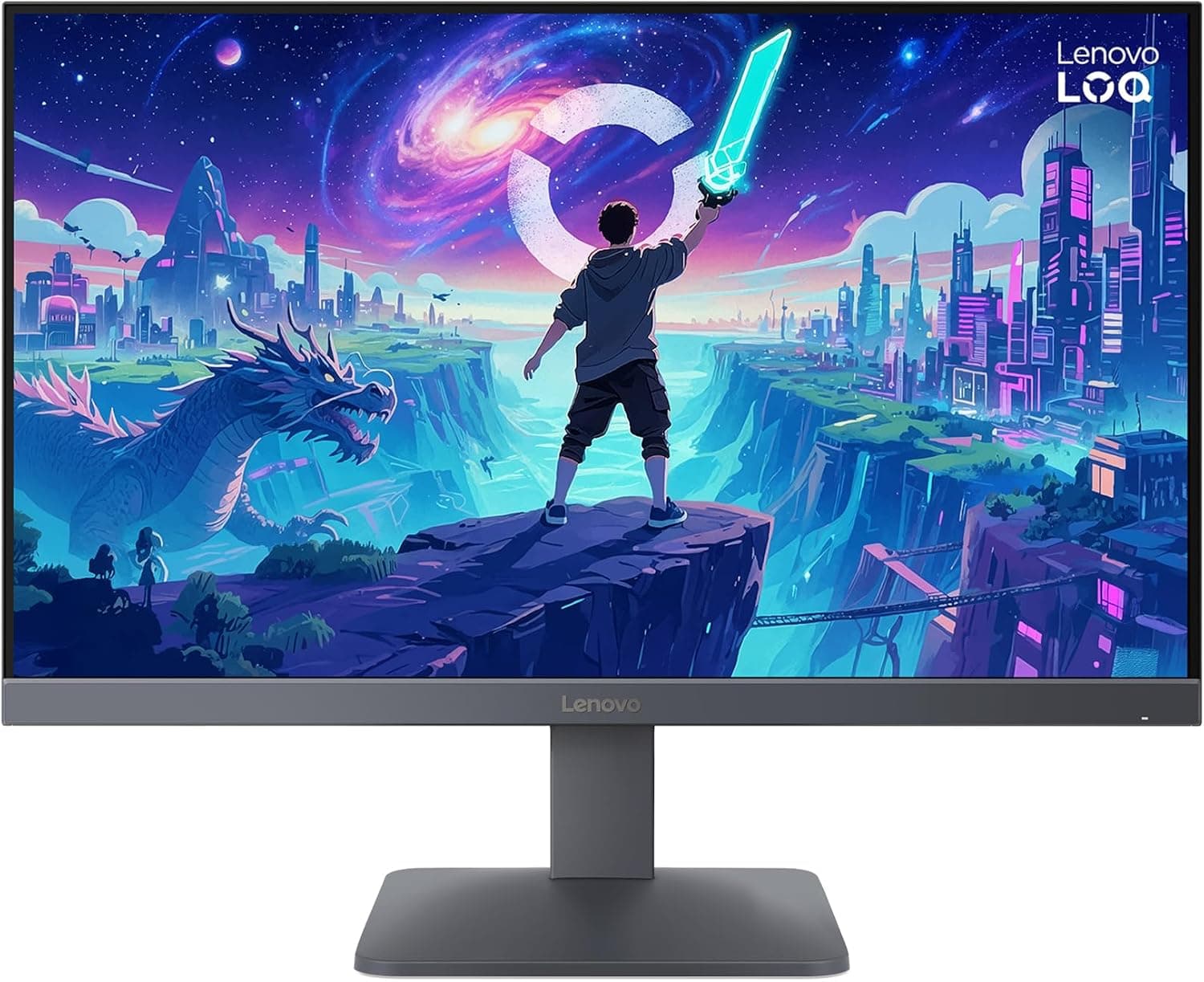
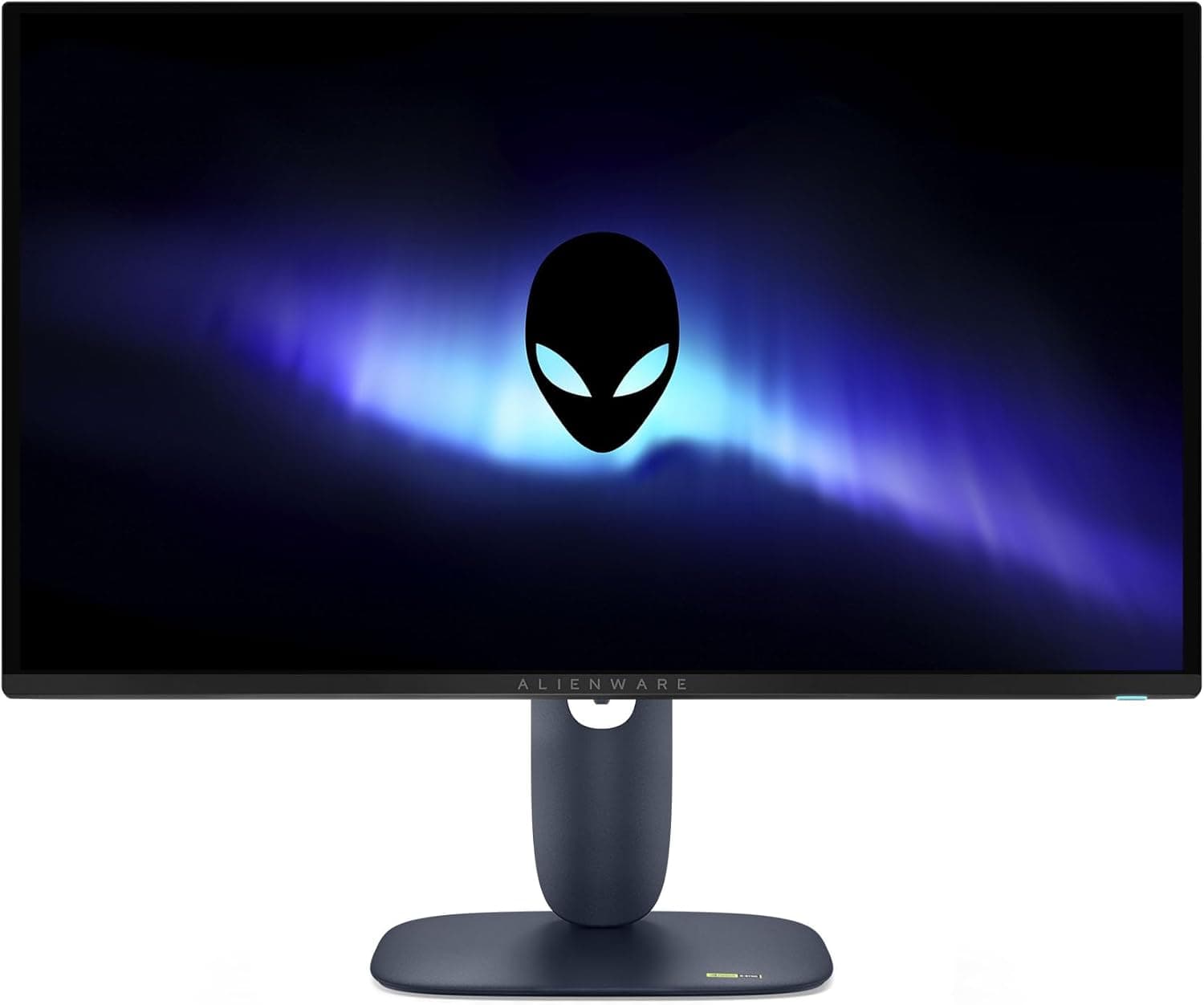
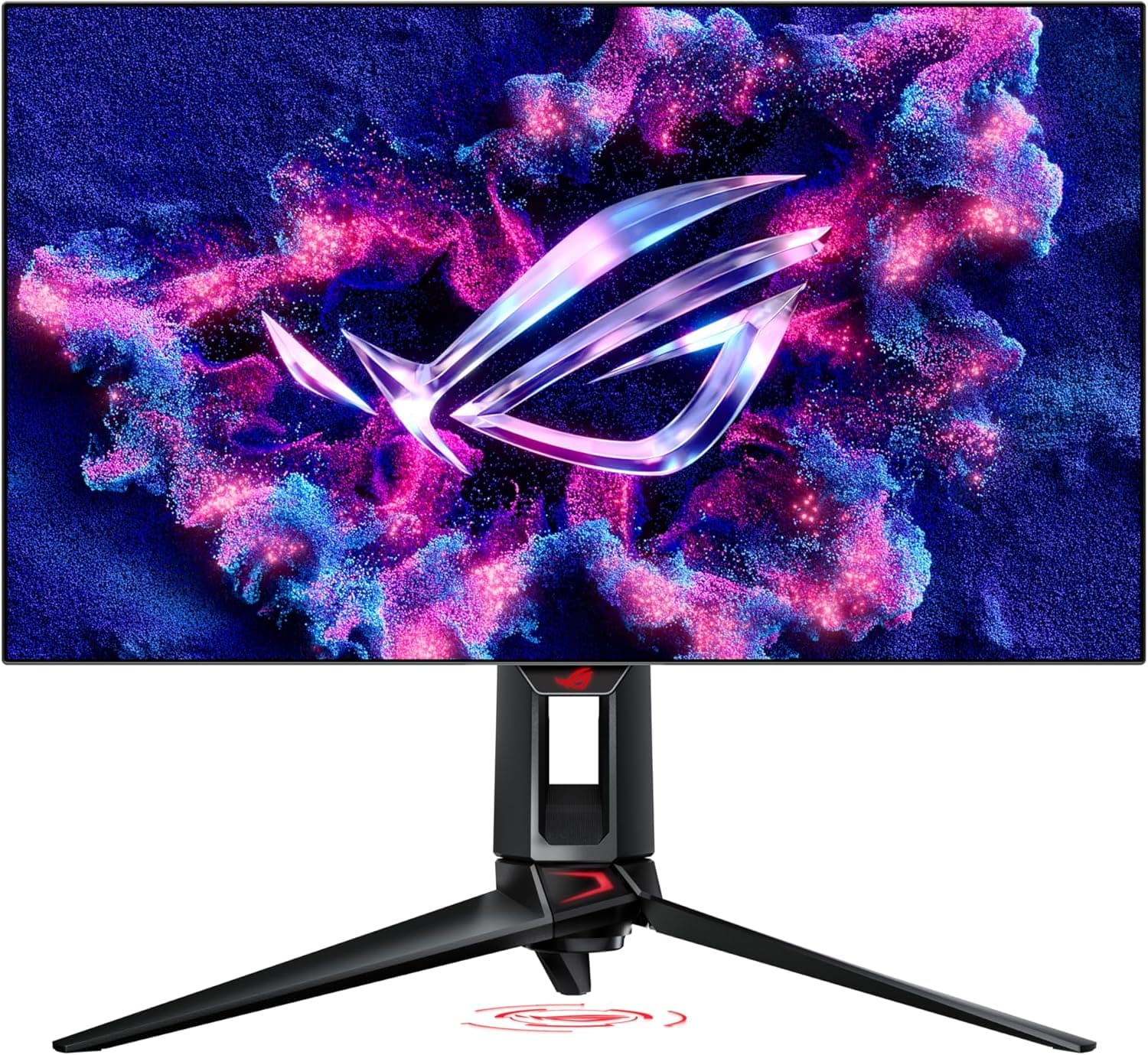
Listing metadata itself is sometimes wrong. Manufacturer names, model numbers and ASINs that contradict the product images are not rare on marketplace pages.
When you open the listing, confirm the product from the images and title, not just the spec fields, before checking out.
Who should skip it: (1) anyone whose main work is text or photo editing — 81ppi across 27 inches is tiring over a full day; (2) anyone who can stretch to QHD, since going back to 1080p afterwards is difficult and shortens the monitor's useful life; (3) anyone chasing HDR for films or console games — monitors in this class rarely have the brightness to make HDR meaningful; (4) anyone doing colour-critical work, since panel type and gamut coverage are not stated in the available specifications.
Finally, once more: 165Hz only appears after you configure it. Check three things — the cable (DisplayPort if possible), the OS refresh-rate setting, and in-game vsync or frame cap options.
A large share of "it doesn't feel smooth" complaints about gaming monitors trace back to exactly this.
FAQ
Q. Does 1080p look coarse on a 27-inch screen? A.
Up close, yes. Density is about 81ppi, lower than a 24-inch FHD.
It is easy to ignore while gaming but visible in text work. Sitting 60–70cm or further back helps.
Q. Will variable refresh rate work with an NVIDIA card? A.
The monitor supports Adaptive Sync, so the configuration is available. You must enable it explicitly in the driver, and behaviour can differ by combination.
Q. Can I get 120Hz on a PS5 or Xbox? A.
1080p output is fine, but 120Hz depends on the HDMI port generation. The detailed port specification is not in the data available here, so check the product page if consoles are your main use.
Q. What does the 1ms response figure mean? A.
It is an MPRT (perceived motion blur) number, not GtG pixel transition time. Blur-reduction modes typically reduce brightness, so balance the two to taste.
Q. Can it go on a monitor arm? A.
Yes, via VESA 100×100mm. The included stand already adjusts on every axis, so an arm is mainly about reclaiming desk space.
Q. What about warranty? A.
Manufacturer warranty is generally one year, but terms vary by region and distribution channel. Overseas-market listings may not be covered by local service, so confirm with the seller first.
Product Disclosure (Amazon)
- Manufacturer: サムスン(SAMSUNG)
- Seller: VIA AIR
- Fulfilled by: VIA AIR
- ASIN: B09Q7SLP6F
- Note: This article covers a manufacturer-made product based on Amazon listing details.