Overview
The Okaysonic 27-inch 100Hz FHD 1080P Desktop Monitor prioritizes screen size and refresh rate while accepting Full HD (1920x1080) resolution as the trade-off. Bottom line: it makes sense if you want a large screen where games move reasonably smoothly, but it is not the right pick if you need crisp text or color accuracy for photo and video work.
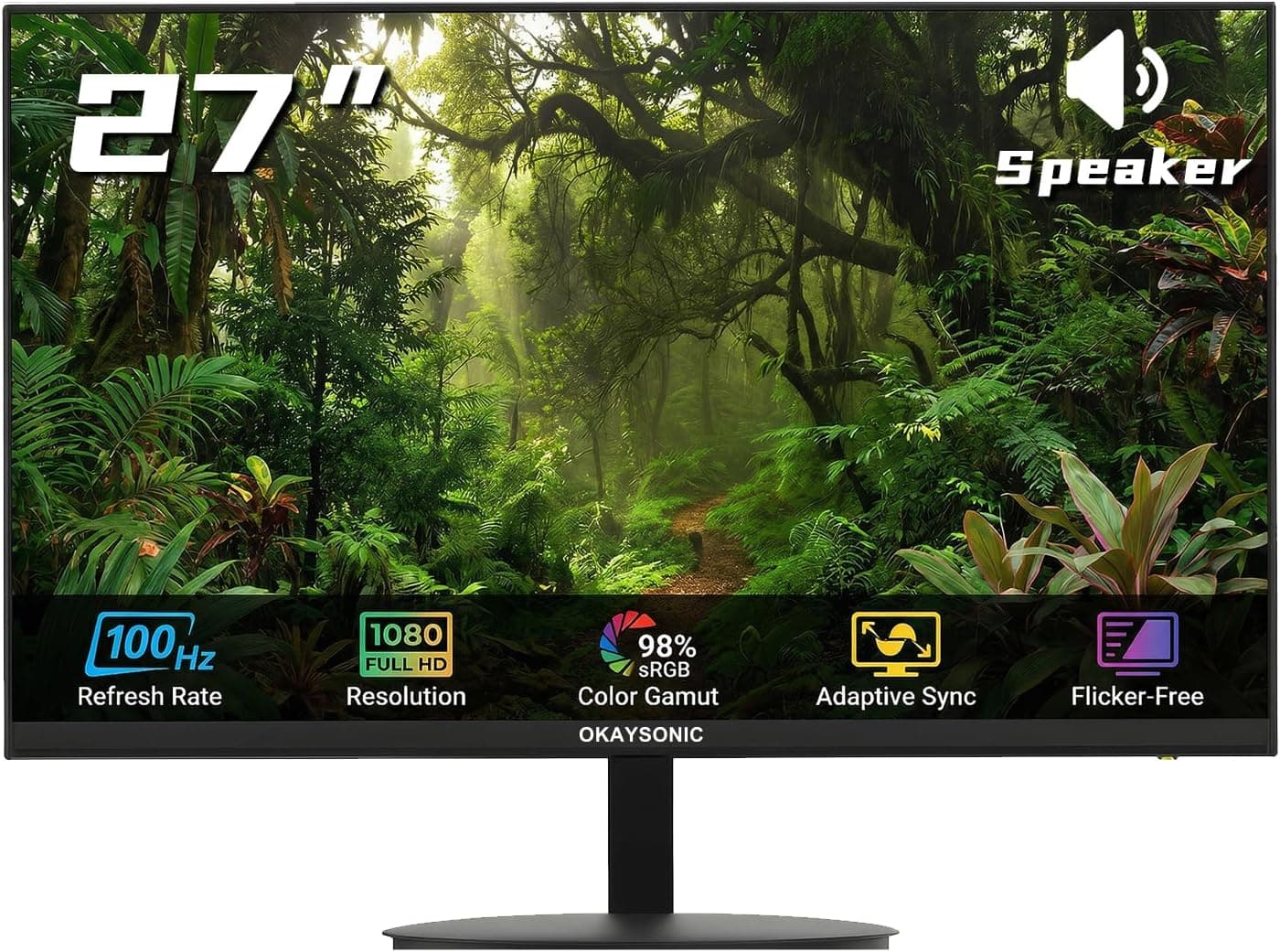
The spec sheet covers the basics: 27 inches, FHD 1920x1080, 100Hz, 1ms (MPRT), 100% sRGB coverage, HDMI 2.0 and VGA, built-in speakers, low blue light, FreeSync support, and a 100x100mm VESA mount.
The first thing to understand is pixel density. Displaying 1920x1080 across 27 inches works out to roughly 81 PPI.
A 24-inch Full HD panel is about 92 PPI, and a 27-inch WQHD (2560x1440) is about 109 PPI, so this monitor sits on the coarse end of today's desktop displays. That rarely bothers anyone in games or video, but some people notice soft text edges in document work.
Whether you can live with that single point decides almost everything about this purchase.
What It Trades Away
What you gain is size and frame rate. A 60Hz panel updates 60 times per second; 100Hz updates 100 times.
Cursor tracking and camera panning in shooters feel visibly different. Coming from 60Hz, 100Hz is a clear upgrade.
Coming from 144Hz or higher, it is a downgrade you will feel.
What you give up is resolution and, likely, the ceiling on image quality. The listed "1ms" is an MPRT (Moving Picture Response Time) figure, which is a different metric from GtG panel transition speed.
MPRT numbers are typically measured with black frame insertion or backlight strobing enabled, and enabling those features usually dims the screen. Do not read "1ms" as a literal promise of zero ghosting.
The provided specs also omit panel type (IPS/VA/TN), contrast ratio, brightness, and HDR support. Check the product page for viewing angles and contrast; assuming that unlisted items are absent or merely average keeps expectations realistic.
The 100% sRGB figure is adequate for general use. Note that coverage describes how wide the gamut is, not how accurately colors are reproduced (delta-E).
For color-critical work, budget for calibration.
Compatibility Guide
Video inputs are HDMI 2.0 and VGA.
Treat HDMI as the only path to 100Hz. VGA is analog and, while it can carry 1080p, it realistically tops out near 60Hz.
Think of VGA as insurance for older PCs, projectors, or KVM switches, and keep HDMI as your daily connection.
The bigger gap is the absence of DisplayPort. Mini PCs and laptops that only expose DP or USB-C (DP Alt Mode) will need an adapter.
Single-cable USB-C setups that carry video, power, and a USB hub are not possible here, and DisplayPort daisy-chaining is off the table.
For consoles: PlayStation 5 and Xbox Series X|S can output 1080p at 120Hz, but this monitor caps at 100Hz, so those consoles will generally settle at 60Hz. The Nintendo Switch outputs 1080p/60Hz, so 100Hz brings nothing.
In practice, the 100Hz refresh rate is a PC-only benefit.
On FreeSync: AMD Radeon cards will enable variable refresh rate without fuss, and Intel Arc typically works via Adaptive-Sync. NVIDIA GeForce cards may run it as "G-SYNC Compatible," but there is no information indicating this model is NVIDIA-certified, so treat that as unverified.
The VRR range (the minimum and maximum refresh rates where FreeSync engages) is also unpublished. Since VRR stops working below its floor, check the product page if you plan to play demanding titles at low frame rates.
For mounting, the 100x100mm VESA pattern accepts standard monitor arms and wall brackets. When choosing an arm, verify the weight range, the desk clamp fit, and whether the stand attachment area interferes with the VESA holes.
Thin 27-inch panels are light, and a gas-spring arm rated for heavier displays may float upward rather than hold position. Arms advertised as supporting lightweight monitors are the safer choice.
The supplied stand's height and pivot adjustment are not listed in the given specs. Entry-level monitors in this class are frequently tilt-only, so if eye-level positioning matters, plan to budget for an arm or riser.
Product Info
The price was ¥30,986 on Amazon JP as captured on June 12, 2026. Monitor pricing swings with sales, so treat that figure as a snapshot from that date rather than a current price.
Note that the data lists the same yen price under an "Amazon US" entry, which effectively points to the same listing, so it is not a useful international comparison. The eBay entry is a search link with no concrete figure.
Reviews stand at 29 ratings averaging 4.4 out of 5 (88% positive).
The score is good, but 29 is a small sample where a handful of low ratings would move the average sharply. That is not enough data to judge unit variance, dead-pixel rates, or support quality.
If you read the reviews, focus on the written content (initial defects, backlight bleed, stand build) rather than the number.
Release is estimated around 2025, and warranty coverage follows the seller's initial-defect policy as of writing. The box includes a power cable, HDMI cable, and stand.
Support here is not the nationwide network of a major brand, so be aware that your warranty contact may be the marketplace seller.
Candidly: for a 27-inch FHD 100Hz panel, this is not a budget-leader price. The same money can buy higher refresh rates or a 27-inch WQHD panel.
Bought on sale it makes sense; bought at full price in a hurry, less so.
How It Compares
A 27-inch FHD 100Hz panel gets squeezed from both directions. The decision axes look like this.
| Option | What you gain | What you give up |
|---|---|---|
| This monitor (27in FHD 100Hz) | Large screen, 100Hz, speakers, VESA | ~81 PPI density, no DisplayPort, undisclosed panel specs |
| 24in FHD high refresh | ~92 PPI, tighter text, competitive-friendly | Screen size and immersion |
| 27in WQHD | ~109 PPI, more workspace, sharper text | Price, higher GPU demand |
| 27in FHD 240Hz class | Clear edge in competitive titles | Price; overkill if 100Hz is enough |
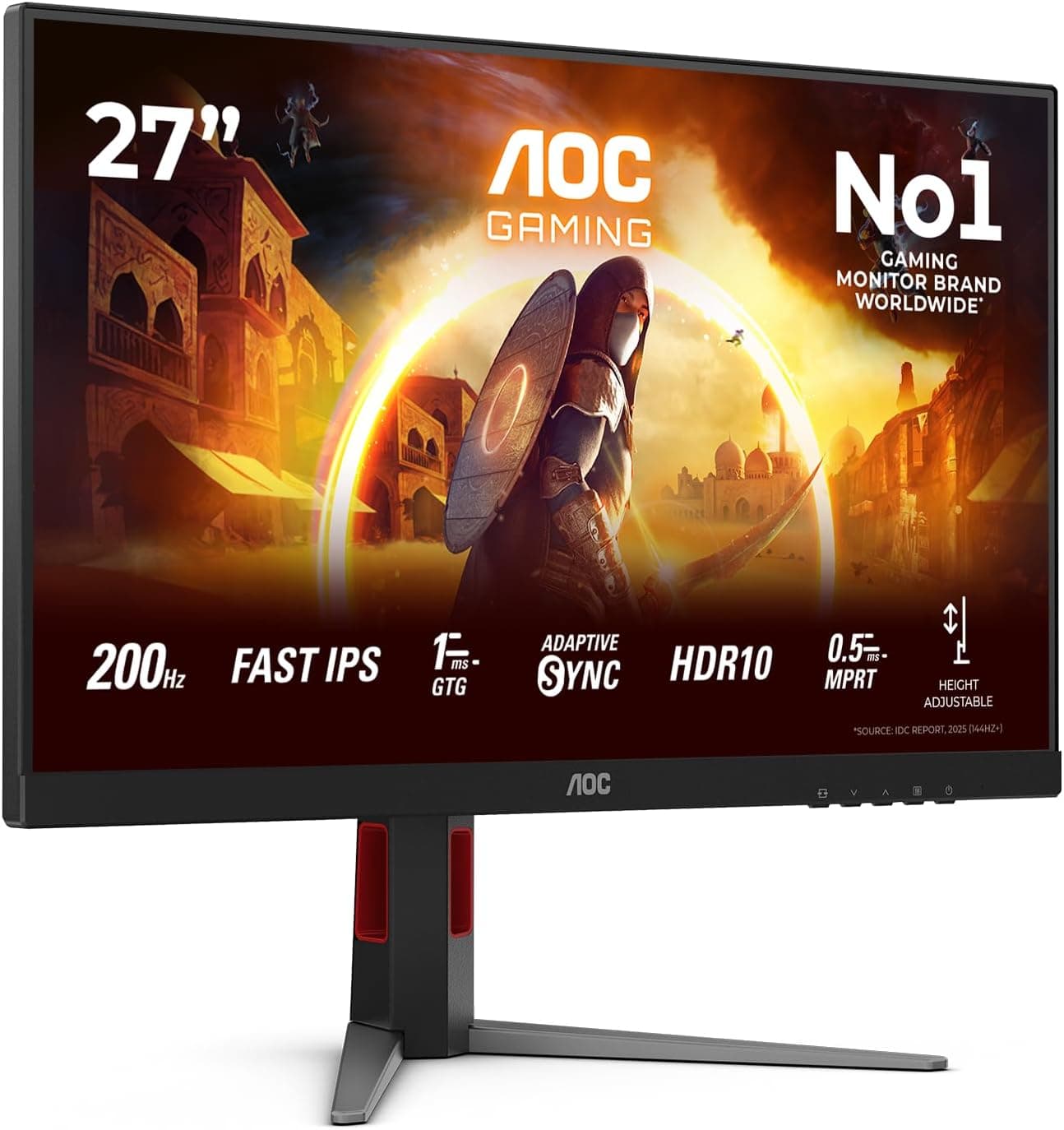
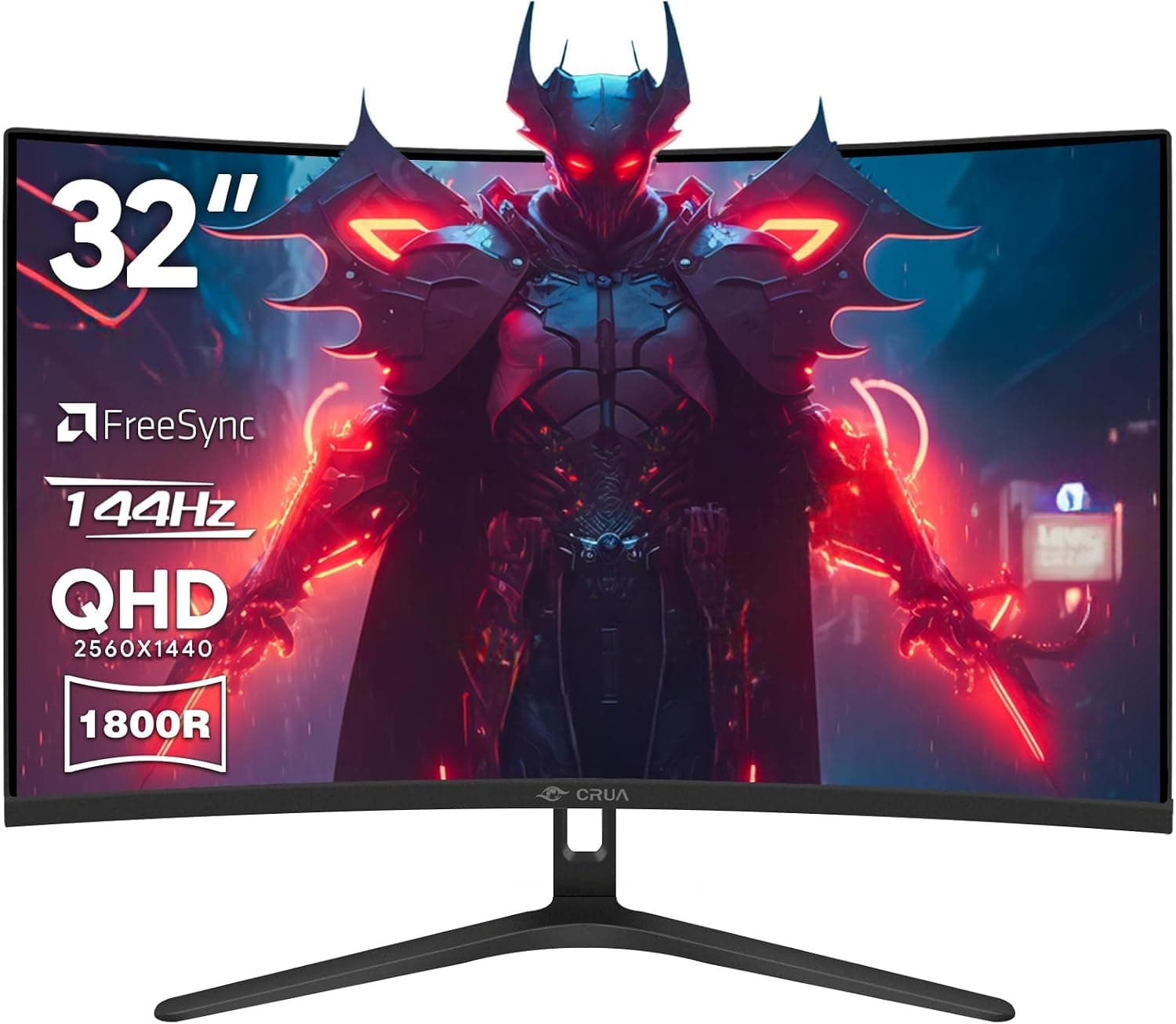
Among our other coverage, the MSI MAG 274CF X24 is the same 27-inch FHD size but at 240Hz, aimed at people serious about competitive play. Sceptre's curved 1080p model reaching 250Hz is another frame-rate-first alternative.
If sharp text is your actual goal, a 24-inch class panel like the PHILIPS 24E1N5500B tends to satisfy more. And the 31.5-inch FHD MSI MAG 32C6X drops pixel density even further, so confirm you can tolerate coarseness first.
What Actually Matters Day to Day
The "three-sided borderless design" is a styling feature, and it does not mean there is no frame. A few millimeters of non-displaying black border typically remain around the panel edge.
In a dual-monitor setup, the seam will look thicker than marketing photos suggest.
The built-in speakers matter because sound comes out at all. Monitor speakers at this price are low-output with essentially no bass.
They handle notification sounds and browser video fine, but they cannot deliver positional game audio or satisfying music. Use a headset or external speakers if you have them.
Also, the given specs list no headphone jack, so do not plan around routing audio out of the monitor — keep audio on the PC side.
Low blue light mode shifts the whole image toward yellow. It helps during long text sessions, but you will want to switch it off for photos and video.
Check where that toggle sits in the OSD early on, and assign it to a shortcut key if the menu allows.
Best Use Cases
Casual gamers upgrading from a 60Hz display get the most out of it. The jump to 100Hz is clearly perceptible, and FreeSync curbs tearing.
Unless you are chasing competitive play, 100Hz rarely feels short.
People who mainly watch video and browse and simply want a bigger screen are a good fit. A 27-inch panel offers roughly 25% more display area than a 24-inch, and full-screen video has more presence.
At a viewing distance of 70-80cm, the 81 PPI coarseness fades into the background.
Anyone tidying a desk with a monitor arm will find it easy to work with, thanks to the standard 100x100mm VESA pattern.
Users adding a second screen should also consider it. If your main display is high-resolution and you want a large secondary panel for chat, reference documents, or stream monitoring, the lower resolution matters far less.
Things to Check Before Buying
The biggest caveat is pixel density. At roughly 81 PPI, this is visibly coarser than a 24-inch FHD (~92 PPI) or a 27-inch WQHD (~109 PPI), and text edges can look soft at Windows' default 100% scaling.
If spreadsheets, coding, or long-form reading are your primary use, WQHD or a 24-inch panel at the same budget will likely age better. If you can see a 27-inch FHD display in person, do that before ordering.
Do not read "1ms" as zero motion blur. MPRT figures are usually measured alongside backlight strobing, which dims the picture when enabled.
Real-world ghosting depends on GtG performance and overdrive tuning. If minimizing blur in competitive shooters is the goal, choose a monitor that publishes its measurement conditions.
The missing DisplayPort is easy to overlook. Mini PCs with DP-only output, or laptop setups you want to run over USB-C, will need an adapter.
Check your PC's video outputs first.
Panel type, contrast ratio, and HDR are not stated. Contrast in particular drives how dark scenes in games and films look.
Do not assume anything unlisted is present, and verify on the product page if it matters. As for HDR, panels in this price class rarely deliver meaningful HDR even when the label appears, so it should not drive your decision.
Factor in the 29-review sample size. A 4.4 average is good, but small samples hide quality variance and support patterns.
Confirm the dead-pixel warranty terms and the return window before you order.
Finally, listing metadata on Amazon product pages — manufacturer, model number, category — occasionally carries information belonging to a different product. If the price or specs seem inconsistent with the description, confirm the product using the listing images, the title, and the seller name.
This matters more with non-major brands, where a single ASIN can bundle different sizes and configurations; double-check that the variant in your cart is the 27-inch 100Hz one before you confirm the order.
FAQ
Q. Can I get 100Hz from a PS5 or Xbox Series X? A.
No. Consoles support 120Hz at 1080p, but this monitor caps at 100Hz, so the connection generally lands at 60Hz.
Plan on 100Hz being a PC-only benefit.
Q. Does FreeSync work with an NVIDIA GeForce card? A.
It may run as G-SYNC Compatible, but there is no information showing this model is NVIDIA-certified, so it is not guaranteed. If you need VRR for certain, an AMD Radeon setup is the safer pairing.
Q. Will VGA give me 100Hz? A.
No. VGA is analog and realistically tops out around 1080p/60Hz.
Use HDMI, then set the refresh rate to 100Hz in Windows display settings — it often defaults to 60Hz out of the box.
Q. Is text hard to read on a 27-inch Full HD panel? A.
Pixel density is about 81 PPI, coarser than a 24-inch FHD. Sitting 70-80cm away or raising Windows scaling to 110-125% helps, though higher scaling shows less content on screen.
Q. Will any monitor arm work? A.
Generally yes, as long as it supports the 100x100mm VESA pattern. Verify the arm's weight range covers a light panel; gas-spring arms rated for heavier monitors can float upward instead of holding position.
Q. Are the built-in speakers enough for gaming? A.
They produce sound, but output is low with no real bass. For games where audio positioning matters, pair it with a headset or external speakers.
Product Disclosure (Amazon)
- ASIN: B0FQKG4PH3
- Note: This article covers a manufacturer-made product based on Amazon listing details.