![Logitech G X56 H.O.T.A.S. RGB Throttle and Stick Simulation Controller for VR Gaming 141[並行輸入]](/_next/image?url=https%3A%2F%2Fm.media-amazon.com%2Fimages%2FI%2F51NWV0%2BmjZL._AC_SL1000_.jpg&w=1920&q=75)
The Logitech G X56 H.O.T.A.S.
is a two-piece flight sim controller with a separate stick and throttle. This article covers compatibility, desk space, and the weak points worth knowing before you buy.
Overview
The Logitech G X56 H.O.T.A.S.
(model 945-000058) is a high-end HOTAS set aimed at serious flight and space sim players. HOTAS stands for Hands On Throttle And Stick: you hold the control stick in one hand and the thrust lever in the other, so every command stays under your fingers without reaching for the keyboard.
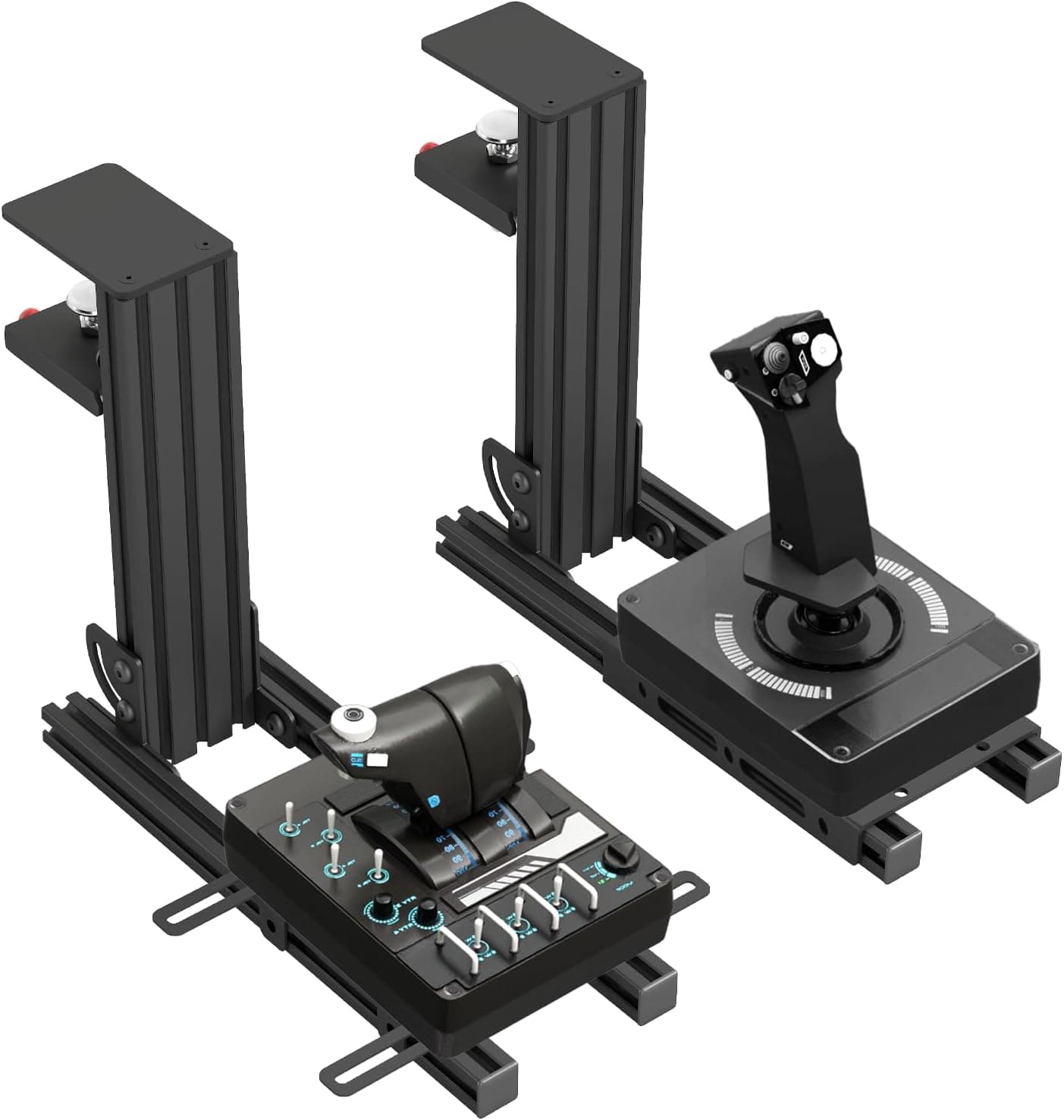
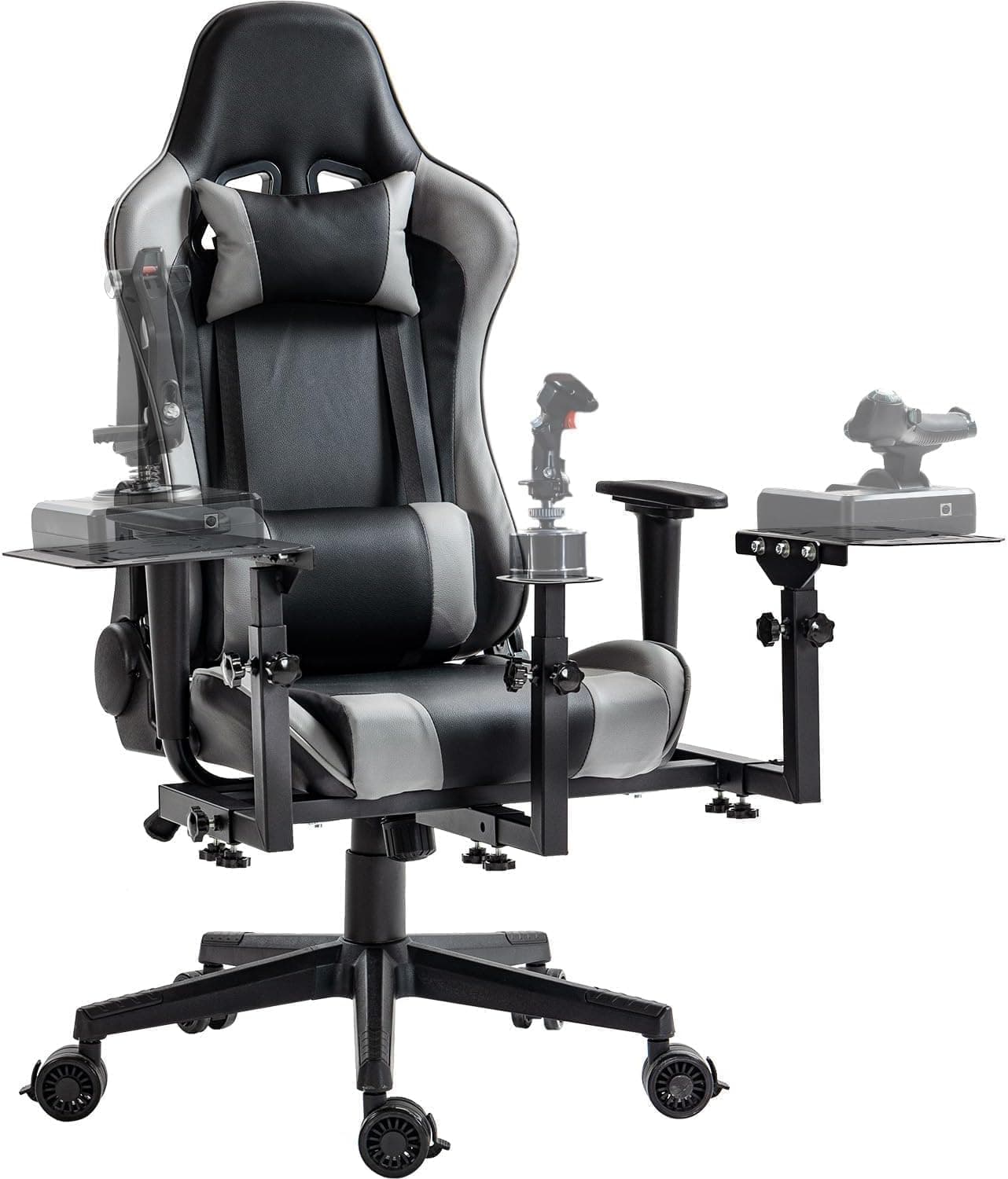
Because the X56 splits into two physically separate units, you can place each side wherever your chair width and desk height demand.
On Amazon.co.jp the unit carries 2,771 reviews at 4.1 out of 5 (82% favorable) — a solid record for a peripheral in this bracket.
But that 4.1 has a clear pattern behind it, and buying without understanding that pattern is how people end up disappointed.
This article explains that pattern up front.
For a first-ever HOTAS, the X56 is honestly overkill. If your main titles are Elite Dangerous or Star Citizen, where you juggle 60-plus commands at once, the extra axes and buttons translate directly into comfort.
Compatibility Guide
Connectivity is USB 2.0 only, and the supported OS is Windows PC.
Plug directly into the PC rather than through a hub. The stick and throttle register as two independent USB devices, so you need two free USB ports.
If your case only has two front ports, check the rear ports too before you commit.
| Check | Spec | What actually matters |
|---|---|---|
| Connectivity | USB 2.0 | Uses two ports; avoid hubs |
| OS | Windows PC | No Mac or console support |
| Dimensions | 18.5 x 22.5 x 9 cm | Confirm desk depth clearance |
| Weight | 3.14 kg | Combined; built to stay put |
| Power | USB powered (lithium-ion battery included) | No separate AC adapter |
| RGB lighting | Yes | Dimmable and can be switched off |
Treat the listed 18.5 x 22.5 x 9 cm as a footprint guide.
With two units side by side, the desk width you actually need is more than double that figure. On a desk shallower than 60 cm, the throttle usually leaves nowhere for a mouse pad, so plan on moving the keyboard aside during sessions.
Mounting is the other trap. Even at 3.14 kg combined, a hard pull on the stick generates more reaction force than people expect, and on a slick desk surface the unit will creep.
A non-slip mat, or a clamp-style desk mount, is the practical fix. Several third parties sell aluminium desk mounts that fit the X56, which is worth considering if you would rather not mark the desk.
As for VR, nothing in the X56 links to a headset. What matters is whether you can identify buttons by feel alone, and the X56 varies button shape and height enough that blind operation works reasonably well.
Even so, expect to spend time learning the layout with the headset off before it becomes second nature.
Product Info
The price was ¥64,353 on Amazon.co.jp as captured on 19 May 2026.
That is a parallel-import price and moves with exchange rates and sales, so always check the current figure on the product page. Marketplace listings also exist, but they vary per seller, so no single benchmark applies.
The parallel-import status has practical consequences. Because the unit does not pass through a domestic distributor, the manual may not include a Japanese edition, and warranty handling typically falls to the seller rather than a local distributor.
Weigh that against the price difference: a defective unit can be more work to resolve than with a domestic-warranty product. The box includes the controller set (stick and throttle), a USB cable, and a manual.
On the spec side, USB power keeps things simple. There is no AC adapter to route under the desk — just two USB cables.
RGB lighting colors the whole unit and can be dimmed or switched off if it distracts you mid-flight. Nobody buys this for the lighting, but it does help locate buttons in a dark room.
How It Compares
Flight sticks fall into three tiers: entry-level all-in-one units, mid-range separates, and replica-grade hardware. The X56 sits at the upper end of the middle tier, chosen mainly for its button and axis count.
| Tier | Intended use | Difference from the X56 |
|---|---|---|
| Entry all-in-one | Airliners, casual flying | Cheap, but the throttle is minimal; short on axes for space sims |
| Separates (the X56) | Military jets, space sims | Independent throttle with room to spare on axes and buttons |
| Replica grade | Faithful single-aircraft setups | Metal build and higher precision, but price and space demands jump |
Moving up from an all-in-one, the biggest change is not stick precision — it is how much control the throttle side gives you. Once you can trim thrust steplessly with your left hand without letting go, keyboard thrust increments feel primitive.
If you mostly cruise in airliners, though, that resolution matters far less.
For rudder, the X56 stick offers twist input, which covers the basics. Precise landings and dogfighting eventually push you toward dedicated rudder pedals.
Think of the X56 as the base you later add pedals to, and you will upgrade in the right order.
Before You Buy
The main caveat: opinions split on unit variance, not on axis precision. A 4.1 across 2,771 reviews is the shape you get when praise and complaints coexist.
As with flight sticks generally at this price, exercise every axis and button right after unboxing and confirm the inputs register in the Windows game controller panel. The sooner you decide on a return, the easier it is.
Centering feel is a matter of taste. The X56 lets you swap springs to change how firmly the stick returns to center — which also means the factory setup will not suit everyone.
If it feels too stiff or too loose out of the box, try the included spring options before judging it. Plenty of people give up without ever discovering this.
Software configuration is effectively mandatory. A button-heavy device is just a cluster of switches until you map it.
Budget one to two hours to build a profile and reconcile it with in-game bindings. If that setup work sounds tedious, the X56's sheer quantity of inputs becomes a cost rather than a benefit.
Do not over-read the "for VR" in the product name. There is no headset integration; it simply means a layout that works by feel.
VR alone is a weak reason to replace an existing stick — base the decision on axes and buttons instead.
Price in the parallel-import risk. Warranty support differs from domestically distributed stock.
If long warranties and local-language support matter to you, a domestically distributed alternative may leave you happier overall.
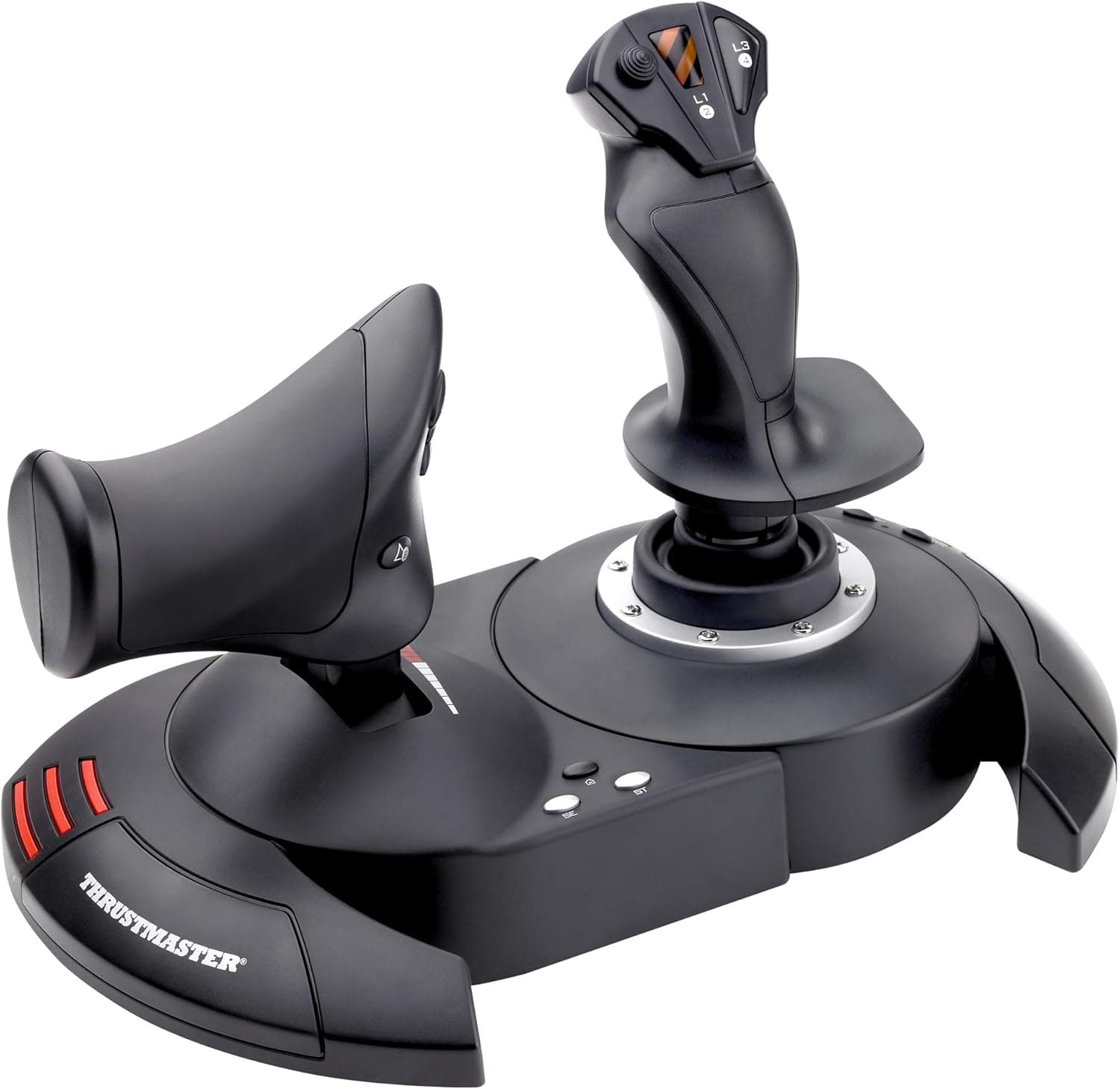
Also note that manufacturer and model details listed on Amazon product pages occasionally carry metadata from a different product. Do not take the listing attributes at face value — confirm from the product images and title that you are looking at the two-piece Logitech G X56.
Best Use Cases
It suits players who keep 50-plus commands in active rotation in space and military sims. In titles like Star Citizen and Elite Dangerous, where flying, fighting, and systems management run in parallel, axis and button count become breathing room.
It also fits Microsoft Flight Simulator and DCS World pilots flying complex aircraft.
If you can dedicate the desk space and do not mind the setup time, the investment pays off. If you fly casually for a few hours a month, an entry-level all-in-one stick will likely satisfy you more.
What Changes in Daily Use
At 3.14 kg combined, the set is too heavy to carry around and just heavy enough to stay planted.
If you pack it away after every session, that weight plus unplugging two USB cables becomes a quiet barrier that cuts how often you actually fly. Whether you have a permanent spot for it drives satisfaction more than any spec does.
Because the throttle concentrates so many switches, profile design comes down to what your left hand can reach without shifting grip. Put high-frequency actions within thumb reach and exile rare ones to the far switches, and you will noticeably stop repositioning your hands.
FAQ
Q. Does it work on PlayStation or Xbox?
A. No. The stated compatibility is Windows PC only; consoles are not supported.
Q. How many USB ports do I need?
A. Two — the stick and throttle connect separately. Plug them straight into the PC rather than a hub.
Q. Do I need rudder pedals as well? A.
Not required; the stick's twist axis handles rudder. Dedicated pedals become worthwhile once you start chasing landing and dogfight precision.
Q. Is it a good first flight stick? A.
Hard to recommend as a first purchase — it is a lot of hardware. Start with an entry model and move up when you actually run out of buttons.
Q. Do parallel imports differ from domestic stock? A.
The hardware spec is the same, but manual language and warranty handling can differ. Check the seller's warranty terms first.
Q. Can the RGB lighting be turned off? A.
Yes, it supports dimming and full shutoff, so use it as a low-light guide or disable it entirely.