Overview
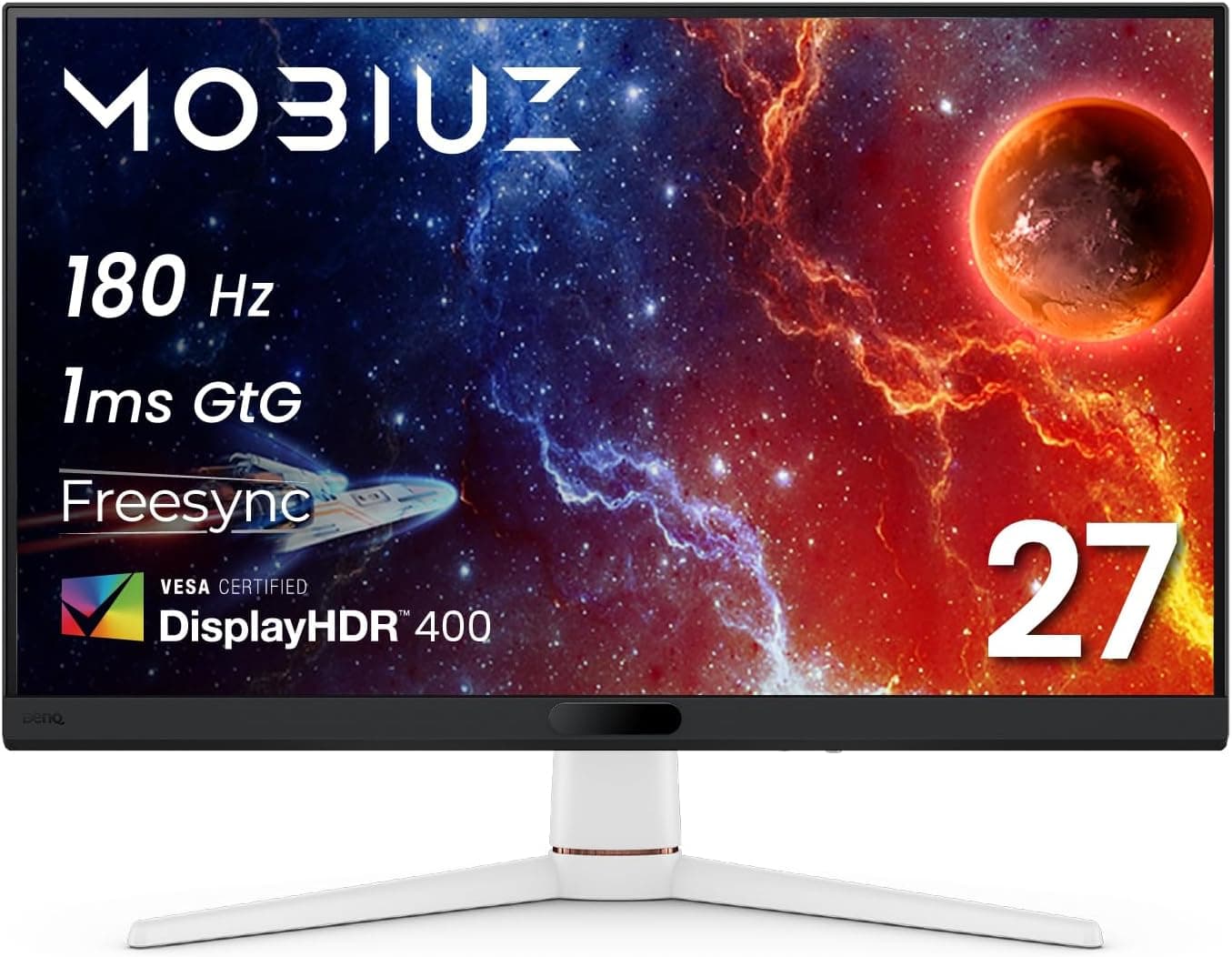
The BenQ MOBIUZ EX271 pairs a 27-inch Full HD (1920x1080) panel with a 180Hz refresh rate and a 1ms GtG response time. The short version: it suits people who want a step above 144Hz, plus decent HDR and wide color, for under ¥30,000.
It is not the right pick if you care most about pixel density or color-accurate work.
Key specs are VESA DisplayHDR 400, 95% DCI-P3 coverage, treVolo-tuned 2.5W x2 speakers, and a built-in USB hub.
Within the MOBIUZ line it sits at the entry-to-mid tier, trading 4K and high-brightness HDR for frame rate and price.
Amazon.co.jp shows 11 reviews averaging 4.3 out of 5 (about 86% positive) as captured at the end of May 2026.
With a sample that small, treat it as a product whose reputation has not settled yet rather than a firm score.
How to Read the Specs
| Item | Value | What it actually means |
|---|---|---|
| Screen size | 27 inches | Sit 50-70cm back; closer feels cramped on a shallow desk |
| Resolution | 1920x1080 | Roughly 82ppi at 27 inches, coarser than 24-inch FHD (~92ppi) |
| Refresh rate | 180Hz | Small jump from 144Hz, obvious jump from 60Hz |
| Response time | 1ms (GtG) | Typically the max-overdrive figure, not the everyday setting |
| HDR | DisplayHDR 400 | Means it accepts HDR, not that it renders true HDR |
| Color gamut | DCI-P3 95% | Oversaturates sRGB content unless a clamp mode exists |
| Speakers | 2.5W x2 (treVolo) | Fine for background audio, no substitute for a headset |
What matters more than the numbers is the 27-inch-at-1080p combination. Each pixel is larger than on a 24-inch panel, so text and UI edges look softer.
That is the flip side of enemies rendering larger in shooters: an advantage in competitive play, a drawback for text work.
Compatibility Guide
As a monitor, it has no PC case or PSU compatibility requirements. What matters is your video output and your desk.
Inputs are two HDMI 2.0 ports and one DisplayPort 1.2.
Use DisplayPort first if you want the full 180Hz. At 1080p, HDMI 2.0 has enough bandwidth for high refresh rates, but some devices and cables cap out lower, so stick to the bundled or certified cables and avoid adapters.
On the GPU side, any reasonably recent card with DisplayPort can output 180Hz. The real question is whether your games reach 180fps.
Competitive titles at low-to-medium settings will on a current mid-range card; heavy single-player games often will not, even at 1080p. Buying a 180Hz panel does not by itself produce 180fps.
FreeSync support reduces tearing and stutter with compatible GPUs when frame rates fluctuate. Enabling it normally requires settings in both the GPU driver and the monitor OSD.
For consoles, PlayStation 5 and Xbox Series X|S connect and play at 1080p. Because the inputs are HDMI 2.0, features that assume HDMI 2.1 (console VRR, modes beyond 1080p/120Hz) likely will not be available, so check the product page if console VRR or high frame rates are your priority.
The built-in USB hub lets you plug a mouse and keyboard into the monitor, which tidies cabling considerably if your PC sits under the desk. Check the product page for VESA mount support and stand adjustment range before planning a monitor-arm setup.
Product Info
Released in 2025, the EX271 sits in the entry-to-mid range of BenQ's MOBIUZ gaming lineup, combining 180Hz and DisplayHDR 400 at an accessible price. In Japan it is sold through major electronics retailers and online stores.
The price was ¥26,980 on Amazon.co.jp as captured at the end of May 2026, matching the roughly ¥27,000 street level.
Monitor prices move often with sales and stock, so treat this as a point-in-time figure and confirm the current price on the retail page. Overseas marketplace listings exist, but domestic warranty and support may not apply, so do not compare on price alone.
The stated warranty is the manufacturer's standard three years with proof of purchase. Dead-pixel policy and warranty conditions follow the manufacturer's terms, so review them beforehand if that matters to you.
Where It Sits Against Rivals
This size and price bracket is crowded, and the real fork is resolution and panel size. A 24-inch 180-200Hz model costs the same or less with higher pixel density and less eye travel, which is compelling for pure competitive use.
A 27-inch curved VA offers better immersion and contrast but tends to show more dark-transition smearing than IPS-class panels.
The EX271's differentiator is bundling 180Hz with DCI-P3 95%, DisplayHDR 400, speakers, and a USB hub in one unit. If you do not want separate monitors for competitive play and for movies, that all-in-one profile is the value.
If your use case is purely competitive, a model that drops those extras in favor of resolution will likely satisfy you more.
Things to Check Before Buying
The biggest caveat is 1080p at 27 inches. It rarely bothers you mid-game, but browsing, spreadsheets, and code editing expose the softness.
If the same desk doubles as your work desk, a 24-inch FHD or a 27-inch WQHD will serve you better. Seeing text on a display unit in person is the surest test.
DisplayHDR 400 is the loosest tier that still earns an HDR label. It requires neither local dimming nor high peak brightness, so enabling HDR will not transform the image; in some titles it looks washed out and SDR is the better choice.
Buying this monitor for HDR is likely to disappoint.
The 1ms GtG figure is generally quoted at maximum overdrive. Pushed that hard, panels often show inverse ghosting, so a middle overdrive setting usually looks cleanest.
Try a few steps in the OSD after unboxing and judge with your own eyes.
The 95% DCI-P3 gamut reads as vivid in games and video, but oversaturates sRGB-targeted photo editing and client deliverables. If color accuracy matters, confirm whether an sRGB clamp mode is available; for strict color management, this is not the right tool.
The speakers are 2.5W x2.
They are fine for background audio and video, but useless for positional audio in competitive play. Do not treat built-in speakers as a headset replacement.
Also note the 11-review sample. A 4.3 average is favorable, but a handful of posts can swing it.
Read the review text, not just the star count.
Finally, retail listings occasionally carry the wrong manufacturer, model number, or accessory details from another product. If a listed price looks implausibly low or high for this class, or the listed brand is not BenQ, treat it as a possible listing error and confirm the product from the images and title before ordering.
Best Use Cases
This monitor is an easy recommendation if you match one of these:
- Upgrading from a 60Hz or 75Hz display. The jump to 180Hz is where the perceived gain is largest relative to cost.
- Competitive players targeting high frame rates at 1080p. It aligns with builds that trade resolution for frames.
- People who want one screen for games and video. Wide gamut, speakers, and the USB hub cut down on extra gear.
- Anyone tidying up desk cabling. Peripherals can plug into the monitor instead of the PC.
- Buyers with a sub-¥30,000 budget. The ¥26,980 captured at the end of May 2026 was a sensible level for this spec set.
Conversely, if you edit photos or video professionally, do heavy text work, already own a 144Hz-plus panel, or prioritize console VRR, there is little reason to choose this one.
FAQ
Q. Is it worth upgrading from a 144Hz monitor? A.
The difference is subtle, so refresh rate alone is a weak reason. Decide based on whether the wide gamut, speakers, and USB hub are worth it to you.
Q. What GPU do I need for 180Hz? A.
Any reasonably recent card with DisplayPort can output it. Whether games actually hit 180fps depends on the title and settings; demanding games may fall short even at 1080p.
Q. Does it work with a PS5? A.
Yes, over HDMI. But the inputs are HDMI 2.0, so HDMI 2.1-dependent features likely will not be available.
Check the product page if you play mainly on console.
Q. Is the HDR meaningful?
A. DisplayHDR 400 is the entry tier; expect a modest effect. In some titles SDR simply looks better.
Q. Can I use it for work? A.
You can, but text looks soft at 27-inch 1080p. For long text sessions, a higher pixel density model is more comfortable.
Q. Is the price still what this article says? A.
No. ¥26,980 was captured at the end of May 2026 and changes with sales and stock.
Confirm the current price on the retail page.