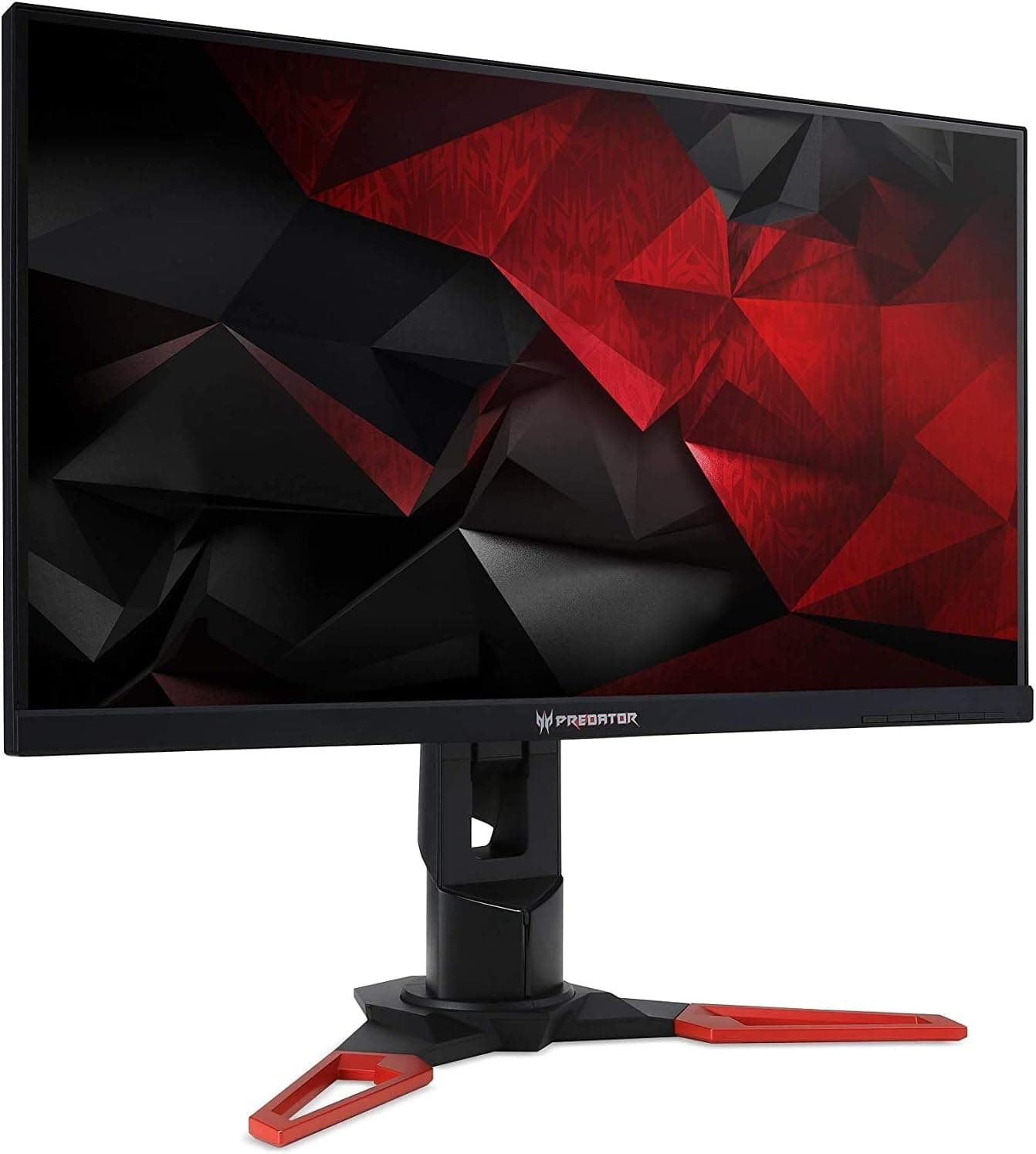
The Acer XB Predator XB271HU is a 27-inch WQHD (2560x1440) IPS gaming monitor with a high refresh rate and NVIDIA G-SYNC. This article covers where it stands today, which setups it actually shines in, and the pitfalls people discover only after buying.
Short version: for GeForce users targeting 1440p at high frame rates it still holds up, but there are several things to check first.
Overview
The XB271HU belongs to Acer's Predator gaming line: 27 inches, WQHD resolution, IPS-type panel. It arrived in the era when TN dominated esports displays, and its selling point was doing both speed and color.
Overclocking the panel to 165Hz from a 144Hz base is commonly cited, but availability varies by suffix/revision, so confirm the figure on the product page before buying.
The target audience is clear: someone on a GeForce GPU who plays latency-sensitive genres but does not want washed-out colors when editing photos or checking a stream preview. If 4K sharpness is your first priority, or your main rig is AMD Radeon, this is unlikely to be the right pick for reasons covered below.
How to Read the Specs (WQHD x High Refresh x G-SYNC)
1440p at 144Hz asks a lot of the GPU. Competitive titles can reach roughly 144fps on a current mid-range card, but holding 144fps in heavy AAA games at max settings is unrealistic; you will be trading settings for frame rate.
Expecting every game to simply run at 144fps because the panel supports it is the fastest route to disappointment.
Rated response time is in the 4ms (GTG) class typical of its generation, quick for the time. Against today's 1ms IPS and OLED panels you will notice more smearing in dark scenes.
Pushing overdrive to maximum can introduce overshoot artifacts, so a middle setting is usually the safer choice.
G-SYNC syncs the display to the GPU's output pace, removing tearing and stutter. It matters most when frame rates fall short of 144fps, so heavier games benefit the most from it.
Compatibility Guide
Connection method matters most. G-SYNC requires a GeForce GPU over DisplayPort.
The HDMI input on this generation is HDMI 1.4 class and is reported to cap at 60Hz at 1440p, so an HDMI cable will give you neither 144Hz nor G-SYNC.
Most complaints of it not feeling smooth are solved by switching to DisplayPort and re-selecting the refresh rate in the Windows advanced display settings.
Check the GPU side too. A DisplayPort 1.2 or newer output handles 1440p/144Hz, but older laptop HDMI outputs and passive adapters (HDMI to DisplayPort, for example) often fail to carry high refresh rates due to bandwidth and signal direction limits.
A direct DP-to-DP run is the most reliable. Radeon and Intel Arc cards will display an image, but on a G-SYNC module display you should assume variable refresh is unavailable.
Physically, this series ships with a fairly large stand base and a height, tilt, swivel and pivot adjustable stand. It supports VESA 100x100mm, so a monitor arm swap is realistic - just check the arm's weight rating and your desk thickness and depth first.
Discovering that the pole hits a window frame, or that the height range leaves your eyeline too high, is a common post-install regret.
The monitor is self-powered, so it does not affect your PC power supply headroom. Using the USB hub requires a separate USB cable to the PC; it tidies up mouse and keyboard wiring, but shares host bandwidth, so keep fast external SSDs plugged directly into the motherboard.
Product Info
Treat the collected pricing with caution, because the records span different times and different markets. Amazon.co.jp showed 241,995 yen as captured on June 2, 2026, while eBay US showed $224.93 as captured on July 8, 2026.
Those two do not describe the same product consistently. A price of 241,995 yen is a clear outlier for a 27-inch WQHD display of this generation and most likely reflects a scarce third-party or resale listing, or mismatched listing data.
All prices are point-in-time and move with sales, currency and seller turnover.
Review data captured on May 29, 2026 shows 463 reviews at 4.5 out of 5 (90% positive).
A sample of 463 is large enough to be meaningful, and the score reflects satisfaction with panel quality and G-SYNC behavior. As with most IPS gaming monitors of this era, the negative reviews cluster around backlight bleed, IPS glow and panel lottery.
Reading what the low scores say is more useful than the average.
Note that the spec table collected alongside this article lists DVI-D dual link cable attributes (1.8m length and similar).
Those are not XB271HU specifications - see the next section.
Competitor Comparison
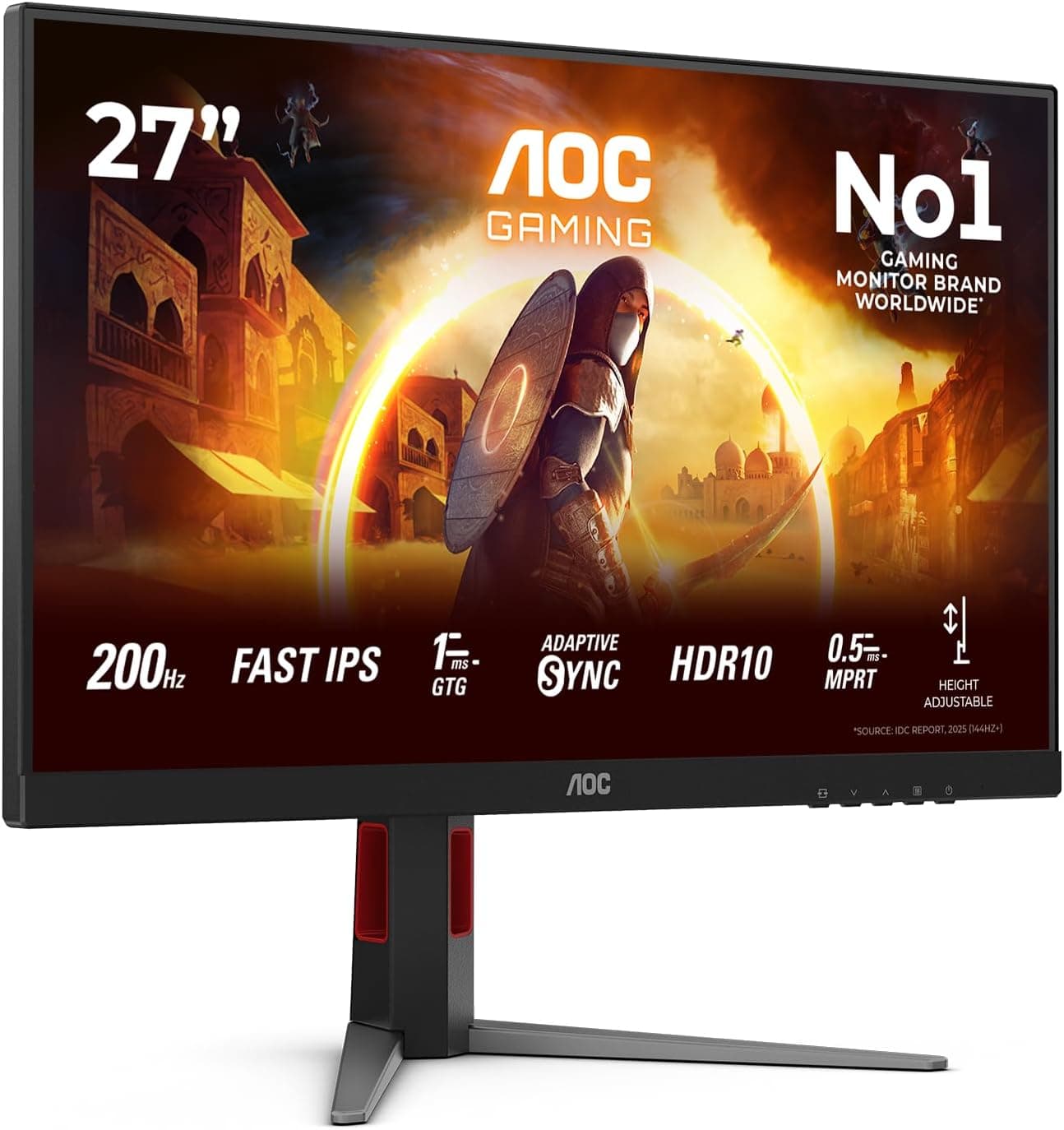
In the 27-inch class, buyers often cross-shop current 1080p/240Hz panels such as the MSI MAG 274CF X24. The dividing line is resolution versus frame rate.
1440p carries roughly 1.8x the pixel information of 1080p, which helps text clarity and map readability, but the same GPU produces fewer frames.
Pure competitive play favors 1080p/240Hz; a mix of games and visuals favors 1440p.
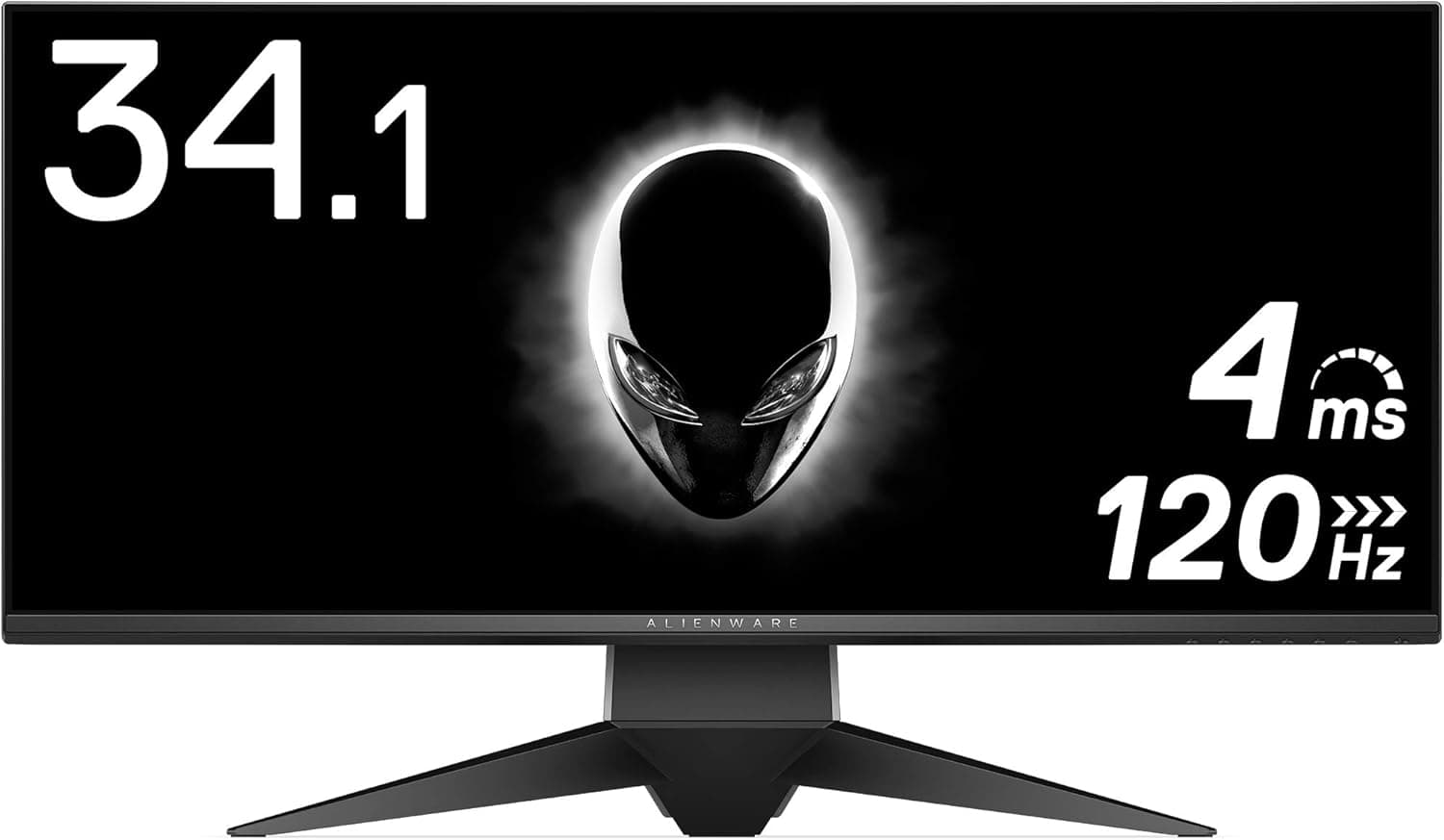
Move up in price and you reach 31.5-inch OLED panels such as the LG 32GX850A-B, or curved 4K Alienware options.
OLED is a generation ahead in black level and response, at the cost of burn-in risk and price. The XB271HU makes sense as a mature configuration bought at used or clearance pricing; paying a premium for it erodes its appeal fast.
Best Use Cases
This monitor suits GeForce users who want a 1440p 144Hz setup over DisplayPort, play fast-paced shooters and action titles seriously, and still want IPS viewing angles and color stability. It also fits people building a dual-monitor setup who plan to pivot the panel or mount it on an arm.
Bought at a used or clearance price, it remains a practical choice today.
It is not a strong recommendation for people whose paid work depends on color accuracy. The tuning is gaming-oriented, and out-of-box calibration varies, so budget for a colorimeter if precision matters.
Things to Check Before Buying
First, verify the listing data yourself. The spec table collected for this article contains DVI-D dual link cable entries (1.8m, 24+1 pin connectors, 2560x1600 at 60Hz) that plainly do not belong to a 27-inch monitor, and the price mismatch between 241,995 yen and $224.93 points to the same root cause.
This happens when listing metadata or product linkage gets crossed. You are likely to see the same inconsistency on the product page, so confirm from the images, title and seller that you are buying the 27-inch monitor itself, not a cable or accessory listing. Suffix variations can also change refresh rate and speaker availability, so check those too.
Connecting over HDMI will not give you full performance. This is the most common mistake.
Use a DisplayPort cable, then explicitly confirm the refresh rate in Windows display settings and G-SYNC status in the NVIDIA Control Panel. If the OSD offers an overclock toggle, the highest refresh rate will not appear until it is enabled.
IPS glow and backlight bleed are panel-lottery traits of this generation. Corners can look faintly lit in dark scenes, and severity varies per unit.
If you mostly watch films or play horror games in a dark room, accept that limitation or look at VA or OLED instead. Display a full-black image as soon as it arrives and decide within the return window.
Expect generational gaps. There is no meaningful HDR, no single-cable USB-C power and video, and none of the recent low-latency backlight features.
It does not fit laptop users who want one-cable docking or HDR-first viewing. G-SYNC module displays also tend to run warmer than average, and fan noise reports exist for this generation, so plan your placement if you work in a quiet room.
Finally, do not pay new-product premiums. The model is years old and 1440p high-refresh alternatives are plentiful.
A captured price like 241,995 yen reflects stock and seller conditions rather than market value; with that budget, a current-generation 1440p high-refresh or OLED panel will make you happier.
FAQ
Q. How do I get 144Hz or 165Hz? A.
Connect via DisplayPort, enable overclock in the OSD if present, then re-select the refresh rate in Windows advanced display settings. Over HDMI, 1440p is reported to cap at 60Hz.
Q. Does it work with AMD Radeon? A.
It will display an image, but assume variable refresh is unavailable on a G-SYNC module panel. Choose a FreeSync display if VRR matters.
Q. Can I use it with a PS5 or Nintendo Switch? A.
HDMI works for basic output, but do not expect high refresh at 1440p. For consoles, pick a display with HDMI 2.0 or newer.
Q. Can I use a monitor arm? A.
Yes, it supports VESA 100x100mm. Check the arm's load rating and your desk thickness against the clamp range first.
Q. Is it good for photo editing? A.
IPS viewing angles and color stability are solid, but the tuning is gaming-oriented. Plan on calibrating it if the work is professional.
Q. Why is the listed price so high? A.
The 241,995 yen figure captured on June 2, 2026 is an outlier for this model. Scarce listings or mismatched data are the likely cause, so compare several retailers before deciding.