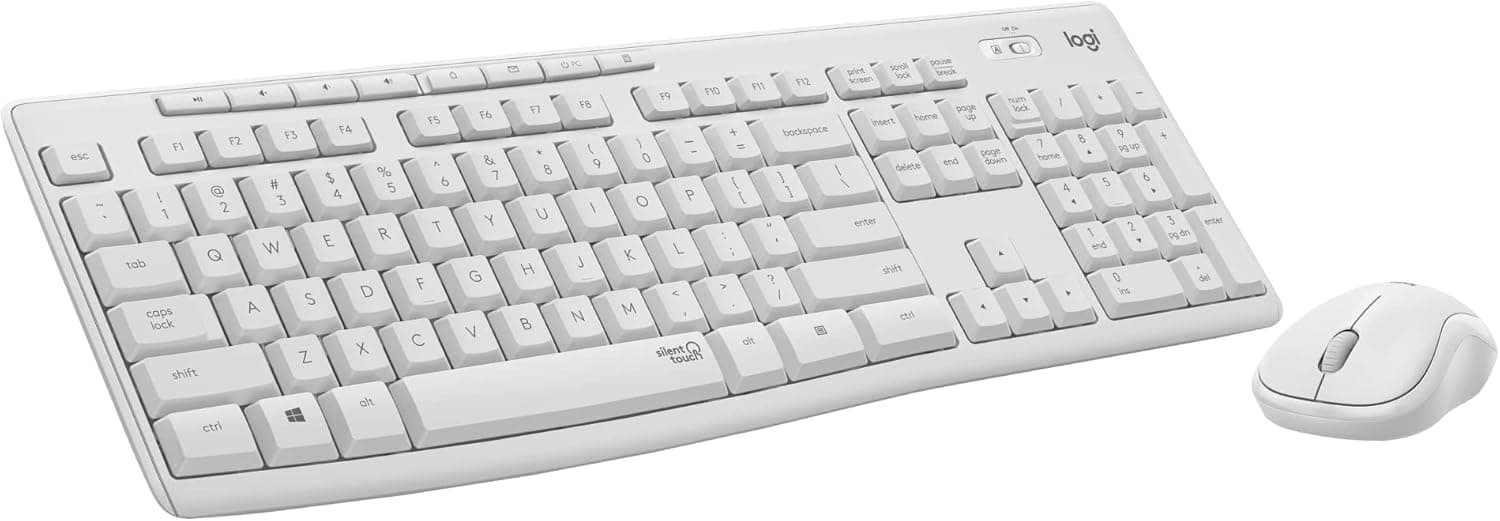
Overview
The Logitech MK295 is a full-size wireless keyboard and mouse combo built around one idea: SilentTouch technology, which cuts typing and clicking noise by up to 90% versus conventional peripherals. The target user is clear — someone who works in a quiet or shared space, wants zero setup, and does not want to think about batteries.
The short verdict: if other people can hear your keyboard, this is a strong option in its class. If you need Bluetooth, multi-device switching, or mechanical feel, look at a different category from the start.
On Amazon.co.jp, the combo held 4.4 out of 5 stars across 3,273 reviews (roughly 88% positive) as of the data captured on 23 June 2026.
Holding 4.4 at that review volume suggests the single-purpose design does what it promises.
Compatibility Guide
Connection is 2.4GHz wireless through a single bundled USB-A receiver that serves both devices.
No drivers, no pairing — plug it in and type. Wireless range is rated up to 10 meters, enough for a deep desk or a PC connected to a TV across the room.
Supported systems are Windows 10/11, macOS 10.10 or later, and Chrome OS.
On macOS, Windows-oriented keys (Insert, Print Screen) will not behave identically; plan on remapping modifier keys in System Settings.
The real stumbling block is the USB-A port. There is no Bluetooth, so the receiver is the only option.
Thin laptops with USB-C only, tablets, and small desktops with just two rear ports will need a hub or adapter. Hubs work, but weak bus-powered hubs or crowded high-speed ports can cause dropped or laggy input.
Plug directly into the machine where possible, and prefer a port a little away from dense USB 3.0 clusters to reduce 2.4GHz interference.
The receiver stows inside the mouse. Build the habit of returning it there — with combos like this, the usual cause of "it stopped working" is a lost receiver, not a failure.
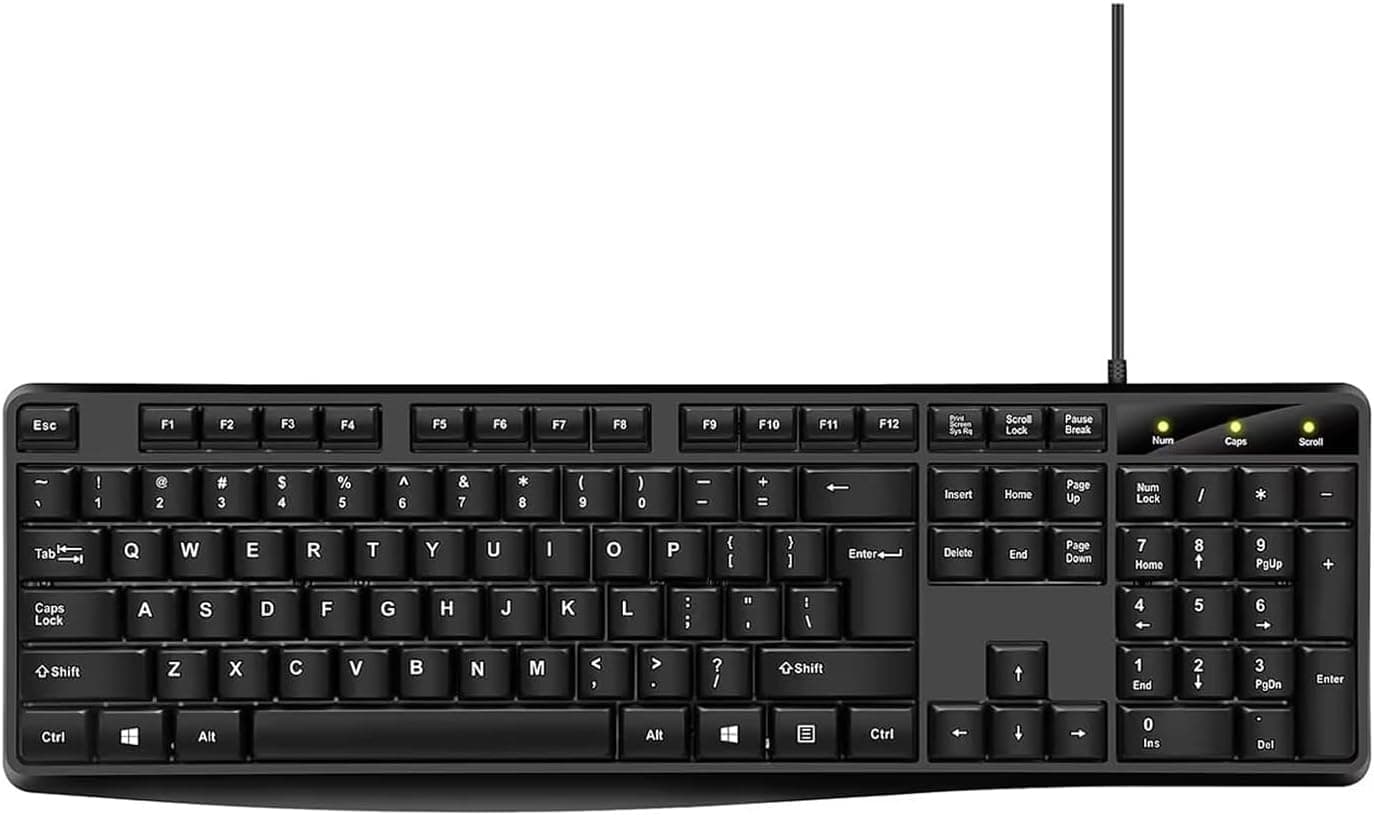
Also account for physical space. This is a full-size layout with a numeric keypad.
On a shallow desk or a narrow keyboard tray, you may run out of room for mouse movement. Measure the intended spot for keyboard width plus mousing area before ordering.
Product Info
| Item | Detail |
|---|---|
| Connectivity | 2.4GHz wireless (USB-A receiver) |
| Wireless range | Up to 10 m |
| Keyboard battery life | Up to 36 months |
| Mouse battery life | Up to 18 months |
| Noise reduction | 90% quieter (vs. conventional) |
| Compatible OS | Windows 10/11, macOS 10.10+, Chrome OS |
Battery life is the standout. Up to 36 months for the keyboard and 18 for the mouse is the clear advantage of disposable cells over rechargeables: no Monday morning where a dead battery stops your work.
Treat those as upper bounds under standard conditions — all-day typing or cold rooms will shorten them. Keeping a spare set of cells in a drawer is the right level of preparation.
Pricing needs a warning. In the data behind this article, the domestic listing figure and the overseas marketplace figure differ by several times over, more than exchange rates can explain.
Because one of those figures is almost certainly a collection error for a membrane wireless combo of this class, no specific price is quoted here. Prices also move often, so check the current price on the product page.
For context, this is a crowded category with many comparable silent, full-size, receiver-based combos; if a listing looks far above the going rate, that reflects the seller, not the market.
Review data, as noted, is 4.4 stars from 3,273 reviews as captured on 23 June 2026.
The volume means the score is unlikely to be skewed by one bad batch.
What to Expect in Daily Use
"90% quieter" is a reduction figure under the maker's comparison conditions, not a promise of silence. In practice, the sharp attack of each keystroke is rounded off: someone in the same room knows you are working but is not bothered by it.
Large keys — space and enter — remain the loudest on any membrane board.
The typing feel is what membrane gives you: shallow, light travel that suits long documents, without the defined actuation point of a mechanical switch. That is the trade you accept for the price and the quiet.
The optical mouse tracks well enough for browsing and spreadsheets, but offers no DPI tuning and no extra side buttons for shortcuts.
How It Compares
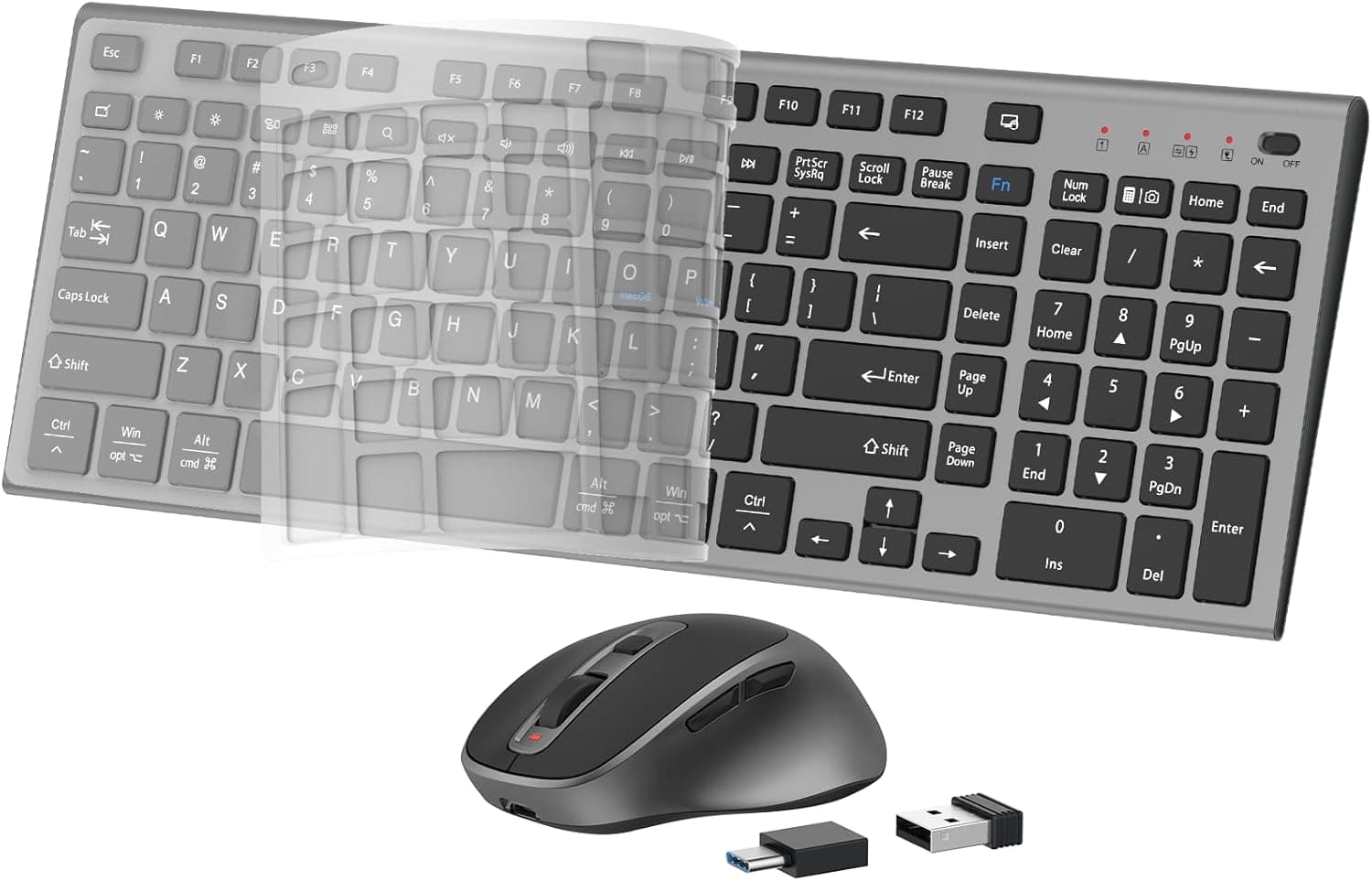
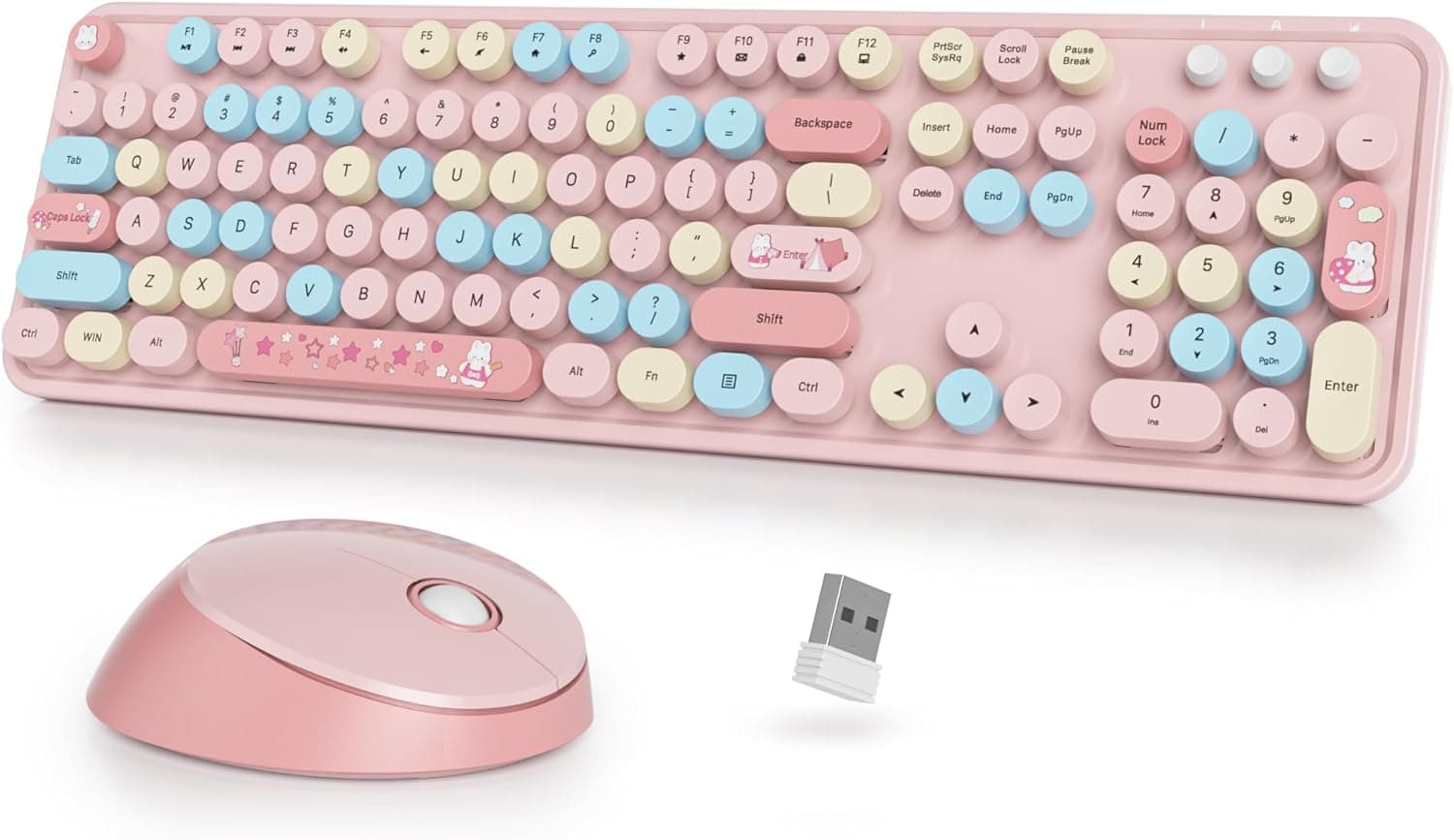
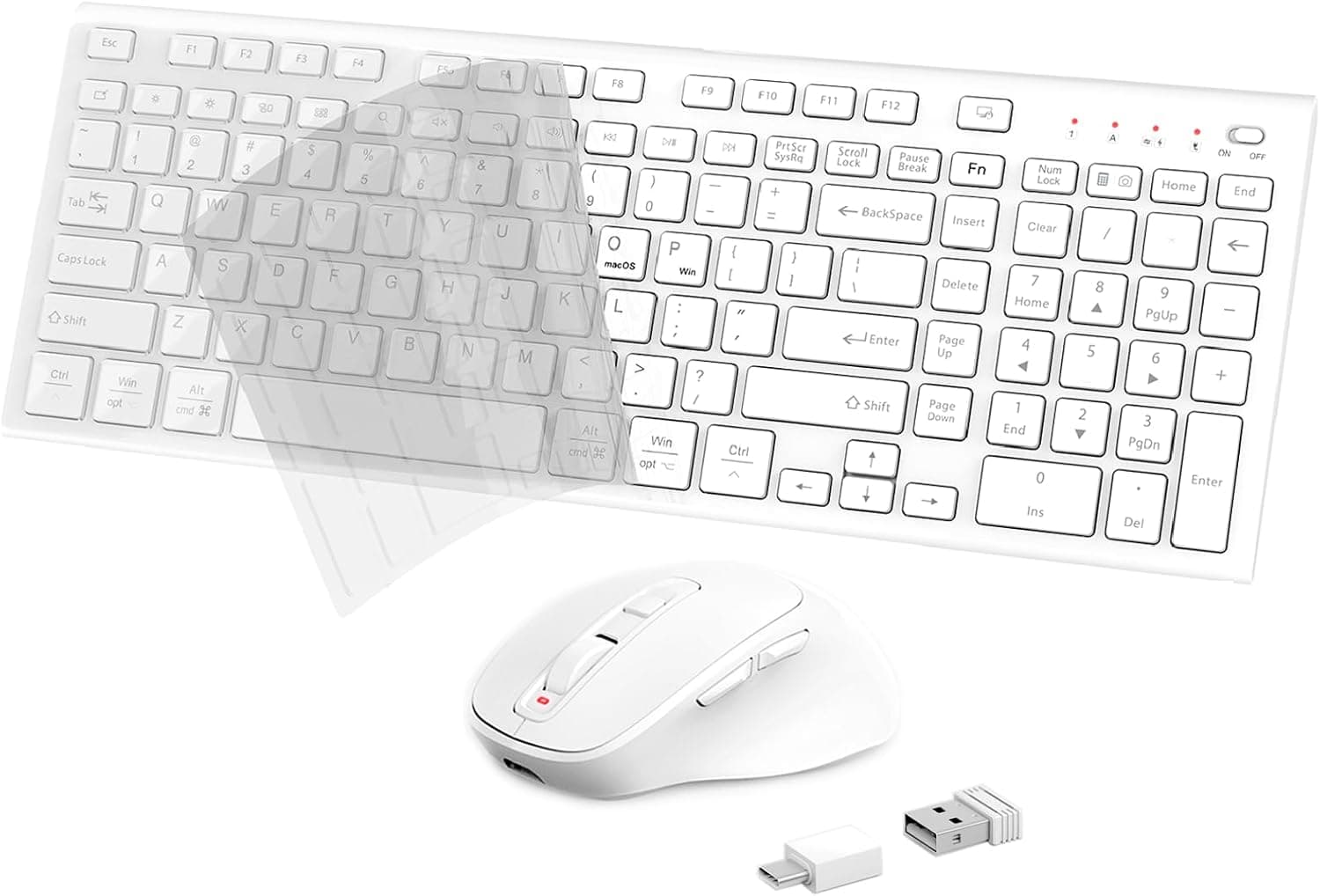
The category is full of alternatives: slim rechargeable USB-C sets, retro round-keycap designs, and ergonomic combos with palm rests or phone holders. The MK295's position is "the safe default that adds nothing, so nothing extra can break."
- Vs. slim rechargeables: disposable cells free you from charge management, at the cost of thickness and weight. Choose slim if aesthetics matter more.
- Vs. ergonomic sets: palm rests and split layouts help wrist angle but eat desk space. On a tight desk, this plain full-size shape can be easier to live with.
- Vs. Bluetooth models: if you switch between devices, this one is out. That is a hard fork in the specification, not something you can fix later.
Best Use Cases
- People working in shared spaces — coworking desks, libraries, or a home office while the household sleeps. Quiet operation is this set's entire reason to exist.
- People who want no setup — insert the receiver and it works. No resident software, no pairing. Easy for beginners, seniors, and IT staff deploying many units.
- Data-entry and accounting roles — the full-size numeric keypad keeps invoice and spreadsheet work fast.
- Anyone tired of charging peripherals — 36 and 18 months means years of forgetting the device exists.
- Frequent video-call participants — your microphone picks up far less key noise while you take notes.
Before You Buy
1. No Bluetooth, permanently. This is a one-PC device.
Swapping the receiver between a desktop and a laptop is not a practical workflow. If multi-device switching is a requirement, remove this from your list.
2. It occupies one USB-A port for good. On port-starved machines that costs more than it sounds, and hub connections are less stable than direct ones.
3. Quiet is not silent. The most common disappointment in reviews comes from expecting silence.
It will not go unnoticed in a hushed library reading room.
4. Listing metadata can be wrong. This product's listings sometimes mix seller and manufacturer branding, so the model number and maker fields may not match the actual product — and as noted, at least one listed price looks implausibly high for this class.
Before ordering, confirm from the product photos and title that you are buying an MK295, and that the price is not far off the market rate. Trust the images over the registered spec fields.
5. Check the key layout and legends. Parallel-import or overseas stock can arrive as US layout, with different enter-key shape and no Japanese legends.
Verify from the photos if layout matters to you.
6. Check who handles warranty. The product carries a manufacturer warranty, but buying outside authorized distribution can change how claims are handled.
FAQ
Q. Do the keyboard and mouse need separate receivers?
A. No. One bundled USB-A receiver runs both, using a single port.
Q. Can I connect it to an iPad or phone over Bluetooth? A.
No. It is receiver-only and does not support Bluetooth.
Devices without a USB-A port are out of scope.
Q. Is it truly silent? A.
No. It is rated at roughly 90% noise reduction, which removes most of the harsh component of key noise but not the sound itself.
Q. Can I game on it? A.
It works, but it is not recommended. Membrane switches, no DPI adjustment, and no extra mouse buttons make it a poor fit for competitive titles.
Q. Are the batteries rechargeable?
A. No, they are replaceable cells — up to 36 months for the keyboard and 18 for the mouse.
Q. What if I lose the receiver? A.
Assume the set becomes unusable; there is no guaranteed generic replacement. Store it in the mouse whenever you travel.