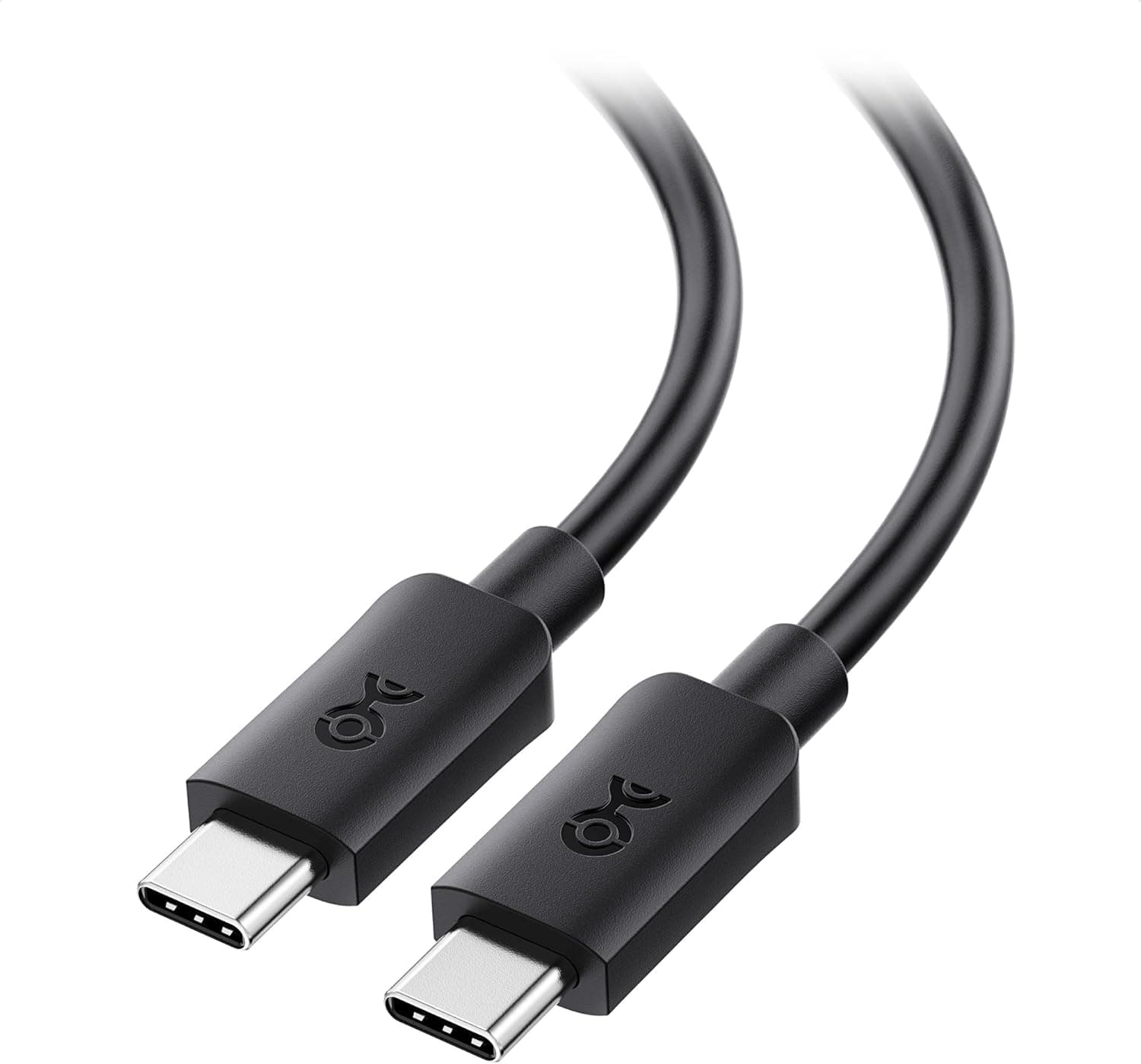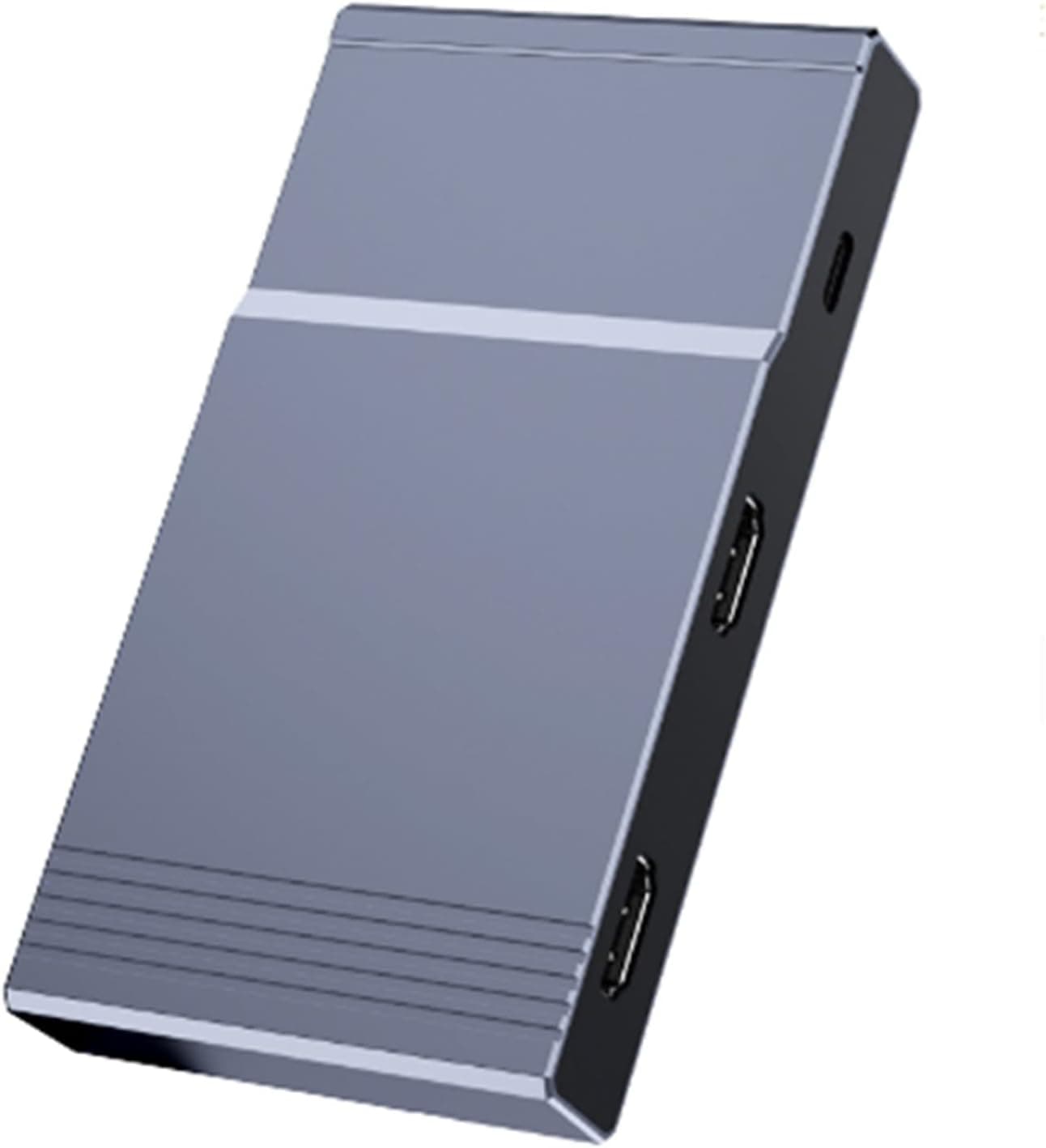
A USB-C UVC capture device advertised at 4K 60Hz. No drivers, no external power — plug it into a laptop and it appears as a camera.
But "4K 60Hz" on this class of product is the single most misread spec in the category. This article explains what it actually does.
Overview
This is an external capture device that pulls video from any HDMI source — a console, a mirrorless camera, another PC — into your computer over USB. Because it is USB Video Class (UVC) compliant, Windows 10/11, macOS, and ChromeOS recognize it with built-in drivers.
In OBS Studio, Zoom, or Google Meet you simply pick it as a video capture device.
Positioning-wise, this is a generic capture chip in a metal shell rather than a branded capture unit. The metal housing genuinely helps: these devices run warm during long sessions.
Bus power means one less cable, which suits portable use.
Compatibility Guide
Stated support covers game consoles, DSLR cameras, smartphones, tablets, and laptops, on Windows 10/11, macOS, and ChromeOS. That range is reasonable for a UVC device, since the OS supplies the driver.
Some iPads and Android phones also work with UVC-capable recording apps, but that depends on the app — don't assume it.
Get the direction right first. The source (PS5, Switch, camera) connects to this device via HDMI, and this device connects to your PC via USB-C. The supplied spec sheet lists "USB-C (input) / HDMI (output)," which is the reverse of how a capture device actually works.
The listing may have the ports swapped, so check the product photos before buying.
Bandwidth is what matters in practice. Uncompressed 4K/60p at YUV 4:2:2 8-bit needs roughly 10 Gbps.
USB 3.2 Gen1 provides 5 Gbps, so it physically cannot pass.
At this price point, "4K 60Hz support" almost always means one of two things:
- it accepts a 4K60 input signal and downscales or drops frames before sending it to the PC, or
- it compresses to MJPEG for transfer.
That is a USB limitation, not a product defect. To see what you actually get, open the device properties in OBS and look at the video format (YUY2 vs MJPEG) and the resolution list.
Picking 4K under YUY2 and getting a few frames per second is textbook behavior here.
HDCP is the other gotcha. Copy-protected output from a PS5 or Blu-ray player captures as a black screen.
You can disable HDCP in PS5 system settings for games; streaming apps stay protected.
Product Info
| Item | Value |
|---|---|
| Interface | USB-C / HDMI |
| Max resolution | 4K (3840×2160) @ 60Hz |
| Power | Bus-powered, no external PSU |
| Housing | Metal |
| Driver | None required (UVC) |
The listed price was ¥15,221 (tax included) as captured on 23 May 2026. Prices move constantly with sales and exchange rates, so check the product page for the current figure.
Note also that the seller label reads "Amazon US" while the link points to Amazon Japan with a yen price — verify the actual seller on the page.
Our read: for an unbranded UVC dongle, that is not a bargain. If 1080p60 is enough, similar devices sit well below it, and at this budget branded units with published specs enter the picture.
Where this device earns its place is the specific combination of no drivers, no power brick, and pocketable size. Accessories and warranty vary by seller.
How It Compares
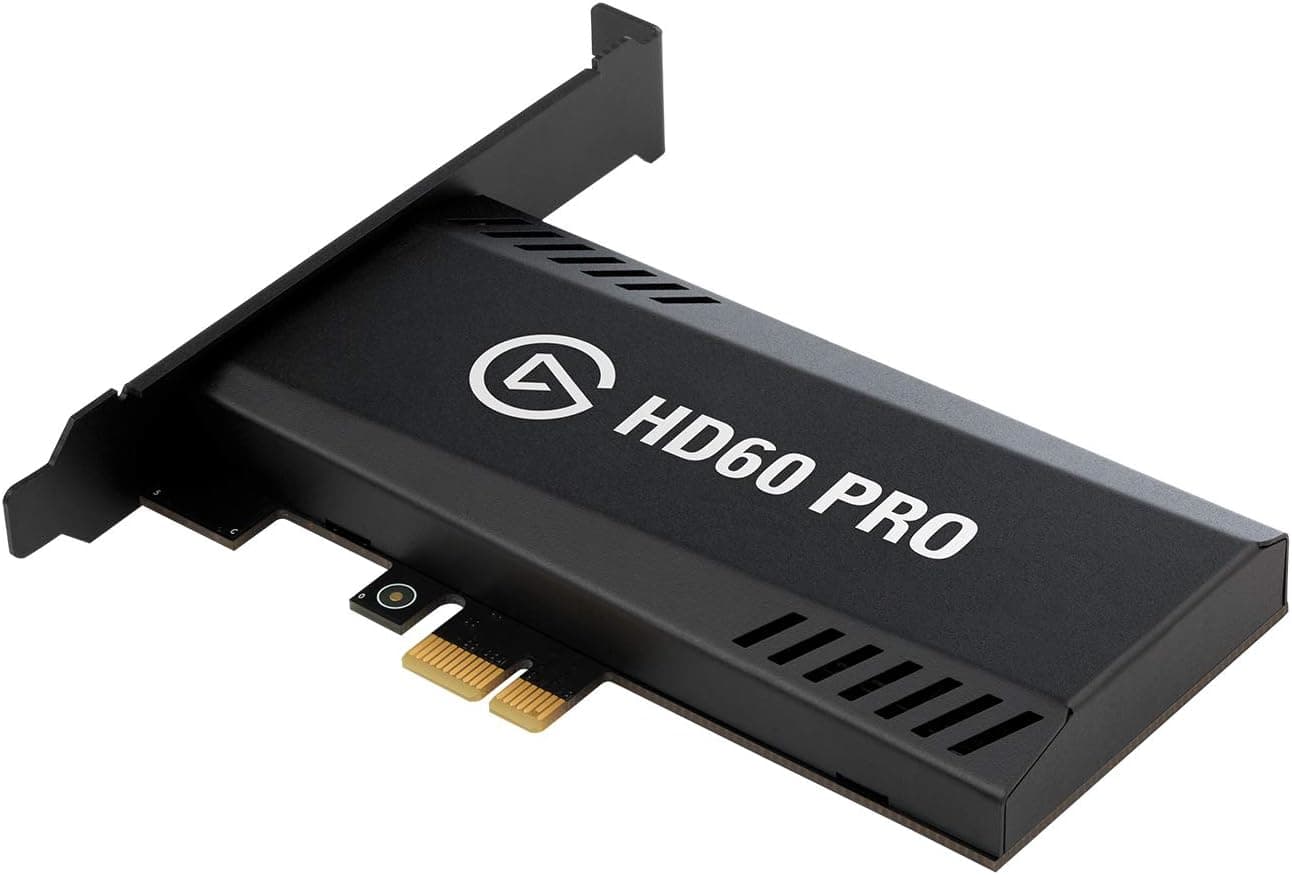
USB capture devices split by purpose. Camera-focused units like the Elgato Cam Link 4K exist to turn a mirrorless into a webcam.
Gaming-focused units such as AVerMedia's Live Gamer line or the Razer Ripsaw HD add HDMI passthrough, which sends a zero-latency image to your TV while recording — the difference that matters if you play fighting games or FPS titles seriously while capturing.
Whether this unit has passthrough cannot be confirmed from the published data. If you plan to play competitively while recording, confirm passthrough before buying. For let's-plays or camera feeds, where preview lag isn't fatal, you won't miss it.
Practical Setup Notes
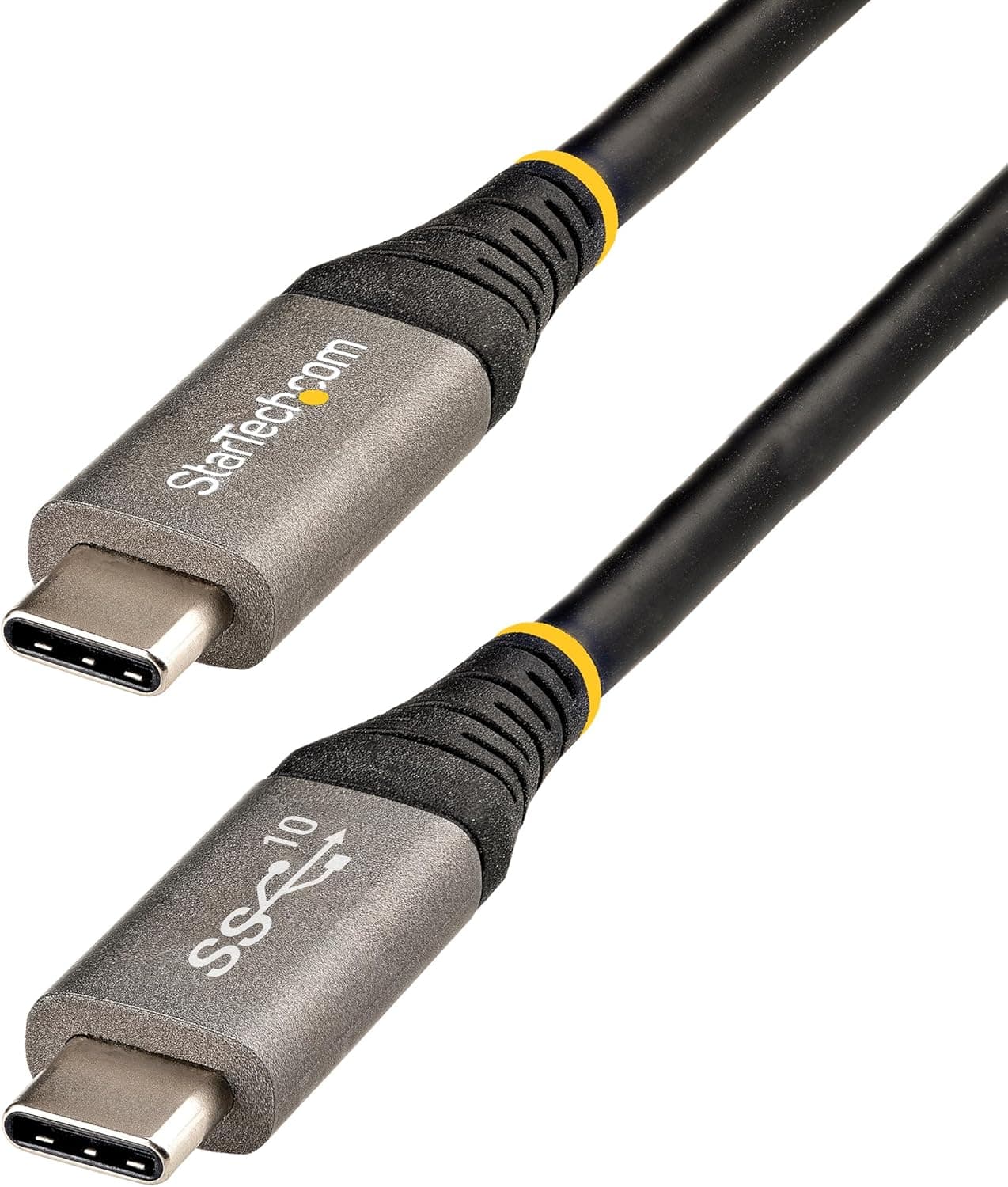
Cable quality matters more than people expect. Many USB-C cables are charge-only (USB 2.0 wiring), and with one of those you'll be stuck at low resolutions.
Use a data cable explicitly rated USB 3.x. Most "no signal" and "missing resolutions" complaints trace back to this.
Avoid USB hubs. Capture holds bandwidth continuously, and sharing a controller with other devices causes dropped frames.
Plug directly into the laptop.
On heat: metal helps, but the body gets hot during long streams. Leave it in open air, not buried under a cloth or a book.
Best Use Cases
- Beginners starting to stream or record — nothing to install, little to misconfigure, and it shows up in OBS immediately.
- People who work on the move — no power brick, one fewer cable, fast setup at events, on trips, or in a classroom.
- Anyone turning a camera into a webcam — HDMI-out from a mirrorless into meetings or streams, mostly at a stable 1080p, sits comfortably within what this device does.
- Multi-OS users — UVC means identical handling across Windows, macOS, and ChromeOS.
Before You Buy
First, do not read "4K 60Hz" as "records in 4K60." As explained above, uncompressed 4K60 does not fit through this class of connection.
Your real recording resolution and frame rate are whatever OBS device properties offer. If high-quality 4K60 recording is the goal, buy a branded unit that publishes its bandwidth and recording formats.
Second, don't take the listing at face value. This product's data has the input and output reversed relative to how a capture device works, and the seller label (Amazon US) doesn't match the linked store (Amazon.co.jp).
Spec tables on listings like this are often copy-pasted, and details from a different product creep in. Confirm the device from the images, the title, and hands-on reports in the reviews before ordering.
Who should skip it: competitive players recording their own sessions, who need confirmed passthrough; users who care about HDR or 4:4:4 color; and anyone running long high-bitrate captures professionally, where warranty and support justify a branded unit. If you wanted standalone recording to an SD card with no PC, this is the wrong category entirely — it requires a computer.
Finally, the usual unbranded trade-off: expect no firmware updates and no local-language support. If you get a defective unit, your only recourse is the seller.
Treat that as part of the price difference.
FAQ
Q. My PS5 shows a black screen. A.
HDCP. Disable it in PS5 system settings and game footage captures fine.
Streaming apps remain protected.
Q. Can it record in 4K? A.
Accepting a 4K input and recording at 4K60 are different things. Given USB bandwidth, treat roughly 1080p60 as the practical ceiling; check OBS device properties for the real list.
Q. Do I need drivers?
A. No. UVC compliance means Windows 10/11, macOS, and ChromeOS handle it natively.
Q. It isn't detected, or resolutions are missing. A.
Suspect the cable first. Charge-only USB-C cables lack the bandwidth.
Use a USB 3.x data cable, plugged directly into the machine rather than through a hub.
Q. Does it carry audio? A.
Audio embedded in HDMI normally comes through with the video. In OBS, set the device's audio to "capture audio output" rather than routing it to desktop audio.
Q. Does it work on a Mac?
A. Yes — it appears as a camera device in QuickTime Player and OBS.