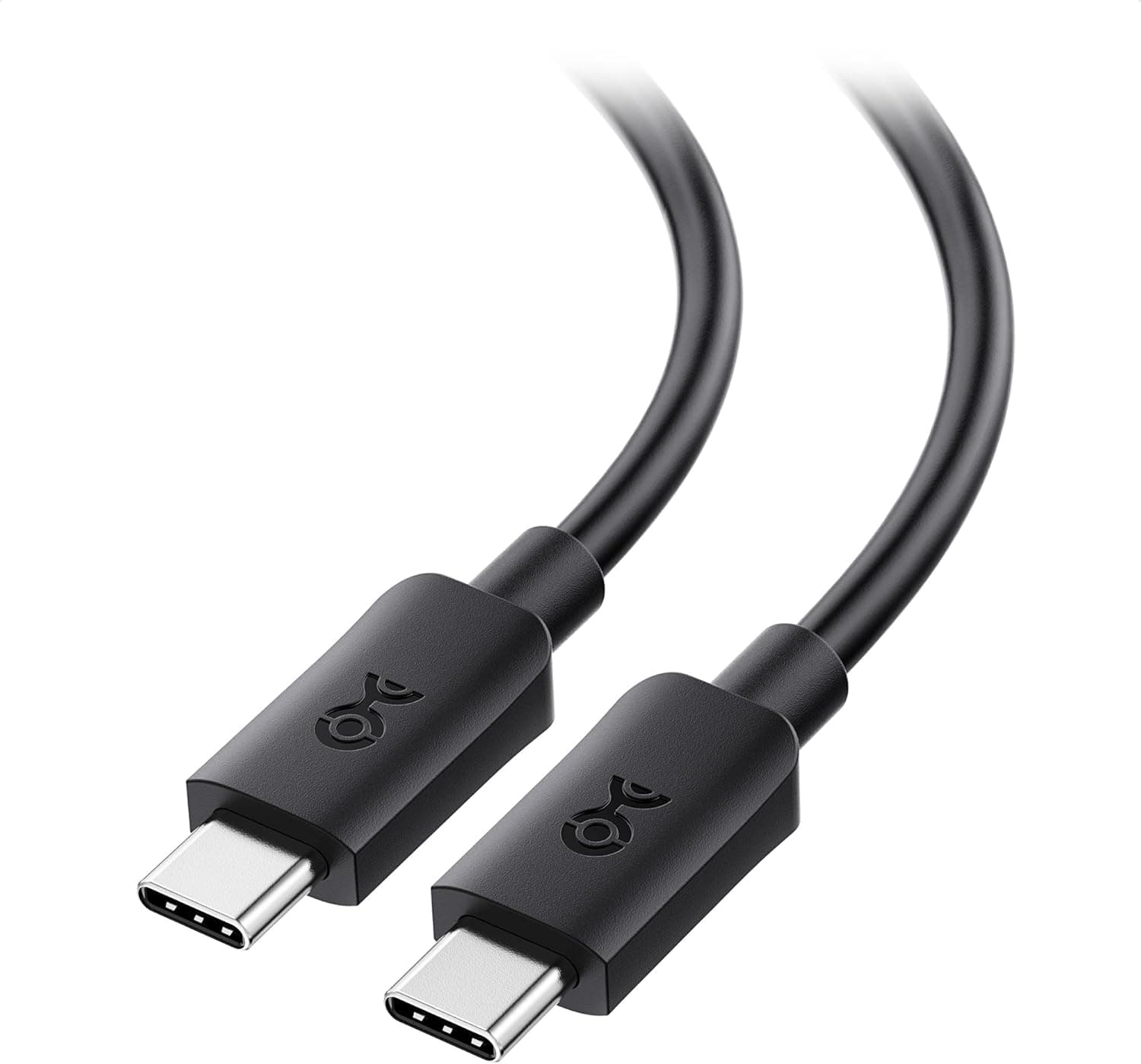
This article takes a closer look at the Cable Matters Long USB C Monitor Cable 2.5m with 4K 60Hz Video Resolution, based on its specifications, listed pricing, and review data.
Overview
This is a 2.5-meter USB-C (male-to-male) cable that carries video, data, and power over a single connection.
The short verdict: it is aimed squarely at people who want to connect a laptop to a 4K monitor and charge it at the same time with one cable. It is not the right choice for high refresh rates or fast external storage.
The headline specs are up to 240W of power (USB PD 3.1 EPR), 4K at 60Hz video via DisplayPort Alt Mode, and USB 3.1 Gen 1 (5Gbps) data.
That combination defines the product. 240W is the ceiling of the USB PD standard, so it covers essentially every USB-C powered laptop including gaming machines and mobile workstations.
The data bandwidth, by contrast, is modest — and that is the main trade-off discussed below.
As of the June 2026 capture, the Amazon.co.jp listing shows 98 reviews at 4.6 out of 5 stars (92% positive).
That is not a huge sample, but it is a steady score for a cable. Cable Matters is a US brand specializing in cables and adapters, and it markets its products around USB-IF and VESA standards compliance, which sets it apart from anonymous budget cables.
Which Job Is This Cable For?
| Intended use | Suitable? | Notes |
|---|---|---|
| Laptop to 4K/60Hz monitor, single cable | Yes | The core use case; host must support Alt Mode |
| Charging a gaming laptop above 100W | Yes | 240W EPR; your charger must also support it |
| 4K/120Hz, 5K, or dual 4K output | No | Not enough bandwidth; choose USB4/Thunderbolt |
| Fast external SSD transfers | Limited | 5Gbps ceiling, roughly 400MB/s in practice |
| Phone and tablet fast charging | Yes | 2.5m reaches a sofa or bedside easily |
| VR headset link cable | Depends | Length helps; check the headset's own requirements |
The decision really comes down to two questions: is 4K/60Hz enough, and is 5Gbps enough? If both answers are yes, the length and the 240W headroom make this a strong combination.
Connectivity & Compatibility
With USB-C male connectors on both ends, this cable physically fits almost any USB-C port. But fitting and working are different things, so check three items on the host side before buying.
First, video output requires your host's USB-C port to support DisplayPort Alt Mode. This is a PC-side limitation, not a cable limitation.
On many laptops only some ports support it; look for a display icon or a Thunderbolt bolt next to the port. Before concluding the cable is faulty, try a different port.
On desktops, a motherboard USB-C port often does not carry video at all — you usually need the port on the graphics card.
Second, 240W charging requires a charger that also supports USB PD 3.1 EPR. A 240W-rated cable paired with a 100W charger still delivers 100W.
The upside is future-proofing: if you later upgrade to a 140W or 240W charger, the cable is already ready.
Third, a true single-cable monitor setup requires a monitor with USB-C input, ideally with power delivery back to the laptop. Monitors with only HDMI or DisplayPort will need an adapter or dock.
Backward compatibility is straightforward: USB 3.0, USB 2.0, and lower-wattage PD devices all work.
Keep in mind that 2.5m is long for a passive USB-C cable.
Passive cables get harder to run at high signaling rates as they get longer, which is precisely why this one is rated at 5Gbps and 4K/60Hz. If you need 10Gbps or more, or 8K output, you want a fundamentally different product — a short or active USB4/Thunderbolt cable.
Product Info
Key specs: USB-C male-to-male connectors, 2.5m length, 5Gbps (USB 3.1 Gen 1) data, 4K at 60Hz maximum video, and 240W (EPR) maximum power.
The package contains the cable only — no cable ties or pouch.
On pricing, the Amazon.co.jp listing was captured at ¥4,718 in June 2026 and ¥4,839 in August 2026.
That is a swing of a bit over ¥100 in a few months, so treat it as a moving number. An overseas marketplace listing showed $12.99 in July 2026, but that is a parallel-import price with different shipping, duty, and warranty implications.
All of these are capture-time prices — check the product page for the current one.
Read plainly, the domestic price puts it in the mid-to-upper tier. Charge-only 240W cables without video support start much cheaper, so the premium here buys two things: the ability to carry video, and the 2.5m reach.
If you only ever charge with it, there is no reason to pay for this tier.
Warranty terms are set by the manufacturer per product, so we will not state a fixed period here. Check the manufacturer's product page before purchase.
How It Compares
Even among 240W cables, the design goals differ. Judge on three axes: video support, length, and bandwidth.
- Charge-only 240W cables (USB 2.0 data, no video) are the cheapest option and are perfectly fine between a charger and a laptop. The premium on this cable would be wasted there.
- USB4 / Thunderbolt cables deliver 40Gbps or more plus 8K and dual-display output, but are usually 0.8–1m and cost more. Choose those for eGPUs, fast SSDs, or 4K above 60Hz.
- Long-plus-video-plus-high-power cables like this one sit in between. Modest bandwidth, but on a typical desk where the monitor sits some distance away, the length itself is the practical feature.
Buying a 1m cable, discovering it will not reach around the back of a monitor, and buying again is an extremely common mistake. Measure the actual routed distance along the desk edge or cable tray, not the straight line.
Best Use Cases
This cable clearly suits:
- Remote workers connecting a laptop to a USB-C monitor. Plug in one cable and get display plus charging; 2.5m reaches even if the monitor sits far back or higher up.
- Owners of powerful gaming laptops or mobile workstations. With 240W support, machines that draw over 100W will not hit the cable's ceiling.
- Anyone who needs slack in their cable routing — using a device from a sofa or bed, or routing through a monitor arm.
- Buyers who prefer a brand that states standards compliance. When 240W is on the table, a specialist brand is a reasonable preference over an unbranded bargain cable.
Things to Check Before Buying
The big trade-off is data bandwidth. 5Gbps is not enough for fast external SSDs, eGPUs, or 10GbE adapters.
Two cables can look identical and differ by several times in real throughput. Assuming "all USB-C cables are the same" is the single most common buying mistake in this category.
Video tops out at 4K/60Hz. If you are targeting 4K/120Hz, 5K, or dual 4K displays, this cable cannot do it.
Depending on the host or dock, running video and data at once also splits the available bandwidth and can constrain video further.
"240W capable" does not mean it will charge at 240W. Actual delivery is limited by the lowest of charger, device, and cable.
Many complaints about slow charging trace back to the charger, so check its output rating first.
For VR headsets, verify the headset's own requirements. The length is an advantage, but link-cable bandwidth and power requirements vary by product.
Follow the headset maker's official specification over any general compatibility claim.
Long cables invite strain at the connector. With 2.5m there is more chance of it being tugged; avoid sharp bends over a desk edge and avoid running it where it will be stepped on.
Failures almost always start at the connector base.
Finally, retail listing data does not always match the product. Cables are typically sold as one listing with multiple length, wattage, and pack-size variants, and the specification changes with the variant you select.
Before ordering, confirm from the images, the title, and the selected variant that you are getting the 2.5m, 240W, video-capable version.
FAQ
Q. My monitor shows nothing. Is the cable defective? A.
First check whether your host's USB-C port supports DisplayPort Alt Mode. A non-Alt-Mode port still charges and moves data but outputs no video.
Trying a different port is the first thing to rule out.
Q. Can I use it with a 4K/144Hz monitor? A.
It will display an image, but at 4K the refresh rate is capped at 60Hz. For higher refresh rates, use a USB4/Thunderbolt cable or a direct DisplayPort/HDMI connection.
Q. Do I need a 240W charger? A.
Yes, to reach 240W. The cable's rating does not raise your charger's output; a 65W or 100W charger still delivers only that much.
Q. Can I use it with an external SSD? A.
Yes, but capped at 5Gbps — roughly 400MB/s in practice. It will not unlock the full speed of a 10Gbps-class drive.
Q. Is 2.5m too long? A.
It depends. For devices side by side on a desk, a shorter cable is tidier; routed behind a monitor and under a desk, 2.5m can be barely enough.
Measure the real routing path.
Q. Will it charge a smartphone?
A. Yes. Backward compatibility means low-wattage devices work without issue.
Product Disclosure (Amazon)
- Manufacturer: Cable Matters
- Seller: Amazon US
- Fulfilled by: Amazon US
- ASIN: B0CH3WC9RH
- Note: This article covers a manufacturer-made product based on Amazon listing details.