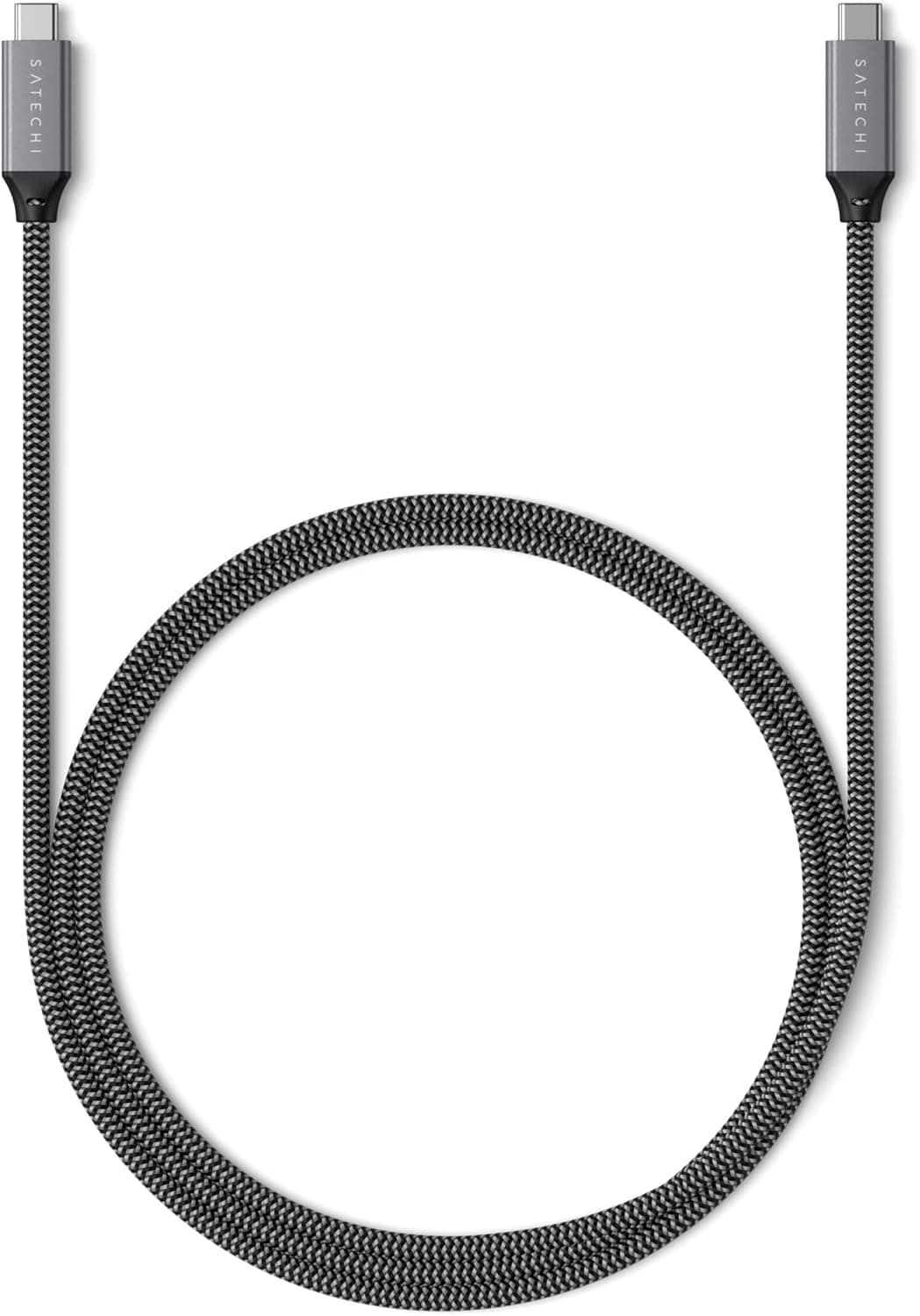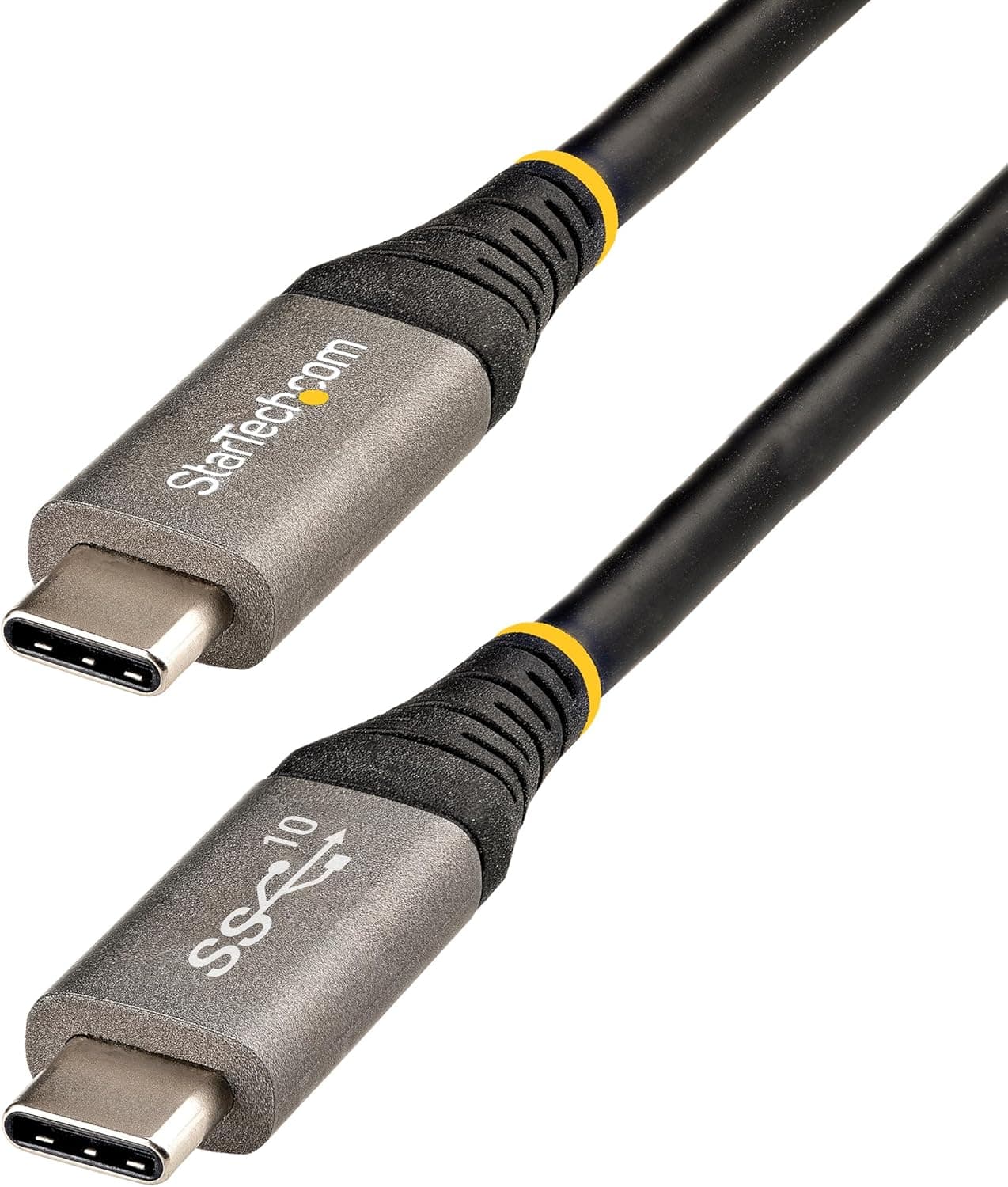
The StarTech.com USB31CCV1M is a 1-meter, USB-IF certified USB-C to USB-C cable that carries data, power, and video over a single connection.
On Amazon.co.jp it holds a 4.6-star rating from 229 reviews (92% positive, captured May 2026).
This article explains what the specs actually mean, where compatibility really breaks down, and who should buy something else instead.
Overview
The USB31CCV1M bundles three capabilities: 10Gbps data transfer (USB 3.2 Gen 2), 100W (20V/5A) charging via Power Delivery 3.0, and DisplayPort Alt Mode 1.4 video output rated up to 8K@60Hz or 4K@144Hz.
Since all USB-C cables look identical, and many sold today are charge-only or limited to 480Mbps, a certified cable with an explicit spec sheet has real value.
It suits people who rotate a single laptop between external SSDs, docks, and portable monitors. If you only ever charge a phone, this price bracket buys you nothing.
The Three Numbers That Define a USB-C Cable
| Axis | This cable | What it means |
|---|---|---|
| Data | 10Gbps (USB 3.2 Gen 2) | Roughly 900MB/s as a practical ceiling for an external NVMe SSD |
| Power | 100W (5A, PD 3.0) | 5A requires a built-in E-Marker chip; enough for 100W-class laptops |
| Video | DP Alt Mode 1.4 | Video plus power over one cable, if your port and monitor support it |
Critically, these three maxima are not simultaneous. DisplayPort Alt Mode reassigns the cable's high-speed lanes to video, so the heavier the video signal, the fewer lanes remain for data.
Pushing 8K@60Hz while also running full-speed 10Gbps storage transfer is not physically possible. In practice, prioritize one or the other.
Also note that 10Gbps is not Thunderbolt. The cable works in a Thunderbolt port, but the link stays at USB 3.2 Gen 2 speed.
Compatibility Guide
The manufacturer lists compatibility with USB-C laptops, tablets, smartphones, docking stations, and portable monitors, with backward compatibility to USB 3.2 Gen 1 and earlier, and normal operation on Thunderbolt 3/4 ports.
Here is where things actually go wrong.
If video doesn't work, the cable is rarely the cause. DP Alt Mode requires host-side support.
Many laptops mix charge-only, data-only, and video-capable USB-C ports on the same chassis; video ports usually carry a DisplayPort or lightning-bolt marking. Check the port-by-port spec table first.
The monitor also needs a true DP Alt Mode input, not just a USB-C power port.
If charging is slow, look at the charger. Actual delivery is the lower of your charger's output and your device's intake limit.
A 65W charger delivers 65W no matter what the cable is rated for.
The 1m length is fixed. Passive USB 3.2 Gen 2 cables cannot run long without signal degradation, so 1m is a normal limit rather than a shortcoming.
Measure your run first — adding an extender will destabilize both 10Gbps transfer and DP Alt Mode.
Physical fit comes down to the 4.8mm outer diameter, which is standard.
The more common failure is bend radius: forcing a sharp right angle at the connector shortens the life of any cable.
Product Info
| Item | Value |
|---|---|
| Length | 1m |
| Data Transfer Rate | 10Gbps (USB 3.2 Gen 2) |
| Charging Power | 100W (5A, PD 3.0) |
| Video Output | DisplayPort Alt Mode 1.4, up to 8K@60Hz / 4K@144Hz |
| Connector Type | USB-C male to male |
| Shielding | Aluminized Mylar foil + 85% braid |
| Outer Diameter | 4.8mm (32 AWG) |
| Jacket | TPE (halogen-free) |
| Insertion Cycles | 10,000+ |
| Bend Cycles | 4,000+ (60 degrees) |
| Warranty | 2 years |
The shielding spec deserves more attention than it usually gets. Foil plus 85% braid matters on crowded desks full of power bricks and wireless gear.
At 10Gbps, weak shielding shows up as intermittent dropouts and external SSDs unmounting on their own — this is where cheap cables actually differ.
The durability figures are generous too: at three plug cycles a day, 10,000 insertions is many years of mobile use. Warranty is two years.
On pricing, the captured figures are ¥2,875 on Amazon.co.jp as of May 2026, ¥1,910 at Rakuten (TT-Mall) as of August 2026, and $25.35 on eBay US as of July 2026.
All are point-in-time captures and move with sales and stock. Always confirm the current price and the exact model number (USB31CCV1M) on the product page before ordering.
What the Reviews Suggest
229 reviews at 4.6 stars, 92% positive (captured May 2026), is a solid result for a cable.
Cable listings tend to collect one-star reviews for dead-on-arrival units and for unmet feature expectations, so holding 92% suggests both low defect rates and an accurate product description. That said, 229 is a modest sample next to mass-market brands — read it as "buyers are satisfied" rather than "overwhelmingly proven at scale."
How It Compares
- For maximum speed, Thunderbolt 4 / USB4 (40Gbps) or Thunderbolt 5 (80Gbps) cables sit above this one. Daily external NVMe work will hit the 10Gbps ceiling.
- For maximum power, PD 3.1 cables rated 240W exist. Gaming laptops and large portable displays can exceed 100W.
- For charging only, a cheap 60W multi-pack is the rational choice — you would be paying for DP Alt Mode and 10Gbps you never use.
The USB31CCV1M is the generalist: not the fastest, not the cheapest, but the one cable in your bag that plugs into everything.
Best Use Cases
- Laptop users who need PD charging and fast external storage on the same port
- Anyone driving a portable monitor over a single USB-C cable (host DP Alt Mode support required)
- iPad Pro and USB-C iPhone owners who want one cable for sync and charge
- Frequent travelers who want to reduce cable failures
- Anyone who needs one known-good reference cable to troubleshoot with
That last case is underrated: owning one certified cable lets you rule the cable out when something misbehaves.
Before You Buy
Don't take 8K@60Hz at face value. That is the DP Alt Mode 1.4 ceiling.
Whether 8K actually works depends on your GPU, the port implementation, and the display. For most setups the realistic range is 4K at 60Hz to 144Hz.
This cable alone will not deliver 8K.
It is not a Thunderbolt substitute. eGPUs, Thunderbolt docks, and 40Gbps SSDs need a certified Thunderbolt cable to run at full speed.
Fitting the port is not the same as delivering the bandwidth.
1m is shorter than you think. Desktop rear-panel to monitor runs often need more. Measure before ordering.
100W is a cable ceiling, not an output guarantee. If charging feels slow, check the charger and the device's intake rating before replacing anything.
Watch the listing details. USB-C cables are often grouped on one product page across lengths and speeds, and marketplace listing metadata is auto-populated and occasionally mismatched with the actual product.
Confirm from the images and title that you are ordering the USB31CCV1M (1m, 10Gbps, 100W) — a large price gap between sellers sometimes means you are looking at a different variant entirely.
Skip it if you only need charging, need a 5m run, need true 40Gbps Thunderbolt, or need 240W for a gaming laptop. Other product categories will serve you better.
FAQ
Q. Can I use it in a Thunderbolt 4 port?
A. Yes, but it runs at USB 3.2 Gen 2 (10Gbps), not Thunderbolt's 40Gbps.
Q. My monitor shows no image. Why? A.
Check that the host USB-C port supports DP Alt Mode, then that the monitor's USB-C input accepts video. These two are the cause far more often than the cable.
Q. Why is my laptop charging slowly at 100W-rated? A.
Real output is the lower of charger output and device intake. A 65W charger caps you at 65W.
Q. Does it work with game consoles? A.
It charges any USB-C PD device. Video output depends entirely on the device — not all consoles output video over USB-C.
Q. What about warranty?
A. Two years from the manufacturer. Keep your order record, as proof of purchase may be required.
Q. Why does USB-IF certification matter? A.
It means the product passed the standards body's testing. Uncertified 5A cables may implement the E-Marker poorly, raising the risk of damage or of not reaching advertised speeds.
Product Disclosure (Amazon)
- Manufacturer: StarTech.com(スターテック)
- Seller: Startech Japan KK
- Fulfilled by: Amazon
- ASIN: B09J9BXFFD
- Note: This article covers a manufacturer-made product based on Amazon listing details.