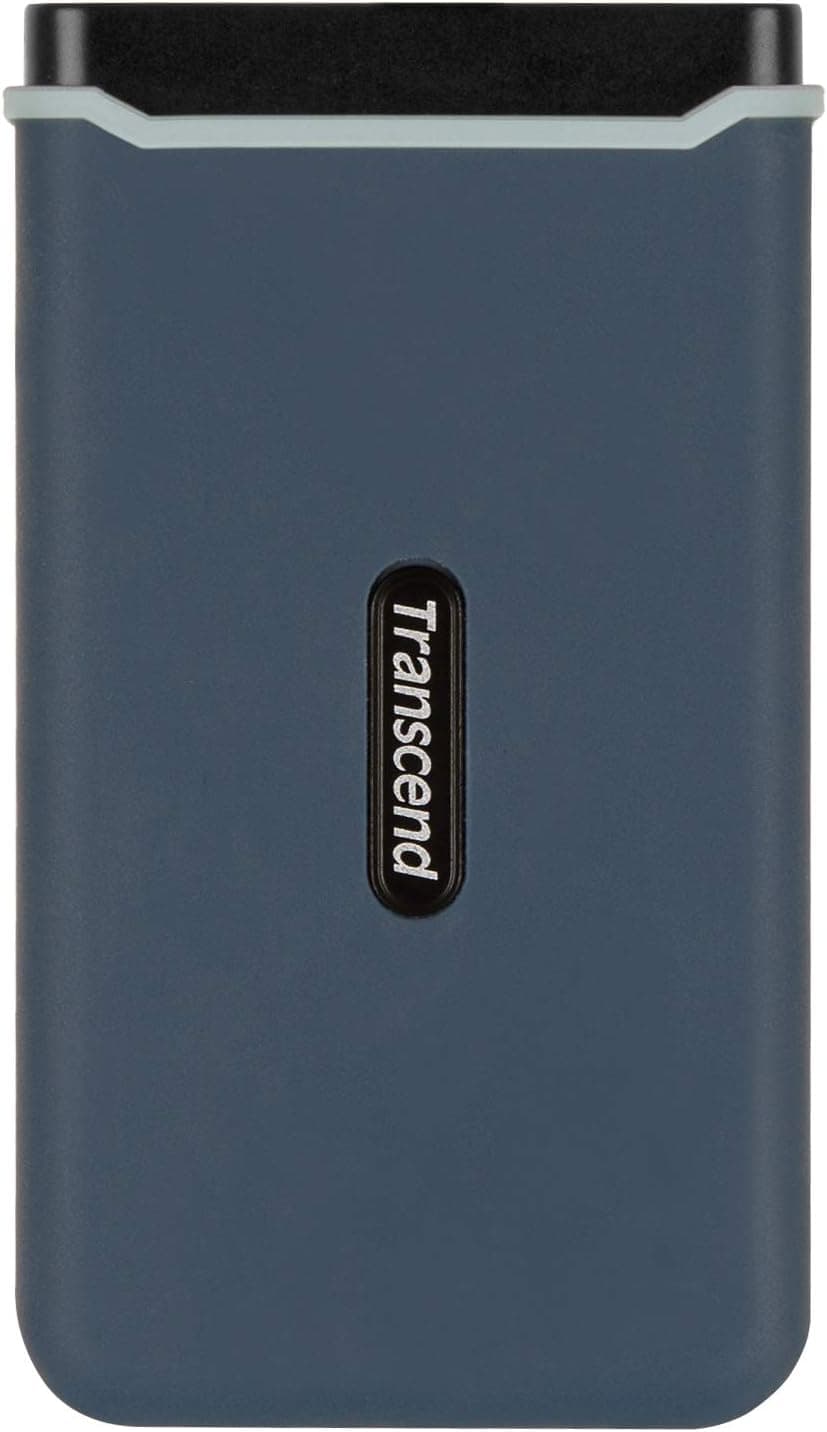
This article looks at the Transcend 960GB portable SSD (TS960GESD350C) beyond the spec sheet — specifically, where it actually falls short in daily use.
Overview
The Transcend TS960GESD350C packs an M.2 NVMe SSD into a slim 96.5 × 53.6 × 12.5 mm shell weighing 87 g.
It is rated for up to 1,050 MB/s read and 950 MB/s write over a USB 3.1 Gen2 (10 Gbps) interface.
The short version: this is a drive designed to live in a laptop bag, not to serve as a stationary archive or a PS5 internal expansion. If you are shopping for either of those, skip it — the reasons are below.
On reception, the Amazon.co.jp listing shows 112 reviews averaging 4.3 out of 5 (roughly 86% positive, captured June 3, 2026).
That is not a huge sample, but holding that level across a product that has been on sale since around 2019 suggests early failures are not rampant.
Where 1,050 MB/s Actually Happens
The most common disappointment with portable SSDs is "it's slower than advertised." Treat 1,050 MB/s as a number that requires every one of these conditions:
| Condition | What happens if you miss it |
|---|---|
| Host port is USB 3.1 Gen2 (10 Gbps) | On USB 3.0 / 3.2 Gen1 (5 Gbps) you cap out around 400–450 MB/s in practice |
| Bundled or equivalent-quality cable | Charge-only or poor cables can drop you to USB 2.0 speeds |
| Large sequential files | Masses of small files typically run at a tenth of the rated speed or less |
| Writes stay within the SLC cache | Once the cache is exhausted, sustained write speed generally drops sharply |
The first row matters most. A USB-C shaped port is not a promise of 10 Gbps — check for the "SS10" marking or verify in Device Manager / System Information before you assume.
The fourth row is equally practical. Dumping tens of gigabytes at once — a 4K footage transfer, a full backup — will typically run near the rated speed for the first stretch and then settle lower.
The slim chassis also limits heat dissipation, so expect further thermal slowdown on long sustained writes. For moving a few gigabytes at a time, the advertised feel holds up well.
Compatibility Guide
Transcend lists Windows 7/8.1/10 and macOS 10.5 or later.
It presents as USB mass storage, so no driver installation is needed. Newer Windows 11 and recent macOS releases keep USB storage compatibility, so practical problems are unlikely — just be aware the official verification list stops where it stops.
For consoles, PS4 and Xbox One are manufacturer-verified. This is where most buying mistakes happen, so take it case by case:
- PS4 — register it as extended storage and install games directly to it. Moving from an internal HDD, load times noticeably improve.
- PS5 — you cannot run PS5 titles from a USB drive. USB storage covers playing PS4 titles and storing PS5 titles. For genuine PS5 expansion you need an internal NVMe SSD in the console's M.2 slot.
- Xbox One — works as external storage.
- Xbox Series X|S — running Series X|S optimized titles requires the dedicated expansion card; USB drives handle back-compat titles and storage of newer ones.
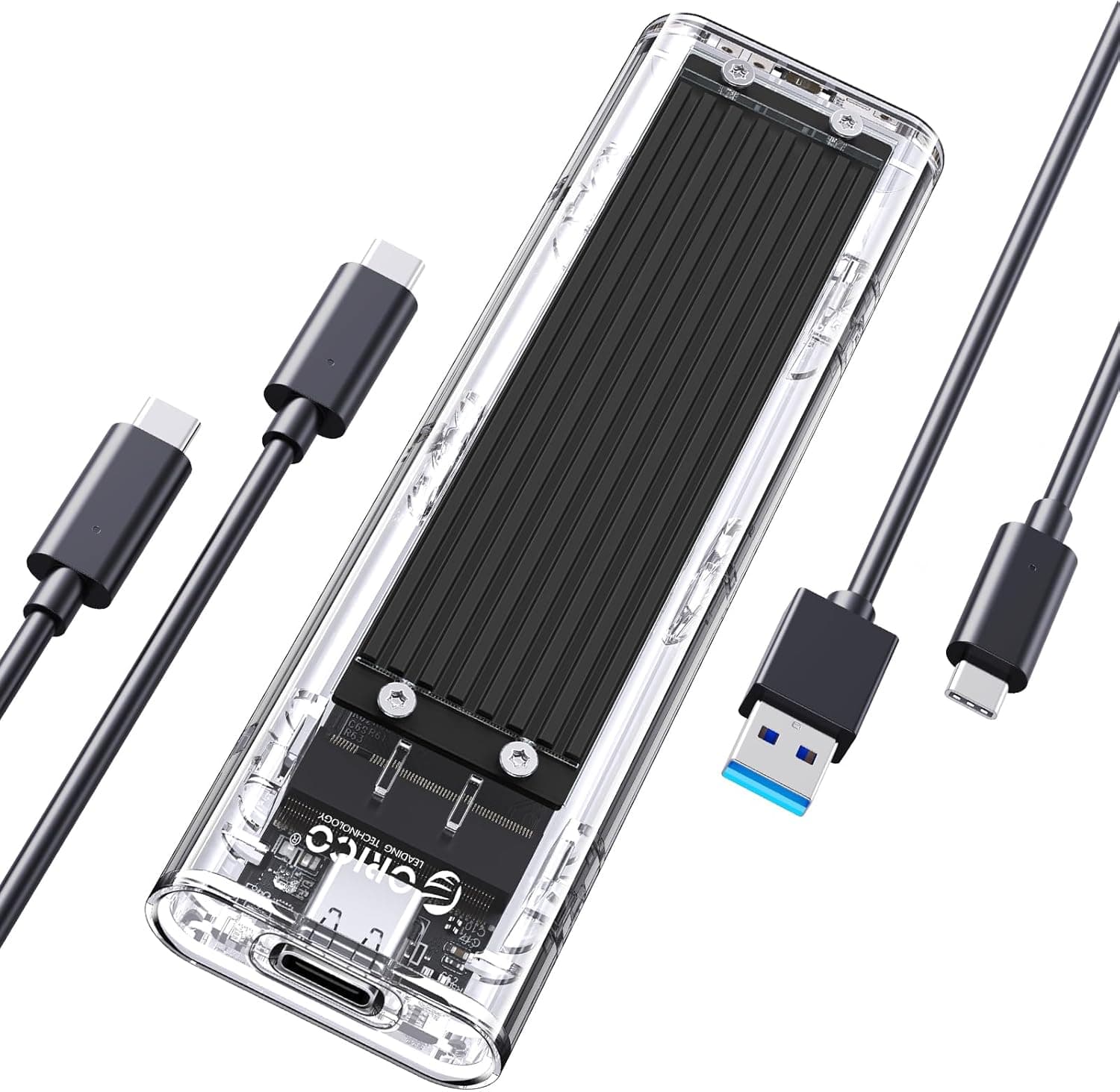
Connectivity is refreshingly simple. Two cables ship in the box — USB Type-C to Type-C and Type-C to Type-A — with a Type-C port on the drive itself.
That means it plugs straight into a modern USB-C-only laptop or an older USB-A desktop or console without carrying an adapter. A small thing, but it prevents the "wrong cable" dead end on the road.
On formatting: use exFAT if you need both Windows and macOS, NTFS if Windows-only, and follow the console's own initialization flow for game use. Note also that TRIM generally does not pass through USB storage enclosures, so avoid running the drive permanently at near-full capacity.
Product Info
| Spec | Value |
|---|---|
| Capacity | 960 GB |
| Internal storage | M.2 NVMe SSD |
| Interface | USB 3.1 Gen2 (USB-C / USB-A) |
| Max read | 1,050 MB/s |
| Max write | 950 MB/s |
| Dimensions | 96.5 × 53.6 × 12.5 mm |
| Weight | 87 g |
| Warranty | 3 years |
The 960 GB rather than 1 TB figure is normal for this generation. Usable capacity shown by the OS will be lower still, so do not expect a full terabyte.
The warranty runs three years, but it covers the hardware, not your data — a rule that applies to all storage, not just this drive. Portable SSDs get dropped, stepped on, and crushed in bags far more often than desktop gear, so never let this be the only copy of anything.
Keep the master elsewhere and treat this as a working copy.
This article deliberately does not quote a price. The automatically collected pricing data is implausibly high for a 960 GB portable SSD from around 2019 and is most likely scraped from a different product.
Publishing a wrong figure serves nobody. Check the product page for current pricing, and sanity-check it against two or three other retailers selling drives of similar capacity and speed.
How It Compares
Different goals point to different products:
- Cost per gigabyte matters more than speed — a 4 TB external HDD is far cheaper as a backup vault. If it never leaves your desk, it does not need to be an SSD.
- You want to choose the SSD inside — an M.2 enclosure plus your own NVMe drive wins on cost per gigabyte and future upgradability, at the price of assembly and thermal management being your problem.
- You need a newer, faster standard — USB 3.2 Gen2x2 (20 Gbps) or USB4 external SSDs go beyond this drive's ceiling, but only if your host supports it.
- You work outdoors and rough — pick a model with explicitly rated water and dust ingress protection. This drive's shock resistance is best read as protection against transport-level bumps.
What this drive wins on is doing all of the following at once: ready to use out of the box, genuinely light, plugs into both USB-C and USB-A with no adapter, and delivers 10 Gbps-class speed. There is nothing to tinker with — and nothing to get wrong.
Best Use Cases
- Creatives carrying video and photo assets — the gap versus an HDD is obvious when copying multi-gigabyte files on location, and 87 g is genuinely negligible in a bag.
- PS4 owners out of internal space — manufacturer-verified, with faster loading than the stock HDD in many titles.
- Laptop users who won't open the case — swapping an internal SSD raises warranty and difficulty questions; a USB drive has none of that risk.
- Anyone juggling old and new hardware — the two bundled cables cover Type-C and Type-A machines, so a forgotten adapter never stops your work.
Before You Buy
Do not buy this for PS5 internal expansion. This is the single most common mistake.
Running PS5 titles requires an internal NVMe SSD in the console's M.2 slot; no USB drive substitutes for it.
Only buy if you are content playing PS4 titles and merely storing PS5 ones.
If your ports aren't 10 Gbps, half the value evaporates. On a USB 3.0 (5 Gbps) machine, this performs much like a cheaper, slower external SSD.
Verify your port spec first.
It is not built for sustained bulk writes. The slim chassis limits heat dissipation, so pushing tens of gigabytes in one go can trigger slowdowns.
If that is your daily workload, look at a desktop-class unit or a heatsinked enclosure instead.
Accessories are two USB cables and nothing else. No case or pouch is included.
Budget for one rather than tossing the drive loose in a bag. Hardware encryption and IP-rated water resistance are not stated, so assume they are absent — pair it with BitLocker or FileVault if you carry sensitive data.
Verify the listing yourself before ordering. Retail product pages carry errors, in pricing and in category assignment alike.
This article withheld the collected price precisely because it was implausible for the product class. Note too that this is a finished drive, not an empty SSD enclosure, even though it is sometimes filed under enclosure categories.
Cross-check the product images, the title, the 960 GB capacity, and the TS960GESD350C model number before you place the order. Third-party sellers may also differ in bundled cables and warranty handling.
Factor in the drive's age. This is a roughly 2019-era product; current-generation drives with USB 3.2 Gen2x2 or USB4 go faster.
Whether proven reliability or newer headroom is the better buy comes down to what you actually pay.
FAQ
Q. Will it work on a USB 3.0 port? A.
Yes, but bandwidth is capped at 5 Gbps, so you will not see 1,050 MB/s. Expect roughly 400–450 MB/s in practice.
Q. Can I use it with a PS5? A.
For playing PS4 titles and storing PS5 titles, yes. You cannot launch PS5 titles from it — that requires an internal NVMe SSD in the console's M.2 slot.
Q. Can I share it between Mac and Windows? A.
Format it exFAT and both will read and write. If you want it for Time Machine, use the format macOS requires — and don't try to make one drive serve both purposes.
Q. How much of the 960 GB is usable? A.
Less than the stated figure, due to how capacity is calculated versus how the OS reports it. Plan with headroom rather than expecting a full terabyte.
Q. Is it safe if I drop it? A.
It is shock-resistant by design, but no water or dust rating is published. Read it as protection against transport vibration and everyday bumps, not against spills or long falls.
Always keep a second copy of anything important.
Q. Does backup software come with it? A.
The only accessories confirmed in the available data are the two USB cables. Check the product page for any bundled utility.
Built-in tools — Windows File History, macOS Time Machine — are perfectly adequate.
Product Disclosure (Amazon)
- Manufacturer: トランセンドジャパン
- Seller: Non Dual 本店
- Fulfilled by: Amazon
- ASIN: B07RHN993H
- Note: This article covers a manufacturer-made product based on Amazon listing details.