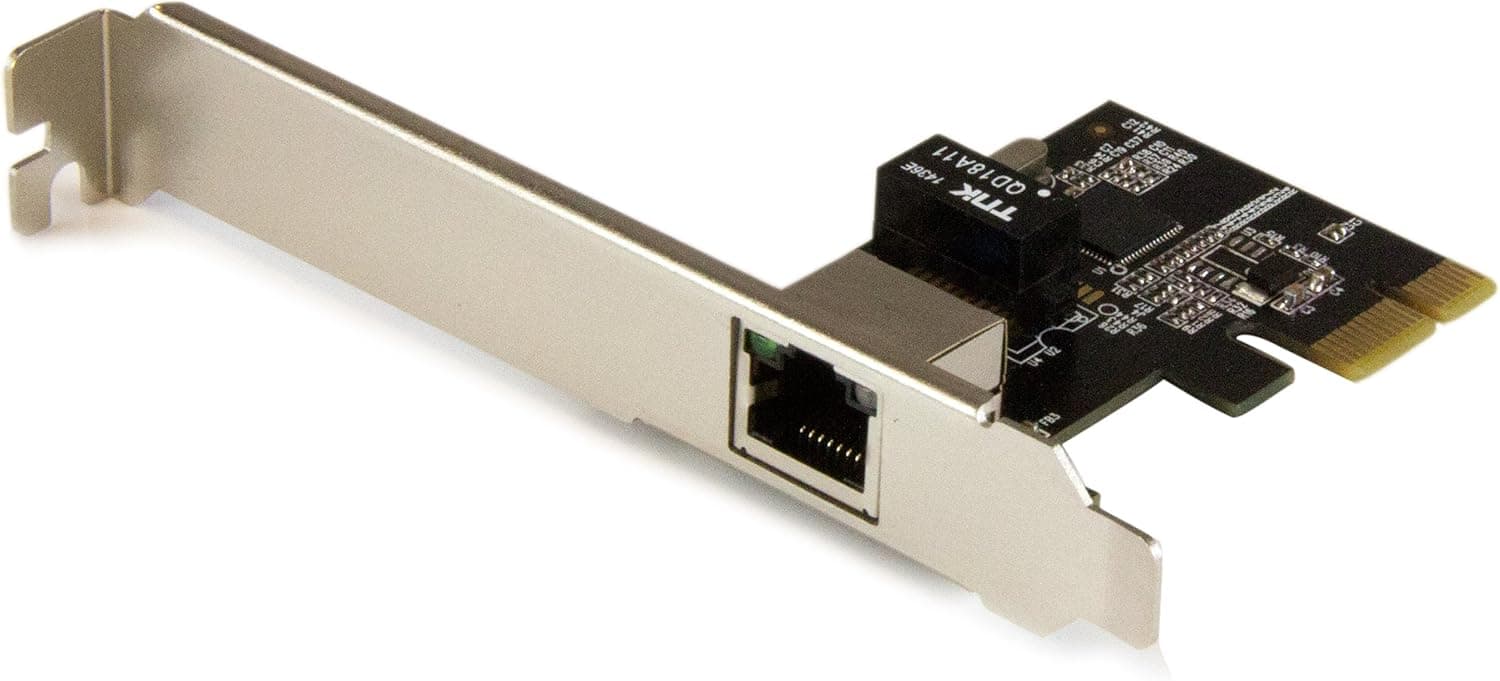
Overview
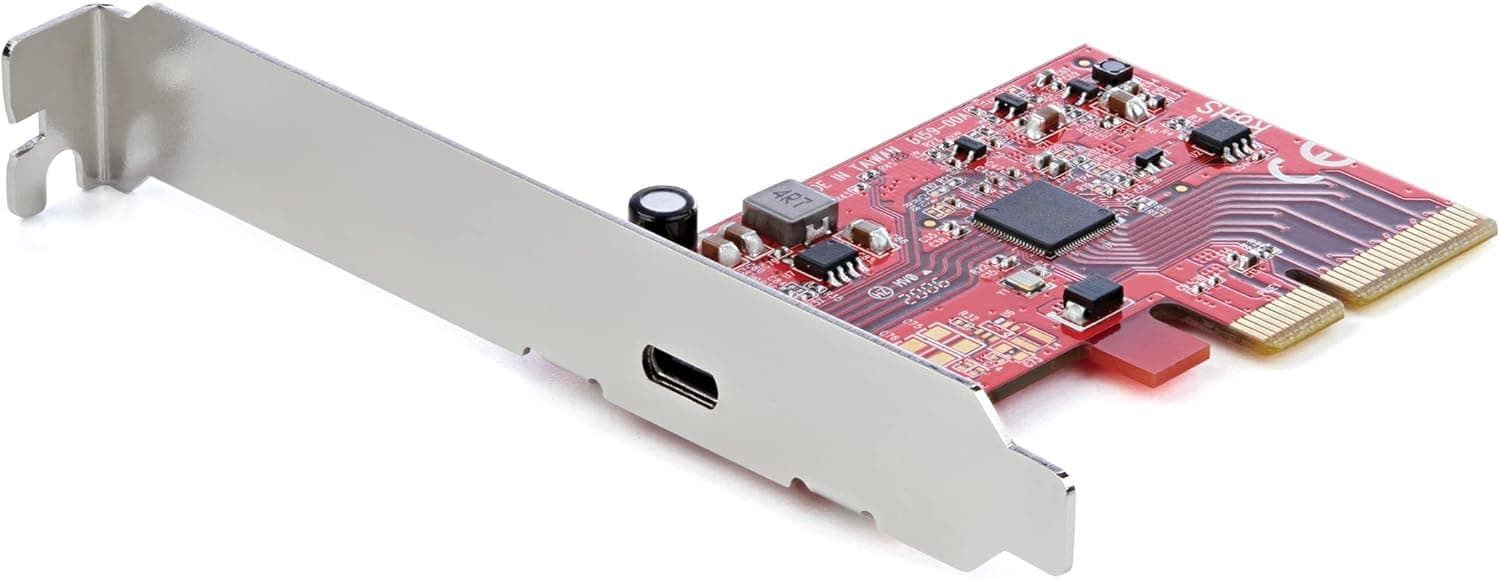
The StarTech.com ST1000SPEXI is an add-in network card that adds a single Gigabit Ethernet port through a PCIe x1 slot.
It uses Intel's I210-AT controller, supports 10/100/1000 Mbps auto-negotiation, and handles PXE network boot. The honest framing is this: it is not a card that makes your network faster.
It is a card that gives you one port that reliably works — when onboard LAN has died, when you need another segment, or when you cannot afford a flaky link.
Because the ceiling is 1 Gbps, it is the wrong purchase if your goal is faster NAS transfers or making use of a multi-gig internet plan. It is the right purchase when uptime matters more than throughput: server management ports, network separation on virtualization hosts, and replacing a failed onboard NIC.
On Amazon.co.jp it holds 4.4 out of 5 stars across 159 reviews (88% positive, captured 2026-05-31) — a solid figure for a category where anything less than "just works" earns one star.
Compatibility Guide
The physical interface is PCIe x1. An x1 card fits x1, x4, x8, and x16 slots alike, so almost any free slot works electrically.
The real obstacle is physical clearance: x1 slots usually sit directly above or below the graphics card, and with a 2.5–3 slot GPU you may simply have nowhere to put it.
Measure the gap around your intended slot before ordering.
Supported standards are IEEE 802.3 (10BASE-T), 802.3u (100BASE-TX), and 802.3ab (1000BASE-T).
Gigabit uses all four pairs, so use Cat5e or better with all eight conductors wired. Cheap 4-conductor cables link at only 100 Mbps — that and a 100M switch upstream account for most "my gigabit card only links at 100" reports.
Auto MDIX is supported, so straight-through versus crossover no longer matters, including for direct PC-to-PC links.
On the software side, Intel I210 drivers have shipped with Windows, Linux (the igb driver), and FreeBSD for years, so it is usually detected on first boot. That matters most on platforms with strict NIC support lists — ESXi, Proxmox, TrueNAS — where budget Realtek cards often leave you with no network at the installer stage.
Support for any specific hypervisor build is still environment-dependent, so check the vendor HCL before deploying in production.
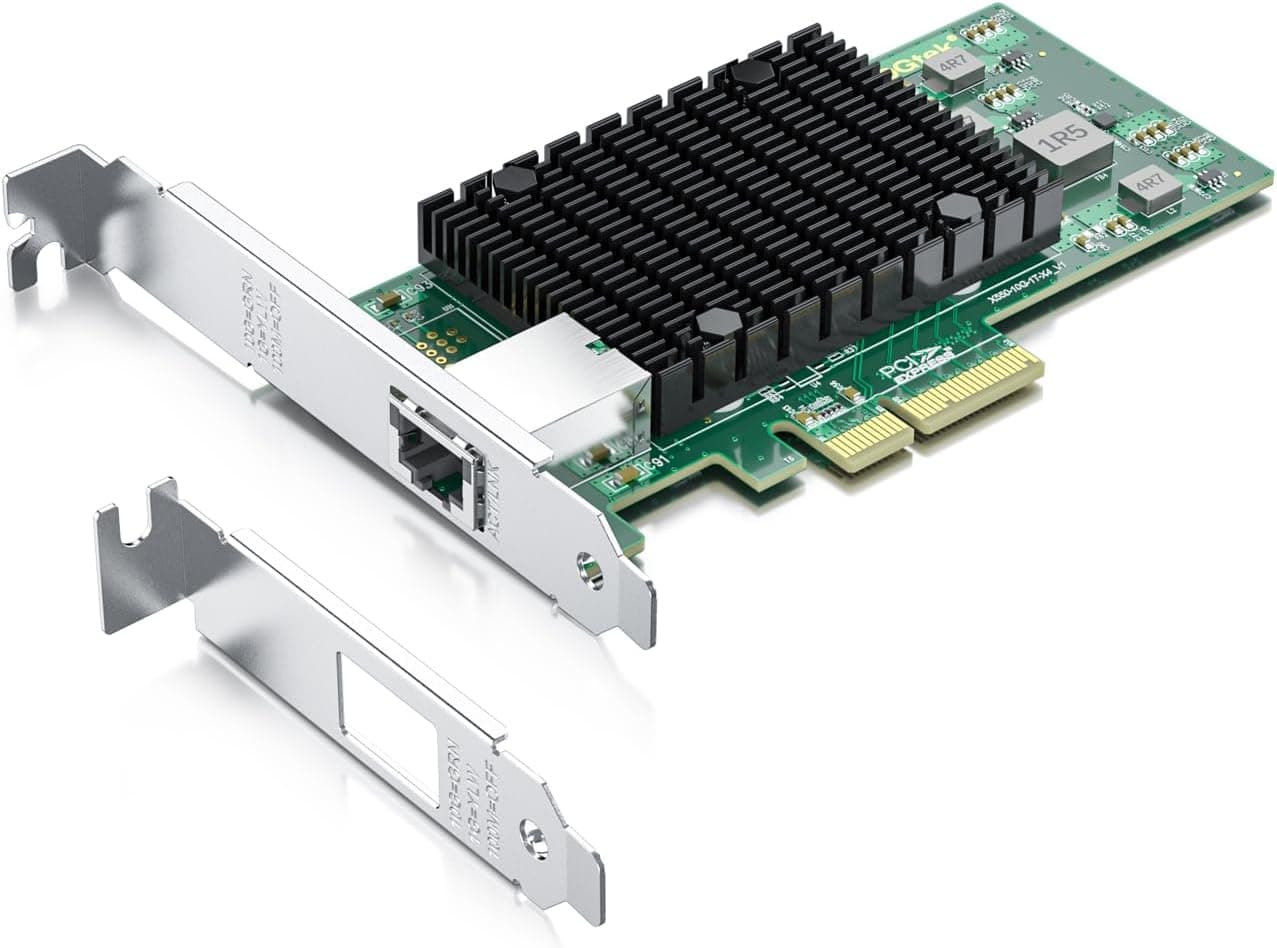
Both a full-height and a low-profile bracket are included. If it is going into a 1U/2U server or a slim desktop, swap the bracket before you start the install.
At 0.04 kg with no auxiliary power connector, PSU headroom is a non-issue.
Product Info
Key specs: 1024 Mbps (1 Gbps) data rate, Intel I210-AT chipset, PCIe x1 interface, IEEE 802.3 / 802.3u / 802.3ab protocol support, 0.04 kg weight, low-profile bracket included, and a stated two-year manufacturer warranty.
The listed price on Amazon.co.jp was ¥4,600 as captured on 2026-05-31.
Network card pricing moves with exchange rates and channel stock, so treat that as a snapshot and check the product page for the current figure. Note that this sits above typical Realtek gigabit cards and roughly level with many 2.5GbE cards.
People still choose it because they are buying mature Intel drivers and low CPU overhead, not a low price.
Reviews stand at 4.4 out of 5 from 159 ratings (88% positive, captured 2026-05-31).
How It Compares
Among PCIe x1 add-in NICs, the field splits three ways.
| Option | Best for | The trade-off |
|---|---|---|
| Intel I210 1GbE (this card) | Stability first: servers, virtualization, replacing dead onboard LAN | Capped at 1 Gbps |
| 2.5GbE (Intel I226-V, Realtek RTL8125B) | Faster NAS transfers, multi-gig internet plans | Driver maturity and heat vary by chip |
| 10GbE (Intel X540, X520) | Setups that already have 10G switching or SFP+ | Needs PCIe x8; hotter, hungrier, far pricier |
The governing rule is that your speed is set by the slowest link in the path. If the router or switch is 1000BASE-T, a 2.5G card still delivers 1 Gbps.
Decide first whether you want one dependable extra port on the network you already have, or a faster network overall — the second answer points at 2.5G cards and multi-gig switches instead.
Before You Buy
This card will not make anything faster. That is the single most common misunderstanding.
Adding it to a PC that already has gigabit onboard LAN improves stability and CPU load, not bandwidth.
It is a single-port card. ST1000SPEXI has one port.
If you are building a router or firewall (pfSense, OPNsense) that needs separate WAN and LAN interfaces, one card is not enough — pick a dual-port model or confirm you have room for two cards.
Free x1 slots are scarcer than people expect. Plenty of ATX boards effectively offer one usable x1 slot, and Mini-ITX boards typically have only a single x16.
On ITX, a USB gigabit adapter or an M.2-based NIC is the more realistic route.
Watch for mismatched price listings. In the data behind this article, the overseas marketplace entry carried a figure wildly out of scale for a single-port gigabit card.
A price like that almost always means the listing was matched to a different product, or it is a marked-up commercial listing. If you buy from an overseas seller, cross-check the ST1000SPEXI part number against the product photo.
Listing metadata — seller, model number, brand — can also be auto-populated incorrectly, so confirm the product by title and image rather than trusting the spec block.
Used and bulk units circulate. This is a long-running staple product, so below-market listings may arrive with one bracket missing or in an anti-static bag only.
If you are counting on the two-year warranty, buy through an authorized channel.
Deployment Notes
When using it to replace onboard LAN, disable the onboard NIC in UEFI/BIOS so the OS cannot bind to the wrong adapter. On virtualization hosts, splitting management traffic from VM traffic across separate physical ports is the cleanest layout, and the I210 handles VLAN tagging and PXE boot without drama.
If the link negotiates slower than expected, work through it in this order: swap in a proper 8-conductor Cat5e-or-better cable, try a different port or switch, update the driver, then confirm the adapter's link-speed setting is left on auto-negotiation. Cable type (straight versus crossover) is never the cause here, thanks to Auto MDIX.
Best Use Cases
- Your onboard LAN died. Far cheaper than replacing a motherboard, and it reliably fixes the problem. This is probably the highest-value use of the card.
- Server and virtualization administrators. PXE boot enables network OS deployment, and in-box drivers on Linux and FreeBSD keep setup uneventful.
- Anyone segmenting a network. A clean extra port for management, NAS, or internet separation.
- Anyone burned by cheap NICs. If you have lived with random link drops or an adapter that vanishes after sleep, moving to an Intel controller is worth the premium.
It is a poor fit if you want more speed, have no x1 slot, or need two or more ports. In those cases, look elsewhere.
FAQ
Q. Will this speed up my internet? A.
No. The ceiling is 1 Gbps, the same as most onboard LAN.
It improves stability and CPU overhead, not bandwidth.
Q. Can I put an x1 card in an x16 slot? A.
Yes. PCIe is forward-compatible, so an x1 card works in x4, x8, or x16 slots, including a GPU slot.
Q. Do I need to install drivers? A.
Usually not. Intel I210 drivers ship with Windows, mainstream Linux distributions, and FreeBSD.
If it is not detected, get the driver from the manufacturer's support page.
Q. Will it fit a small PC? A.
The included low-profile bracket covers slim desktops and 1U/2U servers. It cannot go into systems with no PCIe x1-compatible slot at all, such as most Mini-ITX builds.
Q. Should I buy 2.5GbE instead? A.
Choose 2.5GbE only if your router, switch, and target NAS all support it.
One remaining gigabit device in the path caps everything at 1 Gbps anyway.
Product Disclosure (Amazon)
- Manufacturer: スターテック(StarTech.com)
- Brand: StarTech.com(スターテック)
- Seller: オンラインショップ華
- Fulfilled by: Amazon
- ASIN: B011NLXDOY
- Note: This article covers a manufacturer-made product based on Amazon listing details.