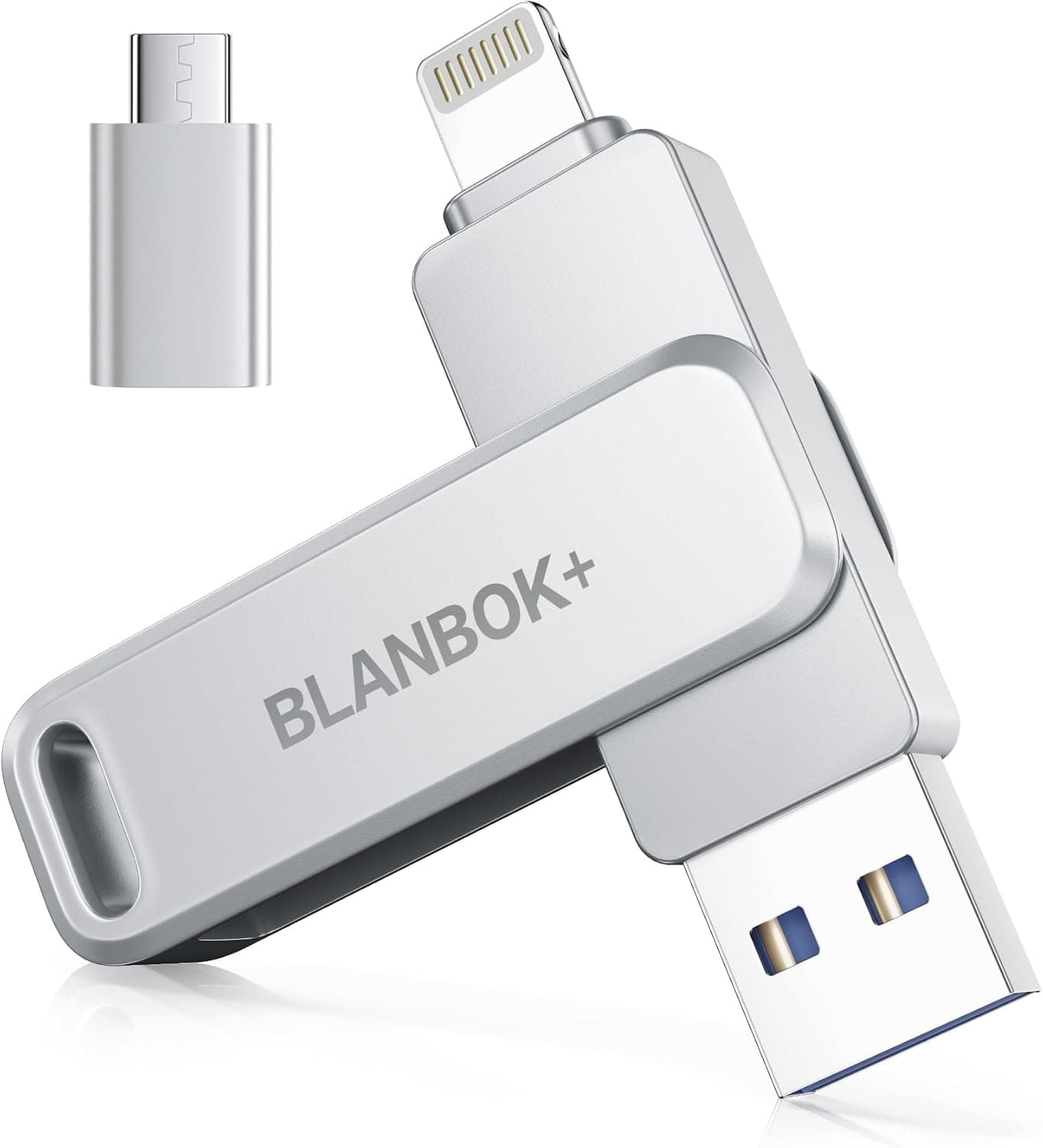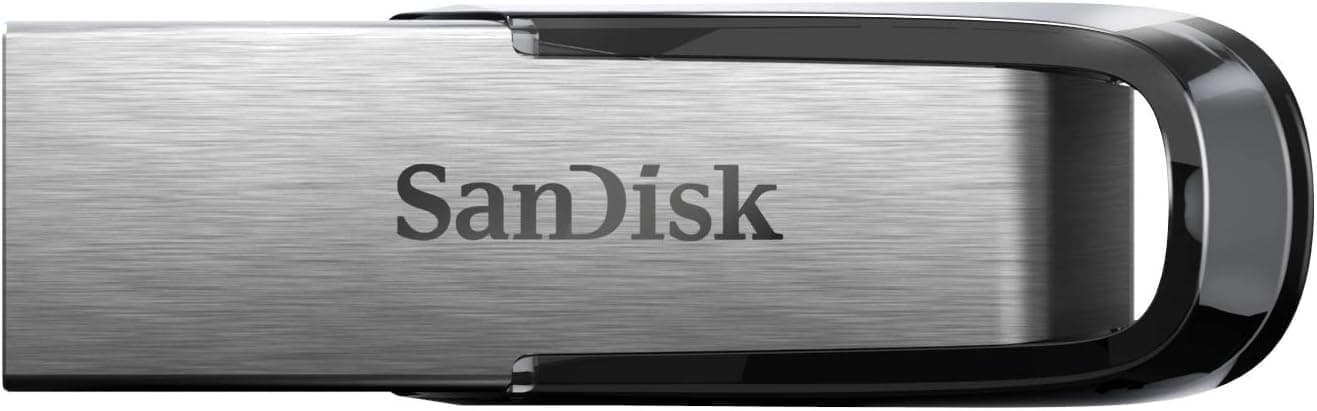
The SanDisk Ultra Flair 32GB USB 3.0 flash drive aims to be a step above the cheapest thumb drives.
This article works through what the published specs actually mean in daily use, and where you should lower your expectations.
Overview
Three things define this drive: USB 3.0, read speeds up to 150 MB/s, and a one-piece metal housing.
For carrying documents, photos, installers, and portable apps, that is more than enough. On Amazon.co.jp it holds 4.4 out of 5 stars across 9,960 reviews (88% positive, captured 7 June 2026) — a stable record for this class of product.
But this is a fast-reading transport drive, not a working disk. Running virtual machines from it, using it as video-editing scratch space, or rewriting tens of gigabytes daily are all poor fits.
The reason is write performance, covered below. At 32GB, anyone handling 4K footage or large RAW libraries should look at higher capacities from the start.
How to read the 150 MB/s figure
The spec sheet lists read speed only — up to 150 MB/s. Write speed is not published, which is typical rather than suspicious at this price point.
As a general rule, entry-class USB flash drives write considerably slower than they read, and the gap widens when copying many small files. Since no figure is given, do not assume one: if write throughput matters to you, look for measured tests or pick a drive that publishes the number.
«Up to 150 MB/s» is also a best-case value. Real results depend on the port generation (a USB 2.0 port caps you around 30–40 MB/s in practice), file sizes, file system, and whether a hub sits in between.
Reading one 1GB file and reading ten thousand 1KB files produce completely different numbers on the same drive.
| Spec | Value | What it means in practice |
|---|---|---|
| Capacity | 32 GB | Shows as roughly 29 GiB once formatted |
| Interface | USB 3.0 / USB 2.0 compatible | Speed drops sharply on USB 2.0 ports |
| Read speed | Up to 150 MB/s | Best case, large sequential files |
| Housing | Metal | Stiffer than plastic; gets warm in use |
| Software | SanDisk SecureAccess | Password protection; check OS support |
Compatibility Guide
The connector is standard USB-A and works in both USB 3.0 and USB 2.0 ports.
Windows, macOS, and Linux all recognise it without drivers. That much is on the spec sheet — here is where people actually get stuck.
USB-C-only devices need an adapter. Thin laptops, tablets, and phones increasingly ship without a USB-A port.
You will need an adapter or hub, and adapters can cost you speed. If USB-C devices are your primary machines, a native Type-C drive is the cleaner answer.
TVs, car stereos, and consoles are picky about file systems. Drives ship formatted as exFAT or FAT32, and plenty of devices still read FAT32 only.
Format as FAT32, though, and you inherit the 4GB per-file limit, which blocks long video files. Most «not recognised» complaints are format mismatches, not dead drives — check the host device's manual first.
Physical clearance. This is a capless design with a permanently exposed connector.
It is slim, but on crowded desktop rear panels or laptops with tightly spaced ports it can block a neighbouring port. A short extension cable or hub solves it.
The metal shell warms up during transfers; that is the housing conducting heat outward, not a fault.
SecureAccess support. The bundled encryption utility targets Windows and macOS.
Treat it as unavailable on Linux, Android, and consoles — protected volumes simply will not open there. If you move between operating systems, plan on OS-native encryption or password-protected archives instead.
Product Info
SanDisk is Western Digital's flash memory brand, and Ultra Flair sits in its mainstream tier. The package is simple: 32GB, USB 3.0, metal body, SecureAccess included, with no accessories beyond the drive itself.
The series generally carries a long warranty, but terms vary by region — confirm on the manufacturer's page.
On reputation, the Amazon.co.jp listing aggregates 9,960 reviews at 4.4/5 (88% positive, captured 7 June 2026).
Nearly ten thousand reviews means a long track record across many environments — a well-proven entry-level choice.
Pricing needs a caveat. The data behind this article listed ¥7,917 on Amazon (captured 7 June 2026) and $14.90 on eBay (captured 14 July 2026), and neither figure sits comfortably against typical 32GB thumb drive pricing.
Most likely those numbers belong to a different capacity, a multipack, or another product entirely. So this article does not treat either amount as a reference price.
Prices move constantly — check the current figure and the capacity option on the listing itself before buying.
How It Compares
At 32GB, choices divide along connector and speed. Native USB-C models (including SanDisk's own Type-C 3.2 Gen 1 drive) plug straight into phones and modern laptops.
Capless retractable designs like the ADATA UV330 remove the lost-cap problem entirely, which suits bag-tossing use. Cheaper USB 2.0 drives such as KIOXIA's are slower but sensible when you need several for handouts or archives.
Dual Type-A/Type-C drives from IODATA cover both worlds with one stick.
Ultra Flair's niche is «USB-A, decently fast reads, metal body». Flip that around: if you need USB-C, need write speed, or want a retractable connector, better-matched options exist.
Best Use Cases
- Students and office workers — documents, decks, and reports. Fast reads mean files open promptly on a meeting-room PC.
- People building install media or portable toolkits — 32GB comfortably holds a Windows installer or a rescue toolset. Write once, read many, which suits this drive exactly.
- Handing data to someone — sending files to a print shop or a client. The metal shell handles being posted or passed around reasonably well.
- Anyone who wants encryption on the go — SecureAccess creates a protected volume, reducing the fallout of losing the drive (subject to the OS limits above).
Skip it if you want a permanently connected working drive, if you handle 4K video or large RAW libraries, or if your machines are USB-C only.
Things to Check Before Buying
1. Verify the price and capacity on the listing. As noted, the captured prices (¥7,917 and $14.90) do not match what 32GB drives normally cost.
Flash drive listings usually bundle several capacities on one page, so the displayed price may belong to a different variant. Select the 32GB option and read the price at that point.
2. Seller and listing metadata may disagree. The source listing here is fulfilled by a marketplace shop.
That is normal in itself, but listing fields — manufacturer, model, capacity, interface — are sometimes wrong. Confirm from the product image and title that you are buying the SanDisk Ultra Flair 32GB.
With parallel imports, warranty handling can also differ from domestic support.
3. Do not expect strong write performance. Only read speed is published.
Writing many small files, or pushing tens of gigabytes back at once, may feel slower than you hoped. For daily backups, an external SSD will leave you happier.
4. Flash drives are not a backup destination. Unpowered flash memory has no guaranteed long-term data retention, drives are easy to lose, and connectors break.
Never let a USB stick hold your only copy — use it as the second, portable copy.
5. The capacity gap is normal. A 32GB drive reports roughly 29 GiB in your OS.
That is the decimal-versus-binary conversion, not a defect. Budget for it if your data barely fits.
6. Beware counterfeit high-capacity sticks. Capacity-faking drives circulate widely.
Buying a genuine branded product like this one is the main defence, but it is still worth writing the drive to full once after purchase to confirm it holds what it claims.
FAQ
Q. Will it really hit 150 MB/s? A.
That is the ceiling when plugged directly into a USB 3.0-or-better port reading large sequential files.
USB 2.0 ports, hubs, and small-file copies all land well below it.
Write speed is not published.
Q. Does it work on a Mac? A.
It mounts plug-and-play. Depending on the factory format you may be unable to write to it, in which case reformat as exFAT (this erases the drive).
Check current documentation for SecureAccess macOS support.
Q. Can I record TV to it? A.
USB flash drives are not designed for recording, and most TVs recommend external HDDs. Even if it mounts, write speed and endurance work against you.
Use a dedicated drive.
Q. How do I password-protect files? A.
SanDisk SecureAccess creates a protected volume. Because OS support is limited, pair it with encrypted archives if you also need access elsewhere.
Note that a forgotten password is unrecoverable.
Q. 32GB, or should I go bigger? A.
For documents and install media, 32GB is plenty. For photo and video libraries, larger capacities are better value per gigabyte.
Rated speeds are not always identical across a series, so compare within the line before ordering.
Product Disclosure (Amazon)
- Manufacturer: SanDisk
- Seller: store_華(適格請求書発行事業者)
- Fulfilled by: store_華(適格請求書発行事業者)
- ASIN: B07SMRB6MW
- Note: This article covers a manufacturer-made product based on Amazon listing details.
![CMK32GX4M2A2400C16 [Vengeance LPX DDR4 PC4-19200 (2400MHz) 16GB 2枚組]](/_next/image?url=https%3A%2F%2Fm.media-amazon.com%2Fimages%2FI%2F71h4pV7d8HL._AC_SL1500_.jpg&w=1920&q=75)