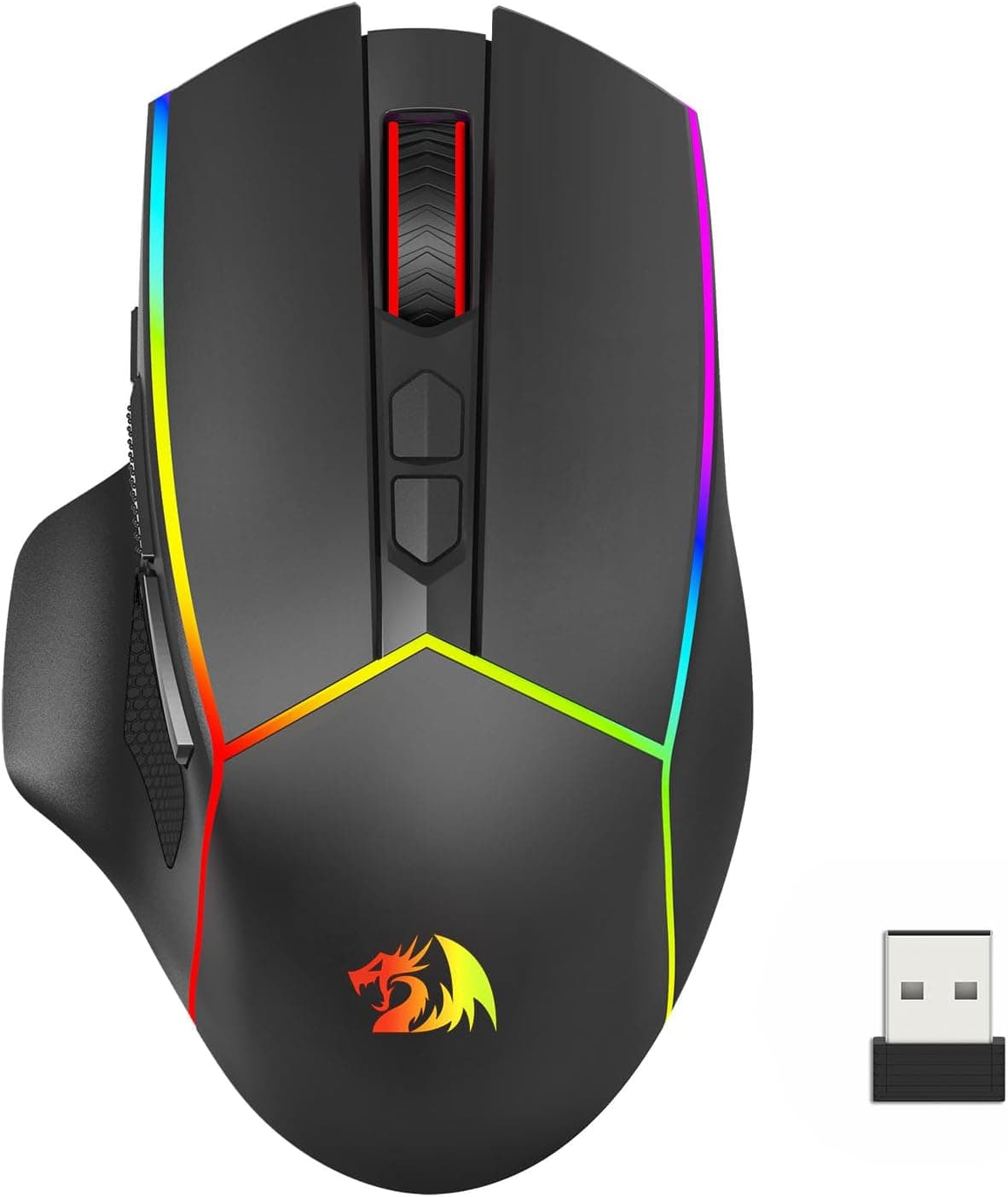
The Redragon M814RGB-PRO is a gaming mouse with three connection modes: 2.4GHz wireless, Bluetooth 5.0 and wired USB.
It pairs an optical sensor rated up to 8000 DPI with a dedicated fire button and RGB lighting, aimed squarely at the entry-to-mid-range segment. This article goes past the spec sheet to cover what you can reasonably expect from it and where you should be willing to compromise.
Overview
In one sentence: this is a mouse you buy for connection flexibility, not for sensor bragging rights or featherweight construction. It is built for people who move between a desktop, a laptop and a tablet with a single mouse.
The 8000 DPI ceiling looks modest next to the 26000 DPI class, but the range most people actually use, roughly 800 to 3200 DPI, is covered with room to spare. A DPI ceiling is a resolution limit, not a measure of tracking accuracy, so it should not be the deciding number.
The published button count is six, including the fire button. A typical breakdown would be left and right click, wheel click, two side buttons and a DPI switch, with the fire button handling rapid repeated input.
This is not an MMO-style button farm; it is a sufficient, conventional layout.
On Amazon.co.jp the listing showed 8 reviews averaging 5.0 out of 5 stars, a 100% positive rate, as captured on 29 May 2026.
That looks perfect on paper, but eight reviews is far too small a sample to say anything about defect rates or long-term durability. Do not weigh a 100% score built on 8 reviews the same way you would weigh one built on tens of thousands.
Compatibility Guide
The supplied data lists Windows, macOS, Chrome OS and Android as supported platforms. Wired mode requires a USB Type-A port, and that is the first practical catch.
On a modern thin laptop or a MacBook with only USB-C, you will need an adapter or a hub to use the wired mode at all. Buying a wireless mouse "because it can fall back to wired" and then discovering there is no usable port when the battery dies is a classic failure with this whole product class.
The 2.4GHz mode uses the bundled USB dongle, which stores inside the mouse body, so the risk of losing it in transit is low.
Bear in mind that these dongles are usually paired to the specific device and cannot always be replaced on their own. If you travel with the mouse, make putting the dongle back a habit.
Bluetooth 5.0 mode is what saves you on a tablet with no USB port, or on a laptop where every port is already occupied.
In general, though, Bluetooth is at a disadvantage against a 2.4GHz dongle in both latency and connection stability.
The realistic split is 2.4GHz for gaming and Bluetooth for office work or on the move.
| Mode | What you need | Best for |
|---|---|---|
| 2.4GHz wireless | USB-A port for the dongle | Gaming; lowest latency |
| Bluetooth 5.0 | Any Bluetooth device | Tablets, laptops, saving ports |
| Wired USB | USB-A port | Using while charging, dead-battery rescue |
One more field note: front-panel USB ports on desktop cases can be electrically noisy depending on cable routing, which sometimes makes 2.4GHz dongle reception erratic.
If tracking stutters, try a rear port wired directly to the motherboard, or move the dongle onto the desk with a USB extension cable. This is standard advice for 2.4GHz mice generally, not a fault unique to this model.
Product Info
The published headline specs are as follows.
| Item | Value |
|---|---|
| Max DPI | 8000 |
| Connection modes | 2.4GHz / Bluetooth 5.0 / wired USB |
| Buttons | 6 (including fire button) |
| Features | Ergonomic shape, RGB lighting, fire button |
| OS support | Windows / macOS / Chrome OS / Android |
Pricing needs a warning. The listing showed ¥12,099 as captured on 29 May 2026, and ¥4,099 as captured on 27 August 2026.
That is the same listing and the same ASIN moving that far in under three months, so treat this product as highly price-volatile. Do not trust any figure printed in an article, including this one; check the current price on the product page immediately before ordering.
At around ¥4,000 a tri-mode mouse is genuinely good value. At around ¥12,000 it sits among far more proven competitors and the case for it weakens considerably.
Note also what the spec sheet does not include: weight, polling rate, battery capacity or runtime, and the sensor model. Those four items matter a great deal when comparing gaming mice, and because they are absent from the source data this article will not invent numbers for them.
If light weight or battery life is a priority for you, verify those figures yourself on the product page.
How It Compares
Gaming mice generally split along three axes: low weight, sensor specifications, and connection flexibility. This model competes on the third.
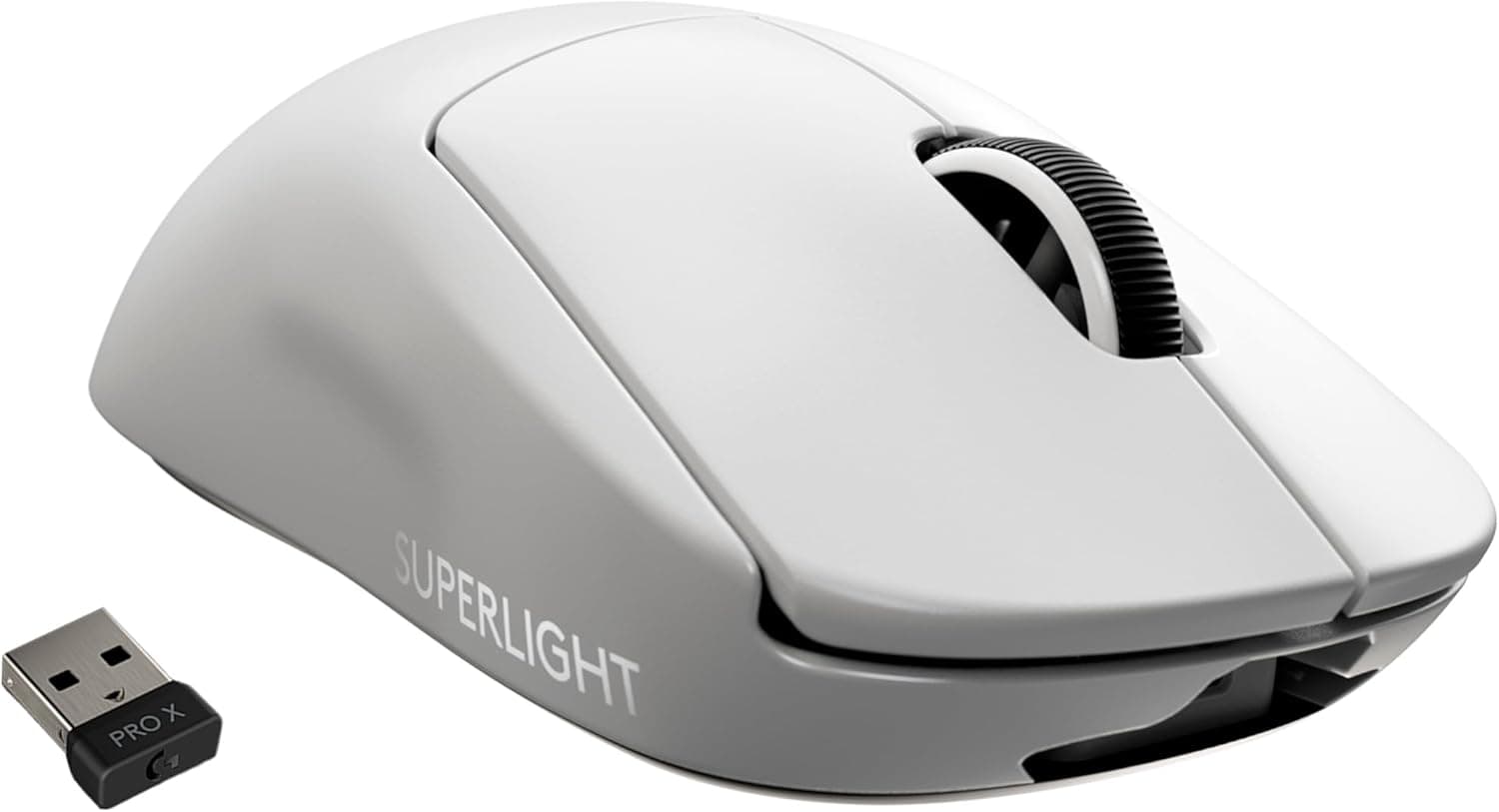
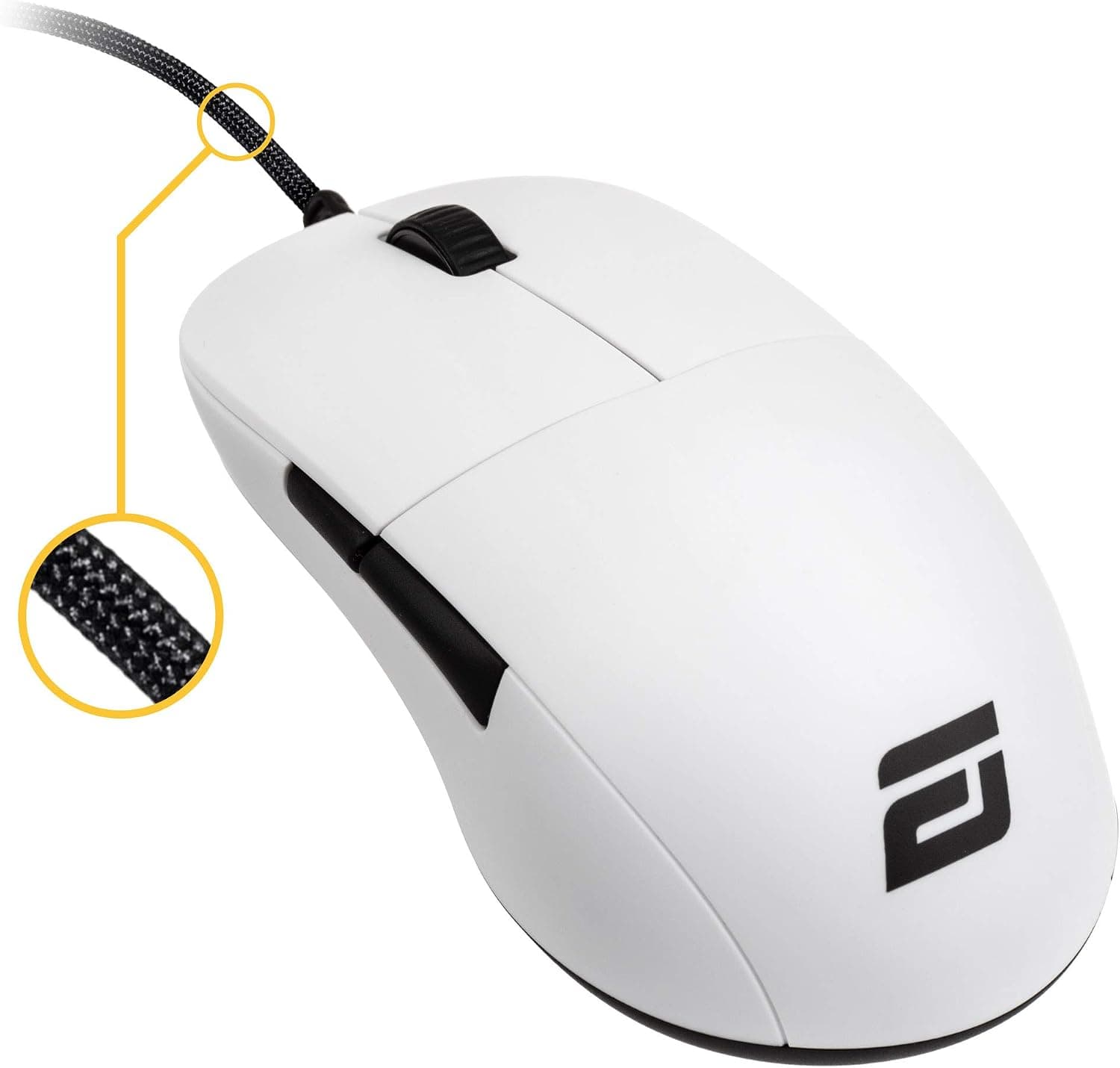
If weight is your priority, wired models advertising 59g or 68g are a more direct answer. This mouse does not publish a weight, and since it carries a battery for three-mode operation it is reasonable to assume it is not in the ultralight class.
If you are chasing sensor numbers, there are 26000 DPI models in a similar price band, though as noted a higher DPI ceiling does not translate into a better feel in practice.
Where this model clearly wins is the case where you want wired, 2.4GHz and Bluetooth from one device.
A wired-only mouse cannot reach a tablet, and a 2.4GHz-only mouse is dead where you cannot plug in a dongle.
If your usage genuinely spans several machines, three modes is a practical feature rather than a spec-sheet line.
Best Use Cases
- People juggling a desktop, laptop and tablet. Switching between Bluetooth and 2.4GHz removes the need for a separate mouse per device and keeps the desk clear.
- People nervous about wireless battery death. The wired fallback means you never lose control mid-match, and being able to play while charging quietly matters on long sessions.
- Casual FPS and action players. The fire button and sensitivity up to 8000 DPI are perfectly usable if you are not playing competitively.
- Anyone wanting to try a tri-mode mouse cheaply. At ¥4,099, as captured on 27 August 2026, the value proposition is strong.
Before You Buy
1. There are only 8 reviews. The 5.0-star rating captured on 29 May 2026 rests on eight data points.
A sample that size tells you almost nothing about unit variance, early failure rates or how the switches feel six months in.
2. The price swings hard. The same listing recorded ¥12,099 (captured 29 May 2026) and ¥4,099 (captured 27 August 2026).
If you catch it near the higher figure, there are more established options at that money. Check the live price and avoid buying at the peak.
3. Weight, polling rate and battery life are unpublished. For competitive FPS play that is a serious gap, and weight in particular drives both grip comfort and flick speed.
If those numbers matter to you, choose a product that states them.
4. Wired mode needs USB-A. On a USB-C-only machine you will need an adapter, which means the fallback you were counting on may not be available when you need it.
5. Verify the listing details yourself. Amazon listings sometimes carry manufacturer, model or seller information that does not match the actual product.
Nothing in the manufacturer name (Redragon) contradicts this product at the time of writing, but the seller and shipper are a third party rather than Amazon itself, so warranty and support handling may vary by seller. Check the product images, title and seller information before ordering.
6. RGB and software. How far you can customise the lighting and button assignments depends on the configuration software.
Utilities for gaming peripherals are frequently Windows-only, so detailed customisation may not be possible on macOS or Android. Confirm this on the product page.
FAQ
Q. Is 8000 DPI enough? A.
For most people, yes. Real-world use sits around 800 to 3200 DPI, and even low-sensitivity play at 4K rarely reaches an 8000 DPI ceiling.
The maximum DPI figure is not a measure of precision.
Q. Can I play FPS over Bluetooth? A.
It works, but Bluetooth is generally worse than a 2.4GHz dongle for latency.
Use 2.4GHz for games and Bluetooth for work or mobile devices.
Q. Can I use it while charging? A.
Because it has a wired USB mode, connecting the cable normally lets you keep playing as a wired mouse while it charges. Check the manual for exact behaviour.
Q. What if I lose the dongle? A.
You lose 2.4GHz, but Bluetooth and wired still work.
The dongle stores in the base, so get into the habit of putting it back.
Q. Is it usable left-handed? A.
Products described as ergonomic are usually shaped for the right hand, so left-handed use may be uncomfortable. Look for an explicitly ambidextrous shape instead.
Q. Does it work properly on a Mac? A.
macOS is listed as supported, so basic operation is fine. Detailed RGB and button configuration may still require a Windows machine if the utility is Windows-only.
Product Disclosure (Amazon)
- Manufacturer: Redragon
- Seller: Dshop11
- Fulfilled by: Dshop11
- ASIN: B0DBQC2YP6
- Note: This article covers a manufacturer-made product based on Amazon listing details.
![Logitech (Logicool) MX Anywhere 2S Bluetooth Edition ワイヤレスマウスコンパクト Bluetooth接続高速スクロール充電式 Darkfield 4000DPI 黒ブラックグラファイト [海外パッケージ品]](/_next/image?url=https%3A%2F%2Fm.media-amazon.com%2Fimages%2FI%2F51qC-qTRLCL._AC_SL1500_.jpg&w=1920&q=75)