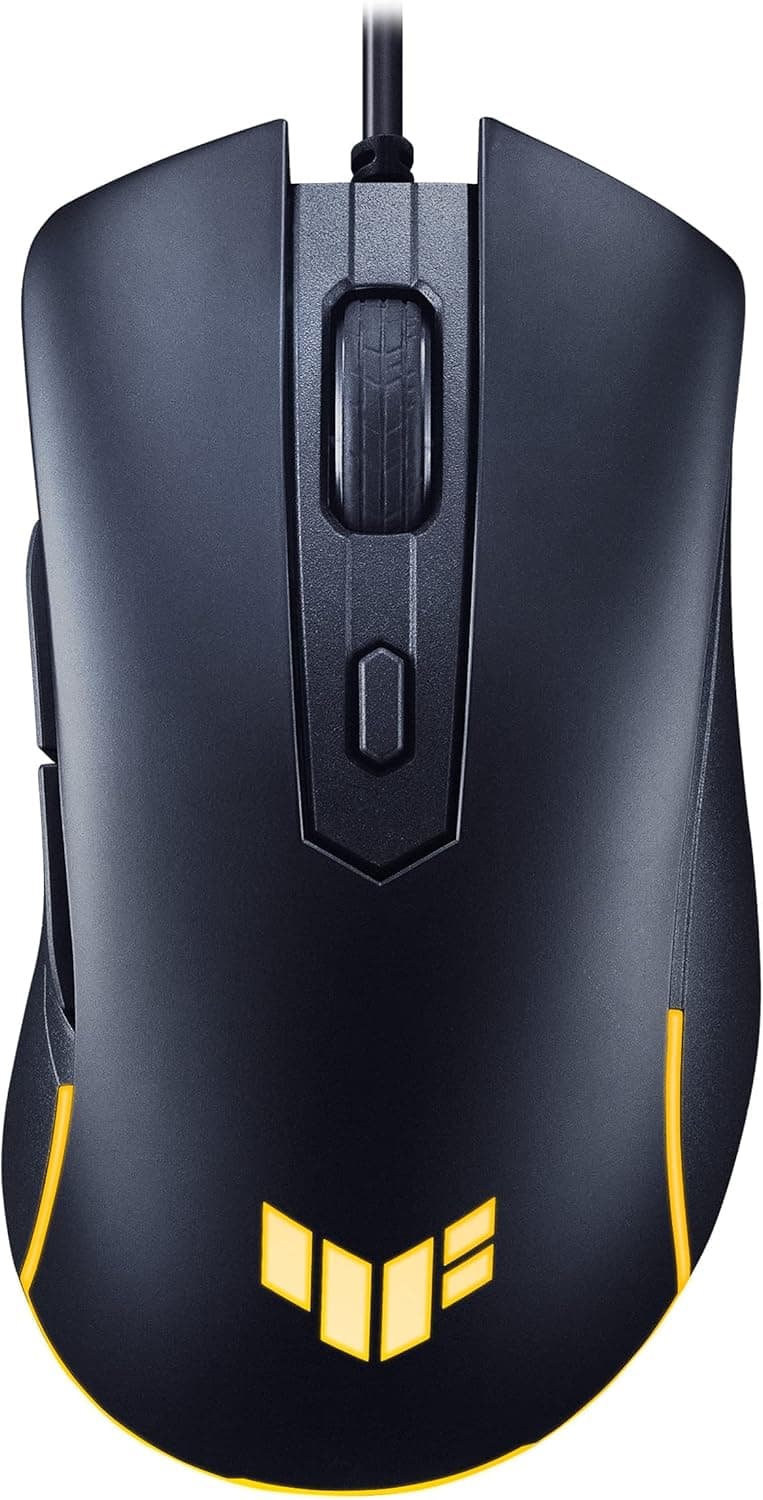
The ASUS TUF Gaming M3 Gen II packs a 59-gram shell and an 8000 DPI optical sensor into a wired mouse that sells in the ¥5,000s. This article goes past the spec sheet to explain who it fits and what you give up.
Overview
The TUF Gaming M3 Gen II is a right-handed wired gaming mouse aimed at entry-to-mid-level players. At just 59 grams with an 8000 DPI optical sensor, it suits fast-paced shooters and battle royale titles where quick flicks and smooth tracking matter.
IP56 dust and water resistance plus ASUS Antibacterial Guard set it apart from most rivals in this bracket.
The short version: this is a mouse that prioritizes low weight and a straightforward shape, and drops everything else. Six buttons, wired only, and a box containing nothing but the mouse and a quick-start guide.
In exchange, the budget goes into weight, sensor, and environmental durability — the things you actually feel mid-match. On Amazon.co.jp it holds 4.6 out of 5 stars across 524 reviews (92% positive, captured August 2026).
Quick Reference
| Spec | Value | What it means in practice |
|---|---|---|
| Weight | 59g | Light even with the cable; less arm fatigue on wide, low-sensitivity swipes |
| Max DPI | 8000 | Covers the 400–1600 DPI range shooters actually use, with headroom for 4K desktops |
| Sensor | Optical | Stable on cloth and hard pads; glass desktops are a no |
| Connection | Wired USB | No charging or battery management; cable routing needs some thought |
| Buttons | 6 (programmable) | Standard layout; not enough for MMO skill binding |
| Ingress rating | IP56 | Blocks nearly all dust, survives water jets from any direction |
| Feet | PTFE | Good glide out of the box, but a consumable part |
The numbers alone read as "light and cheap," but the combination is what matters. 59 grams, PTFE feet, and a wired link benefit low-sensitivity players who move their whole arm the most.
If you play at high sensitivity with fingertip movements, the weight advantage matters less.
Compatibility Guide
Connection is wired USB only, using a flexible braided cable. It works on Windows and macOS as well as Xbox, PlayStation, and Nintendo Switch.
Plug-and-play means no driver install — power comes over the same USB Type-A port, which is why the recommended PSU figure is zero rather than missing.
Advanced settings — DPI stages, button remapping — do require ASUS Armoury Crate on a Windows PC. This is the most common practical snag.
If you plan to use the mouse on a console or on macOS, the realistic workflow is to connect it to a Windows PC once, write your settings to onboard memory, then move it. If you'll use it on a machine where you cannot install software, confirm that constraint before buying.
Physical fit is a compatibility question too. This is a right-handed asymmetric shell, not designed for left-hand use.
Left-handed players and people who prefer symmetric shapes should look elsewhere. Ultralight mice also tend toward compact shells, so large hands using a palm grip may find it small; claw and fingertip grips are the better match.
One note on surfaces: optical sensors track reliably on cloth and hard pads, but glass and highly polished metal will confuse them. If you plan to use the mouse directly on your desk, check the material first — a cheap pad is all it takes to get clean tracking.
Product Info
Key specs: 59 grams, 8000 DPI optical sensor, wired USB, six programmable buttons, IP56 ingress rating, PTFE feet. Released in mid-2023, with a standard two-year manufacturer warranty.
The box holds only the mouse and a quick-start guide — no extra weights, no spare feet. If you like tuning weight with inserts, this isn't that kind of mouse, though there's rarely a reason to add mass to 59 grams.
The listed price on Amazon.co.jp was ¥5,474 as captured on 27 August 2026.
The global listing points at the same ASIN and the same ¥5,474 figure, so treat it as a single Japanese price rather than two markets. The eBay entry is a search page, so no individual price is shown.
Prices move constantly with sales and exchange rates — always check the product page for the current figure, since this article will not be updated when it changes.
On ratings: 524 Amazon.co.jp reviews averaging 4.6 out of 5, or 92% positive as of August 2026.
A review count in the high hundreds means defect rates and unit variance — problems that only surface at volume — have largely averaged out. Holding that score at an entry price is a genuinely good sign.
The M3 Gen II sits in the entry-level competitive segment, trading features for weight reduction and core performance.
How It Compares
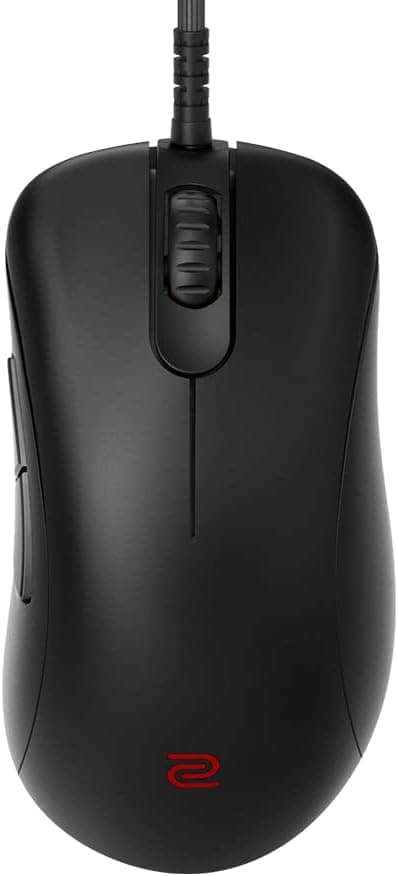
Wired mice around ¥5,000 are a crowded field: symmetric staples like the Logitech G203, lightweight options like the 68g ROCCAT Burst Core, and shape-focused designs like the BenQ ZOWIE EC1-C. The M3 Gen II competes on weight.
Nine grams under a 68g rival sounds trivial on paper, but it is noticeable across a long session of repeated swipes.
IP56 is the other differentiator. Few gaming mice publish an ingress rating at all.
If you sweat heavily, play in a room without air conditioning, work in a dusty space, or keep drinks on your desk, that rating has real value. If your setup is clean and climate-controlled, you're paying for insurance you won't use — in that case, choose on sensor grade and build quality instead.
If you want wireless, this isn't the comparison to make. Wireless models exist at this price, but they compromise on weight, sensor, or build.
For "light, reliable sensor, ¥5,000s," wired remains the honest answer.
Best Use Cases
- Competitive FPS and battle royale players — 59 grams and an 8000 DPI sensor make fast flicks and tracking easy. Low-sensitivity players who move their whole arm gain the most.
- Long-session players — The ergonomic right-handed shell and PTFE feet cut friction and hand fatigue, and IP56 handles sweat and dust.
- Budget-conscious gamers — At the ¥5,000s captured in August 2026, you get a capable sensor, a durable body, and a genuinely light design. It's an easy first gaming mouse or a travel spare.
- Players moving between PC and console — Plug-and-play on Xbox, PlayStation, and Switch lets one mouse serve every machine.
Before You Buy
It cannot be used left-handed. The asymmetric right-handed shell puts the thumb scoop and side buttons on the wrong side for a left hand, and no workaround fixes that.
Look for a symmetric model instead.
Six buttons is the ceiling. MMO and MOBA players who bind many skills to side buttons will run out immediately.
Counting the DPI button, you realistically get two freely assignable side buttons. If you need more, buy an MMO-oriented mouse from the start.
Lightweight mice take adjustment. Coming from a 100g mouse, expect a few days of overshooting.
Your arm is applying more force than the new weight needs, and most players adapt within a week — but if you relied on mass to damp shake, the low weight can work against you. Keep your old mouse around during the transition.
Wired has a real cost. The braided cable routes better than stiff rubber, but it still isn't wireless.
If you swing wide at low sensitivity, budget for a mouse bungee; a small extra purchase removes most of the complaint.
PTFE feet are consumable. No spares are included, so plan to buy replacements once they wear down — realistically a yearly consideration under heavy daily use.
Don't over-trust IP56. It means near-total dust protection and resistance to water jets from any direction — not submersion.
Treat it as insurance against a spill, not a license to rinse the mouse.
About the listing details. Amazon product pages sometimes carry incorrect manufacturer or model metadata.
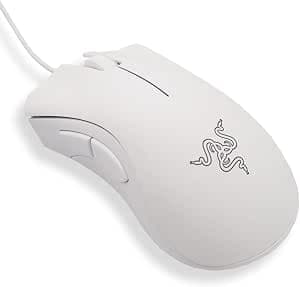
Before ordering, confirm from the images and title that you're looking at the ASUS TUF Gaming M3 Gen II. If the seller is a marketplace vendor rather than Amazon, check how warranty claims are handled too.
FAQ
Q. Do I need Armoury Crate to use it? A.
No — it works as soon as you plug it in, with no driver install. Armoury Crate (Windows) is only needed for DPI stages and button remapping.
You can configure it on a PC and then move the mouse to a console.
Q. Is 8000 DPI enough? A.
Yes. Shooters typically play between 400 and 1600 DPI, and 8000 leaves plenty of room for high-resolution desktop work.
Rivals quoting 20,000+ DPI offer no practical advantage here.
Q. Will it fit large hands? A.
Ultralight mice tend to have compact shells, so palm-grip users with large hands may find it small. Check the dimensions on the product page, or try one in a store if you can.
Q. Is there a left-handed version?
A. This model is right-handed only. Choose a symmetric design if you play left-handed.
Q. What's the warranty? A.
Two years from the manufacturer. Support channels can differ depending on where you buy, so confirm whether you're getting an authorized-distributor unit.
Q. Do I need a mousepad? A.
Optical sensors struggle on glass and mirror-finish surfaces. If your desk is glass, use a pad; cloth and hard pads both work fine.
Product Disclosure (Amazon)
- Manufacturer: ASUS
- Seller: Amazon US
- Fulfilled by: Amazon US
- ASIN: B0C1T2HL7L
- Note: This article covers a manufacturer-made product based on Amazon listing details.