Overview
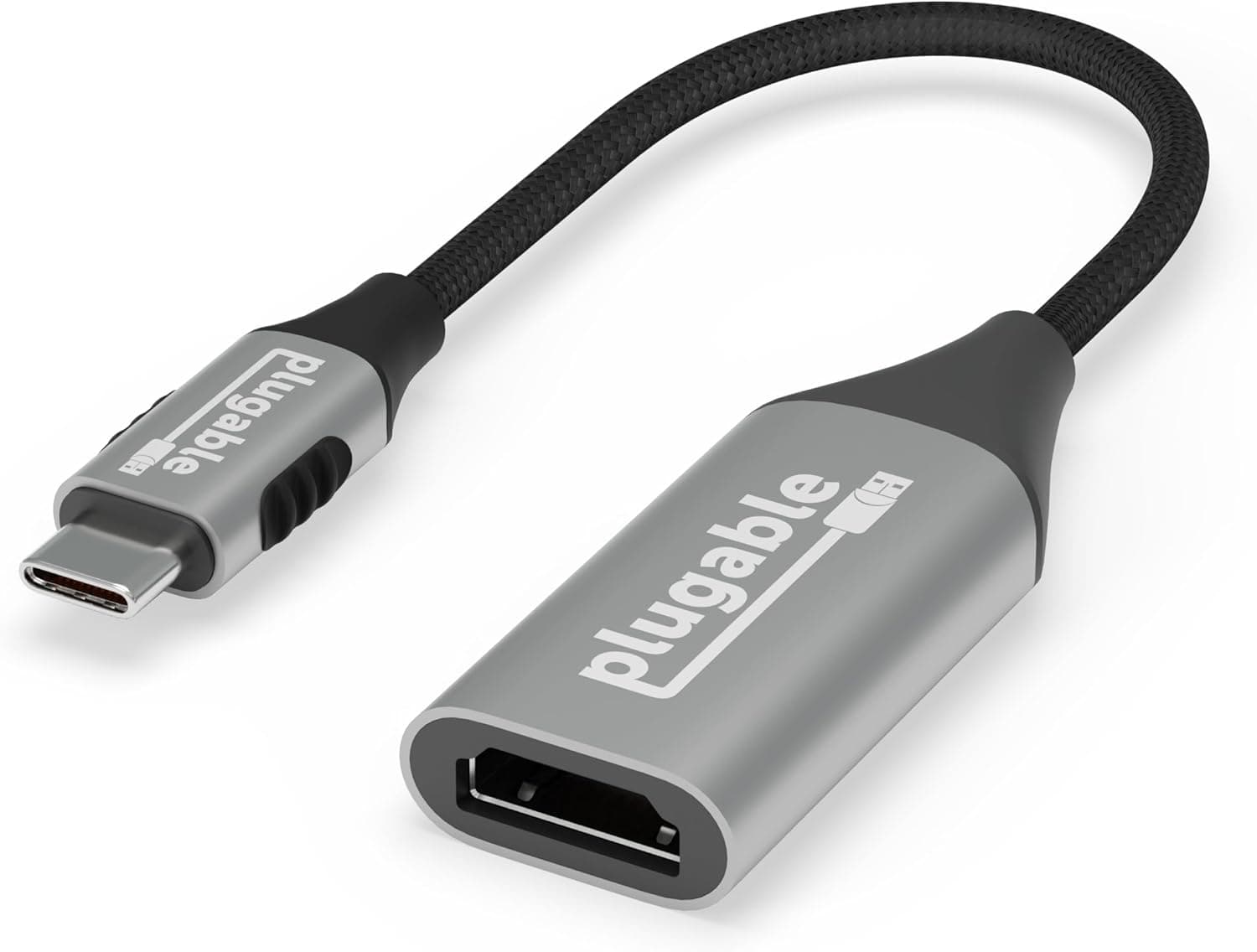
The Plugable USBC-HDMI8K is a single-purpose adapter that takes video out of a USB-C port and sends it to an HDMI 2.1 display, up to 8K@60Hz (with DSC) or 4K@144Hz.
It works with USB4, Thunderbolt 3/4, and DisplayPort Alt Mode 1.4 ports.
The short version: this is for someone with a thin laptop that only has USB-C who wants to drive one high-refresh HDMI monitor.
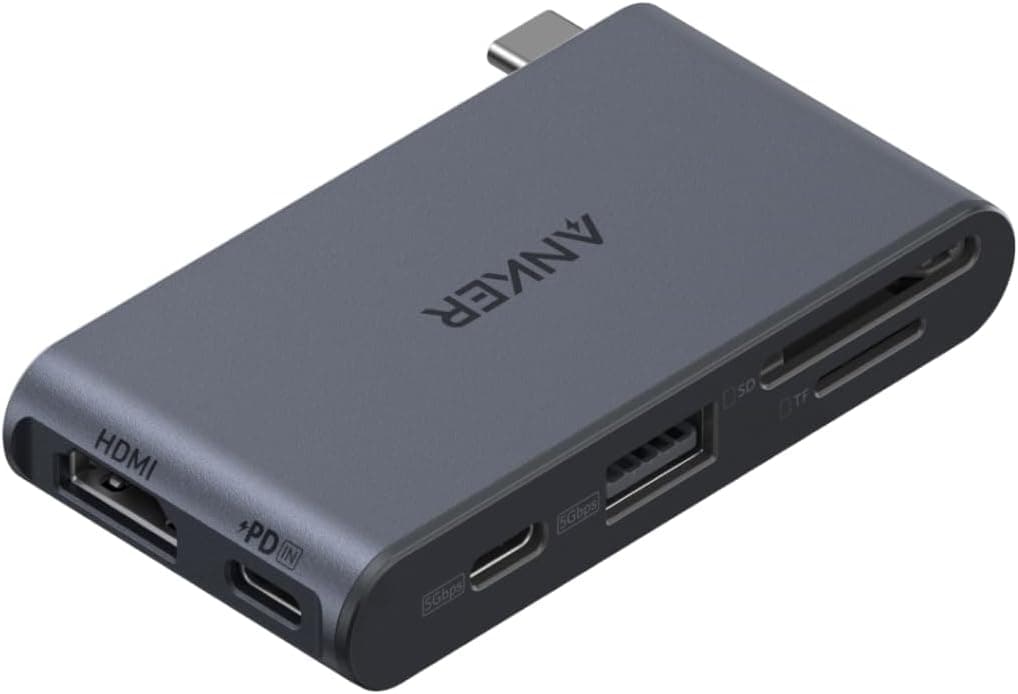
It is not a hub or a dock. You get no extra USB ports, no Ethernet, and no pass-through charging.
The box contains the adapter only — no HDMI cable. On Amazon.co.jp it holds 4.2 out of 5 stars across 103 reviews (captured May 2026), which is a steady result for an accessory of this type.
Cheap USB-C to HDMI adapters start far below this one. What you pay extra for here is the ceiling — 4K at high refresh rates, 8K via DSC — plus a 2-year warranty.
If 4K@60Hz is all you need, less expensive options will do the job.
Compatibility Guide
Almost everyone who has trouble with an adapter like this is tripped up by the spec of the USB-C port on the computer, not by the adapter itself.
| Check | Requirement | What happens if it fails |
|---|---|---|
| USB-C video output | DisplayPort Alt Mode, or Thunderbolt 3/4 / USB4 | No picture at all (charge/data-only port) |
| DP Alt Mode version | 1.4 or higher | 4K@144Hz and 8K unavailable; capped near 4K@60Hz |
| Monitor | HDMI 2.1; DSC support required for 8K | 8K@60Hz not selectable, refresh rate drops |
| OS | Windows / macOS / ChromeOS, driver-free | — |
| On a Mac | — | Limited to 4K@60Hz (stated by the manufacturer) |
As the compatibility note states, Mac systems are capped at 4K@60Hz. That is a documented limitation, not a defect, so buying this to run a MacBook at 4K@120Hz will end in disappointment.
External display behaviour also varies between Apple Silicon models, so check what your specific Mac can output before deciding.
On Windows laptops, a lightning bolt (Thunderbolt) or DP icon next to the port is a good sign. A plain USB-C port is frequently charge-and-data only — common on budget machines that treat USB-C purely as a power connector.
Look for "DisplayPort Alt Mode" or "video output" in the manufacturer's spec sheet.
For consoles and phones, USB-C video output varies by model, so no blanket claim can be made. Check the source device's own specification first.
Getting Actual 8K@60Hz or 4K@144Hz
Headline maximums and real output are different things. The whole chain has to qualify:
- The PC: DP Alt Mode 1.4 or higher. A 1.2-era port simply lacks the bandwidth.
- The adapter: HDMI 2.1 output (this product).
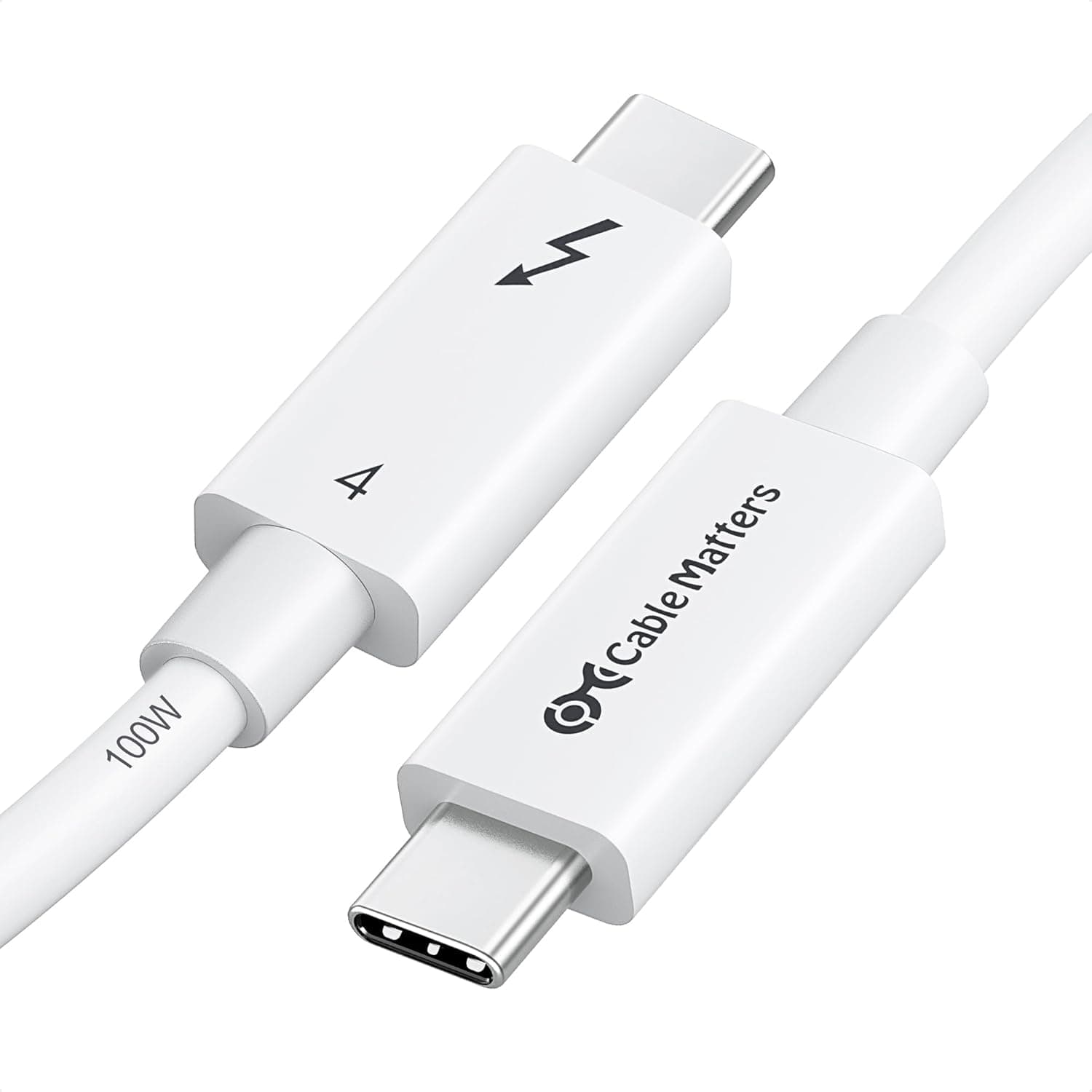
- The cable: high-bandwidth HDMI. An old cable from a drawer often produces dropouts or a lower detected resolution. No cable is included.
- The monitor: HDMI 2.1 input, plus DSC support for 8K@60Hz.
For most readers who do not own an 8K panel, this is realistically a 4K at 120–144Hz adapter. When something misbehaves, drop one step in resolution or refresh rate first — if it stabilises, the bottleneck is the cable or the port, not the adapter.
Product Info
| Item | Value |
|---|---|
| Max resolution | 8K@60Hz (DSC), 4K@144Hz |
| Interface | USB-C (USB4 / Thunderbolt 3/4 / DP Alt Mode 1.4) |
| Output connector | HDMI 2.1 |
| Dimensions (LxWxH) | 14.7 x 10.5 x 1 cm |
| Colour | Space Gray |
| Warranty | 2 years |
The listed 14.7 x 10.5 x 1 cm looks closer to package dimensions than to the adapter body itself.
If cable length or connector thickness matters to your setup, check the product photos — a chunky HDMI plug can foul a monitor mounted close to a wall.
On pricing: ¥6,077 as captured on 27 Aug 2026 and ¥6,404 as captured on 30 May 2026 on Amazon. A few hundred yen of movement in three months tells you this sits in a sale-sensitive band.
A marketplace listing showed $21.99 on eBay as captured 8 Jul 2026, though overseas listings differ in shipping, duties and warranty handling.
All of these are point-in-time figures — check the current price before buying.
One pricing record is labelled "Amazon US" while its link and currency are the Japanese store in yen. That looks like a labelling slip in the data; the figures are treated here as Amazon.co.jp yen prices.
Best Use Cases
- Thin laptops with only USB-C, driving a 144Hz-class HDMI monitor. On a DP Alt Mode 1.4 machine, this is where the product earns its price.
- HDMI 2.1 gaming monitors paired with a PC that has no HDMI port. Ideal when you need to keep 120Hz or more through a conversion.
- Buyers planning to move to 8K or high-refresh 4K later who would rather not replace the adapter.
- Shared office kit that must just work across Windows, macOS and ChromeOS without drivers (Mac capped at 4K@60Hz).
Notes Before Buying
1. A USB-C port without video output shows nothing. This is the single most common failure.
"It's USB-C, so it should work" is not true. Confirm DisplayPort Alt Mode in the spec sheet first.
2. Macs top out at 4K@60Hz. A documented limit — returning the unit will not change it.
3. The HDMI cable is not included. 8K and 4K@144Hz need a high-bandwidth cable; an older one may cap the mode or cause instability.
Suspect the cable before the adapter.
4. It is not a hub. No extra USB, no Ethernet, no pass-through power — so you need a separate port to charge the laptop while the display is connected.
On a single-USB-C machine, that is a real constraint; a dock suits that use case better.
5. Single display only. One HDMI output. Multi-monitor setups belong to MST hubs or Thunderbolt docks.
6. Listing metadata can be wrong. Manufacturer names, model numbers and dimensions on retail pages sometimes carry data from a different product — the dimensions here look like packaging figures.
Confirm from the product images and title that you are ordering the right item.
7. Consider whether you need the ceiling. If 4K@60Hz is enough, a cheaper adapter is the rational choice.
The premium here buys high-refresh 4K, 8K headroom and two years of support.
FAQ
Q. How do I confirm my laptop will work? A.
Check the USB-C port description in the spec sheet for "DisplayPort Alt Mode", "Thunderbolt 3/4", "USB4" or "video output". A USB-C port with none of these is probably data/charge only.
Q. Will I always get 4K@144Hz? A.
No. The PC needs DP Alt Mode 1.4+, the monitor needs HDMI 2.1 with 144Hz input, and the cable must carry the bandwidth.
Any weak link lowers the refresh rate.
Q. Can a Mac output 8K?
A. No. Mac systems are limited to 4K@60Hz per the manufacturer.
Q. Are drivers required?
A. No. Plug-and-play on Windows, macOS and ChromeOS.
Q. Does HDR and protected content work? A.
It supports HDMI 2.1 HDR and HDCP 2.2/2.3, so protected playback is expected on a compliant chain.
Actual results still depend on the app, OS and display combination.
Q. Nothing appears — what do I try first? A.
Swap the HDMI cable, then step down resolution and refresh rate, then verify the port supports video output. The cause is usually the cable or the port spec rather than the adapter.