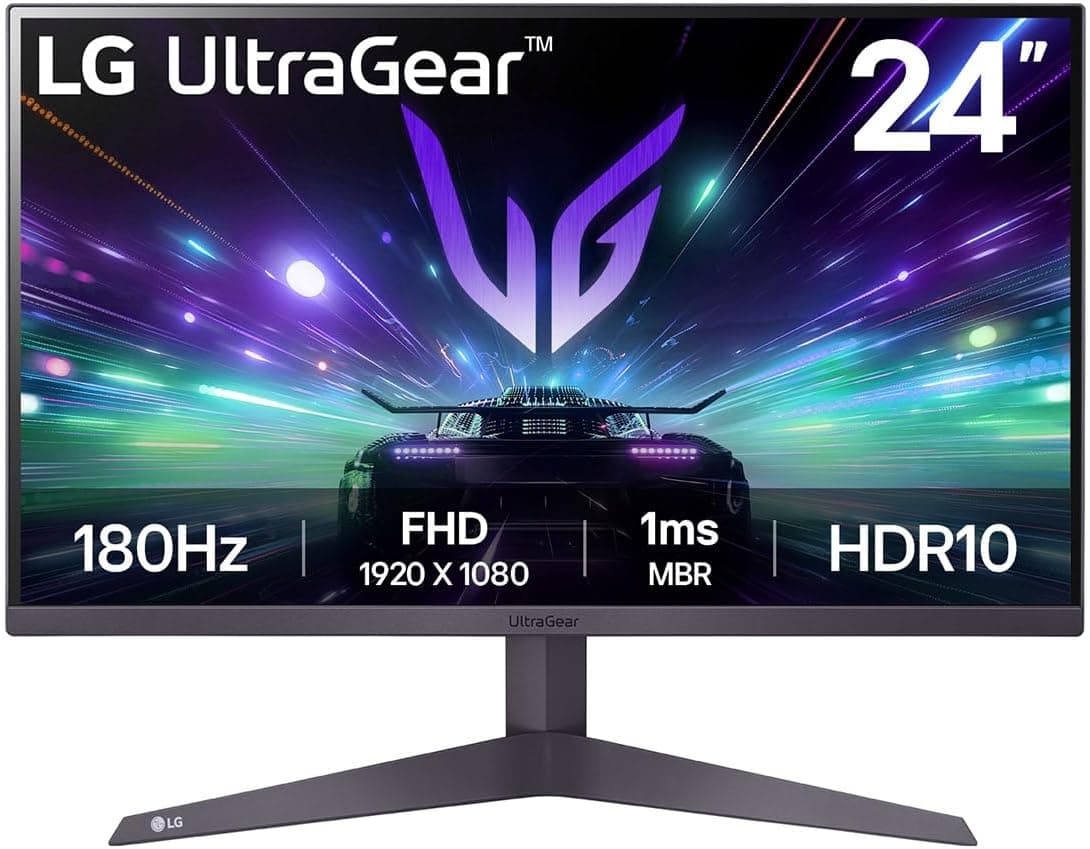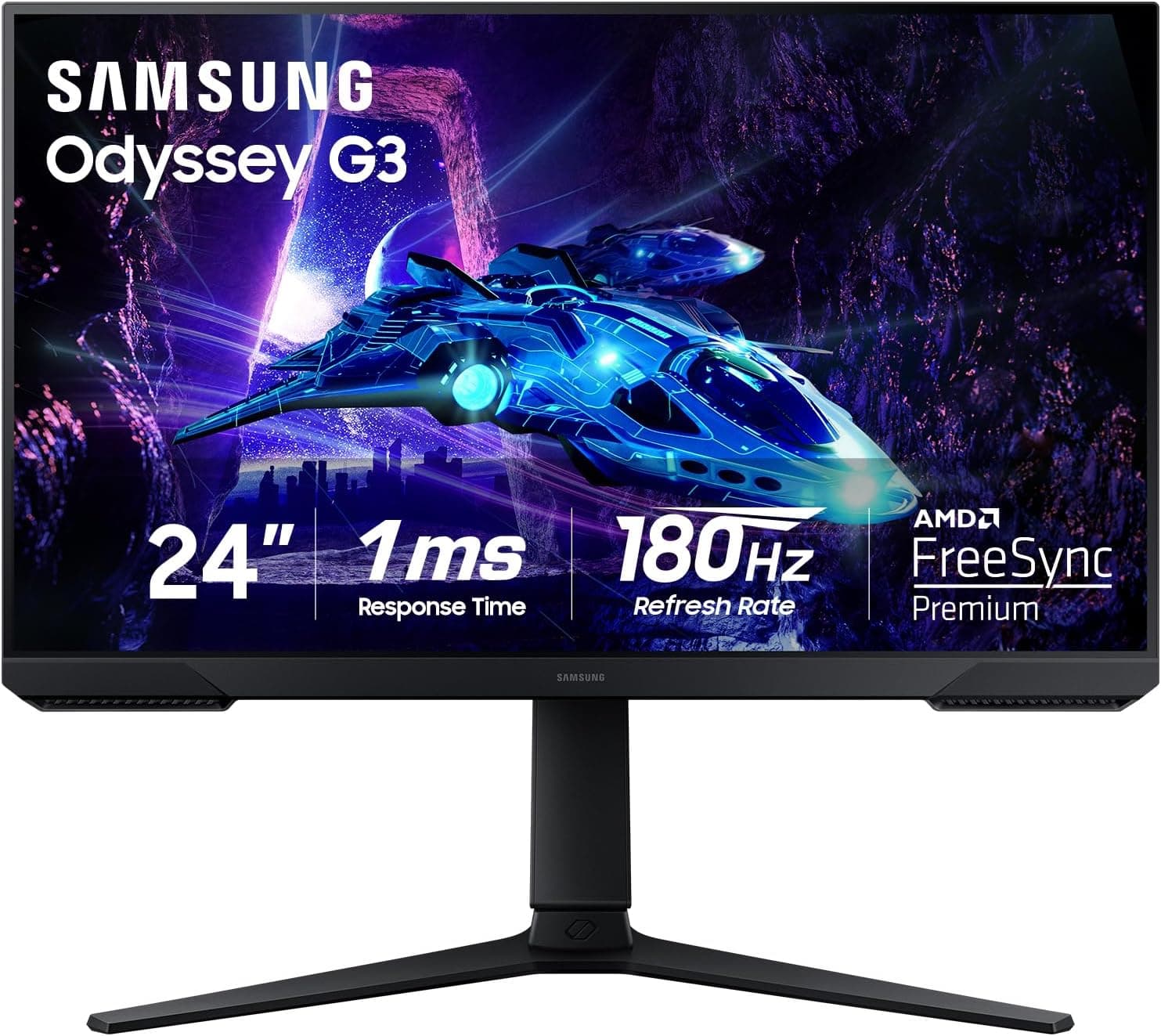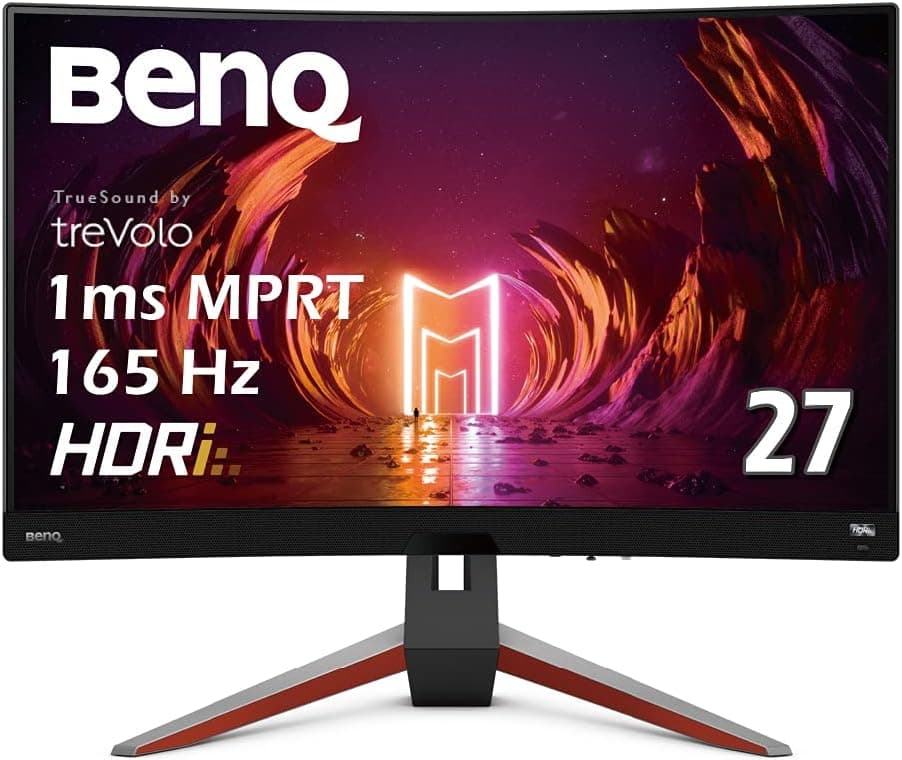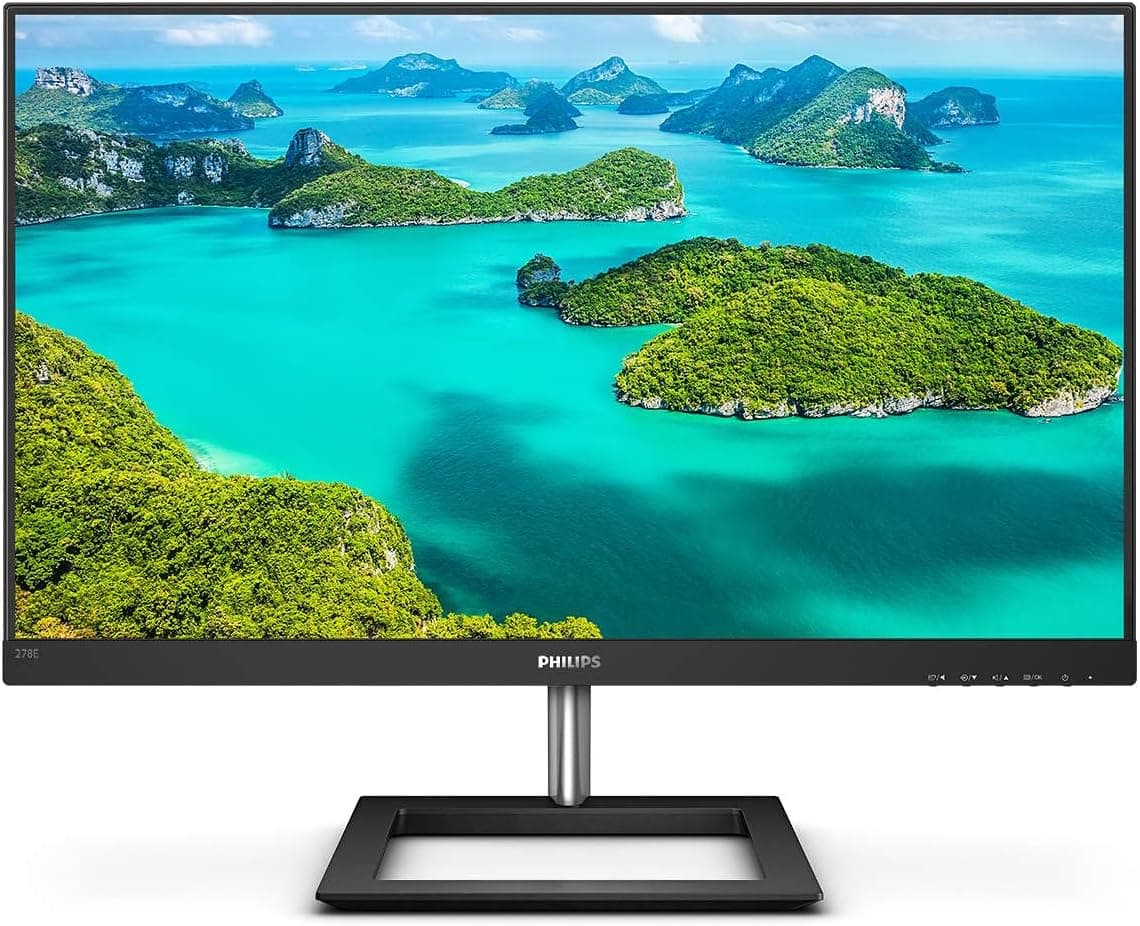
This article covers PHILIPS ディスプレイ 278E1A.
Overview
The PHILIPS 278E1A/11 is a 27-inch IPS monitor with a native 4K UHD (3840×2160) resolution. It packs anti-glare technology and Philips' LowBlue mode to reduce eye strain during long work sessions, making it a strong contender for office desks and home offices. With a 4ms response time and a 60Hz refresh rate, this monitor is squarely aimed at productivity and media consumption rather than high-speed gaming. Backed by a 5-year warranty that covers the panel and included cables, the 278E1A/11 offers peace of mind rarely seen at this price point. Input connectivity includes two HDMI 2.0 ports and one DisplayPort 1.2, which covers standard PC and console setups. The retail price hovers around ¥28,000 (approx. $200 USD), placing it firmly in the entry-level 4K segment.
Connectivity & Compatibility
The monitor provides two HDMI 2.0 inputs, each capable of 4K at 60Hz, and one DisplayPort 1.2 input. Built-in 3W×2 stereo speakers eliminate the need for external audio for basic use. VESA 100×100mm mounting holes are present on the rear, allowing easy attachment to monitor arms or wall brackets. Included cables are an HDMI 1.8m, a DisplayPort 1.8m, and an AC adapter with a 1.8m power cord. No USB-C connectivity is available, so users relying on USB-C video output will need an adapter. The monitor is compatible with any PC, laptop, or console that outputs via HDMI or DisplayPort.
Product Info
Originally released around 2020, the PHILIPS 278E1A/11 remains widely available through major retailers like Japan as of mid-2026. Its market positioning is firmly entry-level, offering 4K IPS performance at a price that undercuts most competitors. The 5-year warranty (send-back service) is a standout feature, covering the panel and even the cables — unusual in this price bracket. Accessories are minimal: just the three cables and the external power adapter. There is no stand height adjustment (tilt only) and no USB hub. The monitor delivers solid baseline 4K quality for users who don't need advanced ergonomics or high refresh rates.
Best Use Cases
Office and remote workers – The 4K resolution provides ample screen real estate for spreadsheets, documents, and multiple windows. IPS viewing angles and the anti-glare coating reduce reflections in brightly lit rooms. Gamers, however, should look for 120Hz+ models since this monitor’s 60Hz cap limits smoothness in fast-paced titles. Casual photo/video editors – The IPS panel offers decent color consistency out of the box, making it suitable for light editing tasks. For color-critical professional workflows, a calibration tool and a wider-gamut monitor would be preferable. Budget-conscious 4K adopters – At around ¥28,000, this is one of the most affordable ways to enter the 4K ecosystem. It works well as a secondary display or as a primary upgrade from older 1080p monitors. Media consumers – The 60Hz refresh rate is ideal for streaming movies and TV shows. The integrated speakers are adequate for casual viewing, though external speakers or headphones will give better sound.
Product Disclosure (Amazon)
- Manufacturer: CORSAIR
- ASIN: B0BD4P6K6Z
- Note: This article covers a manufacturer-made product based on Amazon listing details.