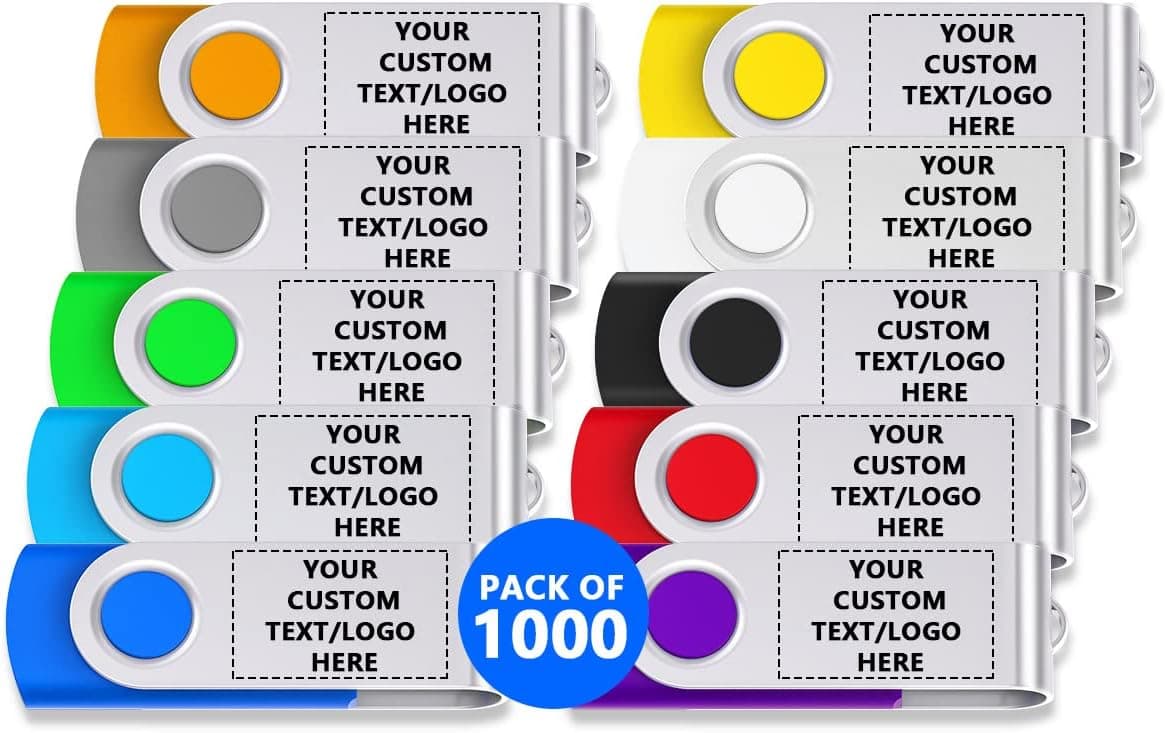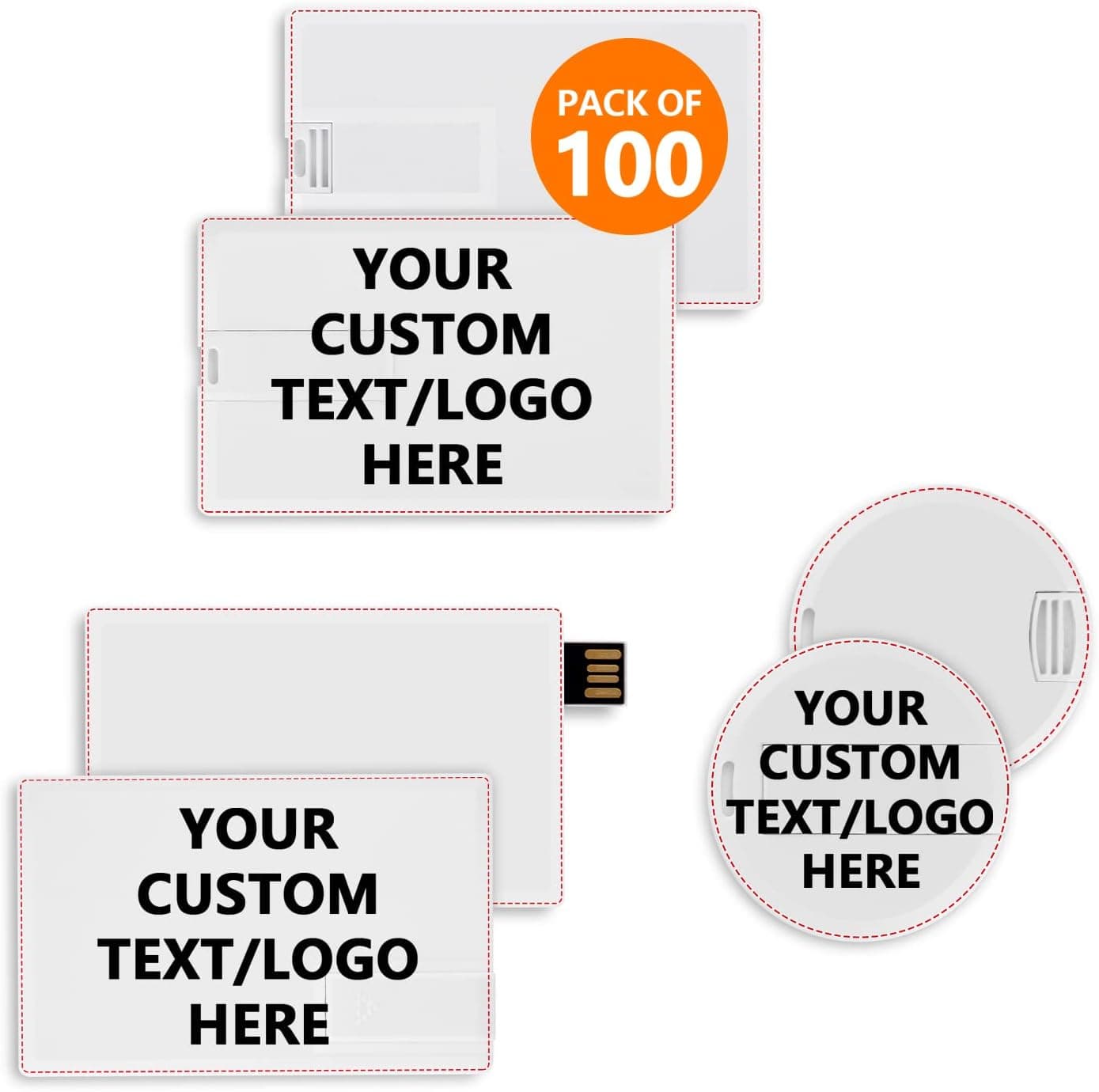
The Paintechz Custom Credit Card USB Flash Drive is a 100-pack of card-shaped 2GB USB 2.0 drives meant to be printed with your logo and handed out.
It is not a storage product you buy one of; it is a printed giveaway that happens to hold files. This article works through what 2GB and 20 MB/s actually mean in practice, how long loading 100 drives really takes, and the listing-data inconsistencies you should check before ordering.
Overview
The short version: this suits companies that want to hand out light files — PDFs, photos, slide decks, short clips — on a branded physical object. The flat card body slips into a business-card holder or a brochure pocket, which makes it far less likely to be thrown away than a round or stick-shaped novelty.
The large printable surface is the real product here: logo, phone number, and a QR code all fit comfortably.
Judged purely as a USB drive, it is unremarkable. 2GB is the smallest tier available in 2026, and USB 2.0's 20 MB/s read speed is nowhere near current USB 3.2 Gen 1 drives, which commonly exceed 100 MB/s in practice.
Treat it as print media with a memory chip attached, and most of the caveats below follow naturally.
| Use case | Verdict |
|---|---|
| Branded giveaway | Excellent — large print area, card format |
| Catalog / PDF distribution | Good — 2GB is plenty |
| Video assets | Limited — a few minutes of compressed video |
| Daily work drive | Poor — too small, too slow |
| Single drive for personal use | Poor — 100-pack is overkill |
What 2GB and 20 MB/s Really Mean
At roughly 5–20MB per A4 PDF catalog, 2GB holds dozens to hundreds of documents, or several hundred full-color product photos. For company profiles, drawings, quote templates, or training material, capacity will never be the constraint.
Full HD video, however, tends to run around 100MB per minute, so 15–20 minutes is a realistic ceiling. If a full promo video is the payload, choose a larger drive instead.
The overlooked cost is write time. The quoted 20 MB/s is a read figure, and card-style USB 2.0 drives typically write considerably slower.
Loading 1GB onto each drive, one at a time, across 100 units can easily become a multi-hour job. Before ordering, ask whether the seller offers factory data preloading, and budget for a multi-port hub if you plan to do it in-house.
Skipping this step is how a cheap giveaway quietly turns expensive in staff hours.
Compatibility Guide
The connector is USB 2.0 Type-A.
It plugs into any PC or laptop with a Type-A port, and works in USB 3.0/3.1/3.2 Type-A ports through backward compatibility, though speed stays capped at USB 2.0.
Windows, macOS, and Linux all mount it as a standard USB mass storage device with no drivers, so recipients need nothing special. On sites where older PCs are still in service, USB 2.0 is actually an advantage in reliability.
The real gap is devices without Type-A. Many recent thin laptops and MacBooks ship Type-C only, so those recipients need an adapter, and the drive cannot plug directly into an iPhone or iPad.
If you are handing these out at a trade show, assume a meaningful share of attendees will need an alternative and pair the drive with a printed sheet or a QR download link.
Physical shape matters too. Card drives use a sliding or fold-out connector, which can foul neighboring ports on tightly spaced rear panels or monitor and keyboard hubs.
Test a single unit in your target setup before committing to the full run. Card bodies also tolerate repeated insertion and wallet flexing less well than a metal stick drive, so treat them as hand-off media, not archival storage.
Product Info
The published specification is 2GB capacity, USB 2.0 interface, 20 MB/s read speed, 100 units per pack.
Customization options include screen printing, UV printing, and full-color printing, with flip, slide, and round card styles offered. As a rule of thumb: screen printing suits a flat single-color logo, full color suits photos and gradients.
Printers usually want vector artwork, so confirm you have the logo in AI or SVG form before you start the order.
This article deliberately does not quote a price. The captured price figure is off by an order of magnitude for a 100-pack of custom-printed drives and is most likely a collection error — the listed manufacturer and ASIN show inconsistencies too, as covered below.
Custom promotional items are priced by print method, color count, quantity, and artwork anyway, so get a quote from the product page or the seller. The listing showed 44 reviews at 5.0 out of 5 when captured, but given the listing inconsistencies it is worth confirming those reviews belong to this product, and 44 is a small sample regardless.
Comparing the Alternatives
There are three realistic competitors. Generic 10-packs of stick drives are cheaper per unit but cannot carry your branding.
Name-brand 32GB drives from KIOXIA or SanDisk offer more capacity and reliability but no printable surface. And cloud sharing with a QR code skips physical media entirely — cheaper, faster, and updatable.
Card-format custom drives win in exactly one situation: when you need to leave something in the recipient's hand at the moment of contact. Property viewings, dealership meetings, exhibition booths.
If your only goal is delivering a document, a link beats a drive on every axis. Articulating why the media must be physical is the fastest way to avoid an unnecessary 100-unit order.
Best Use Cases
- Real estate agents and car dealers — load listings or vehicle catalogs and hand it over as a business card substitute, with contact details printed on the face.
- Trade show exhibitors — give attendees decks and product literature in a format they are more likely to keep than paper.
- Training providers and schools — distribute manuals and course notes without print costs; document-sized material fits 2GB easily.
- Anniversary and shareholder-meeting gifts — company history or a short commemorative video in a branded card format.
It is a poor fit for anyone who needs a single drive, carries working data daily, or moves video and OS installer images. Those users are better served by a 32GB-or-larger USB 3.2 Gen 1 drive.
Things to Check Before Buying
The listing metadata is inconsistent. The Amazon listing records the manufacturer as "ASUS," which contradicts a product titled as a Paintechz-branded custom USB drive, and the ASIN on the source page does not match the one attached to the price data.
Listing errors like this are common on Amazon, and you will see the same mismatch when you open the page. Verify from the product images, title, and seller name that you are ordering a 100-pack of card-format custom USB drives before you commit. This article does not repeat the captured manufacturer name, because publishing a wrong maker as fact is worse than omitting it.
Treat the price display with the same caution. The captured figure does not scale sensibly for 100 custom-printed units.
It may be unclear from the page alone whether the amount covers the pack or a single drive, and whether printing is included or quoted separately. Ask for unit price, total, and any setup or plate fee as separate line items.
Print runs and preloaded data cannot be undone. Once 100 cards carry your logo, a rebrand or an address change writes off the remaining stock, and loaded documents go stale the same way.
Put only evergreen company material on the drive and push anything with a shelf life — pricing, schedules — behind a QR code so the physical stock stays usable longer.
Accept the security limits. Novelty drives like these normally have no hardware encryption and no write-protect switch.
Recipients can overwrite them, and confidential material has no business being on one. Some corporate environments block unrecognized USB devices outright, so depending on who you are handing these to, the medium may simply never be read.
Do not over-trust durability. The drives are described as using Tier 1 flash memory, but no warranty period is stated in the available information.
Use them as transfer media, never as the only copy of anything that matters.
FAQ
Q. Can the seller preload all 100 drives with my data? A.
Some sellers do, but it is not guaranteed as standard. Confirm availability, extra cost, and the required file format before ordering.
Doing it yourself means a multi-port hub and real staff hours.
Q. What artwork do I need for the logo? A.
Vector files (AI, EPS, SVG) are the safe answer. UV and full-color printing can often accept raster images, but screen printing generally requires vector artwork for plate creation.
Supply exact color references if brand color matters.
Q. Can the data be made read-only? A.
Nothing in the available specification mentions write protection. If you need a locked partition, look for a product that states that feature explicitly, or ask the seller.
Q. Will it work on a Type-C-only laptop? A.
Only with a Type-C adapter, since the connector is Type-A. Assume some recipients will need one and offer a backup delivery method.
Q. What if 2GB is not enough? A.
Ask whether the same card is offered in larger capacities. If not, keep only lightweight company material on the drive and host heavy assets in the cloud behind a link or QR code.