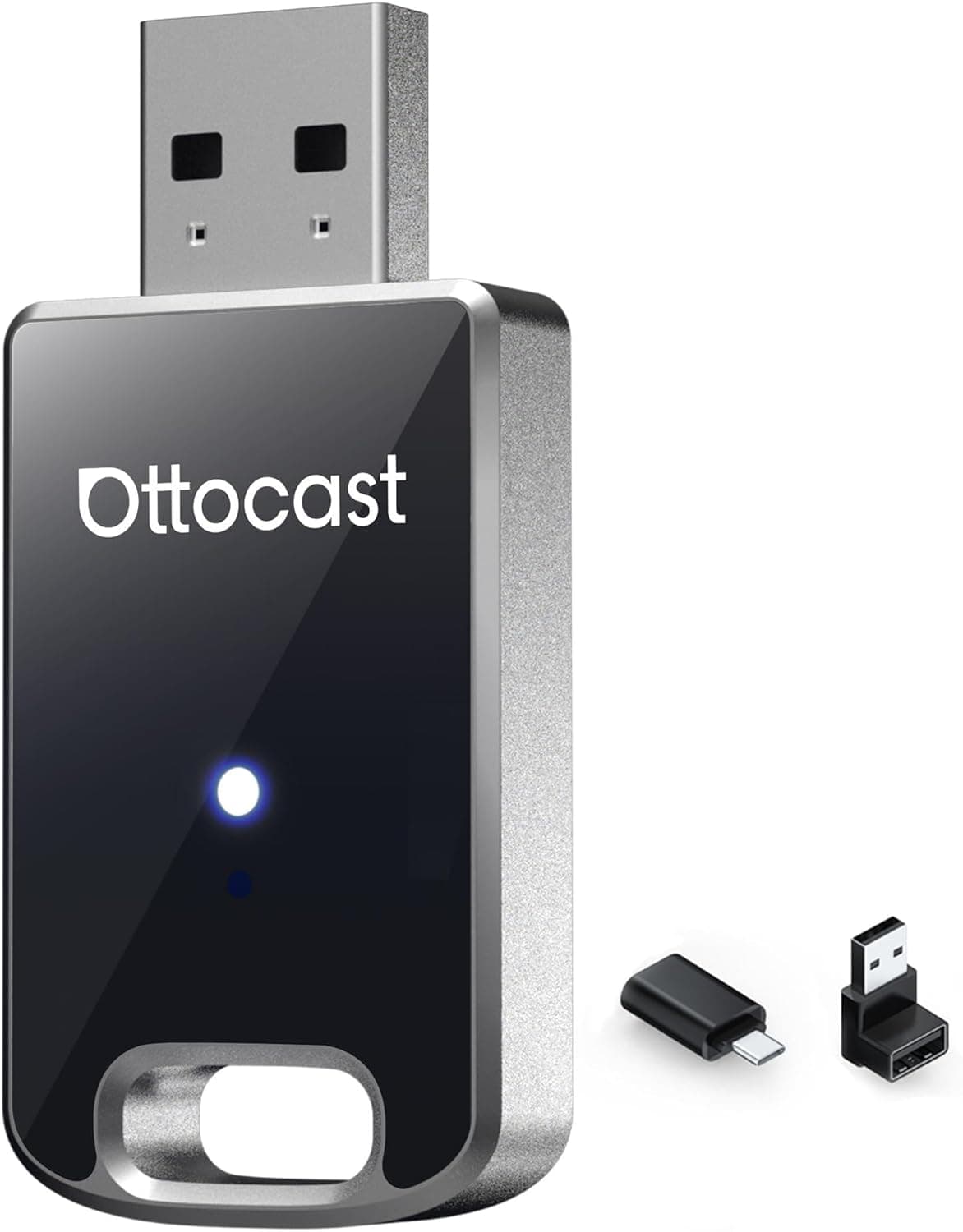
The OTTOCAST Mini 2026 is a compact dongle that turns a car's wired CarPlay / Android Auto into a wireless one — you just leave it in the USB-A port. This article covers how to tell whether your car qualifies, what the connection process actually feels like, and the pitfalls you only discover after buying.
Overview
The short version: this is for drivers who like their factory head unit but hate plugging in a cable every single trip. You keep the stock system and add one small adapter, and the phone screen comes up on its own once you start the car.
Per the listed specs, it uses Wi-Fi 5 (802.11ac), Bluetooth 5.0, a USB-A connector, works with both iPhone and Android phones, and supports wireless CarPlay as well as wireless Android Auto.
Adapters like this generally work in two stages: Bluetooth handles the initial handshake with the phone, then Wi-Fi carries the screen and audio data. This unit has both radios, matching that design.
The practical consequence is that both Bluetooth and Wi-Fi must be enabled on your phone — the single biggest behavioural difference from a wired connection, and worth knowing before you start troubleshooting.
On Amazon.co.jp, the listing shows 4.4 out of 5 stars from 81 reviews as captured in May 2026 (roughly an 88% favourable rate).
That is a modest review count, so treat it as "well received but still early" rather than a long-proven staple. Adapters in this category live or die on vehicle-specific compatibility, so reading reviews from owners of your exact model matters more than the star average.
Compatibility Guide
There is exactly one prerequisite, and it is decisive: your car must already support wired CarPlay or Android Auto. The compatibility note on this product says as much.
A head unit that only does Bluetooth audio or USB music playback will not work. The test is simple — plug your phone in with a cable.
If the CarPlay / Android Auto interface appears, you are a candidate. If it does not, this product cannot solve your problem.
Next, check which USB port you are using. Many cars have several, and some are charge-only with no data lines.
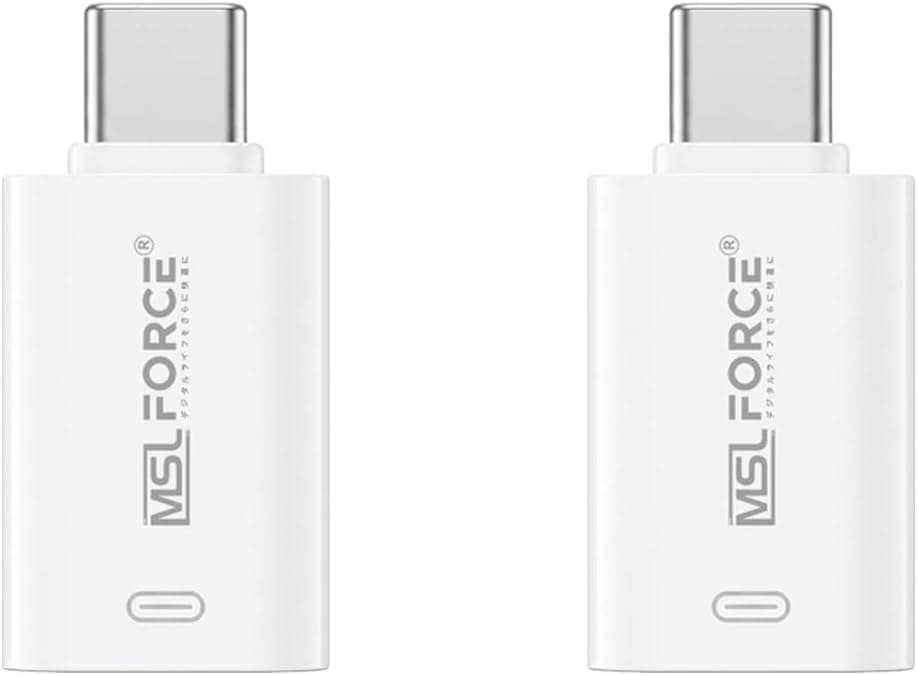
If nothing happens when you plug in, try a different port first; a phone or CarPlay icon printed next to the port usually marks the data one. The connector here is USB-A, so newer cars with USB-C only will need a separate adapter — and it must be a data-capable one, not a charge-only converter.
Physical placement matters too. This is a leave-it-plugged-in device, so if the port sits right next to the shifter or a cupholder, you will knock it with your hand or your bags.
If your centre console has a lid, check there is clearance for the adapter's thickness. It is small, but it is not flat.
On the phone side, wireless CarPlay is a standard iOS feature, so iPhones are generally fine. Android requires a handset and OS version that support wireless Android Auto, and this varies by manufacturer and model — confirm on your phone maker's product page before buying.
Product Info
The Amazon.co.jp listing (ASIN: B0G64V3PVR) showed ¥16,239 as captured on 24 May 2026.
That figure is a point-in-time snapshot and moves with sales, coupons, and stock. Prices in this category swing a lot, so always check the current price on the product page.
The eBay entry is only a search link with no captured figure, so it is not used as a price reference here.
| Item | Value |
|---|---|
| Wireless standard | Wi-Fi 5 (802.11ac) |
| Bluetooth version | 5.0 |
| Connector type | USB-A |
| Compatible devices | iPhone / Android smartphones |
| Supported features | Wireless CarPlay / Wireless Android Auto |
Some interpretation: Wi-Fi 5 gives access to the 5 GHz band, which is plenty here. CarPlay screen mirroring is not a high-bitrate video stream, so the lack of Wi-Fi 6 is unlikely to be a practical handicap.
Bluetooth 5.0 is used only for the initial link; a common misconception is that "Bluetooth 5.0 means poor sound", but wireless CarPlay audio travels over the Wi-Fi path, not the Bluetooth one.
On positioning: this costs an order of magnitude less than replacing the head unit, and is not remotely comparable to buying a car with factory wireless support. That said, dongles in this class span a wide price range and this one is not at the cheap end.
What you are paying for is connection stability, reconnect speed, and continued firmware support — all things you can only judge in use, so check the return policy before you commit.
Setup and Day-to-Day Use
The flow is broadly the same across these adapters. Plug the unit into a data-capable USB port — the one that normally launches wired CarPlay.
Open Bluetooth settings on your phone and pair with the name the adapter advertises. Once you approve, it switches to Wi-Fi and the CarPlay / Android Auto screen appears on the head unit.
After that first run, it connects automatically each time you start the car.
The thing to internalise is that automatic does not mean instant. The chain — head unit boots, Bluetooth is detected, Wi-Fi takes over — takes time.
Expect a wait of some tens of seconds rather than the immediate handover you get with a cable. On a short hop to the corner shop, you may arrive about the time it finally connects.
That is inherent to wireless CarPlay, not a defect in this product.
Most adapters let you register more than one phone, but only one connects at a time. In a shared family car, whichever phone is detected first tends to win, so agree on a rule — such as turning Bluetooth off on the passenger's phone — to avoid arguments.
Before You Buy
The biggest caveat, again: if your car does not have wired CarPlay / Android Auto, this product solves nothing. Buying it to "put my phone screen on an old navigation system" will fail.
That problem belongs to head unit replacement or an HDMI input, not to this category.
Second, power. While connected wirelessly, your phone is running Wi-Fi and Bluetooth continuously and is not being charged by the car.
On a long drive with navigation running, the battery goes down, not up. Cutting the cable and then plugging in a cable anyway just to charge is a very common outcome — plan for a wireless charging pad or a second charging cable in the cabin.
Heat is worth a mention. These dongles run a Wi-Fi radio constantly and get warm.
Left in a port in direct summer sun near the dashboard, they can become unstable or slow to connect. Choose a shaded position where you can.
On the software side, major iOS or Android updates can break things temporarily. Adapters like this follow OS changes via firmware updates, so whether the maker keeps shipping them determines the product's useful life.
Check on the product page that a firmware update path or companion app exists.
Finally, listing accuracy. At the time of writing, the manufacturer shown on Amazon is OTTOCAST, which matches this product.
However, the seller and shipper are a marketplace store rather than the manufacturer, and several listings can share a similar model name. Confirm the product image and title match what you intend to buy, and watch for spec or price details that appear to belong to a different item. Listing metadata is genuinely wrong often enough to be worth the ten seconds.
Best Use Cases
This pays off for people who drive daily and use CarPlay / Android Auto every trip. A few seconds per trip is nothing; a few hundred trips a year is not.
It is especially worthwhile for commuters and school-run drivers with lots of short in-and-out cycles, for anyone who does not want to hunt for a cable with the back seat full, and for those who would rather not wear out a Lightning or USB-C port through repeated plugging. It also suits drivers who like their factory interface and vehicle integration and have no wish to swap the head unit.
Conversely, if you drive only at weekends, or your typical trip is about ten minutes, the connection wait eats the convenience you gained — the case is much weaker.
FAQ
Q. Will it work in a car without wired CarPlay? A.
No. Wired CarPlay or Android Auto support in the vehicle is a hard prerequisite.
Plug your phone in with a cable and see whether the interface appears.
Q. Does my phone charge while connected? A.
No. The adapter occupies the USB port while your phone connects over the air.
Arrange separate charging for longer drives.
Q. Is the audio worse than wired? A.
Audio goes over Wi-Fi rather than Bluetooth, which is an advantage over ordinary Bluetooth audio. It is not guaranteed identical to wired, and RF conditions can affect it.
Q. Can two family phones be registered? A.
Multiple registrations are common, but only one phone connects at a time. Switching behaviour varies, so check the product page for details.
Q. What about cars with only USB-C ports? A.
The connector is USB-A, so you need a data-capable USB-C adapter. Charge-only converters will not work.
Q. How is it rated? A.
4.4 out of 5 from 81 reviews as captured in May 2026.
With a count that low, prioritise reviews from owners of your own car model.
Product Disclosure (Amazon)
- Manufacturer: OTTOCAST
- Seller: B&Bストア
- Fulfilled by: B&Bストア
- ASIN: B0G64V3PVR
- Note: This article covers a manufacturer-made product based on Amazon listing details.